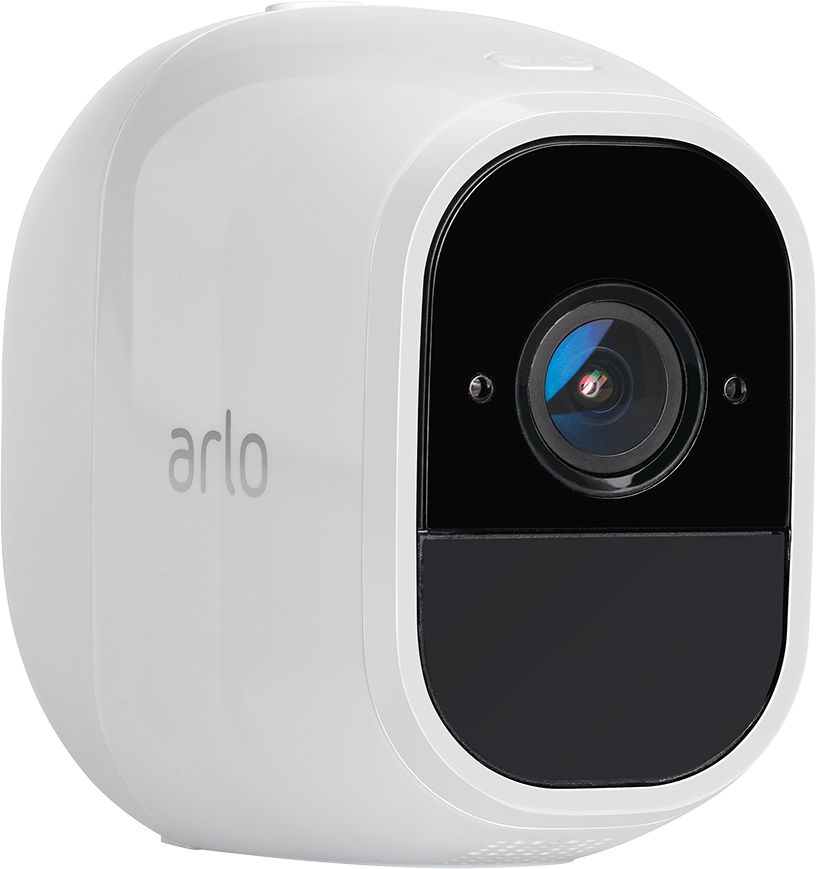
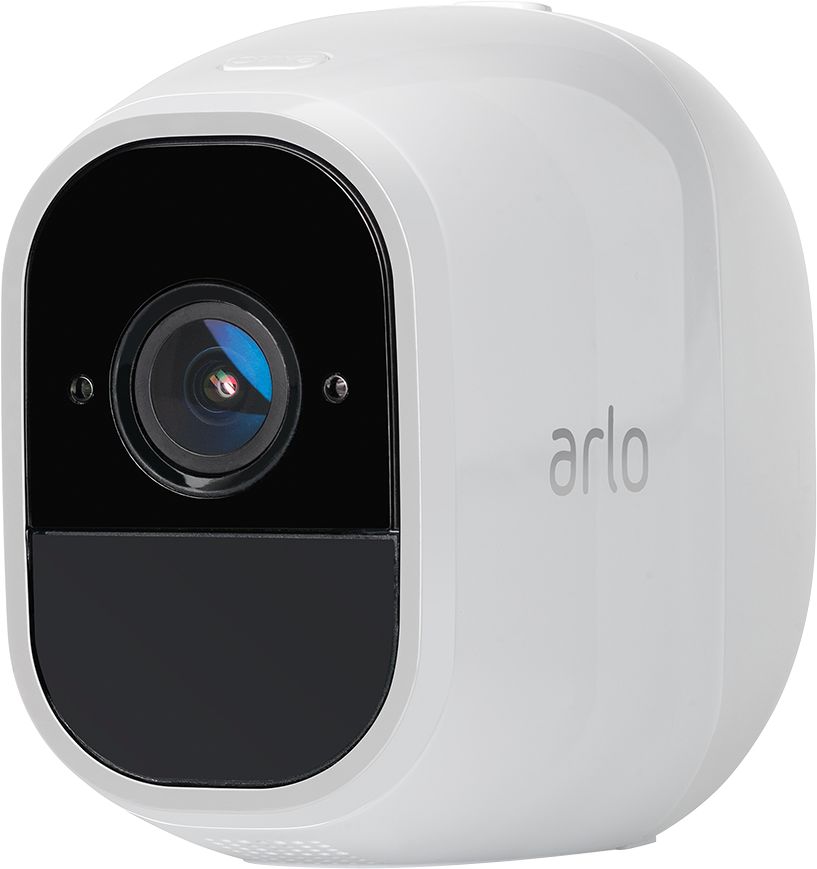
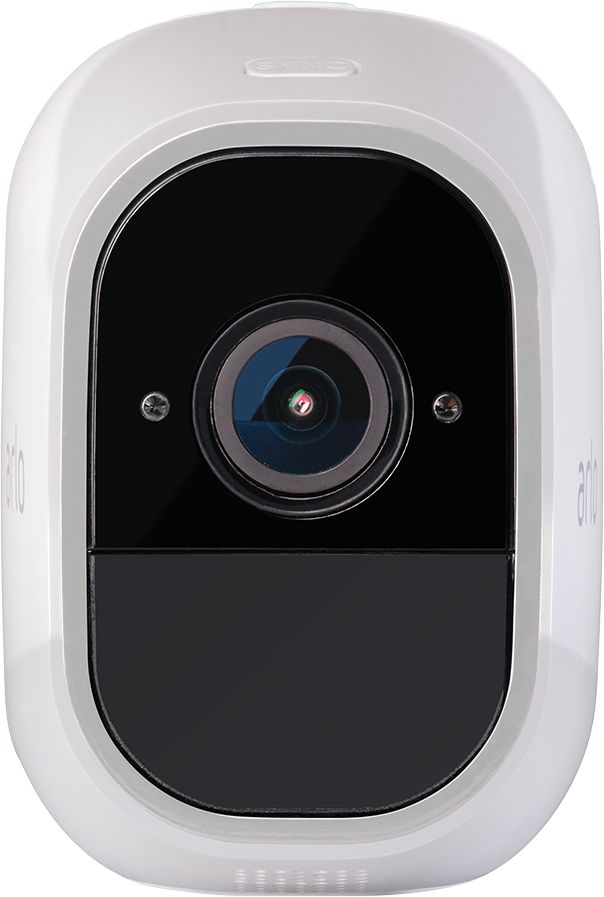
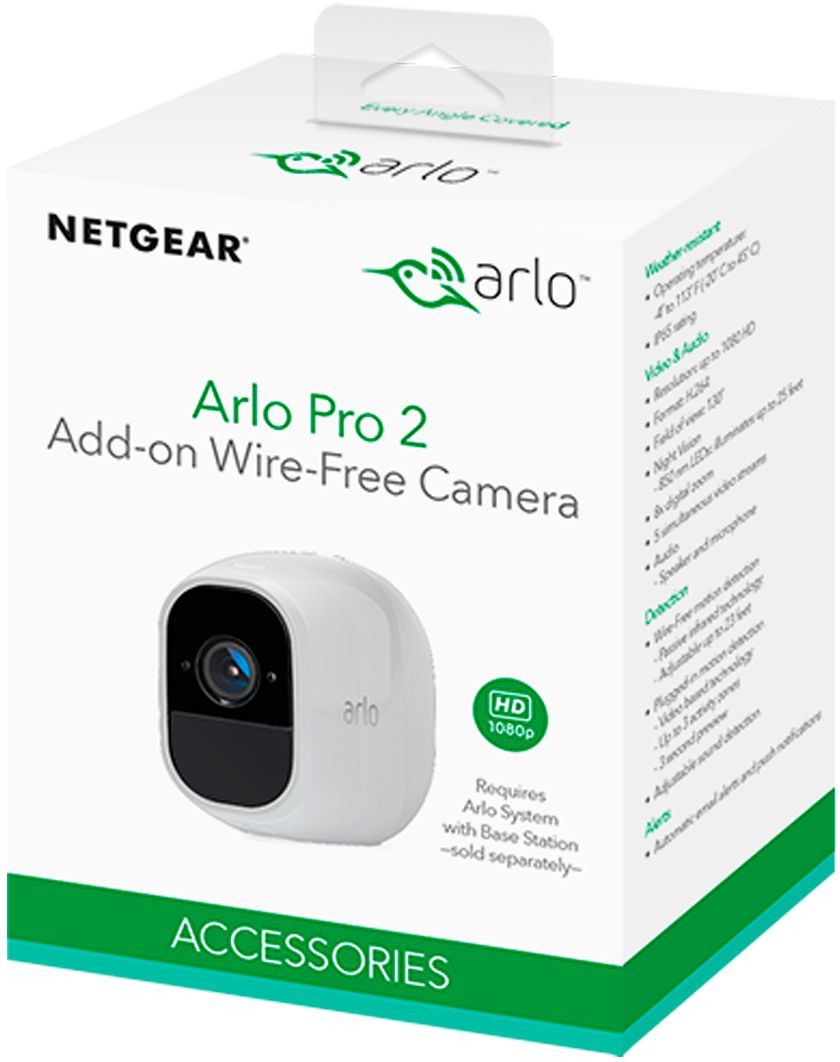
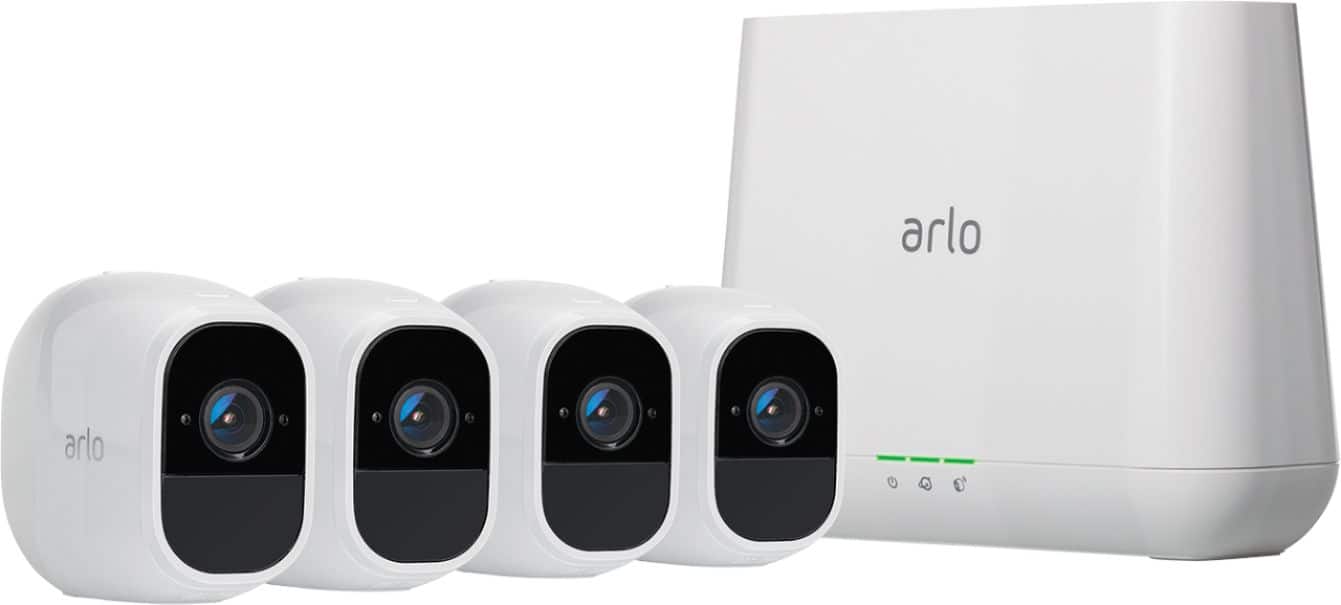
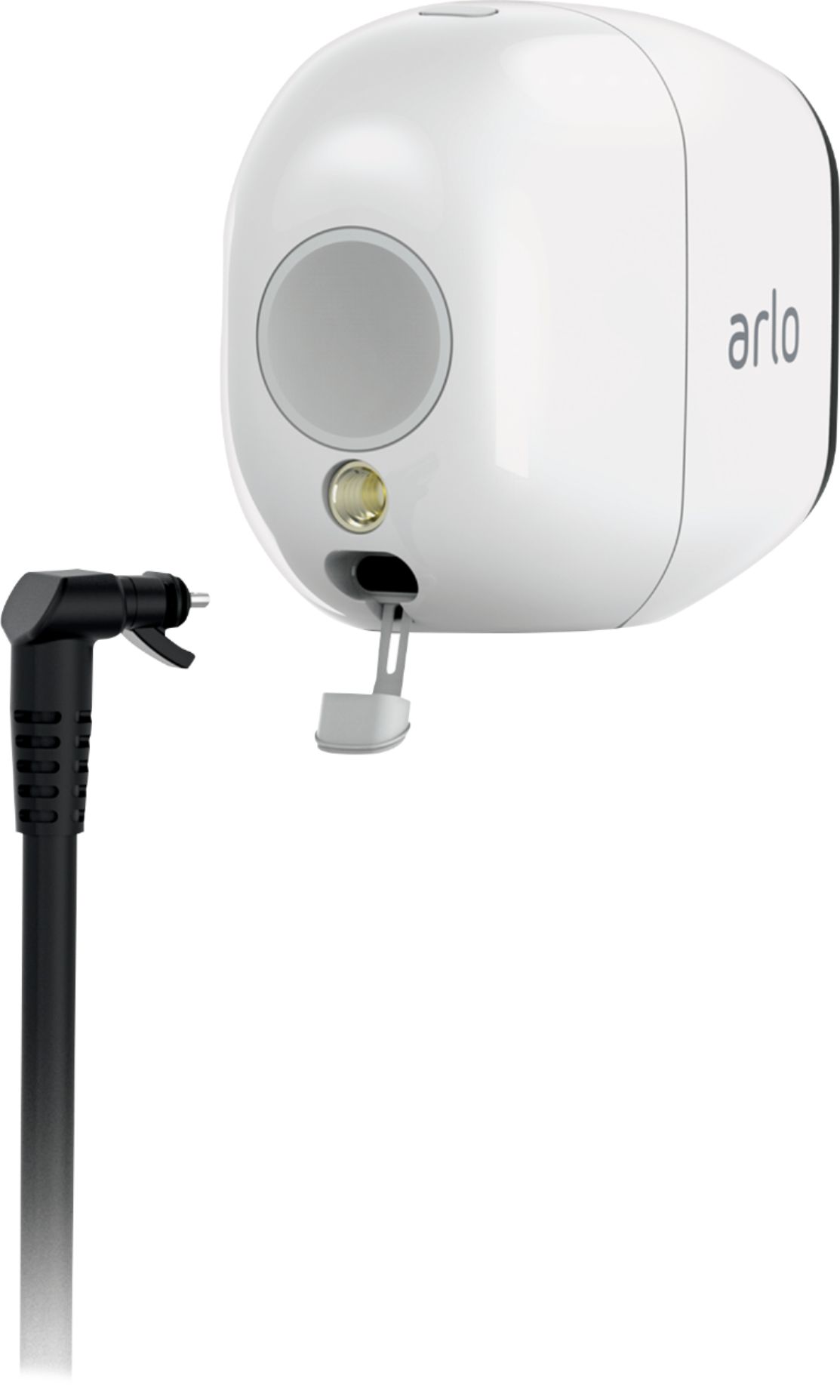
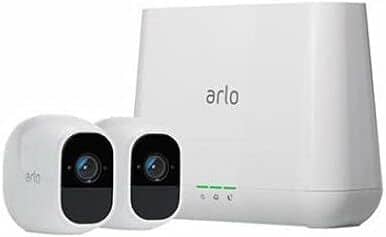
A:AnswerThese cameras of which I have 5, require a compatible base station. The base is connected to the internet via a Cat 5 cable. Each camera connects to the base via wifi. If the internet goes out or the base is not connected to it and in range of the cameras the system won't work. Pay close attention at the store that you get compatible equipment as they have Arlo, Arlo 2 and Arlo 3 systems. DO NOT get Arlo (original). The batteries are not rechargeable and they are expensive to replace. Depending on activations, the Arlo 2 cameras may last a month on battery. If you want to use with electricity, only one cord is supplied with a starter system with the base. Additional power supplies can be purchased separately. If on electricity, they can only be used inside.
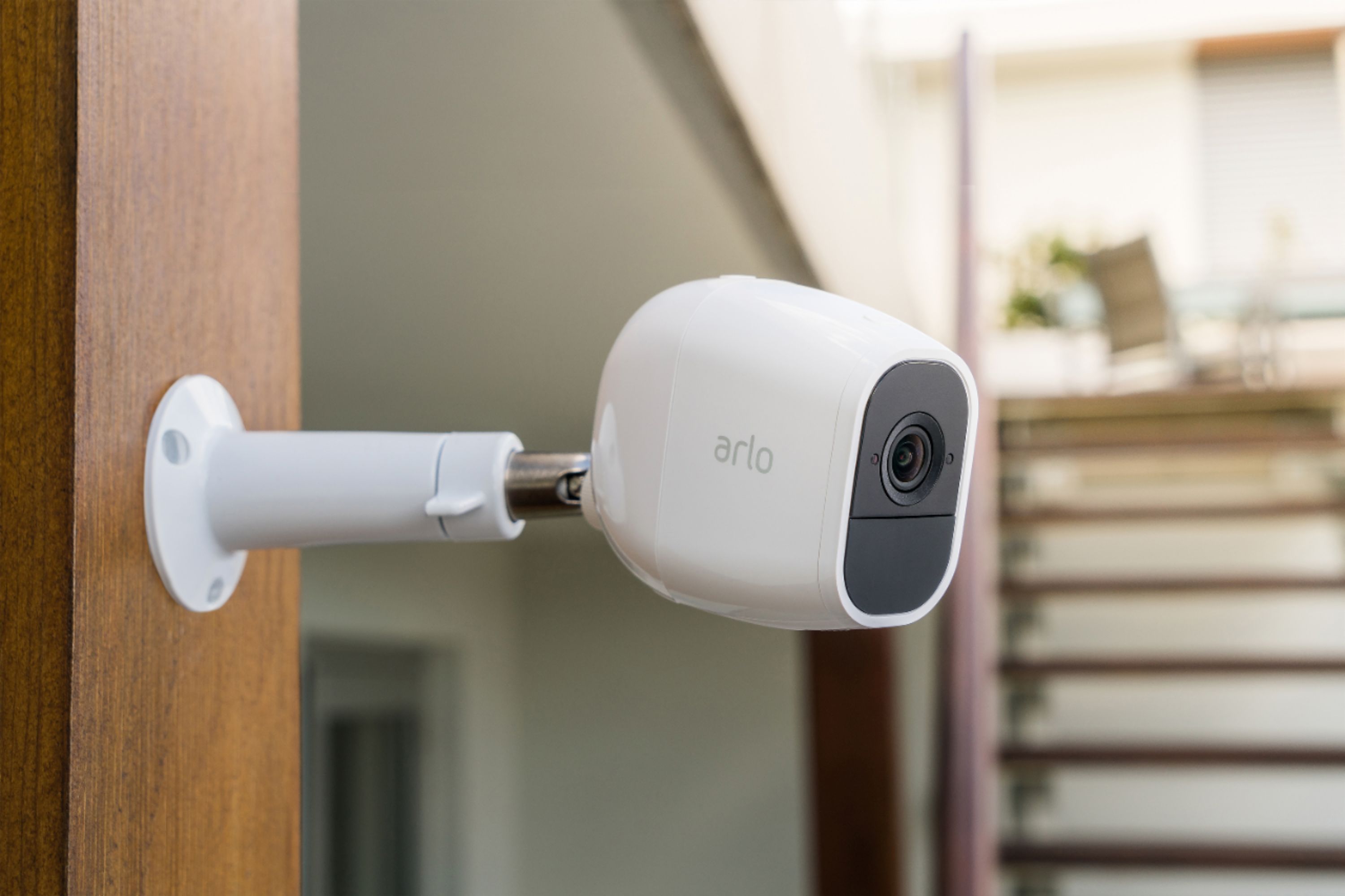
A:AnswerHard to say. The more solid obstructions and further from the base unit the less clear the picture and chance of not working. It also depends on how strong your wifi signal is. One of my cameras is mounted on the outside of my house. It is approximately 50'-60' from the base, through 3 very solid indoor walls and 1 brick wall and it works very well.
Hope this helps.
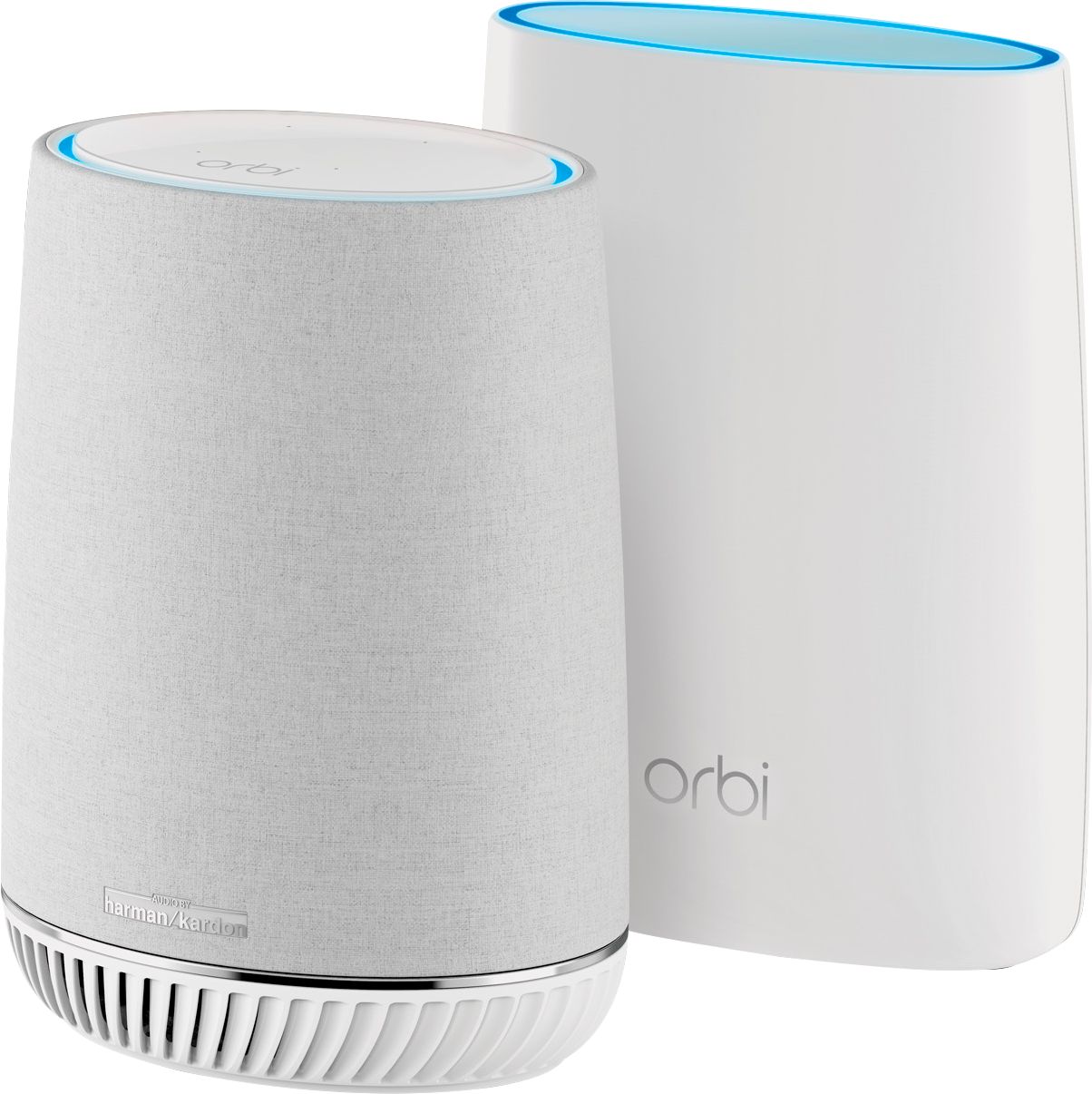
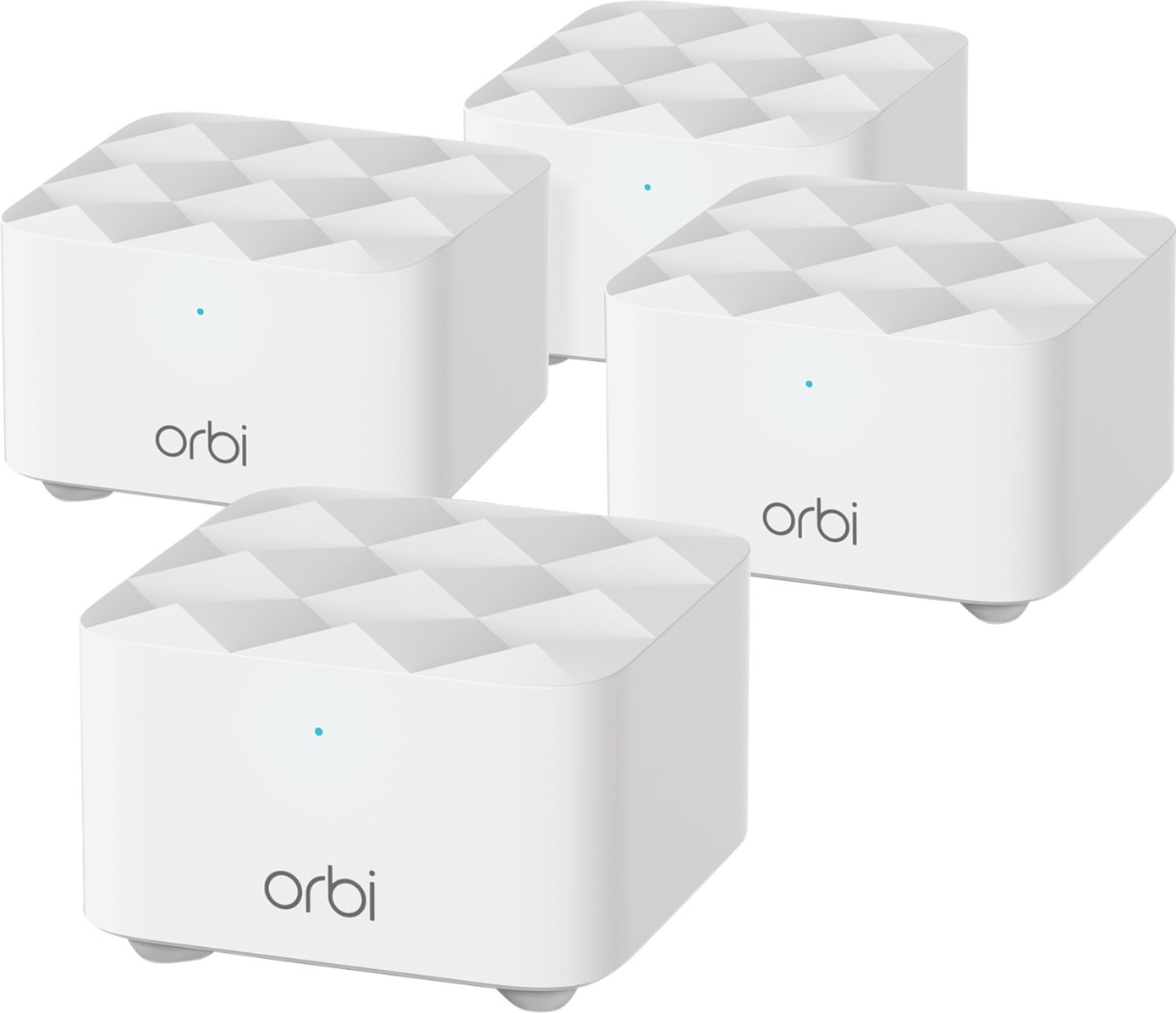
A:AnswerThe cameras must be able to be on a wifi system that the base is on. There will be one INSIDE use power cable in the box for either a camera or system setup. An Orbi or similar wifi mesh system can extend the range of wifi to get it out to the barn area which may also be used for your smartphone or tablet as well.
A:AnswerIt syncs with the “hub” that comes with the cameras. This one is just an add on and does not come with it. I would assume the “hub” would work with your router though.
A:AnswerMy Arlo 2 cameras have been in low traffic areas for about 6 weeks and batteries still have over 50% charge. You could also leave the camera plugged into a charger and not worry about batteries.
A:AnswerA high-speed Internet connection to sustain the following average bandwidth use per camera: Arlo Ultra cameras: 3 Mbps upload per camera. Arlo Pro 3 cameras: 2 Mbps upload per camera. All other Arlo cameras: 1 Mbps upload per camera.
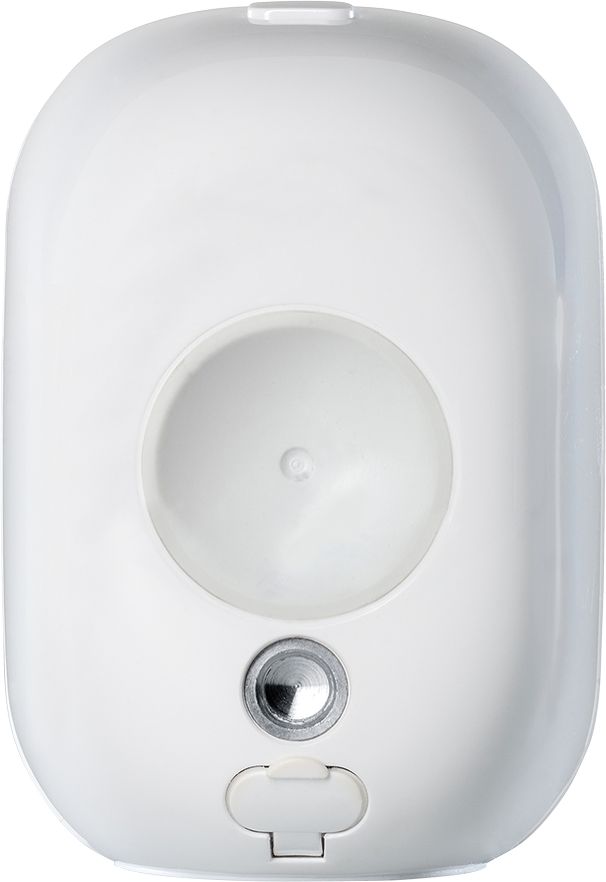
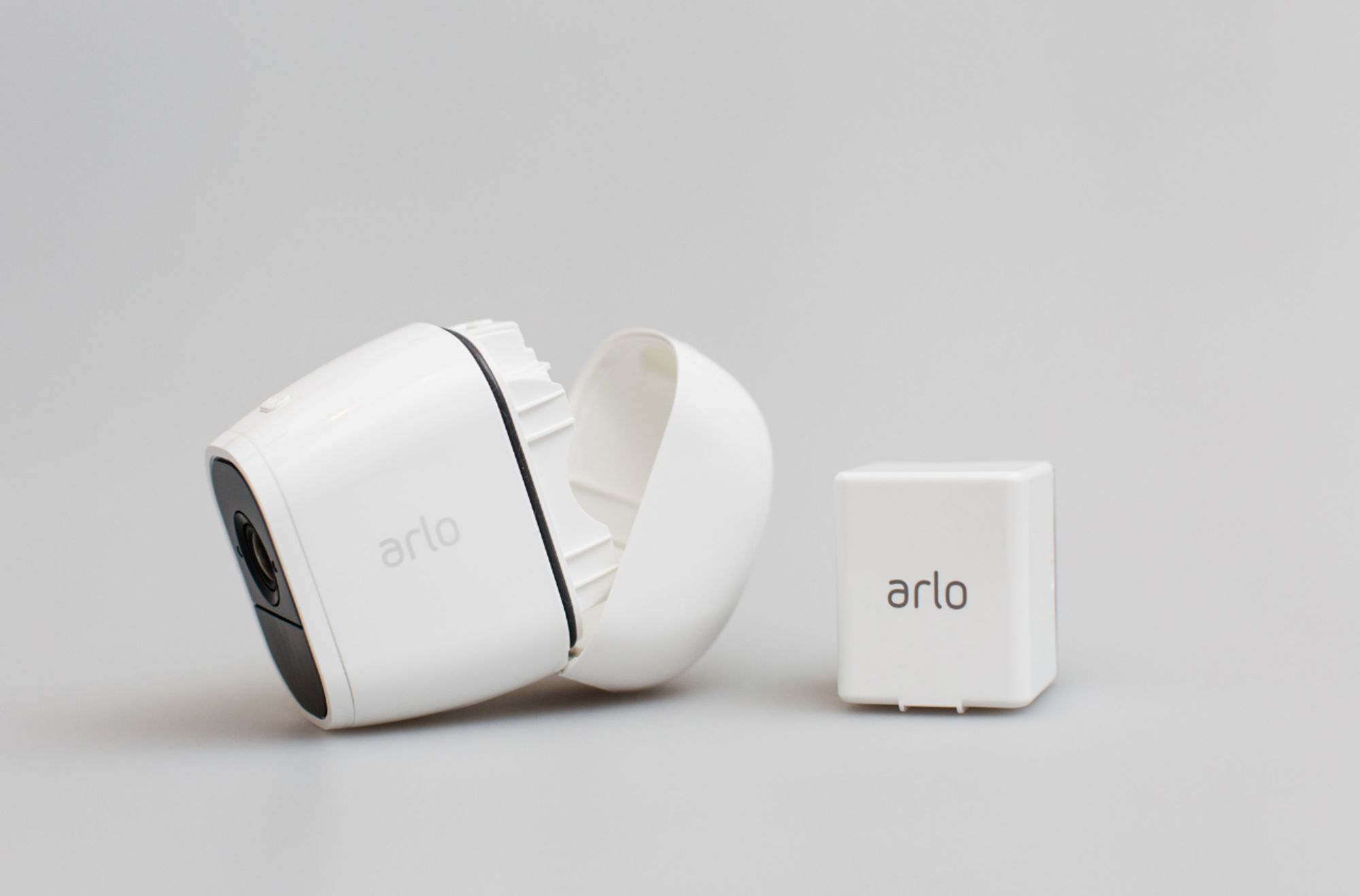
A:AnswerYou have a battery indicator light on the camera as well as in the app. You plug the camera in like a cell phone but if you need access to the battery there is just a little button to push to open the battery compartment
A:AnswerThere are different modes you can set, record until activity stops or do a preset up to 300 seconds and, regarding the length of time, the cloud is free for up to 5 cameras and there is no limit to the number of recordings in the cloud for your 7 days, it will simply retain the seven days of recordings.
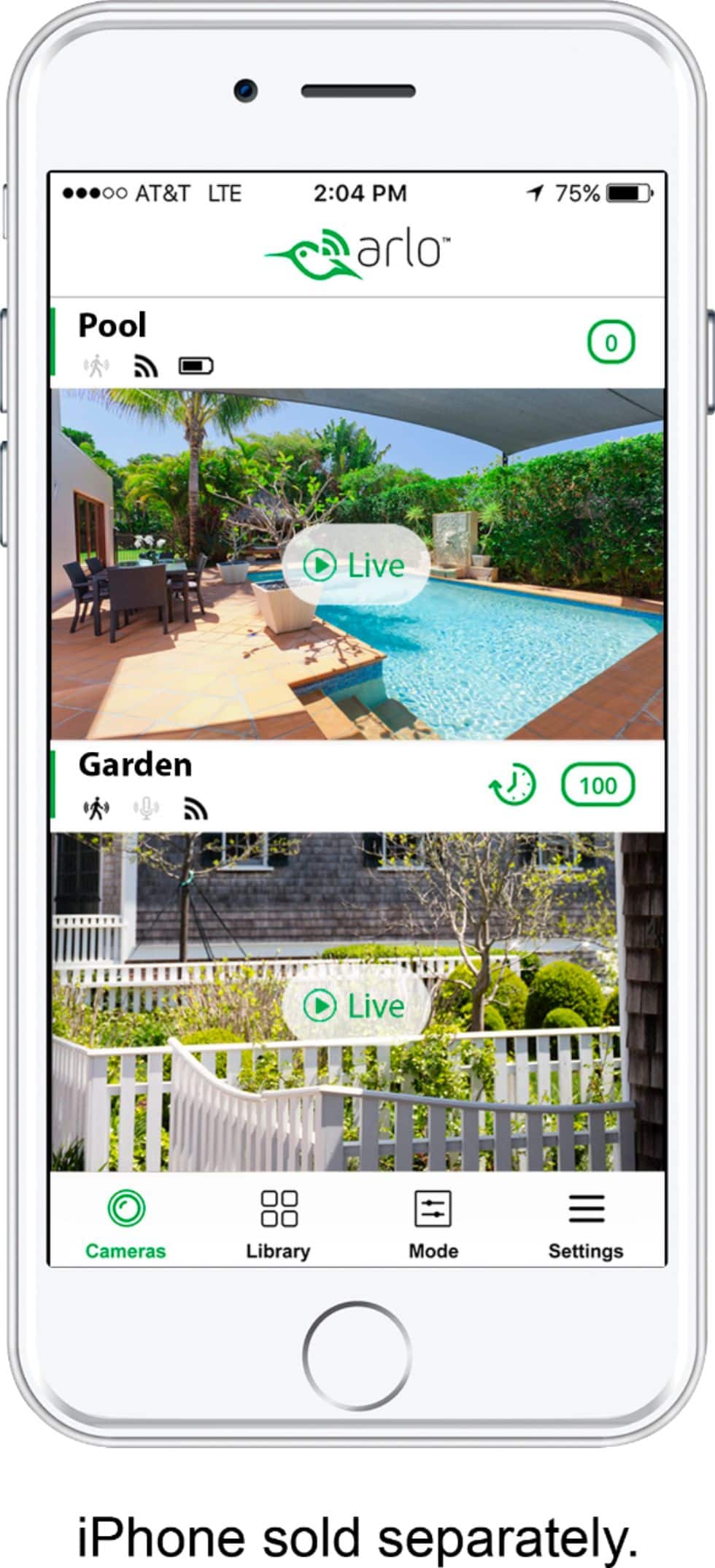
A:AnswerYou must have the base in order for the cameras to work. You are able to use the app to monitor your cameras, receive alerts, review recorded videos, etc.
A:AnswerI have tried putting two Arlo apps on my phone, but it doesn’t seem to work. However if you have no more than five cameras, you can put them all on one app with two device routers. If you have more than five phones you can purchase their subscription.