A:AnswerYes, CVR is compatible with the Pro 4 cameras. With CVR activated on one of your cameras, you can record all the action 24/7. CVR captures everything in the background, and you can rewind to catch anything you missed. You can find more info here: https://kb.arlo.com/1018425
A:AnswerThe Arlo Pro 4 camera can be connected to Apple HomeKit when your Arlo Pro 4 is synced to a compatible Arlo SmartHub/base station: VMB5000, VMB4540, VMB4500, or VMB4000.
A:AnswerArlo allows only one registered administrative user per account. However, you can add additional users by using the Grant Access feature. Check out these Knowledge Base articles for full information: https://kb.arlo.com/000039122 and https://kb.arlo.com/1103229
A:AnswerI’ll answer to help all that have been stuck in this nightmare!!! Use the little pin and push in! No where in the limited instructions is this stated! Hope this helps many!!!
A:AnswerYes. Check out our Arlo Smart plans available that will fit your needs and preferences for accommodating the amount of cameras you have on your account: https://kb.arlo.com/88 ^KN
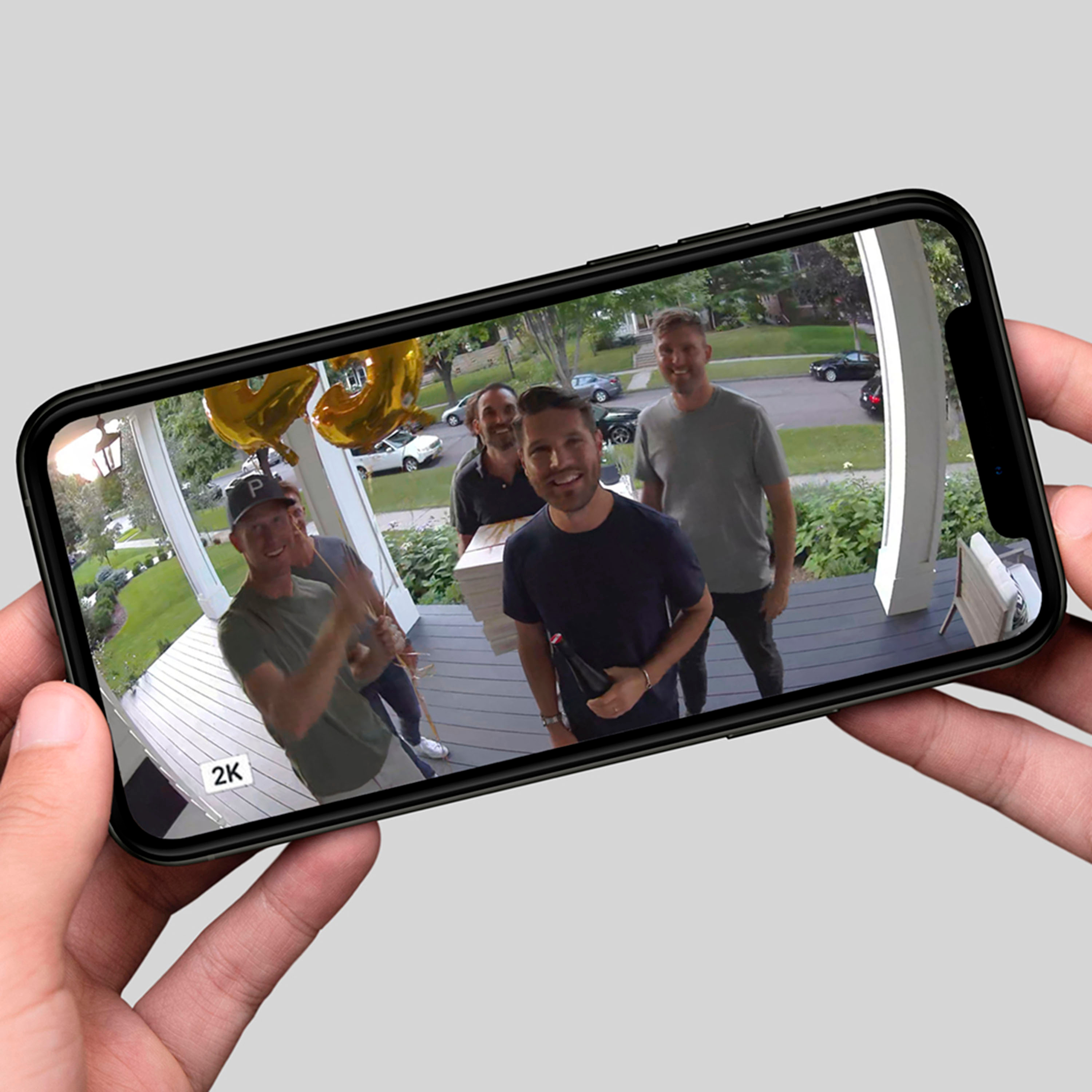
A:AnswerYes. 2k (1440p) my higher definition. The Arlo 4 also has smart AI to helps with distortion, and has 3 different FOV you can choose from albeit if you use the subscription service (free trial with purchase) then a few bucks per camera a month after that. Note that zooming in may be slightly clearer, it will still be pixilated. 60ft, max zoom you will not be able to clearly read license plate numbers.
A:AnswerIf camera is blinking amber and blue lights alternately, then it's updating its firmware. To help check the LED behavior of your Arlo camera, please contact Arlo Support Team at https://www.arlo.com/en-us/support/contact.aspx. ^RM
A:AnswerPlease check the model number printed at the bottom/back panel of your Arlo base station and verify it here : https://kb.arlo.com/000062284 to learn what Arlo camera model it can work with. ^RM
A:AnswerAs the Arlo Pro 4 camera uses the same type of battery as the Arlo Ultra camera, you may use this accessory to charge its extra batteries : https://shop.arlo.com/accessories.ultra/VMA5400C-100NAS.html?_ga=2.114233028.2100968828.1603603860-917721908.1597667102. ^RM
A:AnswerNo monthly fee or sign up necessary. Cameras work great, the monthly membership does add storage and extra features, but the cameras will work with the app without a subscription.
A:AnswerMy Arlo Pro 4 came with a battery. I purchased an additional battery and charging station for a quick change. You must buy the correct battery, Arlo Pro 3 battery will not work.
A:AnswerI did not need a base station to install Pro 4 cameras and the wired video doorbell. If you go to Arlo's site you can compare cameras and see which ones you can do with just wifi.
A:AnswerIf you have the VMB5000 SmartHub, you may utilize its SD card slot for local recording. Please see info here : https://kb.arlo.com/000062124/. ^RM
A:AnswerAt Arlo, we’re as passionate about protecting your privacy as we are about safeguarding your home and family. We are committed to supporting industry standards for data protection designed to keep your personal information private and in your control. After all, we’re here to bring you peace of mind and you shouldn’t have to give up your privacy to feel secure.
The Arlo Pro 4 camera is like a client to a network. It's the one that connects to the network through wifi. For someone to gain access with the camera, they have to know the user's Arlo account to login. We encourage users to setup two-step verification feature to make sure that only those authenticated logins will have access to the camera. ^RM