A:AnswerI was able to solve this by following these directions: https://steamcommunity.com/app/233250/discussions/2/558749190911446231/
I downloaded the latest beta drivers (the .zip not the .exe) from https://downloadcenter.intel.com/download/25541/Intel-Beta-Graphics-Driver-for-Windows-7-8-1-10-15-40- and basically you just go through the device manager, select the display drivers and update them with the contents of the .zip you downloaded by selecting the .inf file inside.
A:AnswerI cannot definitively give an answer, but it looks good to me. FWIW I took a USB stick with some sample images and checked the display before I bought the unit. I also do a lot of graphics work: Lightroom, Photoshop and Corel. Much better than my 5 year old VAIO, as good as my MacBook Pro. Asus adds an option to minimize blue light exposure which sounds some suspect to me - it gives everything a sepia tone - turn it off.
A:AnswerThe battery of this model unit can last up to 9 hours. Please be advised that the battery life varies by configuration, operating conditions, and other factors. Maximum battery capacity decreases with time and use.
A:AnswerYou can try changing the the HDD drive of this model unit to SSD drive at your discretion. This model unit comes with 1TB 5400 RPM hard drive. Please be advised that it might void the warranty if anything gets damaged on your unit.
A:AnswerThe laptop should be fine for everyday gaming, but would not be considered a power-gamer device. The video card is an Intel HD 520 series and would not rate very well against a dedicated gaming video card. The laptop plays games such as World of Warcraft fine if you turn the graphics down a little, but more recent high-speed action games might show degraded performance.
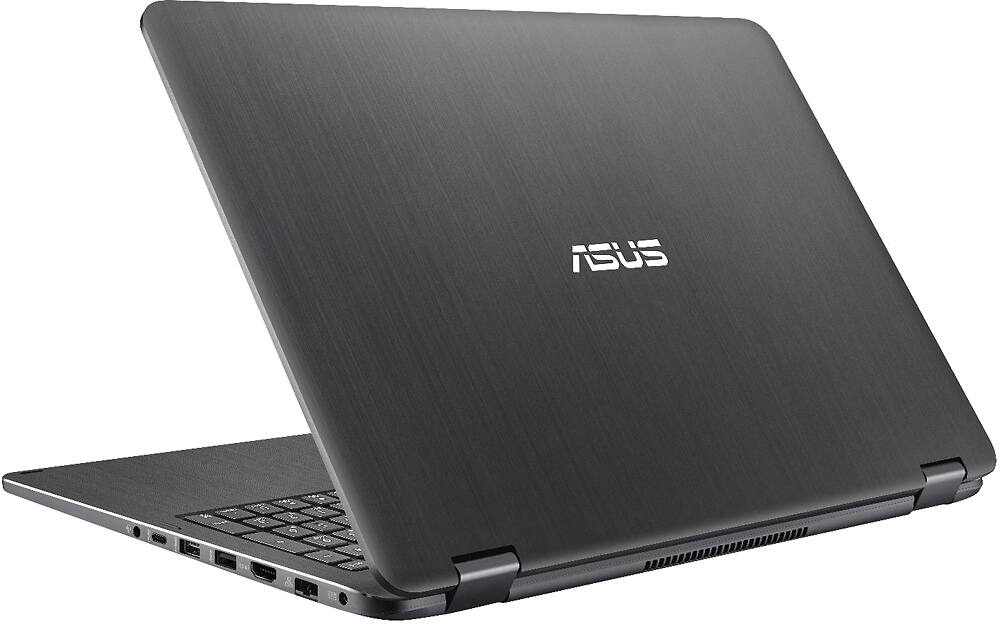
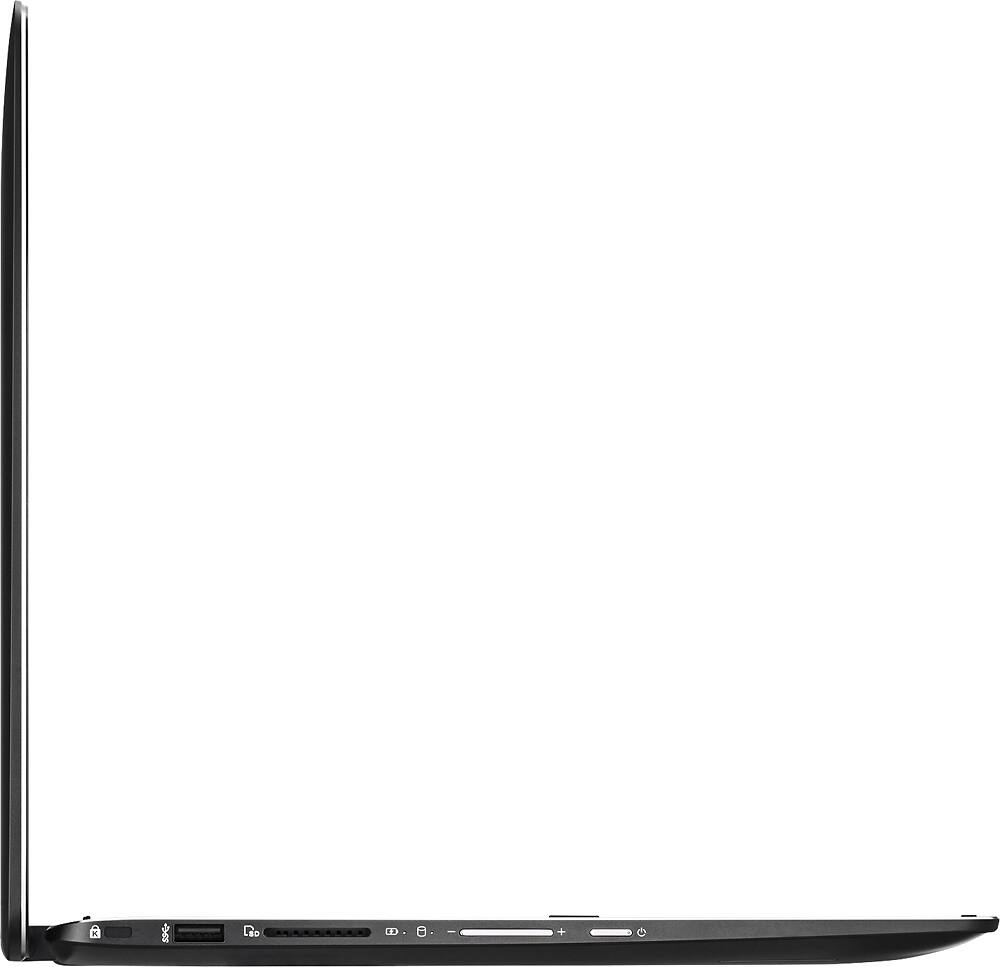
A:AnswerYou cannot connect 2 monitors on this model unit. You can connect 1 external monitor with it. It has 1 x HDMI port that you can use to connect.