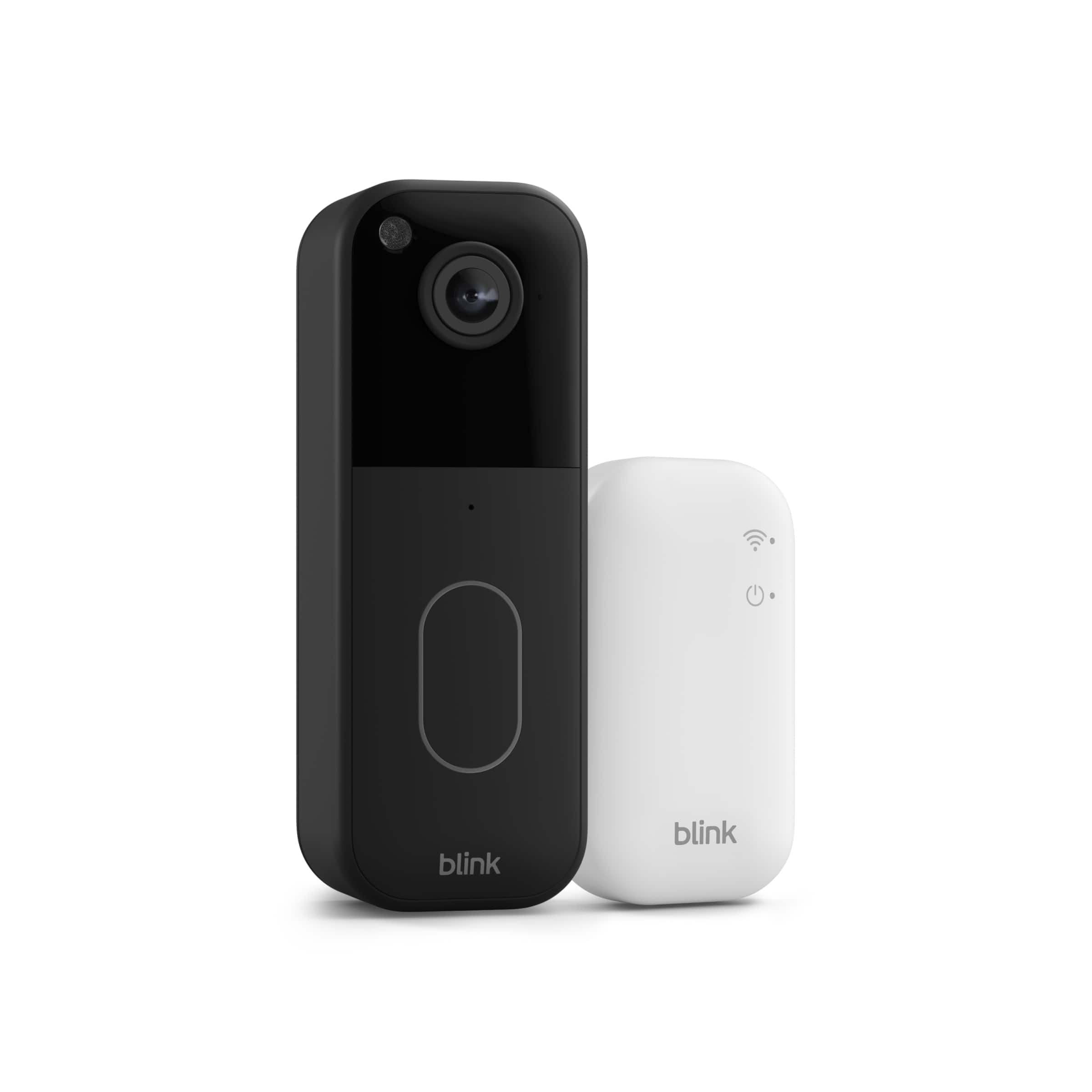
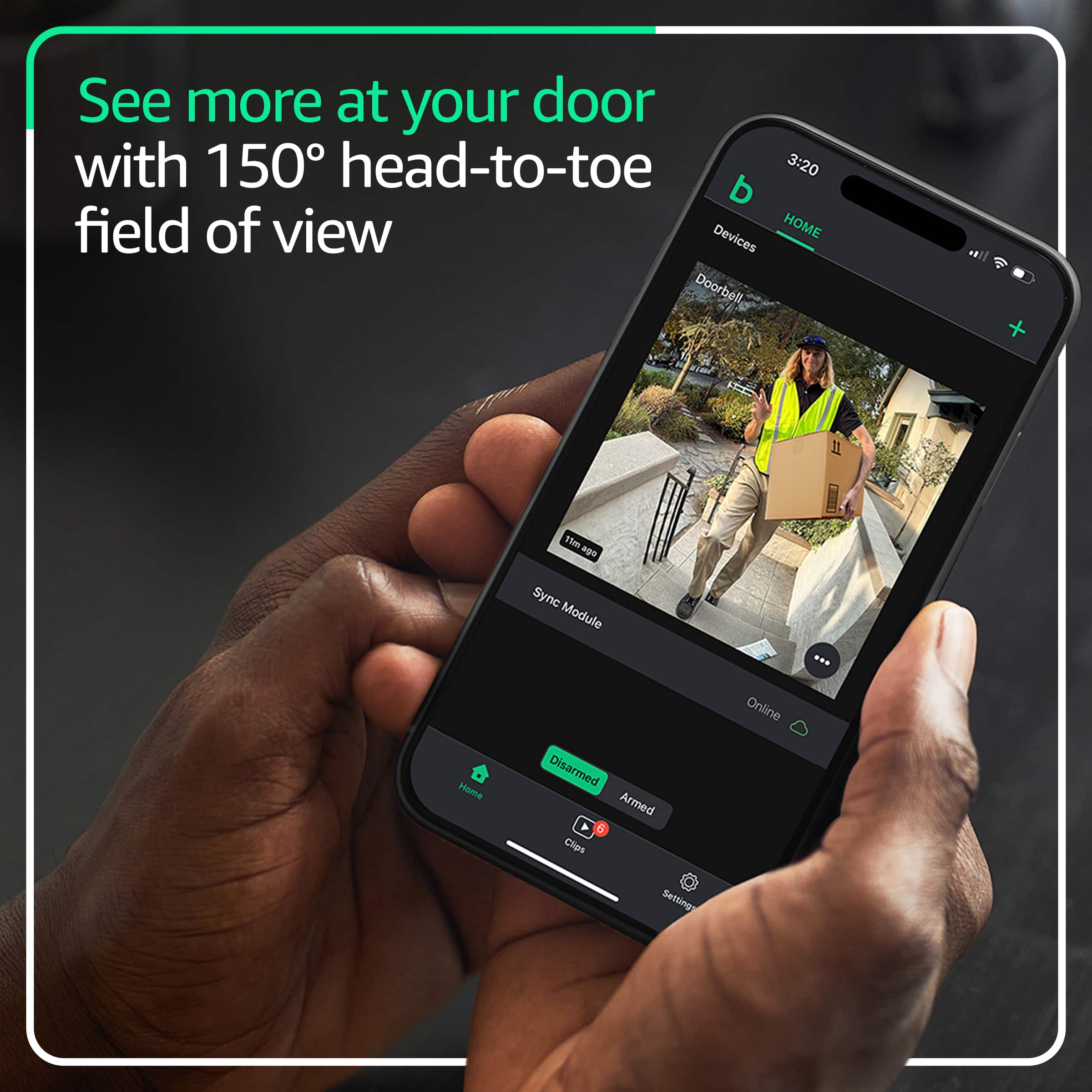
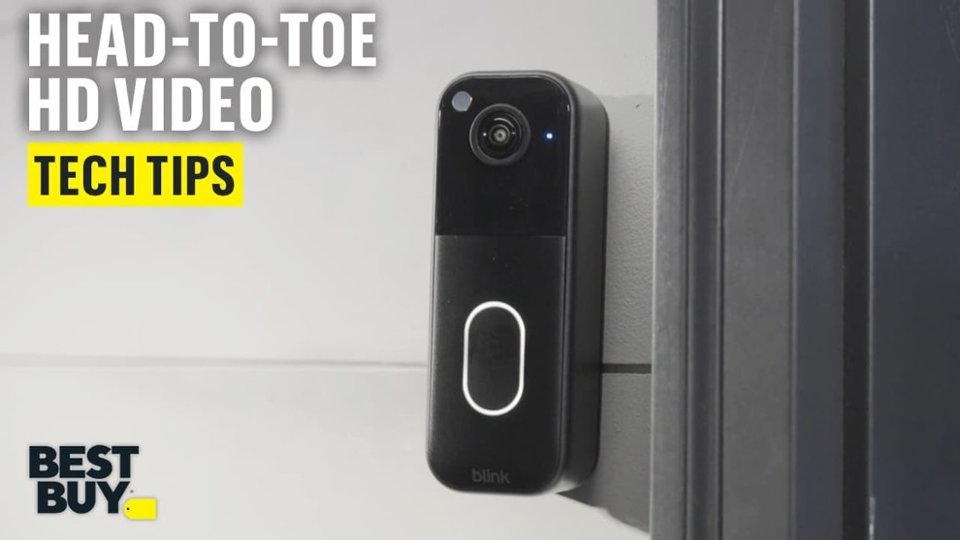
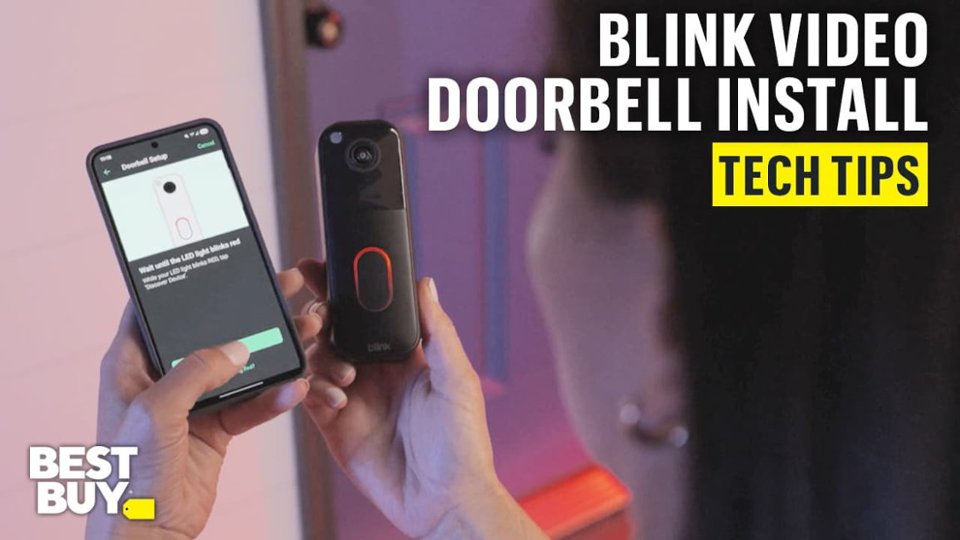
A:AnswerHi there! The Blink Video Doorbell will work just fine with an older Blink system, as long as that system already has a Sync Module. This new version of the Blink Video Doorbell features clearer video up to 1440p, as well as a 150 degree head-to-toe viewing angle. I hope that helps, have a great rest of your day!
A:AnswerHi SupernaturalWelcome! The Blink Video Doorbell operates completely independently from your cable provider. While the doorbell does require a high-speed internet connection (which could be provided by cable, DSL, or fiber), it doesn't connect to or depend on any cable TV service or cable provider equipment. The doorbell simply needs a 2.4GHz Wi-Fi network with a minimum upload speed of 2 Mbps to function. Once connected to your home Wi-Fi, it communicates directly with your smartphone or tablet through the Blink app, sending video and notifications over your internet connection. You can set it up as either a battery-powered unit or wire it to your existing doorbell system (if you have 16-24 volts AC), but either way, it works entirely through your Wi-Fi network without any involvement from your cable provider. Hope this helps and have a great day!
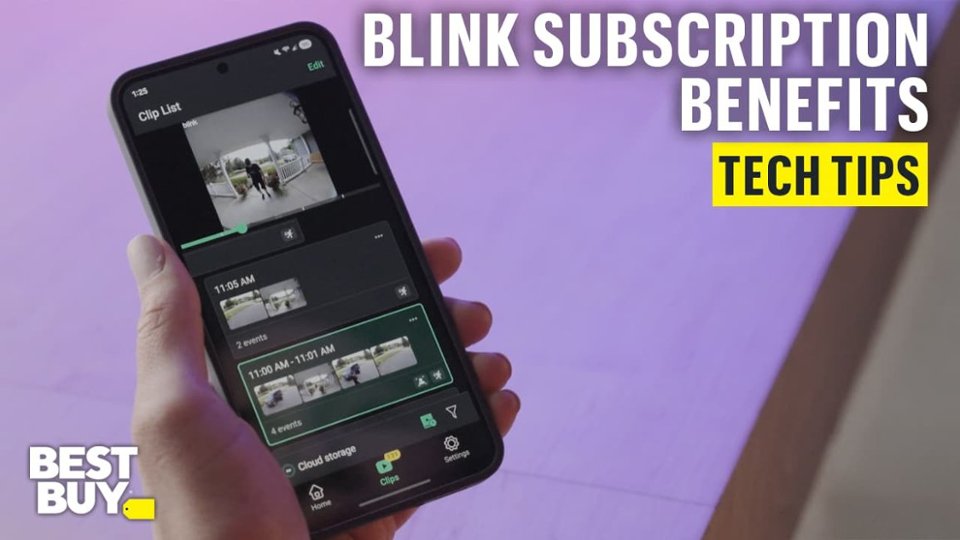
A:AnswerHello Wn4 and thank you for your question! If you choose not to subscribe to the Blink Subscription Plan, the video will not go into the cloud for storage. It will only save to the inserted USB Flash Drive on the Blink Sync Module. Hope this helps! Have a great day!
A:AnswerHello, Patty! No, your video clips will not automatically back up to Apple iCloud.
iCloud is an Apple service meant for iPhones, iPads, and Macs. Because Blink is owned by Amazon, the two systems are entirely separate and cannot talk to each other. Having an active iCloud storage plan will not change how a Blink camera saves video. There is the local storage option via USB flash drive. I hope this helps!
A:AnswerHello, thank you for your question. Yes, the Blink Sync Module Core is compatible with all existing Blink cameras, including older models, as all Blink devices are cross-compatible across different generations. The Sync Module Core acts as a central hub, connecting up to ten devices to your Wi-Fi network and the Blink servers. I hope that helps, have a great day!
A:AnswerHello Mari, the Blink Video Doorbell only works on the 2.4 GHz network. Most home WI-FI networks that support 5GHz also support 2.4GHz.
Have a great day!
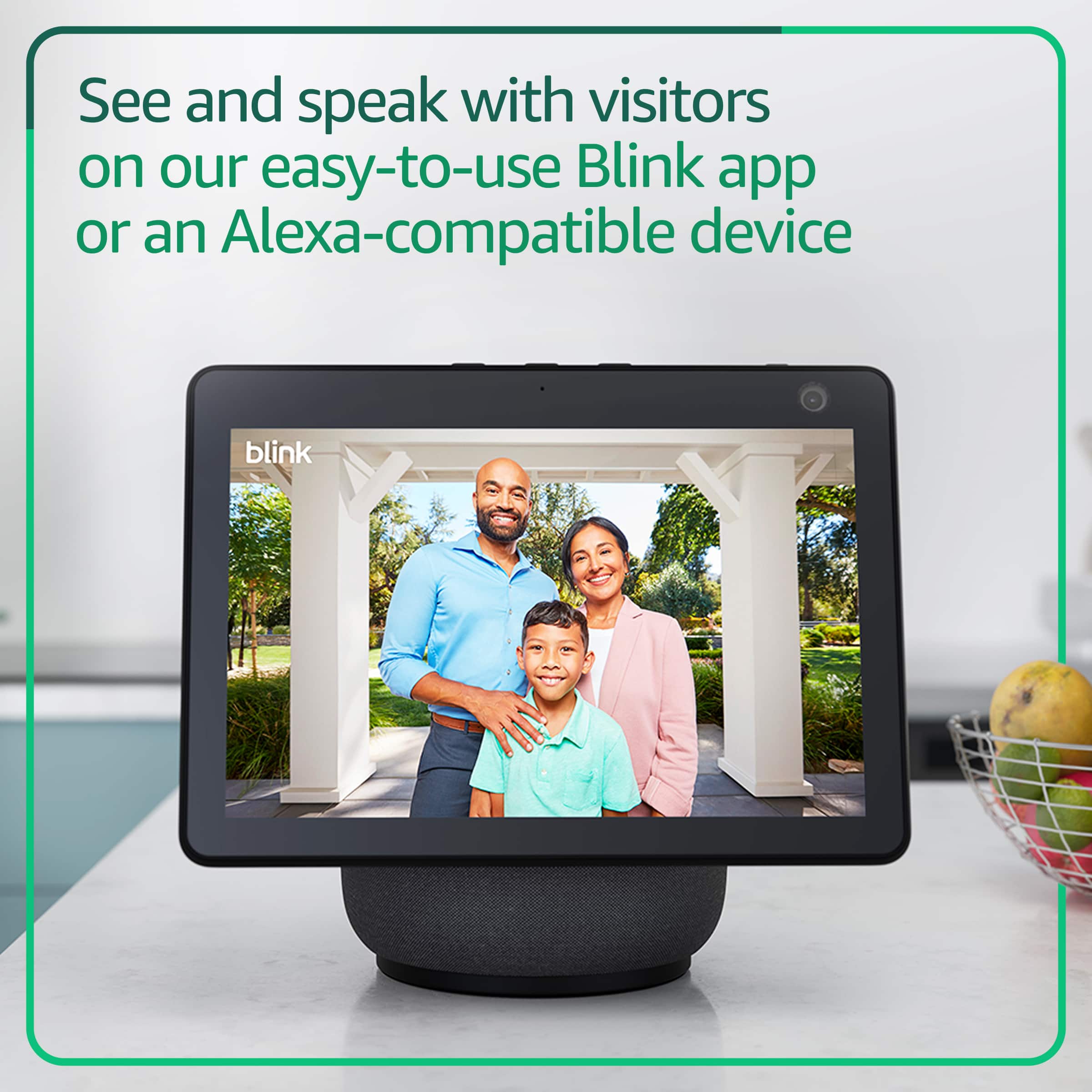
A:AnswerHello, mcdanielth! Yes, you can absolutely use the Blink app to talk to a person at your door without paying for a subscription.
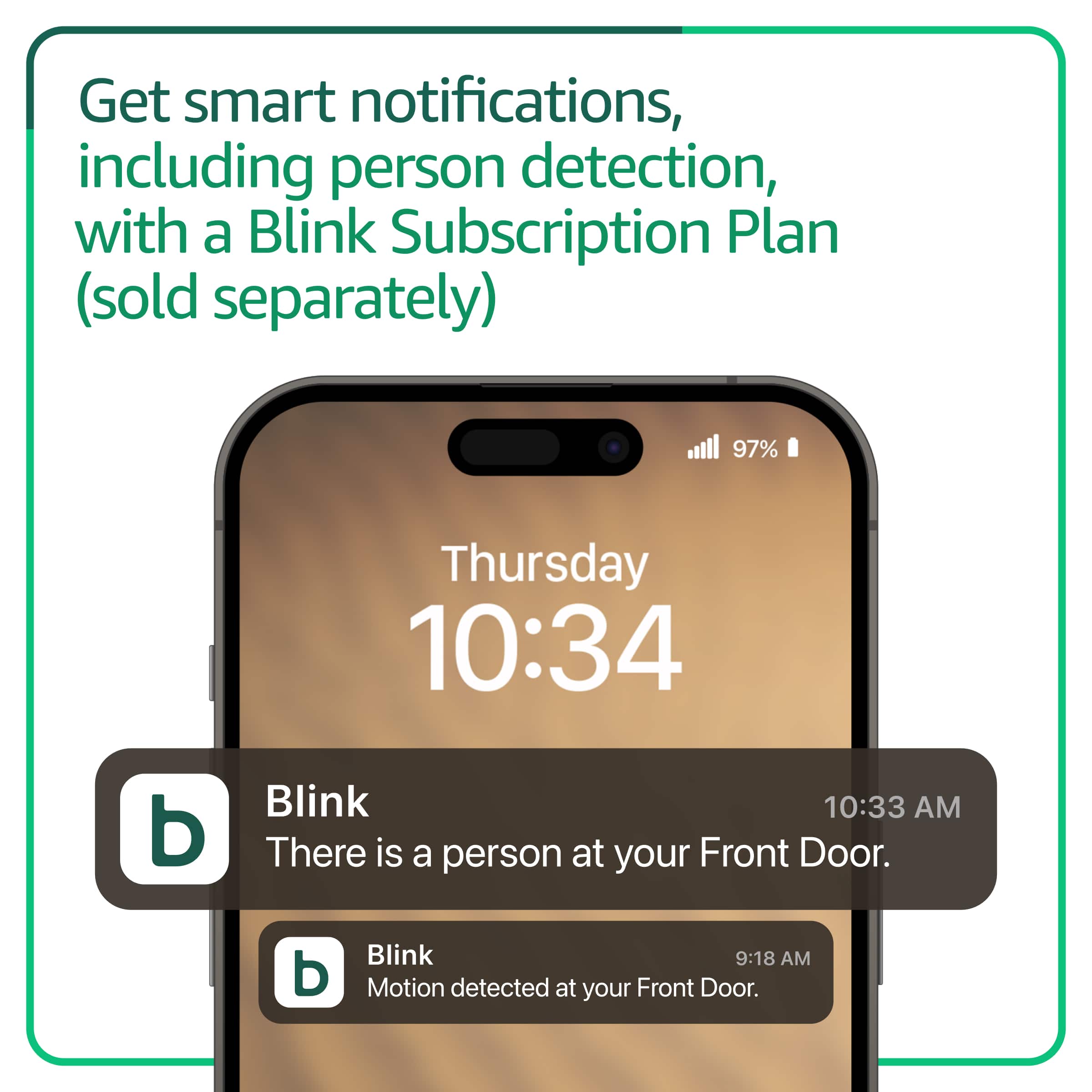
Basic features like Live View, Two-Way Audio, and Motion/Doorbell Notifications do not require a monthly fee. However, how you access that live feed to talk to visitors depends heavily on whether or not you have a Blink Sync Module. If you use the doorbell completely on its own, it operates in Event Response Mode to save battery. How it works: You cannot open the app and start a Live View on-demand whenever you want.
How to talk: When someone presses the doorbell or triggers motion, you will get a notification on your phone. You must tap that notification within 60 seconds to open the live feed and talk to the person.
A:AnswerHello Santo, thank you for your question. No, a Blink subscription is not required to use the Video Doorbell, as you can still get live view and motion alerts. However, the Sync Module Core included in the kit does not offer local storage, meaning you will need a Blink Subscription Plan (like the Plus Plan or Basic Plan) to record and save video clips. To avoid a subscription, you would need to use a Sync Module 2 with a USB flash drive or a Sync Module XR with a microSD card, which are sold separately. I hope that helps, have a great day!
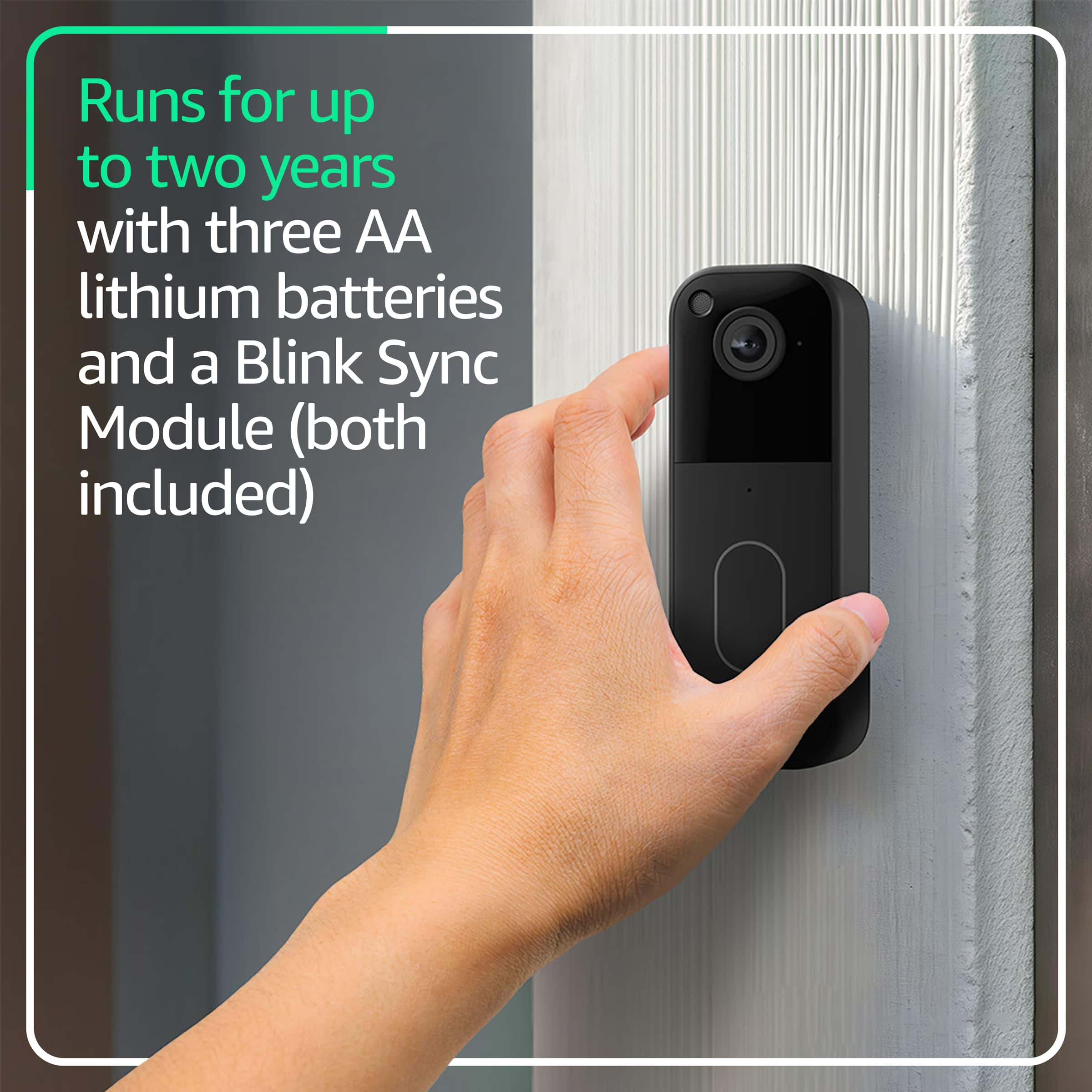
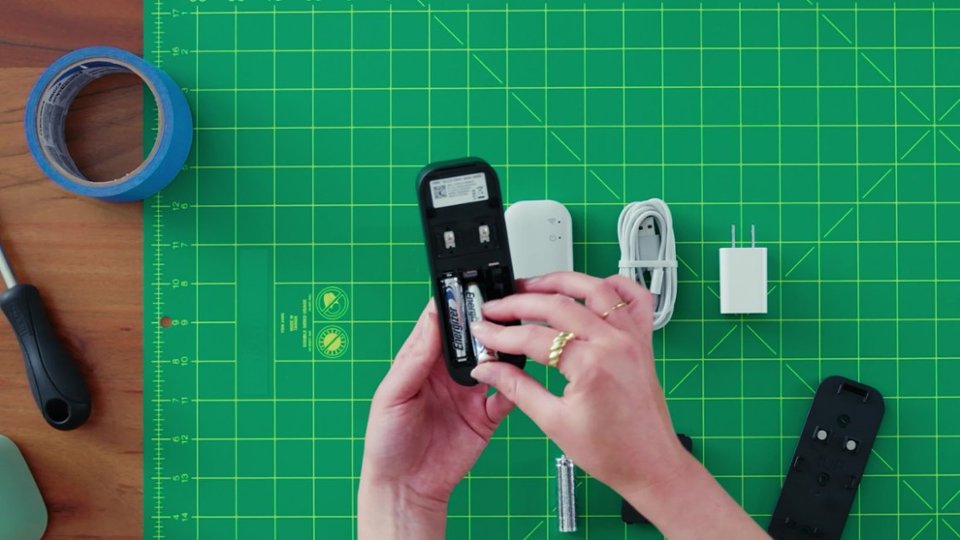
A:AnswerHello Ana, the included mounts do require a drill to install. There are some 3rd party options available online that may not require drilling.
Have a great day!
A:AnswerIt requires that you use the blink home monitor app which requires an operating system of iOS 10.6 or newer. Check what version of iOS the 8 + is running and if it is higher than 10.6 you’re good.
A:AnswerHi Ciaociao56, the Blink Video Doorbell can be added to the same system that already uses a Sync Module 2, so there is no need to buy a Sync Module Core for it. One Sync Module can manage up to ten Blink devices in a single system, so two doorbells can share the same module without buying another. Hope this helps!
A:AnswerHello Dan and thank you for your question! Unfortunately, the Blink Video Doorbell does not work with WPA3 or a WIFI 6 connection (802.11ax), but will work on 802.11b/g/n networks. Hope this helps! Have a great day!
A:AnswerHello, thank you for your question. Yes, a Blink Video Doorbell can be hooked up to a Blink Outdoor 4 XR system, as the Sync Module XR included with the Outdoor 4 system is compatible with all Blink devices, including the Video Doorbell. However, the extended range (XR) functionality of the Sync Module XR is exclusive to the Outdoor 4 and Outdoor 4 Floodlight cameras and is not yet supported by the Blink Video Doorbell. I hope that helps, have a great day!