A:AnswerThe printer does not have any Chromebook drivers but you can print from Google Cloud Print. We would like to help with the issue and ask that you please reach out to our customer support via chat, email, or phone by using the following URL so we can continue to assist you. Brother does offer FREE support for the life of this machine: 1-877-BROTHER (877-276-8437) Available Monday -Friday 9AM – 9PM EST
https://www.brother-usa.com/brother-support
A:AnswerYes, you can connect this printer using a usb cable directly to your computer. It does not have a Ethernet port for connecting directly to a computer.
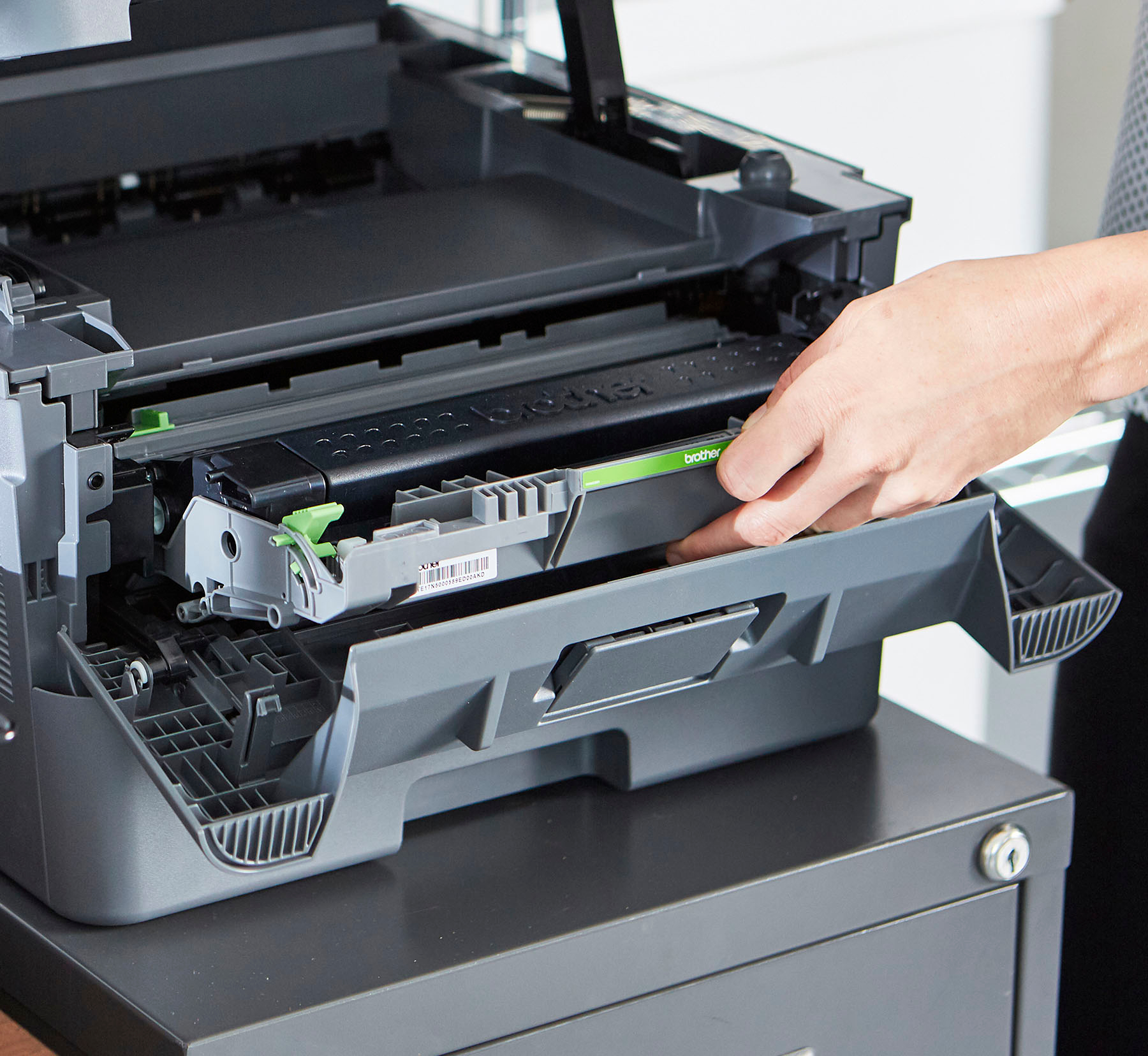
A:AnswerAfter hook up, inserting ink provided it works good. Ready to use. Salesman said can get near 1000 prints without replacing cartridge, if I remember right. I've only used about 50 in last month. I'm sure something shows when low on ink or whatever it needs. Did learn regular replacement are pricey so need plan ahead for looking good price.
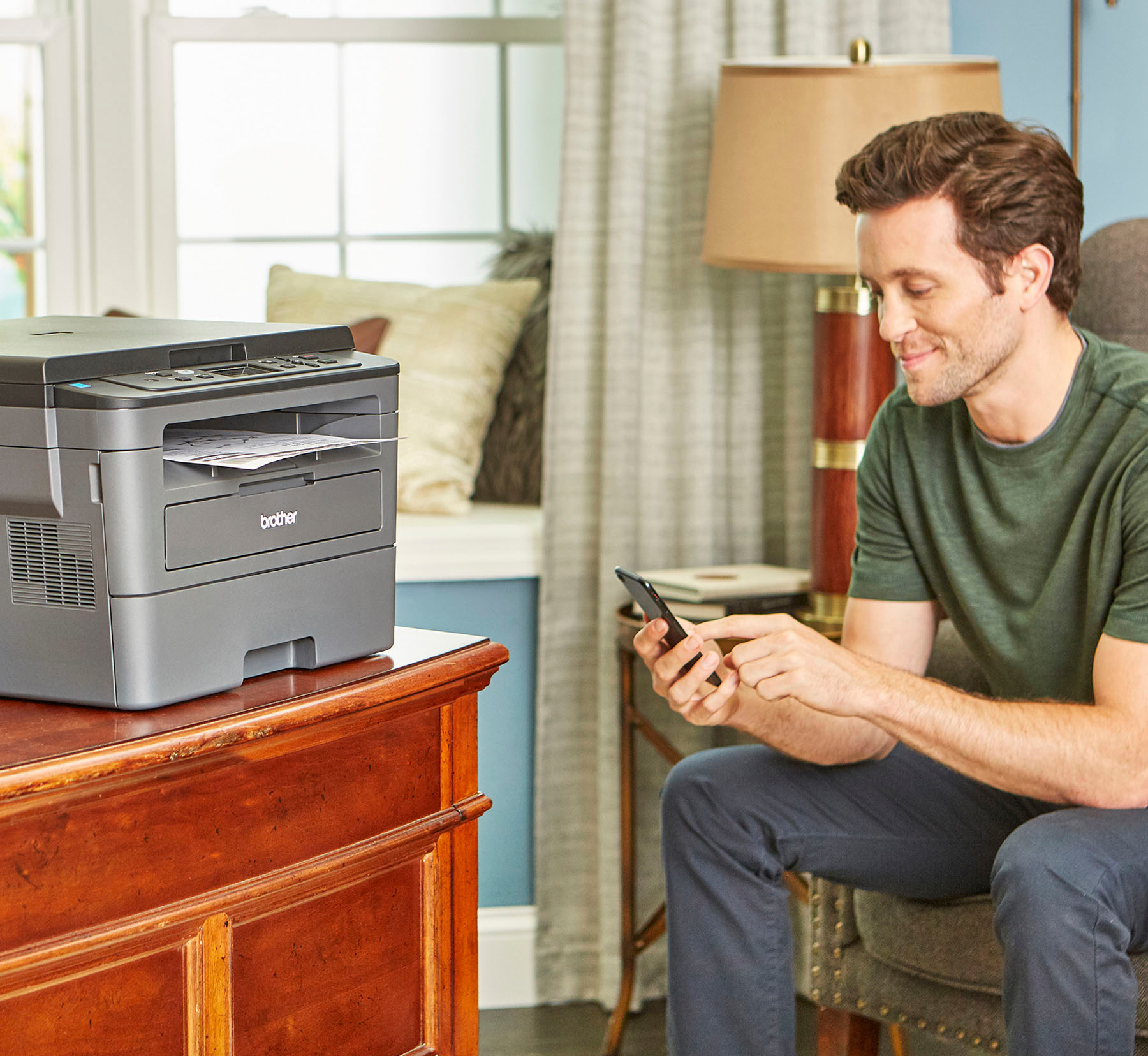
A:AnswerNo, there is no USB port on this printer. It has a USB to PC connection and WiFi for network, all it needs today really. Using the Brother software is far easier and more flexible than paying for a USB port on the printer itself and using the printer display anyway. Plug the USB into your PC, tablet or phone and use the Brother software to print away.
A:AnswerWe understand that you are experiencing issues printing from Google Chrome and we'd like to help. Please make sure the Brother HL-L2390DW printer is selected. If the problem persists, feel free to contact Brother Customer Service directly.
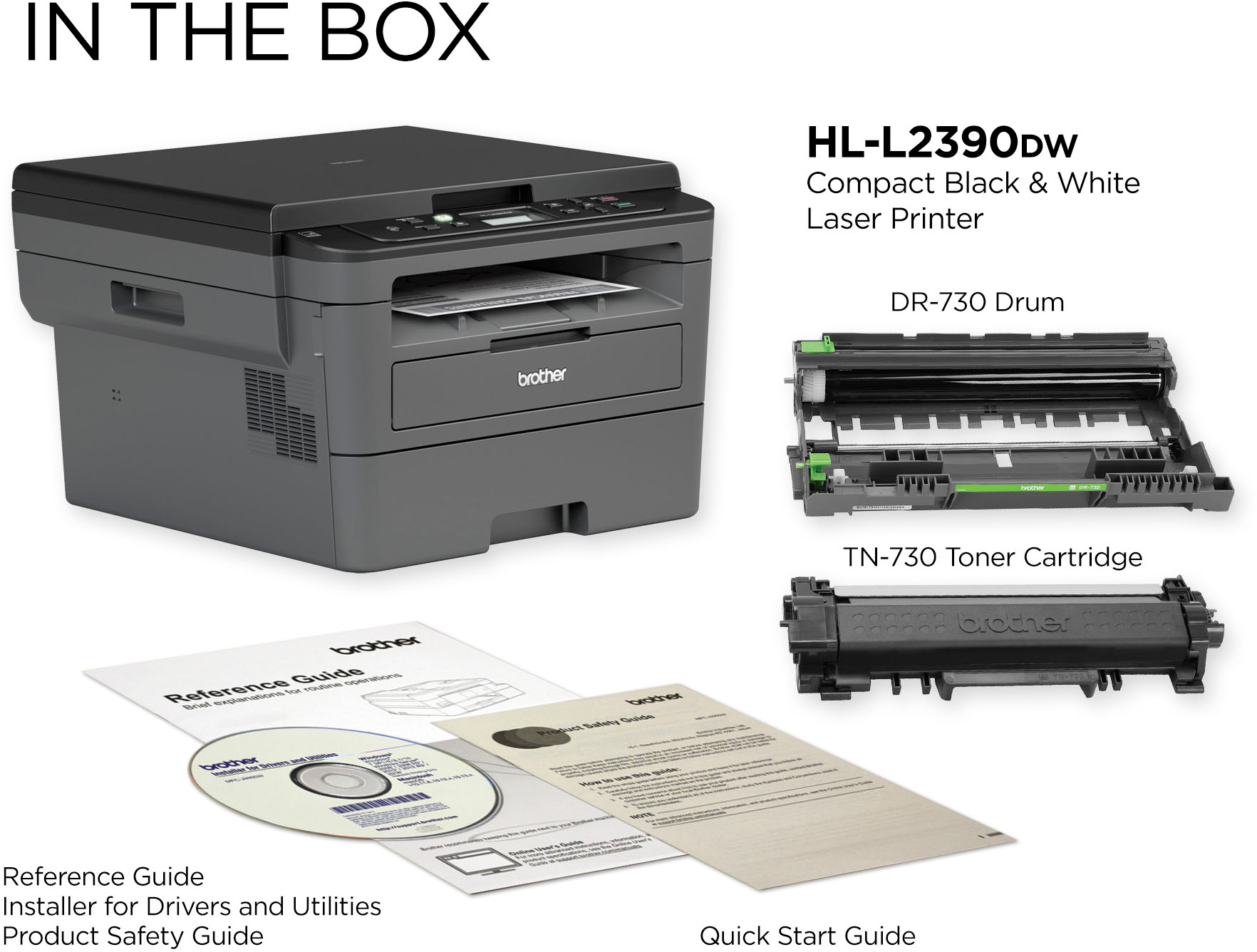
A:AnswerYes, the Brother HL-L2390DW can copy, and scan. The Manual Feed min/max weight is 16-61 lbs.(bond) and the Paper Tray min/max weight is 16-43 lbs. The compatible toner is TN730 or TN760.
A:AnswerGo here;
https://m.youtube.com/watch?v=lrgARp-wOBM&vl=enough
Odds are the instructions are the same for this model.
There is a way to just turn it off if you use it all the time. In deep sleep it uses 0.8 watts of power and in standby about 44 watts so I'd not turn it off.
My HL-L2390DW wakes up on any button interaction or service request from the tablet/pc/phone.
A:AnswerIt stopped printing when the low toner was displayed and I just went and got another toner cartridge, so I don't know if you can over-ride that warning.
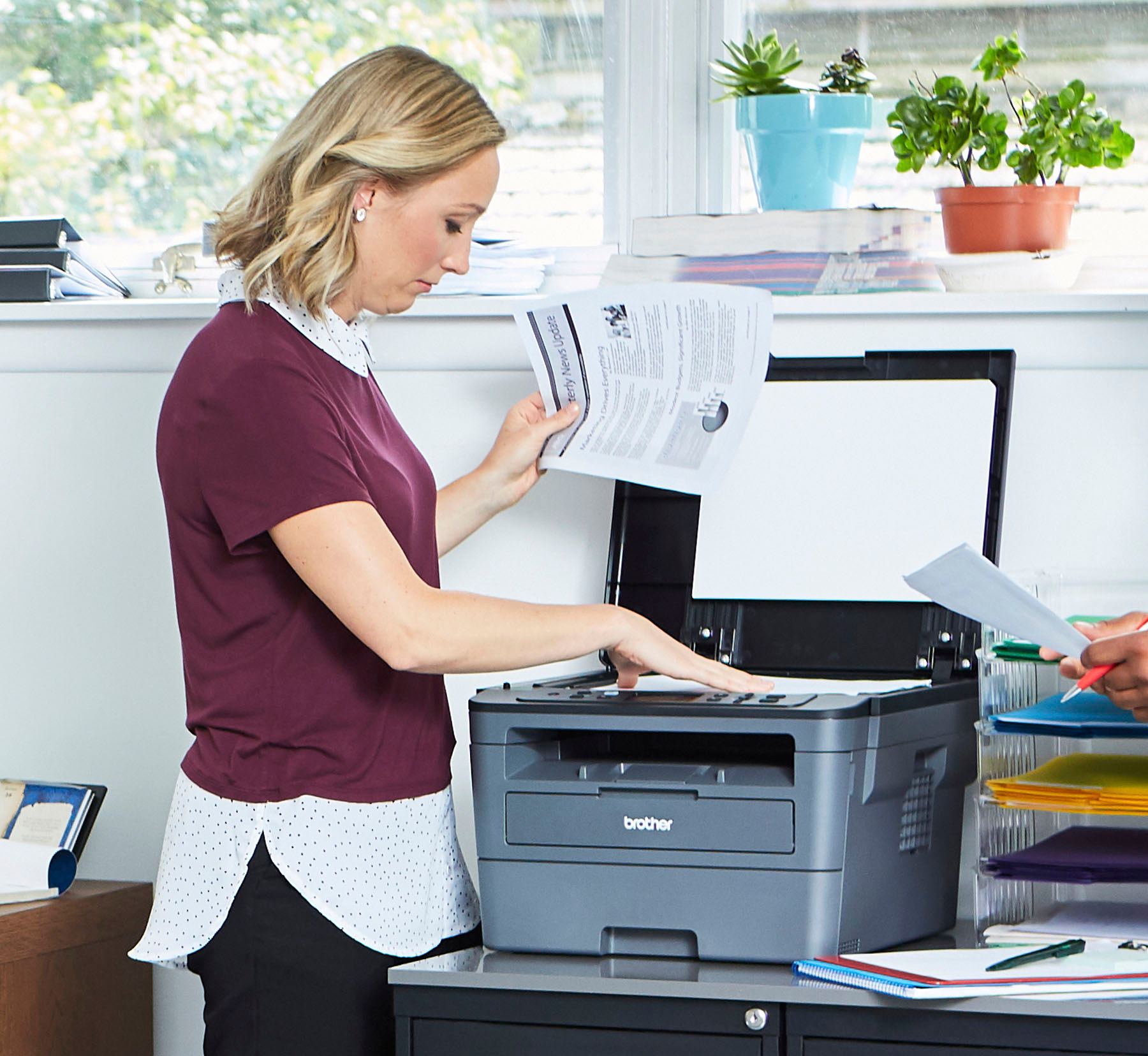
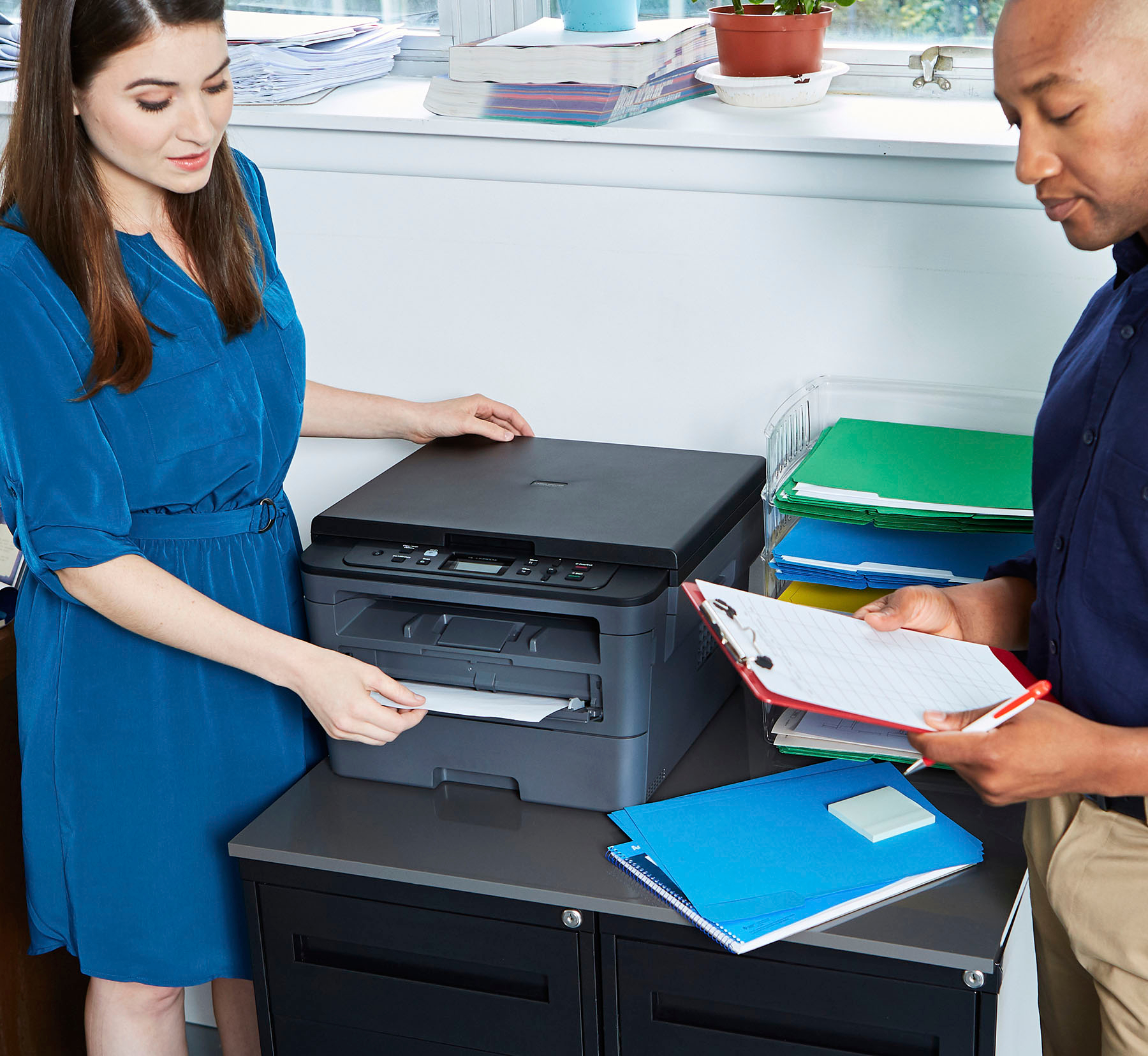
A:AnswerIt has a glass that you put your original on to scan or print. Lift the door on top of the printer and there it is. Does not have a feeder to do copies.
A:AnswerI don't own this printer, but the picture the other "reviewer" uploaded and described is NOT an Ethernet port, it is in fact a USB port for hooking the printer directly to a PC [or possibly] a Mac.