A:AnswerYou can print color graphics and casual photos at acceptable quality for everyday use, but it doesn’t match the photo-quality output you’d get from an inkjet photo printer, especially for high-resolution images or glossy photo paper. Most color lasers are better suited for color documents.
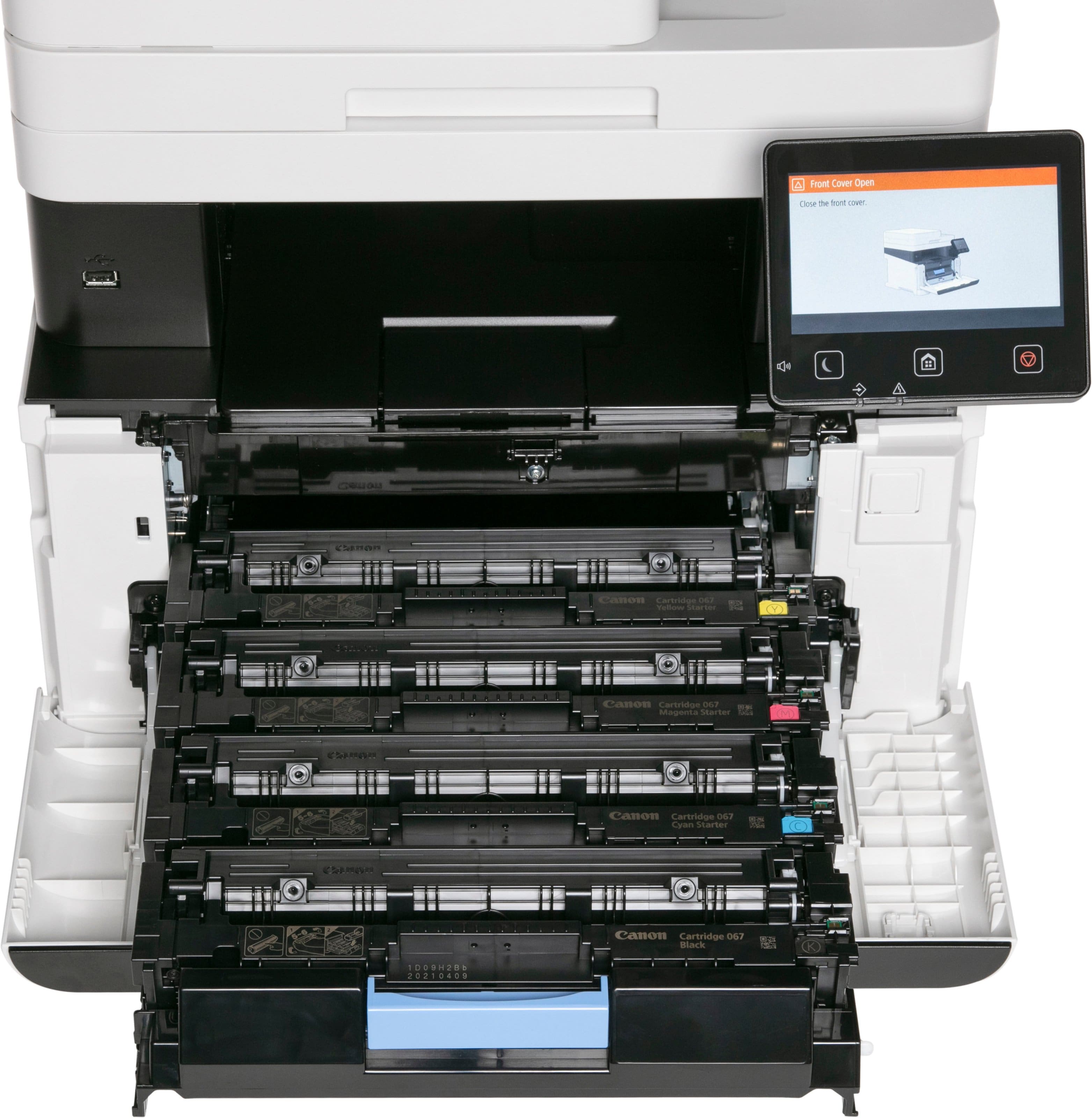
A:AnswerThe Canon web page discusses how to replace toner and drum cartridges and how to see what life is left in them. It is not that the printer expires when you run out of toner or the drum life. You just change the cartridges. Ink Jet printers have expiration because the head cleaning process dumps the ink into a reservoir during the cleaning process. The expiration is based on how many cleanings have been done so the reservoir doesn't overflow. This is not to say this printer doesn't have an expiration for something else.
A:AnswerColor laser multifunction printers are not a dedicated photo printers. Although they do an excellent job printing color graphics such as charts, graphs, general casual photos at acceptable quality for everyday use, they do not match the photo-quality output you’d get from an inkjet photo printer, especially for high-resolution images or glossy photo paper.
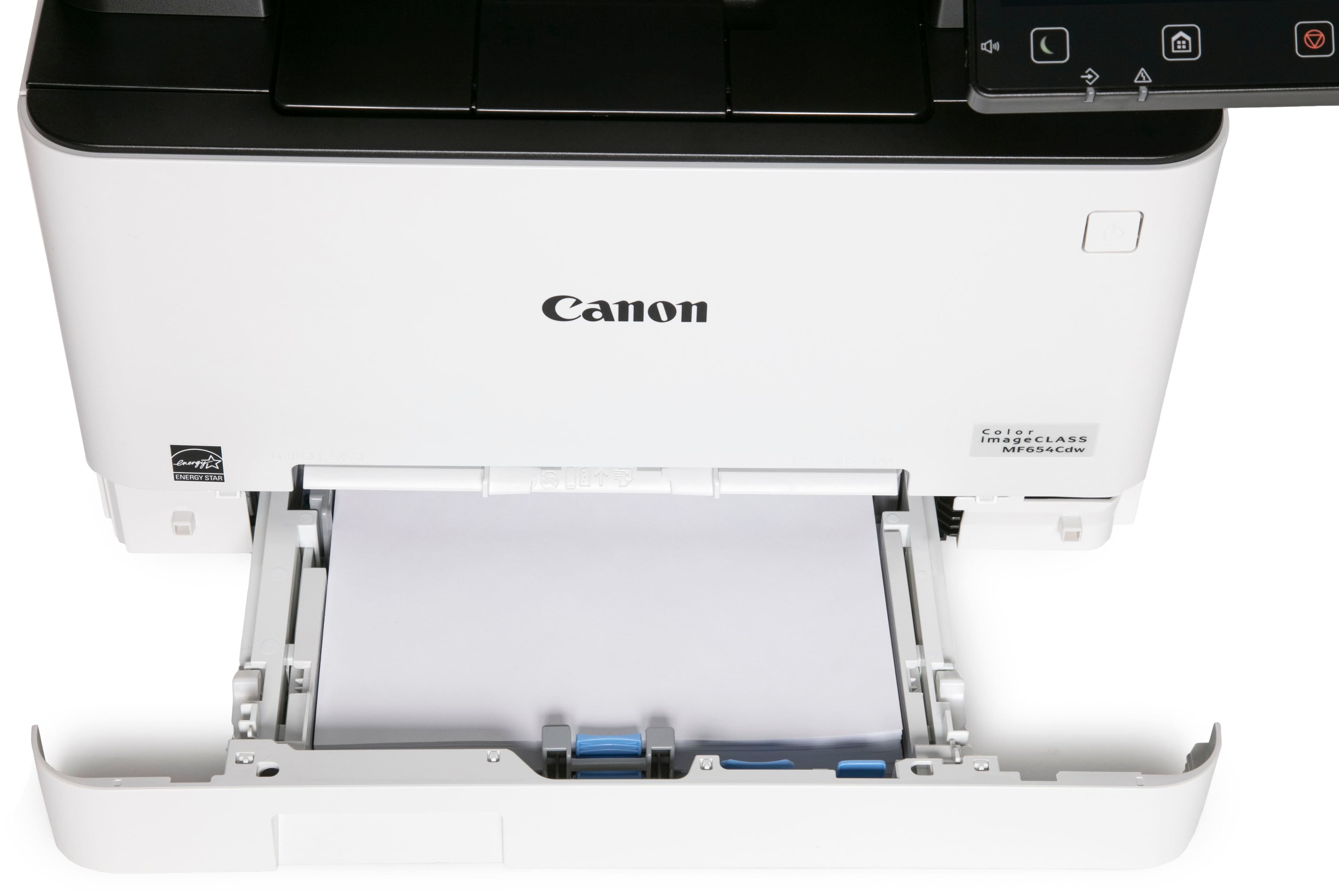
To answer question more specifically, it can feed heavier/coated stock, but not standard glossy photo paper, and so it won’t match a dedicated photo printer’s output.
A:AnswerIf you are referring to toner cartridges, yes, some models have ridiculously high priced replacement cartridges (even after market) that can almost justify the cost of a new printer. This model, however, has very economical replacement toner, especially if you source them from *quality* aftermarket vendors. If you do this the cost per page goes down exponentially.
A:AnswerNo. You have to have color cartridges installed, but the printer comes with color and black cartridges. If you primarily use black ink, you would probably be okay for a while with the color tonner that the printer comes with.
A:AnswerYeah, but then your devices need to be wired as well otherwise it won’t see the printer. See my review, don’t buy this junk heap if you plan to use a wifi network.
A:AnswerYes, this printer can scan documents and email them automatically. However, Canon's own documentation for accomplishing this is woefully lacking. It took me some investigating to get the unit set up to email. You have to use their web management interface and select "System Manager Mode" to access the SMTP/Email settings. Once you get it set up, it works great.
A:AnswerI had something similar and it was due to cycling the power on the printer. I recommend reinstalling the drivers and attempting to start as if it was a new printer. It cleared my problem.