A:AnswerBecause Dell's marketing department doesn't recognize the impact that a negative social media posting like this can have on prospective buyers relative to the cost of just giving you an entirely new laptop.
A:AnswerSo far, yes. I doubt that they will get anymore configurations, but then again, it literally was released yesterday. BestBuy often doesn't get every configuration available and they sometimes even sign with the manufacturer to have a configuration of the laptop that is only available through BestBuy, hence the "Only @ BestBuy" label you can find on some laptops.
A:AnswerI think with all the cloud storage and external storage options 256 should do fine. It really depends on the amount of videos and images that you keep locally on your computer.
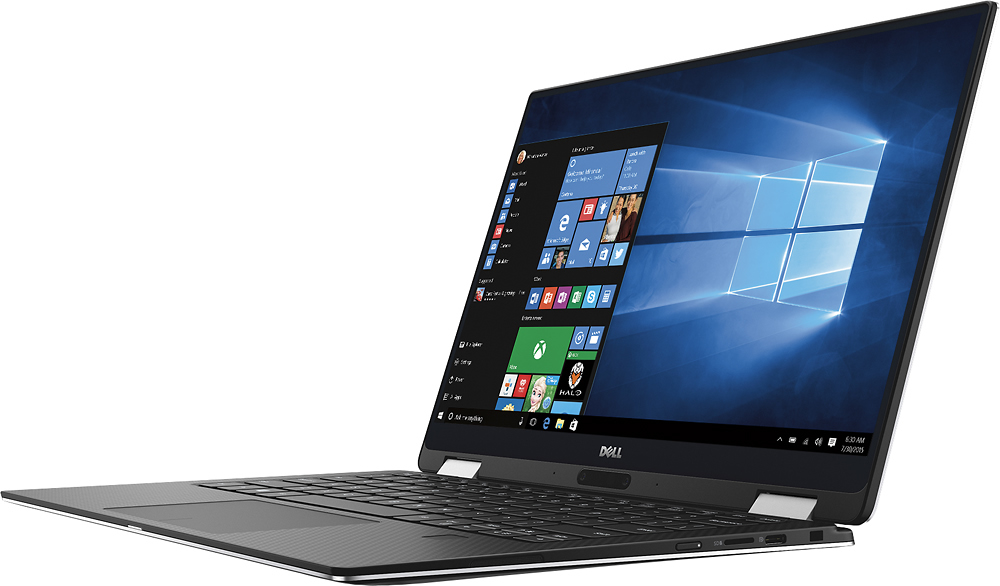
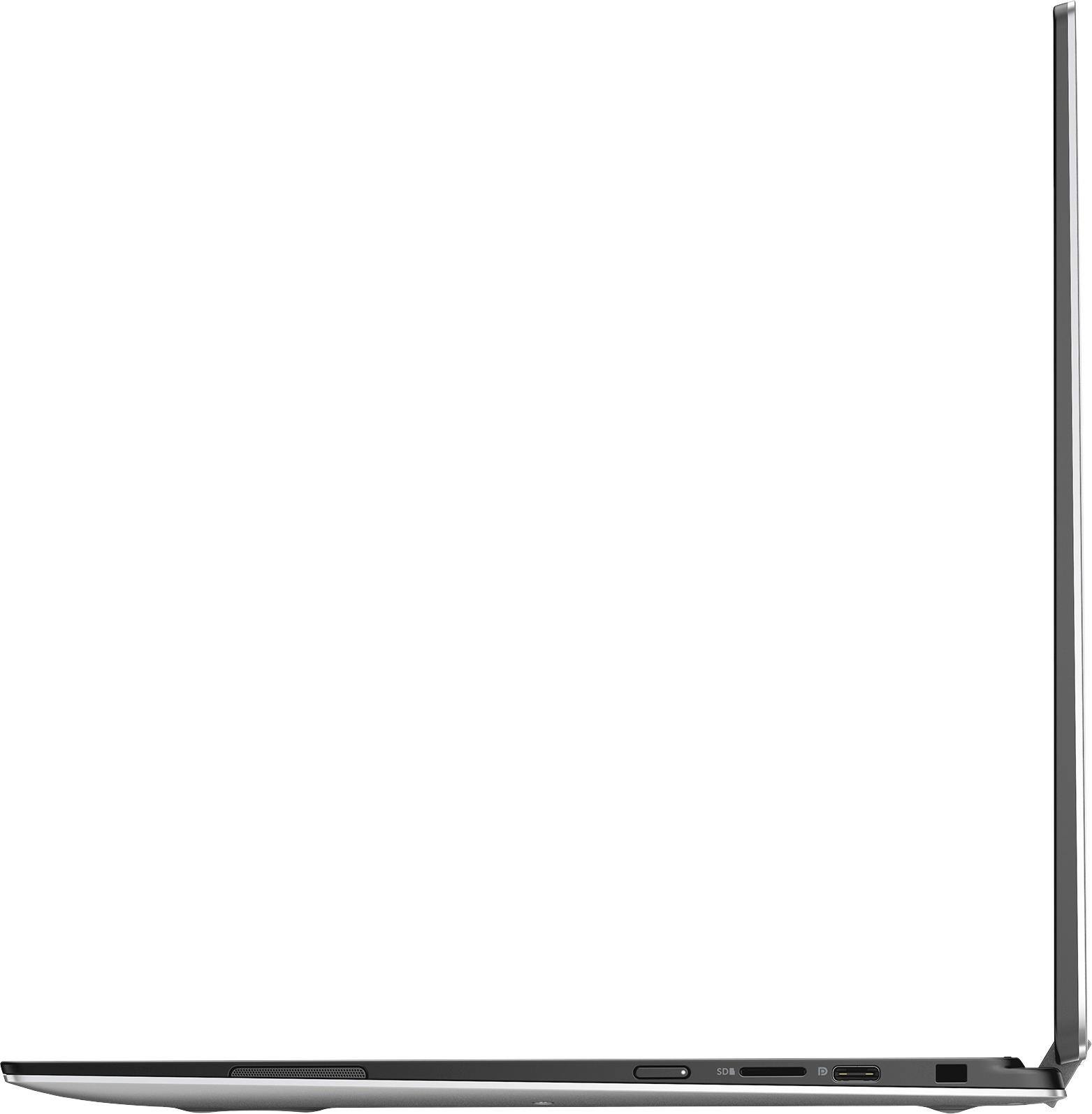
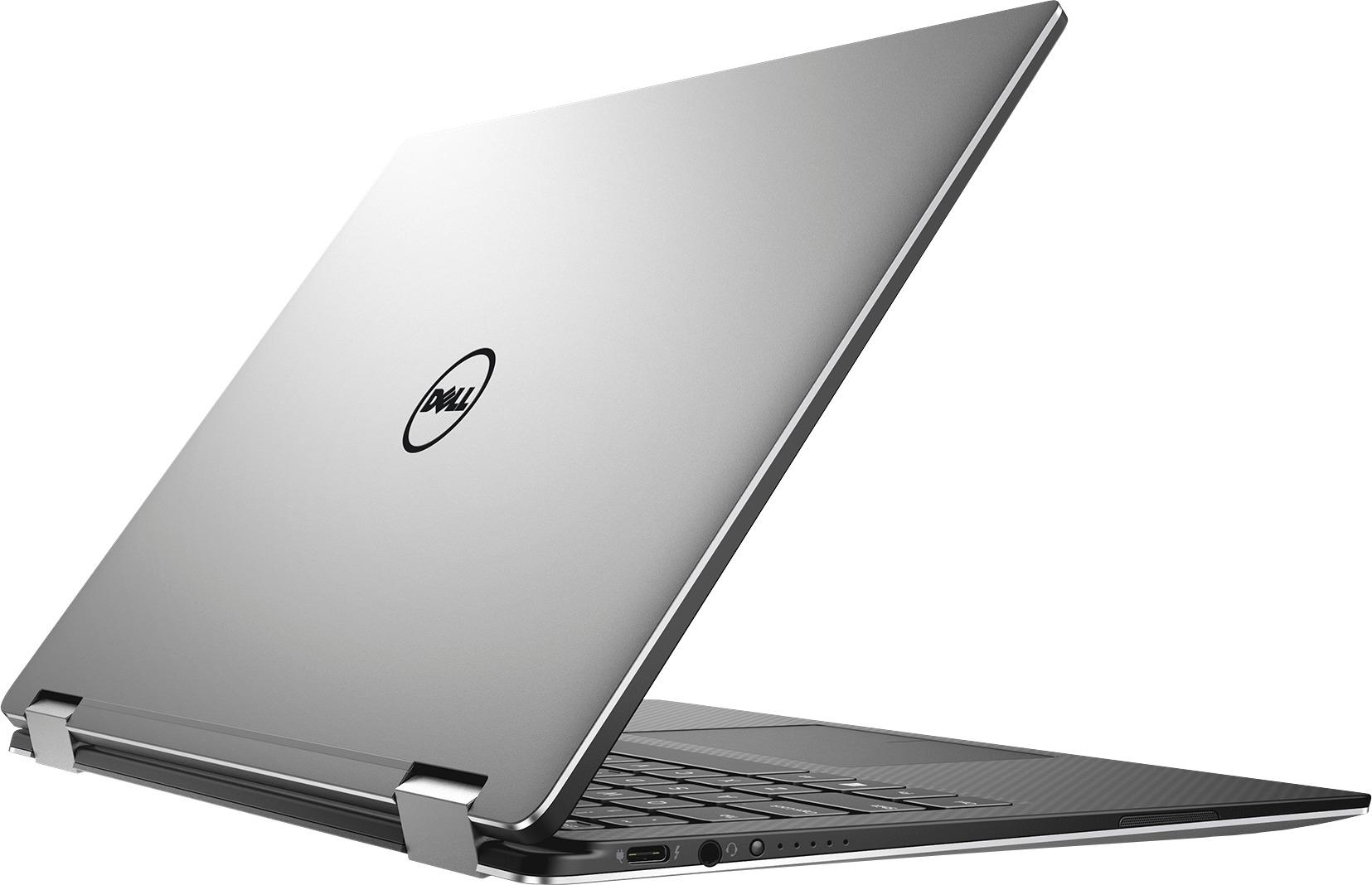
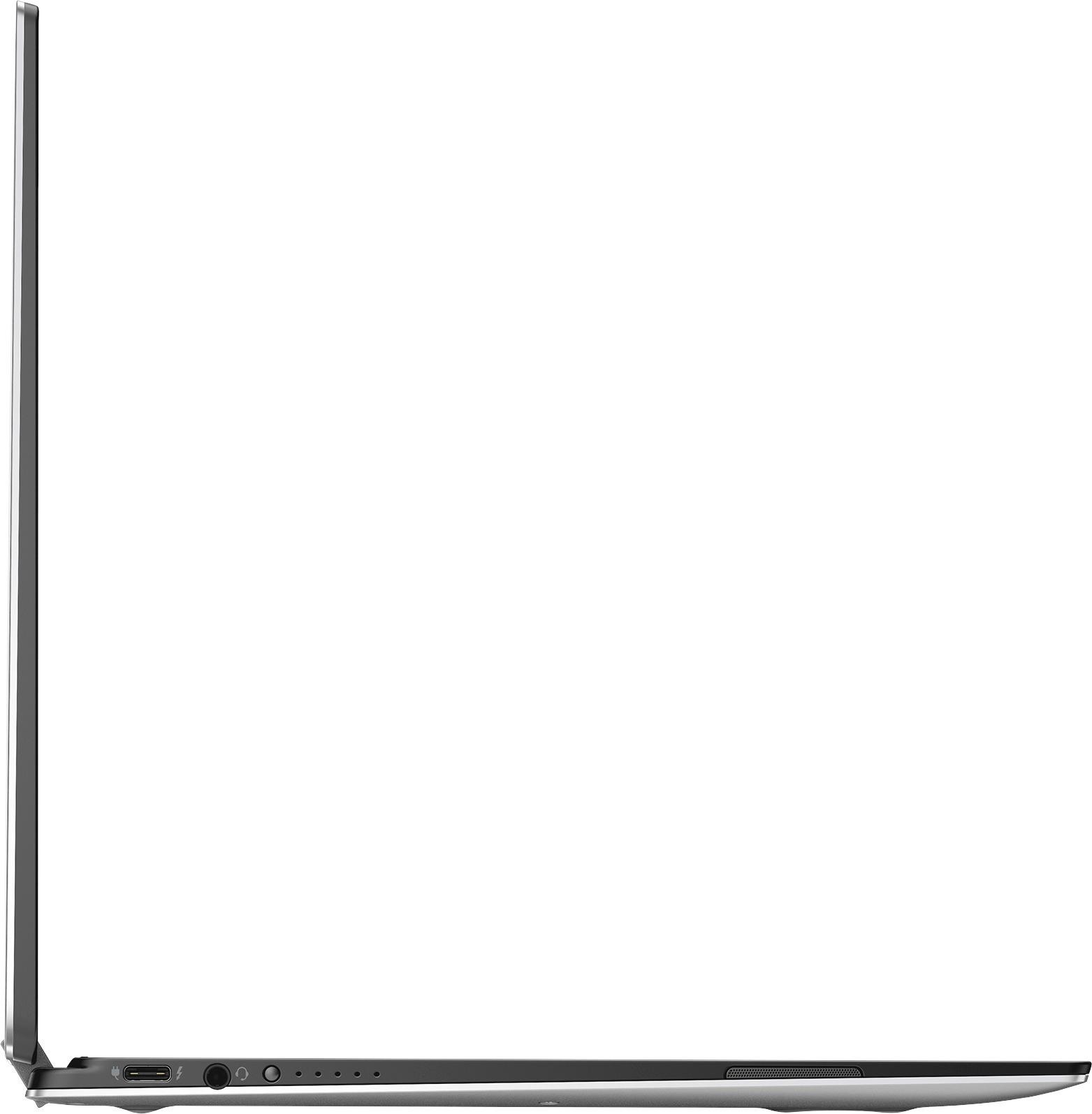
A:AnswerYes, one of the USB-C ports is thunderbolt. If you have an external GPU casing that supports thunderbolt it should work. However, note that if you're going to use it for gaming this processor is not meant for gaming and will throttle due to it having no fan and being lower watt than a real i7 (this is technically a core m7).
A:AnswerNo, this device does not include a stylus pen.
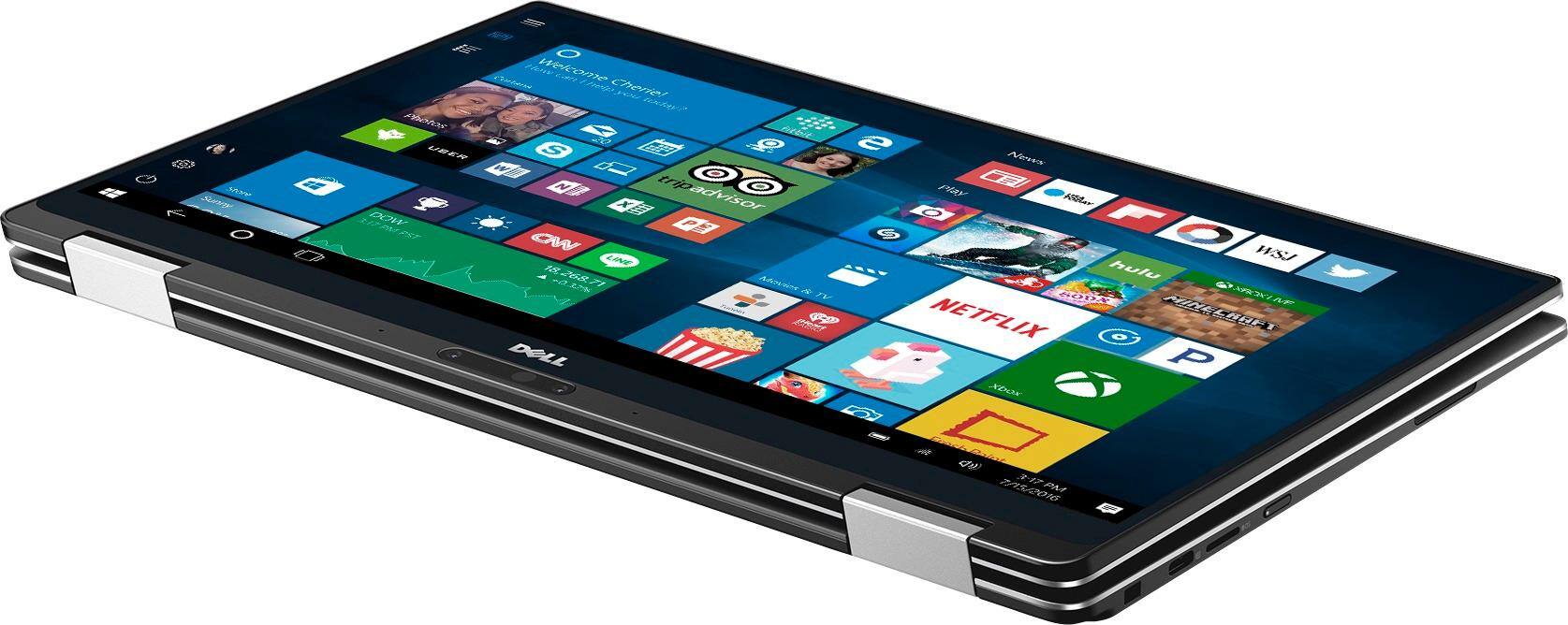
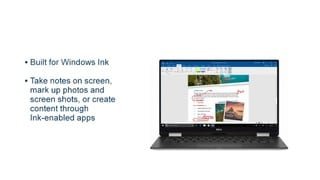
The device has an active digitizer that is compatible with Wacom AES pens, so when looking for a stylus for this device make sure that the pen uses wacom AES technology. I used the Lenovo Active Pen (GX80K32882) and it worked on this device instantly without having to install any drivers. The Dell Active Pen will work as well.
A:AnswerDell has issued a firmware update that will allow you to disable the Dynamic Brightness Control. You can find the firmware update at the following URL: http://www.dell.com/support/home/en/us/cnbsdt1/Drivers/DriversDetails?driverId=8GDDH&fileId=3598929443&osCode=WT64A&productCode=xps-13-9365-2-in-1-laptop&languageCode=en&categoryId=AP
A:AnswerBecause it is extremely thin and light compared to an Inspiron. Cramming high performance hardware into a tiny shell takes a lot of engineering and high quality materials. Note that the bezels on this laptop are barely noticeable, while the screen bezels on Inspirons are quite large. This is meant for power users, while Inspiron is meant more for home users.
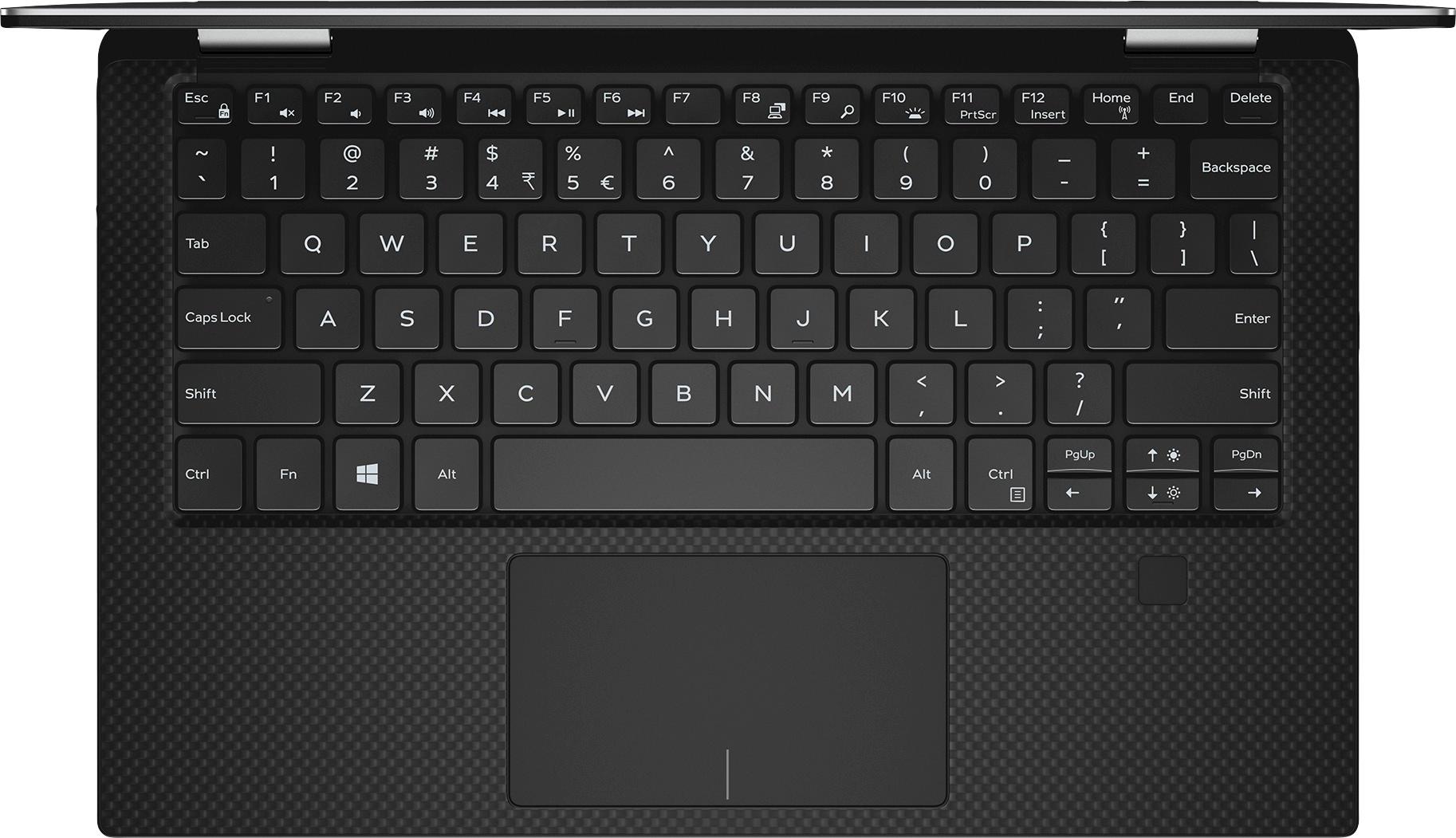
A:AnswerNo, but it does have two finger scrolling. You can use two fingers anywhere on the touch pad to scroll up-down or left-right. Actually, much easier/nicer than the older way to me.
A:AnswerI had exactly the same problem the machine has a sample issue of Windows 10 preloaded. Best Buy customer support said I need to go back to the store (Geek Squad desk) and they will give me a proper product key. I wish it came with the machine like they usually do.
A:AnswerYes, there is. If you visit the Dell product page for this computer you will see the dock (USB Type C) listed as an available accessory. The dock has a single button to turn the PC on and off.