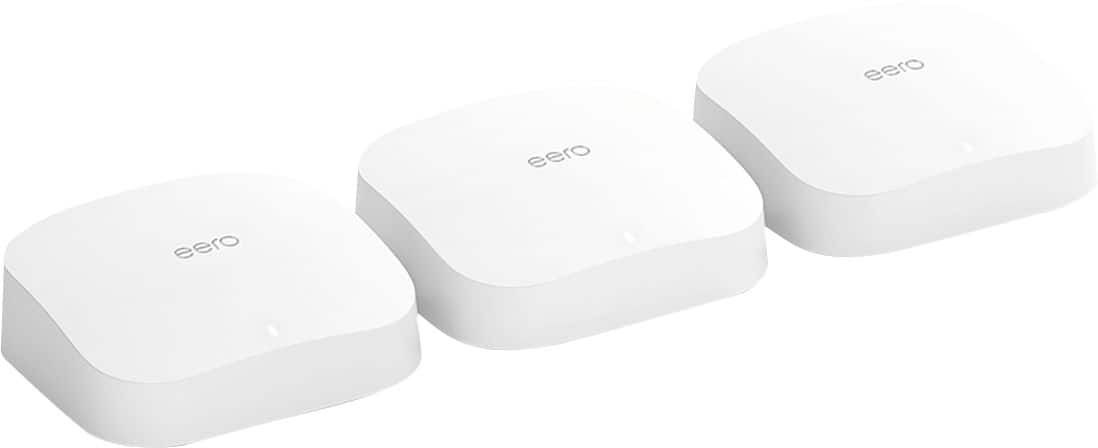
A:AnswerYes. I bought the three pack, and all three nodes are identical. Any of of them can be the base (wired) node, or a satellite. So you can buy one, see if it's enough and then buy another. It may not be the most cost effective way to go, but it works.
A:AnswerMaybe, maybe not….6e standard may require a new chip set that’s not on current chips on Wi-Fi 6. We shall see as more and more vendors are starting to make Wi-Fi 6e products.
A:AnswerTed,
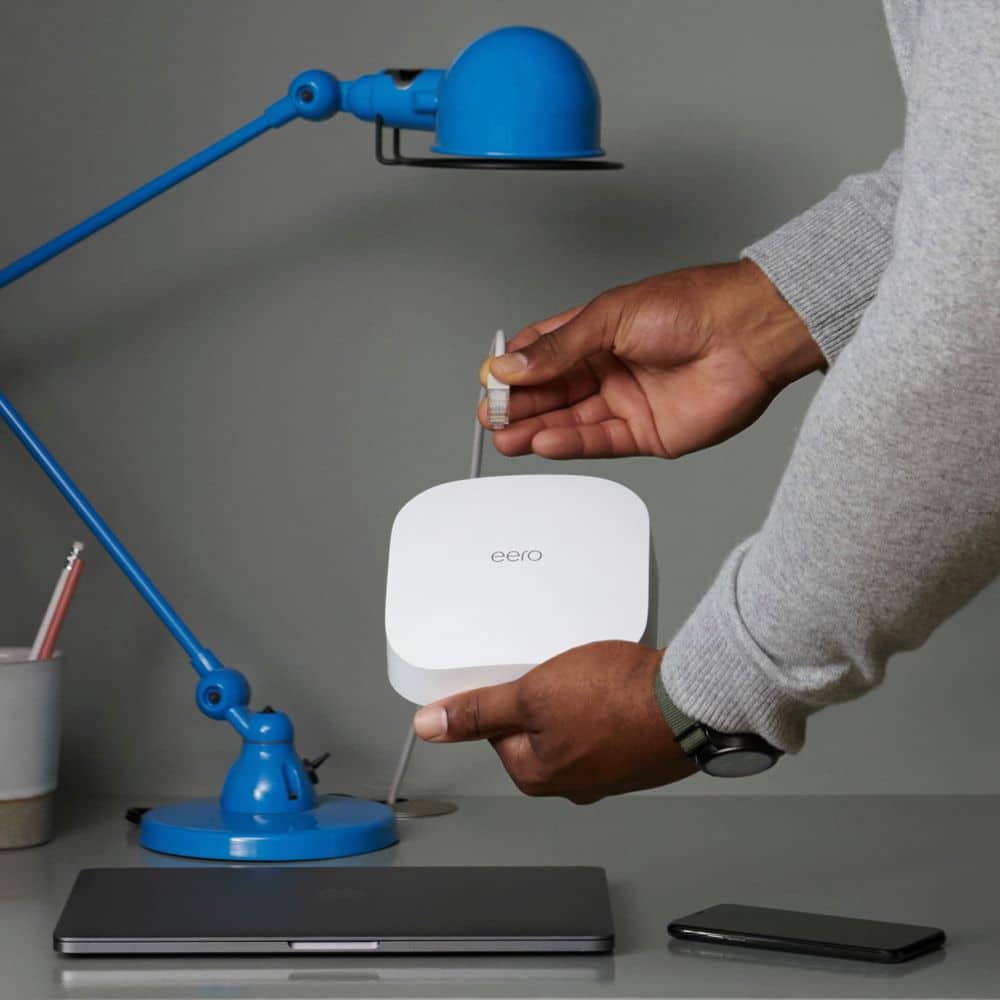
First and foremost, I would make sure you're using CAT 6 cables. Depending on the size of your house, you can add eero to have coverage throughout your house. You can add a gigabit switch at locations where you have your routers. That way you would have a solid connection. If you're gonna use eero, make sure you disable the router from Spectrum. Run speed test before and after. You can call me if you have questions 314-495-0099. Darrell
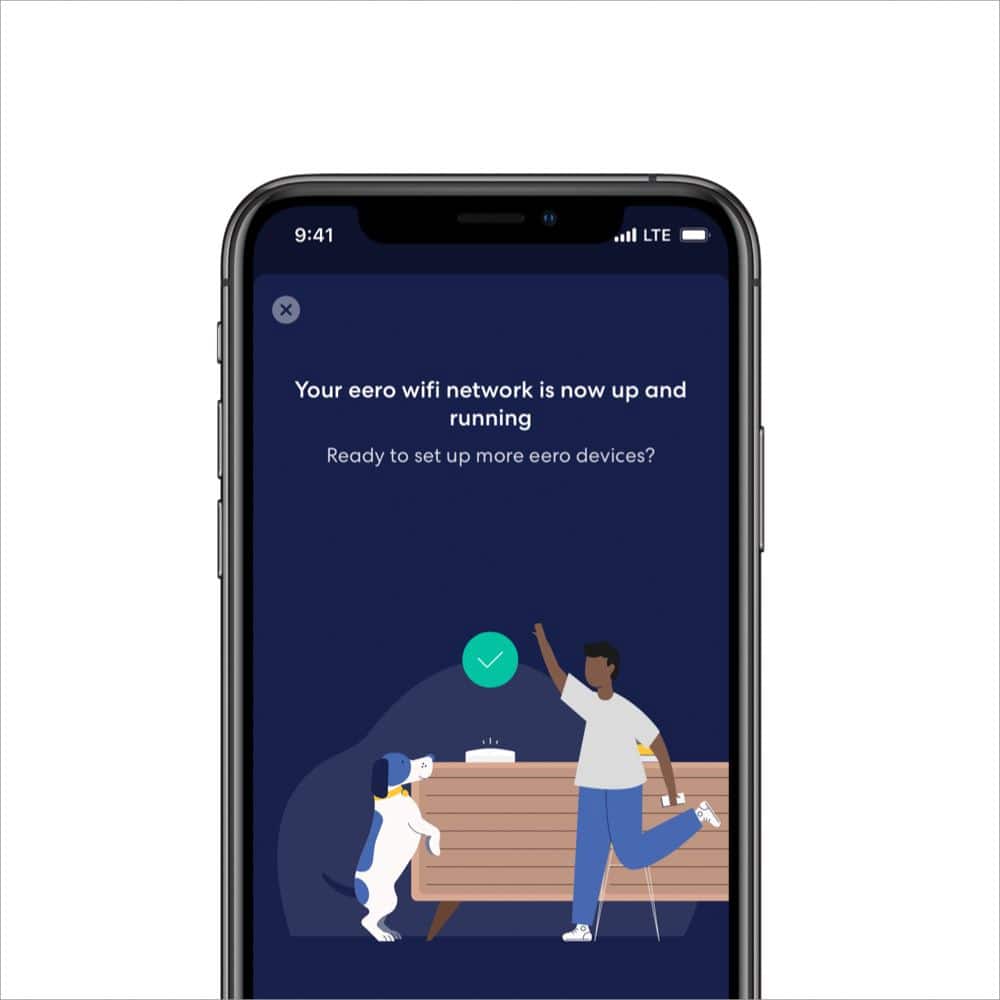
A:AnswerAdd more Eeros. That’s it. Go into the app and choose to add another node. Either use more eero pro 6 or you can use just regular 6 non pro for additions as well
A:AnswerYou can add other nodes by following the instructions in the link https://support.eero.com/hc/en-us/articles/207895233-How-do-I-add-or-remove-eeros-from-my-network-
A:Answerwhat do you mean with this question? If you have AT&T you can use these for your mesh network/wifi or router. I have AT&T and you will have to put your AT&T router in pass thru mode. Google whatever router model # your have with AT&T and you can find the instructions.
A:AnswerI am using a 3 pack in a 3000 square foot one story house. My speeds from the Eero gateway router are much higher that the speeds on the two remote Eeros. I don't know if that means there is a problem or if that is normal. Setup is extremely easy. Load the Eero app on your smartphone and follow the instructions. You should be done in less than 15 minutes. I replaced an older model Eero with the latest version. To avoid having to put a new wifi network name and password in every device that connects to the network, I used the same network name and password in the new Eeros and that worked.
A:AnswerTo a certain extent, yes. However there are too many variables in a home that could reduce the range strength dramatically. Dense wall materials (Brick, Concrete, lathe and plaster). Also remember, water and plumbing can be harmful to wifi signals as well. Oh, old wireless phones, baby monitors, and security cameras can be harmful to wifi signals too. If you have a more modern home, drywall and wood, the Eero Pro 6 should perform well for 2000sq ft. The best thing about getting Eero, is that you can always add on a second Eero to support if you feel like you need it.