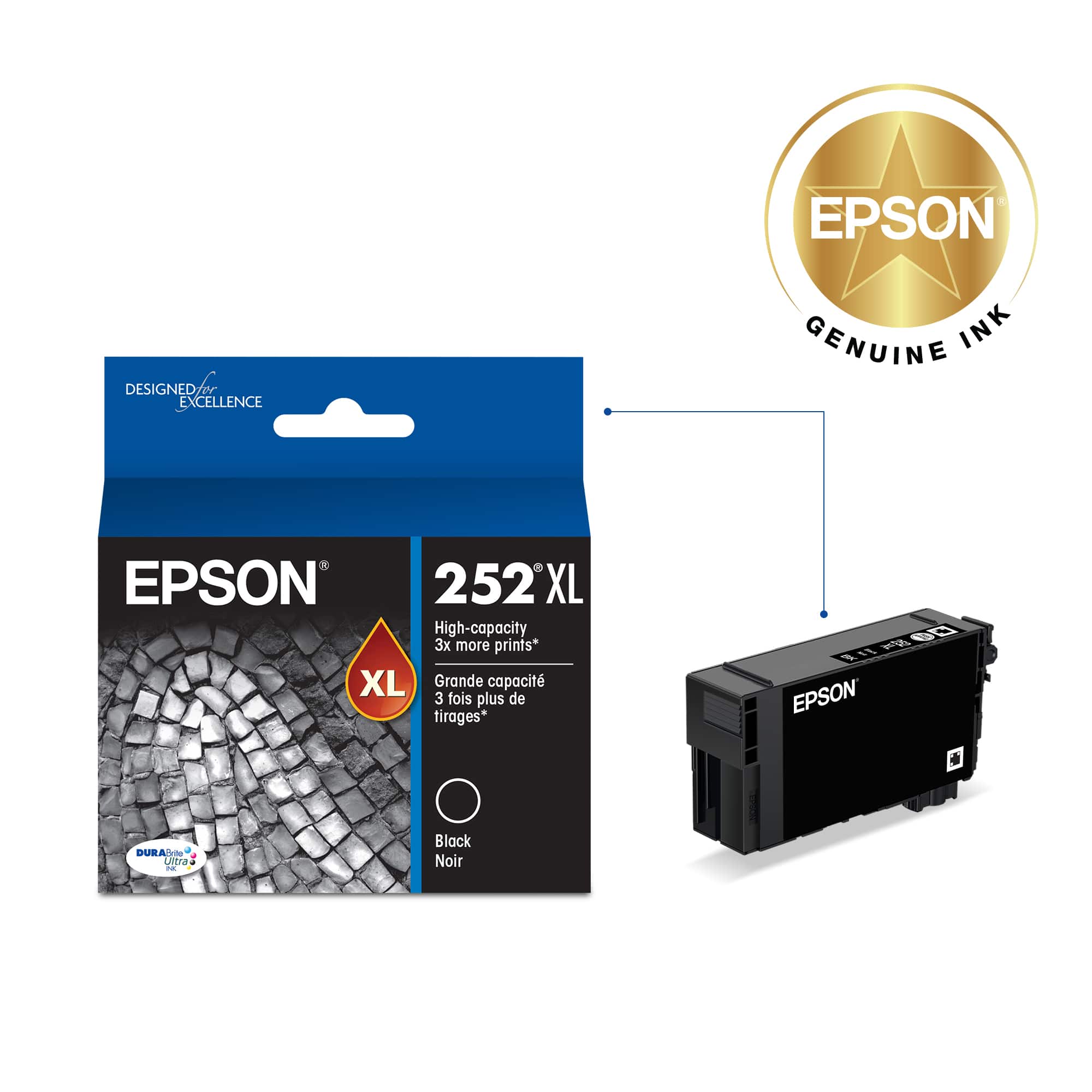
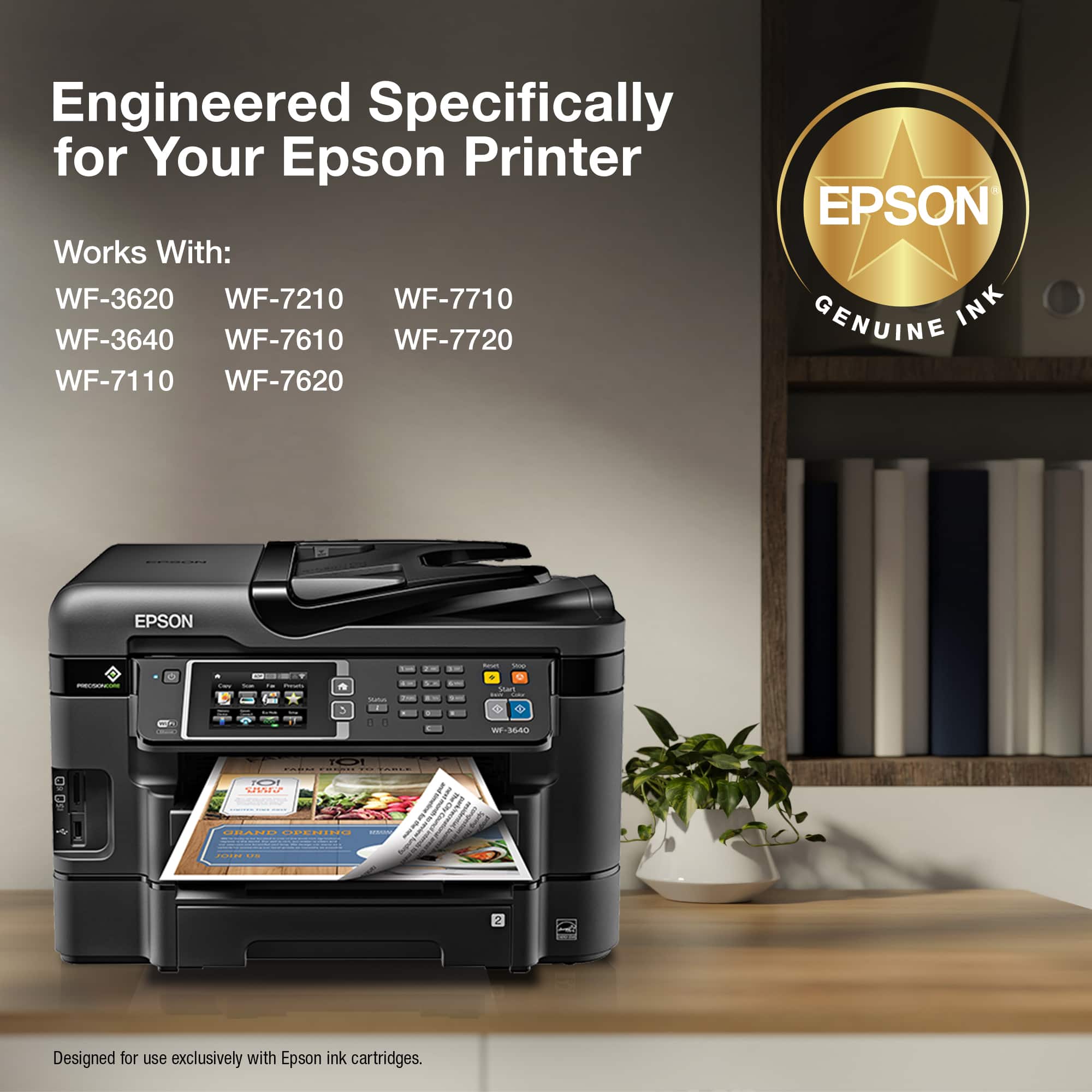
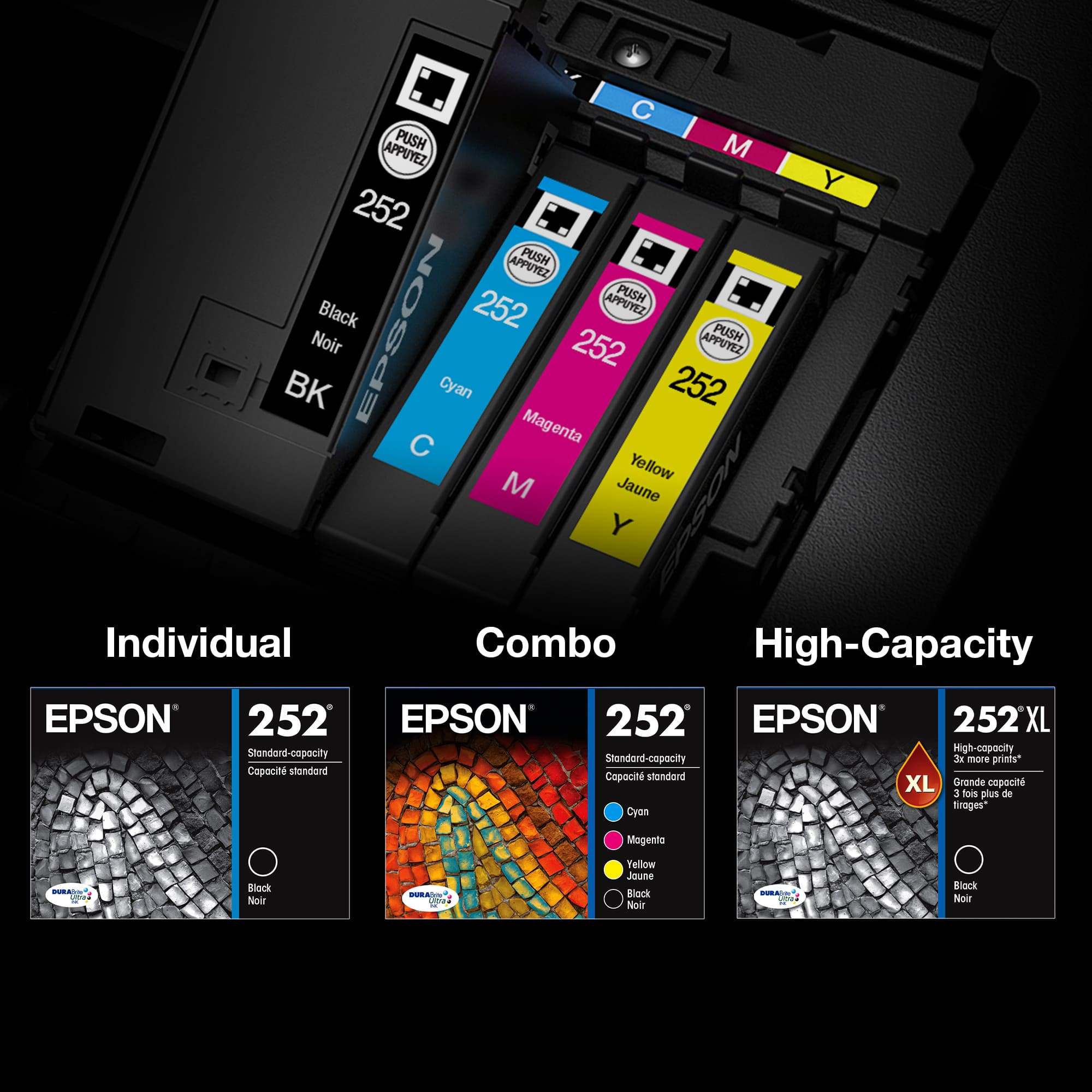
A:Answergo to help menu on the display screen. scroll down to "maintenance". within the menu scroll down to "replace cartridge". click that. the cartridge carrier will then move way left then move back to the right, stopping just the right place to allow you to pull on the plastic cover tab and lifi it up. next, squeeze the top tab on the cartridge you want to replace - while doing that, pull from the top of the cartridge and remove it. Find the new cartridge an be SURE to REMOVE the yellow sticker attached to th top side of the cartridge. Next, slide that new cartridge into the slot where the old one was. press it down until the tab at the top clicks. next, roll the black plastic using its tab back over all the cartridges press down until it clicks.
the help menu on the printer screen takes you thru step by step.
it appears that you might not have followed all the steps in installing the new cartridge.
xt
A:Answeryes there is from third party companies BUT you wont get better print quality from them i spent $200.00 or more trying to go cheap and i paid for it by destroying my printer, once this happens you void your warranty not sure if i can put the name of that company here.
A:AnswerCall Epson directly; they are always so helpful with issues concerning their Printers.
Log on and register your printer so they will recognize it when you talk to them