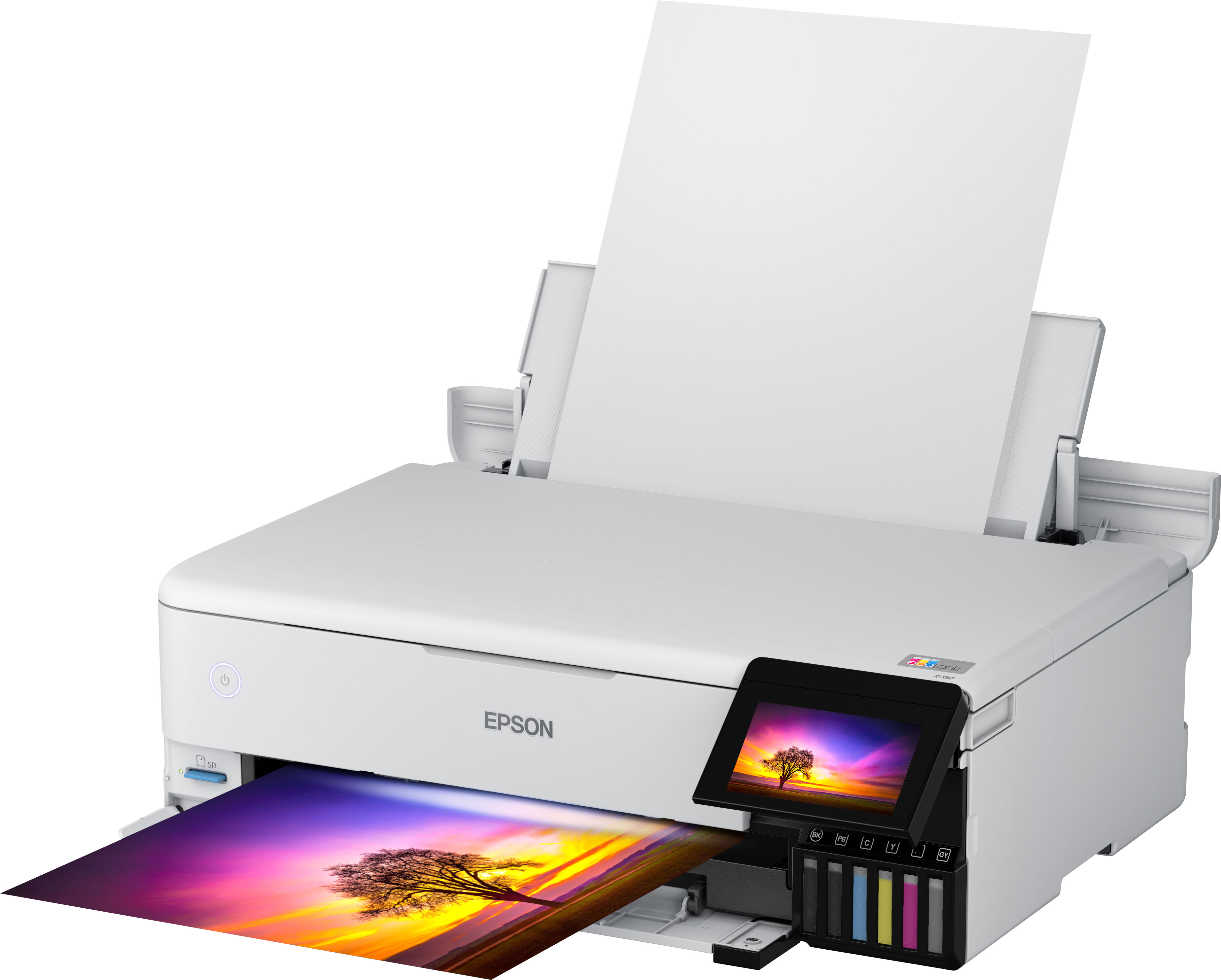
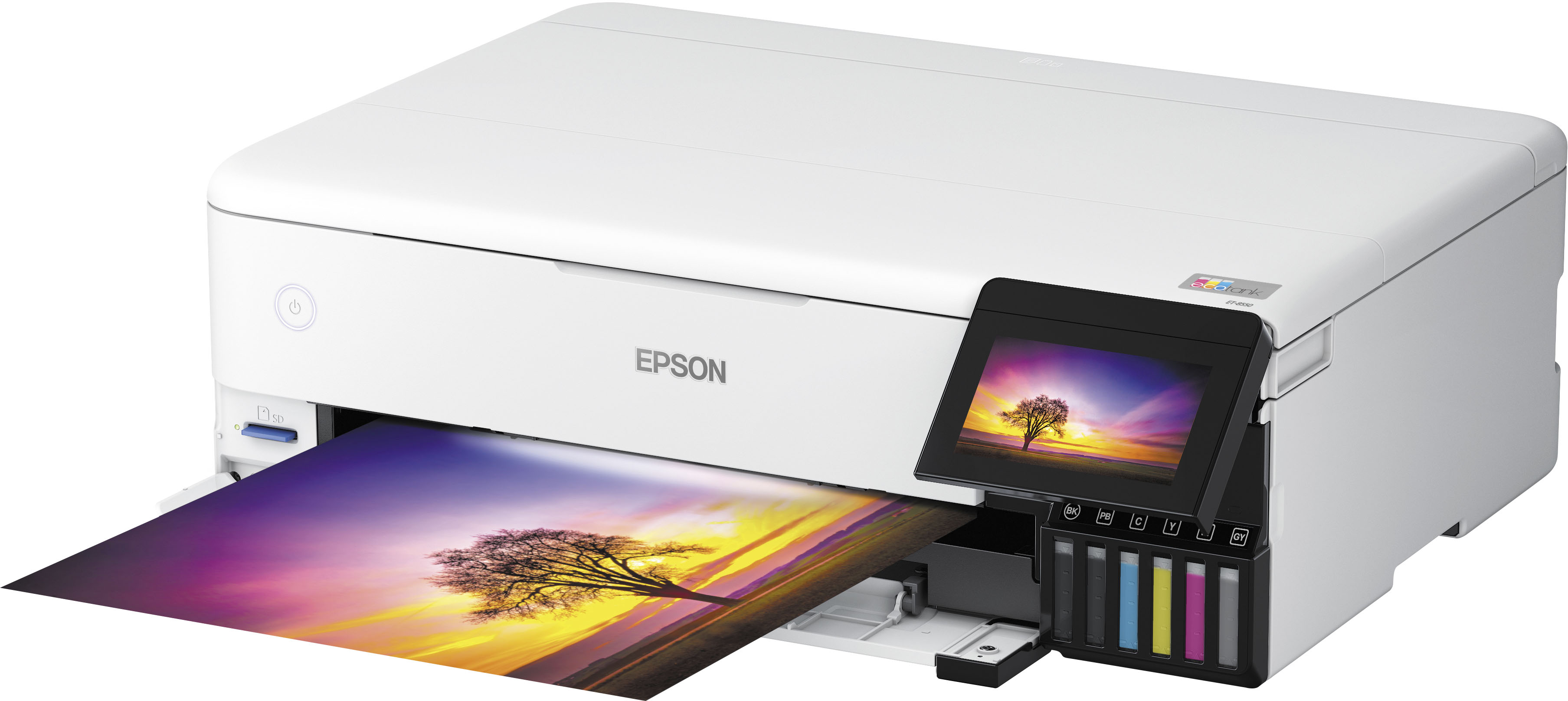
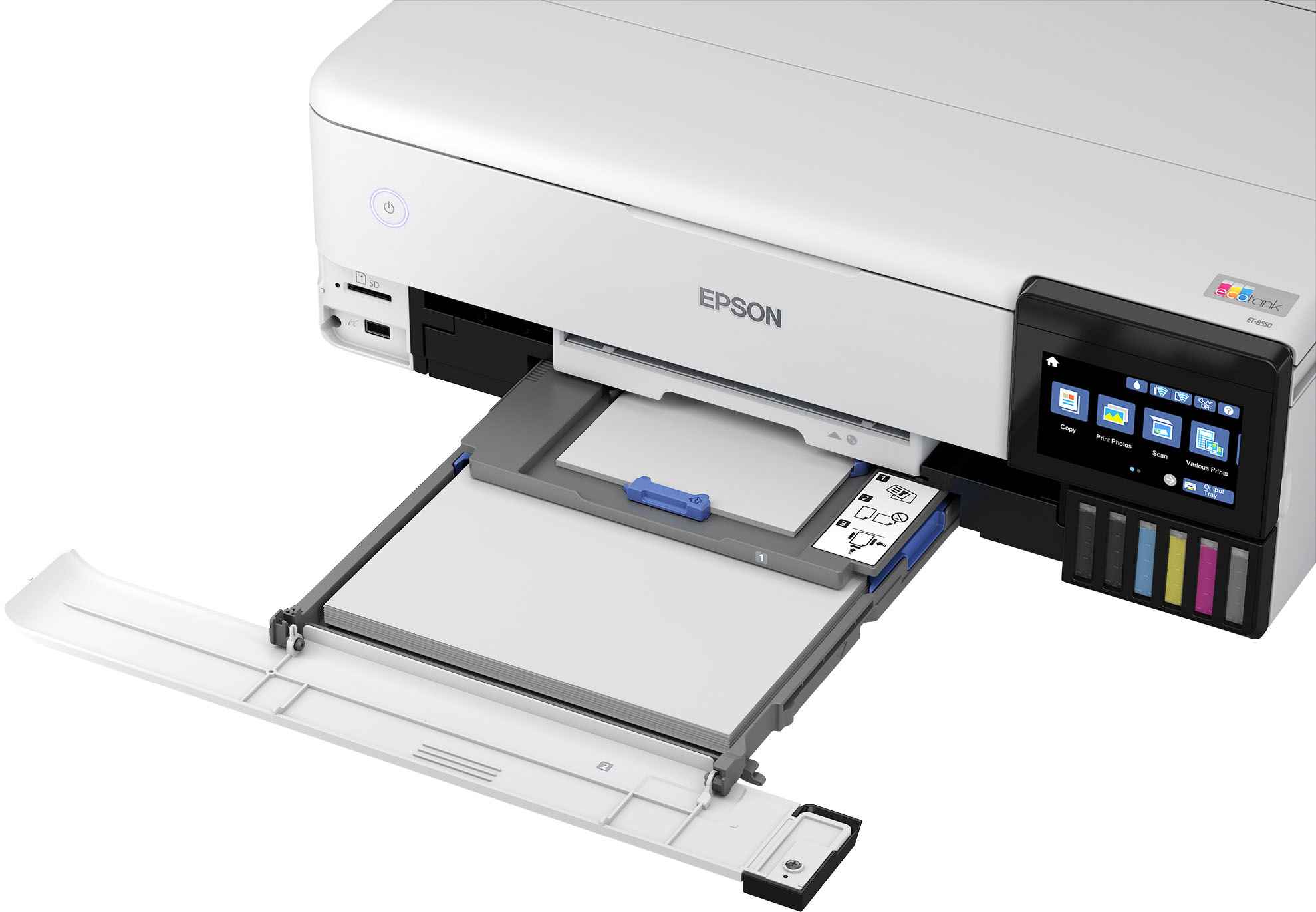
A:AnswerYes, while the program recognizes 2 sided printing, the printer is not duplex, so all the program means by two sided is that it'll recognize that the pages need to be flipped. depending on program and settings such as with adobe acrobat, you can say for an 8 page document have it print 1,3,5,7 and then it'll ask you to put the pages back in the tray. for the epson 8550 which flips from cassette 1 and 2 (not rear tray) to print you'd lay it with page 7 face up on the back of the stack and then it'd print pages 8,6,4,2 in reverse order.
A:AnswerPrinting card stock can be a challenge because it comes in different thickness. Make sure you talk to Epson before even trying to print it. It can jam a photo printer if it is too thick. Be careful.
A:AnswerHello Pammy. The ET-8500 can print on paper sizes ranging from 2.2" x 3.4" to 8.5" x 78.7". The ET-8550 supports paper sizes 2.2" x 3.4" to 13" x 78.7". Regards, Kevin - The Epson Team.
A:AnswerHello aveysi. The ET-8550 has a Power supply rating of 100 to 120 V. Unfortunately, it would not work with your Power supply. Regards, Kevin - The Epson Team.
A:AnswerHello Cal. Yes, you can scan and enlarge images. We recommend you scan the image on the highest quality settings to retain as much detail as possible. Please note your results will vary as different factors can affect how the final image will look, including the condition and quality of the original photo. Regards, Kevin - The Epson Team.
A:AnswerHello Jen. The ET-8550 is compatible with Epson Photo Papers. Unfortunately, we have not tested 3rd party Photo Paper on the machine, so your results will vary when using 3rd party brands. Using the high-quality option will normally give you the best details, but use more ink. However, suggested print settings can always vary based on the paper used. Regards, Kevin - The Epson Team.
A:AnswerIt can be converted into a sublimation printer, I have one converted for DTF and another for sublimation. It works great for both and the largest print size available is 13x19. I love this printer, and Epson informed me that converting would not cancel my warranty. The warranty can be found on the Epson website or by calling Epson customer service.
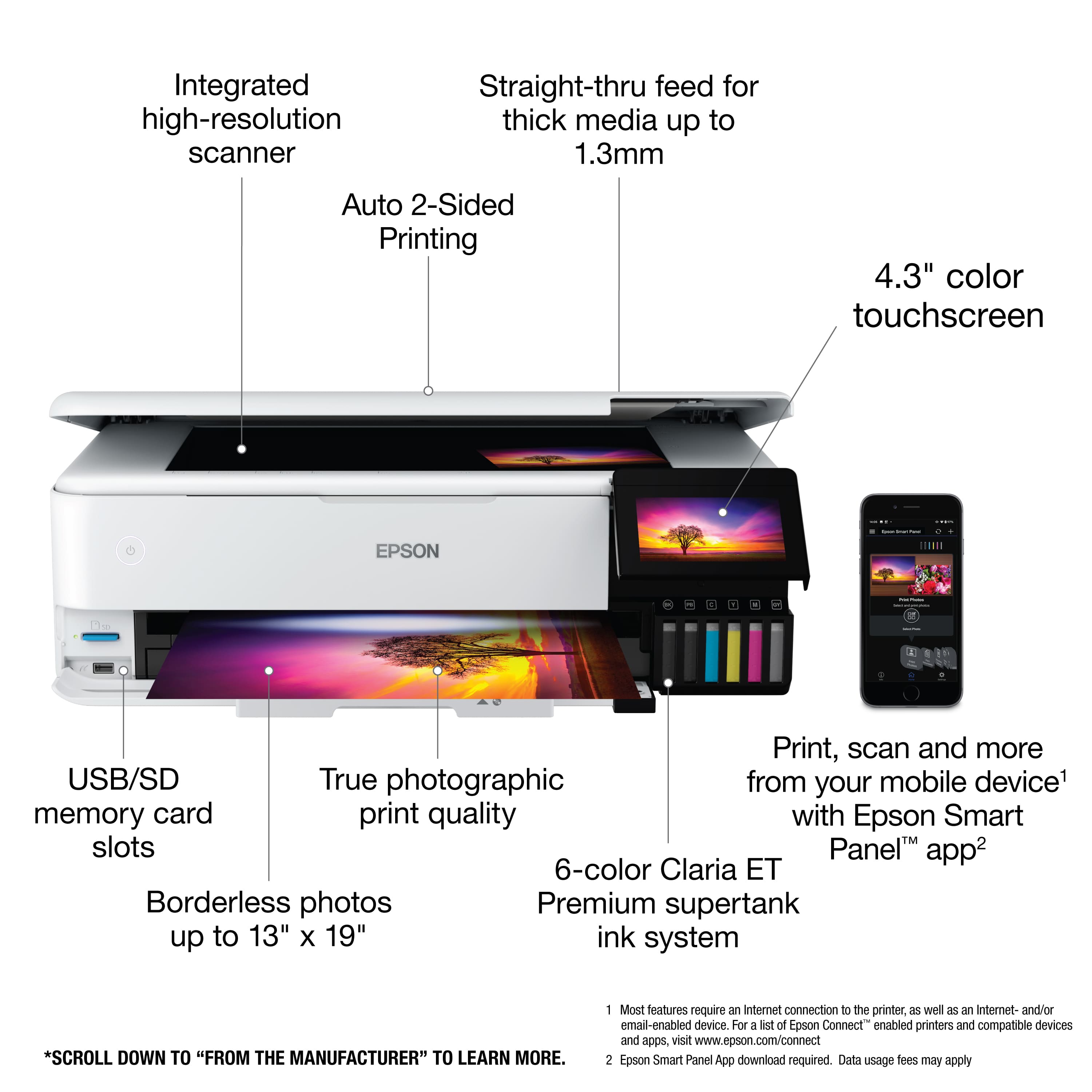
A:AnswerHello Ash. Unfortunately, the ET-2550 does not include borderless printing. The ET-8550 has borderless printing available for 5" x 7" paper, but 7" x 10" is not supported. Regards, Kevin - The Epson Team.
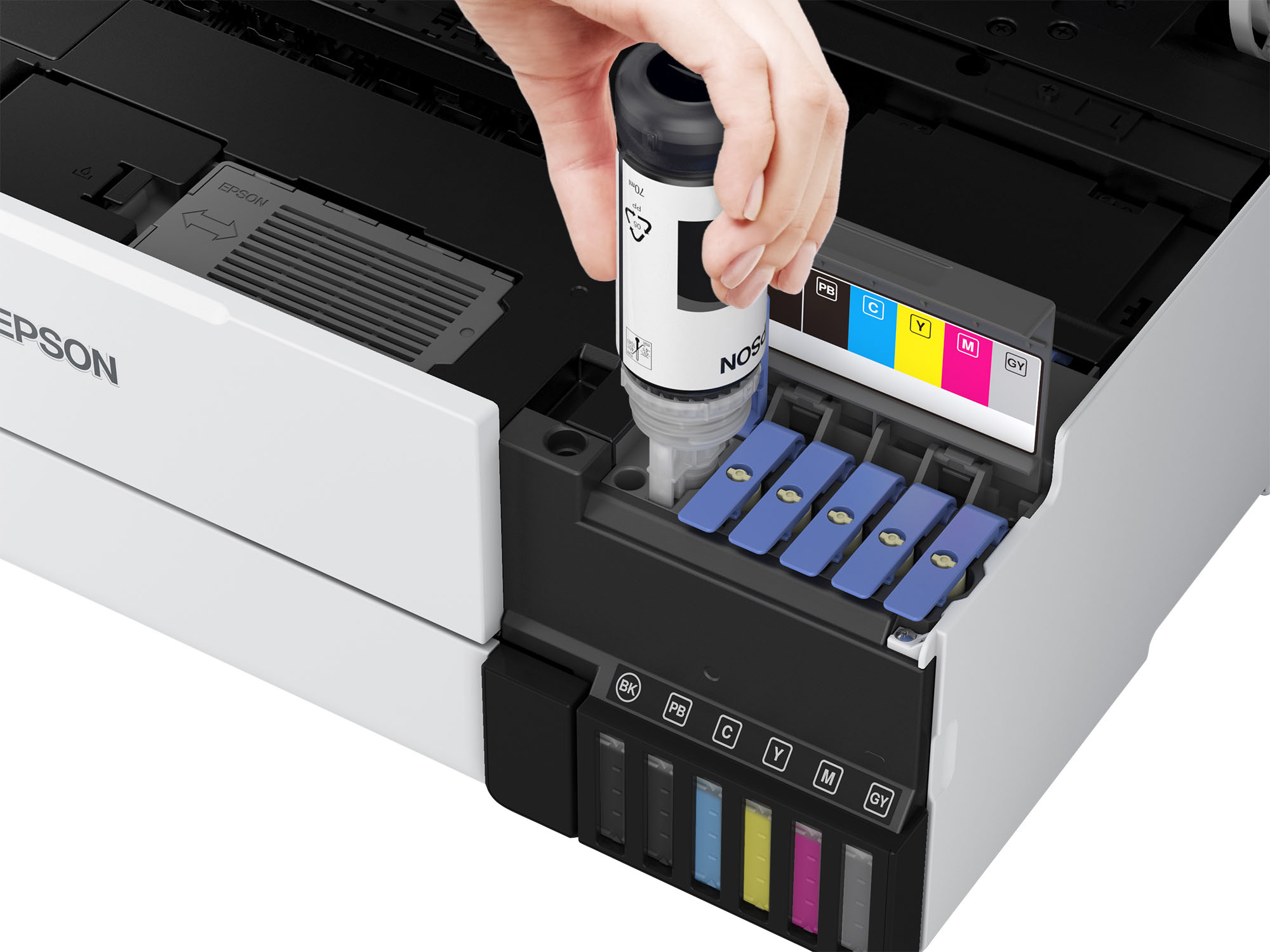
A:AnswerI bought mine for inkjet use however I've seen persons use it for that purpose. You jus need to load it up with sublimation printer inks vs the inks the unit come with and should be good to go for subs
A:AnswerHi vjr18, Yes, the EcoTank Photo ET-8550 can print 12" x 12" photos. In order to print on 12" x 12" paper it is necessary to create a User Defined size. This is a simple one-time operation. Note: 12" x 12" photos will have a small white border on all edges of the photo. Regards, Dylan - The Epson Team.