A:AnswerIf you can download the software it should come on when you choose what kind of scan you want. I only use it on my desktop and laptop. Not sure this helped you ...
A:AnswerI would think reflections off the plastic might ruin the scan. I have successfully scanned items in plastic covers but these were magazine covers in very flat bags. This is the kind of question where you really don't know the answer until you try it. Good luck.
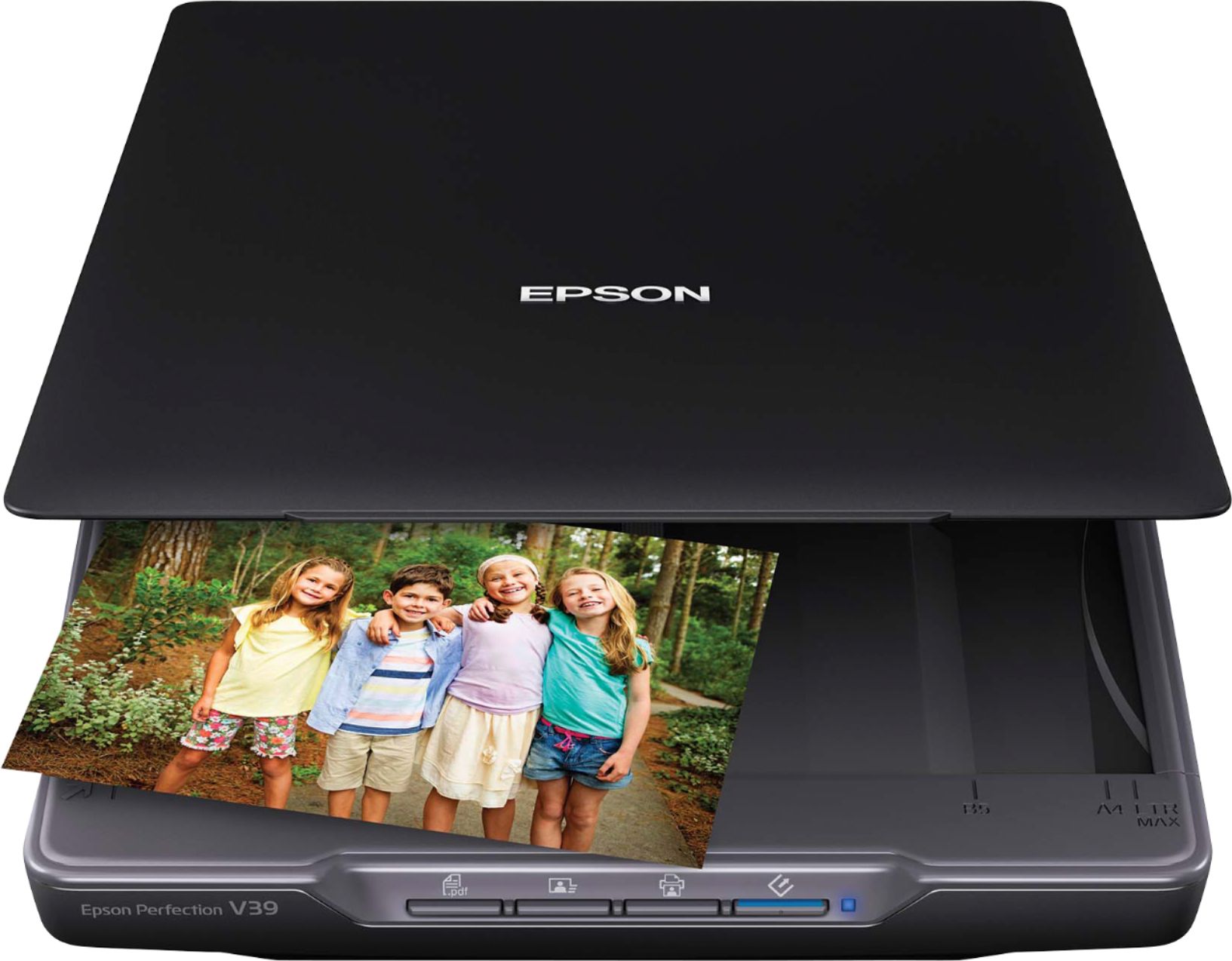
A:AnswerThis a standard, flatbed scanner. It is not a receipt scanner (with a special feeder etc.). You should consider the Epson Workforce ES-60W. That would be more of what you are looking for to scan receipts. It is portable and relatively inexpensive at around $120.00 at Best Buy. I hope this helps you Tiff.
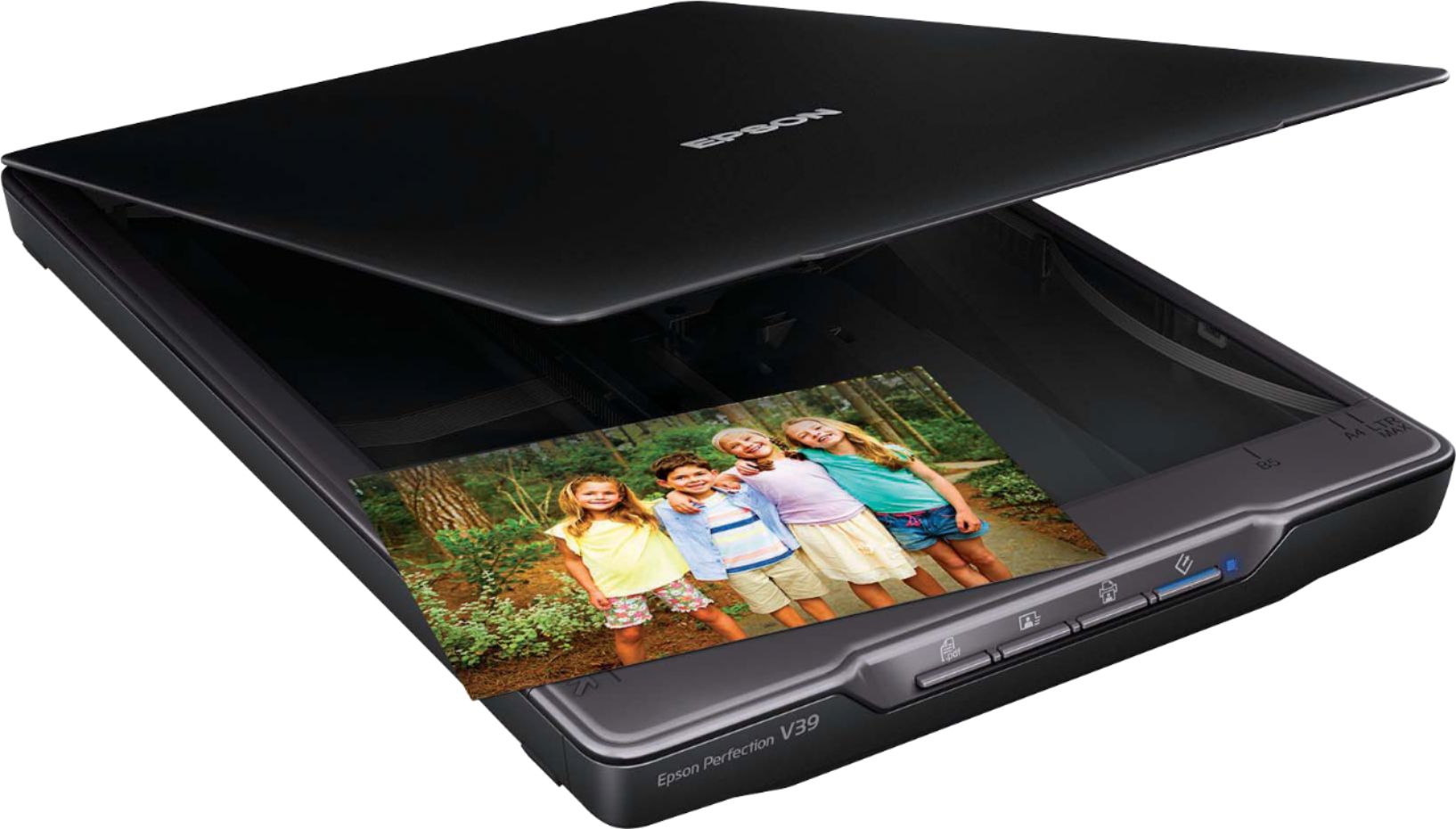
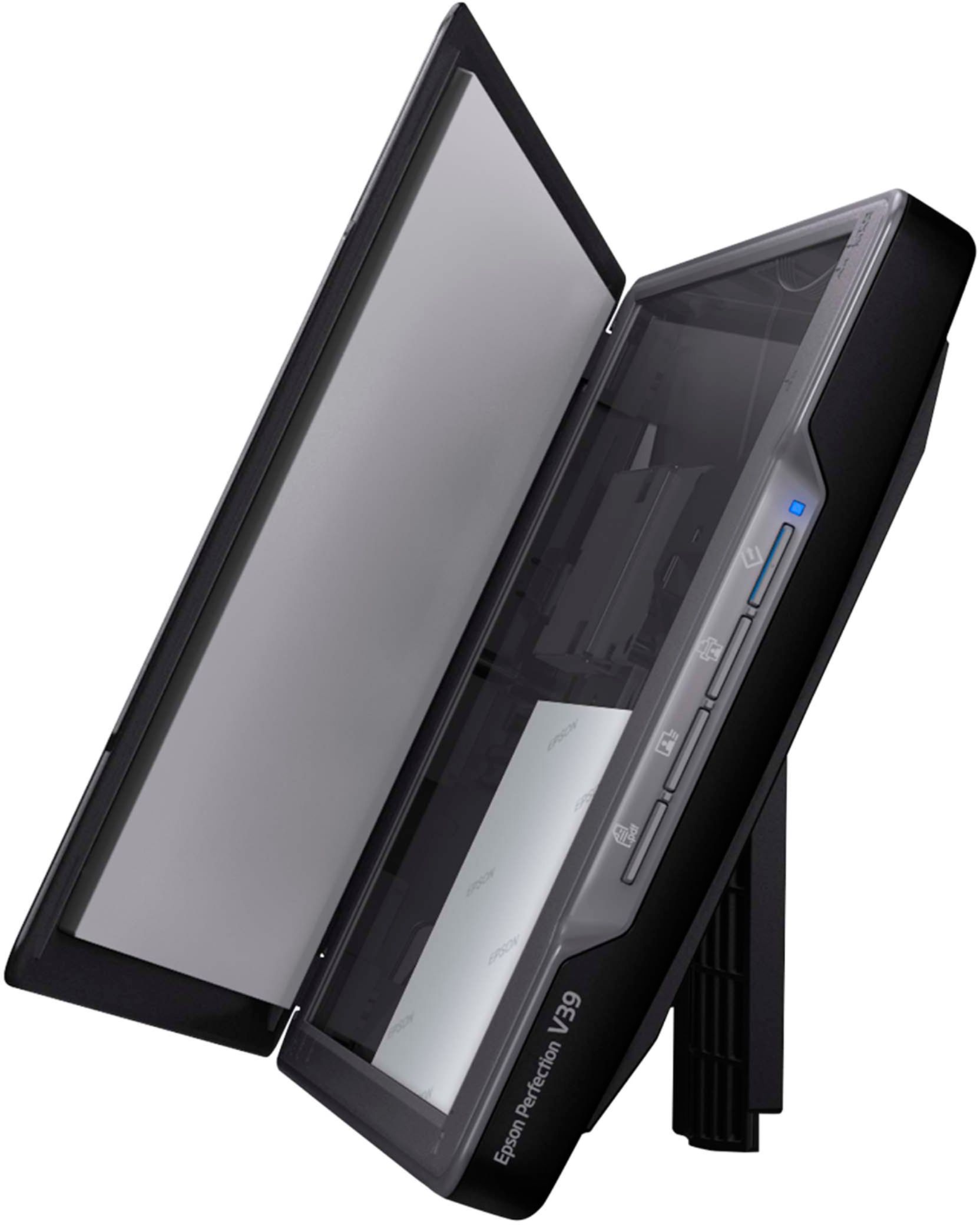
A:AnswerNo. This is a standard flatbed scanner with the light coming from the bottom of the scanned side of the document. It does not have any backlight capabilities.
A:AnswerNo. This is a standard flatbed scanner with the light coming from the bottom of the scanned side of the document. It does not have any backlight capabilities.
A:AnswerIf you have a mac check your applications folder to see if the software was properly installed. The same applies to windows I believe, so you need to check your program files folder. The folder should say Epson, if it still persists check the Epson website and make sure you have downloaded the proper drivers. I hope this helps.
A:AnswerBecause the Chrome OS on your Chromebook is a mobile operating system, you can't install the normal software and drivers that you could on a regular Windows or Mac computer. That being said, you can scan to your Chromebook using the Webscan feature located in your printer's Embedded Web Server (EWS). The printer must be set up on your network to do this.