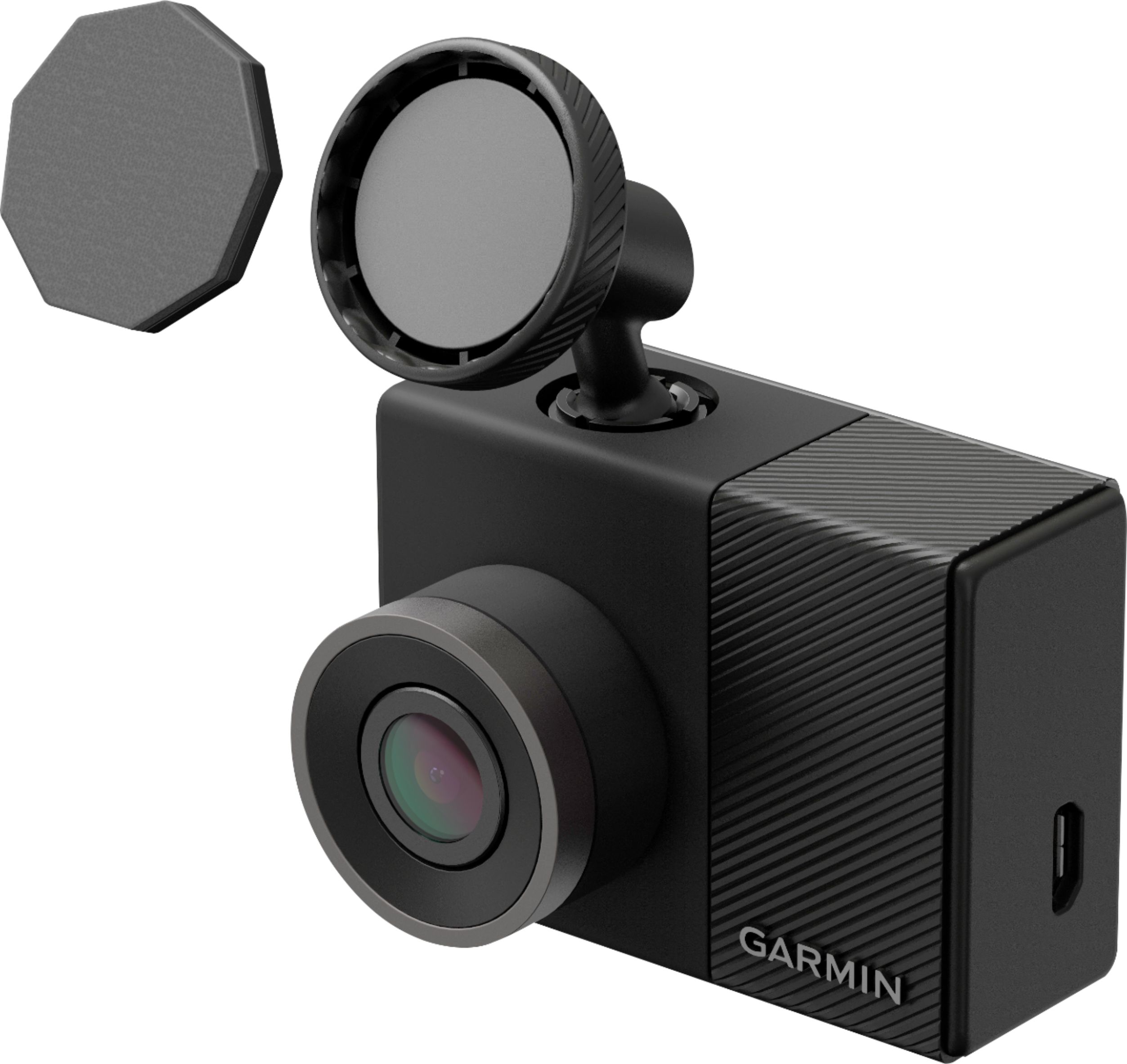
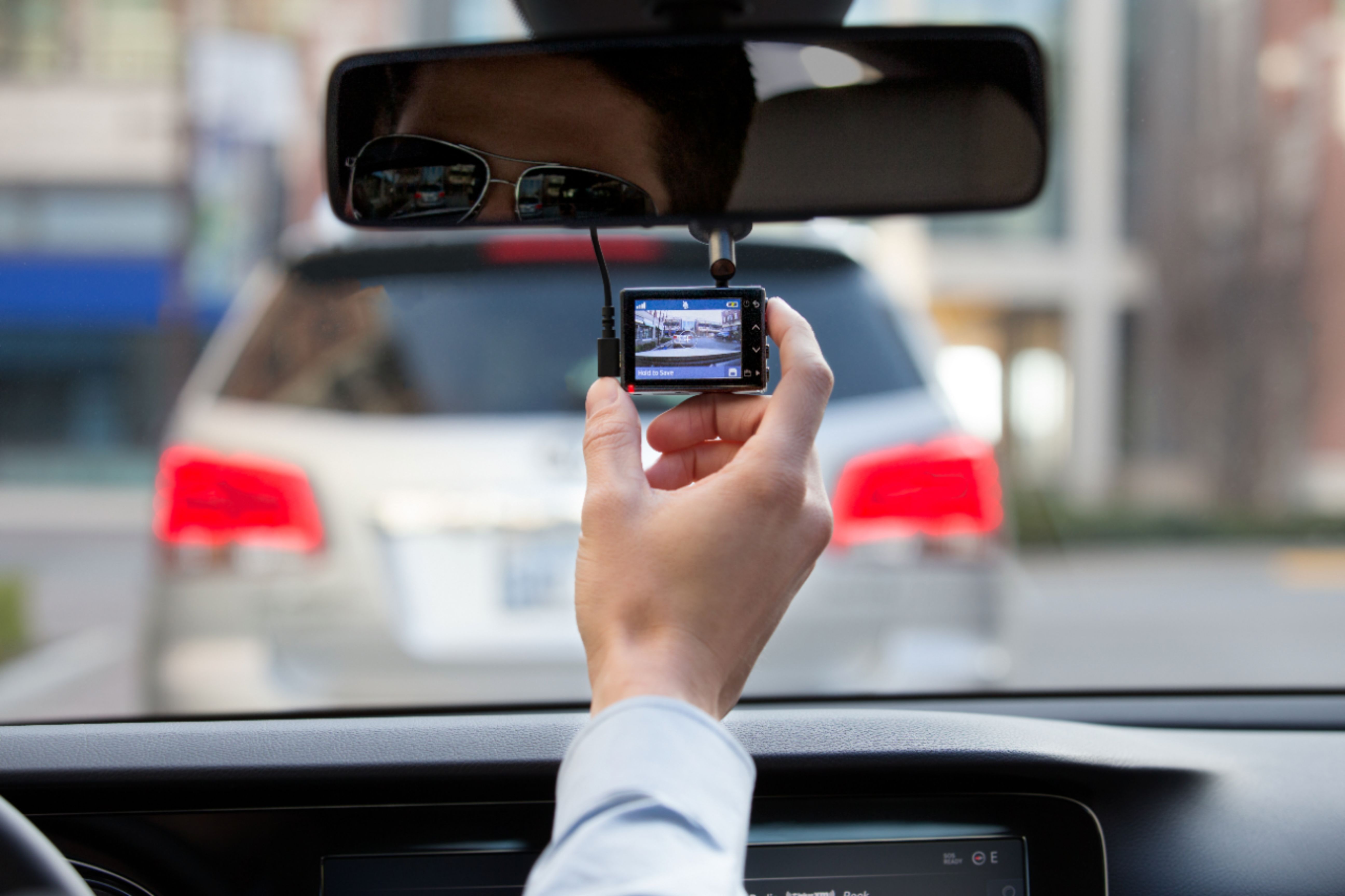
A:AnswerThere are two stickers, one you attach to the windshield and wait 24 hours for it to dry then you attach the sticker on the camera to that sticker. Works so far, no problems.
A:AnswerGarmin Product Support would be happy to help. Our contact information, including telephone number and hours of operation, can be found at: https://support.garmin.com/en-US/
A:AnswerYes it will if you purchase and install the Garmin Parking Mode cable. If you only use the included cigarette lighter cable, the Dash Cam will only record when the ignition is on.
A:AnswerThe video image at night is pretty good as long as their is sufficient street lighting. On a dark country road, the image is limited to what's fairly close to your headlight beam area.
A:AnswerYep! The bracket is adjustable to your needs. It also can compensate if you want to mount it on the left, right, top, or bottom of the windshield in the settings.
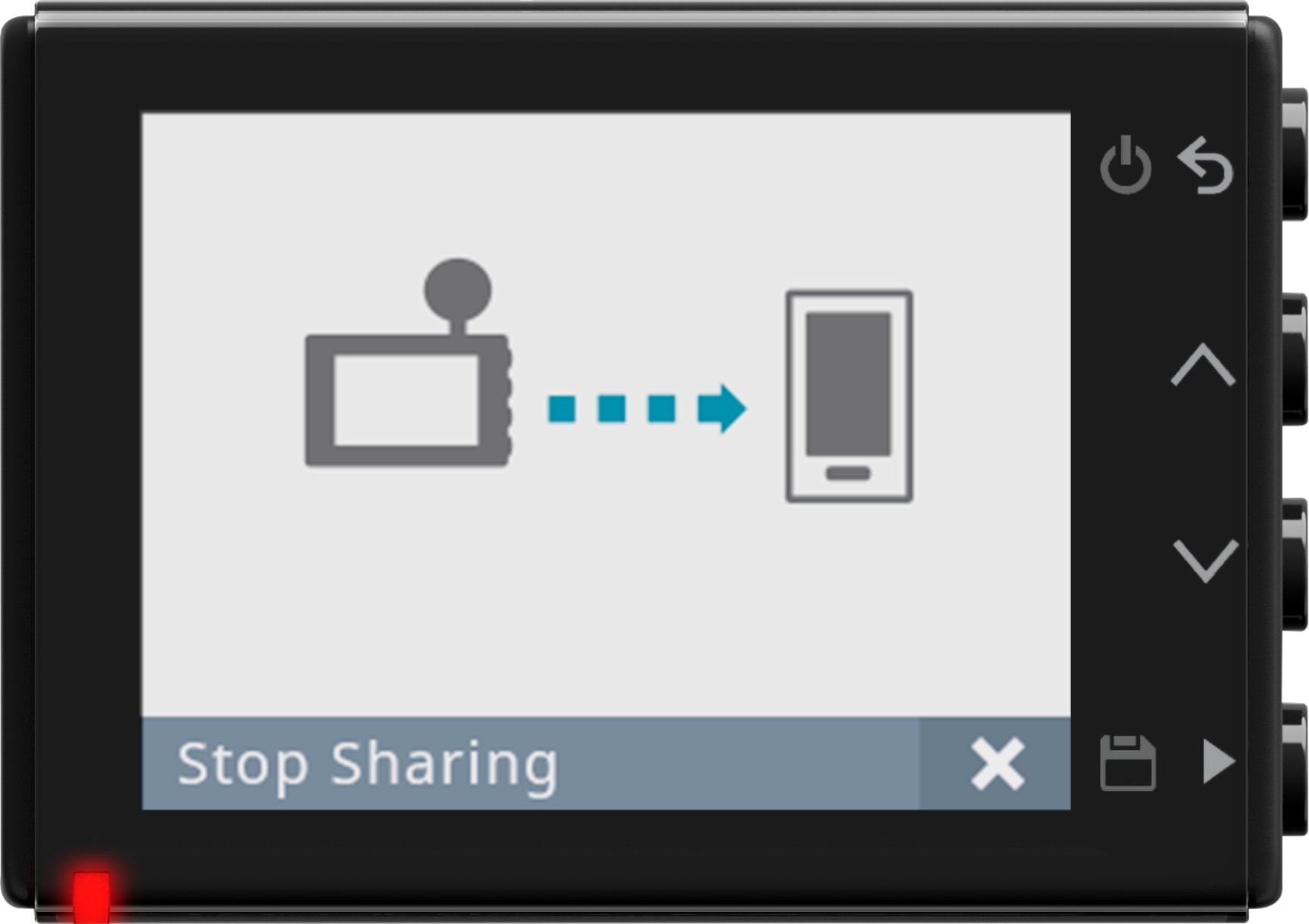
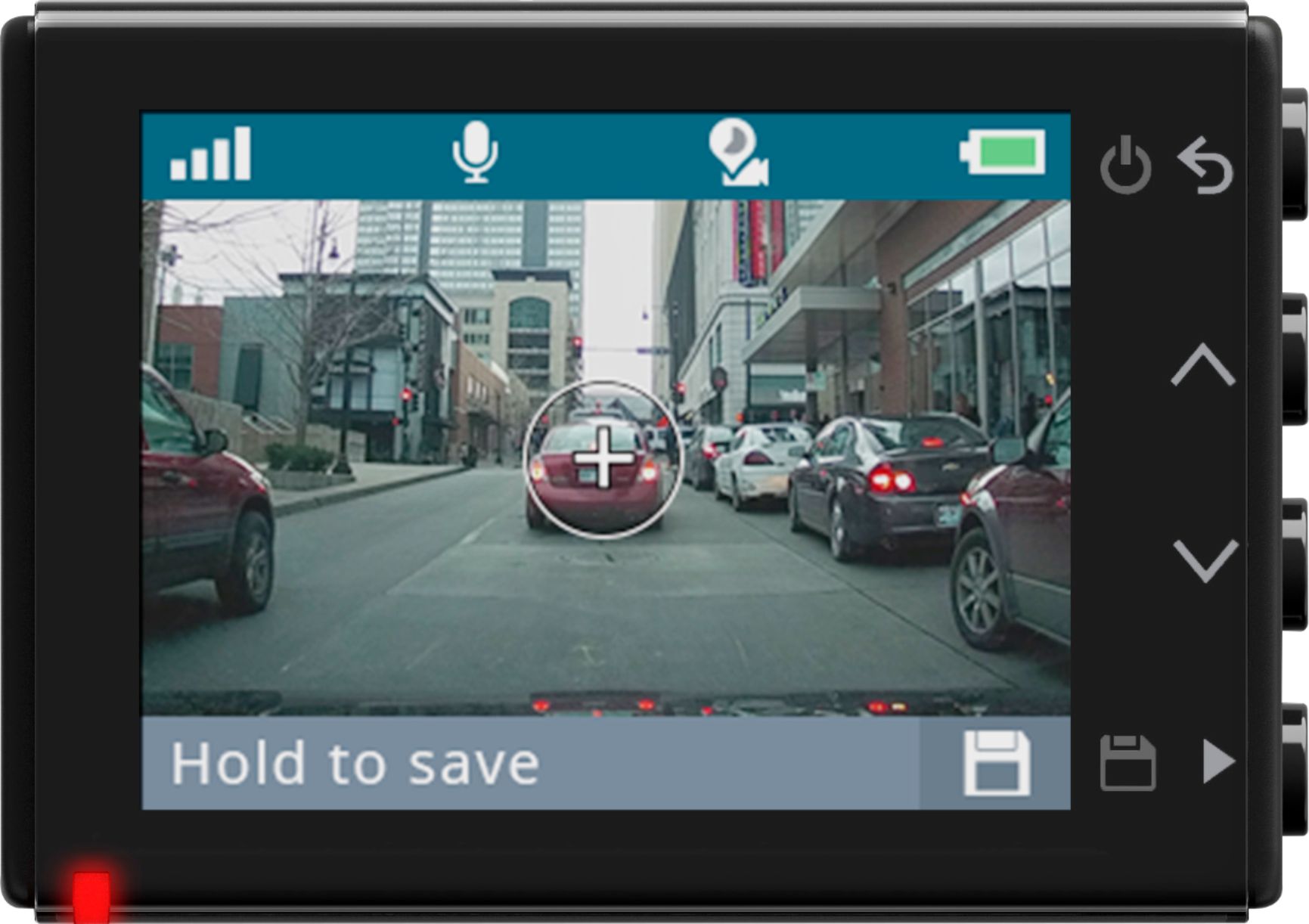
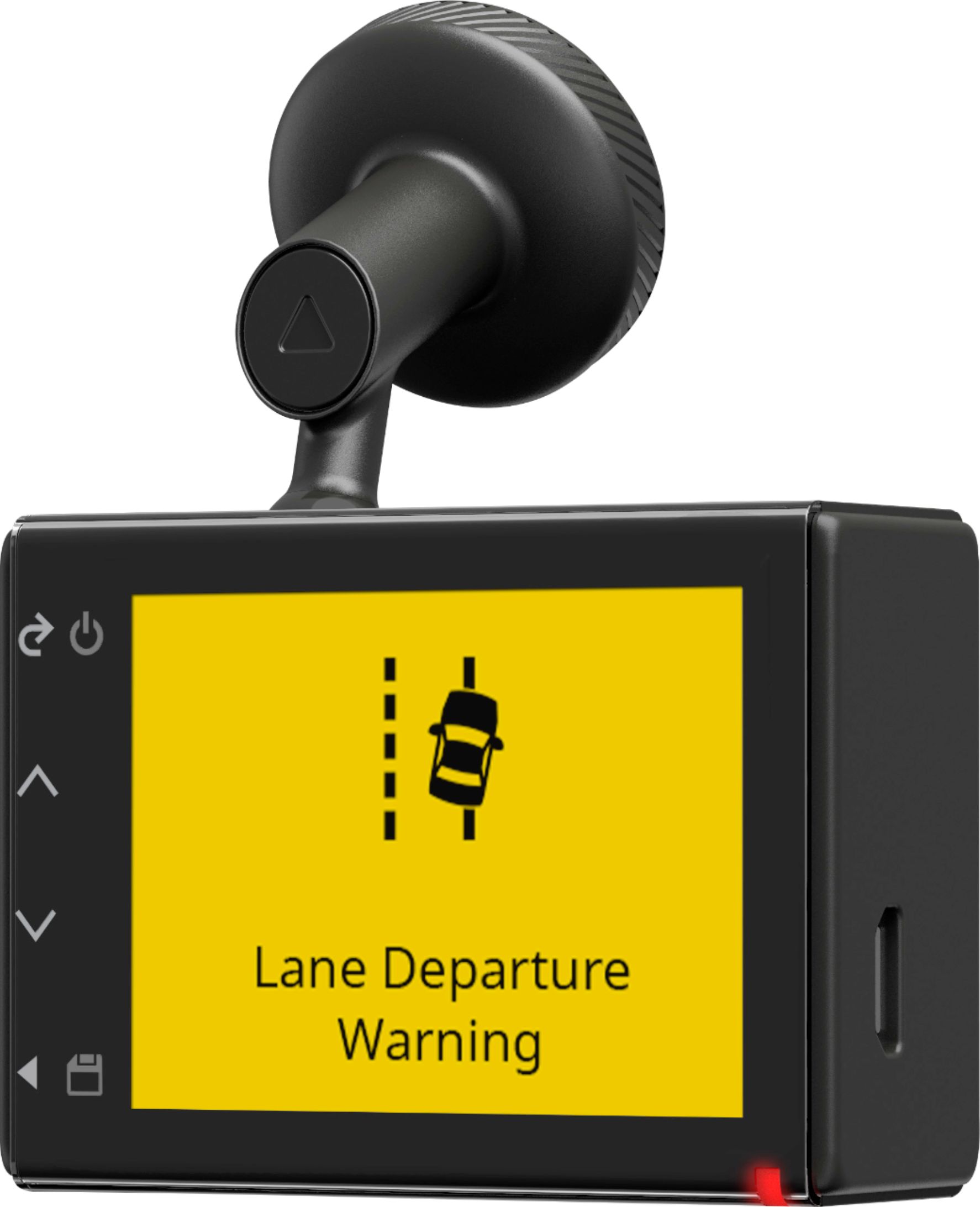
A:AnswerYes, this model includes a Display Timeout setting which will automatically dim the display of the device after a period of inactivity. The device will continue to record video even while the screen is dimmed (indicated by a red light), provided the microSD card remains in the device and the device remains powered on. This Garmin Support article gives all the details to enable or disable the Display Timeout setting: http://bit.ly/2EmVOCW
A:AnswerIt will only record rear audio unless you turn the camera around on passengers. If you want to record front and back then you will have to choose a different camera.
A:AnswerYou can watch recorded video/audio at home but not live video. Video is easily down loaded to a lap top, tablet or smart phone via a computer or wifi.
A:AnswerYes, the Garmin 45 has the parking mode feature. My vehicle is equipped with an original cigarette lighter outlet which is all ways powered on/hot even when the ignition switch is off so when parked I just leave the camera power cord plugged in and it stays on recording. If your vehicle does not have a constant on power on outlet, Garmin has a wire set available that connects to under-dash vehicle wiring to provide a constant hot supply to a camera.
A:AnswerThe Garmin 45 comes with a ball mount that the camera attaches to. The camera can be swiveled a full 360 degrees on the mount so mounting on the dash is doable with the correctly oriented field of view. The problem you will encounter will be in the front facing field of view catching to much of the hood and dashboard. Mounting the camera higher on the windshield makes good sense. Before making any permanent attachment, just hold the camera in different positions to view the field of view.
A:AnswerYou can buy another magnetic mount, or Garmin does make a suction cup accessory mount that makes it easy to transfer between different vehicles.
That is Garmin part number 010-12530-05.
A:AnswerIt only records in the direction it is pointing. If you require rear coverage, you must either purchase two units, one for front, one for rear; or you need to mount the device in the rear window facing out the rear window.