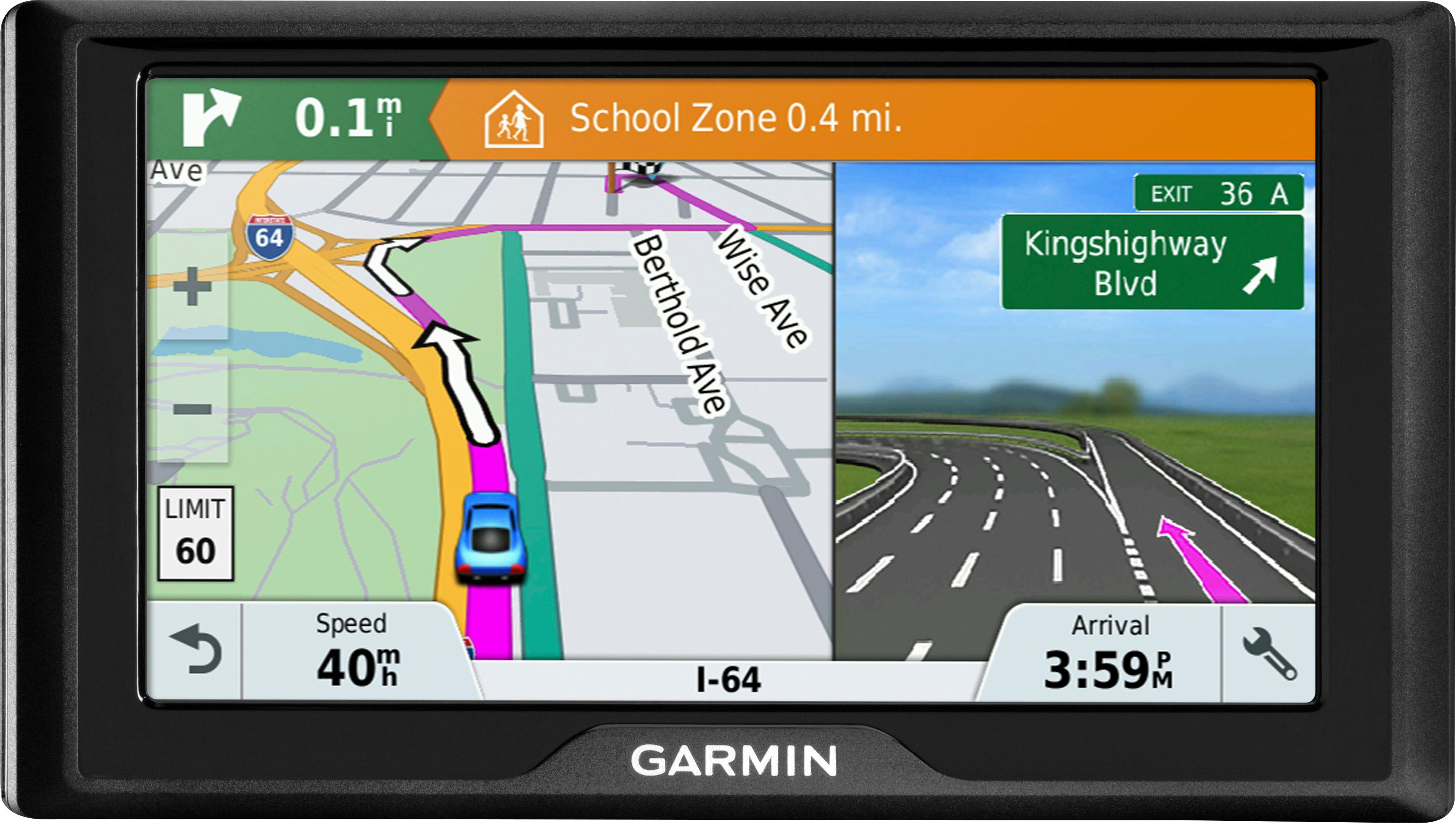
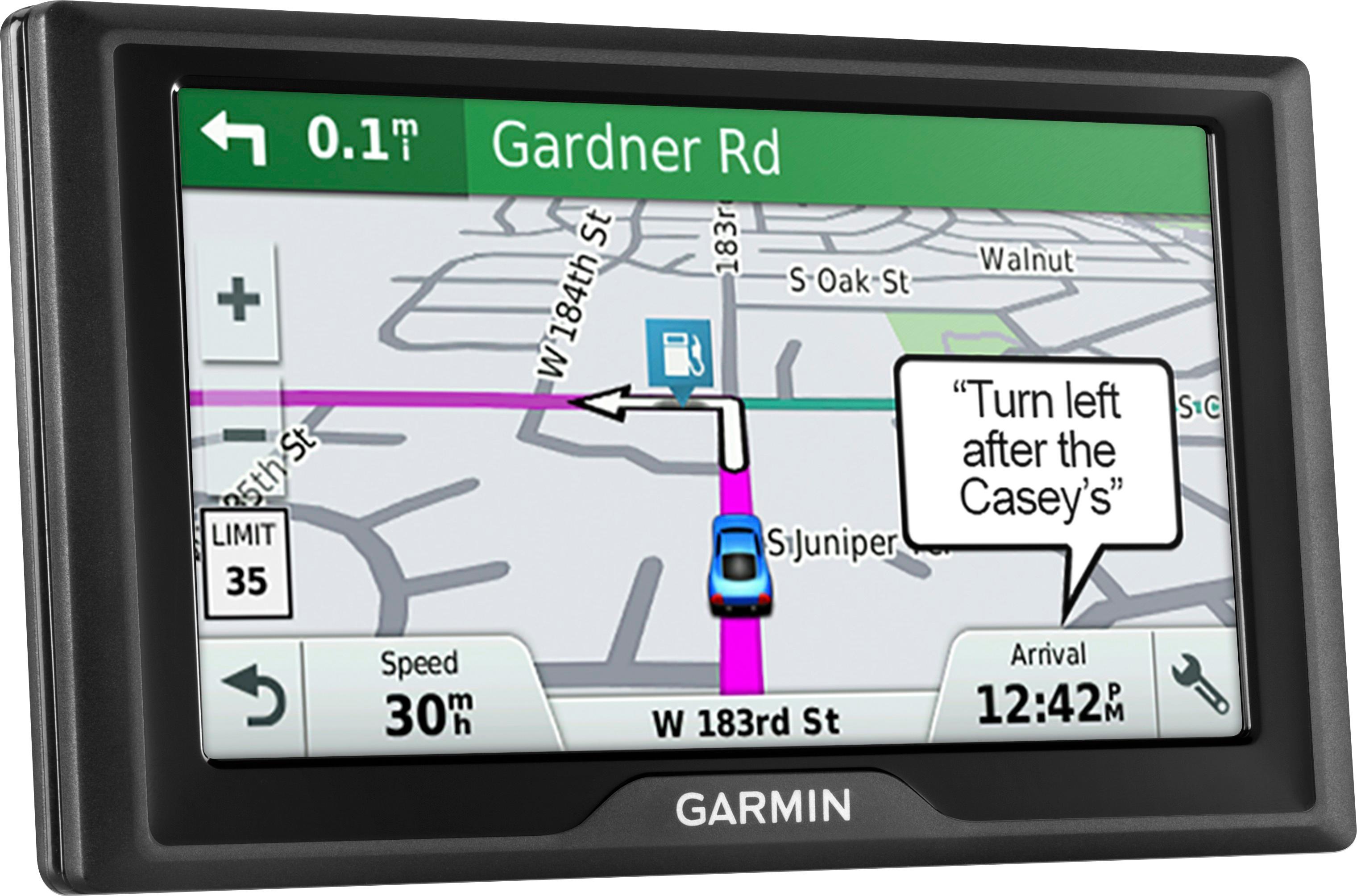
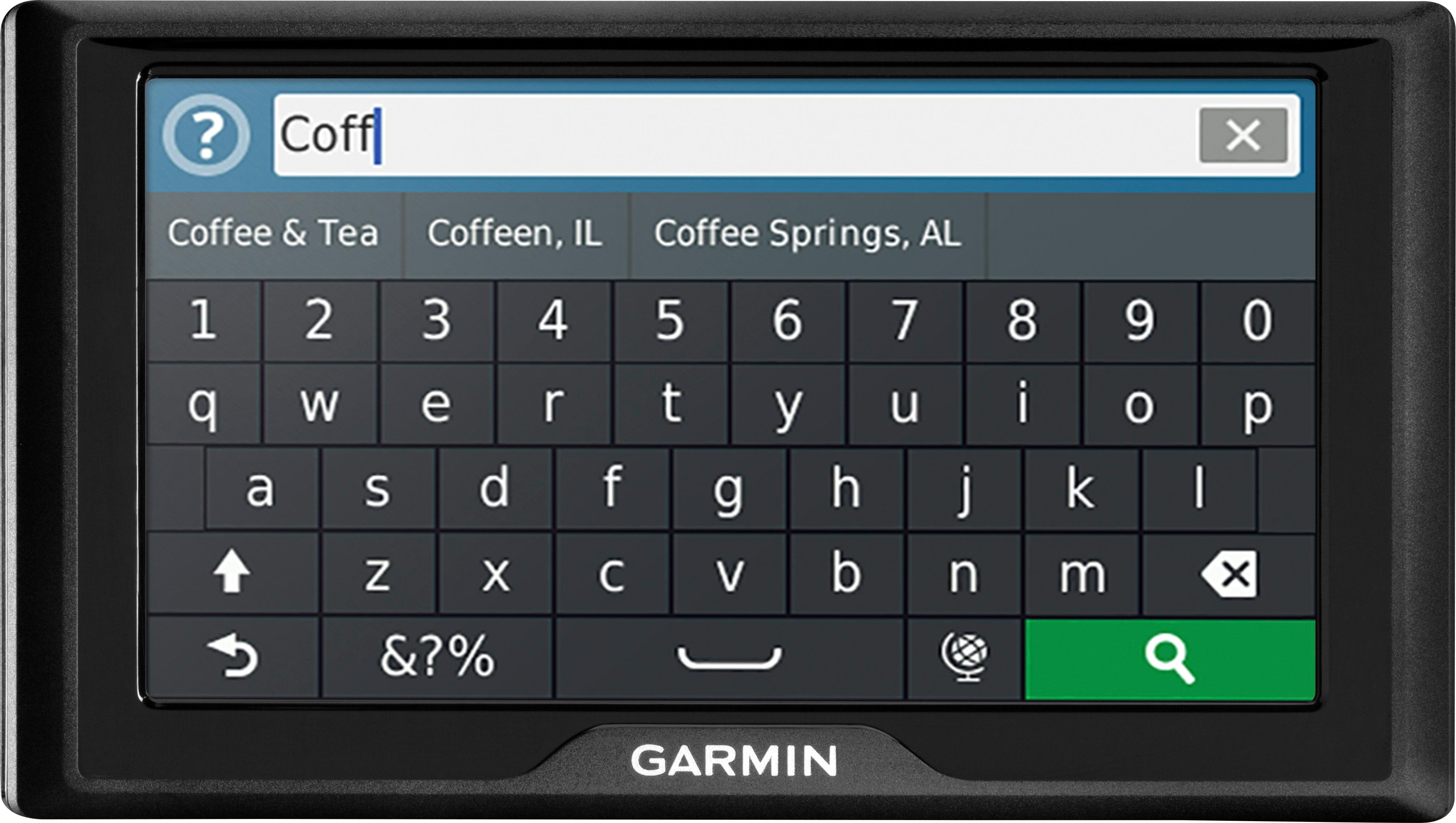
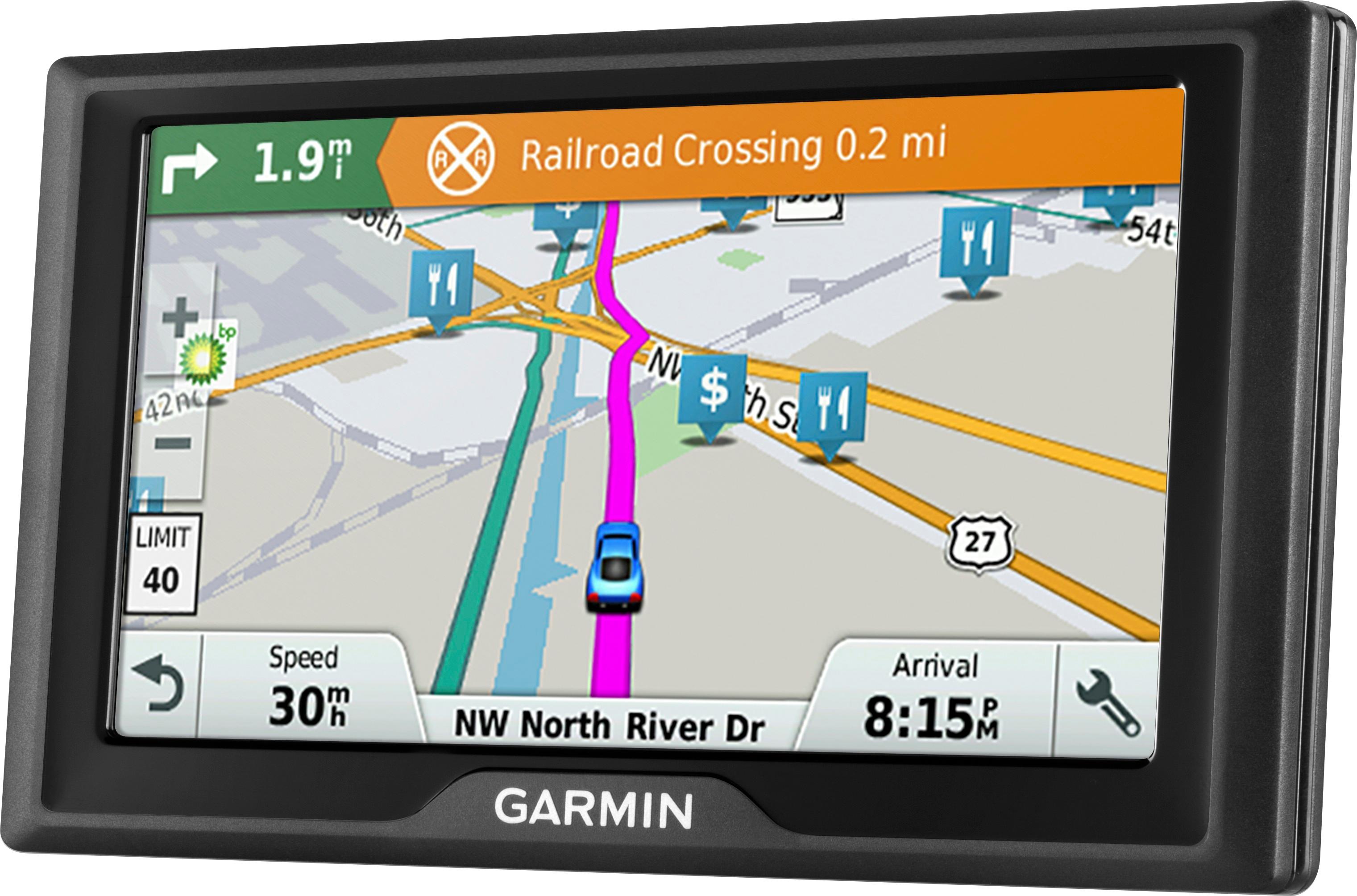
A:AnswerYes, this device includes the Trip Planner feature that can be used to create and save a trip with multiple destinations. Or if you only want to “shape” a custom route to go the way you prefer, the device has a Shaping Points feature also. Thanks, James
A:AnswerFrom the map, select Speed. The speedometer and many other data fields are displayed on this page. This link to the owner’s manual provides all of the details: https://bit.ly/2SL4yO8
A:AnswerNo, this model does not include the Voice Command feature. You may want to look at the Garmin DriveSmart™, DriveAssist™ or DriveLuxe™ models for this feature.
A:AnswerIf your device displays text in a language you cannot read (wrong language), it can be corrected by going through the settings to change the text language. This Garmin Support article provides all of the details: https://bit.ly/2GqlOSu
A:AnswerNo, this model only includes routing for cars. The Garmin dēzl™ series includes detailed maps for North America that also include truck-related restrictions – like bridge heights, sharp curves, weight limits and more – and related information for most major roads and highways.
A:AnswerYes, this model is pre-loaded with maps of the U.S. (Lower 49). The mapping includes the mainland 48 states, Hawaii, Puerto Rico, US Virgin Islands, Cayman Islands, Bahamas (New Providence Island and Grand Bahama), French Guiana, Guadeloupe, Martinique, Saint Barthélemy, and Jamaica.
A:AnswerI have a Garmin Drivesmart 6.1 that I have never been able to updates maps either. I tried it in PC using GarminExpress and the WIFI download. It always had errors. I now have an iMAC desk top. Same thing. I can update the device software but the maps never updated ever on either computer. My WIFI download rate was always over 915 Kbs. Nothing I ever found on the Internet or their website ever helped. I finally just threw the thing in the trash $200 worth of junk. Never again Garmin or Best Buy !!!.