A:AnswerPlease confirm that the device is using the most current version of software using the Garmin Express program. If you haven't installed Garmin Express please download it at: www.garmin.com/express
Also, here is a link with great information about what to do if the GPS isn’t acquiring satellites: http://bit.ly/2oWxEuC
A:AnswerThis unit definitely gets updates when available. One of the features I like about this model is that it can receive updates directly from a wireless network rather than plugging it in to your computer to get them. That's very helpful if you're on the road and you don't have your laptop with you. Of course, you can still get them from the Garmin Express app on your computer if you prefer.
A:AnswerNo, this model doesn’t include any truck specific routing. The Garmin dēzl™ series includes detailed maps for North America that also include truck-related restrictions – like bridge heights, sharp curves, weight limits and more – and related information for most major roads and highways.
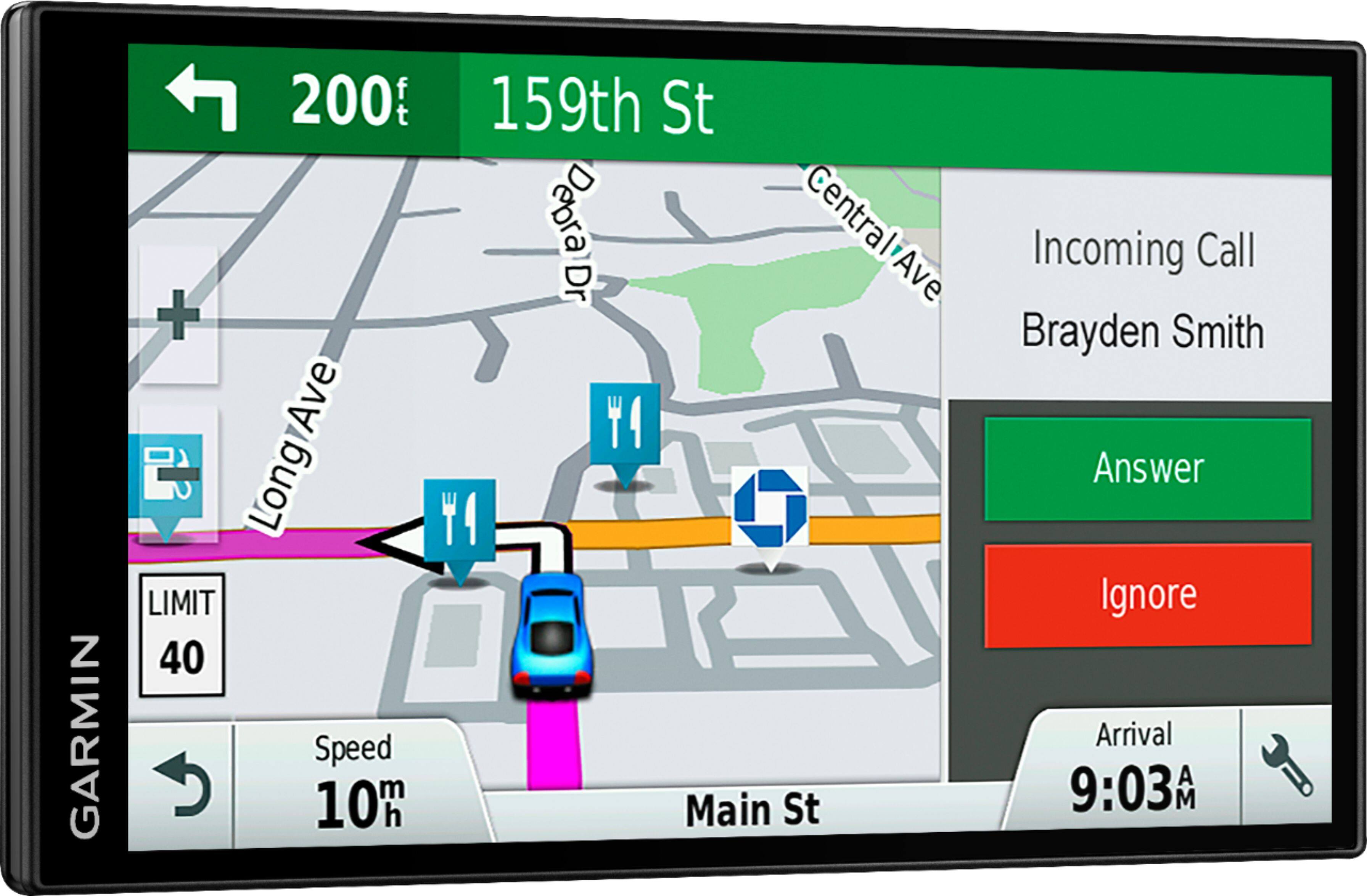
A:AnswerThis device is designed to be synced to a Bluetooth-enabled phone, such as your smartphone for hands-free calling and to share information via the Garmin Smartphone Link app. This GPS will not pair to the Bluetooth in your vehicle.
A:AnswerI would think not - also, I am not sure why? Would you want to buy a GPS to use with a 2018 Camry that already has a GPS system?? Maybe, I am just misunderstanding your question.
A:AnswerThis Garmin FAQ explains Finding a Location Using Coordinates: https://www8.garmin.com/manuals/webhelp/drivesmart51-61/EN-US/GUID-84EFF2ED-9C1C-40BC-B147-C4804B2BE09C.html
Answered by GarminProductExpert 2 months ago