A:AnswerWhen a device does not power on, or if the screen has become frozen and will not power off, a soft reset can help by forcing the device to reboot. This Garmin article provides soft reset instructions along with common reasons why a device might not turn on: https://bit.ly/33bzWJt
If you encounter power issues with your replacement device, Garmin Product Support is happy to offer additional assistance. Our contact information and hours of operation, can be found on at: support.garmin.com
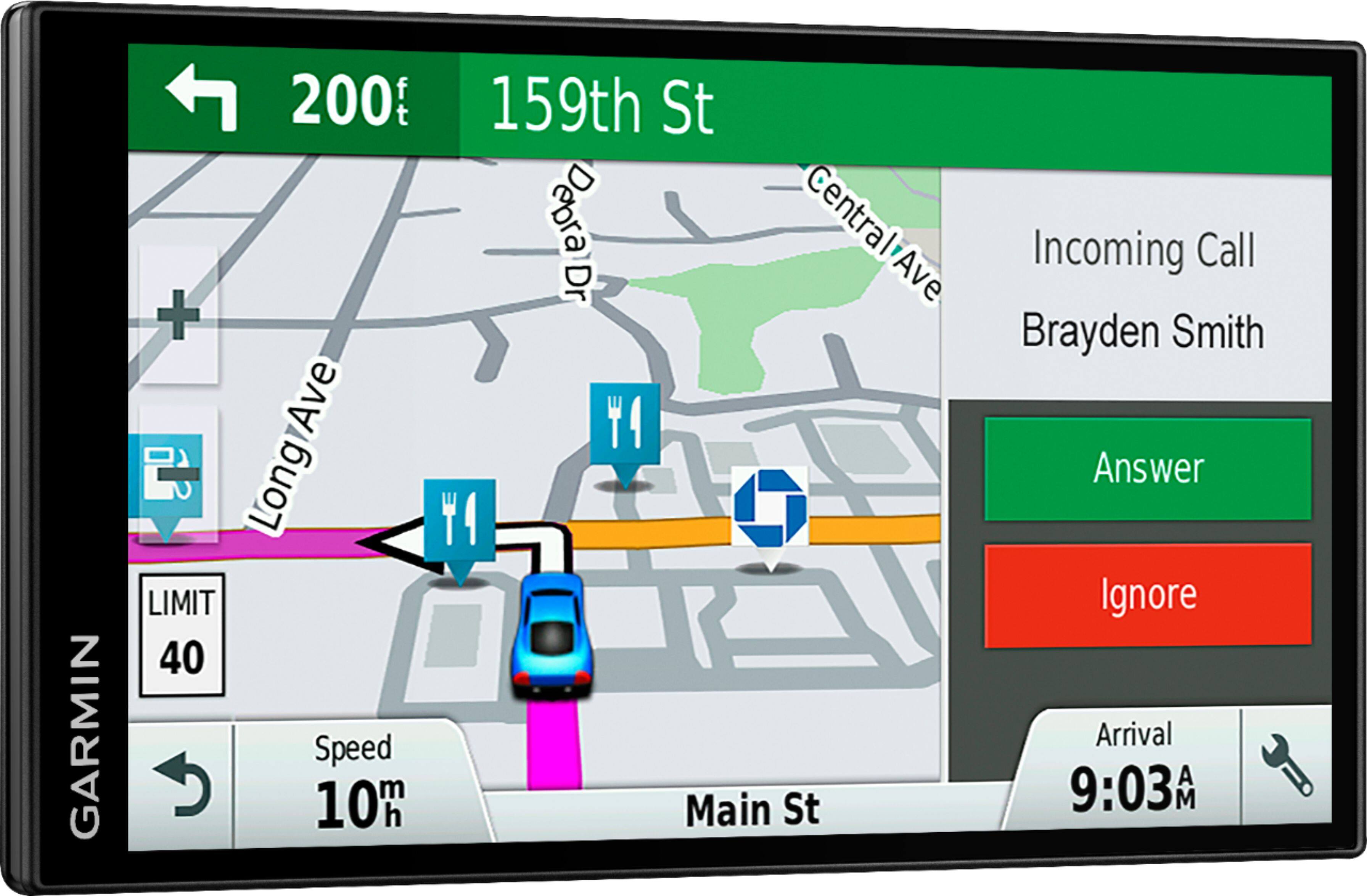
A:AnswerI have an IPhone and it imported my contacts and connects to my phone every time I turn the GPS on. It works very well when I receive a call. I assume it will do the same for Android but since I don’t have an android I’m not for certain.
A:AnswerThis model includes only Full Coverage maps of North America: 50 United States, Canada and Mexico. City Navigator® Europe maps can be purchased and added to this device.
A:AnswerThe cable that I purchased (it works with my DriveSmart 61 LMT-S is the GTM 60™ HD Digital Traffic Receiver, PART NUMBER: 010-01031-00. While Garmin shows your cable as compatible, from what I understand is that the GTM 60 is a HD digital traffic receiver which "should" fall back on the older analog traffic signal while your GTM 36 is the older analog traffic receiver. Perhaps your in an area that's analog only (?)
A:AnswerYes, this device will allow you to view your current location's elevation. Note that elevation on automotive devices is based solely on map data and may not be 100% accurate, depending on satellite signal strength and available map data.
A:AnswerBluetooth allows access to free Garmin Live Services such as live traffic, live parking and basic weather information. Yes, 2MB of data per hour of active use with an automotive device is a reasonable estimate for data usage, in most situations.
A:AnswerYes, any of the Garmin City Navigator® maps will work with this model, including City Navigator® Italy and Greece. Please see the Garmin Support Center article for information about purchasing maps for other countries: http://bit.ly/2j64mEc
A:AnswerI don't use the bluetooth feature. The Garmin unit offers lifetime updates. The screen is large and easy to read. The sale price was good, much cheaper than the Garmin store or Amazon.
A:AnswerThe display screen technology used with your automotive device has built-in polarization. Viewing the screen through additional polarized items, such as polarized sunglasses or tinted windows, could impact the visibility of the display. Potential symptoms include rainbow-colored distortion or a much darker display.
When using a Garmin product with an LCD display, viewing the screen from a certain angle will cause the display to appear darker than normal when wearing polarized sunglasses or other polarized items.
To minimize the impact to display visibility, adjust the viewing angle of the device to allow the best visibility when viewed straight on. This may include rotating the unit 90° in either direction.