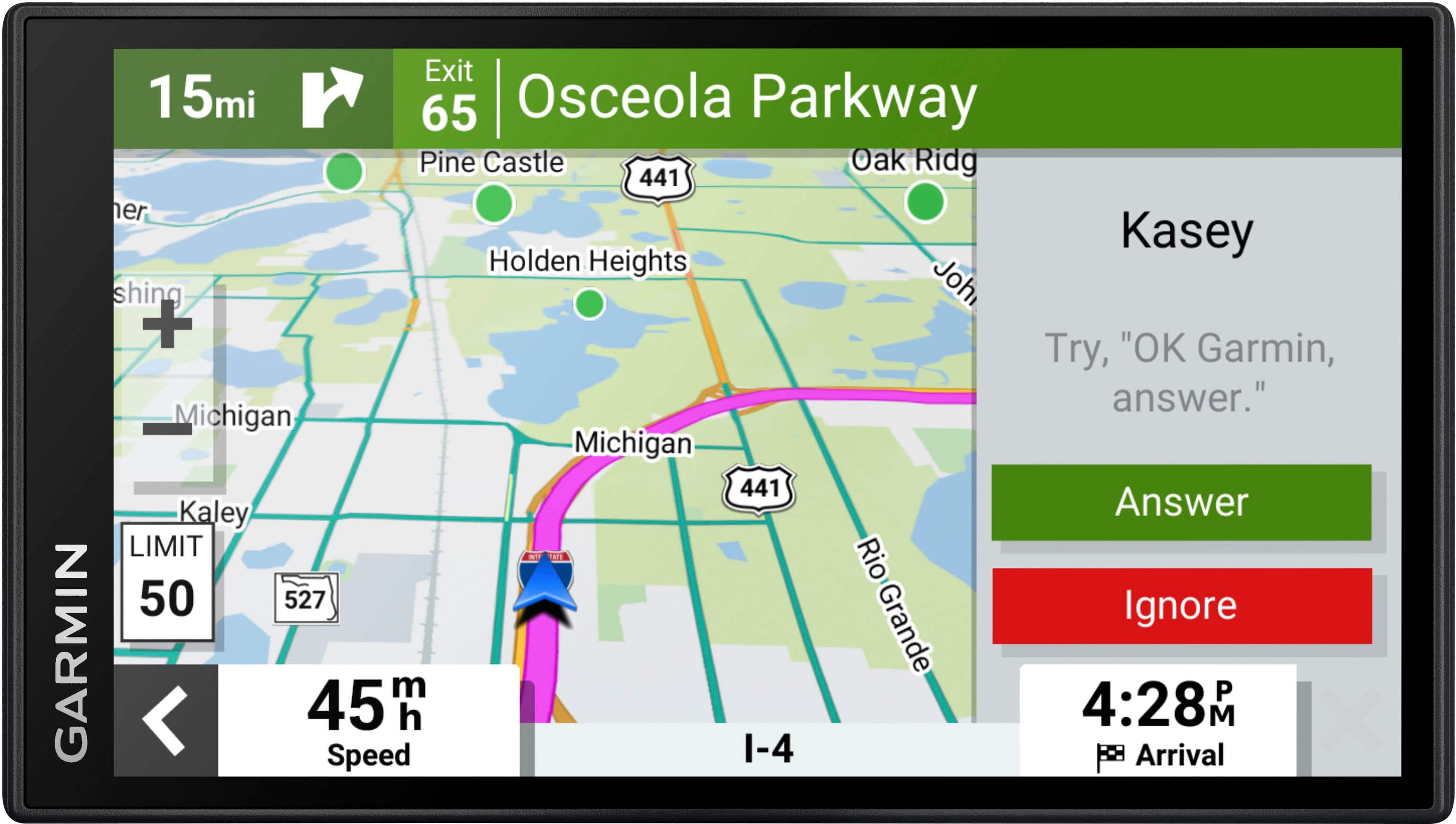
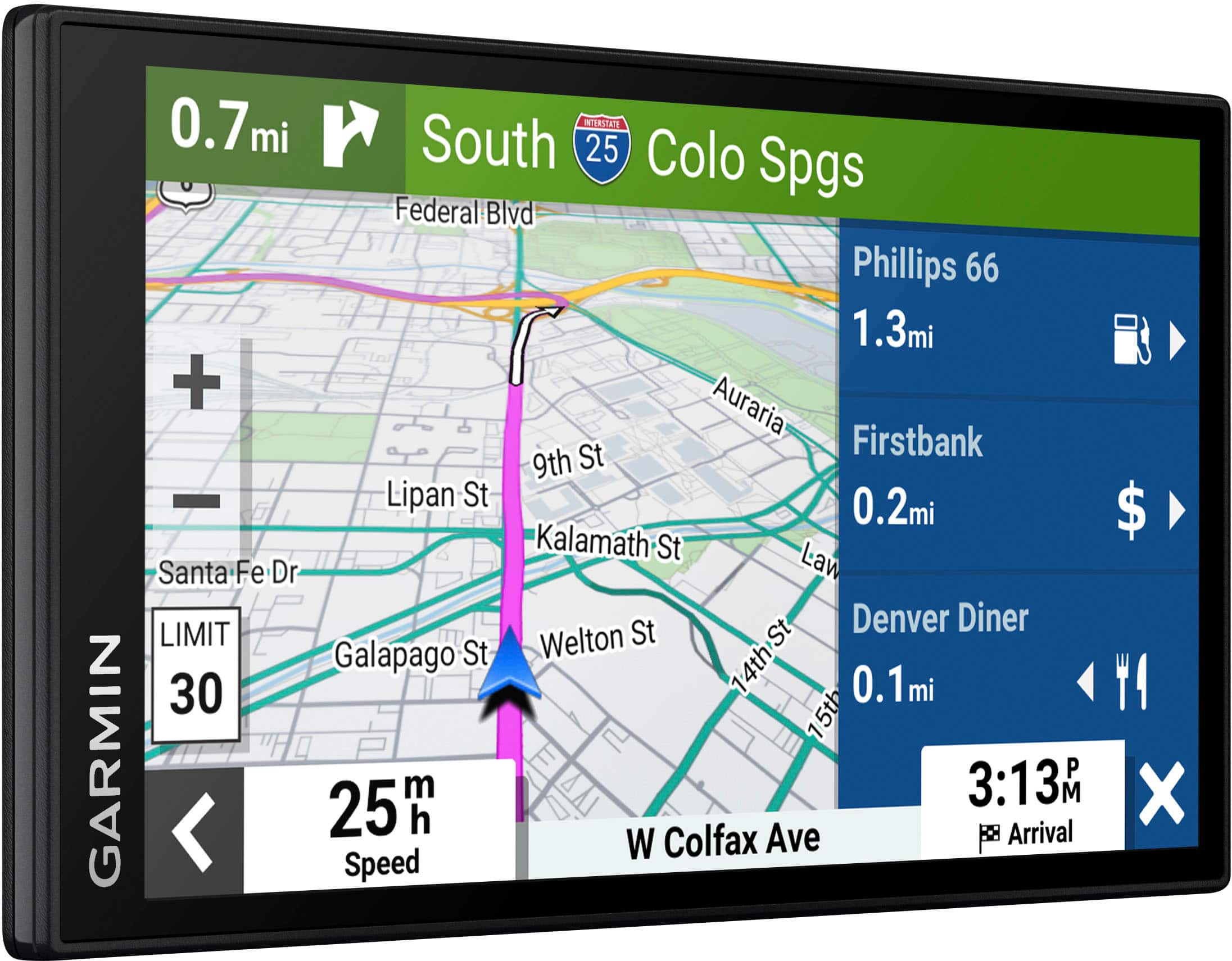
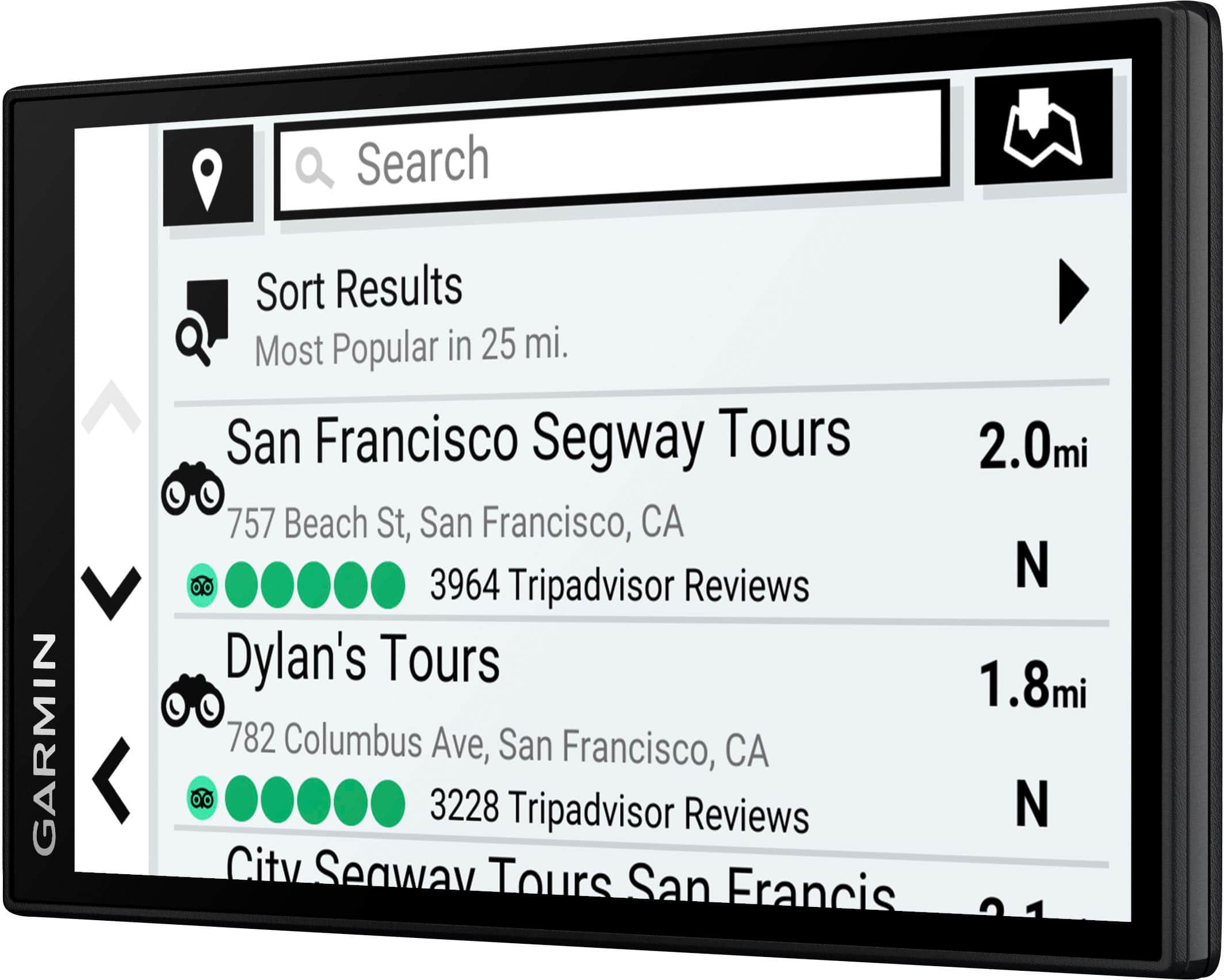
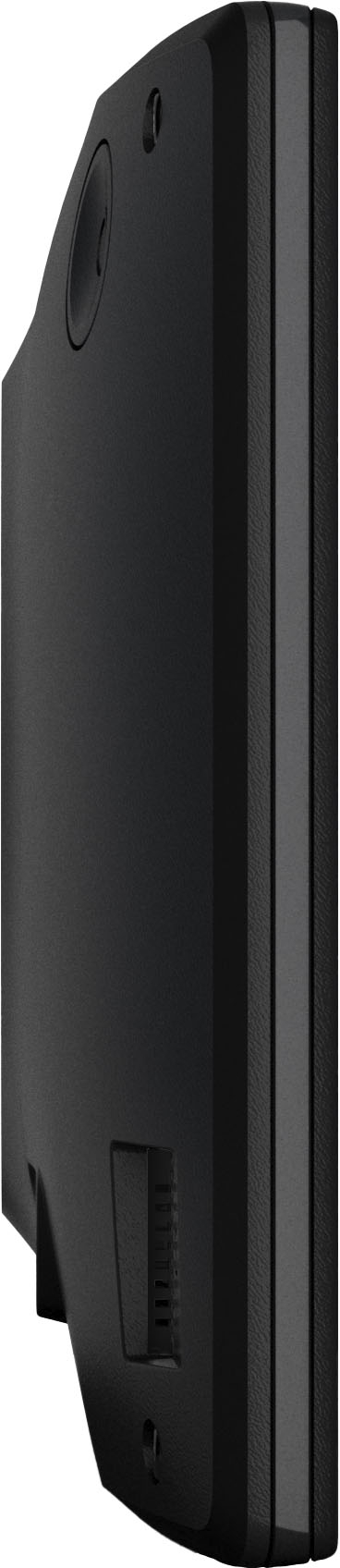
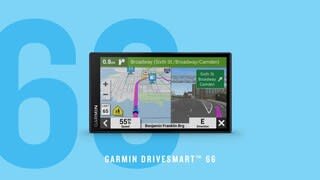
A:AnswerI noticed that the Garmin 66 at Walmart has a different model number. I was concerned that it might be a different model. I bought my 66 at Best Buy and I think it is the standard model. I watched many YouTube videos to learn about the different features and my 66 operates like the ones in the videos.
A:AnswerAll devices will have included updates for pre installed mapping. Any additional mapping needs to be purchased and does not come with free updates.
A:AnswerMine has worked great. It sounds like you may need to do and update to see if new information is available. I took mine from NorCal to SoCal with out an problems. Try new updates might help.
A:AnswerI'm sorry, the DriveSmart 65 is not designed for use on motorcycles and has no off road mapping options. You want to look at the zumo XT for these needs.
A:AnswerIt doesn’t have a sustainable battery to be able to take it in pedestrian mode without a power supply.
What manual? Only one I found is on the device. Rather have a book to review in my opinion.