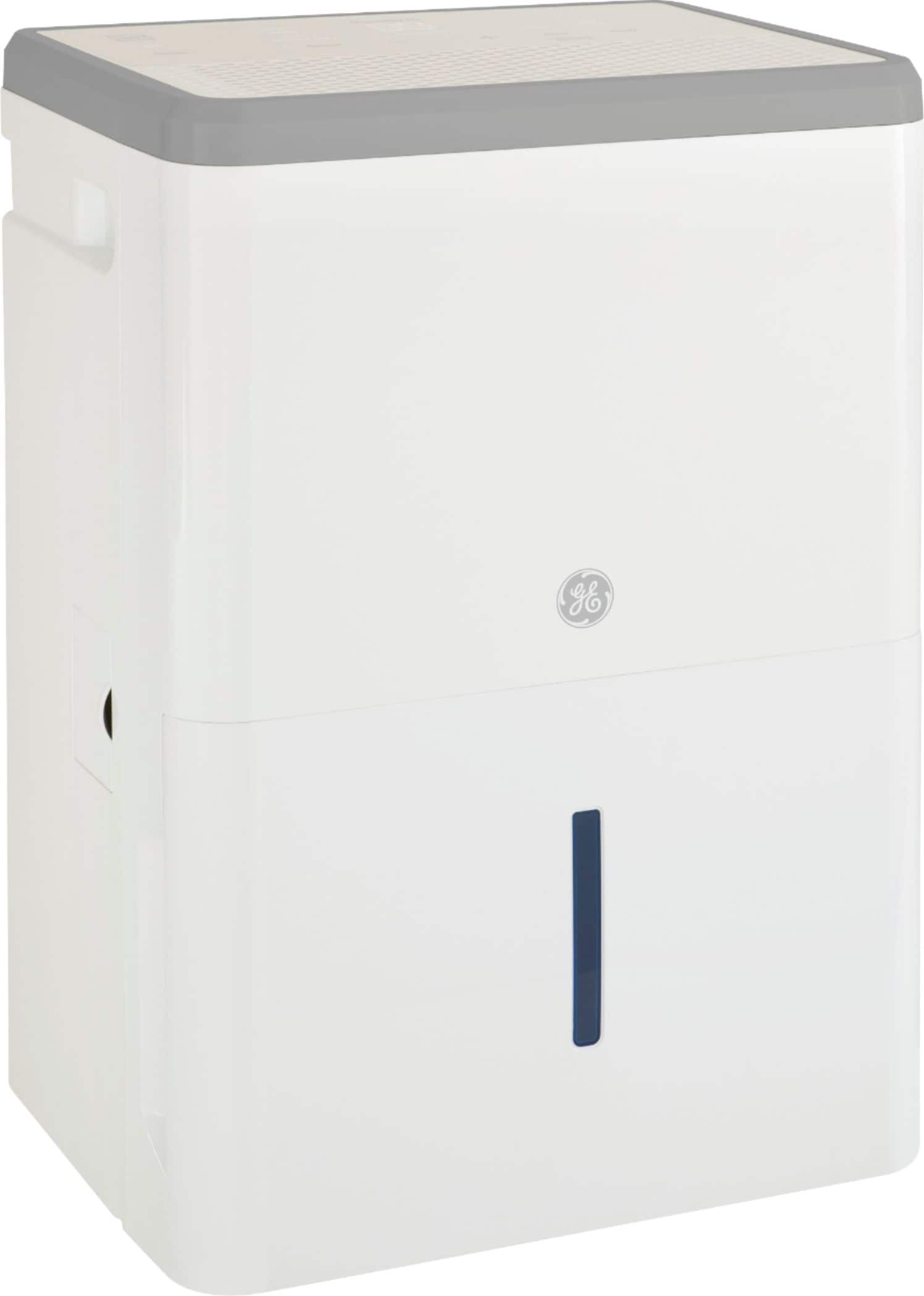
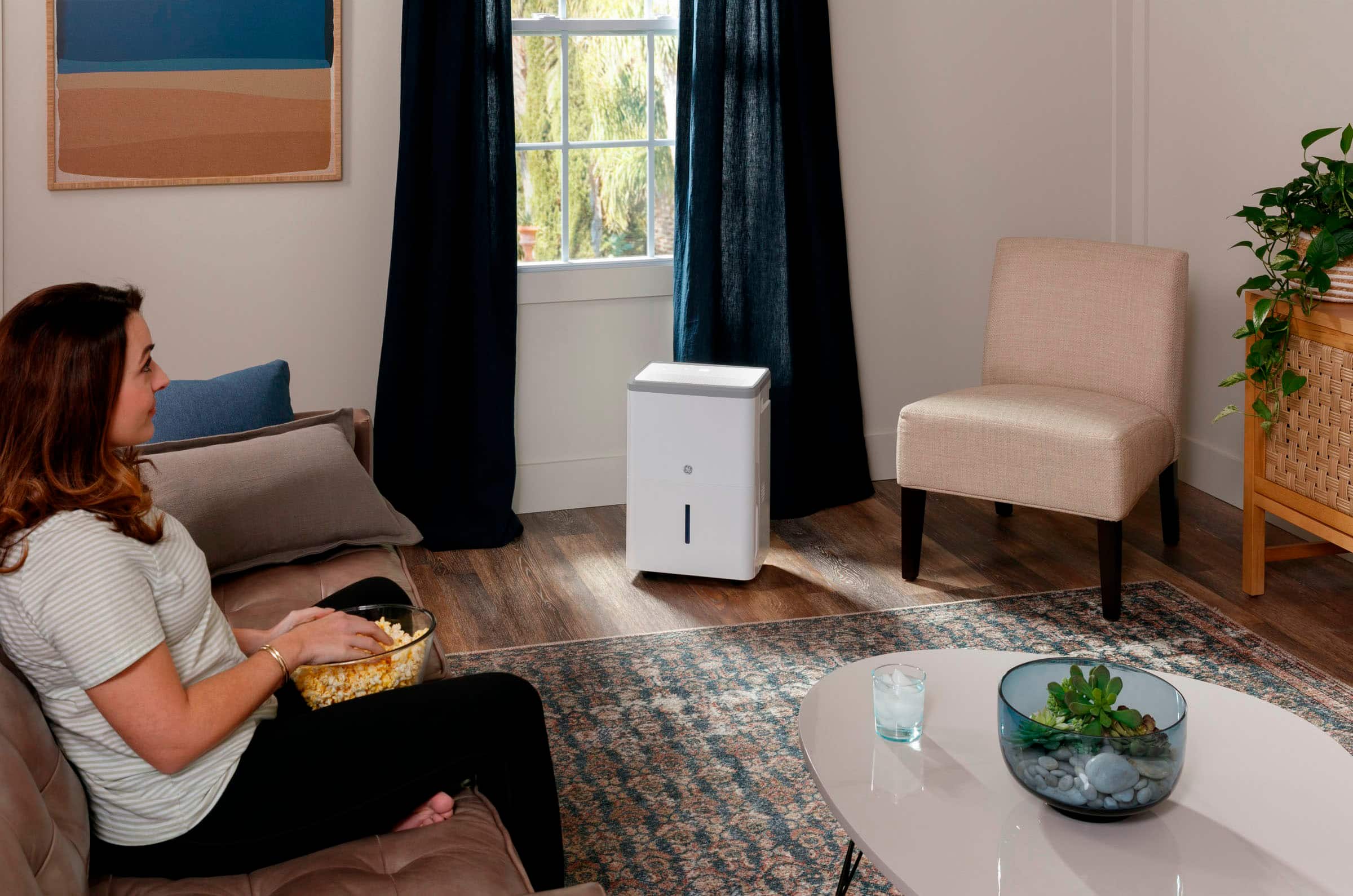
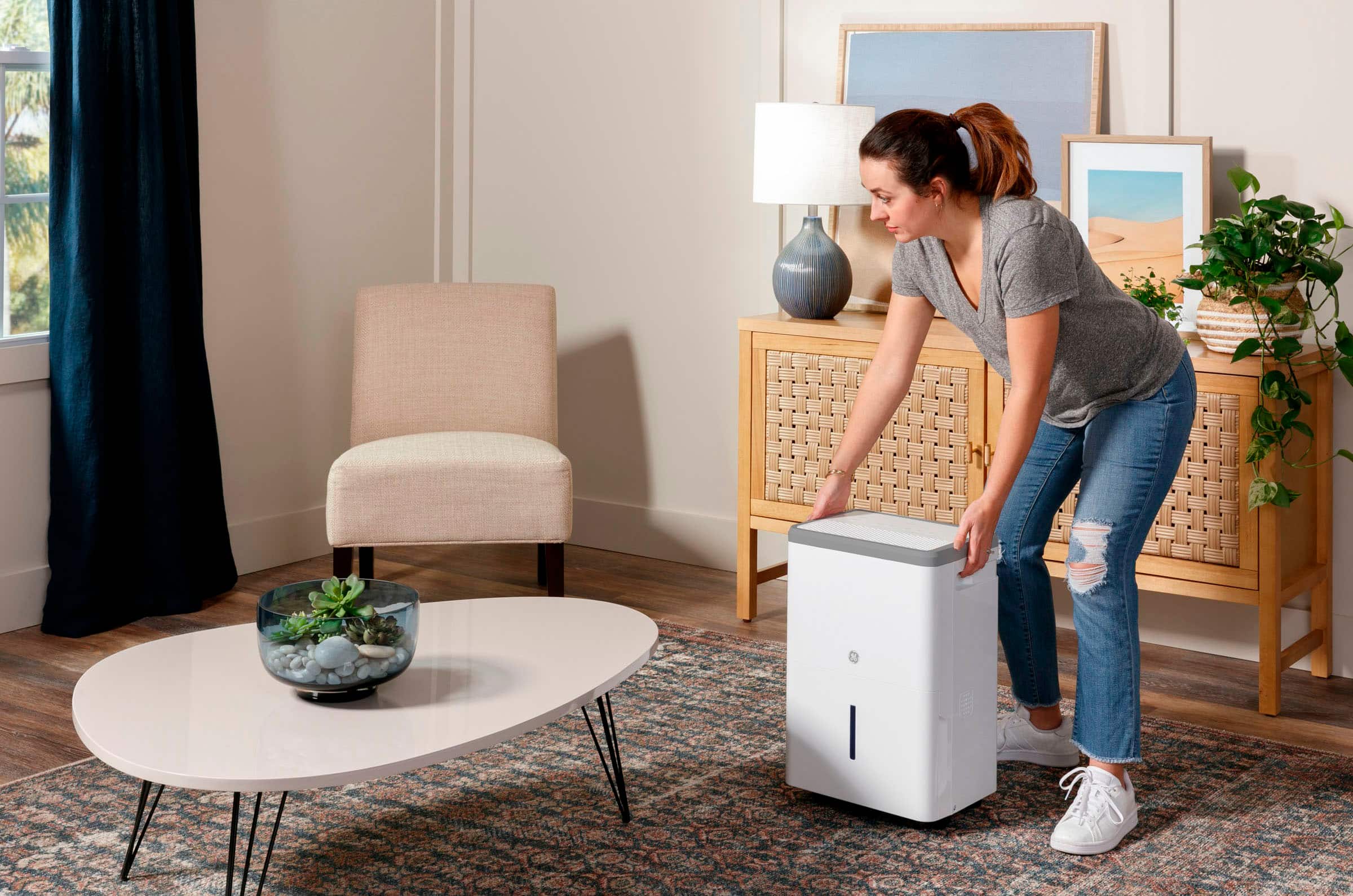
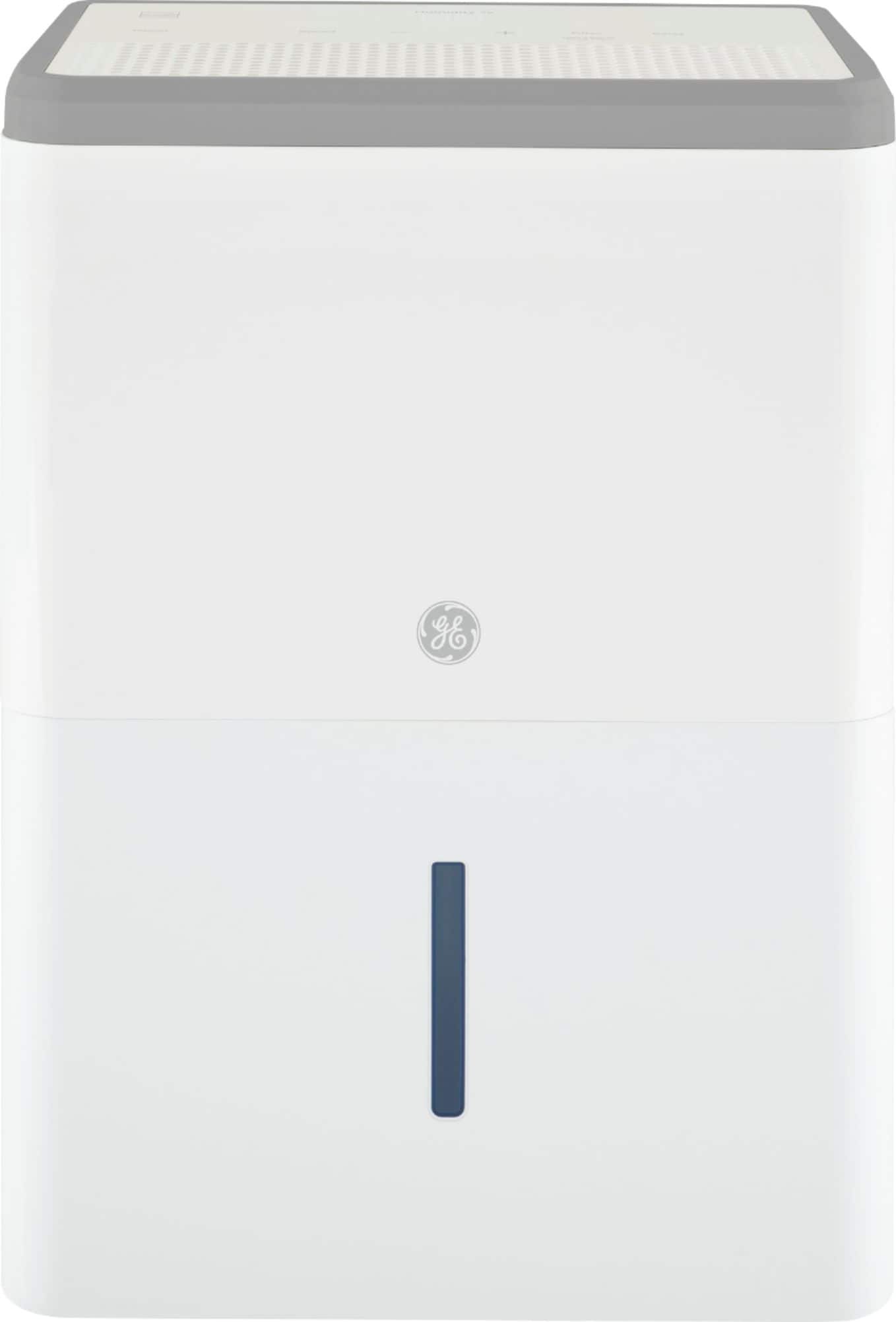
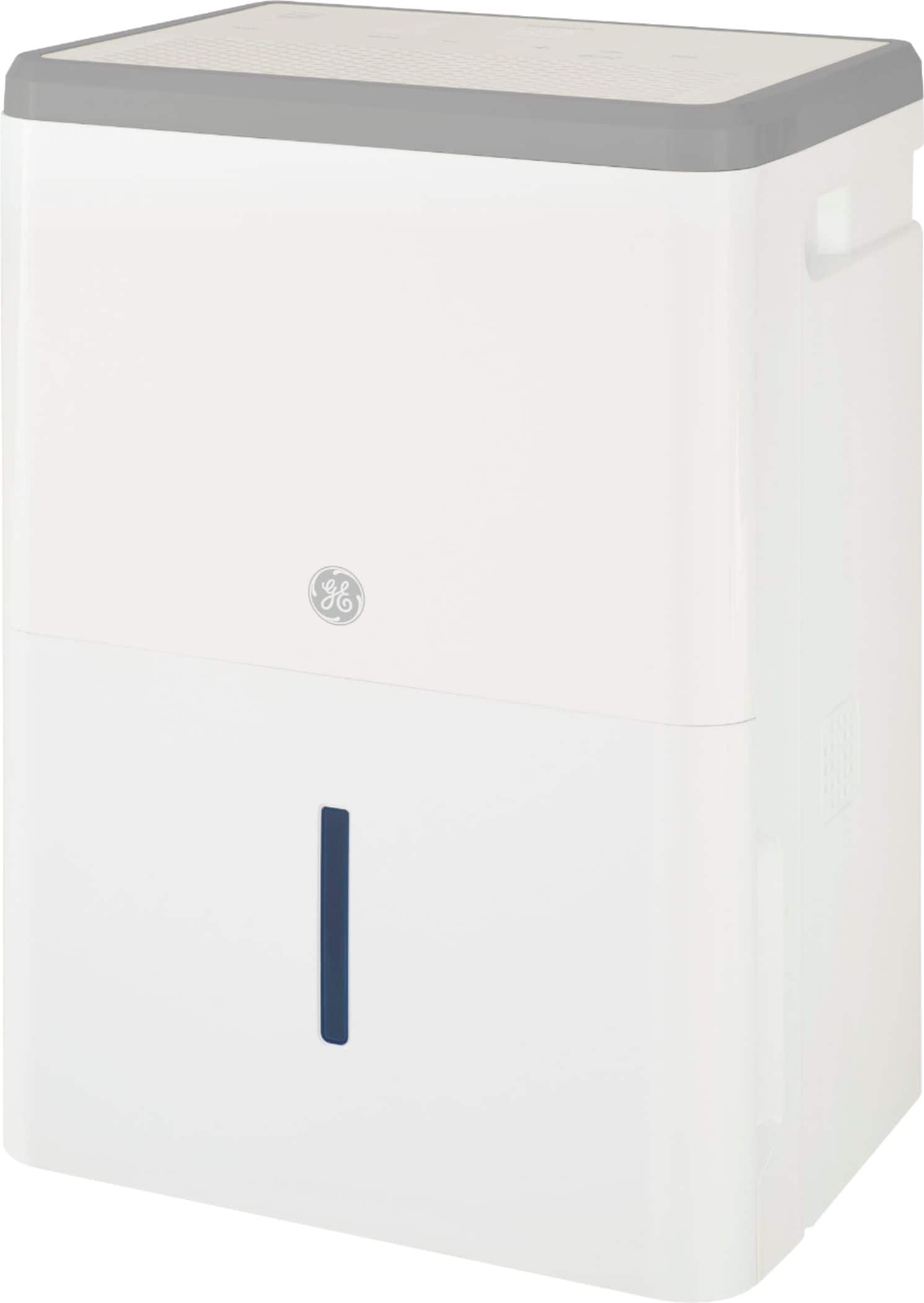
A:AnswerHello- We appreciate your question and are happy to help! The dimensions are: 19 1/2 H x 13 2/5 W x 9 4/5 D. If you have any questions in the future, please let us know. We are happy to help! Joyce@GEA
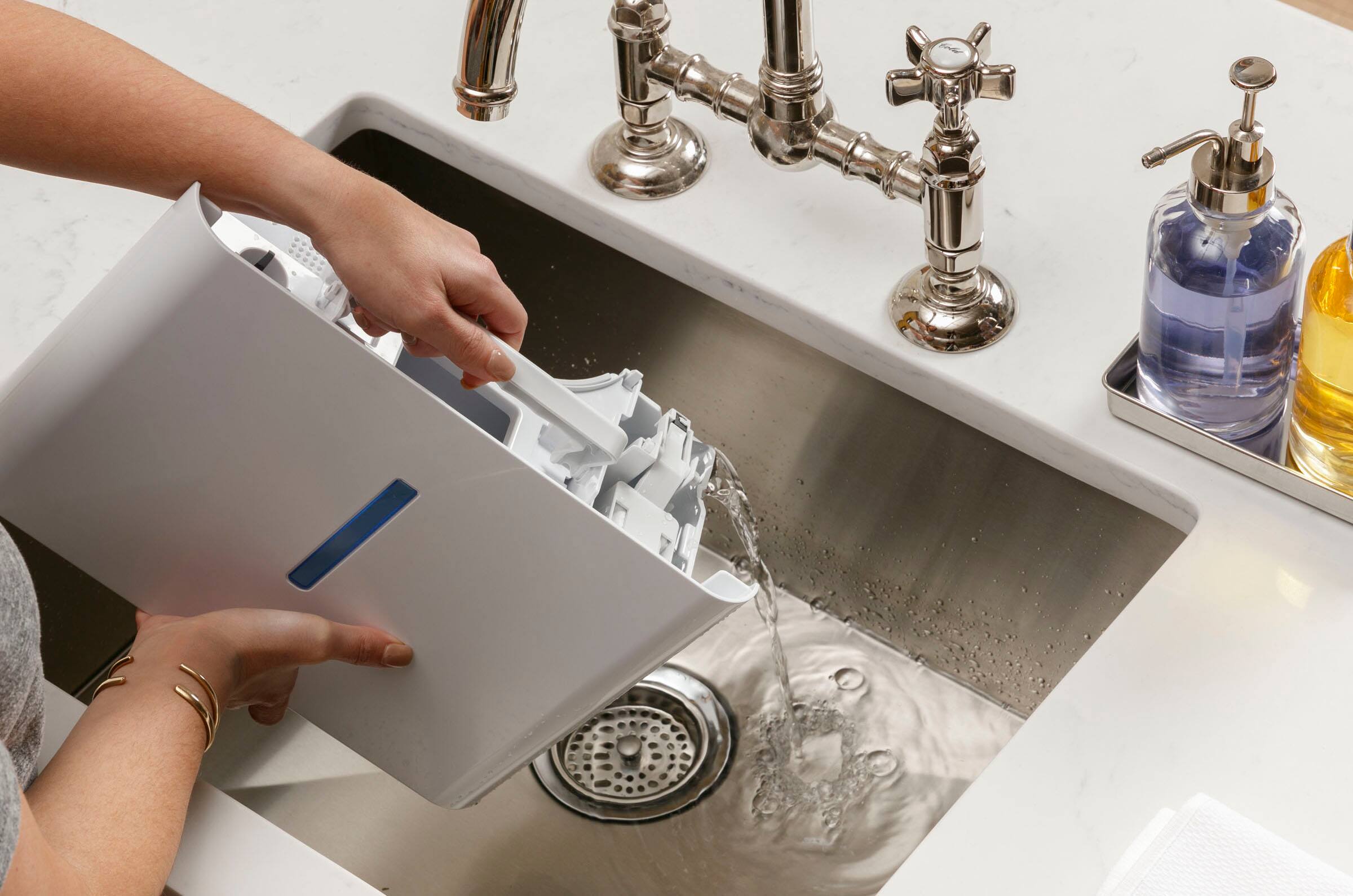
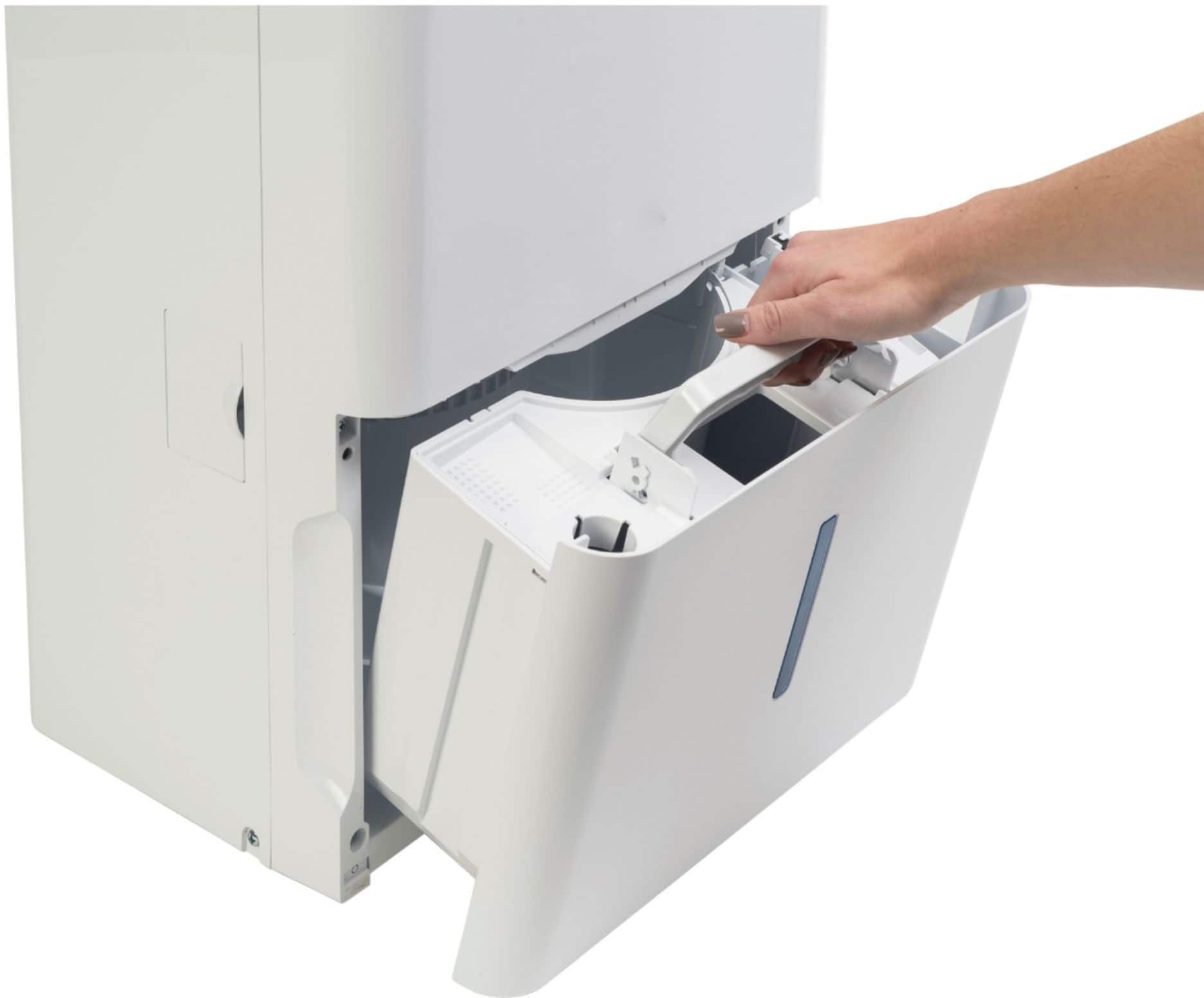
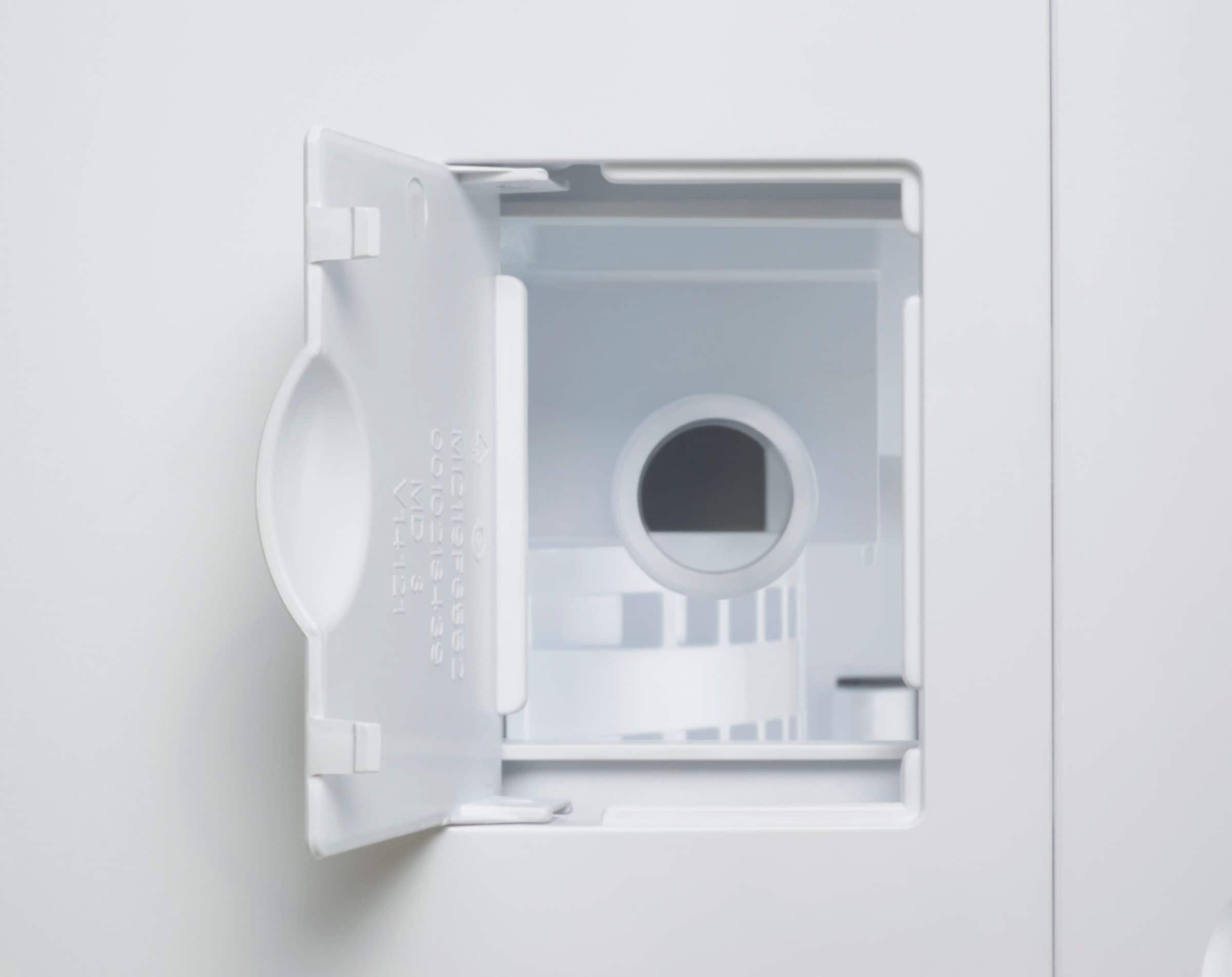
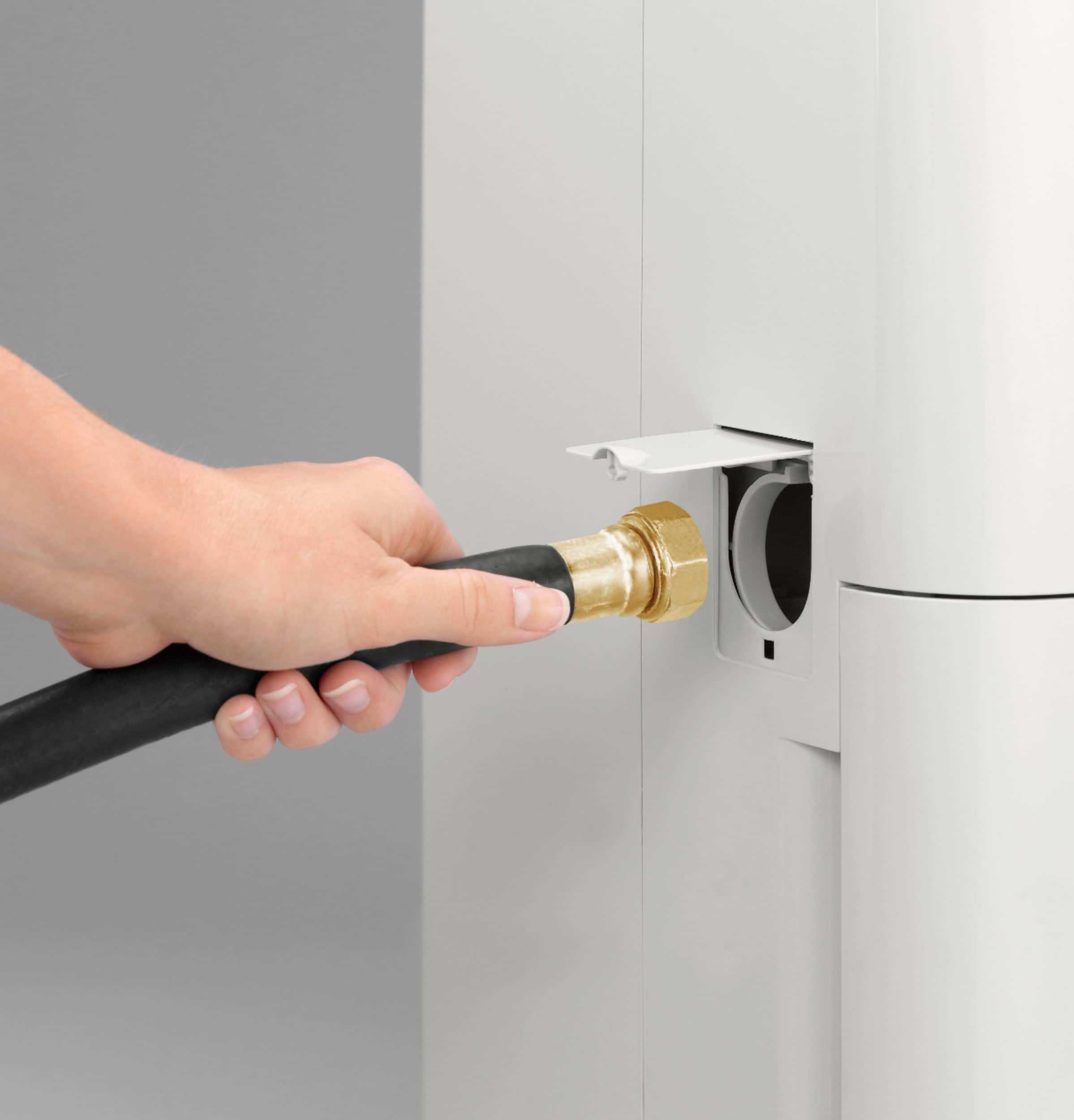
A:AnswerHi there, and thank you for reaching out to us about this portable dehumidifier. We appreciate your interest and can advise this model does not have a pump. The water is drained either into an internal bucket you can remove and empty when it's full, or alternately if you attach a hose you can drain into a floor drain or other receptacle. Further details on draining options are on page 7 of the manual. We regret any inconvenience this may cause, and are happy to help with any other inquiries or concerns. Wishing you all the best! -Sarah@GEA
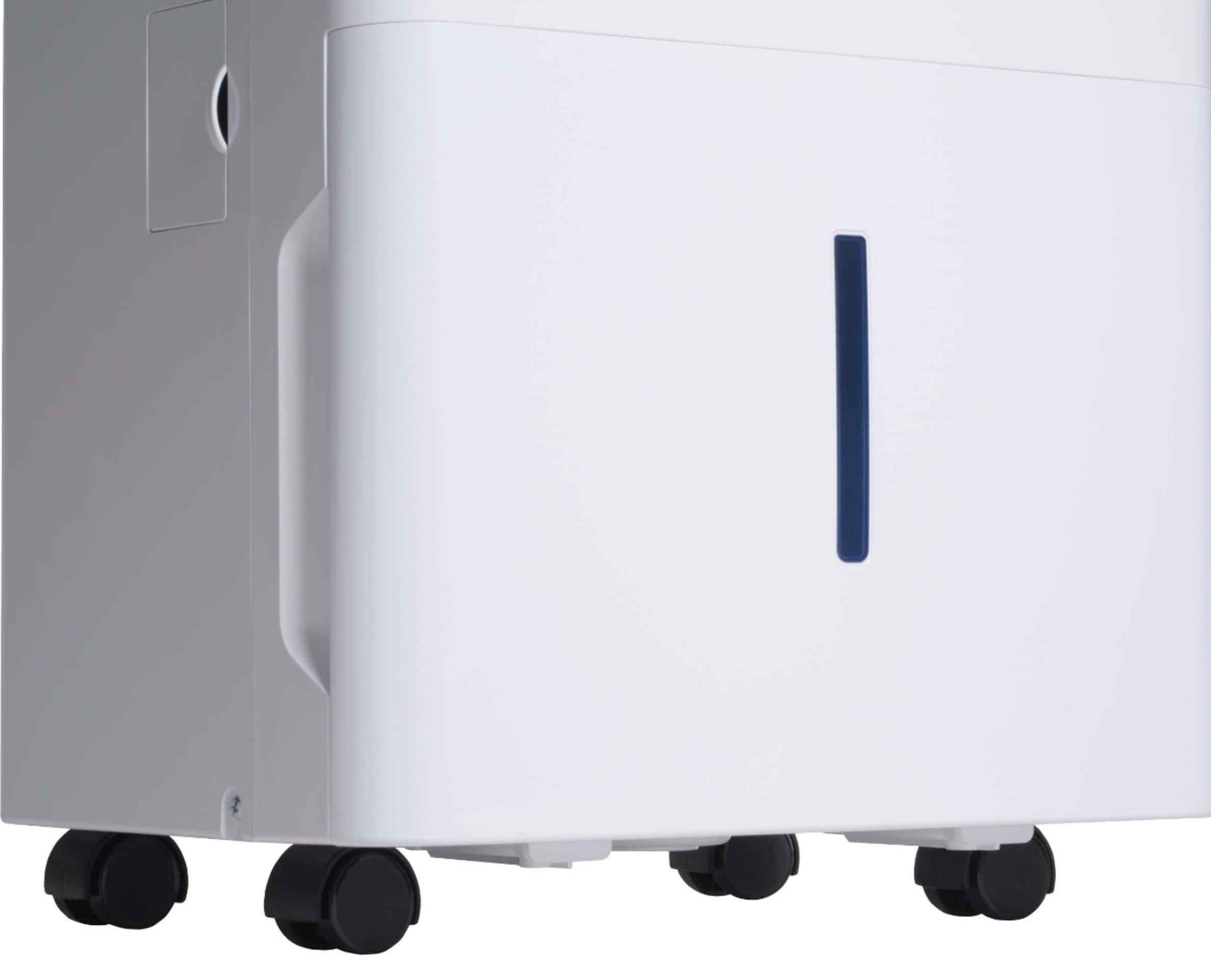
A:AnswerHello and thanks so much for reaching out about this handy dehumidifier. When facing the unit, the port to connect the drain hose is on the left. The dehumidifier can be easily maneuvered using the casters on the bottom. Hope this helps! - John@GEAppliances
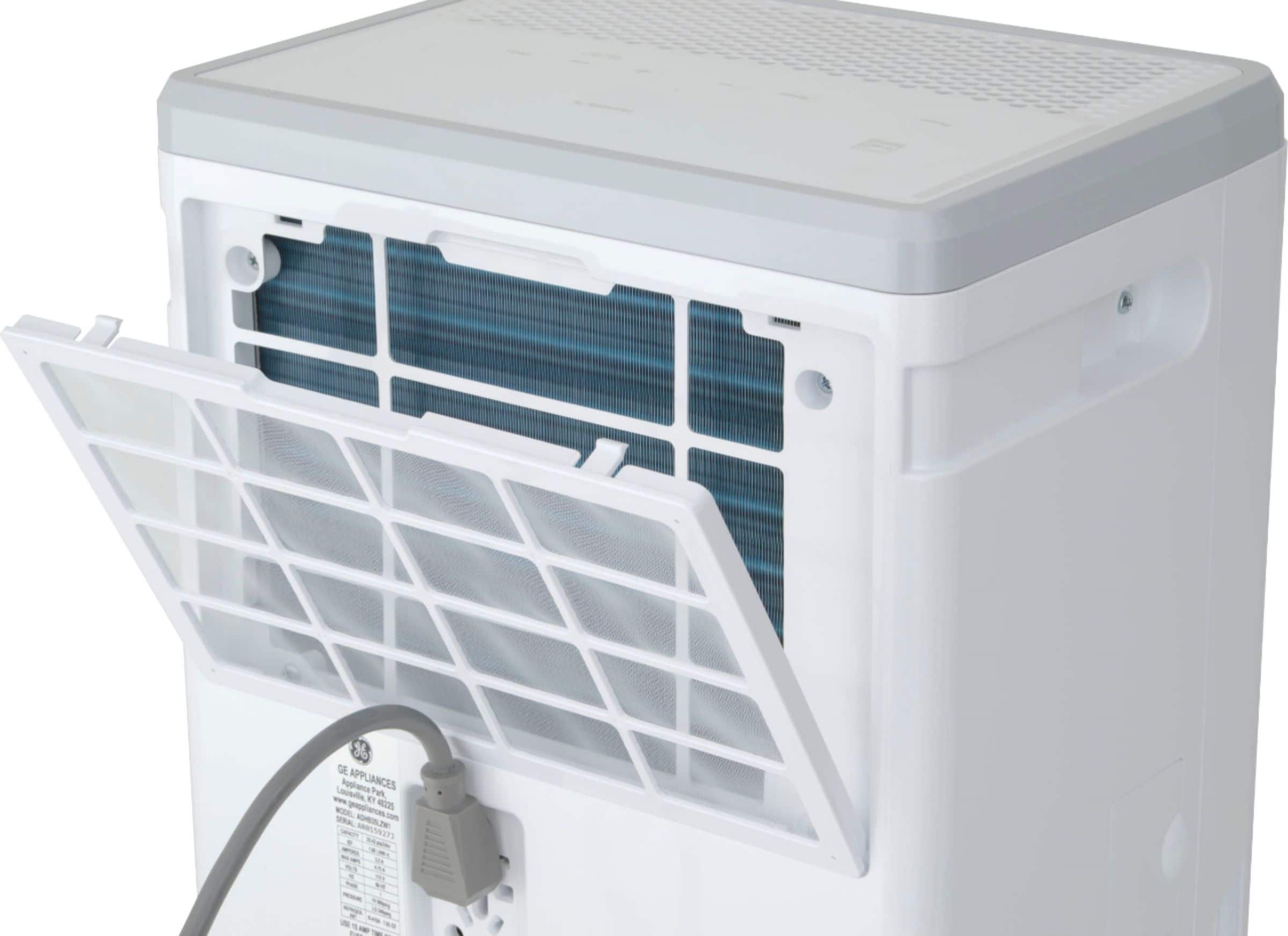
A:AnswerHi - Clean the filter with warm, soapy water. Rinse and let the filter dry before placing back in your dehumidifier. Do not clean the filter in an automatic dishwasher. We're glad you checked with us! Vikki@GEA
A:AnswerHi - We are deeply sorry to hear you are having difficulty with your dehumidifier. Please make sure the bucket is installed correctly as this could cause the unit to stop working. The foam to which we're referring is part of the float device and is pictured on Page 7 of the Owner's Manual. If the foam is mistaken for packing material and inadvertently removed, the dehumidifier will not operate properly as it can no longer determine how much water is in the bucket. If you are unable to resolve the issue with the unit, please refer to Page 11 of the Owner's Manual for warranty instructions. All our best! Vikki@GEA
A:AnswerHello,
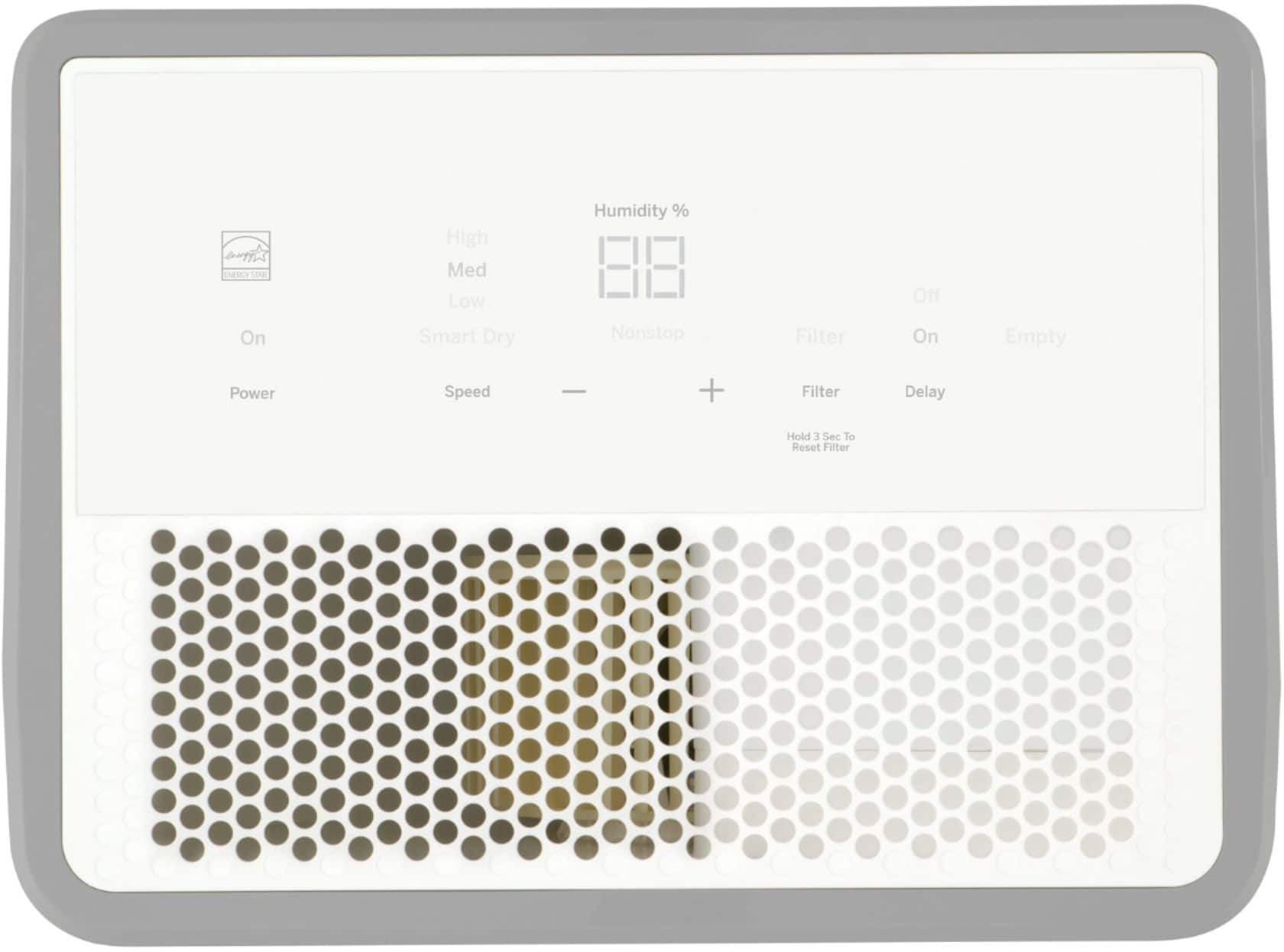
We appreciate you reaching out about this awesome dehumidifier! This model does have a timer to where you can set how long you want it to run before turning off. You can also use this feature to set how long until it turns on. At this point, it is not possible to set it to continuously turn on and off after set amounts of time. Let us know if you have any other questions. Mike@GEA
A:AnswerHi,
Good question! We appreciate your interest and we're glad we can help. This model measures
19 1/2" H x 13 2/5" W x 9 4/5" D. You can also find the dimensions in the link below:
(Product Datasheet)
https://files.bbystatic.com/T2oY9uxkkQbH1qKx7ar%2BlQ%3D%3D/79E3607F-EE60-4E84-B842-2D360AB3EF46.pdf
Take care!
-Sylvia@GEA
A:AnswerHi ami- Thank you for your interest in a GE dehumidifier. We are not clear where you obtained your information regarding a 30 pint capacity unit working for rooms up to 1500 square feet as the size of the room is not the only consideration in choosing the proper dehumidifier for your needs. The dampness level in the room is also an important consideration.
--Here are some examples:
--Bedroom which is Damp, we would recommend a 30 pint unit, Very Damp - 40 pint unit.--
--Basement which is Damp - 40 pint, Very Damp or Wet - 50 pint unit and Extremely Wet - 70 pint unit.--
--Here are the definitions for moisture level --
-- Damp: Space feels damp and has musty odor only in humid weather.
-- Very Damp: Space always feels damp and has musty odor. Damp spots show on walls and floor.
-- Wet: Space feels and smells wet. Walls or floor sweat, or seepage is present.
-- Extremely Wet: Laundry drying, wet floor, high load conditions.
--We hope you find this helpful. All our best! - Vikki@GEA
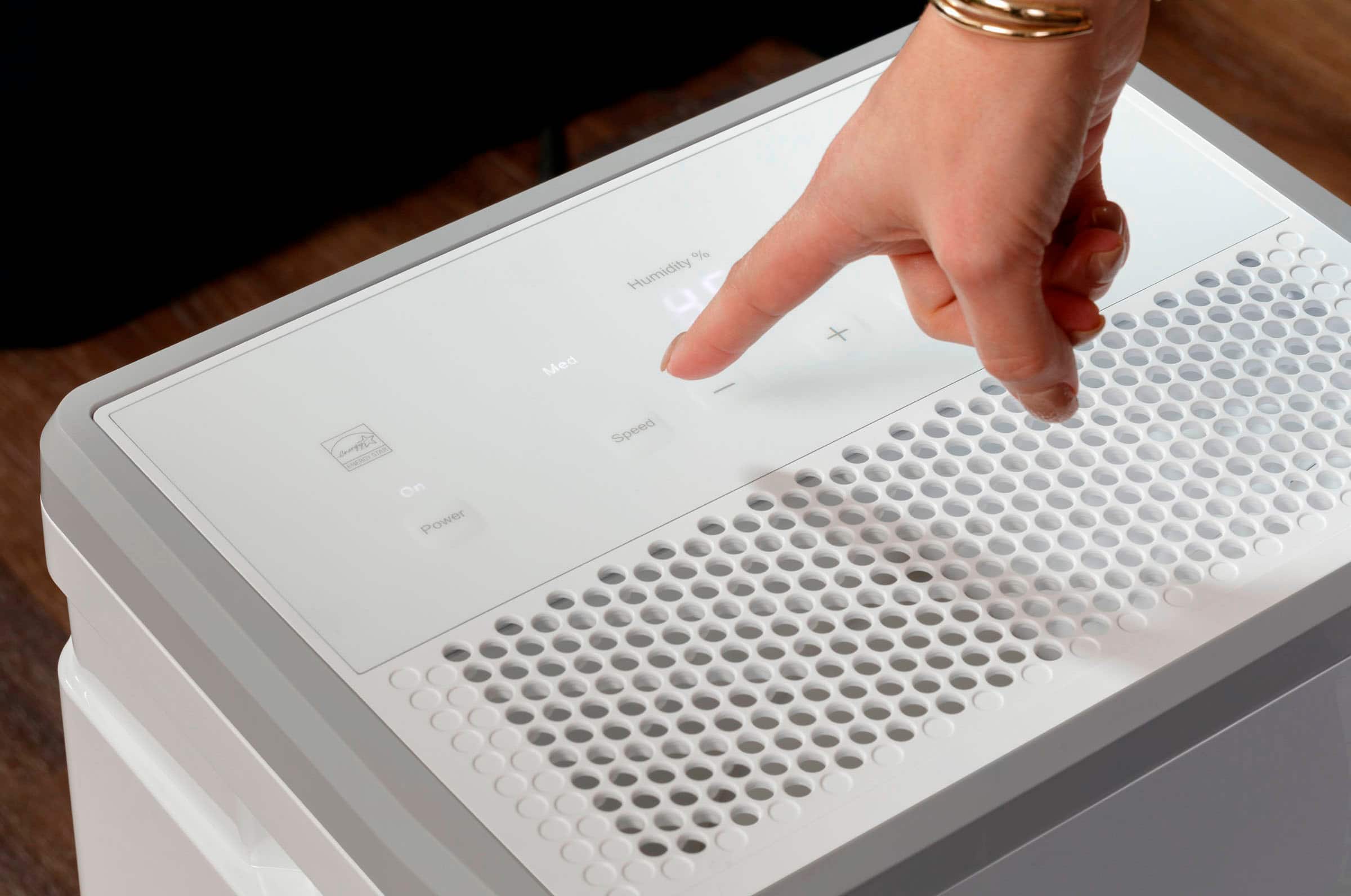
A:AnswerHey Stan! If you've cleaned your air filter and have put it back into place on your model, you can then press and hold the FILTER button on your control panel to reset the filter timer. This button can be found to the right of the + button on your control panel. We hope this helps! Stay safe. -Michael@GEA
A:AnswerHey Stan! If you've cleaned your air filter and have put it back into place on your model, you can then press and hold the FILTER button on your control panel to reset the filter timer. This button can be found to the right of the + button on your control panel. We hope this helps! Stay safe. -Michael@GEA