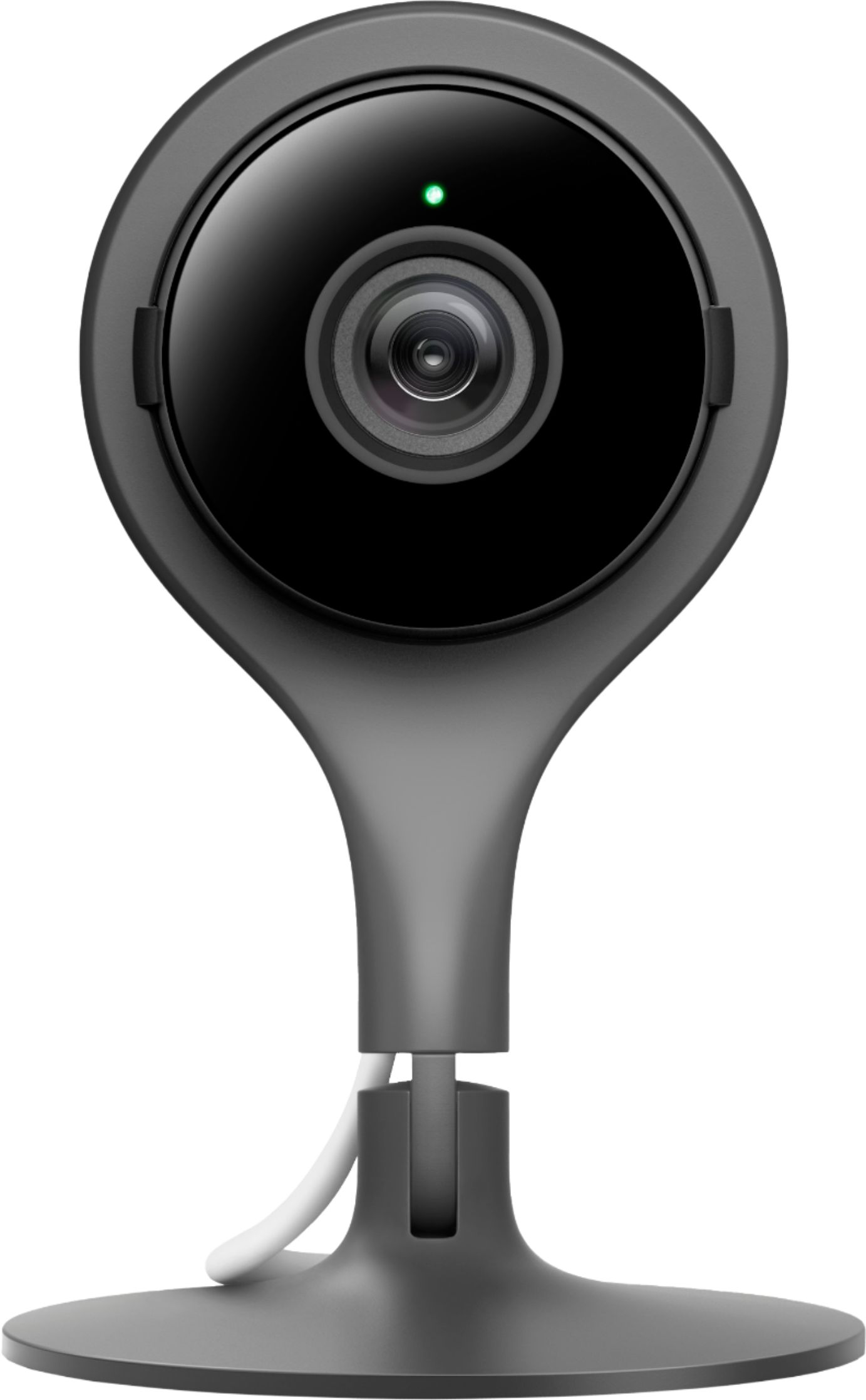
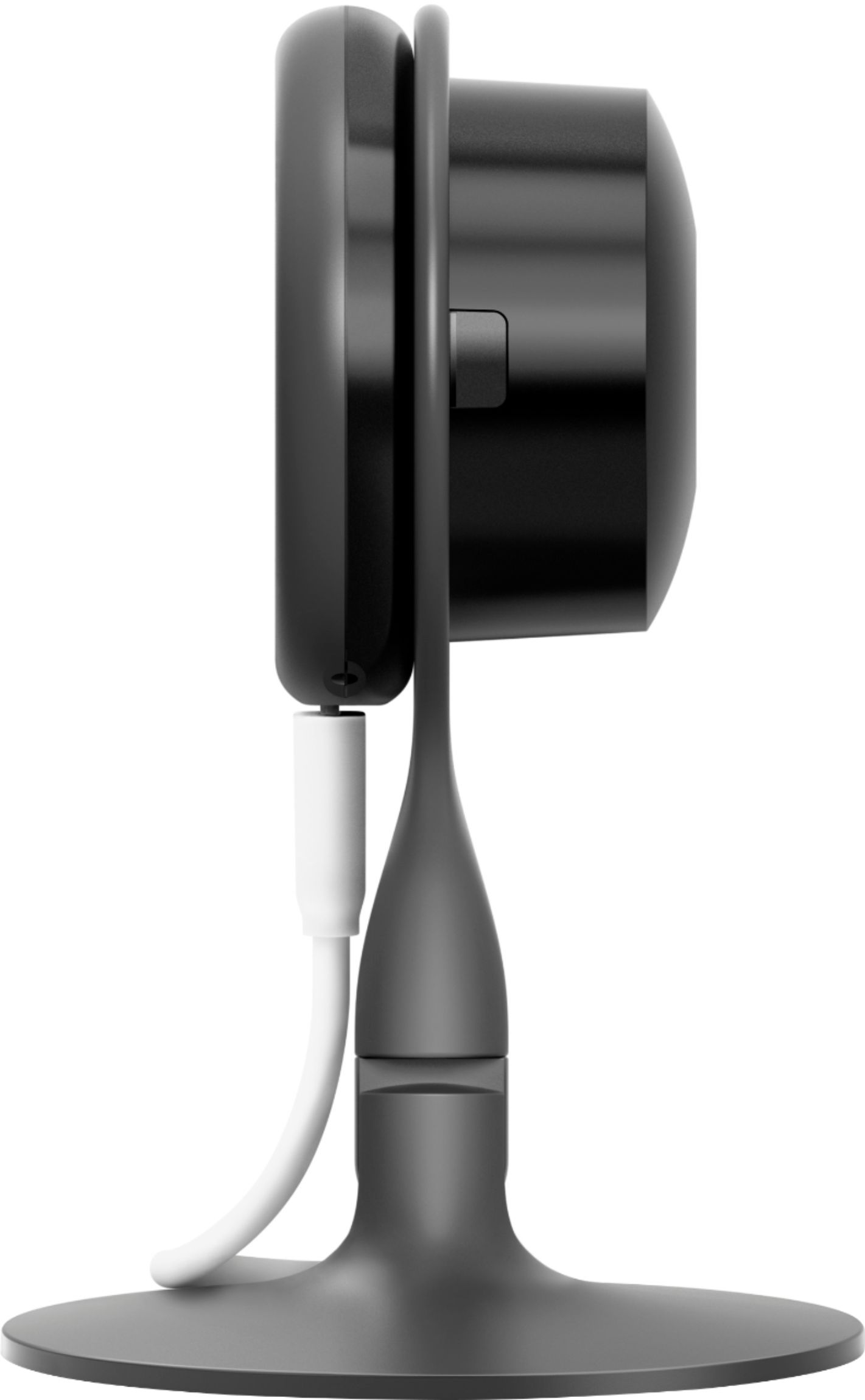
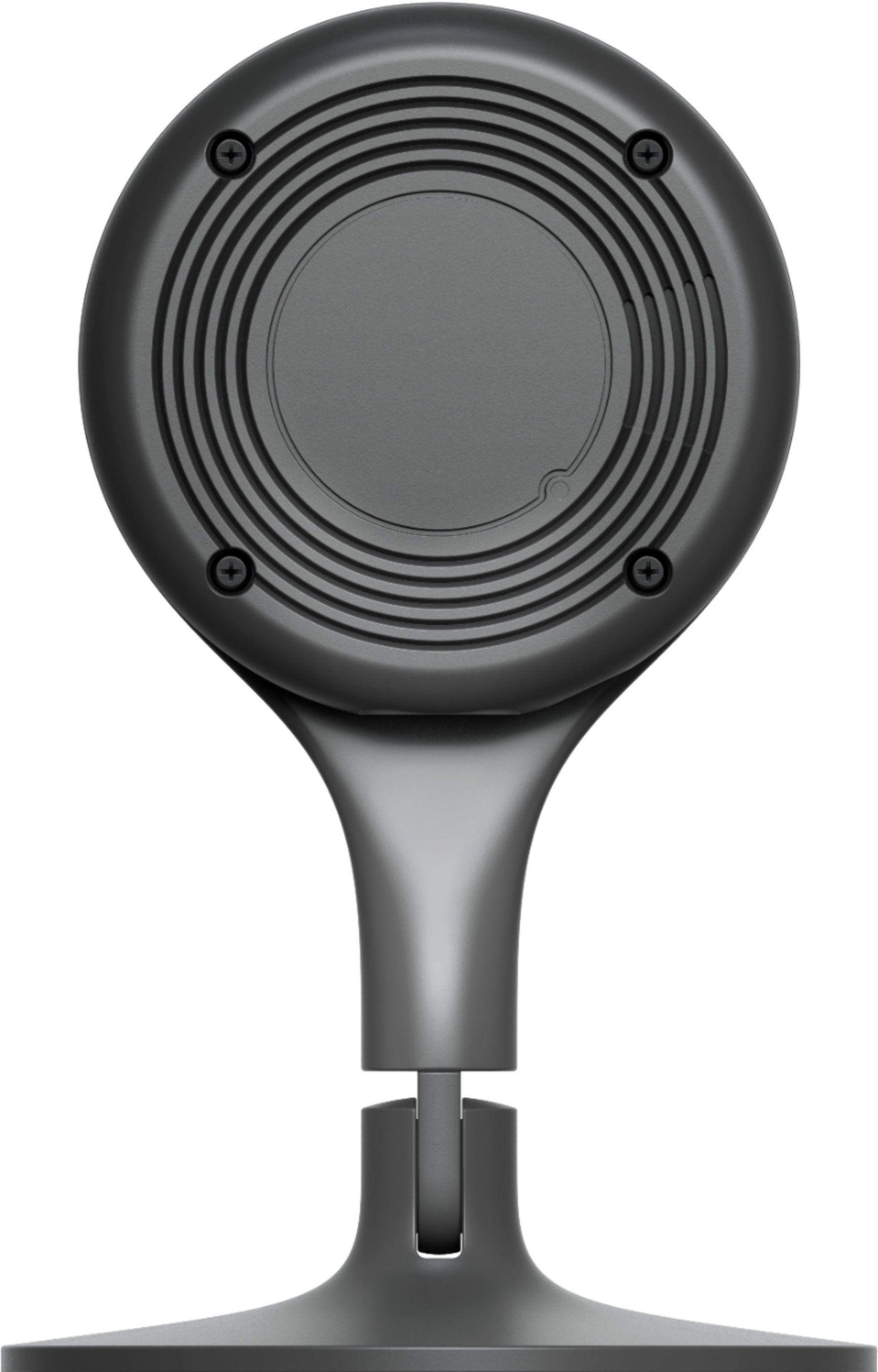
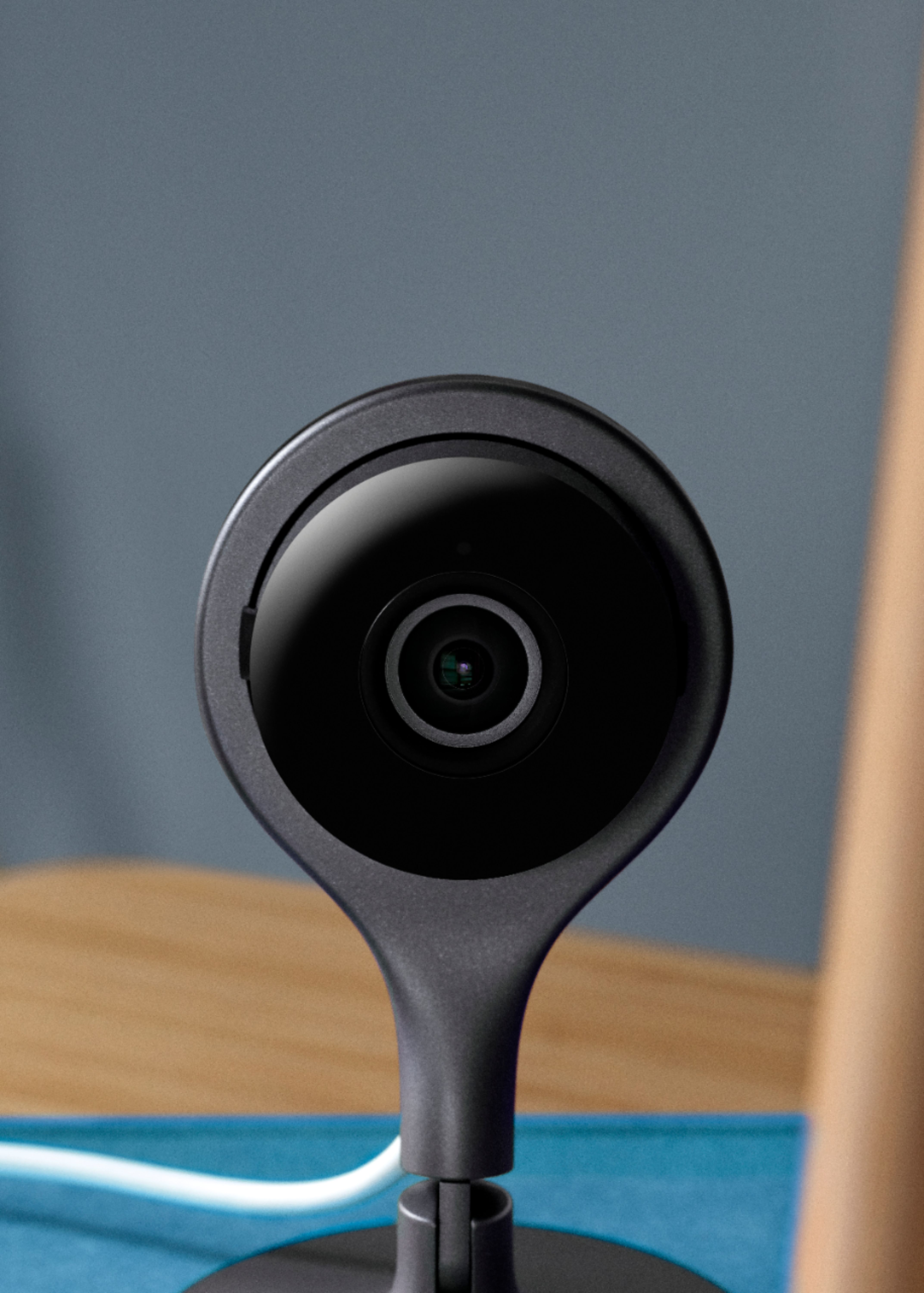
A:AnswerYes you can put them in different locations one in Home and one in business. Where ever you would like to have them. No subscription is needed. You just need Wi-Fi, follow the instructions set them up download the app and you’re all set.
A:AnswerYou can still talk through the camera but the live viewing will go away. When you get an alert all you see is a picture instead of a short video of what set the camera off.
A:AnswerThis Nest camera doesn’t have an explicit “setting” for pets (motion). Hat it does have is the ability to configure its notifications based on motion from just people, or all other motion, or both. The way Nest explains it is they have some proprietary algorithms that can (in most cases) differentiate between a person (small children and adults) and small pets (I.e, cats and dogs) up to about 25lbs. However, my experience has been that even our small dog of 20lbs set off our notifications (of people only) when she jumps up on our couch to bark at something she sees out our bay window. Of course our larger 70+ lb dog sets it off all the time and even our 8lb cat has set it off a few times when she goes racing thru the house like a wild banshee.
So the moral of the story is if you have pets, be prepared for a fair number of (false) notification.
A:AnswerThe camera is wireless, the setup through the app is fairly simple, and it does support both platforms (the iOS and marshmallow and greater... not sure about older os)
A:AnswerNo Subscription as needed. Just follow the instructions and install it super easy! All you need is Wi-Fi. And download the app and you’re all set.
A:AnswerI use my cameras the same way your talking about. I’ve had no issues placing my cameras in the window facing out. Just have to turn off night mode because of the reflection.