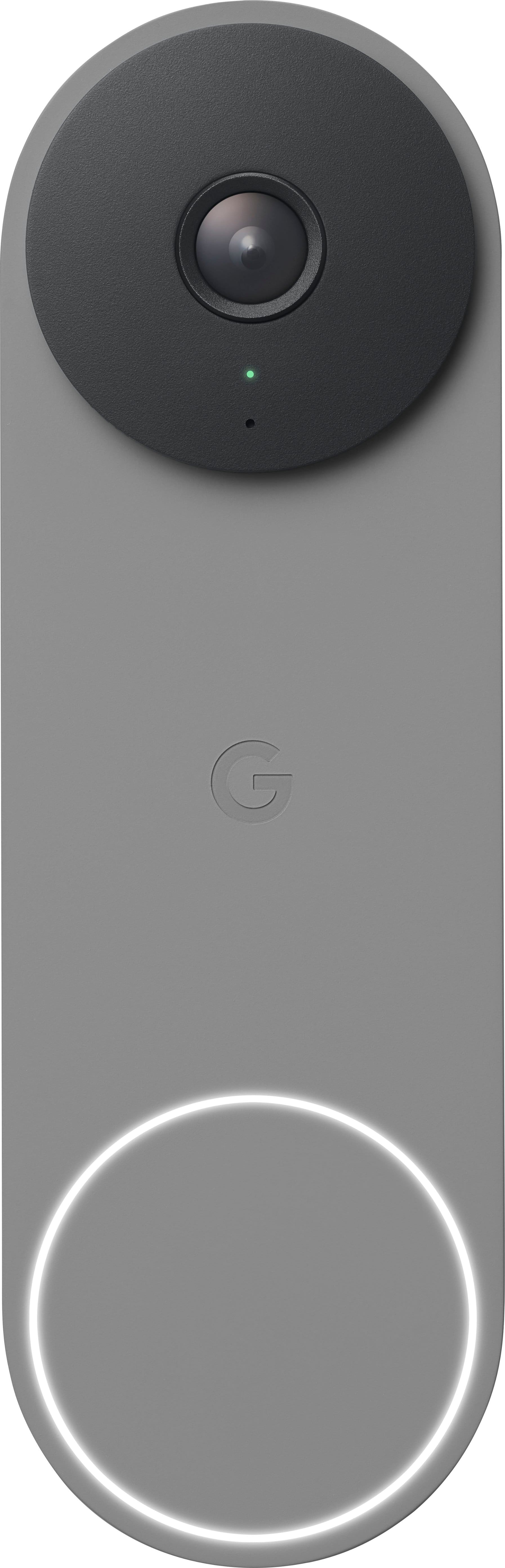
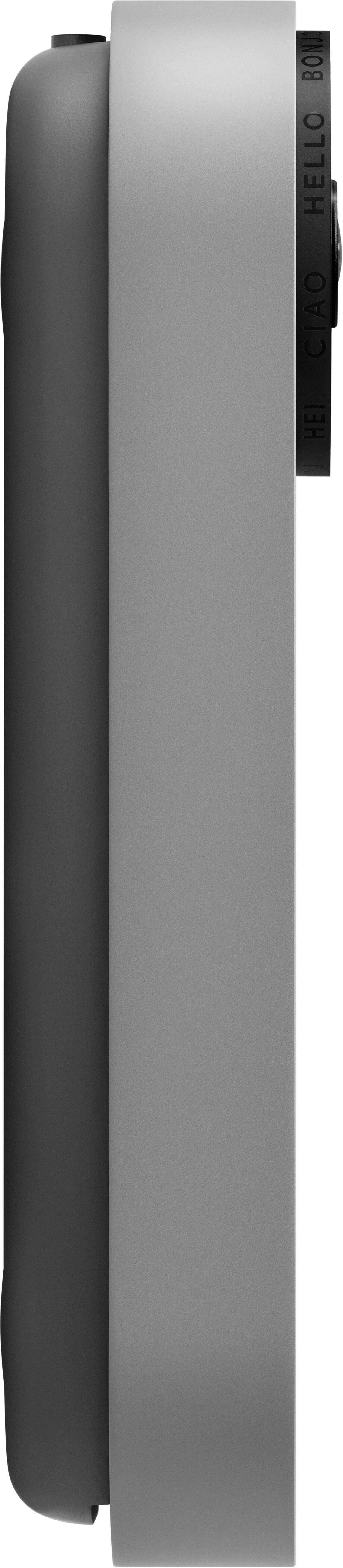
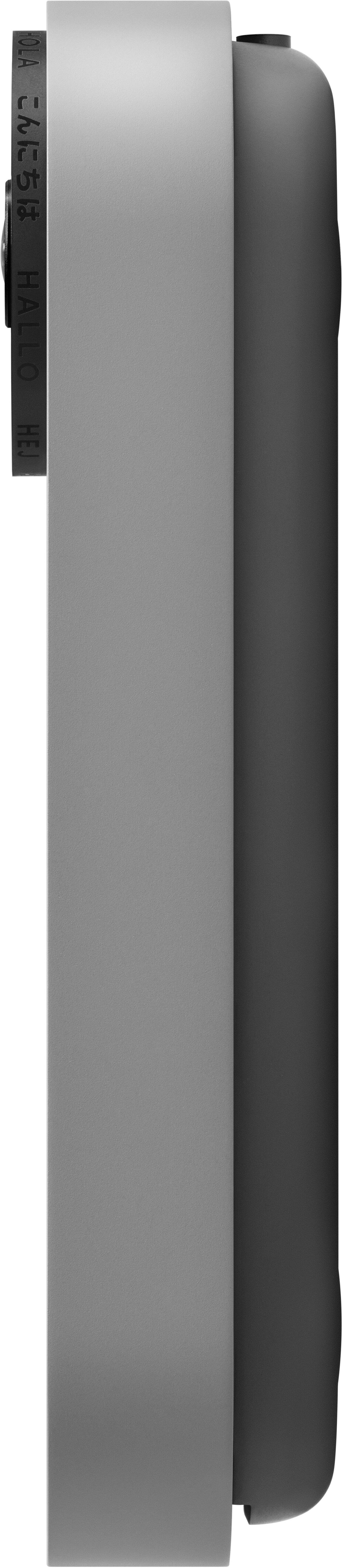
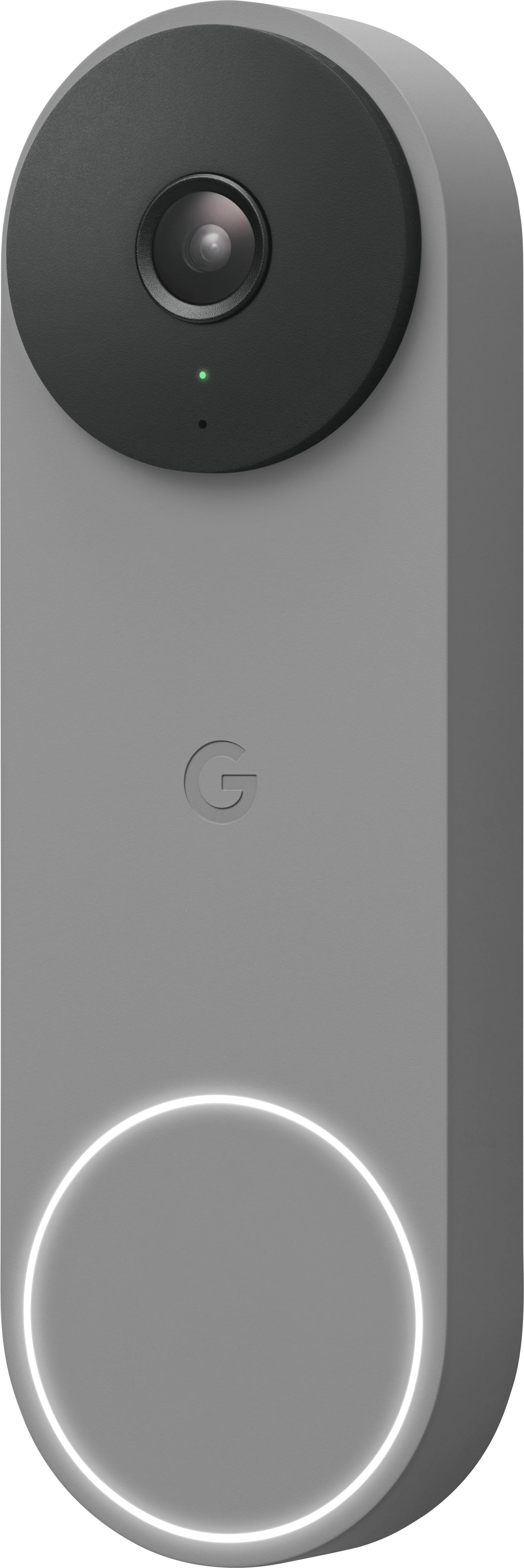
A:AnswerI replaced my original Nest Hello with the 2nd gen model. Voltage and current requirements are the same, and the new model works off the same transformer as the previous one.
A:AnswerHey there, Shawna. Thank you for your interest in Nest Doorbell (wired, 2nd gen). The device comes with a 20° wedge for a better viewing angle. You can check on this video tutorial on how to install your device: https://www.youtube.com/watch?v=c8MW2TsWKmk
For additional questions or further assistance, please don't hesitate to contact us on our Google Help page here: https://support.google.com/googlenest/gethelp
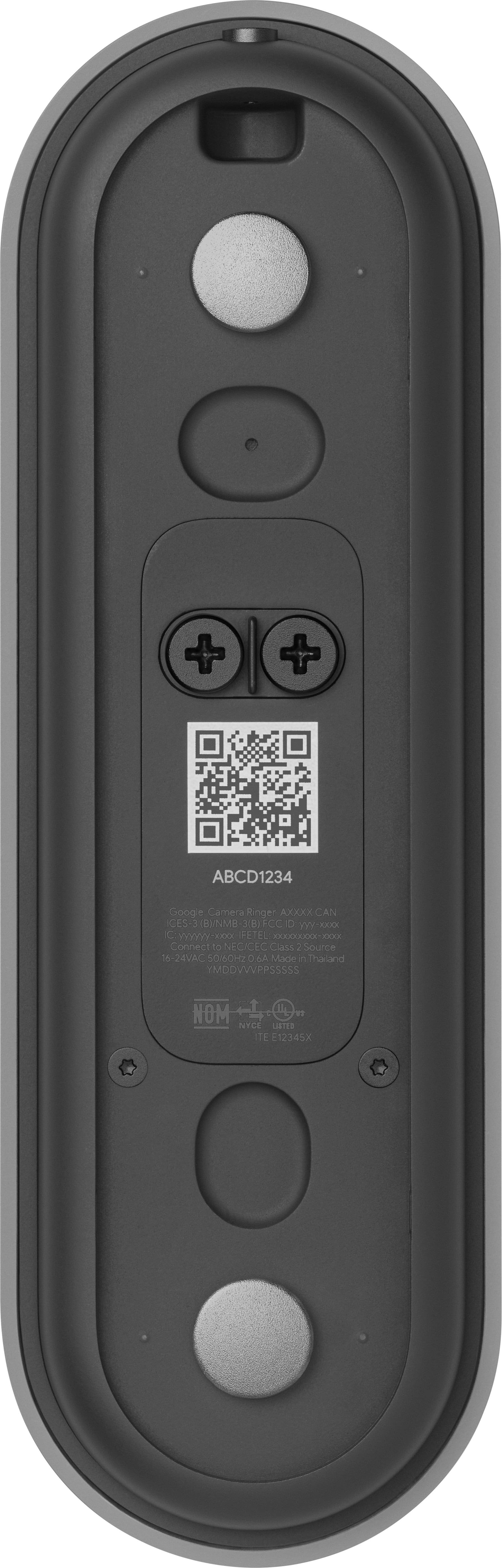
A:AnswerThe wired doorbell gets its power from the old doorbell wires as long as it is within the voltage range stated (I think it was 12 or 15v up to maybe 40v). It was a wide range of voltage that it would take. It comes with a part you need to install in your chime .
A:AnswerHi, Daniella! While Nest doorbells have sounds that help you know what’s happening (for example, when it restarts), a chime is not included. But when a visitor presses your Nest Doorbell (battery), you can hear an audible alert if you have compatible smart speakers or displays, like Nest Audio or Nest Hub. You can connect a Google speaker or display and set up visitor announcements if you want to get notified when someone rings your doorbell when you’re home. You'll only get visitor announcements on your speakers and displays if they are set up in the same home as your doorbell in the Home app. If you choose the optional hard-wired installation, it will work with an existing doorbell chime if you have one. Learn more about how the visitor announcement works here: https://support.google.com/googlenest/answer/10479296
Nest Doorbell (Battery) works with mechanical and digital chimes having a voltage rating of 8 to 24 V AC. You may use a tester to check the voltage of your chime and verify its compatibility, or contact a Nest Pro technician to test your chime's compatibility and install Nest Doorbell (Battery). For more information, please visit this link: https://support.google.com/googlenest/answer/9247132
You will also receive notifications on your phone or tablet when your Nest doorbell detects important activity. Check this link for more details: https://support.google.com/googlenest/answer/9210305
A:AnswerI think it was a phillips screw driver, needle nose pliers (to bend the wires correctly before putting under screw) and a drill if you need to drill a pilot hole for the screws. I did to keep the screw from possibly splintering the wood as I was close to the edge.
A:AnswerTo use the doorbell, no. To use all the features of the doorbell, yes. It records video but only lets you go back a few hours to view the footage. When you subscribe to Nest, it grants unlimited access to much more footage.
A:AnswerNo, there is no support for Google's own Camera products in Google TV. We were disappointed to learn this. We invested in 9 cameras and regret the decision. Absolute garbage. Avoid at all costs.
A:AnswerHey there, we can see you're having trouble with your notifications. Have a look on this link to see how to troubleshoot your notifications issue: https://support.google.com/googlenest/answer/9210305?hl=en&sjid=9486356443461417249-NA#zippy=%2Chome-app-notifications
If you need further assistance don’t hesitate to reach out to us: https://support.google.com/googlenest/gethelp
A:AnswerI have the notifications silenced, so they appear on my phone, but I don't have to hear them go off all the time. The only ones you need to have on are when someone rings the doorbell. I also live in a condo and on the main entrance, so I get a lot of activity.
A:AnswerYou can connect it to your existing doorbell chime. It will work with any one, you just attach it to the chime wiring inside the box (per the instructions).
A:AnswerDo you mean a door *chime*? You won't be able to use the routers for that. That is not what routers are used for. Instead you can use either an Amazon Alexa or Google Home and set that up, both can send a loud chime throughout the house and then a custom message.