Google - Nest Doorbell Wired (2nd Generation) - Linen
Customers are saying
Customers find value in the exceptional video quality and user-friendly interface, which many users prefer over competing options. While the device is praised for its sleek design, accurate motion detection, and reliable night vision, some users have experienced challenges with connectivity stability and battery longevity. Additionally, while professional installation is highly recommended, potential buyers should be aware of the product's larger physical size and limited compatibility with certain smart home ecosystems.
Color
LinenHighlights
Features
3 hours of event video history included.
The wired Nest Doorbell spots and records important activity with clips up to 5 minutes long and 2-second previews for context.
A camera built for your front door.
A taller, enhanced camera view lets you see people head to toe and packages left on the ground as close as 8 inches from your door.
Leave visitors a message with just a tap.
Quickly respond to someone at your door with pre-recorded messages like “Just a sec, we’ll be right there,” or “You can just leave it. Thanks!”₁
Works with compatible doorbell transformers.
It requires a 16-24VAC, 10-40VA rated doorbell transformer and chime (both sold separately). You may need to replace existing hardware.
Control with the Google Hom app.
View live HD video, replay video recordings, talk to visitors, and more – all from the Google Home app. Also view live video feed at home.google.com. The Nest Doorbell (battery) requires a free Google Account and is not compatible with the Nest app or Nest site.
Everything works together.
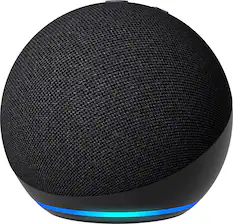
Use devices that work with Google Assistant or Amazon Alexa to stream your live video feed or see and talk to people at your door. And use compatible Nest and Amazon Alexa speakers and displays as a doorbell chime.
Video backup in case of a Wi-Fi outage.
If Wi-Fi goes out, the Nest Doorbell automatically records events for up to an hour. When it’s back online, you can see exactly what you missed.
See more at the door, day or night.
Get a sharp, vivid view of your front doorstep. HDR helps you see details in sunlight or shadows, while night vision helps you see in the dark.
Talk and listen, from anywhere.
Chat through the doorbell to let friends know you’ll be right there. Or tell a delivery person where to leave a package.₁
₁Some features, including mobile notifications, remote control, video streaming, and video recording, require working internet and Wi-Fi.
₂Continuous video recording requires a Nest Aware Plus subscription.
₃To learn more, visit g.co/nest/cam-mem.
Specifications
- Camera Resolution960 x 1280Field Of View145 degreesWorks WithAmazon Alexa, Google Home, NestStorage TypeCloudMinimum Operating Temperature-4 degrees fahrenheit
Reviews
Rating 4.4 out of 5 stars with 980 reviews
- Video Quality (354)
- Ease of use (120)
- Installation (119)
- Overall Performance (70)
- Design (29)
- Connectivity (29)
- Battery Life (23)
- Compatibility (18)
- Size (8)
- App Compatibility (7)
Customer Images
The vast majority of our reviews come from verified purchases. Reviews from customers may include My Best Buy members, employees, and Tech Insider Network members (as tagged). Select reviewers may receive discounted products, promotional considerations or entries into drawings for honest, helpful reviews.

Compare similar products
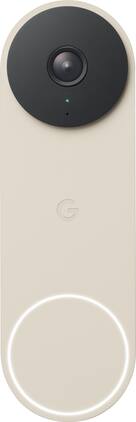
The 2nd-gen wired Nest Doorbell is always on, so you can know what’s happening at your front door around the clock.₁ Get built-in intelligent alerts about people, packages, and animals, and 3 hours of event video history. Add up to 10 days of continuous recording with Nest Aware Plus.₂ And manage your doorbell easily using the Google Home app.

Meet the smarter, sharper wired Nest Doorbell with 2K video and Gemini. Get more peace of mind about the things that matter with the intelligence of Google Home. It provides more details, summarizes what happened, and lets you search video history simply by asking for something.¹,²,³
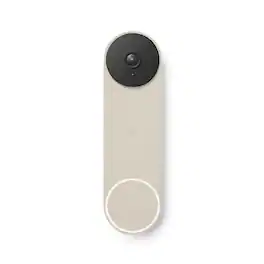
The Nest Doorbell is the battery-powered video doorbell that works with any home. See what’s happening at your door from anywhere and get intelligent alerts about important activity, like when there’s a person, package, animal, or vehicle.* And because there are no wires, you can install it yourself. Nest Doorbell requires the Google Home app and a Google Account – it’s not compatible with the Nest app or the home.nest.com site.

Always know what’s happening at your door with the SimpliSafe Video Doorbell Pro. Its crystal-clear 1080p HD video and 162° field of view give you a clear shot of your property 24/7. Two-way audio lets you hear and speak to unwanted guests (and welcomed ones too) - even when you're not home. Have the SimpliSafe App? The Video Doorbell Pro will send instant alerts whenever someone approaches. And with Smart Person Detection, it can tell the difference between people, vehicles and animals. That means you only get the alerts that matter. Plus, when backed by 24/7 professional monitoring, you’ll have experts who are ready to request emergency dispatch when you need it most. This camera is designed for all weather extremes—so you're still protected in rain and snow. (Compatible with the SimpliSafe Gen 3 security system. Requires Wi-Fi (2.4GHz) and existing wired doorbell setup with mechanical chime and a transformer with 8-24 VAC, 30VA max. Not compatible with digital chimes.)
| Pros for Google - Nest Doorbell Wired (2nd Generation) - Linen | |||
|---|---|---|---|
| Video Quality, Ease of use, Installation, Overall Performance, Design | Video Quality, Overall Performance, Design, Installation Ease, Field of View | Video Quality, Ease of use, Overall Performance, Installation, Design | Video Quality, Ease of use, Installation, Overall Performance, Motion Detection |
| Cons for Google - Nest Doorbell Wired (2nd Generation) - Linen | |||
| Connectivity, Battery Life, Compatibility, Size, App Compatibility | Night Vision | Battery Life, Size, Connectivity, Compatibility, Notifications | Compatibility, Size, WiFi Connectivity, App Performance |
Specs
Questions & Answers
What Cain a wire is needed for google nest doorbell the same I use for my regular doorbell or has to be internet wire?
Answered by Google Nest SupportThe new Nest Doorbell (2nd gen, wired) needs to be powered by wires delivering 16 - 24 V AC, and at least 10 VA (in North America) or 12 - 24 V AC and at least 8 VA (in Europe). While the Nest doorbell can replace most wired doorbells, there are some cases where the doorbell system, including doorbell wires, either doesn’t give enough power or gives too much power. In some homes, you may need to upgrade your transformer to meet the doorbell's higher power requirements. However, some doorbell systems are incompatible like a traditional doorbell system that uses very little power, so it’s important to make sure that the wires and transformer (power supply) meets the required amount of power so the doorbell can record videos.

I installed the Nest Doorbell version2. I set the ring duration for 1 second, but the chime sounds like it is hanging up. Is there a recommended chime for it? Thank you
Answered by Google Nest SupportGreat question. Most mechanical chimes should be compatible with the Nest doorbell wired 2nd gen. Make sure you have connected the chime connector if it’s required. Without the chime connector, you might experience chime buzzing or unexpected chimes. Here’s a like with more details: https://support.google.com/googlenest/answer/9247132
hello, can the doorbell work on Lima, Peru?
Answered by Nest SupportHi, pette! Nest Doorbell (wired, 2nd gen) isn't supported in Peru. It may or may not work. Google Nest devices are optimized to work best with specific Wi-Fi standards, depending on where they are sold and designed for. If you choose to export a device from a supported country to a non-supported country, it may experience low performance, may not work as expected, and it may not comply with regulations in the country you've exported it to. It can also cause compatibility issues as availability and performance of certain features, services, and applications are device and network dependent.
How to buy the pin that unlocks the camera from the front door
Answered by Google TeamHey there. If you don't have the release tool that came with the Nest Doorbell (Wired, 2nd Gen), you can use a drawing pin or paper clip instead. If you need a helping hand, we’re available 24/7 here: https://support.google.com/googlehome/gethelp
Our existing door bell is mounted on an inch wide piece of trim. Can I install the video doorbell there or do I need a special mounting plate?
Answered by JAC1I found an extnsion piece online that allowed me to mount the doorbell in the existing space with the existing wiring. The extension piece fit in the 1 inch space that I had also.

Customers often buy these together
Security Camera



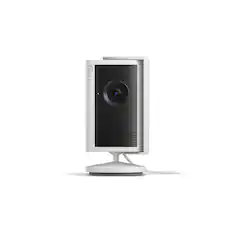
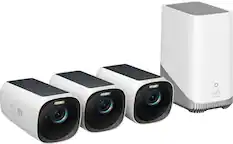
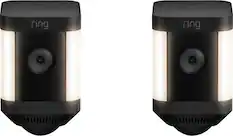
Smart Speakers and Displays
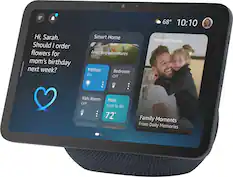
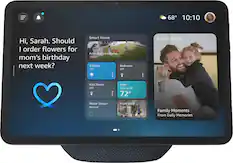
Amazon - Echo Show 8 (newest model), Vibrant HD 8.7" display with spatial audio, designed for Alexa+ - Graphite
$184.99The price was $199.99


More recommended items
 Home Security System
 Networking
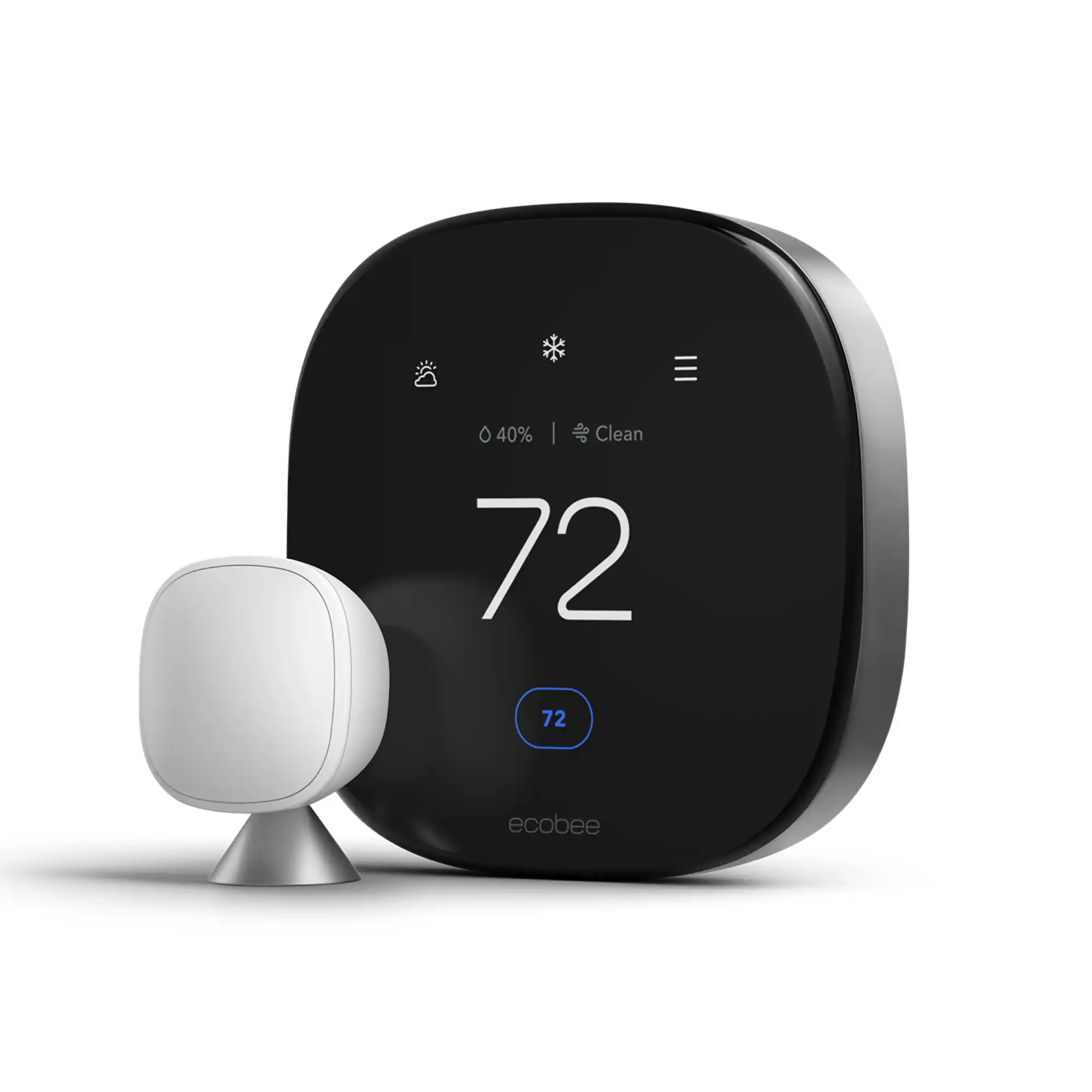 Smart Thermostat
Customers ultimately bought
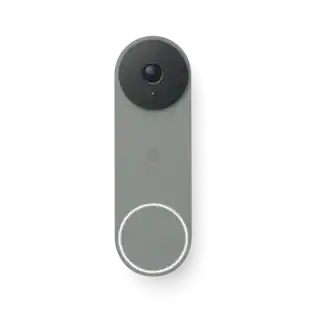
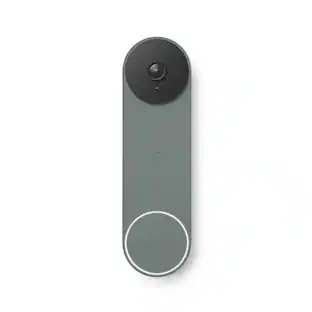
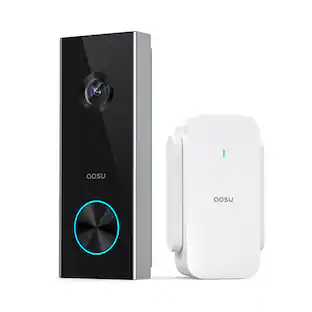
Control, Comfort, Convenience Sponsored
 Top Deal$149.99The price was $199.99
 Top Deal$44.99The price was $59.99
 Top Deal$29.99The price was $39.99

Discover related products
 $99.99The price was $149.99


Keep exploring
 $329.99The price was $469.99
 $89.99The price was $119.99
 $122.49The price was $129.99