A:AnswerCorrect. Only one router serves as the actual router, where the other serves much like an extender. The Nest WiFi Pro does support wired backhaul, which would improve speeds while connected to the different nodes throughout your home, so if you can support this feature, I would definitely suggest doing so.
A:AnswerSupposedly you can turn off the wireless radio in the modem/router combo. Depending on your internet service provider (ISP) you shouldn't have to buy a modem. Some ISP's don't charge for a good DOCSIS 3.0 or 3.1 modem.
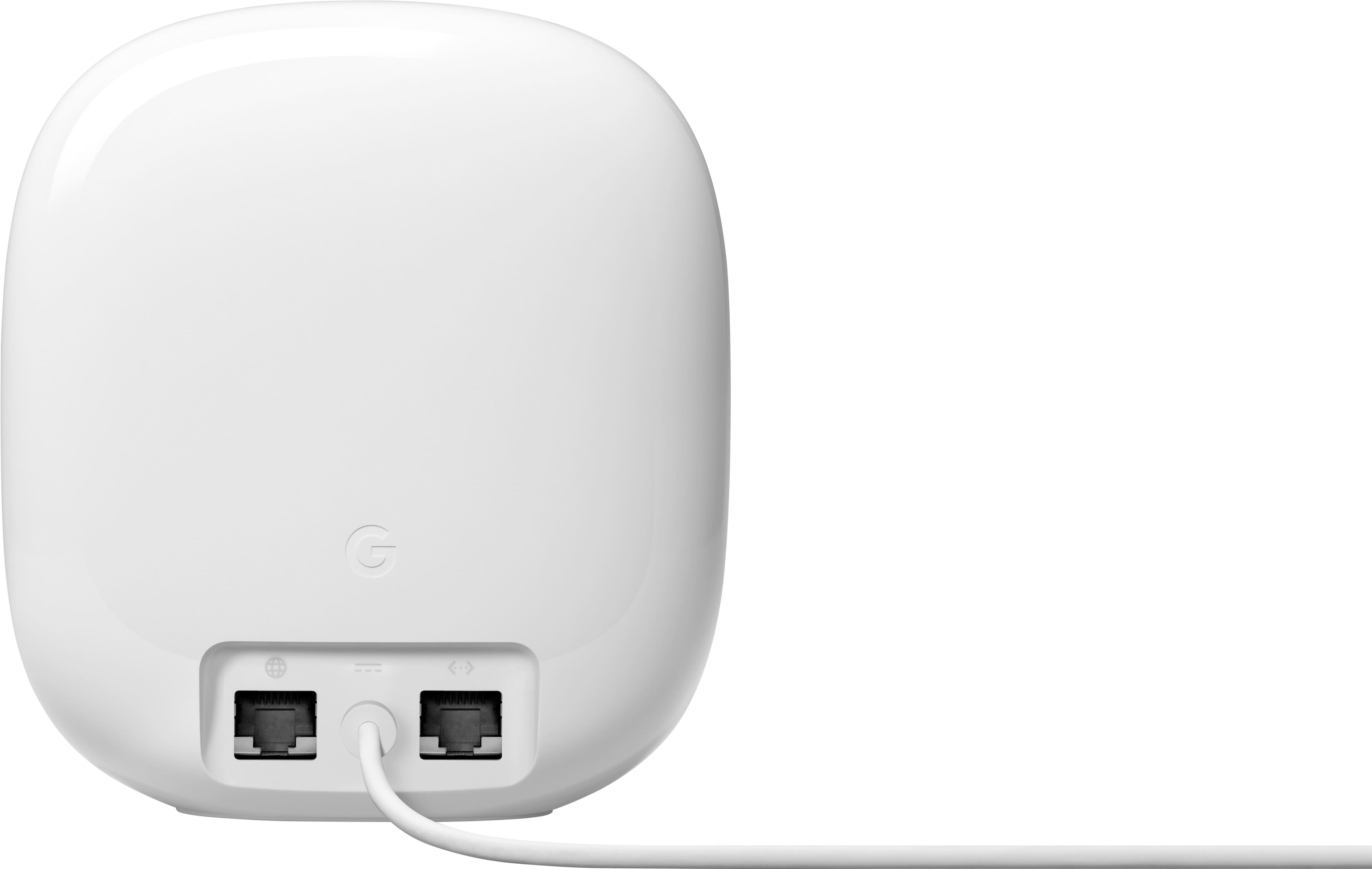
A:AnswerThere are two total Ethernet ports, but one of those is needed for the modem. So in reality you only have one Ethernet port for wiring devices. For me I needed to buy an Ethernet switch to add a few more ports, so I could wire my tv and smart light hub at the same time. Yes it's an extra cost of $30, but routers with more Ethernet ports are far more expensive, larger and unsightly. It's rare to get a good looking router that doesn't look large with many Ethernet ports. You have to make a choice.
A:AnswerOur router never does this. If you're still within your return policy then exchange it. If you can't return/exchange it then get in touch with google. Or if you bought it on a credit card some of them have return protection.
A:AnswerNest WiFi Pro has a gigabit LAN port, so max theoretical speed would be up to a gig. Speeds may improved over the 160mhz band on 6Ghz, but range comes as a sacrifice, as this band is significantly hampered by obstructions.
A:AnswerI have gigabyte in, and I usually get about 800 out from my 3-pack. Even so, my Samsung 4K TV “stutters” occasionally, and I’m not sure whether to blame my internet provider, Google, or Samsung.
A:AnswerI tried to use the 15% network recycling coupon and the store refused to accept it for this product. They had no valid explanation.
I submitted a question about this specifically and it has yet to be approved or answered.
A:AnswerHi there, woodpiler. You can have multiple Nest Wifi Pro devices on one network to provide additional coverage. We recommend a maximum of five Wi-Fi devices in a single network. Adding more might be detrimental to Wi-Fi performance. Here’s a link with more information: https://support.google.com/googlenest/answer/7182840?hl=en-SG#zippy=
A:AnswerI think 5 or 6 of these routers on your system is possible. But once you reach that, I'd worry about the 5-6th one having decreased speed. There was something stated about this in the paperwork that came with mine.
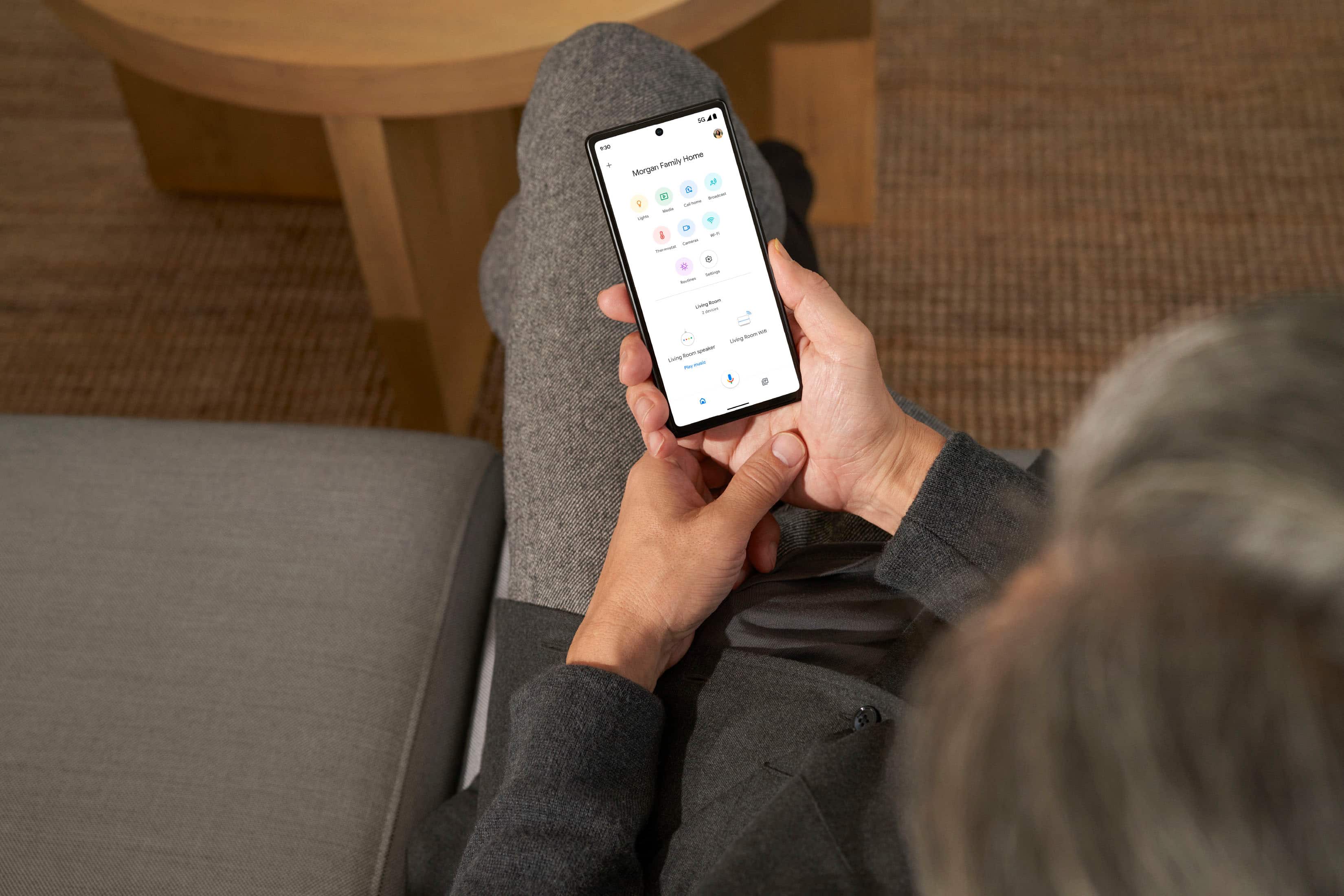
A:AnswerHello there! We appreciate your inquiry. Unfortunately, this feature isn't available. There are other ways to stay on top of your family’s screen time with the Family Wi-Fi on the Google Home app. Visit this link to learn more: https://support.google.com/googlenest/answer/7506043
A:AnswerYes. Nest Wifi Pro plugs in directly to an electrical outlet, it comes with a 22 W adapter with an auto-volt input range voltage of 100V - 240V.