A:AnswerWe have Fios and it has worked great. It plugs into the router so no drop offs like you get with the booster. Just connect all your devices to the mesh network you create
A:AnswerYes! Been using one year & specifically needed a strong signal for a detached garage apartment for guest WiFi streaming & some outdoor smart devices. Not one problem with speed or connection all year. It’s a solid product.
A:AnswerThe Google WiFi mesh network will automatically choose the best network for your device. If you have more than one mesh device connected it will jump to the one you are closest to as well.
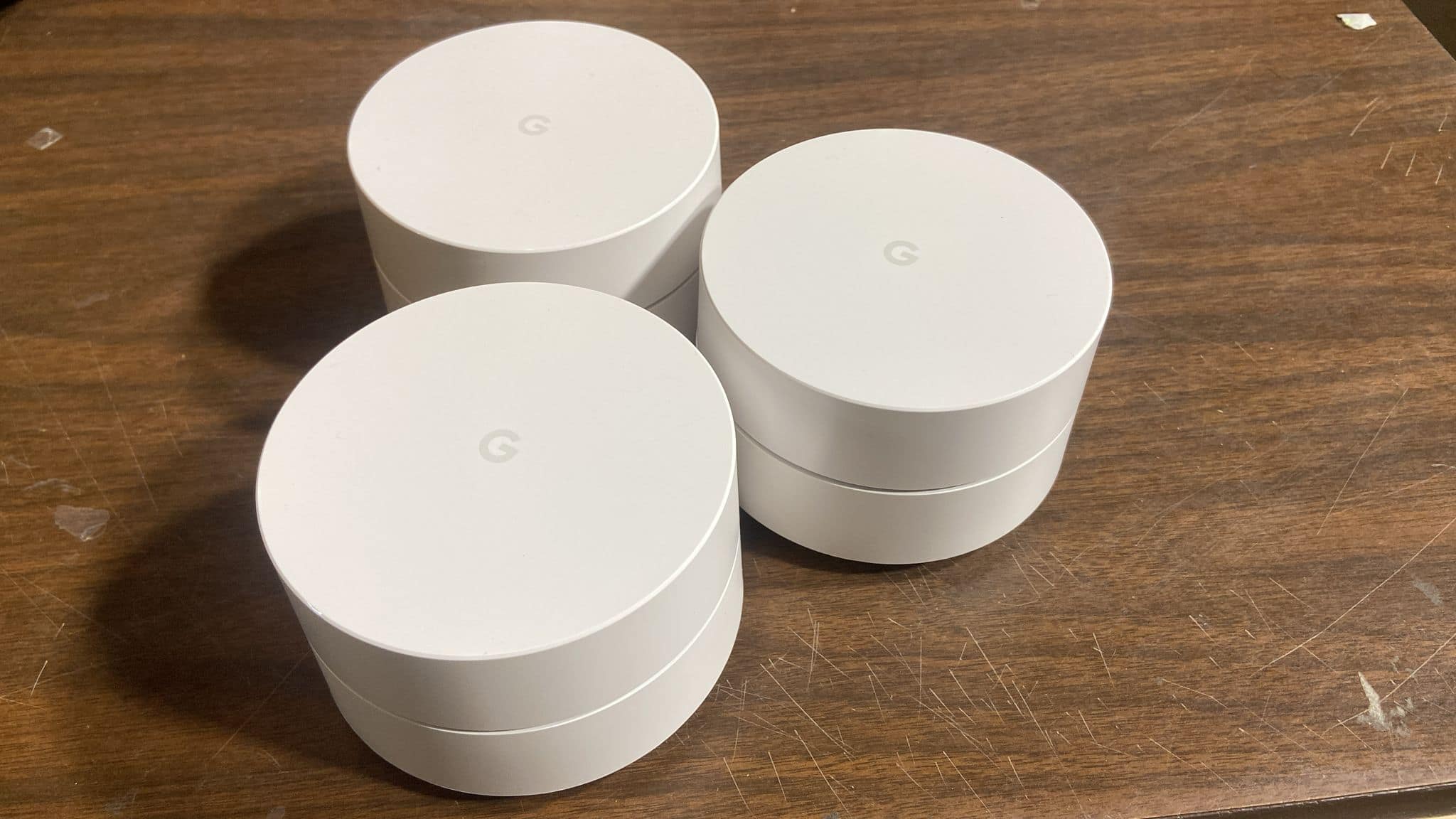
A:AnswerI don't quite understand your question fully but one of the pucks has to be your primary. The primary puck will be the one that connects to your modem using the included Ethernet cable. The other pucks I recommend connecting them throughout your home/office.
A:AnswerYou would still need a modem from your provider, or a modem compatible with your service provider. Once you have that, and connect the mesh, you are good to go to make it your main Wifi source. It works well, currently we have 16 devices connected and they all work really well, on a 300Mbps system.
A:AnswerIt's hard to say yes or no, but a mesh network work differently from your traditional routers. A mesh network covers your home/office like a fishnet would if you were to throw a fishnet over your house. So in theory it should give you better stable signal throughout your home/office. But the only way to find out is to test it out.
A:AnswerI'm not sure if it will the google wifi app will allow you to create a second wifi network entirely but the app does give you the option to set up a guest wifi with a name and password of your choice. As well as broadcasting goes, it does give a pretty strong signal. I have one of the mesh devices connected to my router upstairs and two additional mesh devices in my basement where most of my devices that need internet are located and I experience no lag at all.
A:AnswerCOX is your internet provider, while your WiFI is to broadcast your internet signal locally to your house. So you can use Google WiFi to broadcast in and around your house. It's a very good WiFi provider. the best I have seen.