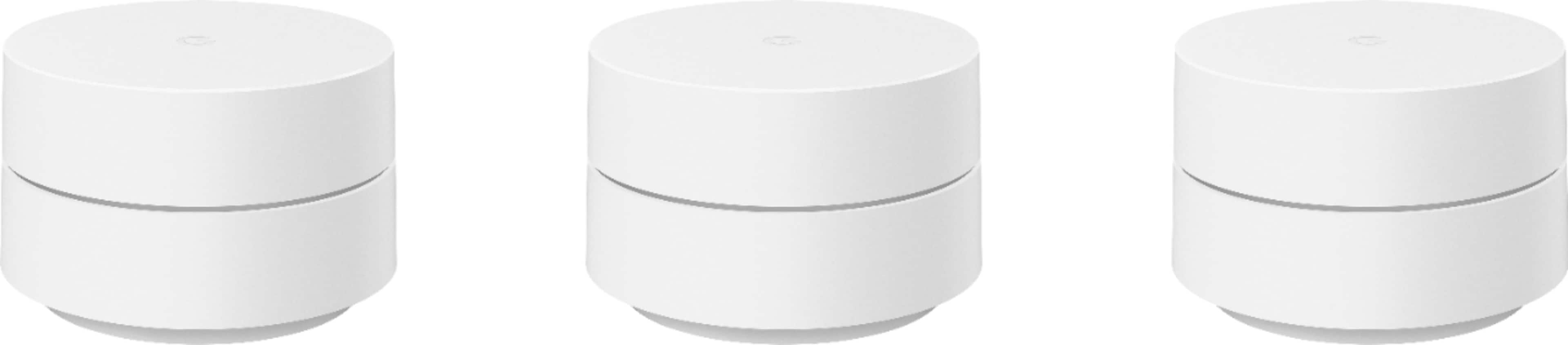
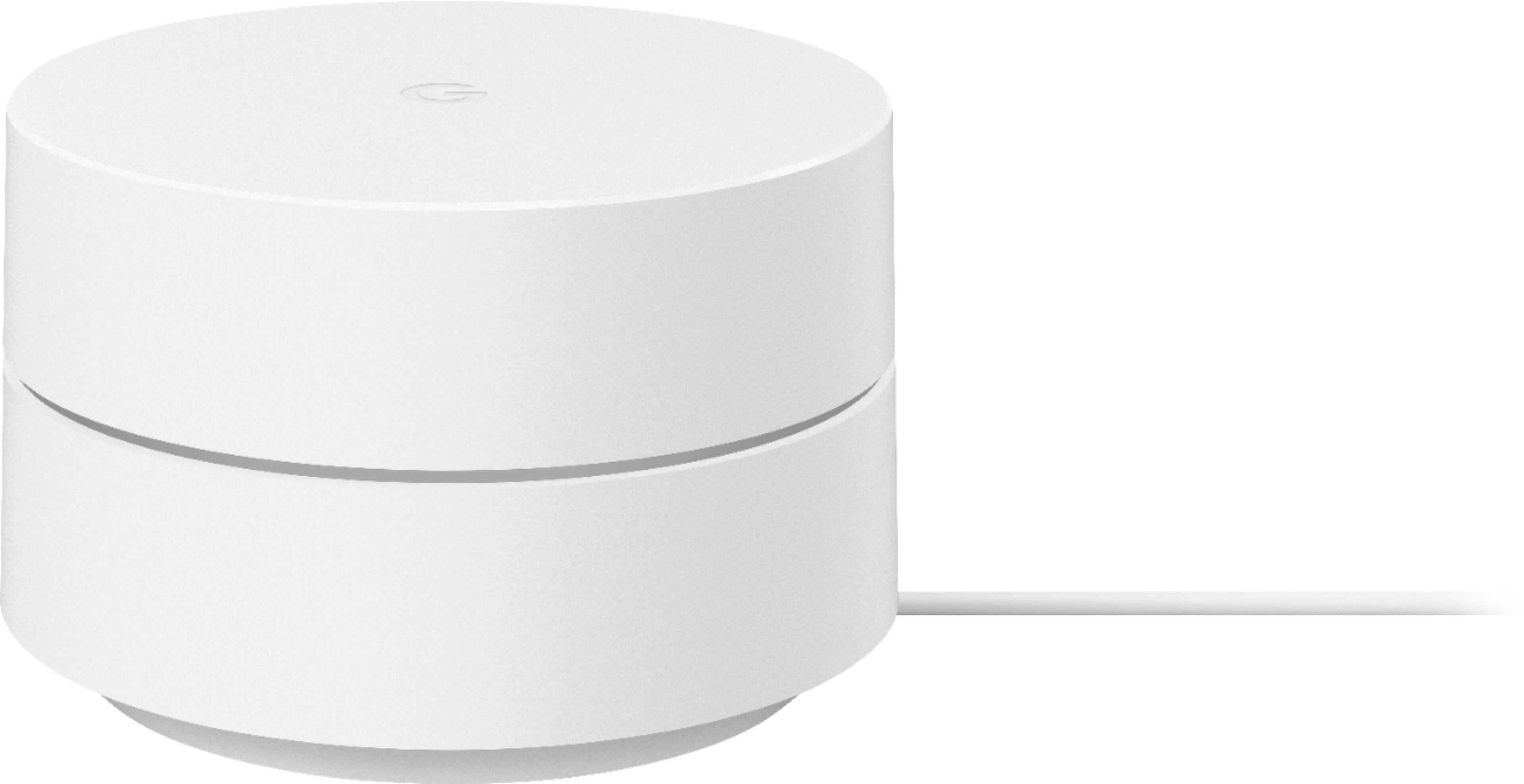
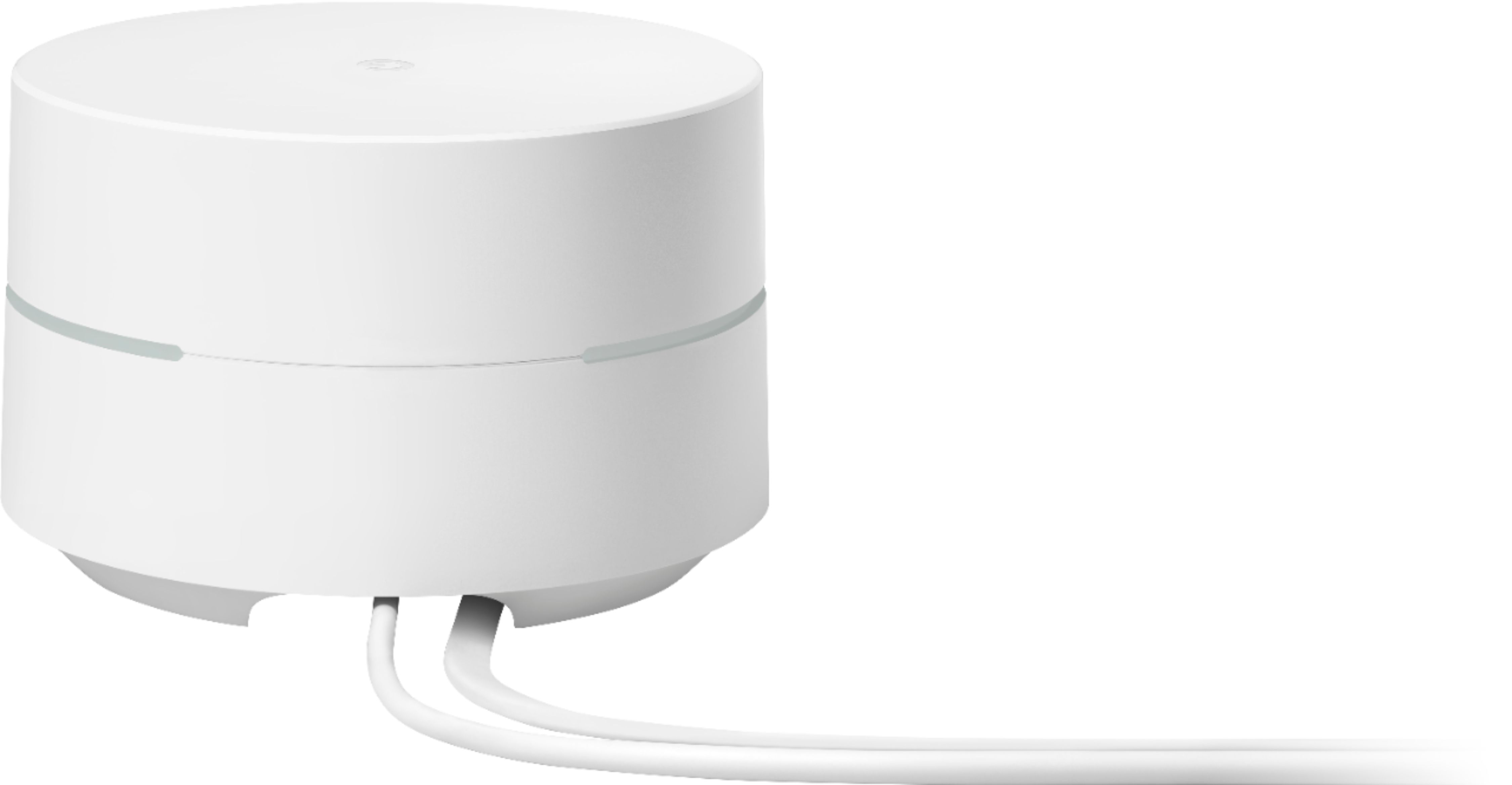
A:AnswerGoogle Wifi will work with most modems and internet service providers (ISP), including Verizon FIOS. It replaces traditional routers to provide seamless, reliable Wi-Fi coverage throughout your home. However, it doesn´t replace your modem.
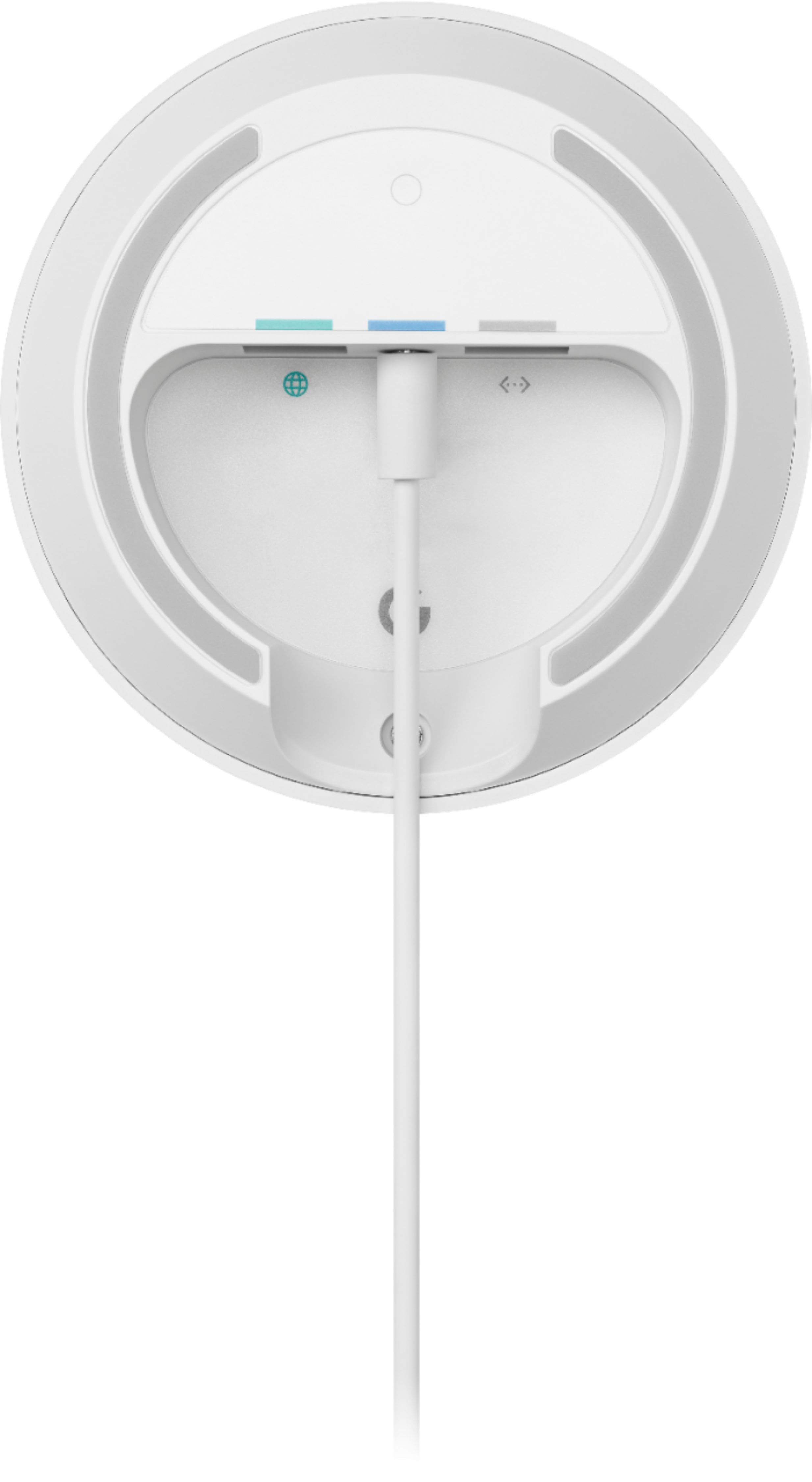
You can connect Google Wifi directly to your modem with an Ethernet cable to set it up and broadcast your Wi-Fi network. If your modem is a modem/router combo, we recommend disabling the Wi-Fi functionality of the combo or putting it in Bridge mode to avoid Double NAT as it may cause connectivity issues. Take a look at this link for the setup requirements and guide on how to set up Nest Wifi: https://support.google.com/googlenest/answer/7183148
For further assistance, you can contact our support team here: https://support.google.com/googlenest/gethelp
A:AnswerGoogle Wifi provides your home with a reliable Wi-Fi mesh network and it keeps you connected wherever you are in your home. However, it will still rely on the Internet bandwidth provided by your Internet service provider. If your provider will limit your bandwidth and provide a slower connection, then Google Wifi will also be limited to the same speed limitations.
A:AnswerGoogle Wifi is a router that broadcasts Wi-Fi to any Wi-Fi capable device. It replaces traditional router and is compatible with most Internet Service Providers (ISP). Keep in mind that internet speed and reception depend on the modem and internet service provided by your preferred internet service provider (ISP). Google Wifi can help distribute the full speed it receives from your modem.
Google Wifi is capable of up to 300 Mbps @ 2.4GHz and 867 Mbps @ 5GHz. You can also check Nest Wifi routers which capable speed is up to 400 Mbps @ 2.4 GHz and 1733 Mbps @ 5 GHz. Note that these speeds will still be affected by wireless interference caused by thick walls, other wireless signals in your home, and the number of connected devices you have.
A:AnswerYou may check these links that might be helpful for your concern:
- Device can't connect to my Nest Wifi or Google Wifi network: https://support.google.com/googlenest/answer/6281123
- Devices incompatible with Google Nest Wifi or Google Wifi: https://support.google.com/googlenest/answer/6304954
For further assistance, you can contact our support team here anytime: https://support.google.com/googlenest/gethelp
A:AnswerYou can use Google Wifi outdoors. However, keep in mind that Google Wifi devices are not waterproof or weatherproof. We suggest adding multiple Wifi points instead to cover the whole area or extend your Wi-Fi. As long as it is within range of your primary Google Wifi router, your Wifi points can be connected wirelessly. Ideally, one Google Wifi can cover up to 1,500 sqft. But where they are placed, the layout of your house, and physical obstructions like furniture can impact the total coverage. For an estimate of how much Wi-Fi coverage you’ll get with Google Wifi and a guide to how many Wifi points you need check here: https://support.google.com/googlenest/answer/7182840
A:AnswerYes. Google Wifi is available and supported in these countries: Austria, Belgium, Canada, Denmark, Finland, France, Germany, Ireland, Italy, Netherlands, Norway, Portugal, Spain, Sweden, Switzerland, United Kingdom, United States (except Puerto Rico).
A:AnswerPurchasing Google Wifi is a one-time payment. The monthly fee that you'll be having will depend on the plan you choose from your preferred internet service provider (ISP). Nest Wifi is a router that broadcasts Wi-Fi to any Wi-Fi capable device. It requires to be connected directly to a modem using an Ethernet cable to set it up and get an internet connection from your ISP that you'll have a monthly internet plan. Take a look at this link for the setup requirements and guide on how to setup Google Wifi: https://support.google.com/googlenest/answer/7183148
A:AnswerThese devices require the wall outlet on order to be powered fully. As far as I'm aware there isn't a desktop app, although you can use a Google nest hub or nest hub max as well as the Google home app in order to control them. You will require the phone app in order to configure them however you need.
A:AnswerGoogle Wifi is a router that broadcasts Wi-Fi to any Wi-Fi capable device. It replaces traditional router and is compatible with most Internet Service Providers (ISP). You will need to have an internet plan from your preferred ISP. Google Wifi connects directly to your modem using an Ethernet cable to set it up and get an internet connection. Take a look at this link for the setup requirements and guide on how to setup Google Wifi: https://support.google.com/wifi/answer/7183148
You can alsoconnect devices like your laptop/computer or TV directly into the LAN port of your Google Wifi. You can also connect additional devices by adding LAN ports with a switch. Check this link for more info: https://support.google.com/googlenest/answer/7215624
A:AnswerYou will need a modem which you should already have from your internet service provider. This device will not provide internet service if you do not already have it from a serviceprovider. It only converts your current internet service into wifi. You will not need to purchase nothing else.
A:AnswerAs long as you have an internet modem with Ethernet output, this can serve as your wifi router. Just plug one end of the Ethernet cable into your modem and the other end into the Google point’s “internet” port and voila! I have one Google point device hooked up to my spectrum modem and have had zero problems with it as my wifi router. No separate router required.