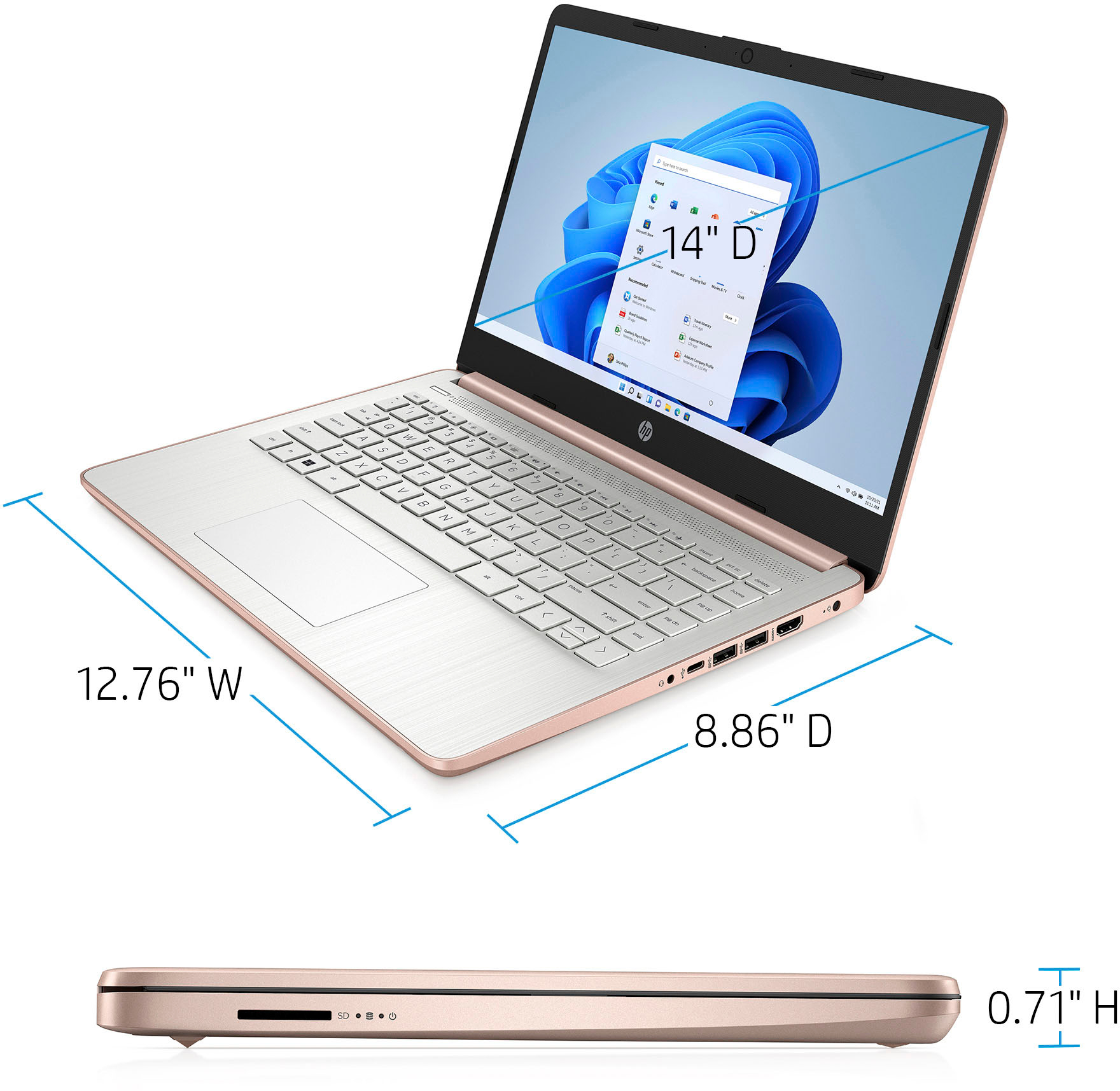
A:AnswerYes, it does. In Sleep Mode, the computer is using just enough power to keep the RAM active with the data you had when you put the computer to sleep.
A:AnswerI bought this laptop for the exact same reason. I use my phone for everything else so just needed something basic. Unfortunately it couldn’t even manage to open browsers to apply for jobs without restarting. It’s a super slow very low budget laptop and it’s basically a paperweight.
A:AnswerHello, This information is directly from Silhouette Software. The following are the minimum system requirements in order to run the Silhouette Studio® software:
Operating System:
PC: Windows 8 or higher; RAM: 4 GB of RAM;
Processor: 2 GHz (or faster) processor speed;
Memory: 2 GB hard disk space.
If you have less than 1.5 GB of free hard drive space, Silhouette Studio will give you a warning message that the hard drive is almost full and it's recommended that additional space be created for the best performance of Silhouette Studio. If you have less than 0.5 GB of hard drive space, Silhouette Studio will not launch and will instead provide a warning that in order to run Silhouette Studio hard drive space must be freed up in order to start the program.
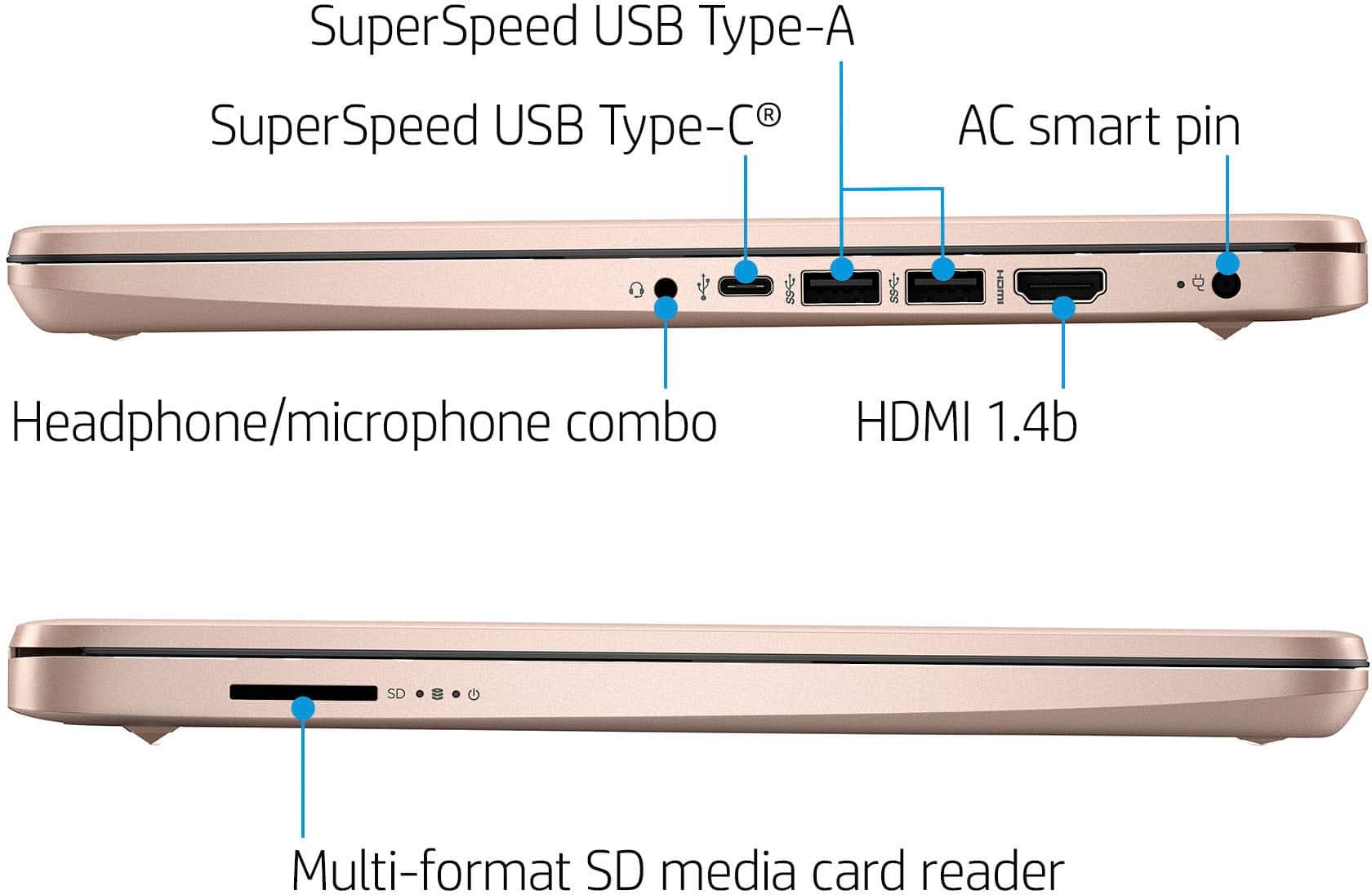
USB Port: USB 2.0 Port (or higher). A desktop or laptop is ideal for operating Silhouette Studio - but keep in mind the minimum requirements. Not all computers are created equally. The operating system, RAM, processor, and memory will all have an impact on how Silhouette Studio runs on your computer. Thank you for being an HP customer!
A:AnswerBecause this computer is running Windows in "S Mode" it can only download and run apps that are in the Windows Store. Unfortunately, Examity is not one of the programs in the Windows Store.