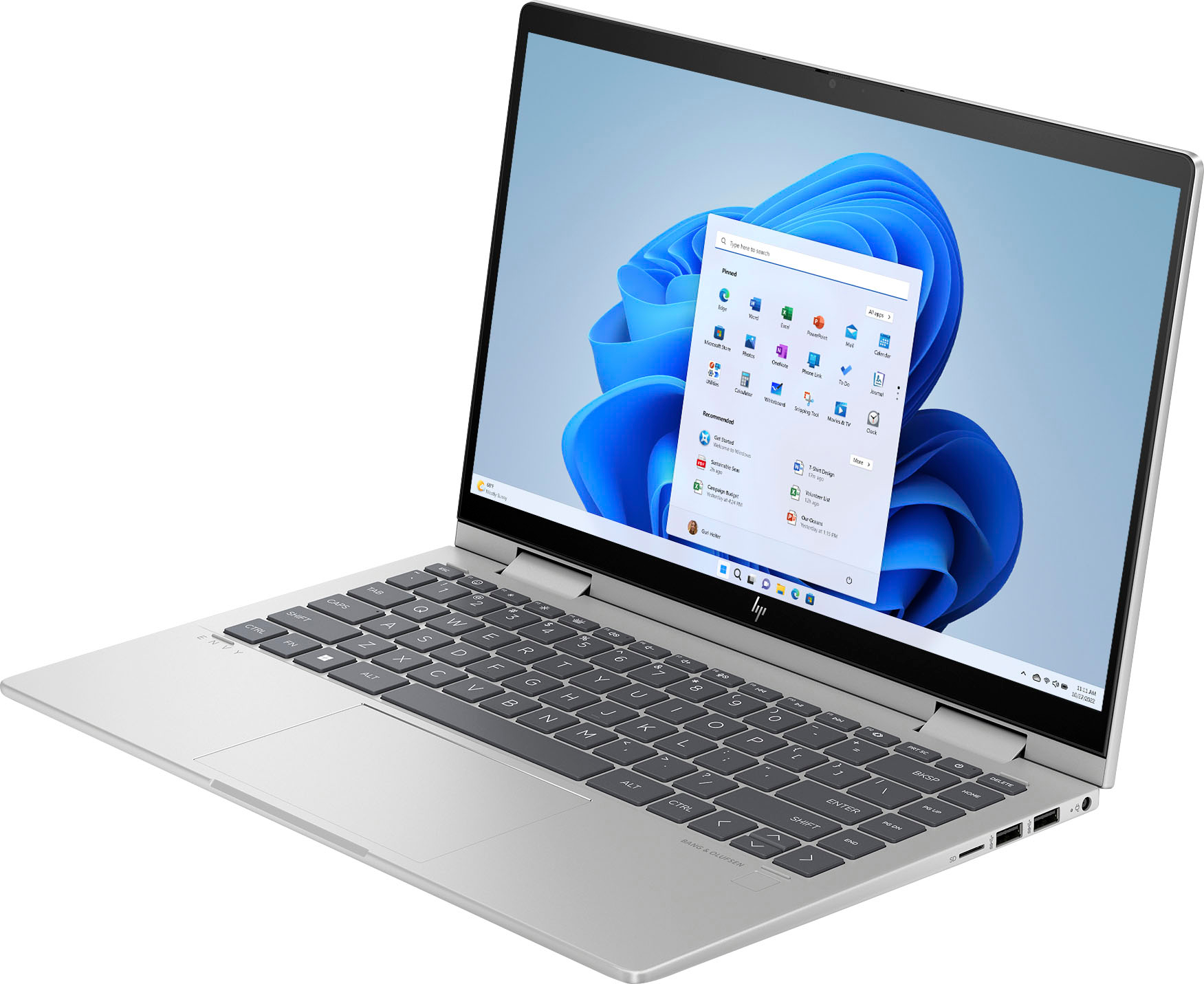
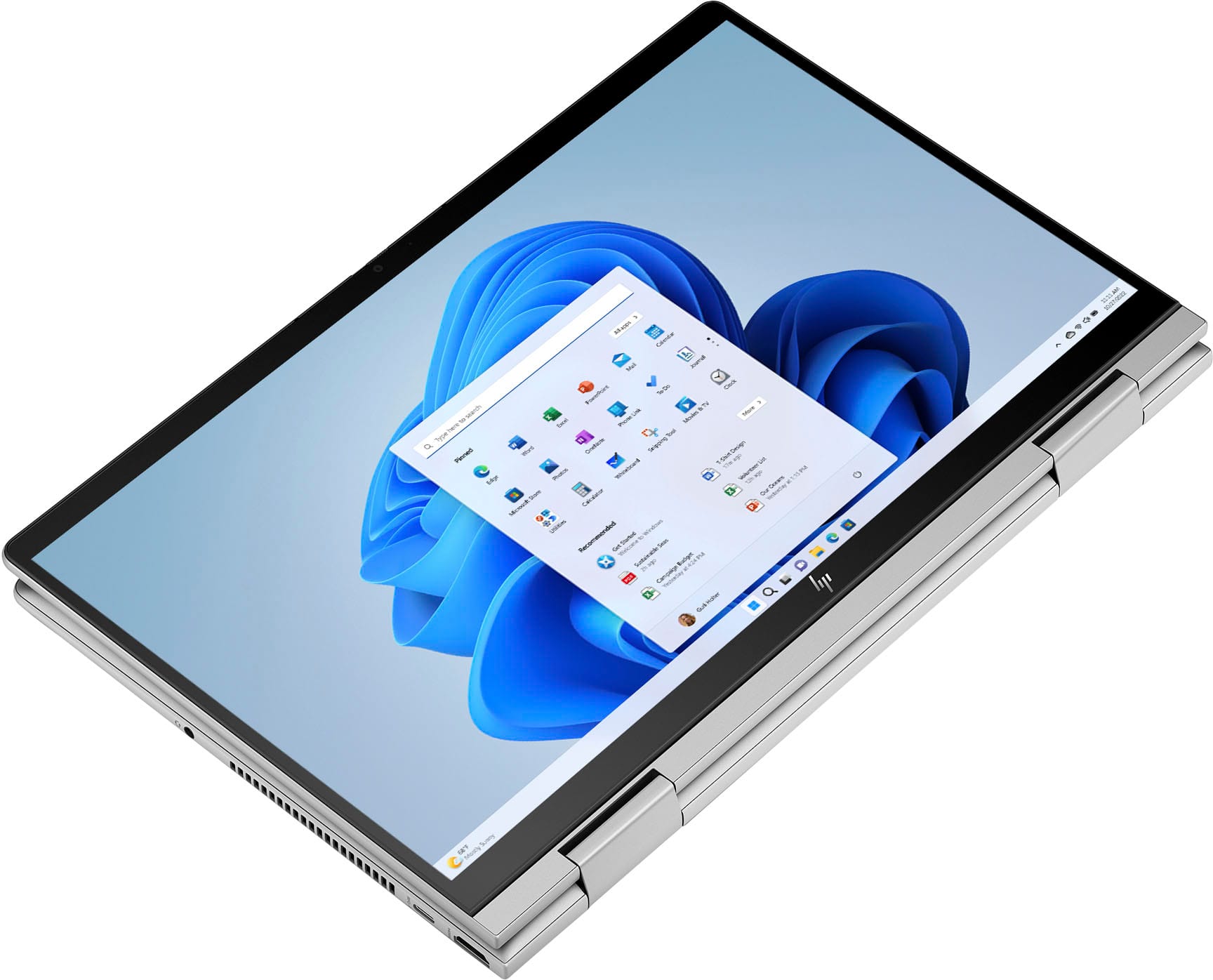
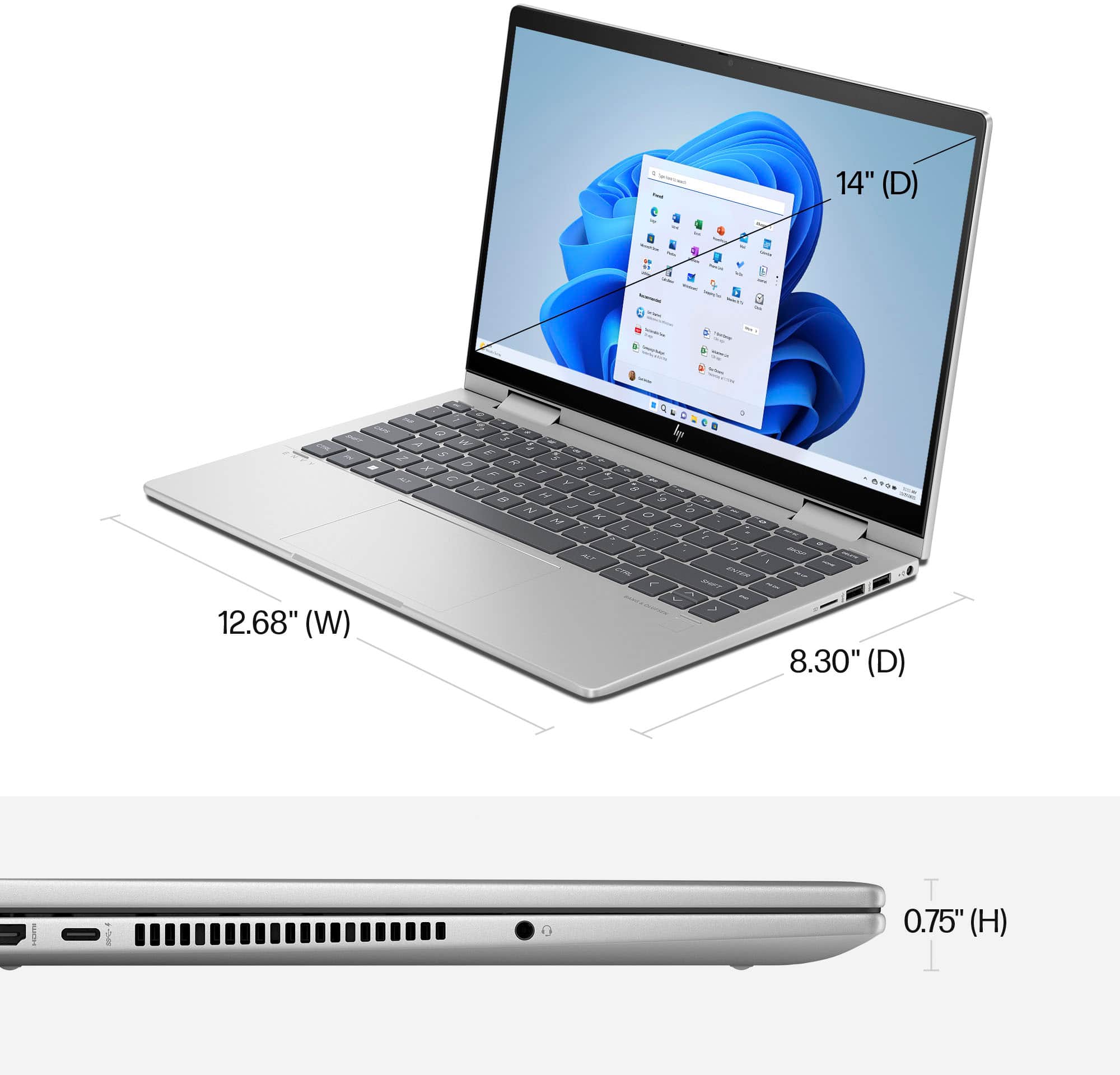
A:AnswerIt doesn't. However if you need a wired Internet connection, you can use an adapter that takes the Ethernet cable and connects it to the comput'er USB-C port.
A:AnswerThe battery life of this model is rated up to 9 hours and 30 minutes - this can vary drastically depending on what you're actively doing with your laptop. Searching for WiFi, using applications in the foreground, or having them running in the background can drain your battery, as well as system brightness settings and other computer settings that will alter how your computer's battery life lasts.
A:AnswerThe windows key + b isn't how to power up a laptop that's been turned off. The power button is located on the top row of keys, one over from the far right. If it won't power up that way, you'll need to contact the HP support team so they troubleshoot the issue with you.
A:AnswerNo it does not. The only thing that lights up is a little dot on the power button, and the mute, no sound and caps lock to show they are enabled.
A:AnswerThank you for reaching out. We would recommend that you visit your local Best Buy for suggestions. The associates can recommend compatible solutions.