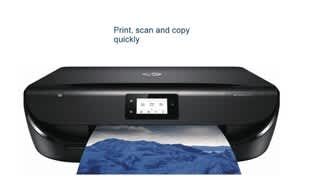
A:AnswerI appreciate you taking the time to reach out! The OfficeJet Pro line is designed primarily for users who will print 200-2000 pages per month. If you do not print at that volume it is more likely the printhead over time will form viscous plugs. There are other things like making sure the printer is left on and such that will help as well.
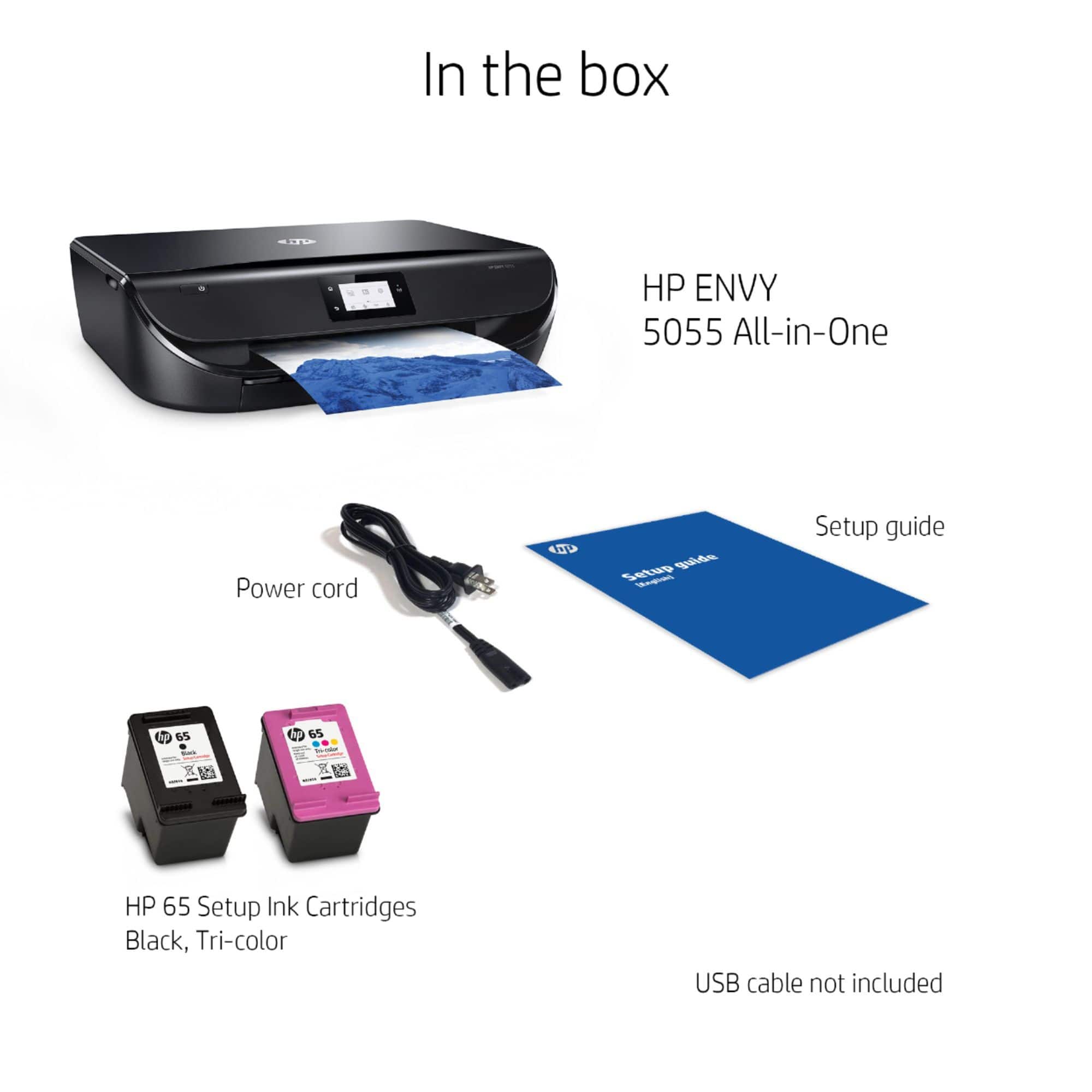
I am happy to inform you that all of our current Envy and OfficeJet (not pro) models have a dual cartridge system which has the printhead actually built onto the ink cartridge. This means that the printhead is replaced each time the cartridge is changed. It also means you are able to run in single cartridge mode with only one ink installed if needed.
Once again, thank you for reaching out with your question and I hope I was able to provide an answer to the issue, thanks for choosing HP!
A:AnswerI don't know if this printer would work with hp stream laptop and/or a MacBook, but I can tell you this: I've owned many HP printers, and this is the first one that was extremely difficult to pair with my Dell Inspiron computer. My first HP 5055 printer would not pair with my computer, so I thought it must be defective and exchanged it (within the week) for another HP Envy5055 printer which also refused to link with my computer. I have a friend who has professional backgroung in computer field, and he spent hours attempting to get the printer to link with the computer and eventually was successful. So the printer is finally taking commands from the computer, though it is very s-l-o-w. If your time is valuable, I would not recommend this printer.
A:AnswerNo, the yields in 2-cartridge printers are low enough so that most users won't run out of one color before the others. All three colors are used in many applications such as maintenance, cleaning, and grayscale printing. In addition, most shades of yellow (for example) will use a mix of colors. You would have to be printing primarily with the exact primary yellow and no grayscale or other colors to run out of one color ink, and then you could run this printer with a single cartridge. Or, you could use HP Instant Ink, in which case you don't pay for ink at all, so the discussion is basically irrelevant. If one cartridge runs out you simply replace it with the next free cartridge and continue printing :-)
A:AnswerYes, you can download the XP 32-bit or 64-bit drivers for this printer here: https://support.hp.com/us-en/drivers/selfservice/hp-envy-5000-all-in-one-printer-series/14095644/model/14095768
A:AnswerYes, you can still print if a cartridge is low, empty, or has been removed through a feature this printer has called Single Cartridge Mode! Though for long term use and efficiency we do not recommend relying only on one cartridge.