A:AnswerI can't really tell you. One of my business partners got the M281 and recommended it to me. But by the time I went to purchase it, the M281 was no longer available. I was told that the M283 is essentially the same machine but it is a newer version of the M281. Whether that is true or not, I have no idea. Comparing notes with my business partner, I have not been able to discern any functional difference. However, I have not had occasion to question my purchase as the M283 has been fine and is meeting my expectations. Sorry I can't be of more assistance.
A:AnswerHello. Thanks for your question. This HP Color LaserJet Pro MFP M283fdw printer supports the following media weights: 16 to 43 lb (Uncoated/Matte, recommended), however up to 47 lb Postcards and 53 lb HP Matte is allowed in the driver; 16 to 43 lb (Coated/Glossy, recommended), however up to 47 lb Postcards and 59 lb HP Glossy is allowed in the driver. We recommend looking at the current cost of the HP 206A or 206X toner on Best Buy's website. The HP 206X toner would last longer.
A:AnswerHere are the differences:
Printer M283fdw M479fdw
Speed 13 ppm ISO 25 ppm ISO
Multipurpose Tray 1 1 sheet 50 sheets
Main Paper Tray 2 250 sheets 250 sheets
Duplex (2 sided scanning) No Yes - single pass
Pantone Calibration No Yes
USB Job Storage with PIN No Yes
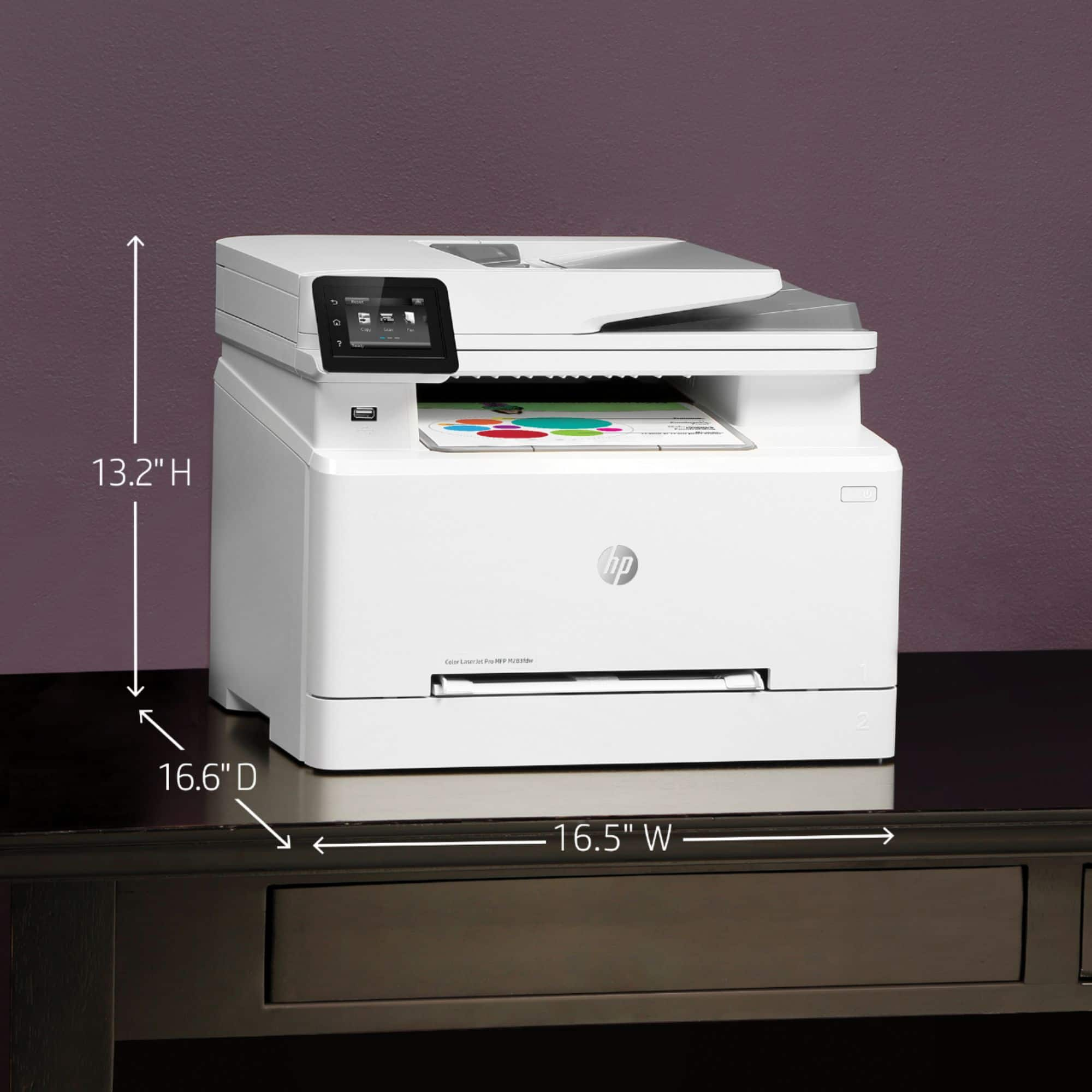
A:Answerthis will do up to 8.5x14 inch paper. To do 11x17, you'd need the OfficeJet Pro 7740 Wide Format. https://www.bestbuy.com/site/hp-officejet-pro-7740-wireless-all-in-one-inkjet-printer-white/5536900.p?skuId=5536900 There are laser printers that can handle 11x17 paper, they're considered specialty items and are quite expensive.
A:AnswerThank you for your question, White! I am sorry about this issue that you are having with the printer communicating with your mail server. The first step would be to check the SMTP settings on the server and compare them with the settings stored in the printer. Additionally, is the printer connected to a network that has internet access? A printer connected via USB will not be able to use any internet-enabled features: The printer would need to be connected to a router via either wi-fi or ethernet and be assigned an IP address by that router.
A:AnswerHello, the Laserjet Pro M283fdw specifications for Media weight, supported are: 16 to 43 lb (Uncoated/Matte, recommended), however up to 47 lb Postcards and 53 lb HP Matte is allowed in the driver; 16 to 43 lb (Coated/Glossy, recommended), however up to 47 lb Postcards and 59 lb HP Glossy is allowed in the driver. Thank you for being an HP customer!