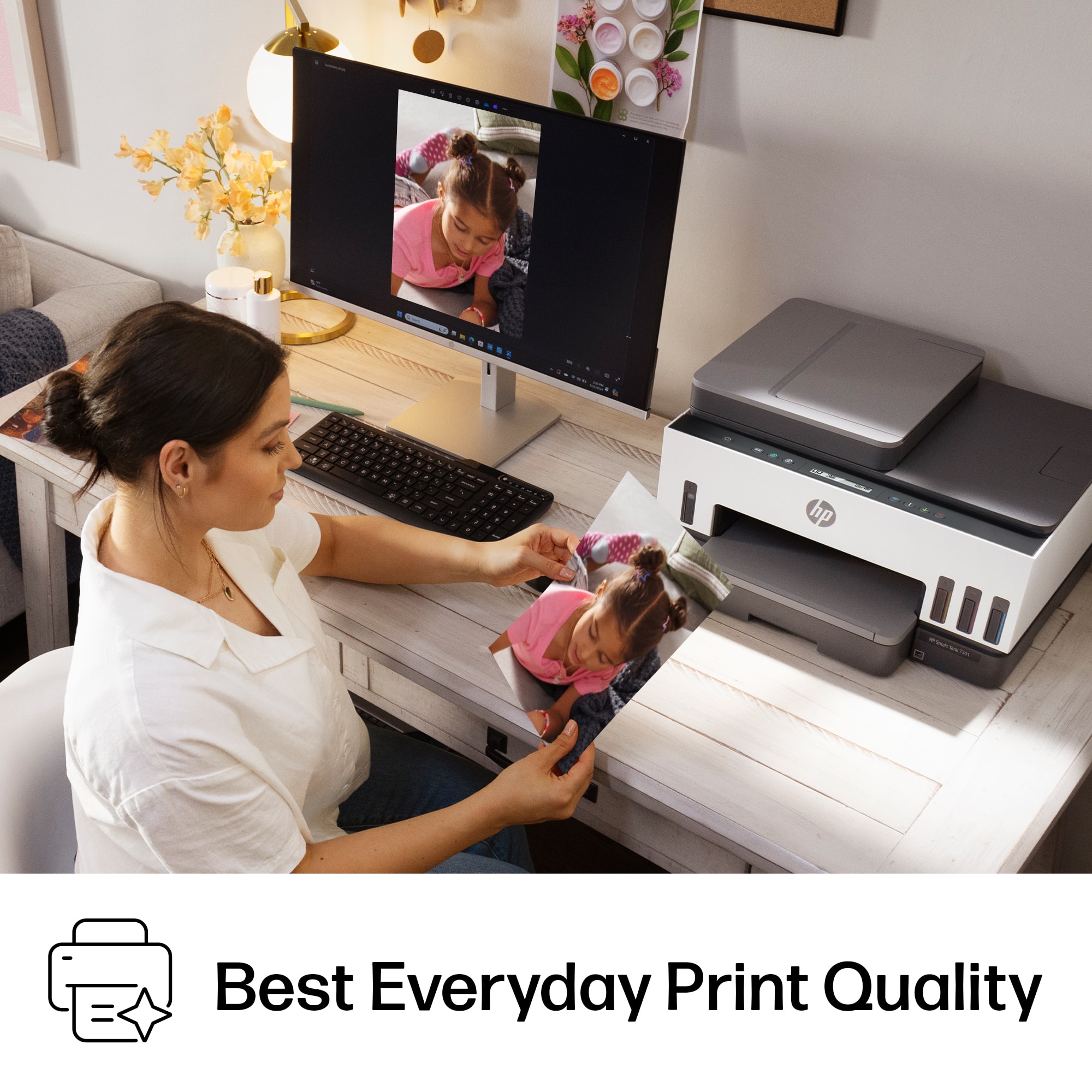
A:AnswerThank you for the question. HP Smart Tank printers are for everyday printing, documents, and casual photo printing, using dye-based and pigment based inks for decent color accuracy. They will not produce the high resolution expected for art production. If sending to a lab for giclee archival prints, use high quality, acid-free paper to avoid color degradation when scanning.
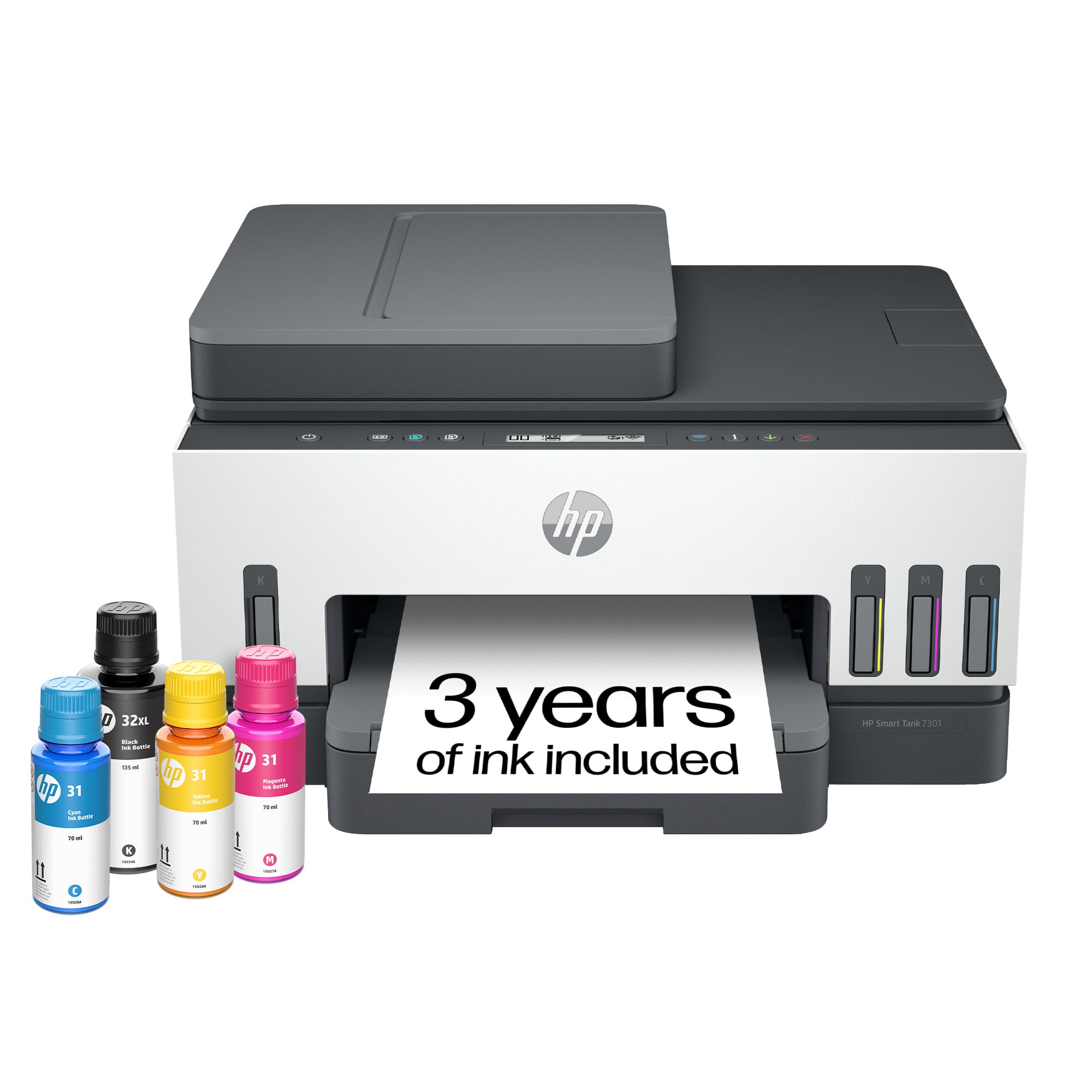
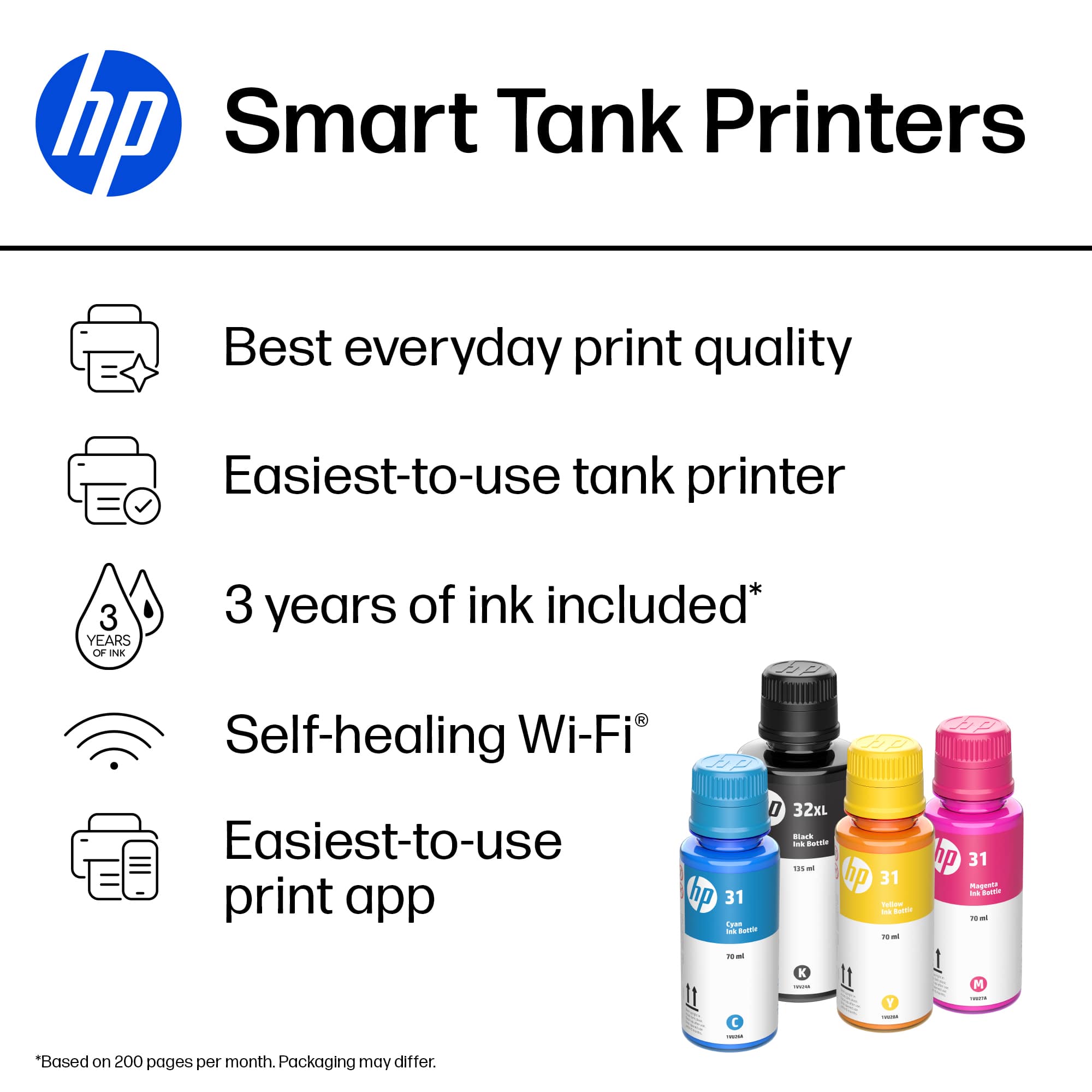
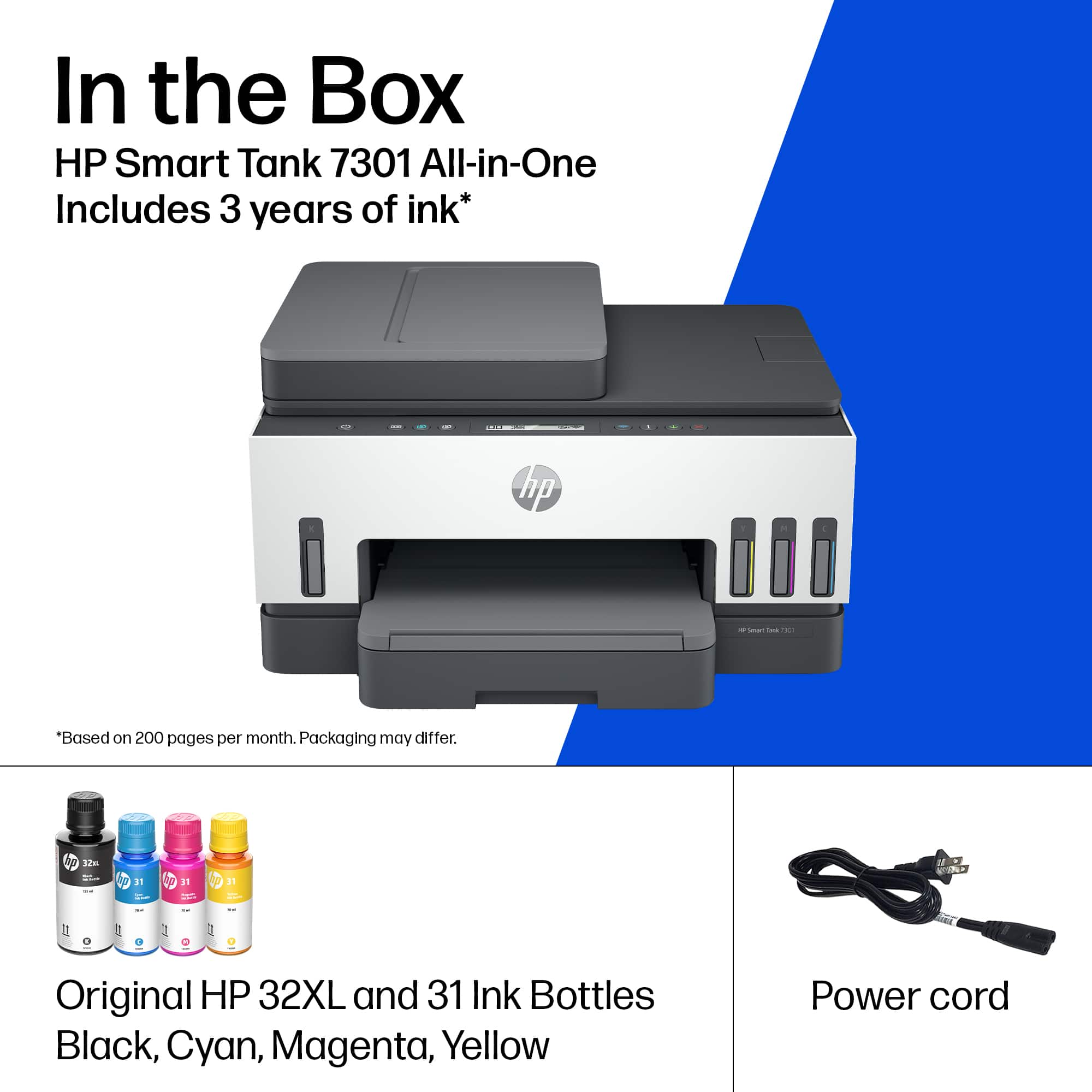
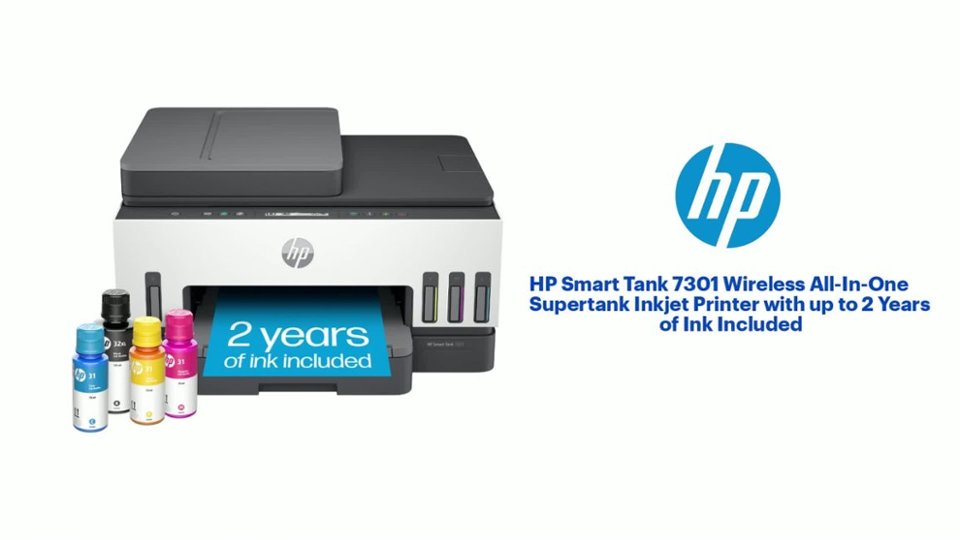
A:AnswerHey there, Kari! Thanks for your curiosity about the Hp Smart Tank 7301 and 7302. Their specifications are the same, though the 7302 will come with up to three years of ink in the box, while the 7301 comes with up to two years of ink in the box.
A:AnswerApologies for what you're experiencing. Please reach out to Support.HP.com or call 800-474-6836 for assistance with a warranty claim. Filing a claim while still under warranty will result in repair or replacement of your printer. You may also start the process here: https://support.hp.com/us-en/check-warranty
A:AnswerUnderneath the paper tray in the center is a grab indent that will help you get a hold on the paper tray and ease it out to fill. You might try cycling it open and closed a couple of times to help break the guides in and make it easier to move.
A:AnswerYes, but fix is not ideal: You need to find the IP address of the printer and then http:// to that address via a eebbrowser to get into the printers setting. Also will need the printer’s serial code as password (that is explained on the login screen). from there toggle on 2 sided copying from the copy setting section. it will remain in effect even after you make the next copy so not perfect if you make a bunch of 1 sided copies….
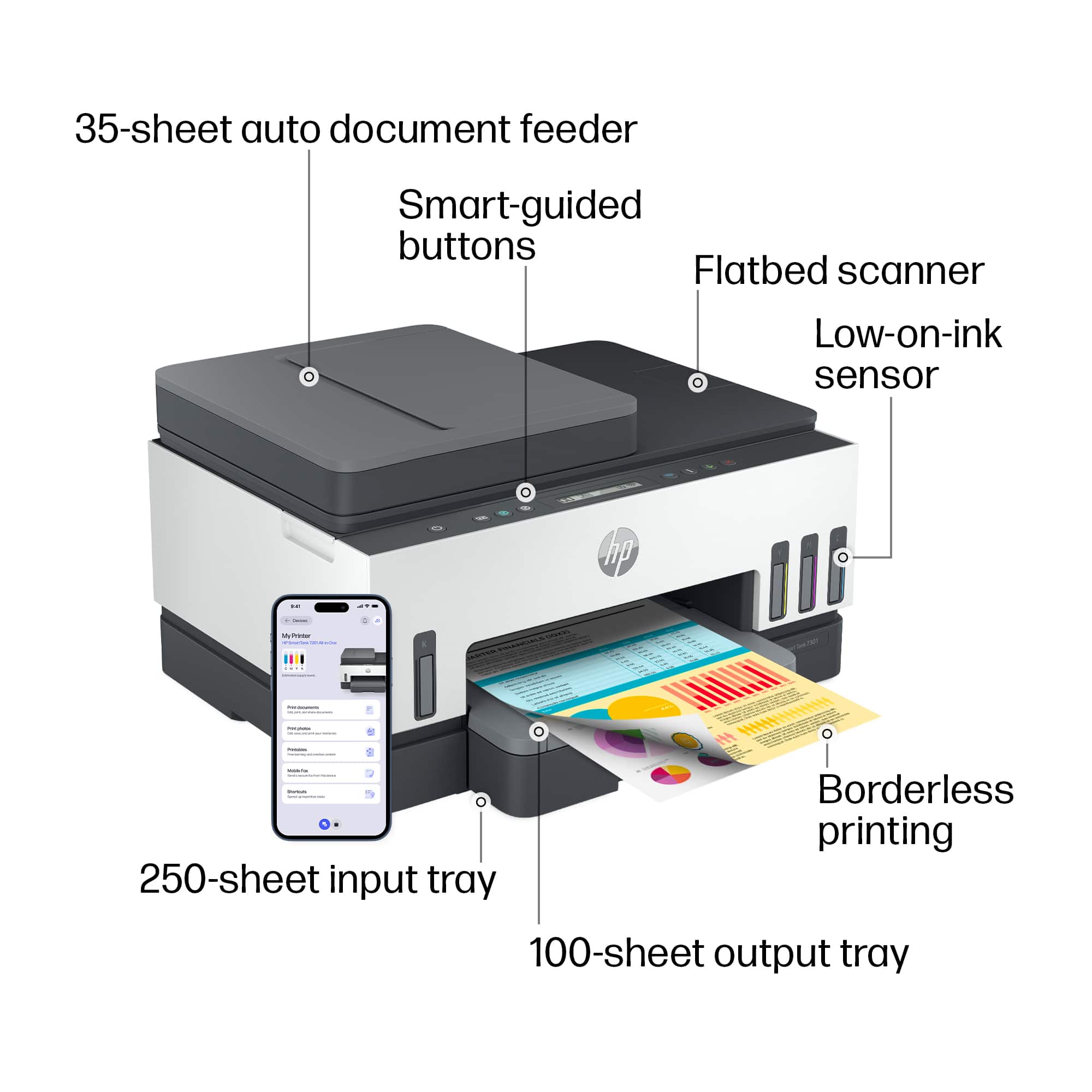
A:AnswerHello, yes, the HP Smart Tank 7301 does have the ability to print in Borderless printing (up to 8.5 x 11 in, 210 x 297 mm). Thank you for being an HP customer!
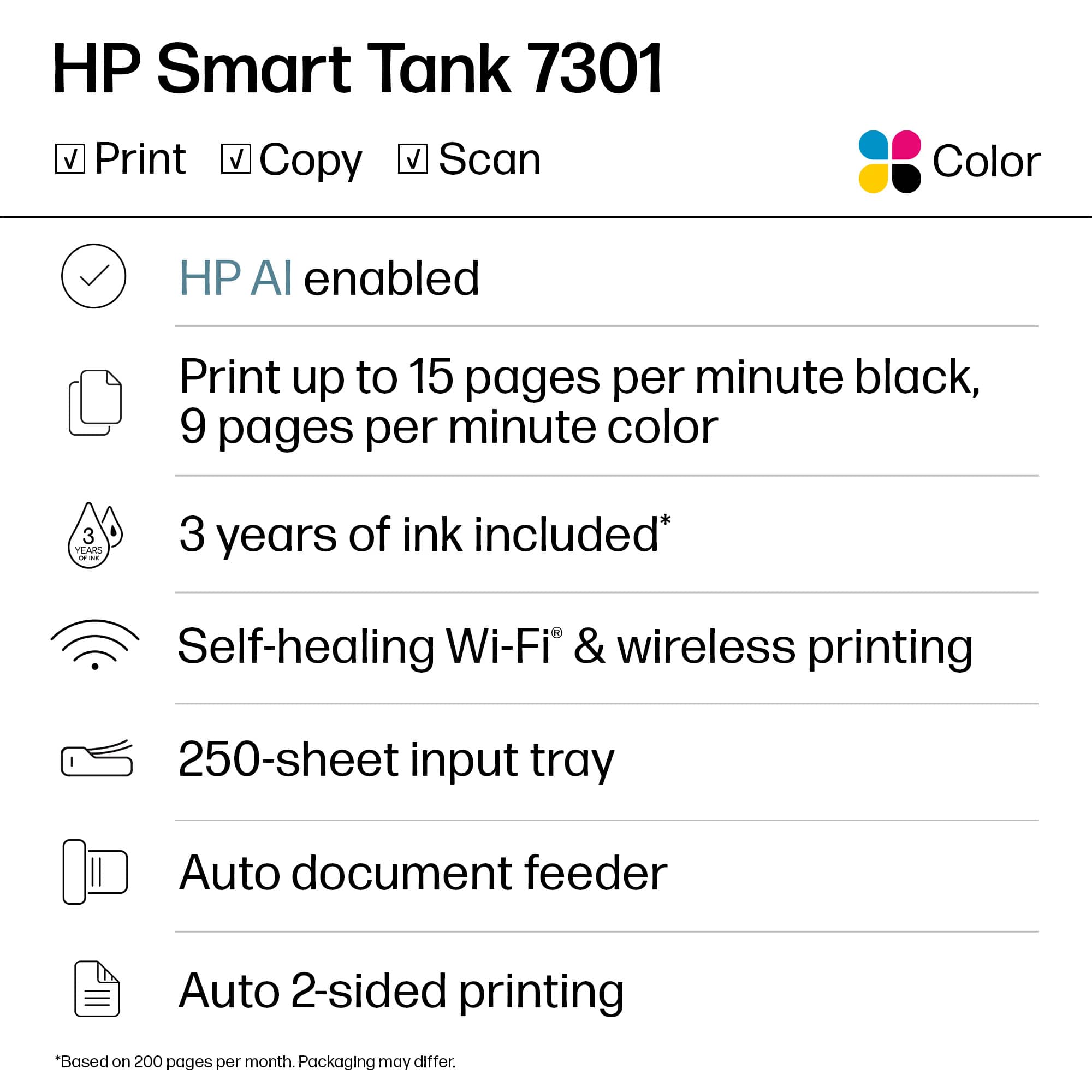
A:AnswerHello Tom and thank you for the question! The 2 years' worth of ink included, mentioned with the HP Smart Tank 7301 Wireless All-In-One Supertank Inkjet Printer, refers to the included bottles of refill ink in the package. This ink is estimated to last approximately 2 years of use based on the estimated average print volume of the printer, around 400 - 800 pages a month.
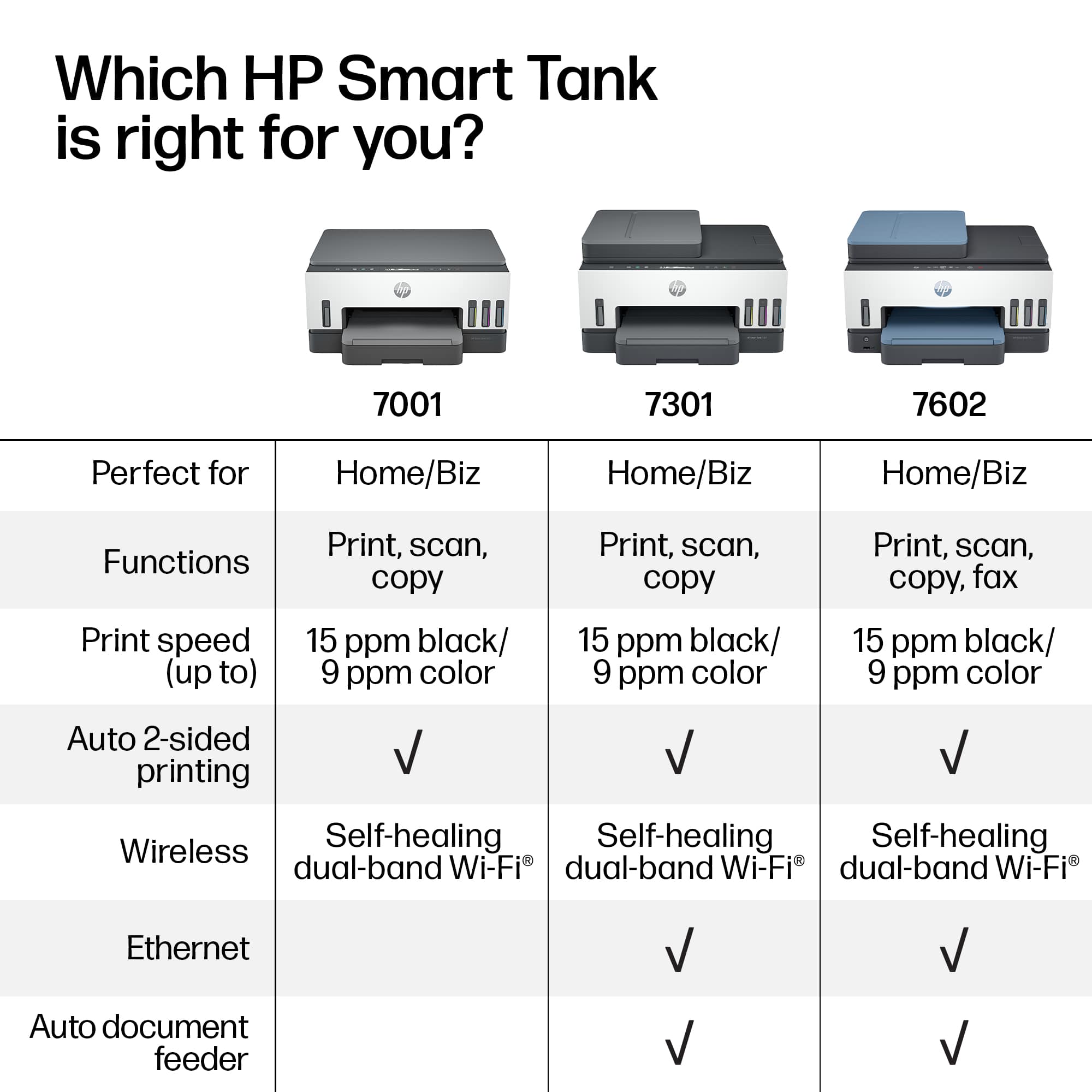
A:AnswerHello. Thanks for your question. This HP Smart Tank 7301 All-in-One printer does not have a landline fax that would allow you to send and receive faxes. Mobile fax is where you can send faxes through the HP Smart app on your smartphone, tablet or computer. If you need to send or receive faxes, you can use a service like eFax. Here are more details about the mobile fax: https://www.hpsmart.com/us/en/mobile-fax Here is a video: https://www.youtube.com/watch?v=NvDAYa1nZzw
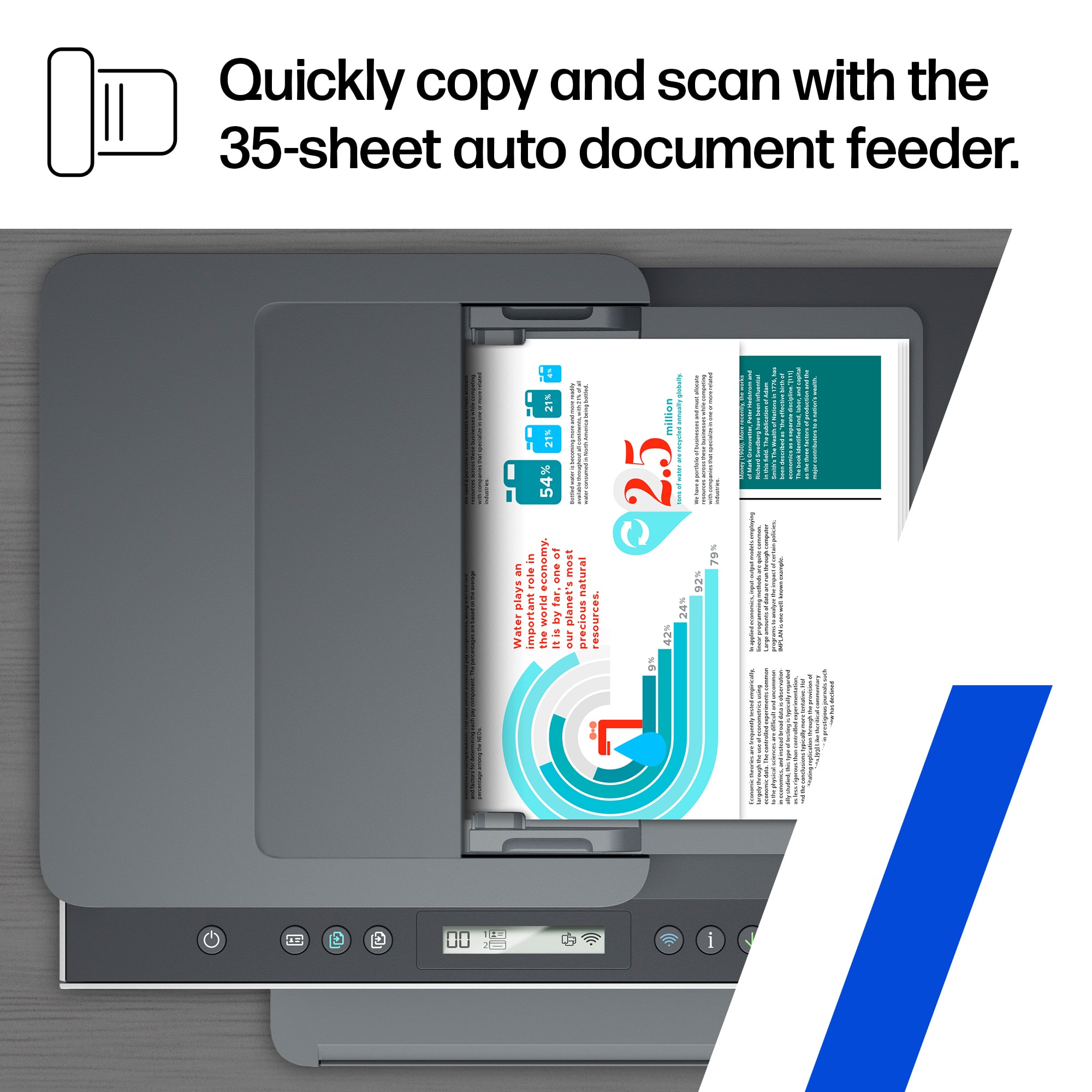
A:AnswerThank you for the question. Please see scan/copy instructions starting on page 38 of the User Guide, here: http://h10032.www1.hp.com/ctg/Manual/c07762999.pdf