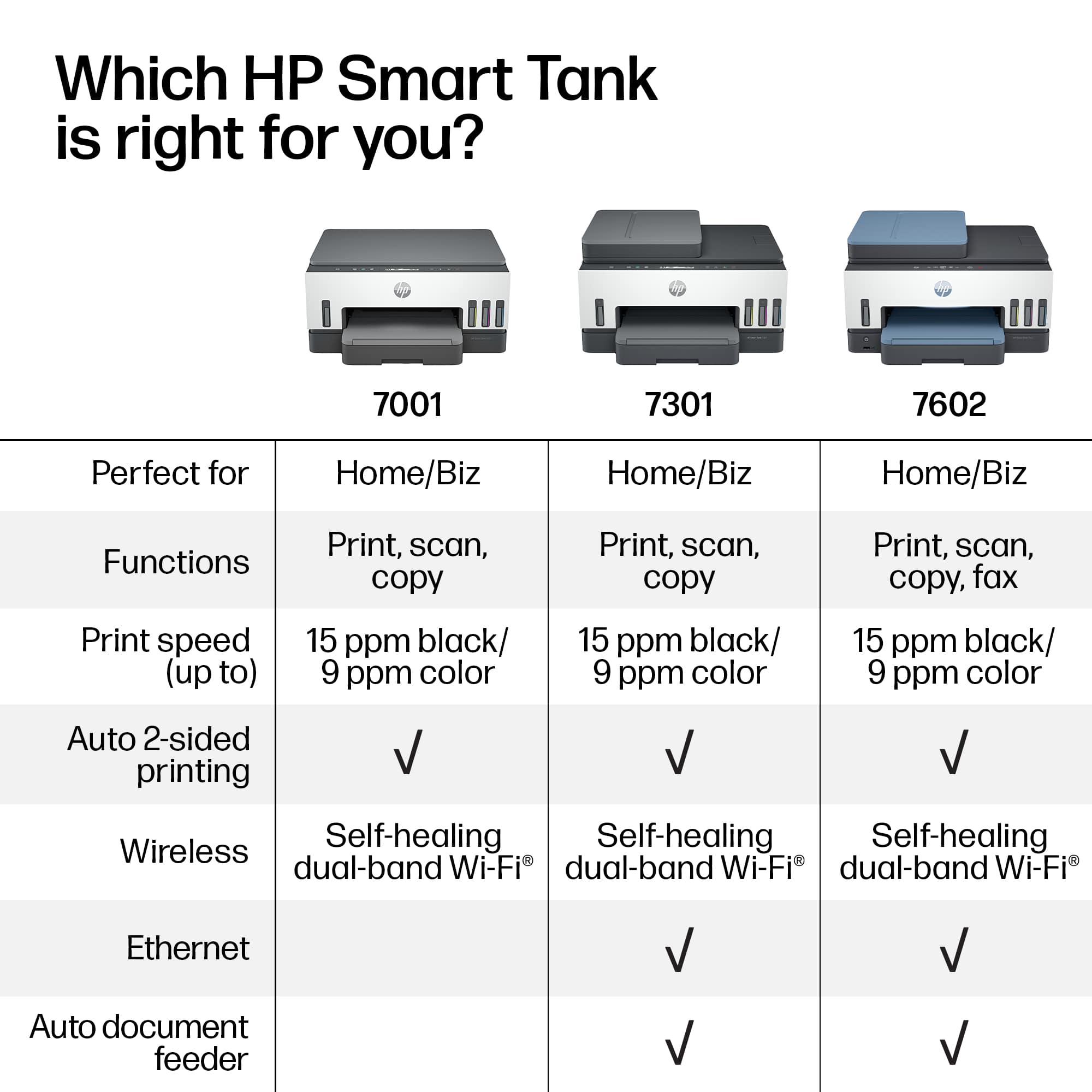
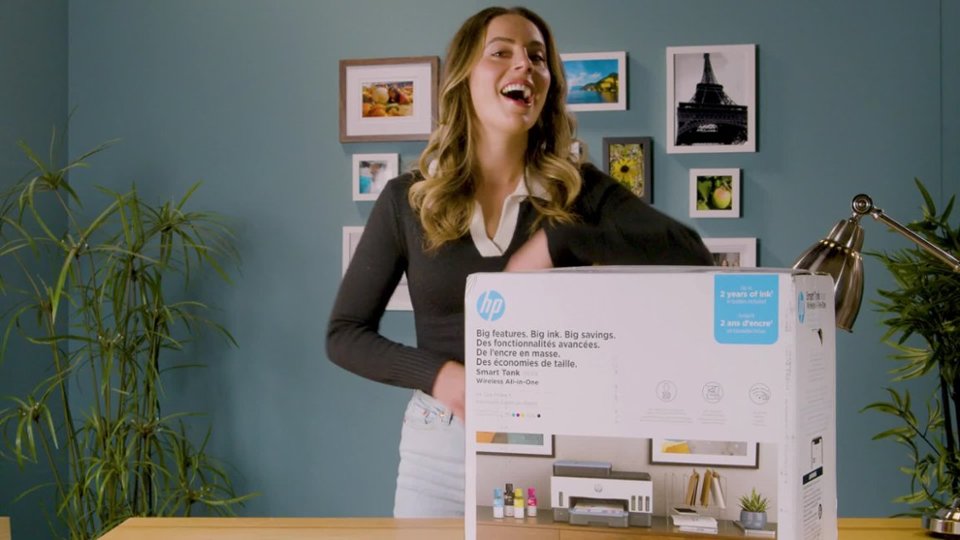
A:AnswerHello, the ink is different, and more economical for the 7602.
Ink for 6000 are cartridges (very expensive)
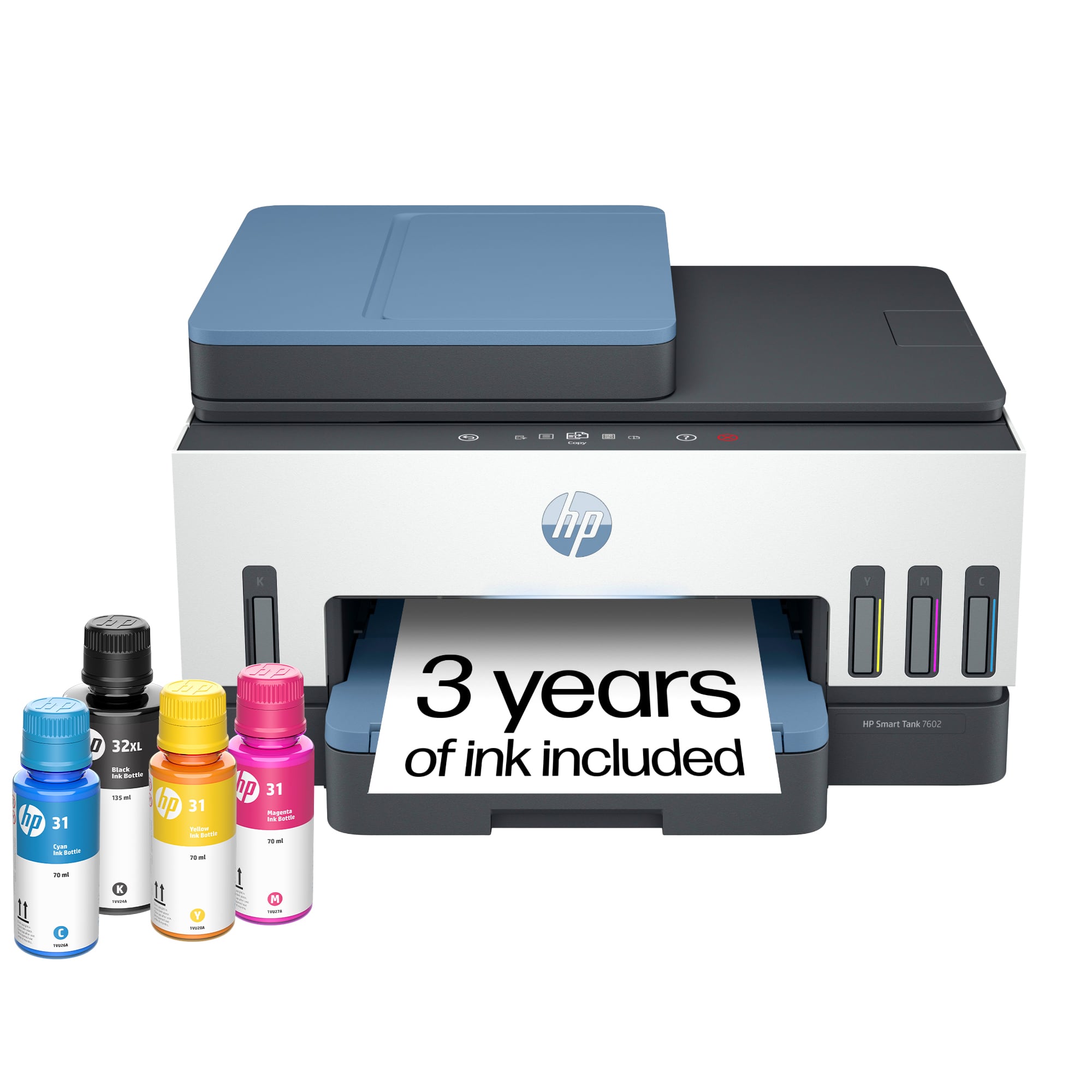
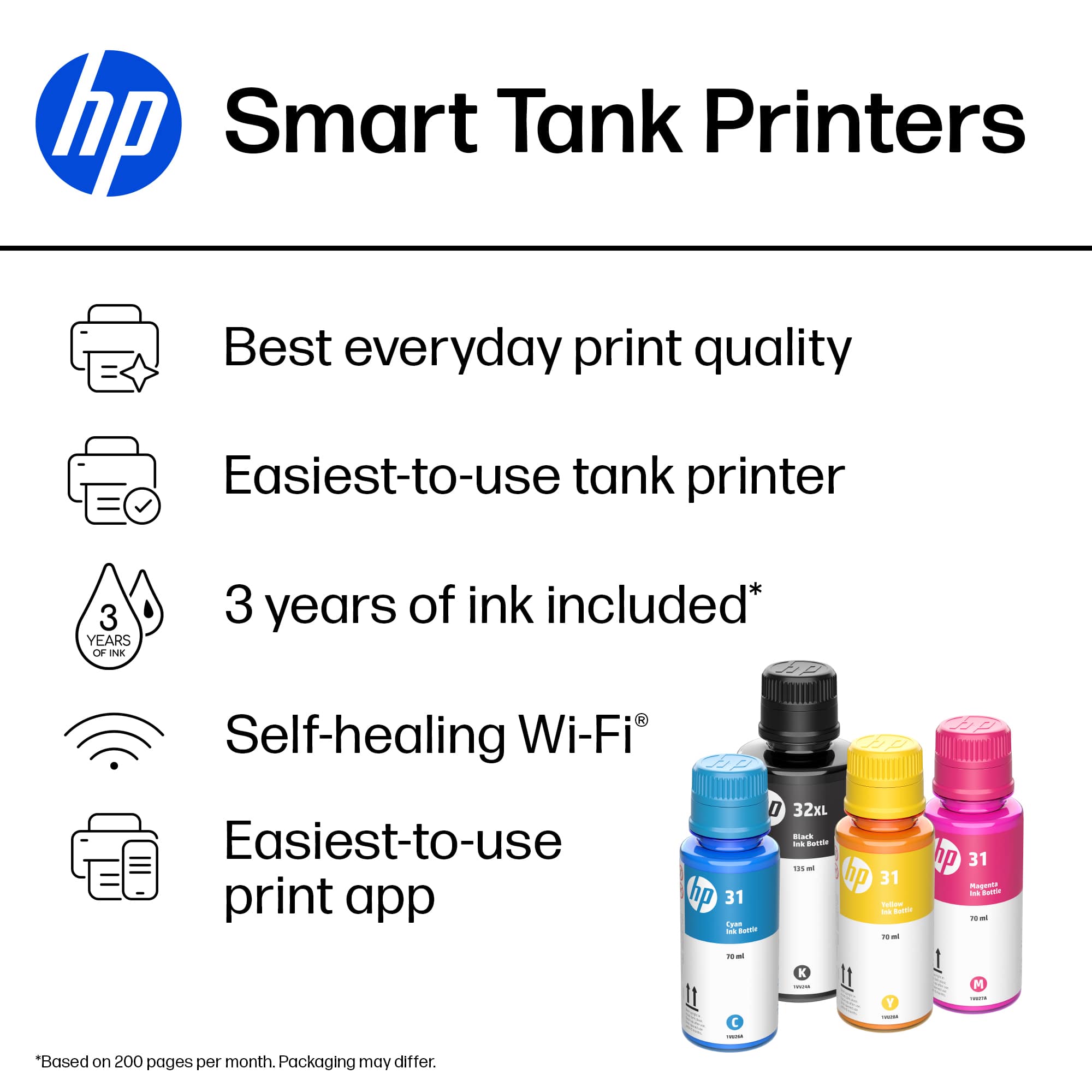
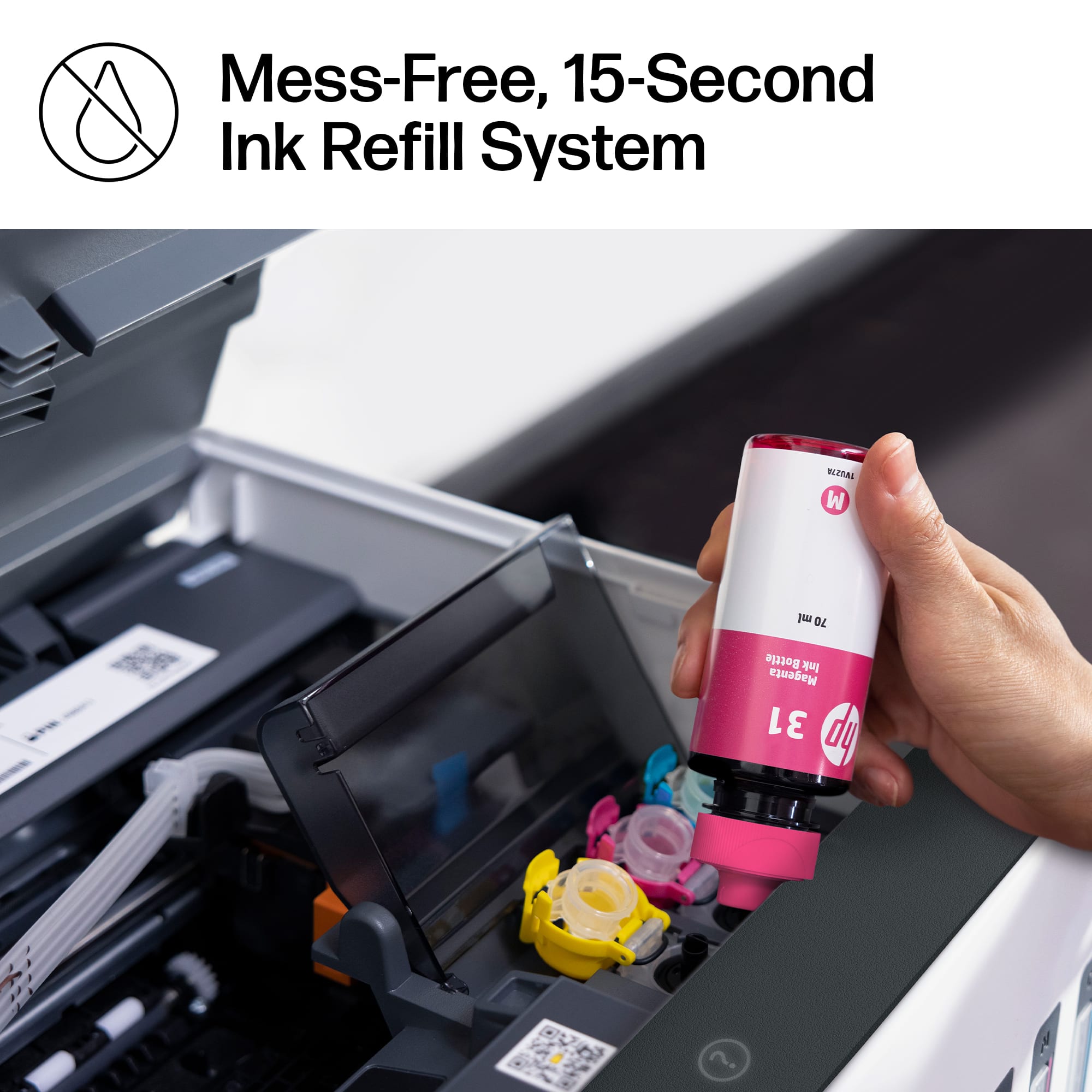
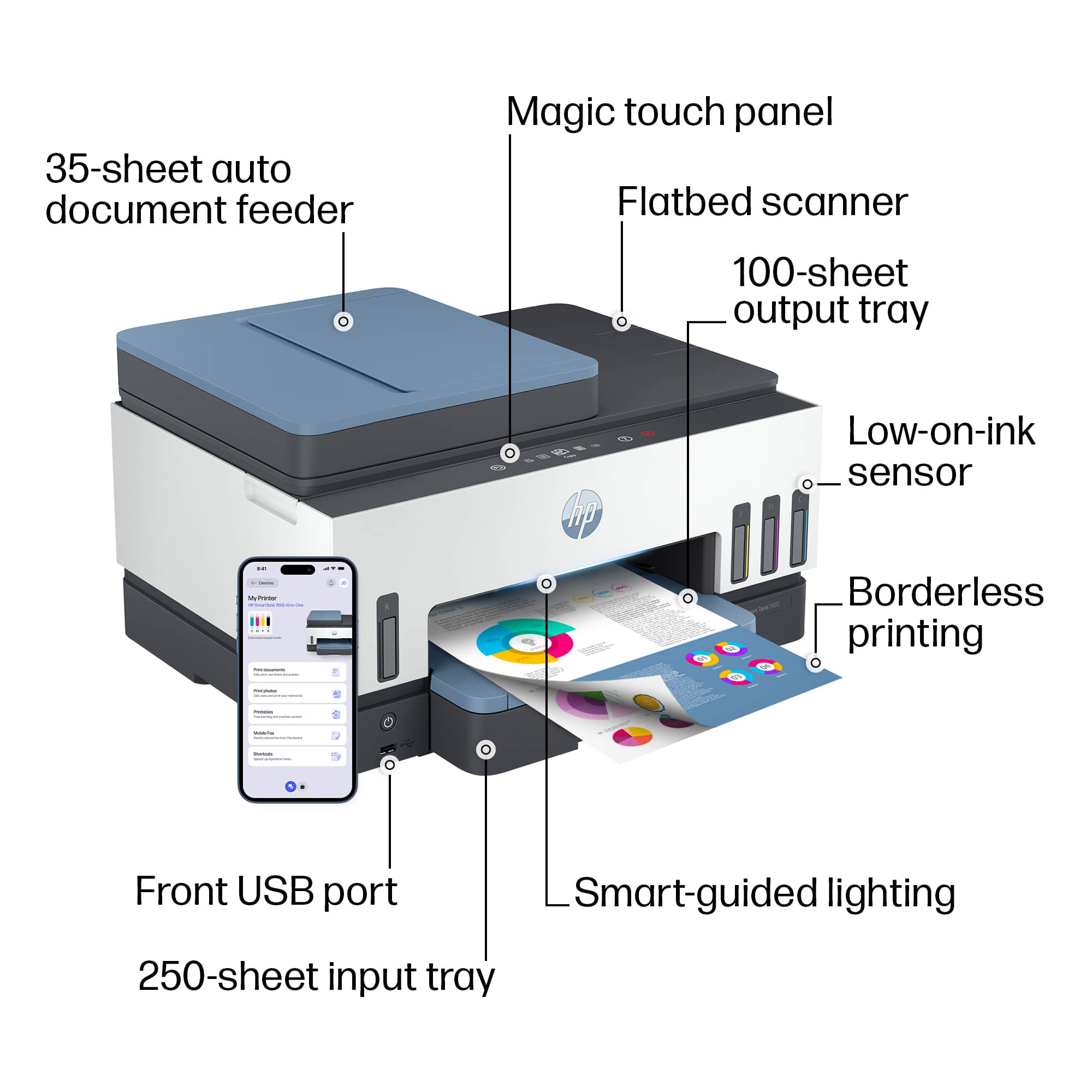
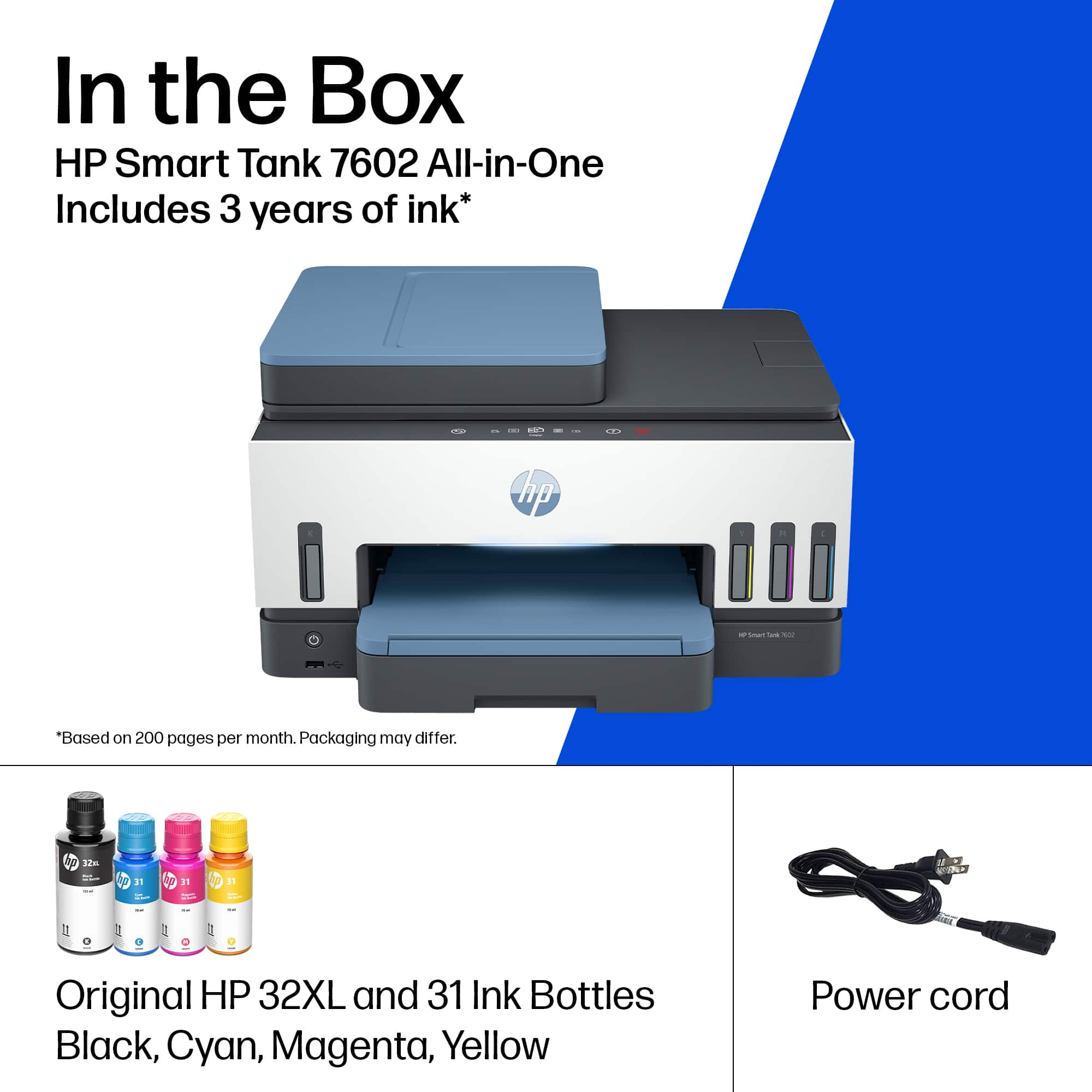
Ink for 7602 are bottles that customers use to fill reservoirs located inside the printer (very affordable, User & Environmentally Friendly, and not messy) You also receive 2 years of FREE Ink when you purchase this model!!
Hope this information was helpful!! The HP 7602 is truly a “Best Buy”!!
A:AnswerHello, The HP Smart Tank 7602 does not support NFC. It will support Wireless and a wired USB connection.
Hope this information was helpful. The HP 7602 is truly a “Best Buy”!!
A:AnswerHello,
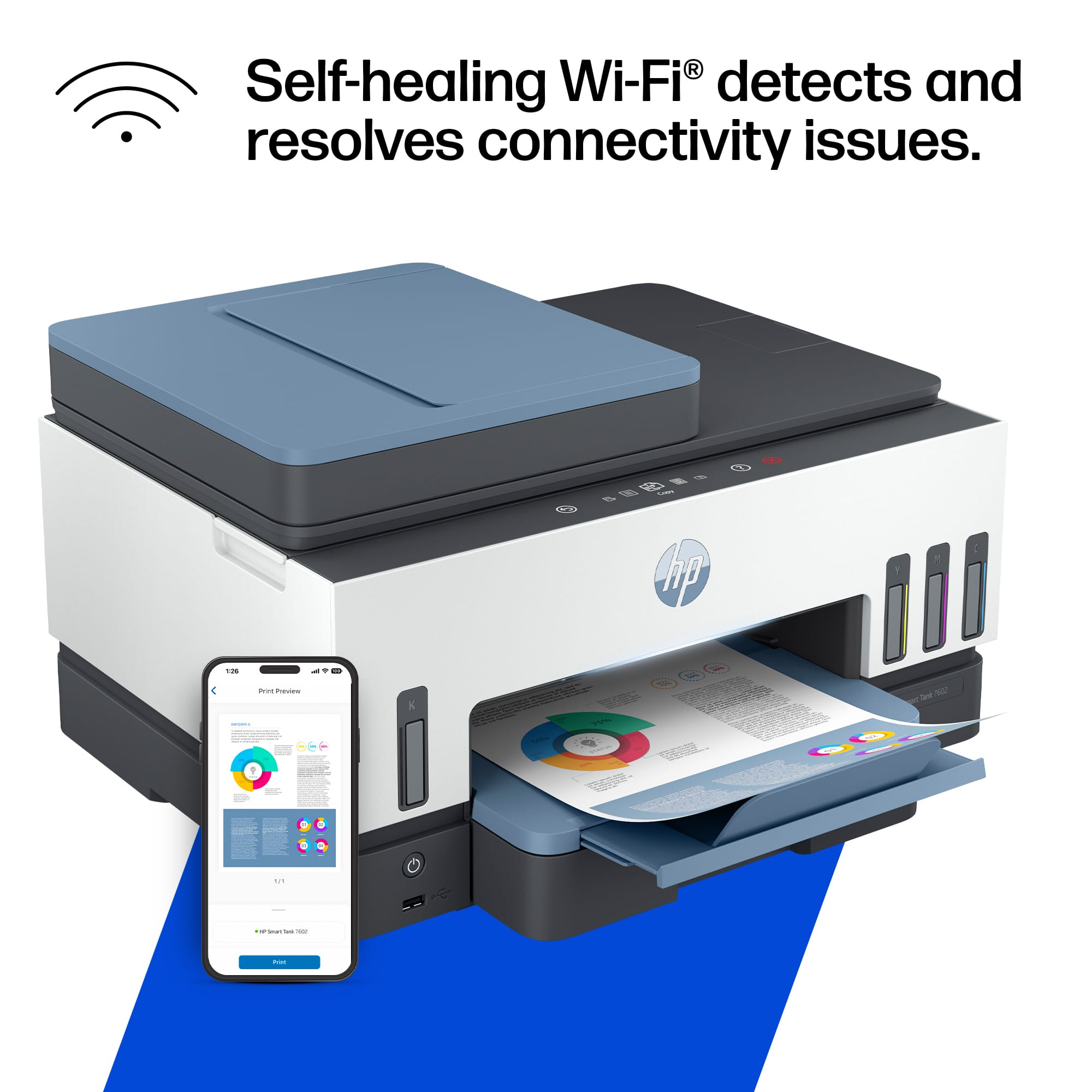
Wireless operations are compatible with 2.4 and 5 GHz routers only; excludes wireless direct. Wireless direct may require driver or apps be installed and connected on wireless-enabled mobile device or PC.
Hope this information has been helpful!! The HP 7602 is truly a “Best Buy”!!
A:AnswerHello Lynne,
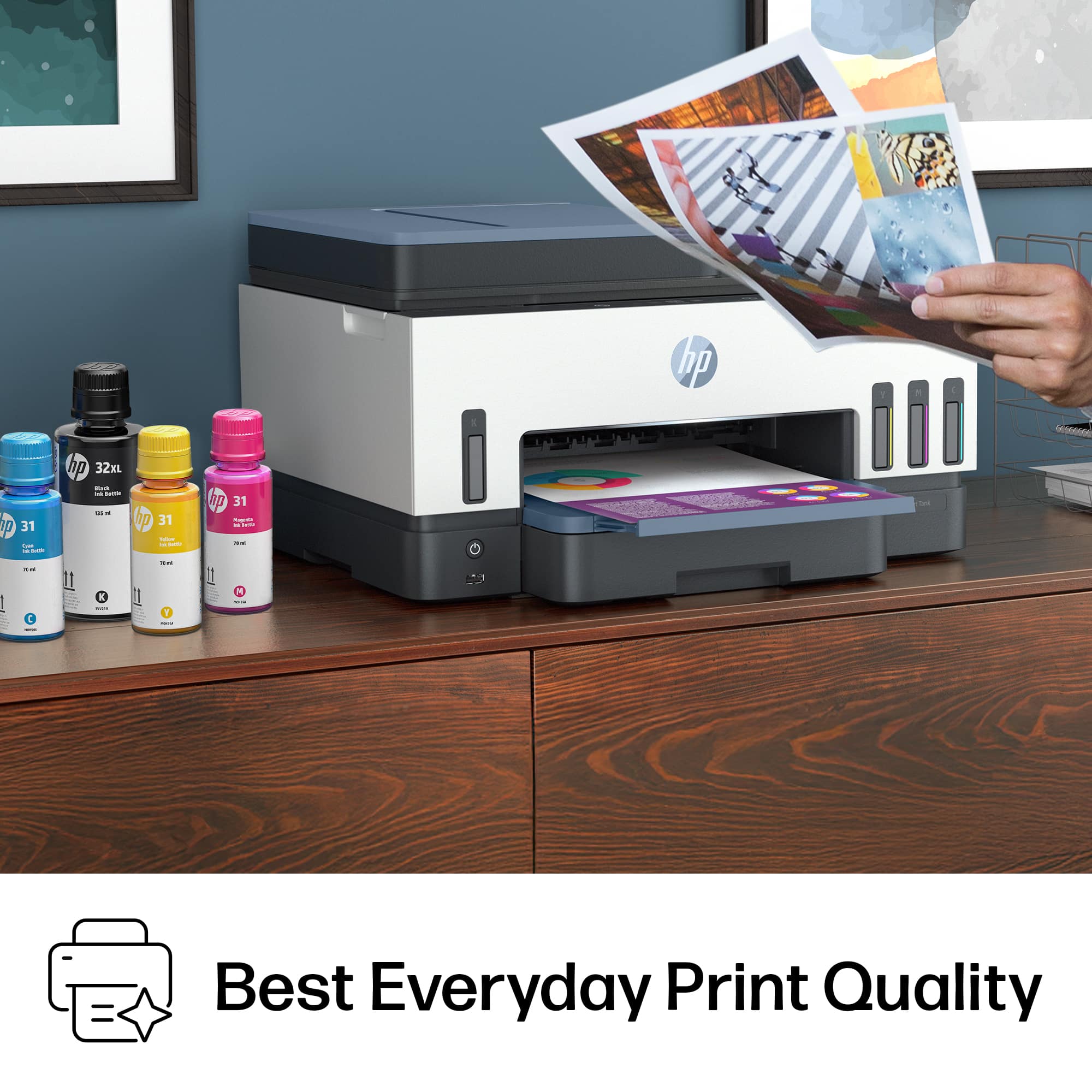
I have found this printer to be of great quality, it has exceeded my expectations for a printer of this price point.
If you go directly to the HP website, you can do a product comparison with other available printers. You could also do a Google search asking your questions, and you will find multiple links with helpful information by product testers.
Hope this information has been useful.
The HP 7602 is truly a “Best Buy”!
A:AnswerHello Mike,
If you haven’t done so already, please try uninstalling, then reinstalling. If this dies not work Please reach out to HP Customer Service, they are very helpful!!
https://support.hp.com/us-en/contact
Hope this information has been helpful!
HP products are truly a “Best Buy”!
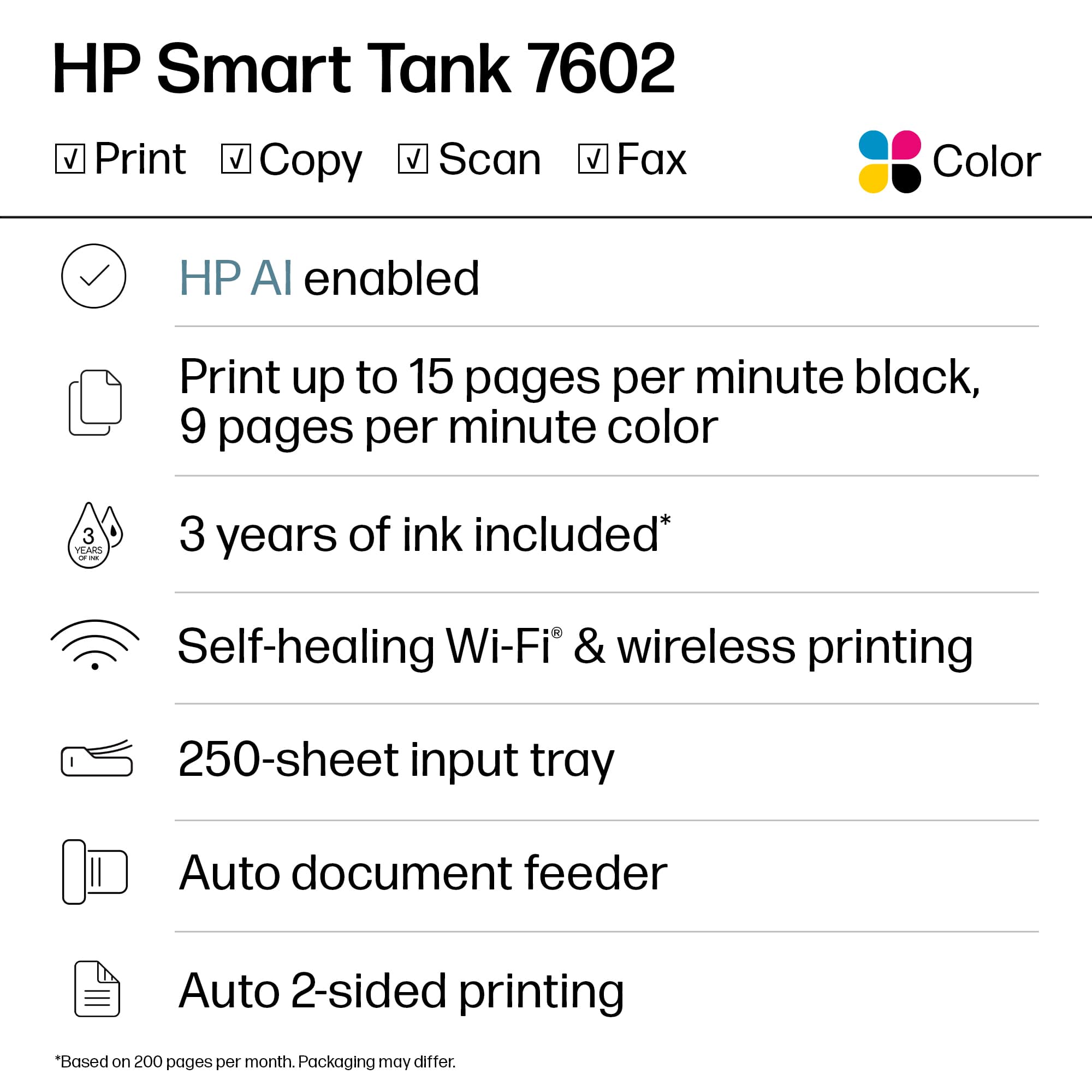
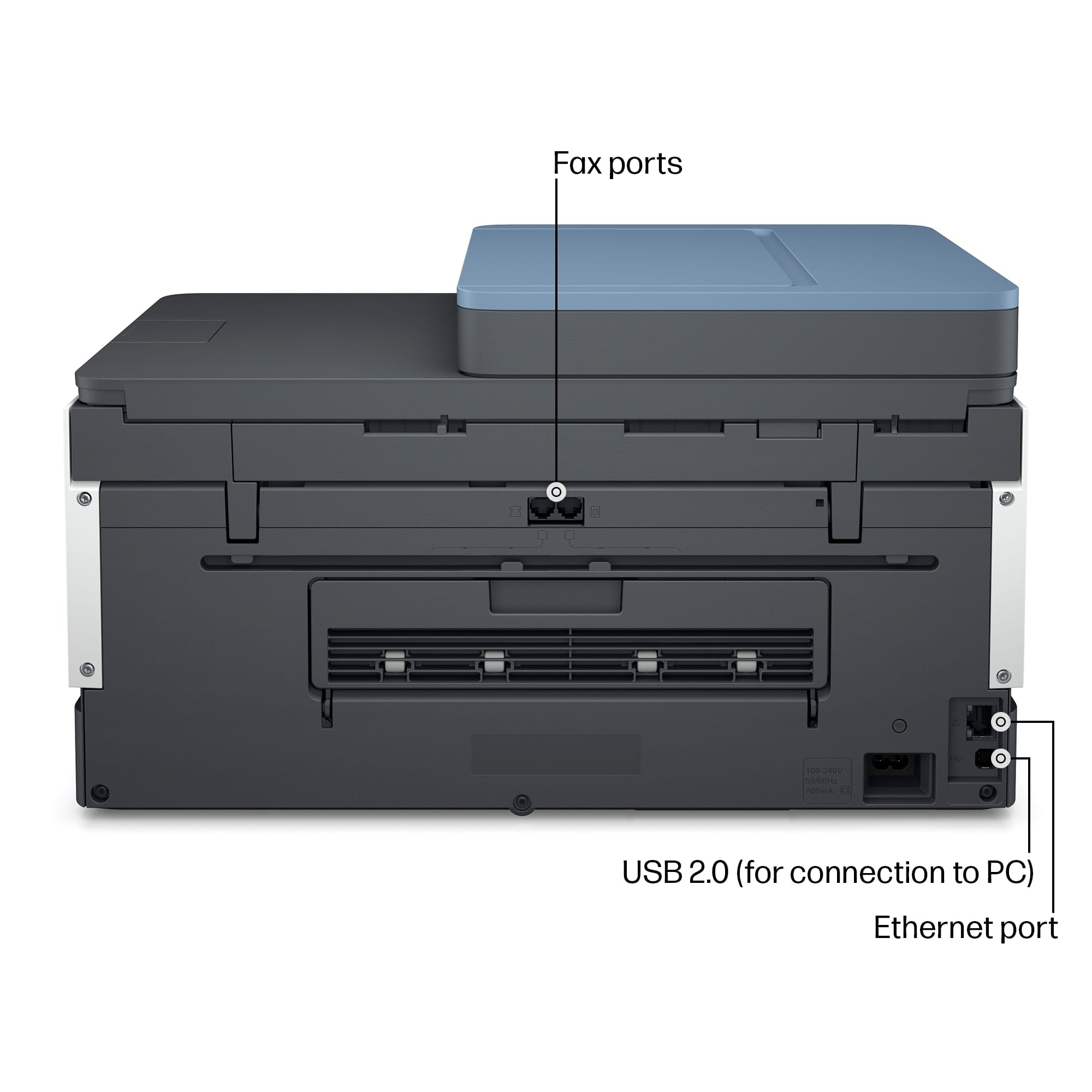
A:AnswerYes. The HP Smart Tank 7602 printer does require a landline connection for fax functionality. It needs to be connected to a working phone line to send and receive faxes properly. However, if you don’t have a landline, you can use HP Mobile Fax through the HP Smart app to send faxes.
Hope this information has been helpful!
HP products are truly a “Best Buy”!
A:AnswerHello,
Yes you can print and enlarge, you change this information within the Advanced Printer settings.
You can also reach out to HP Customer Service for more help!
https://support.hp.com/us-en/contact
Hope this information has been helpful!!
HP Products are truly a “Best Buy”!
A:AnswerHello,
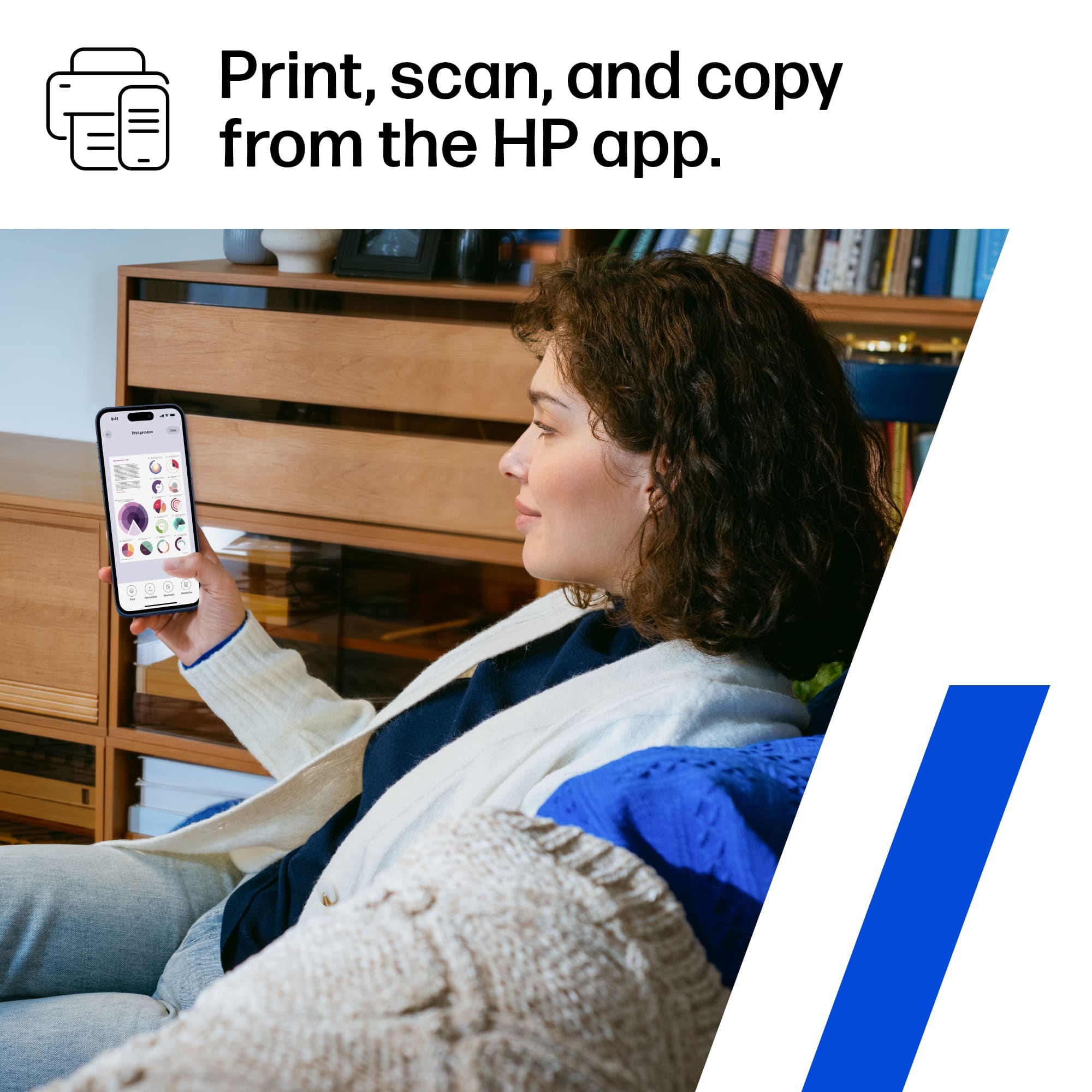
To print to the HP Smart Tank 7602 wirelessly from an Android device such as a smartphone, we highly recommend using the free HP Smart app on that device. The only requirement is that both devices must be on the same Wi-Fi network. It is not possible to use an Android device to print using a USB cable
https://support.hp.com/us-en/contact
Hope this information has been helpful.
HP Products truly are a “Best Buy”!
A:AnswerThe HP Smart Tank 7602 supports media sizes up to 8.5 x 14 inches. For thickness, it accommodates:
Plain paper: 16 to 28 lb
Envelopes: 20 to 24 lb
Cards: Up to 110 lb
Photo paper: Up to 66 lb
Heavier papers like cards and photo paper may require more ink for high-quality results
A:AnswerIt is very easy to set up if you have Windows. Since I have Linux due to my job and currently have no expert in Linux, I can't connect to the printer. I have to send the file to my phone to print.
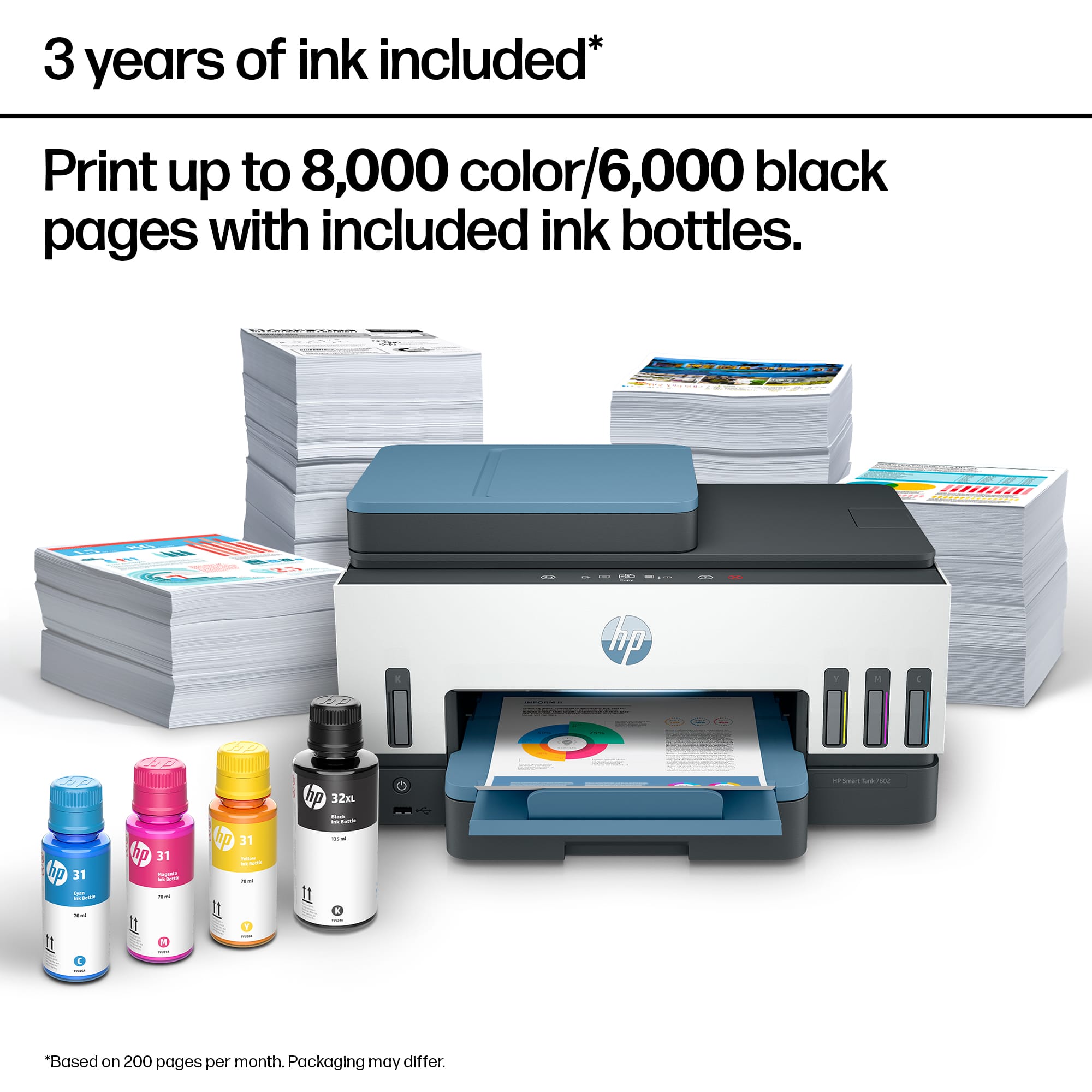
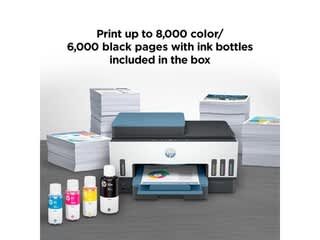
A:AnswerThe HP Smart Tank 7602 allows you to print approximately 6,000 black and 8,000 pages in color before needing an ink refill. Keep in mind that actual yield may vary depending on usage and print settings
A:AnswerHi Pete, apologies for what you're experiencing. We're not sure why you would get a fax connection sound when you have not dialed a number or connected to a landline. Please reach out to HP Support for assistance.
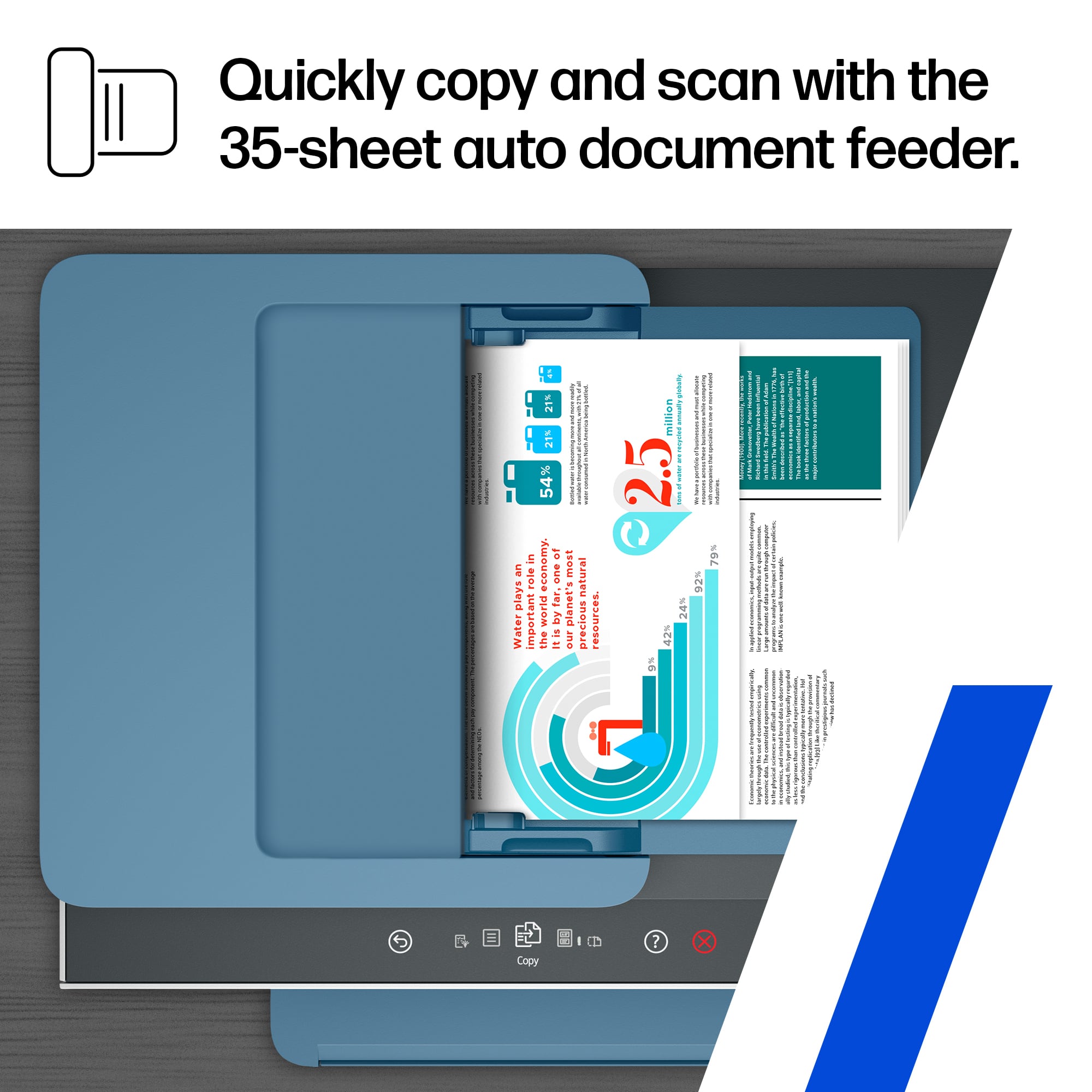
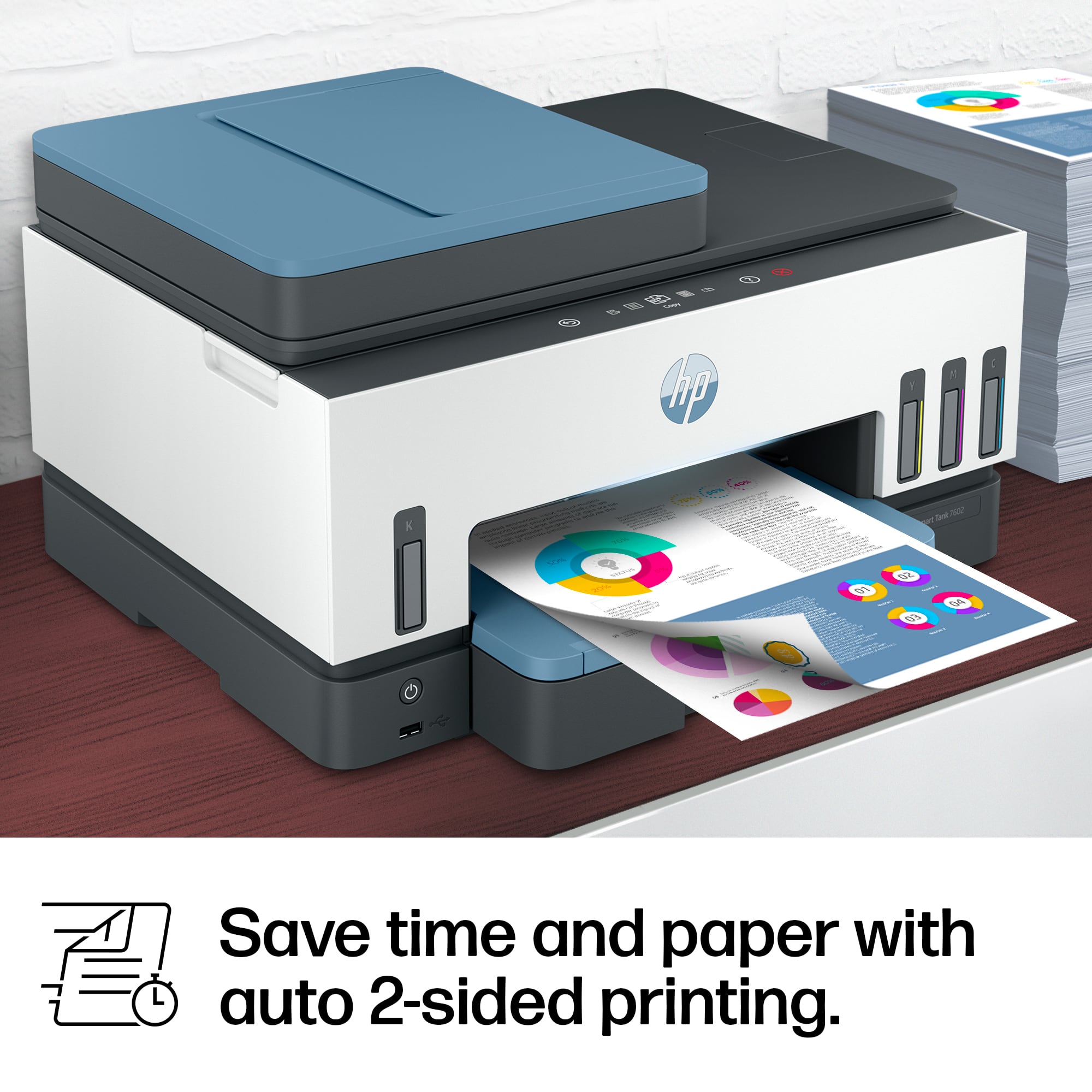
A:AnswerThank you for your question. The Smart Tank 7602 can copy two-sided documents, but it requires a manual process. The printer’s Automatic Document Feeder (ADF) only supports single-sided copying . To copy a two-sided document, you’ll need to manually flip the pages and reload them into the ADF to copy the second side.