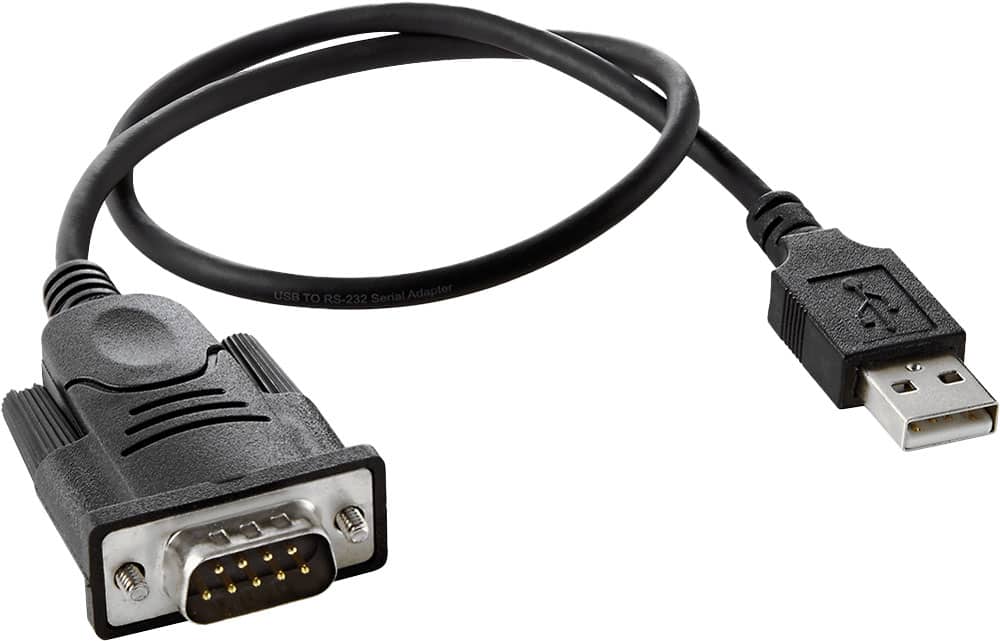
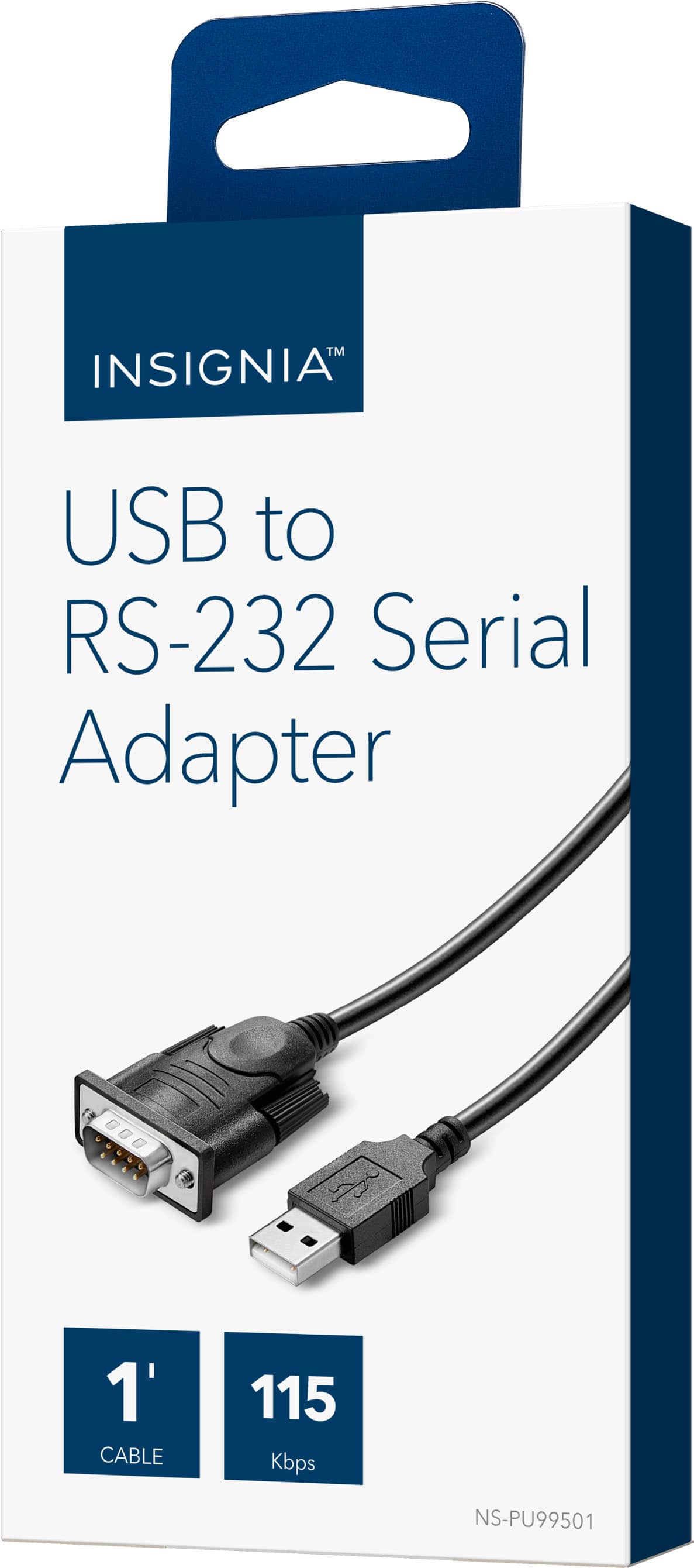
A:AnswerThis is clearly a female serial connection, not a VGA port. The icon is for a computer connection, not a monitor. So, yes, it should work for you, it will just be a matter of getting software that can talk to your machine. srgvaz has given several inaccurate or inappropriate answers, he needs to get off if he doesn't want to be helpful.
A:AnswerI used this cable to upload temperature data from a data logger, to my laptop with Windows 10, and I did not need to download a driver. It was simply "plug and play". The device software is "legacy" software, from back about 2008 or so, but it continues to work in Win 10. I needed this cable to "bridge" the device cable to my laptop USB port. I simply had to tell the software to use a different COM port from what it was expecting (3, instead of 1).
A:AnswerThe drivers can be found on our website. The link to the products page is listed below. Once you are on the products page, click the tab for support/downloads. On this tab will be links to the driver.
http://www.insigniaproducts.com/products/computer-speakers-accessories/NS-PU99501.html
A:AnswerDownload and install the Prolific PL2303 driver from www.prolific.com.tw plig in your device and run windows updates make sure to check online for updates from Microsoft Update
A:AnswerClearly the manufacturer's page doesn't cut it. Go to the chip maker ( its a PL-2303 SIO Smart-IO) Look for the "PL2303 Windows Driver Download USB to UART RS232 Serial" section on the Profilic web page. BONUS, their site is in English and easily re-searchable.