A:AnswerWhats up Kenny,
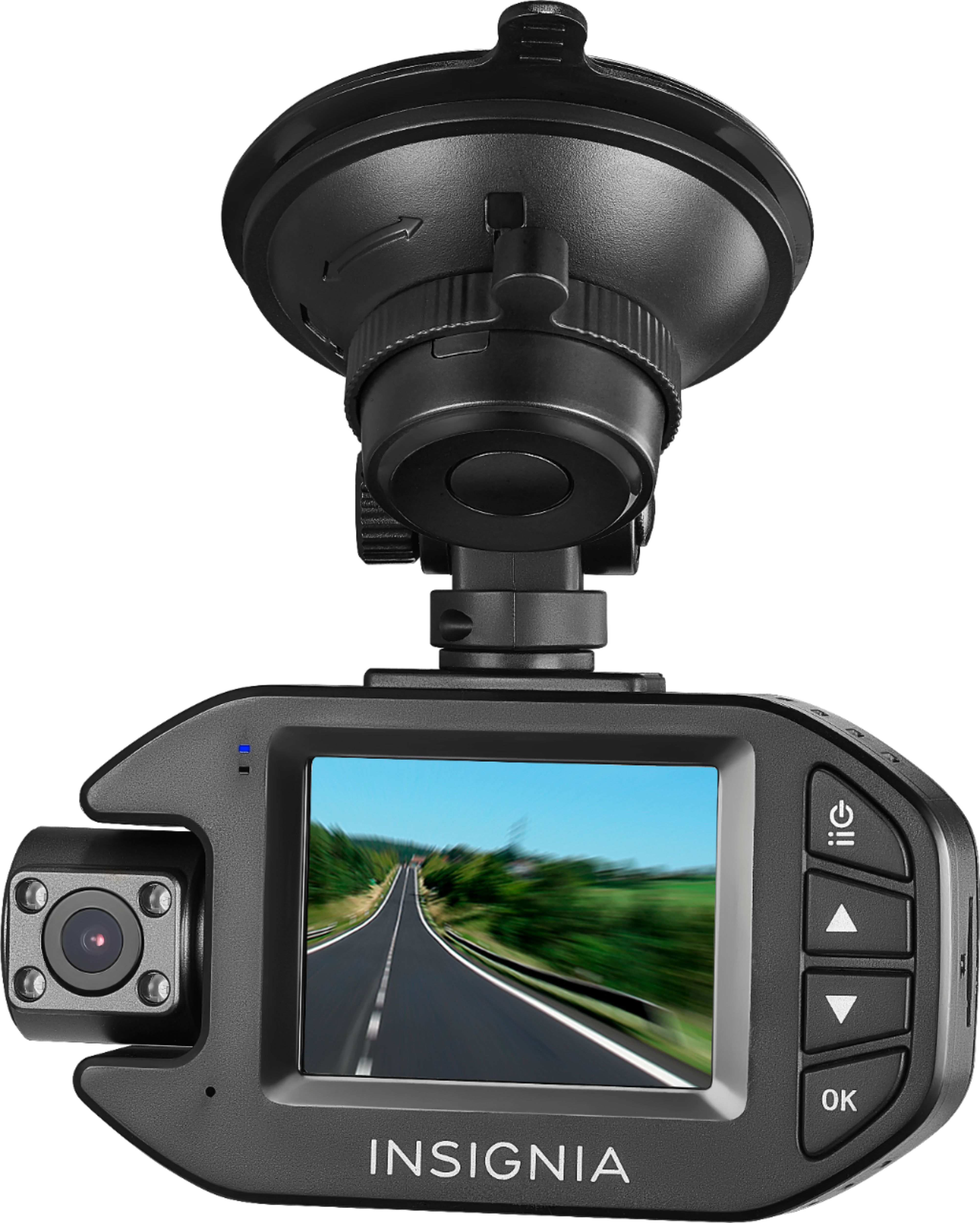
I believe you have to push the record button first to STOP RECORDING. When NOT RECORDING, now push the power button (top button) and that will open up the menu for the settings. Hope that helps.
A:AnswerNot sure what you are wanting to do. But the Camera has a feature that shut off the screen after some time. But continues to record. To access footage you'll need to the card on the side of the unit. Hope this helped. God bless
A:AnswerThe really cool thing is the Rexing M1 Dashcam is fully touchscreen, so its basically just a tap of the screen. There is also a button on the bottom that switches the display to the front and rear cameras if you needed to.