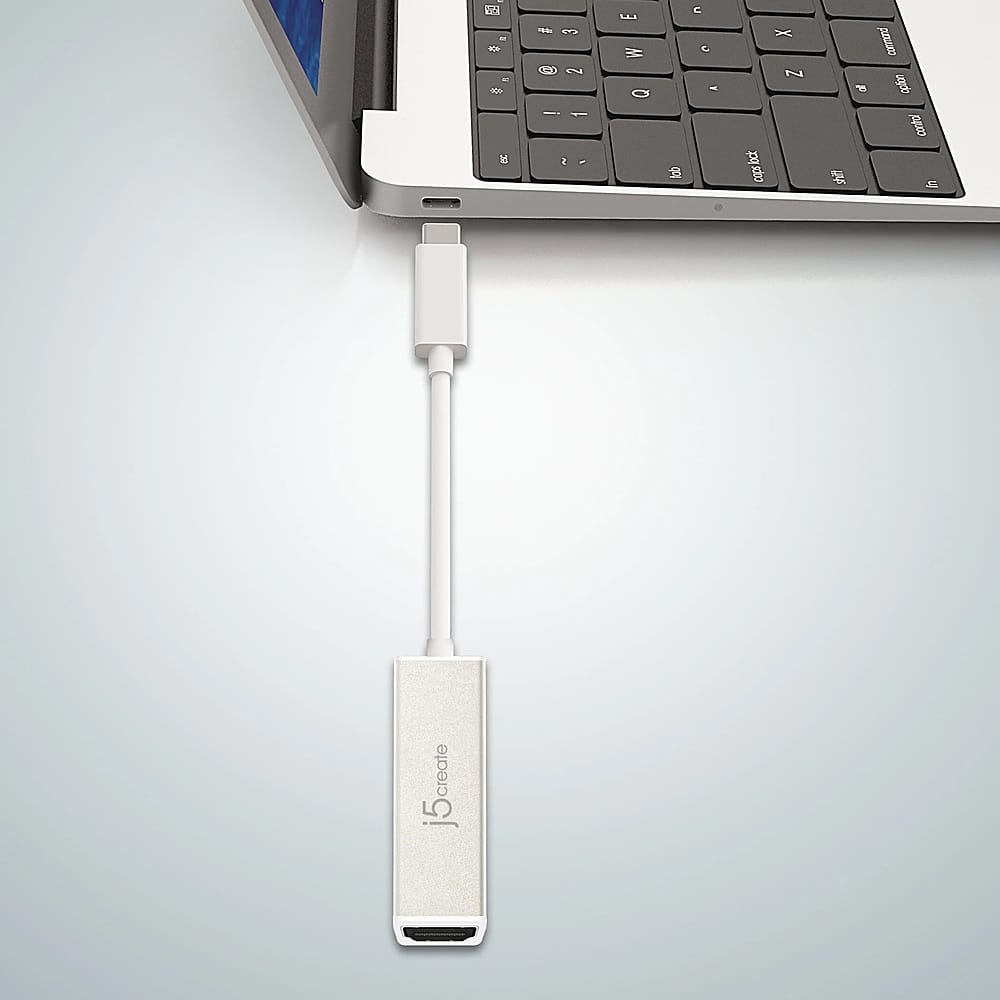
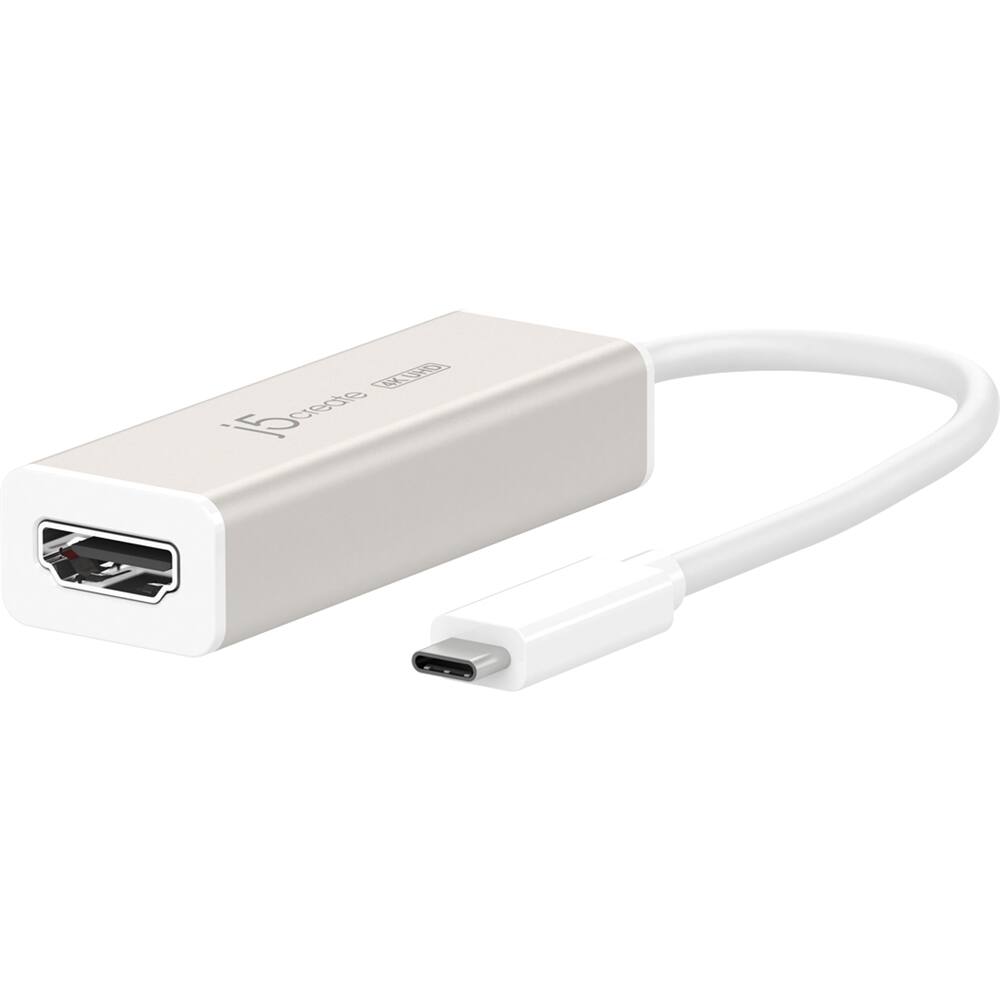
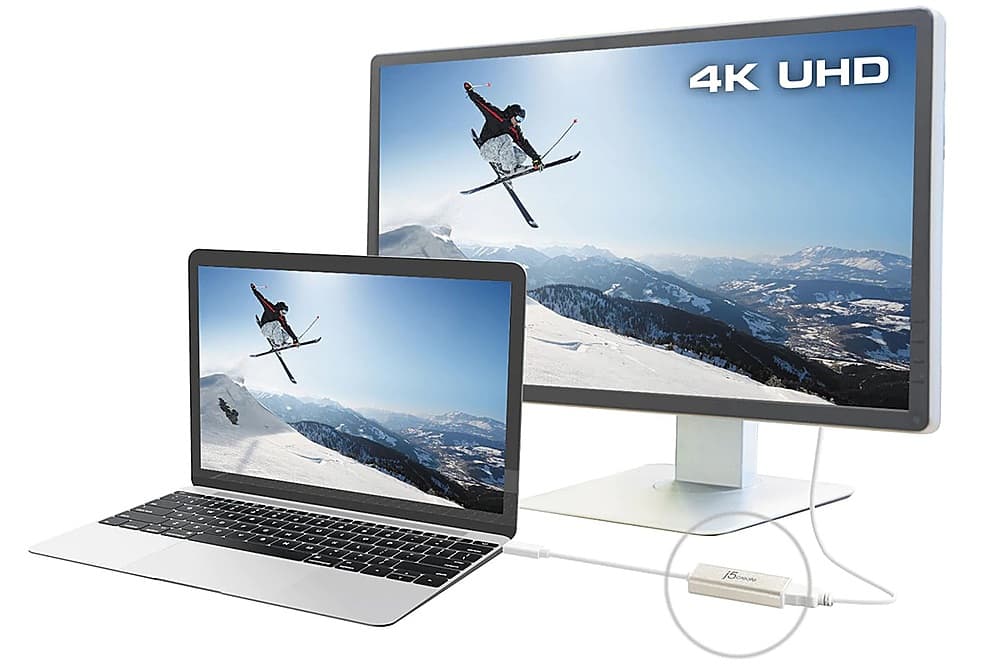
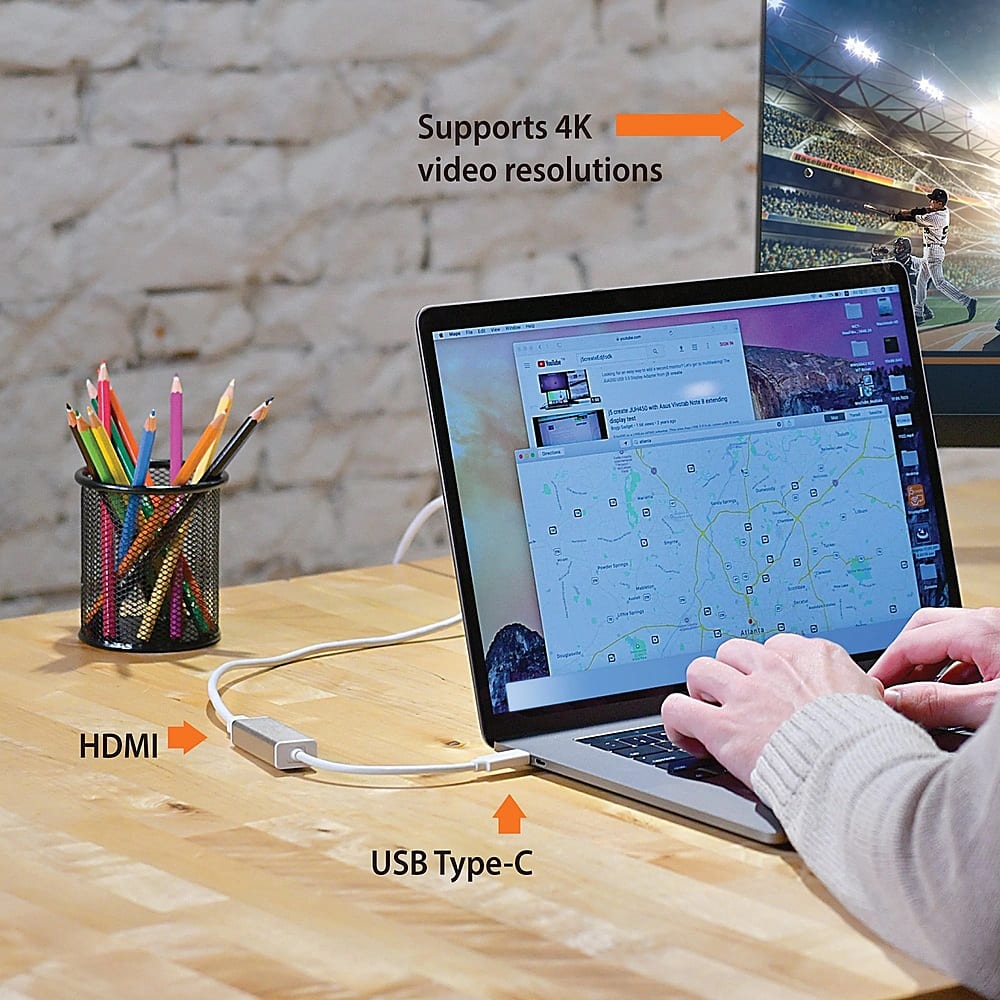
A:AnswerYes, a USB-C to 4K HDMI Adapter with Power Delivery will work with your MacBook Air M2 for connecting one additional monitor. However, as you mentioned, the MacBook Air M2 officially supports only one external monitor.
You would need to download a driver for your MacBook Air M2 to support two external displays such as the JCA365 USB-C to Dual HDMI Multi-Monitor Adapter. By installing the driver, you enable the JCA365 to manage the second display, allowing you to expand beyond the MacBook Air M2’s single-monitor limit.
A:AnswerThe USB-C to 4K HDMI Adapter is intended to connect to a computer, tablet, or mobile phone with an available USB-C port that supports DisplayPort Alt Mode for video out to a monitor, TV or projector. ** Feel free to contact j5create Technical Support if you require further assistance. Their information can be found on our website under the "Support" tab. Thank you.
A:AnswerNo, the JCA153G will not work for the LG K51. The LG K51 will need to support "DisplayPort Alt. Mode" to output video. The JUA165C will work but you may come across "HDCP' which is a copyright protection if you are going to stream with Netflix, Disney Plus. Hulu, etc.
A:AnswerNo, Unfortunatley our Display adapters are not compatible with the Nintendo Switch. You will need a 3rd party switch specific dock for this.https://www.bestbuy.com/site/searchpage.jsp?st=nintendo+switch+dock&_dyncharset=UTF-8&_dynSessConf=&id=pcat17071&type=page&sc=Global&cp=1&nrp=&sp=&qp=&list=n&af=true&iht=y&usc=All+Categories&ks=960&keys=keys
A:AnswerIn order for this device to work it will require that your tablet supports a feature called DisplayPort Alternate Mode over USB Type-C, in your case your tablet does not support this feature. So with this being said unfortunately this device will not work with your tablet.
A:AnswerNo, a standard HDMI cable should work. Please contact our technical support team to troubleshoot this issue. They can be reached via Live Chat at j5create.com, or you can submit a ticket from the Support tab at the website.
A:AnswerIf you plug a second monitor in to the HDMI port, audio will move to the monitor the adapter is connected to.
I have not used the USBC port, so I don't know if that will do the same.
A:AnswerYes. The USB-C to 4K HDMI Adapter with Power Delivery is compatible with the iPhone 16 and can transmit both video and audio to a TV through the HDMI connection. It also supports USB-C Power Delivery pass-through, allowing you to charge your iPhone while it's connected.
A:AnswerNo, this USB-C to 4K HDMI Adapter is not designed for use with a PlayStation 5. It is intended to connect a USB-C device that supports video output (DisplayPort Alt Mode) to an HDMI display. Since the PS5 already outputs video through HDMI, this adapter will not work with it.
A:AnswerYes, the JCA152 can work with Android phones, provided the phone's USB-C port supports video output (DisplayPort Alt Mode). If your Android device supports USB-C video output, you can connect it to an HDMI display while also charging through the adapter's Power Delivery port. Compatibility may vary by phone model.
A:AnswerThe USB-C to 4K HDMI Adapter may work with your Samsung Galaxy Fold 7 for streaming YouTube, but only if your phone supports video output over USB-C (DisplayPort Alt Mode).