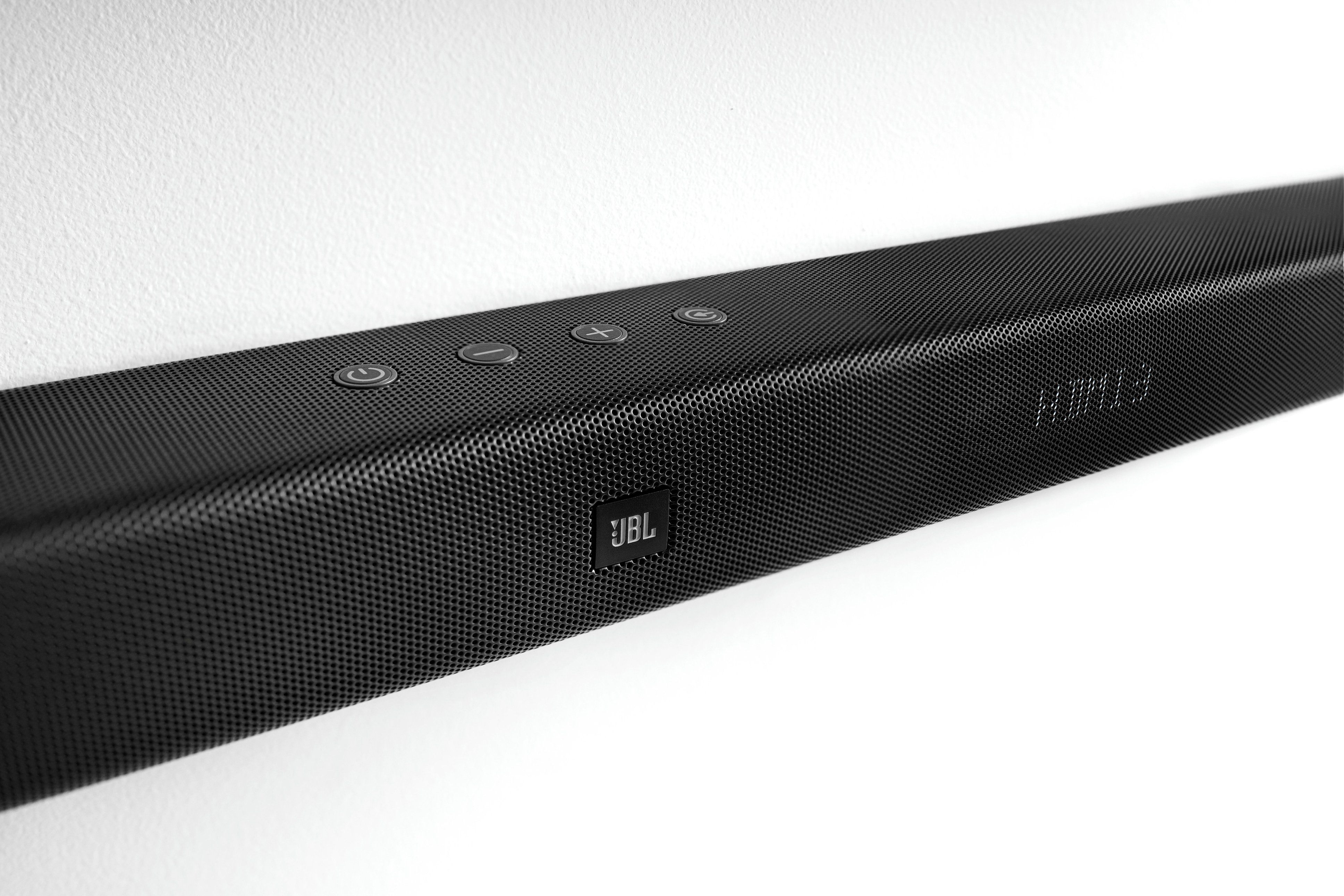
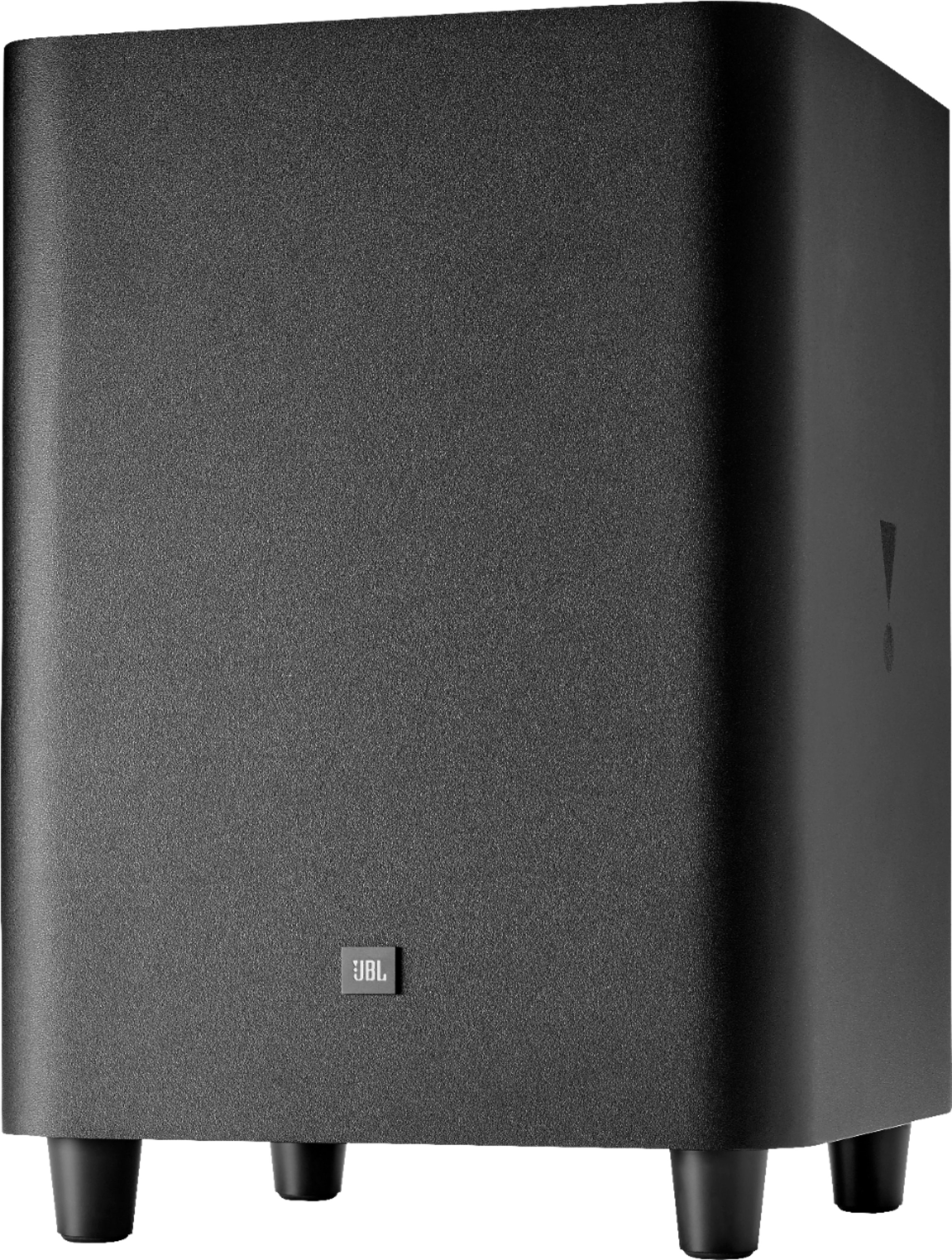
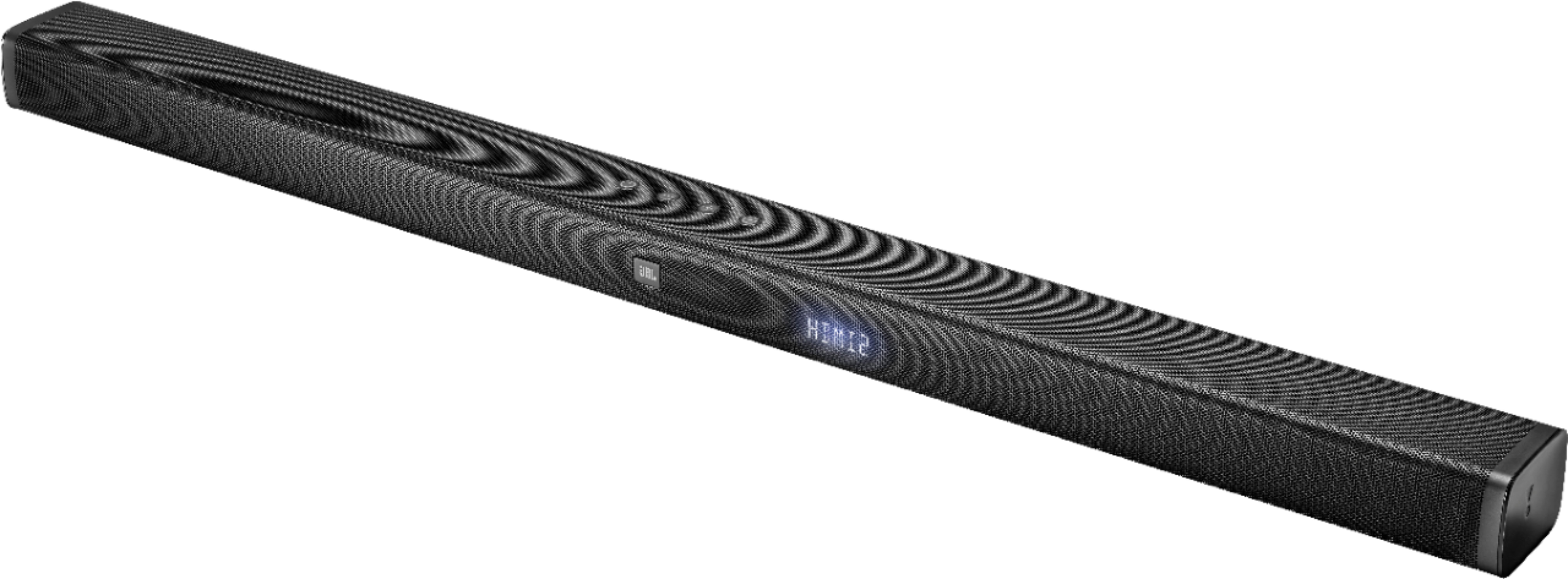
A:AnswerThanks for reaching out to us, please try to forget the JBL Bar 3.1 from your Bluetooth settings on your phone and press and hold the Bluetooth button on the soundbar remote to put it into pairing mode and re-pair it to your phone. If that doesn't work, please do a factory reset by pressing and holding the Volume +, Volume -, and the Source button on top of the soundbar until you see 'RESET' appear and try again. If none of this works, please contact us so we can assist you: https://bit.ly/2zwFkYM
A:AnswerHi there, we're here to help. That's strange for your JBL 3.1-Channel Soundbar System to act like that. You can contact our Support Team through this link to get more assistance: https://support.jbl.com/us/en/
A:AnswerThanks for posting a review. We're happy to know that you're able to successfully paired your JBL Bar 3.1 to your phone, however, we don't have an option to set up a Pincode. Let us know if you have other questions using this link: https://support.jbl.com/us/en/customer-service/contact.html
A:AnswerHi there, thanks for asking. JBL Bar 5.1 is a standalone home theater system that optimizes wireless connectivity for its detachable satellite speakers and subwoofer. For this reason, it doesn’t have outputs on where you can connect other passive or active speakers. For future reference, you can download its Owner’s Manual using this link: https://www.jbl.com/bar-series/JBL+Bar+5.1.html
A:AnswerThat's an interesting question. There is no code for programming any remote to the soundbar. The JBL Bar series has an IR learning. You can use this feature to teach the soundbar to respond to your remote control. The information can be found on the Owner's Manual. If you still need assistance, please submit a case request at www.jbl.com/support-contact.html and our Customer Service team will be more than happy to assist you.
A:AnswerHi, we'd like to check some settings on your end so we can find out our options. Please submit a case request so we can assist you: https://support.jbl.com/us/en/customer-service/contact.html
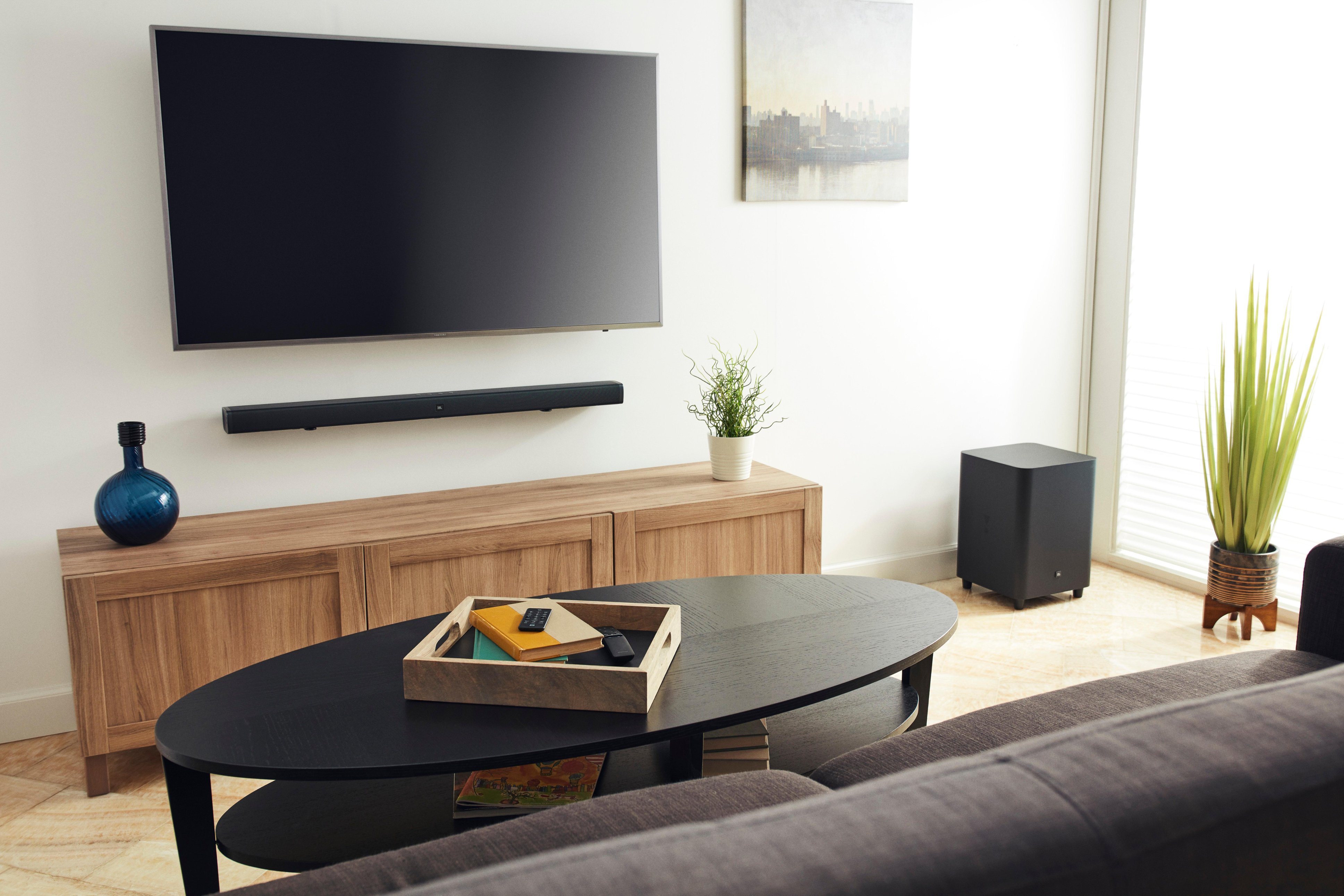
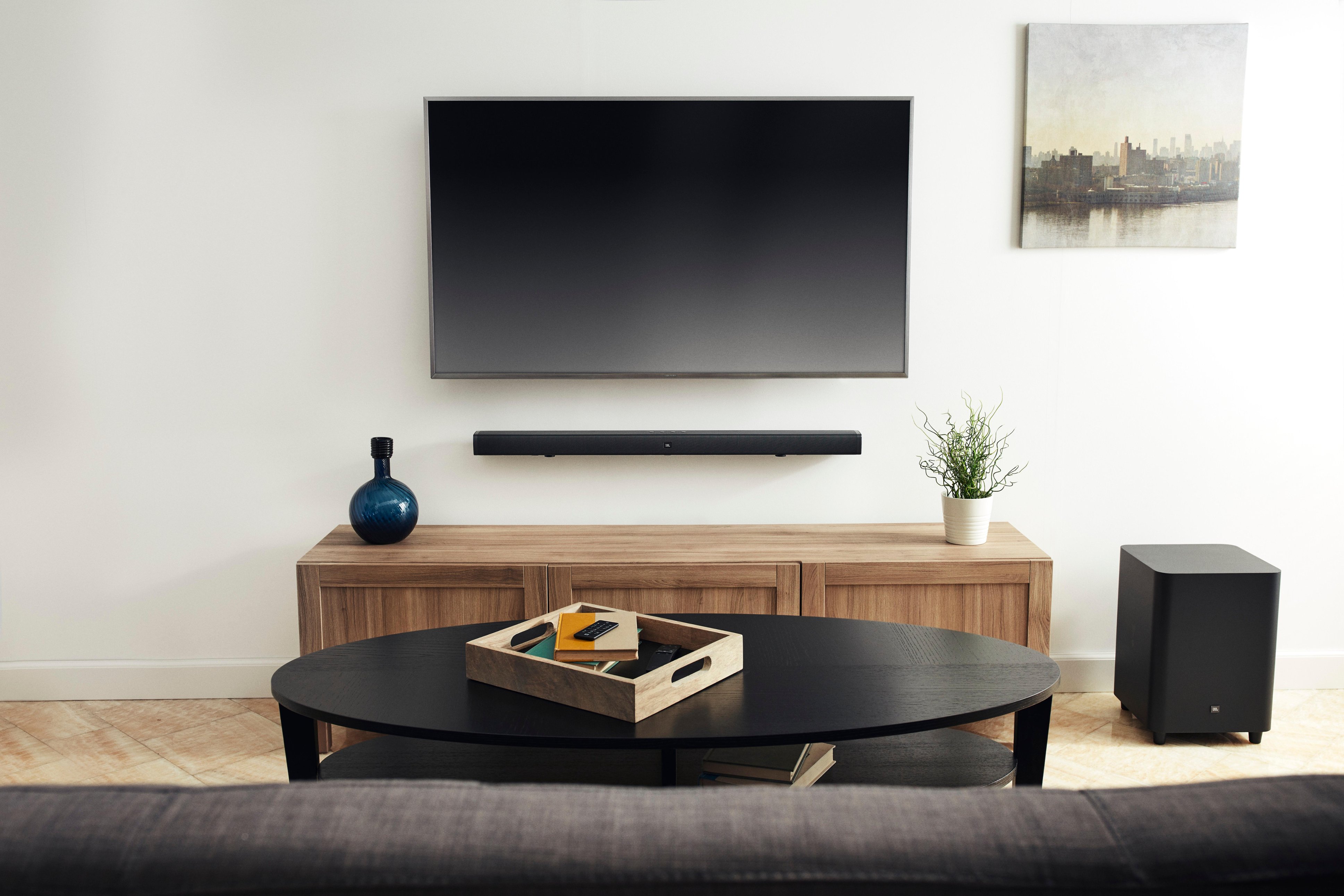
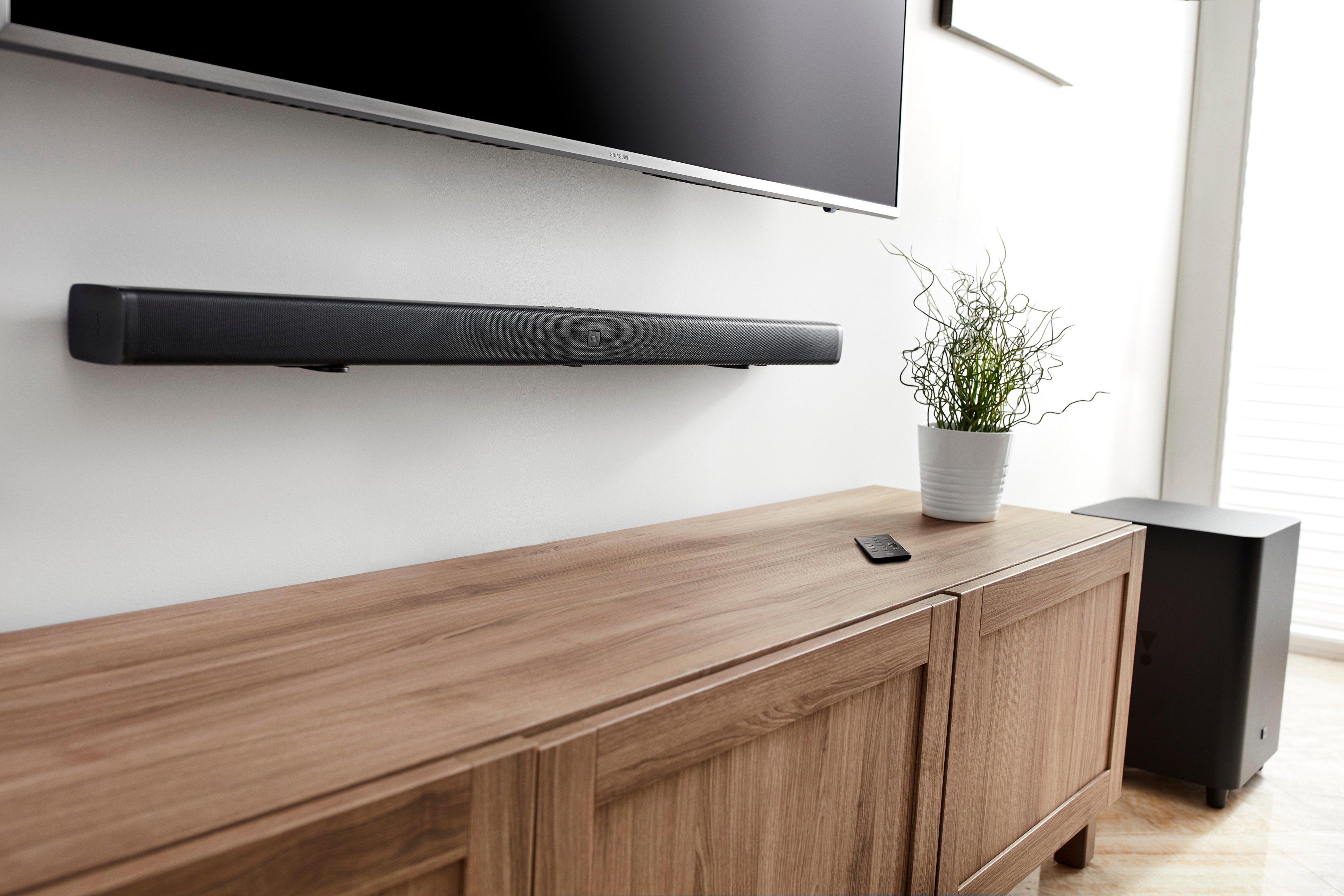
A:AnswerHi there, our JBL Bar 3.1 has wall-mount brackets provided and you'll just need to prepare the necessary holes on the wall to screw the brackets in. If you need more information, please submit a case request so we can assist you: https://support.jbl.com/us/en/customer-service/contact.html
A:AnswerHi there, the JBL Xtreme can only connect with speakers that has the same JBL Connect feature. The BAR 3.1 sound system does not have that option.
A:AnswerDepends on how you have it connected. If you're using ARC (as I am), powering the TV on/off will also control the power on the sound bar. If you're not using ARC, you will have to use the built in buttons, or the sound bar remote, to control the power.
A:AnswerI've had seemingly random issues with various HDMI cables -- they'll work fine with my laptop and a monitor, but not with one of my desktops and the same monitor. You might try swapping out the HDMI cable connected between the ARC ports and see what happens.
A:AnswerYou have an interesting question right there. It looks like we're trying to weigh which has a better sound quality between wired and wireless. To answer your inquiry, Bluetooth can only handle information across it's signal, and that is less information than connecting it via HDMI. You may also be able to experience some kind of delays while streaming some videos. But since we're talking about sound, regardless, If it's Bluetooth or HDMI, the quality will be just the same.