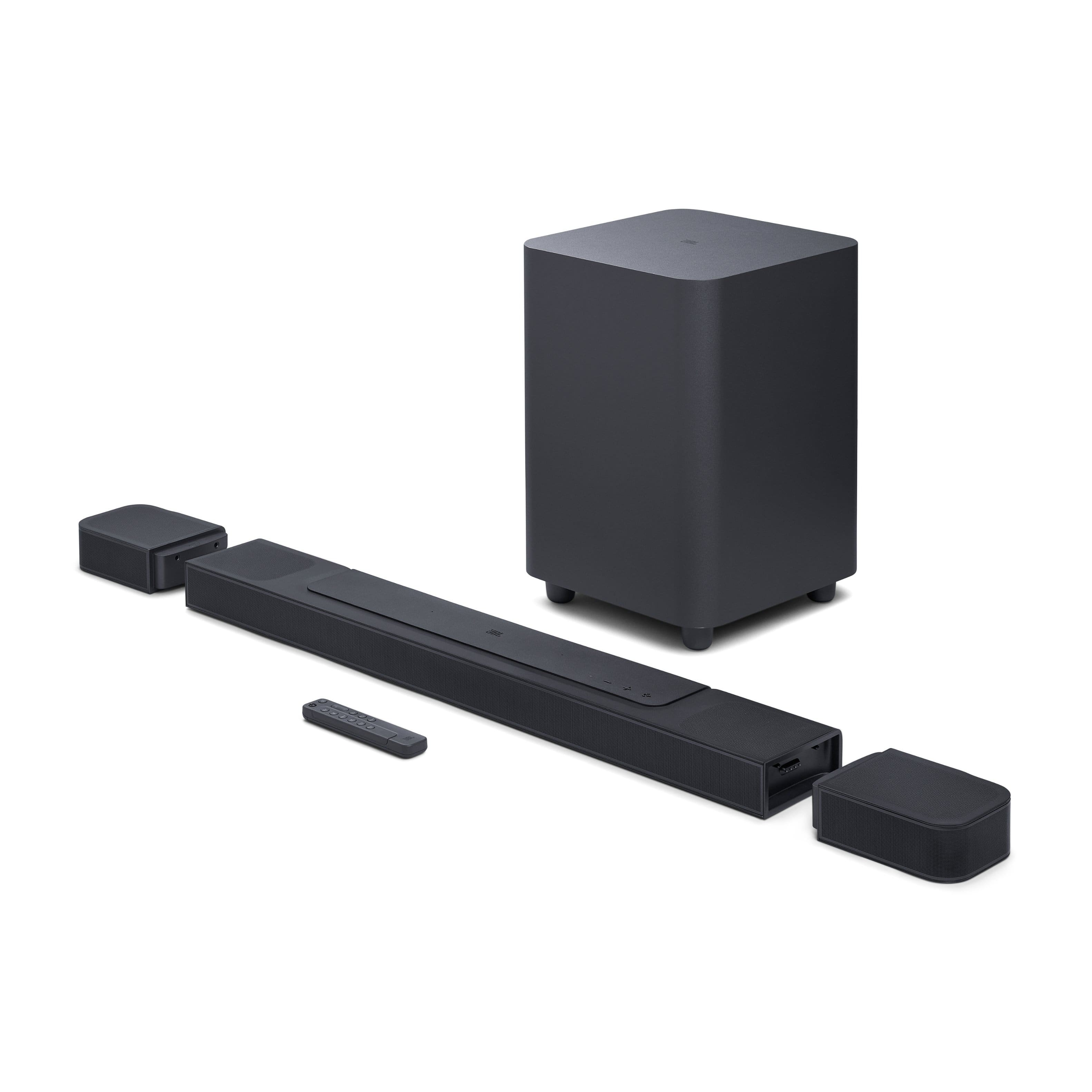
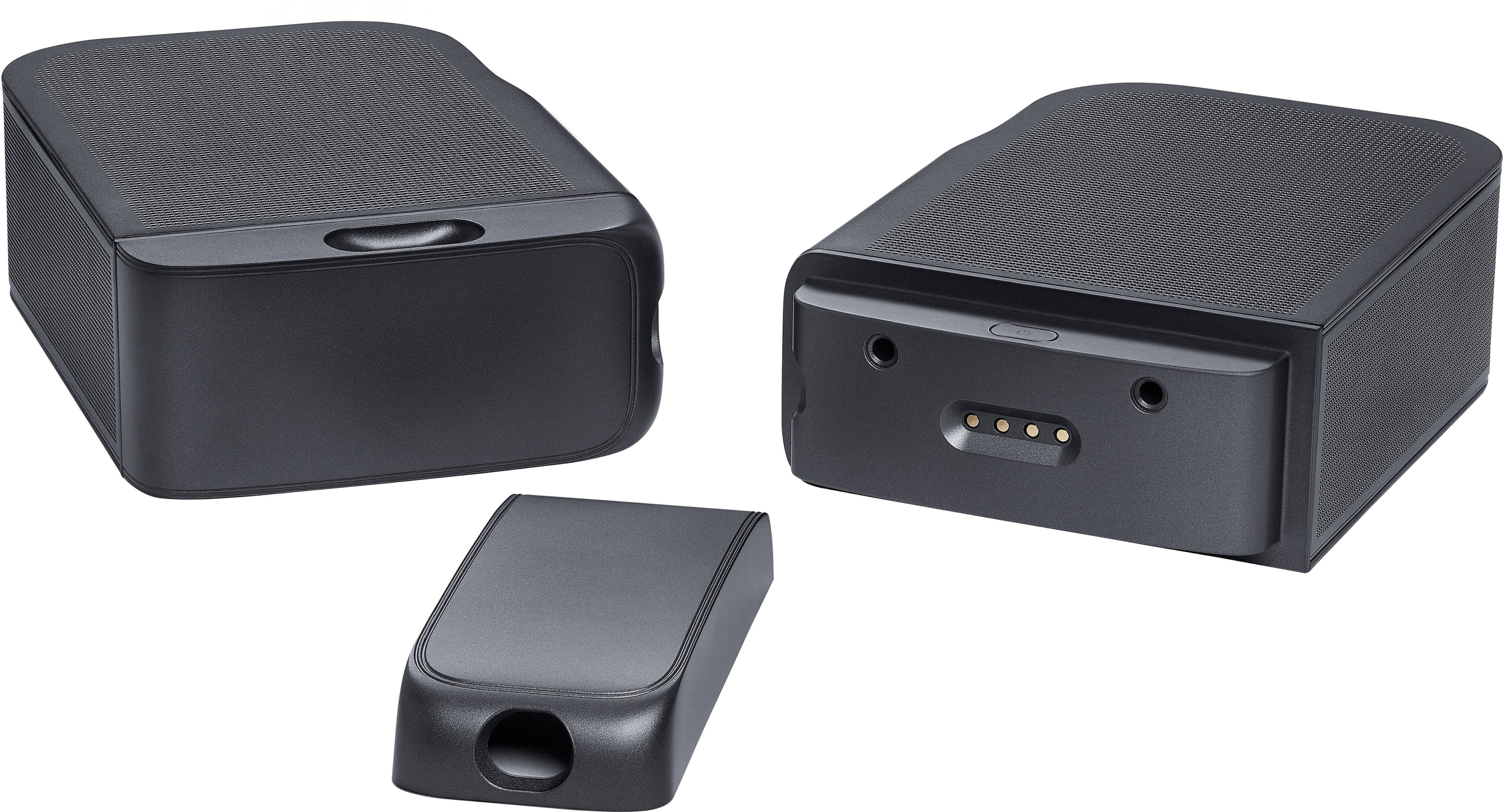
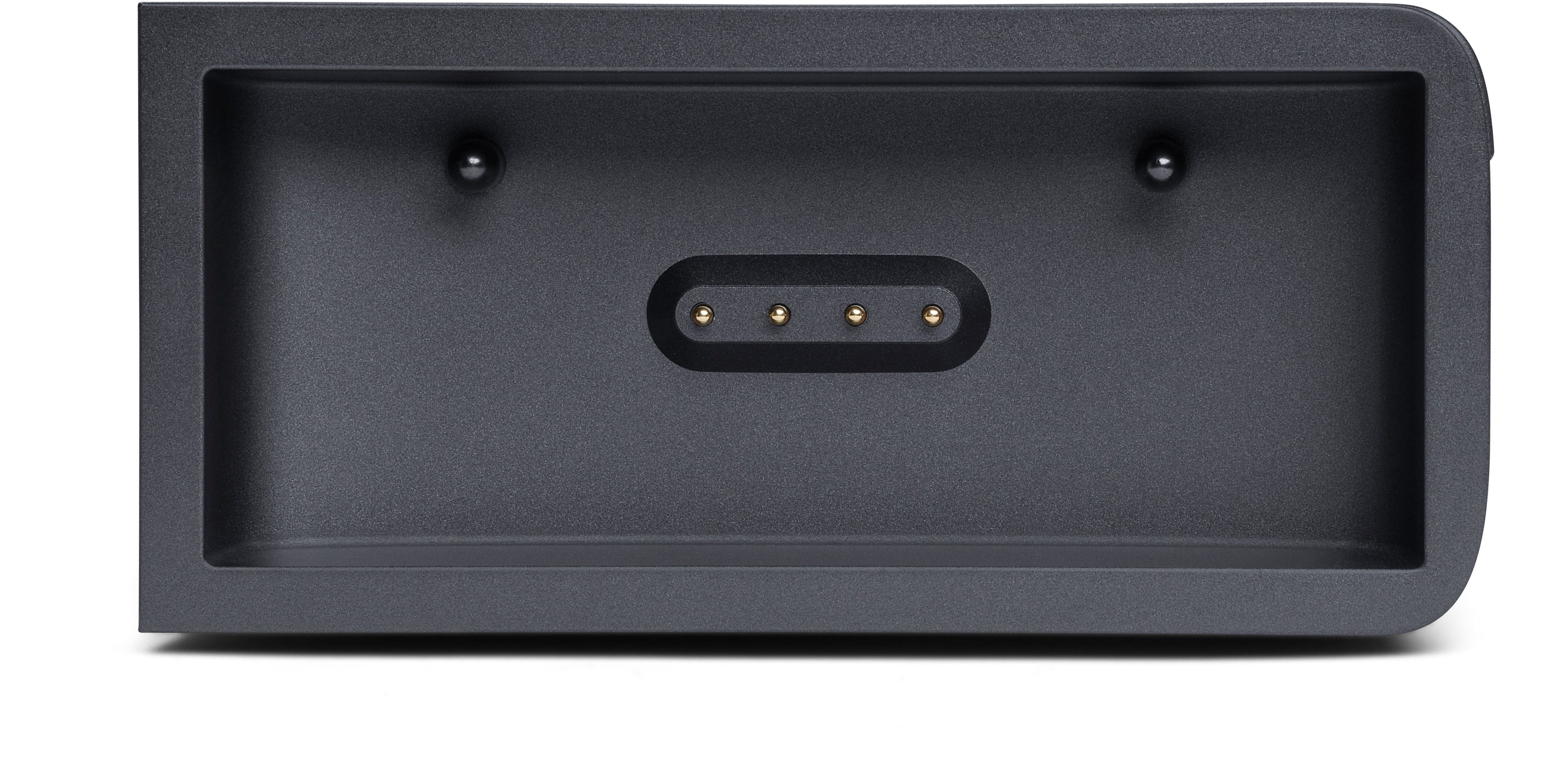
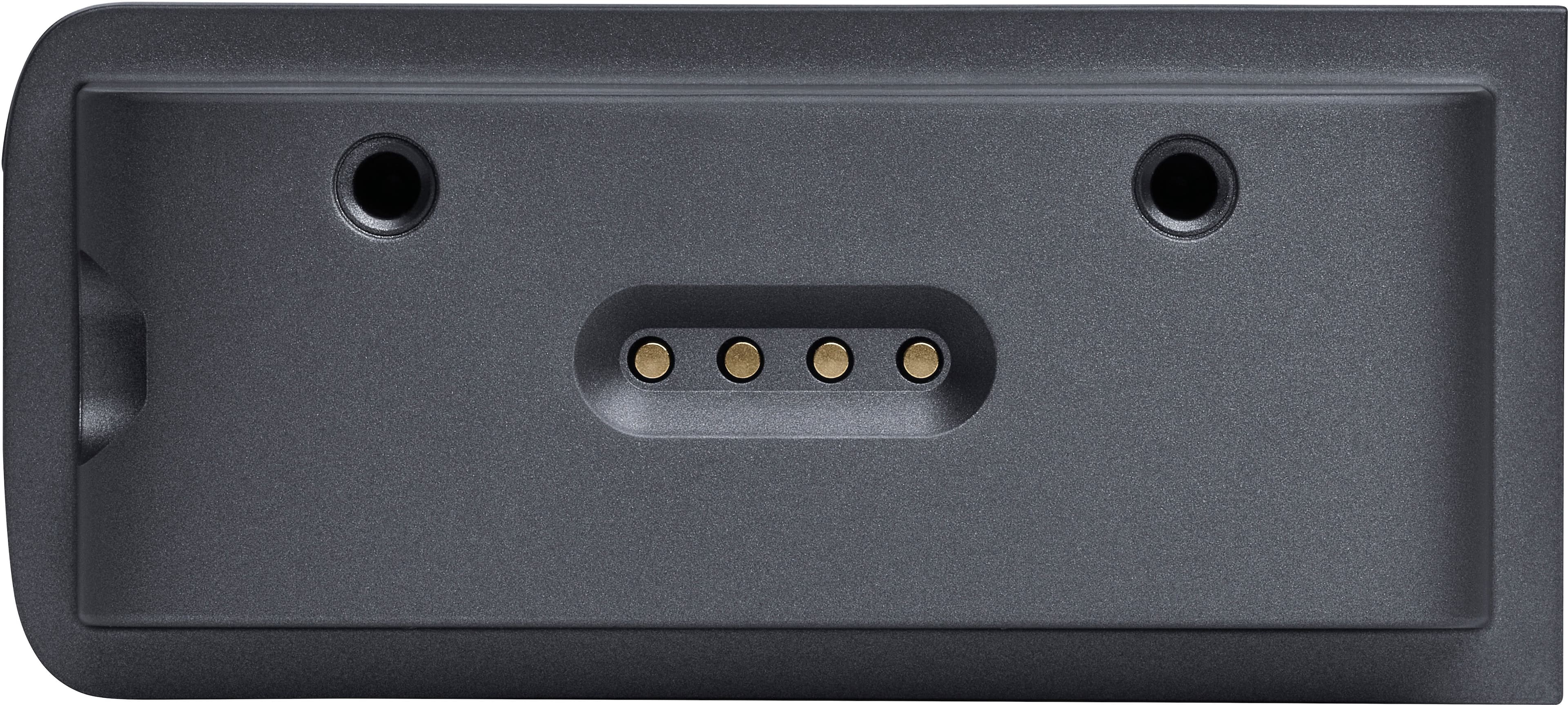
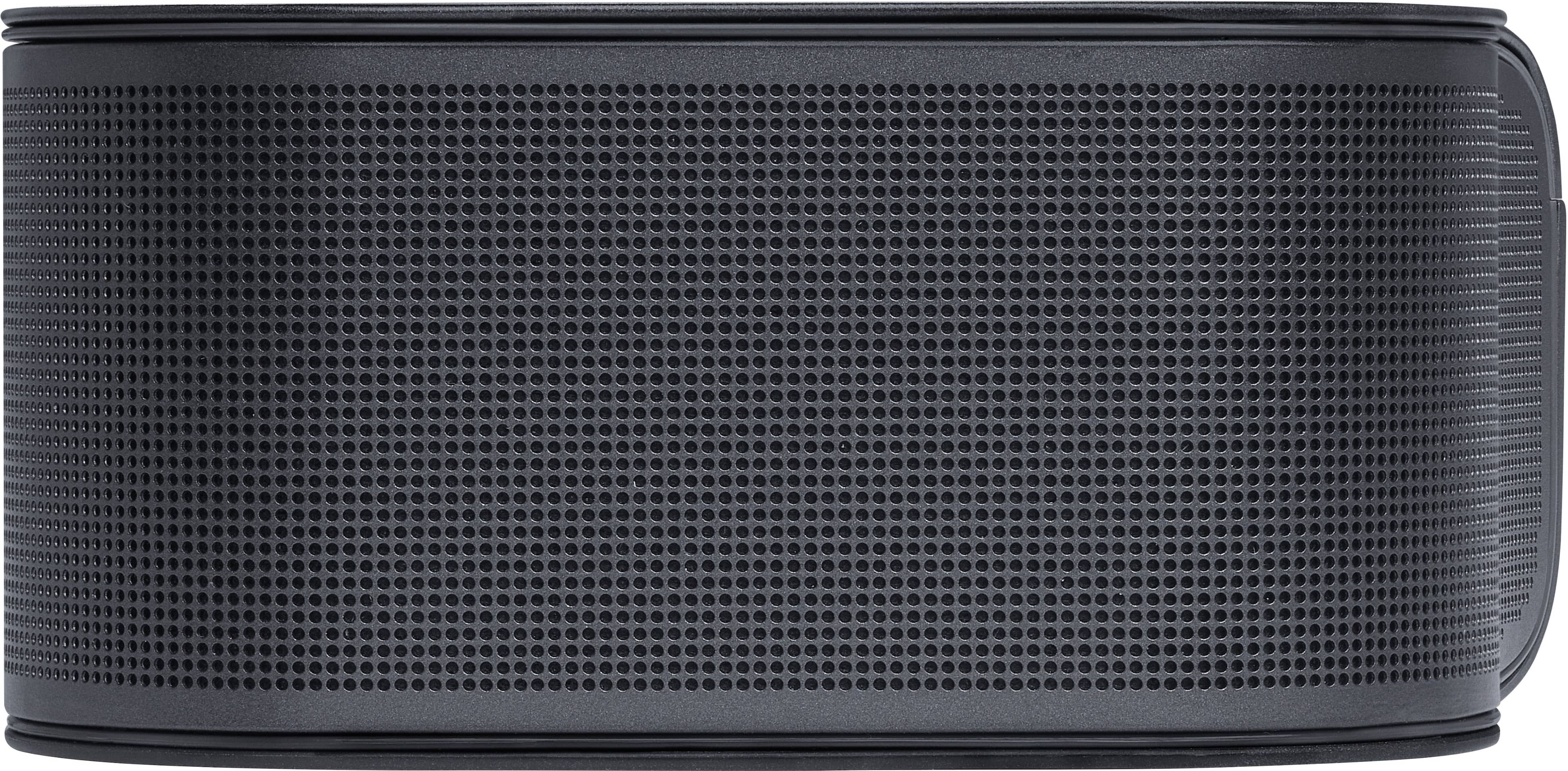
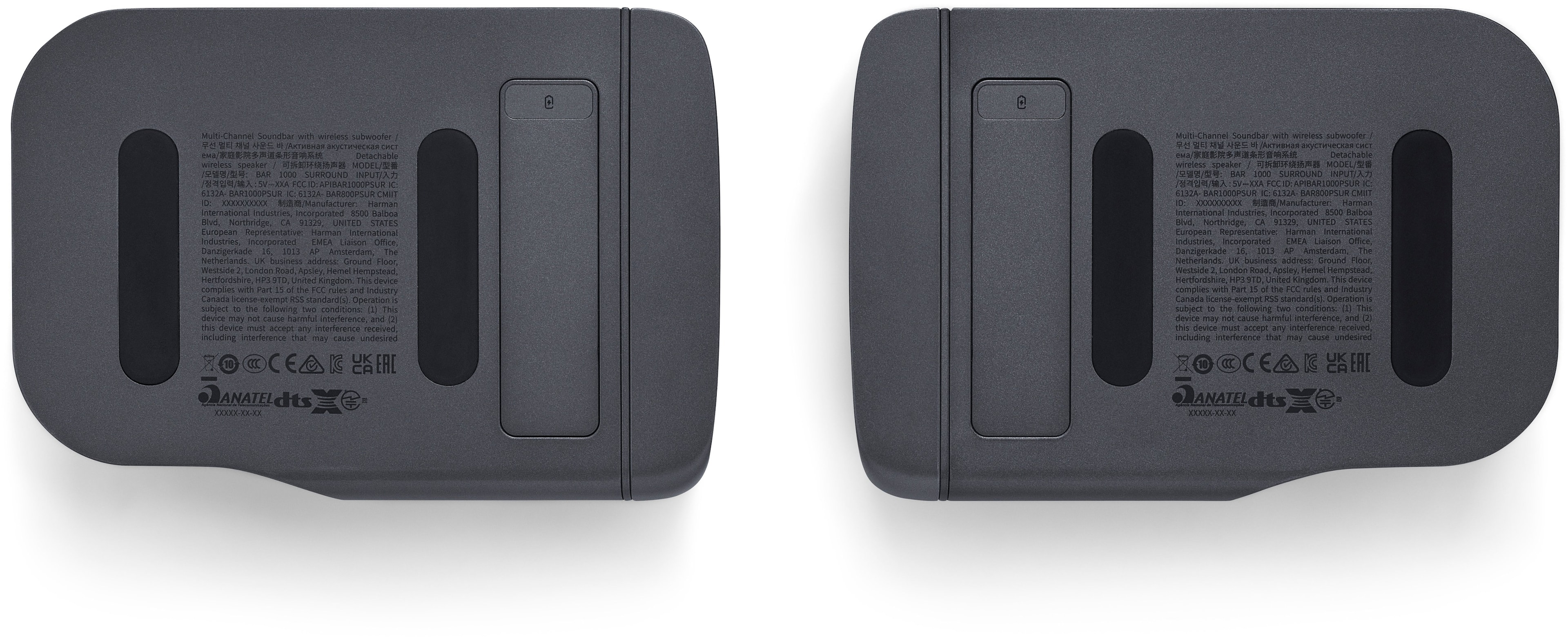
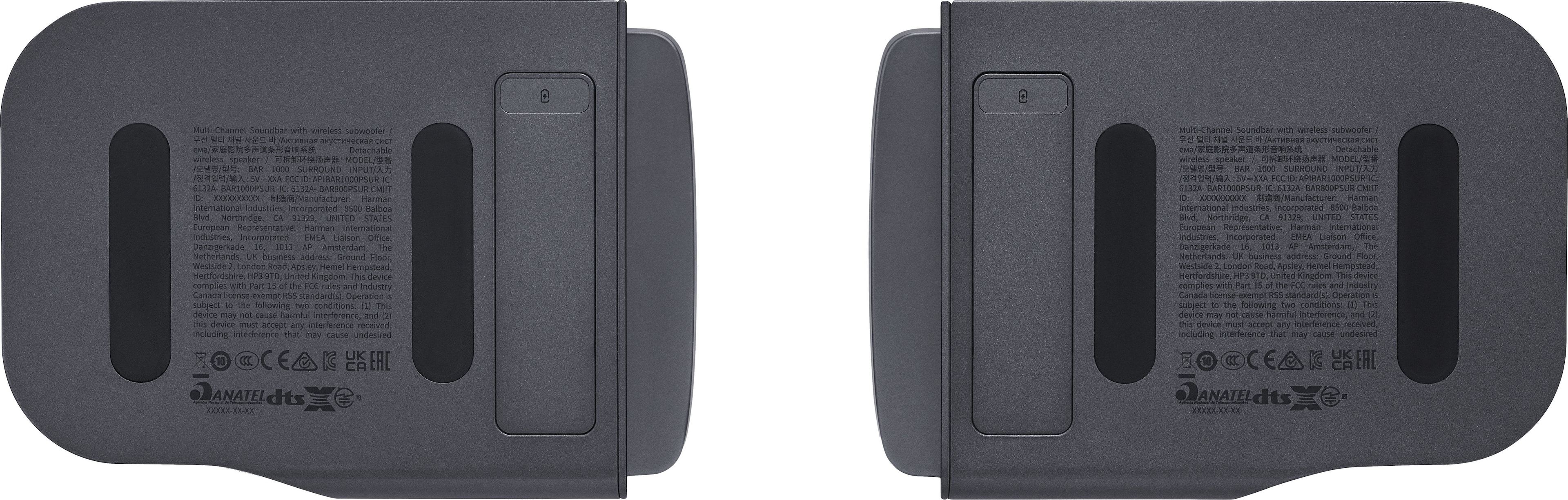
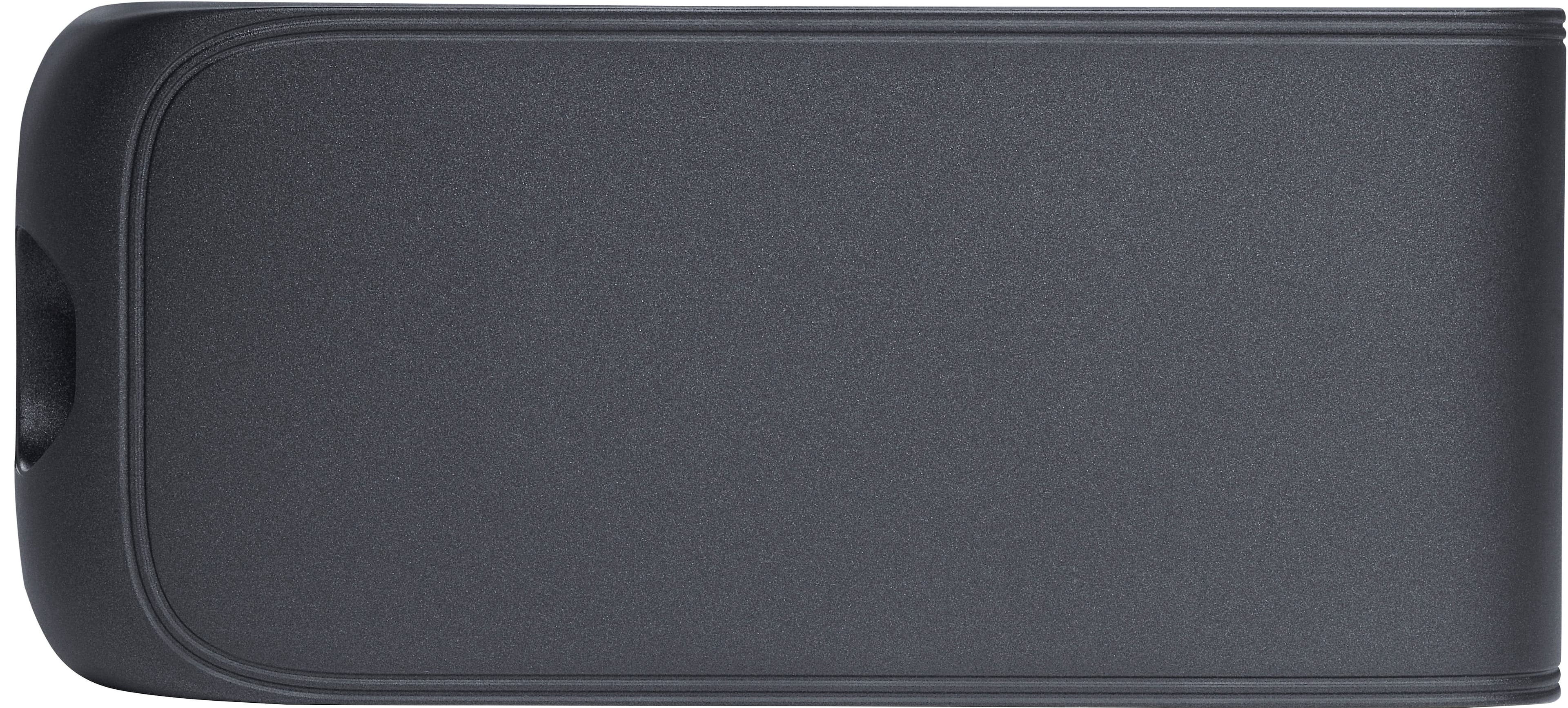
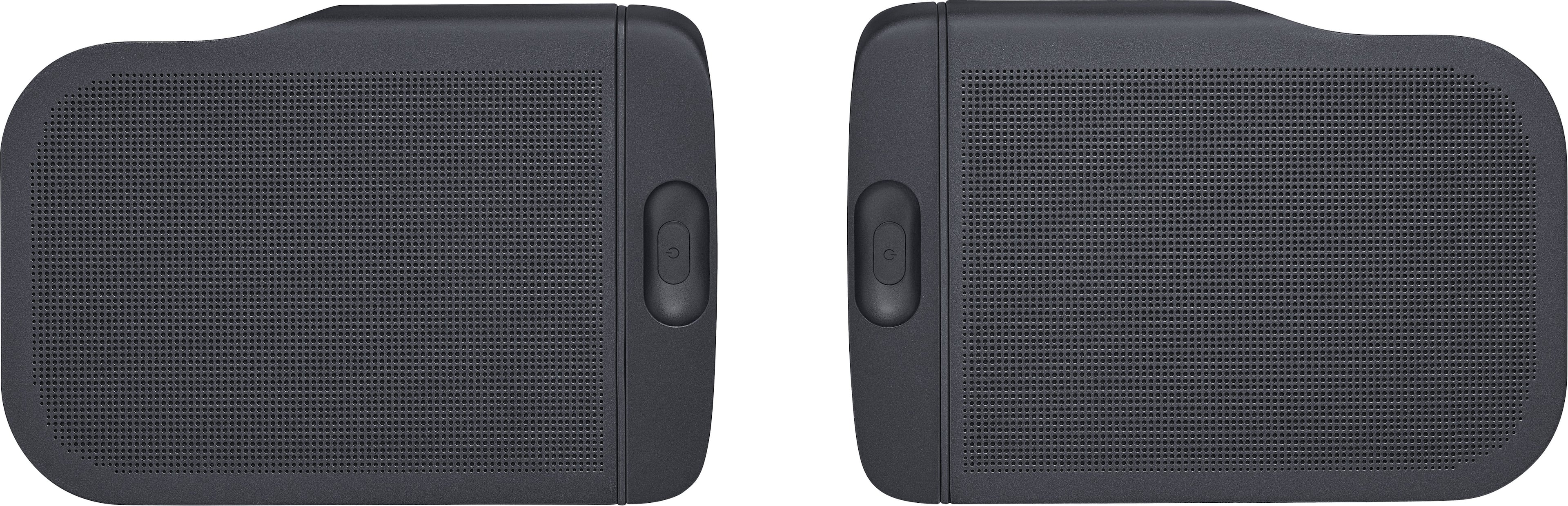
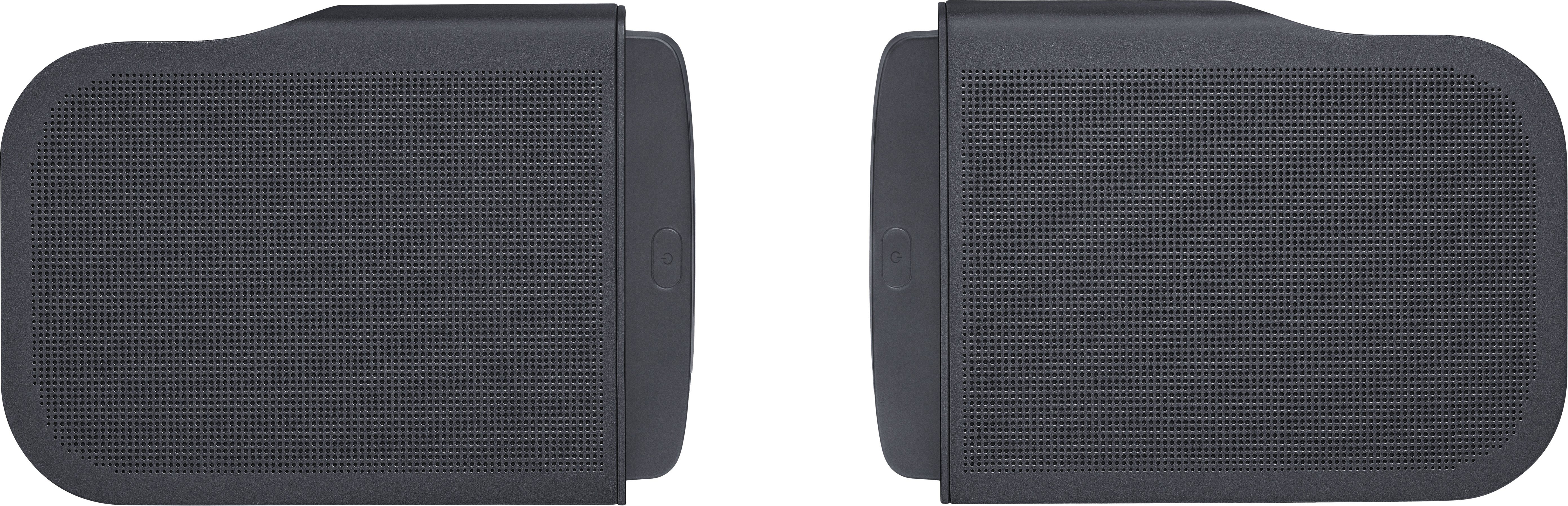
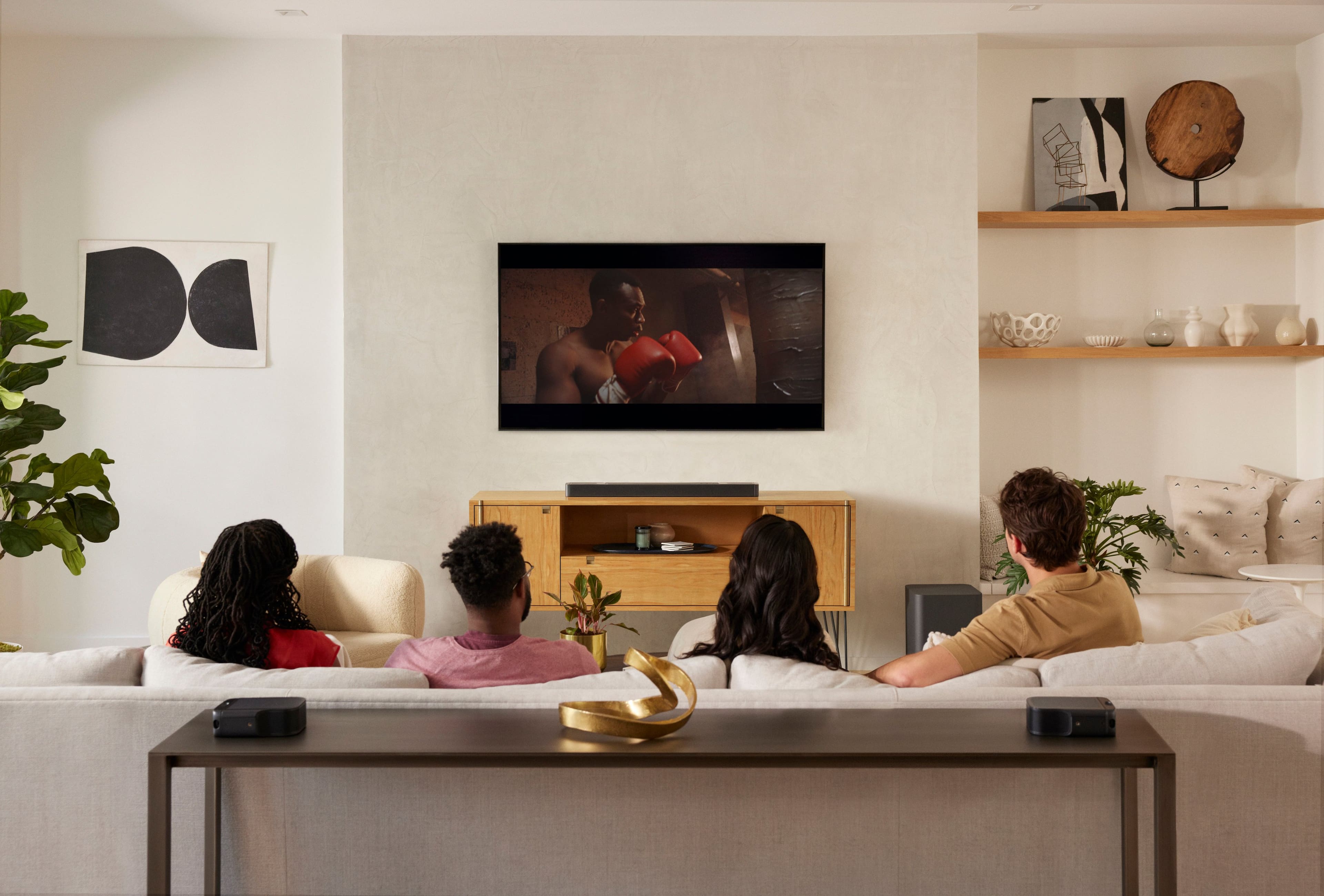
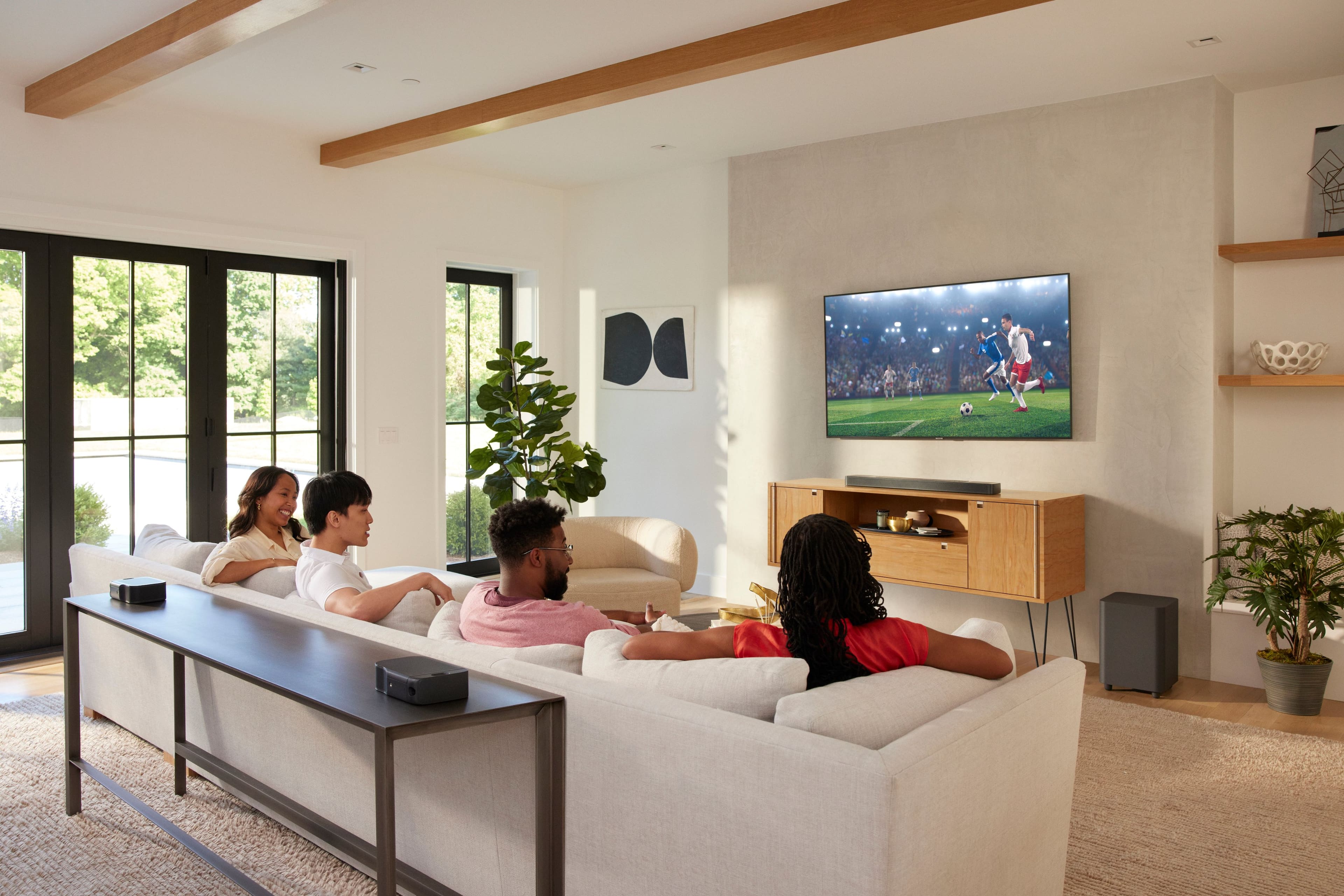
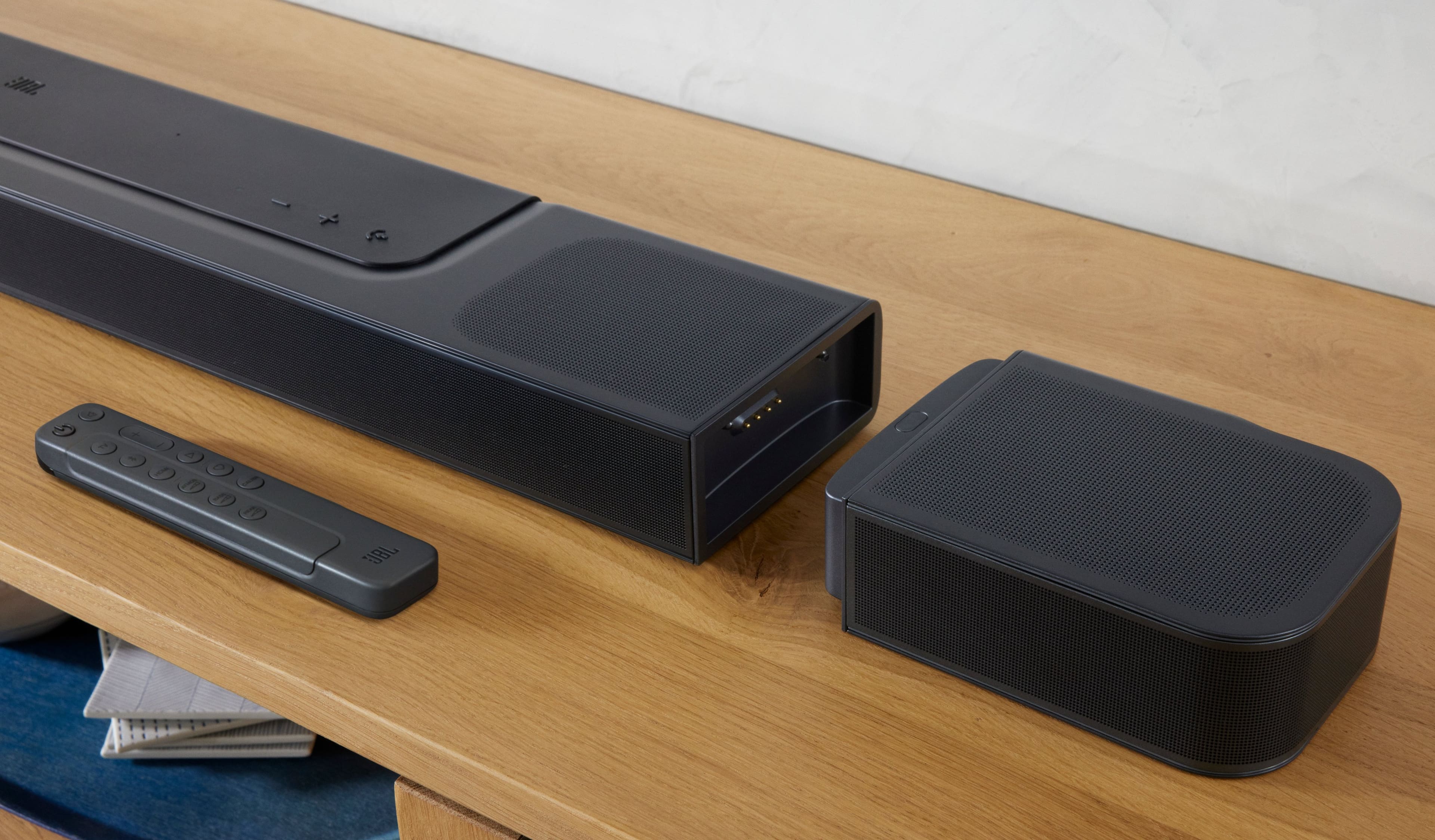
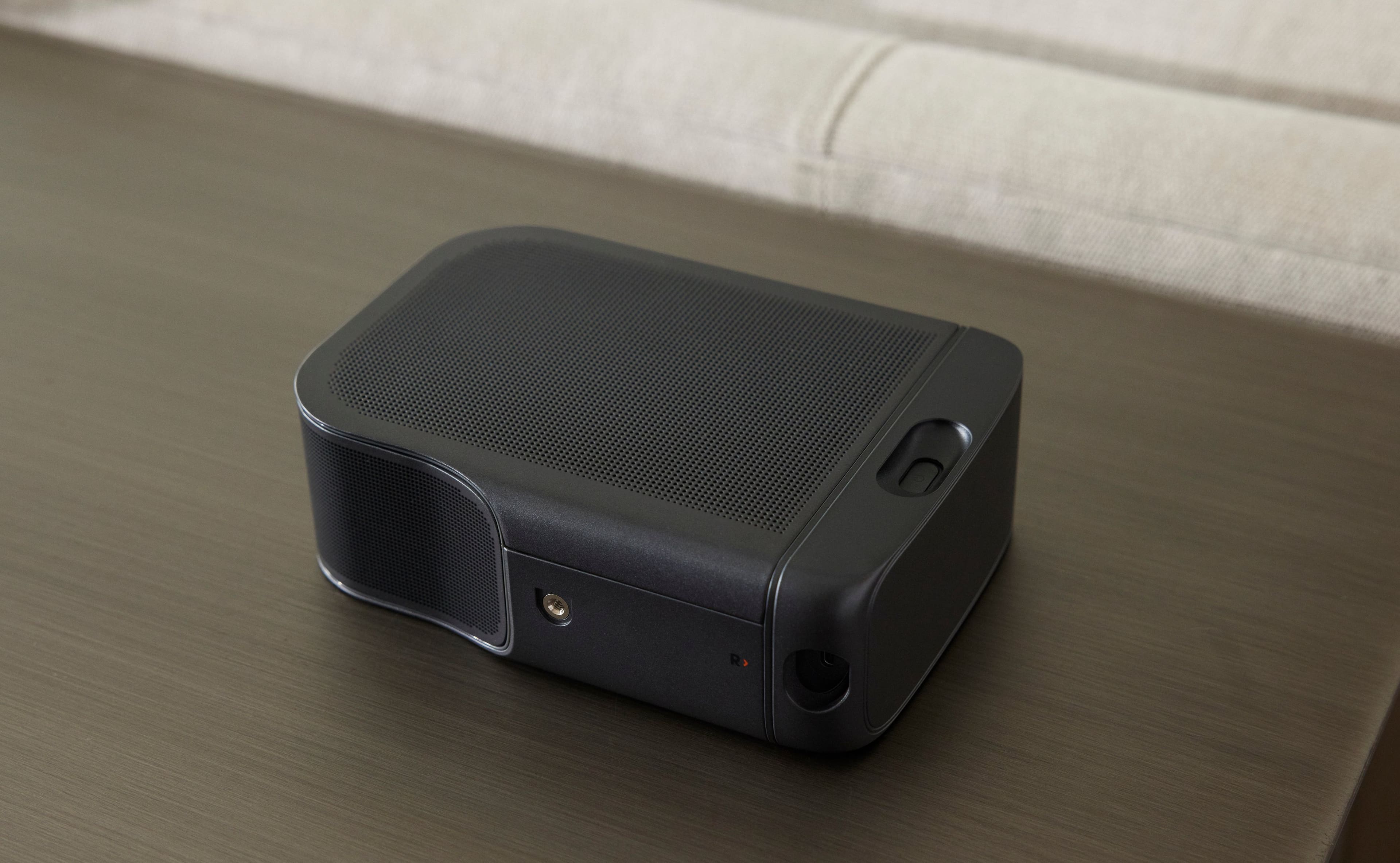
A:AnswerThe detachable speakers need to be charged for a few hours. Reattach the speakers and let them charge overnight. I plugged my speakers into a charger and they worked immediately.
A:AnswerWe're here to help with your JBL Bar 1000. Please try charging the left rear speaker using a USB-C cable to isolate the issue. Also, try to switch it off when detached by pressing the power button on the left rear speaker and if the issue remains, please contact JBL Customer Support so we can assist you.
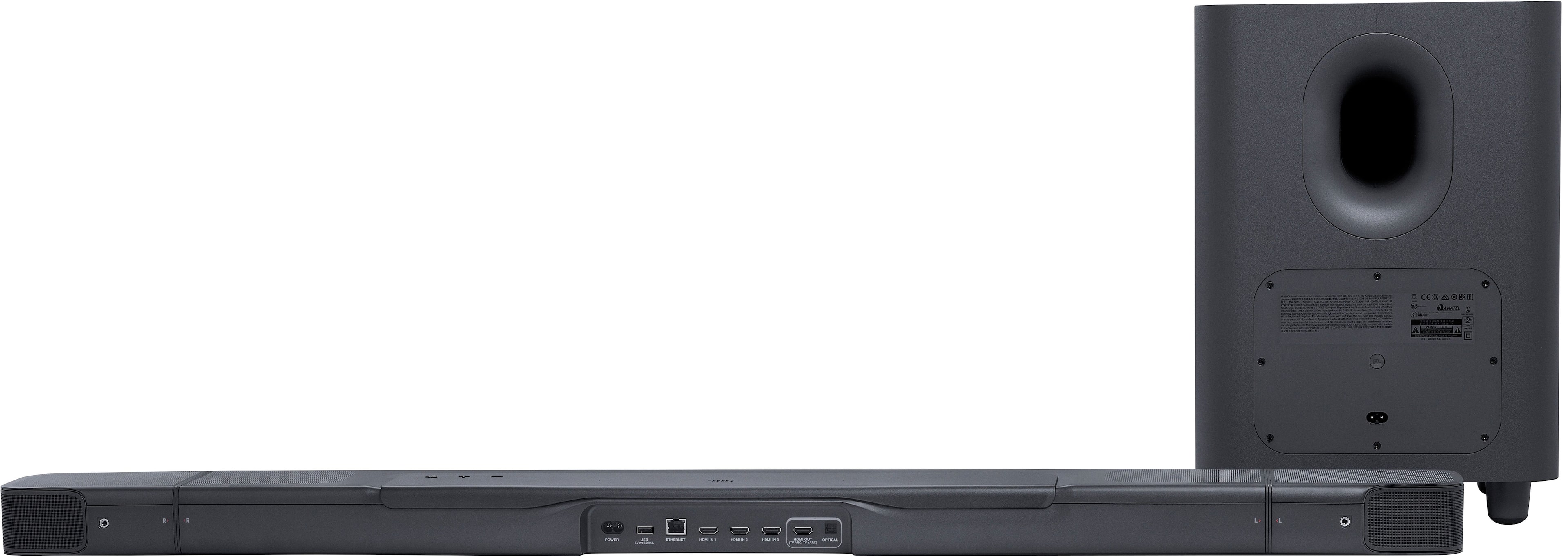
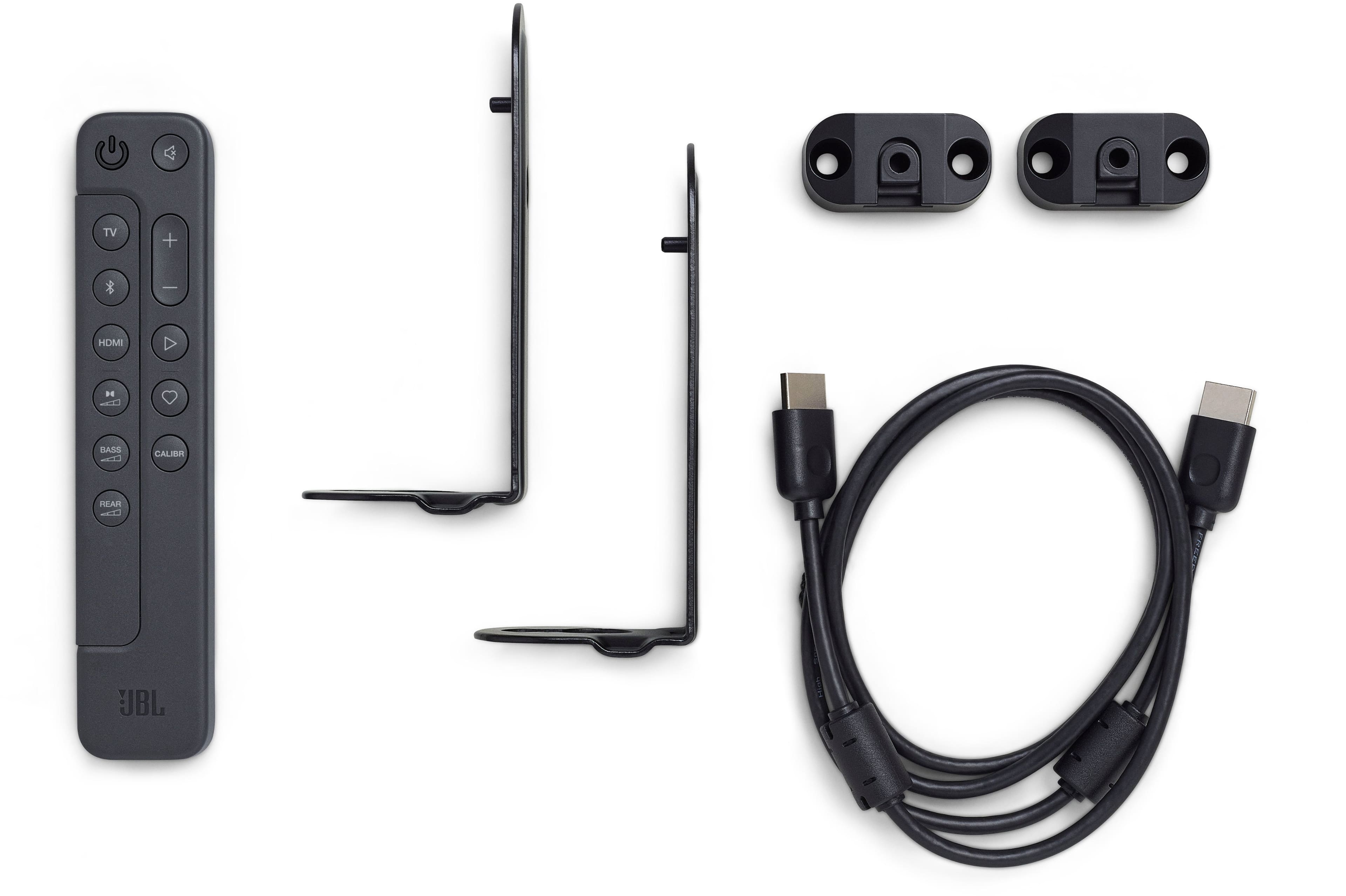
A:AnswerThanks for reaching out. For this setup, you can connect your source directly through the TV HDMI IN, then connect the HDMI ARC of your TV to the HDMI OUT of the JBL Bar 1000. Alternatively, you can connect the soundbar to your TV using an optical cable if your TV doesn't support ARC.
A:AnswerI understand your question of what appears to be an extra "racetrack" speaker on the left side of this soundbar. I initially had the same concern.
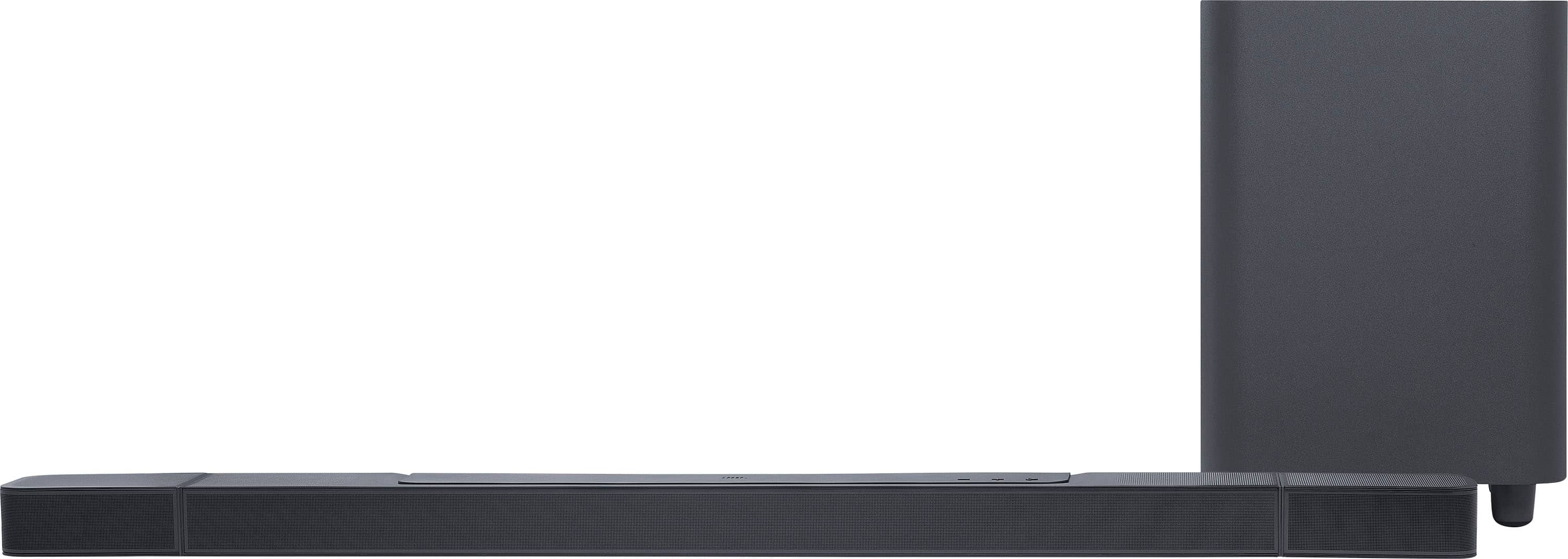
There are five (46x90)mm racetrack drivers in the Bar 1000. I believe the two on the left are for the left channel (hopefully their amps are set for different frequencies). The two on the right are for the right channel. And there is only one racetrack speaker for the center channel that also has a center tweeter to the right of it.
The confusion is because looking at an exploded view, there appears to be two center channel racetrack speakers with one tweeter between them. But that is probably not the case, there is only one. Plus there is a space on the right-side last speaker for the LED display, that only adds to the exploded view confusion, because it appears to be missing a speaker.
Hope that helps!
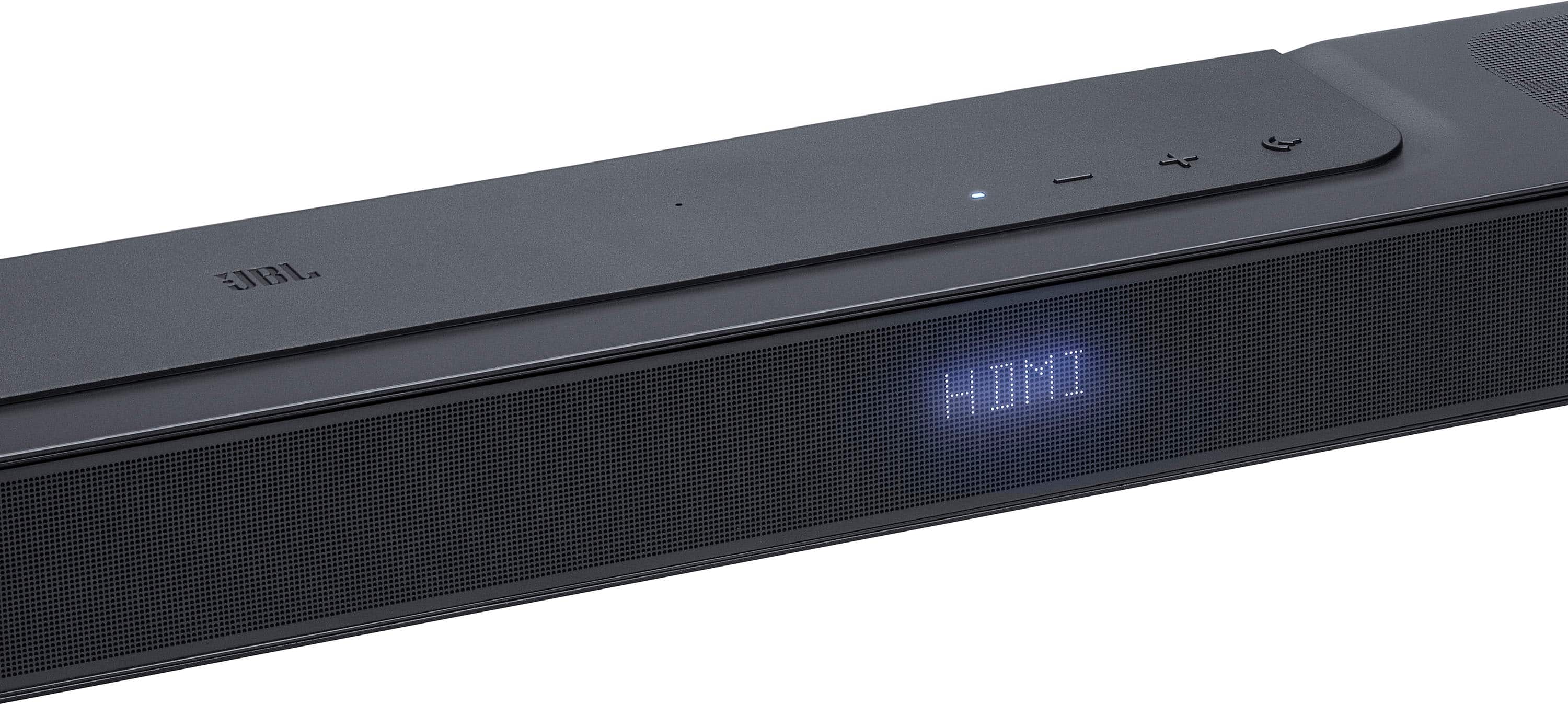
A:AnswerThanks for your question. Our JBL Bar 1000 is designed to support HDMI-CEC, which allows it to automatically power on and off with your TV, provided your TV also supports HDMI-CEC. For this to work properly, the soundbar must be connected to your TV using the HDMI ARC/eARC port. On your TV, check that HDMI-CEC and HDMI ARC/eARC have been enabled. Refer to the owner’s manual of your TV for more information.