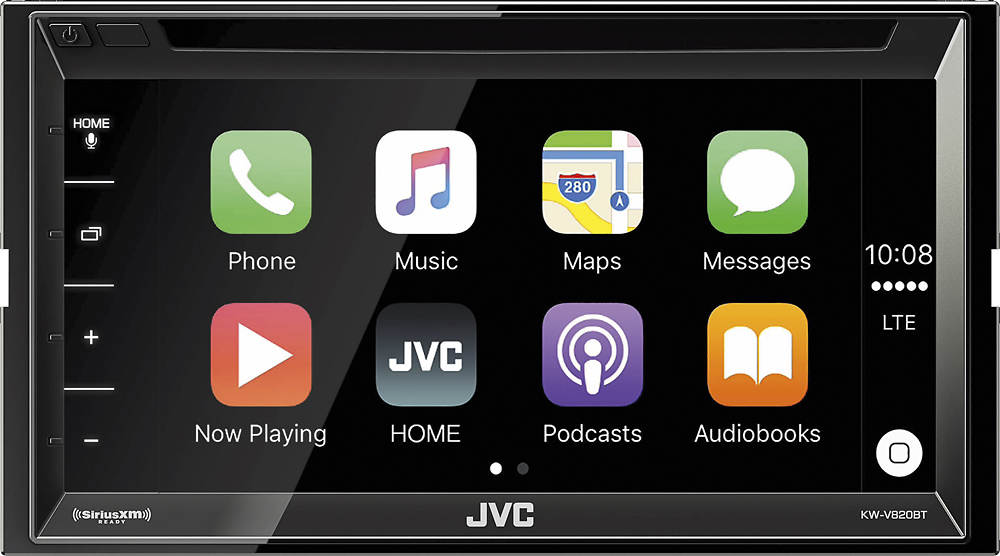
A:AnswerMake sure that "carplay" is turned on in your iPhone settings. Also make sure you have the latest firmware for the JVC head unit. Updated firmware can be found here....
http://www.jvc.net/cs/car/firmware/2016/kwv820bt/
A:AnswerThe CarPlay system connects to your Apple device and gives you complete control over the apple map App through the view screen. It works very well… The only problem I have with the unit is this: I prefer Google maps (not Apple Maps) and no google apps are supported. There are no other GPS services that are supported through the system.
A:AnswerYes, Depending on the vehicle, Best Buy can easily install this model and have it sounding great in no time. Check with Best Buy store for details
A:AnswerConnecting to Carplay requires a direct connection from cables that are provided. The connection has female USB connections for your lightning or other Apple cords. This will also charge your phone. Think only highend models have any Carplay bluetooth connection.
A:Answerwith out looking at it I'm asking did you hook up the +/- wires to the right ones if not you could have shorted the speakers out I would start there and get a new speaker and hook that up before going much more into hope it helps