A:AnswerHey, restoman. Great question, and as a matter of fact, Google works with Best Buy to verify which products sold are "Works with Chromebook" certified. Here's a link to a Best Buy webpage (https://www.bestbuy.com/site/promo/chromebook-accessories?qp=category_facet%3DHard%20Drives%2C%20SSD%20%26%20Storage~abcat0504001) with search results on certified external storage.
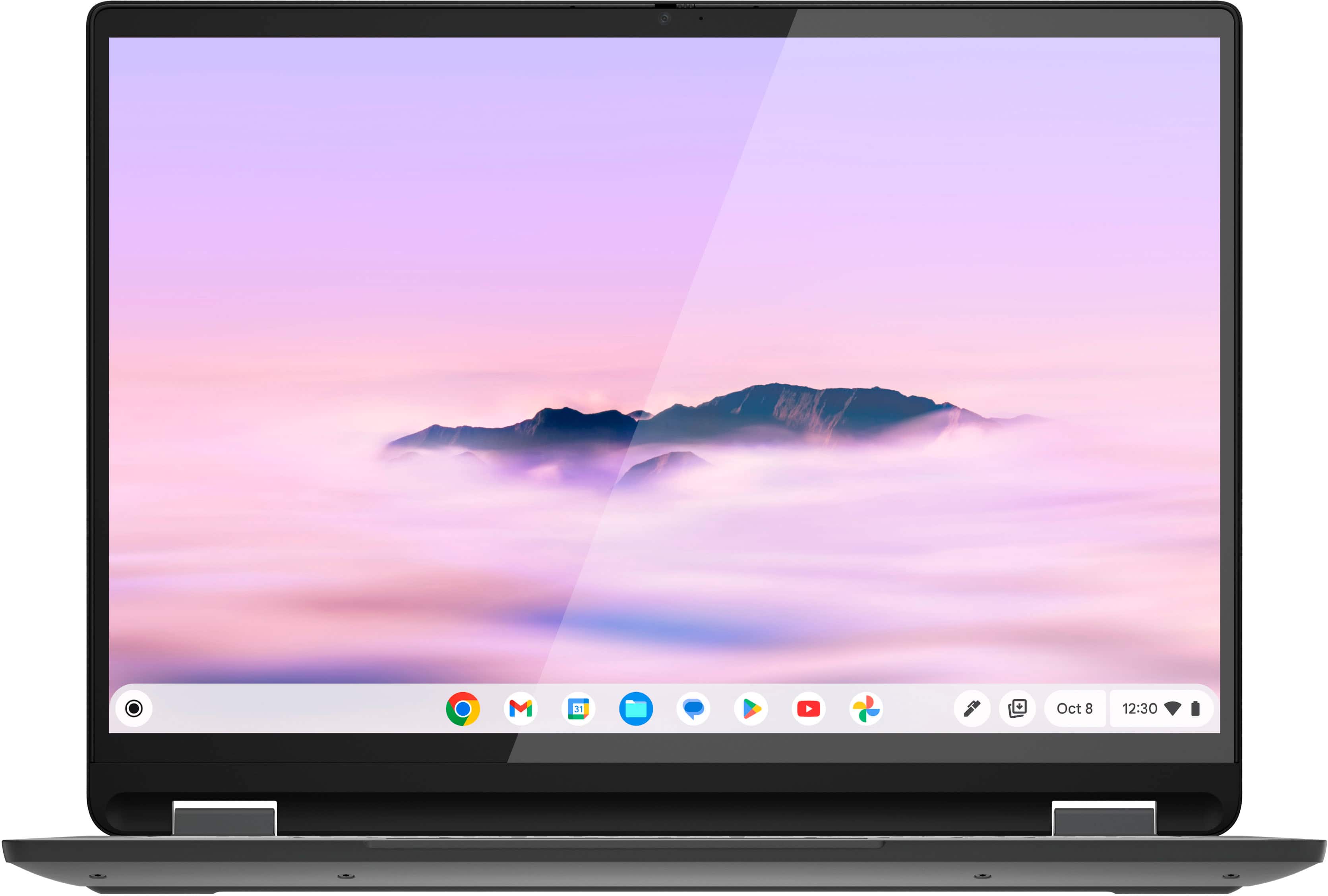
A:AnswerHey, rose. What we can say is that the 2W stereo speakers were optimized to give a well-rounded, adequate audio experience, but we encourage other users of the Flex 5i that may be able to, to shed light on their opinion of the sound.
A:AnswerHey, based off the system requirements that are listed on this LibreOffice webpage (https://www.libreoffice.org/get-help/system-requirements/), upon brief review, whether or not this software is supported on Chromebooks or ChromeOS devices is inconclusive. To review the information yourself, we recommend reviewing the system requirements detailed on the previously linked webpage, then comparing it with the specifications this Flex 5i or any potential computer you’re interested in to help ensure you find the right fit for you.
A:AnswerGreetings from the Intel team. Thank you for your question.
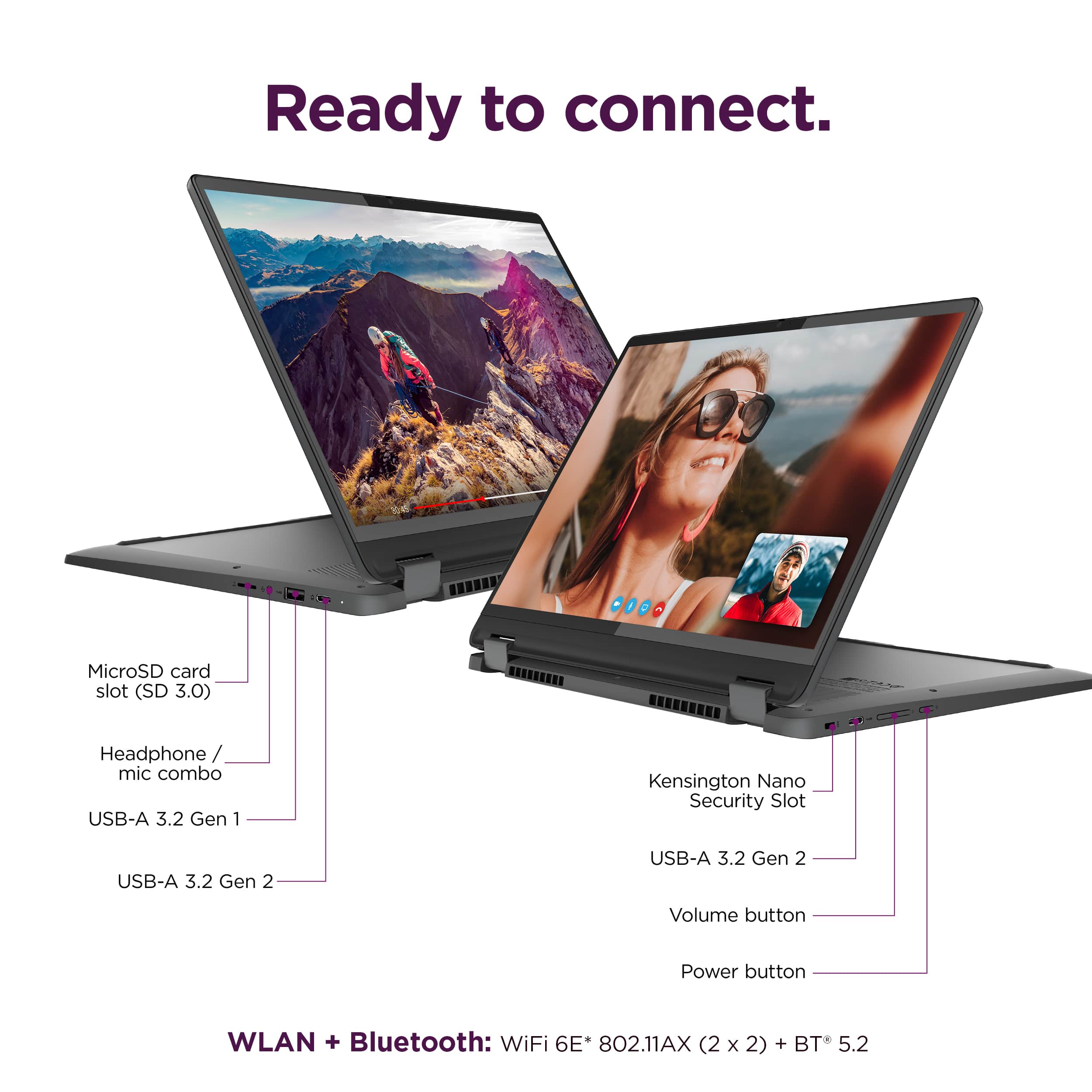
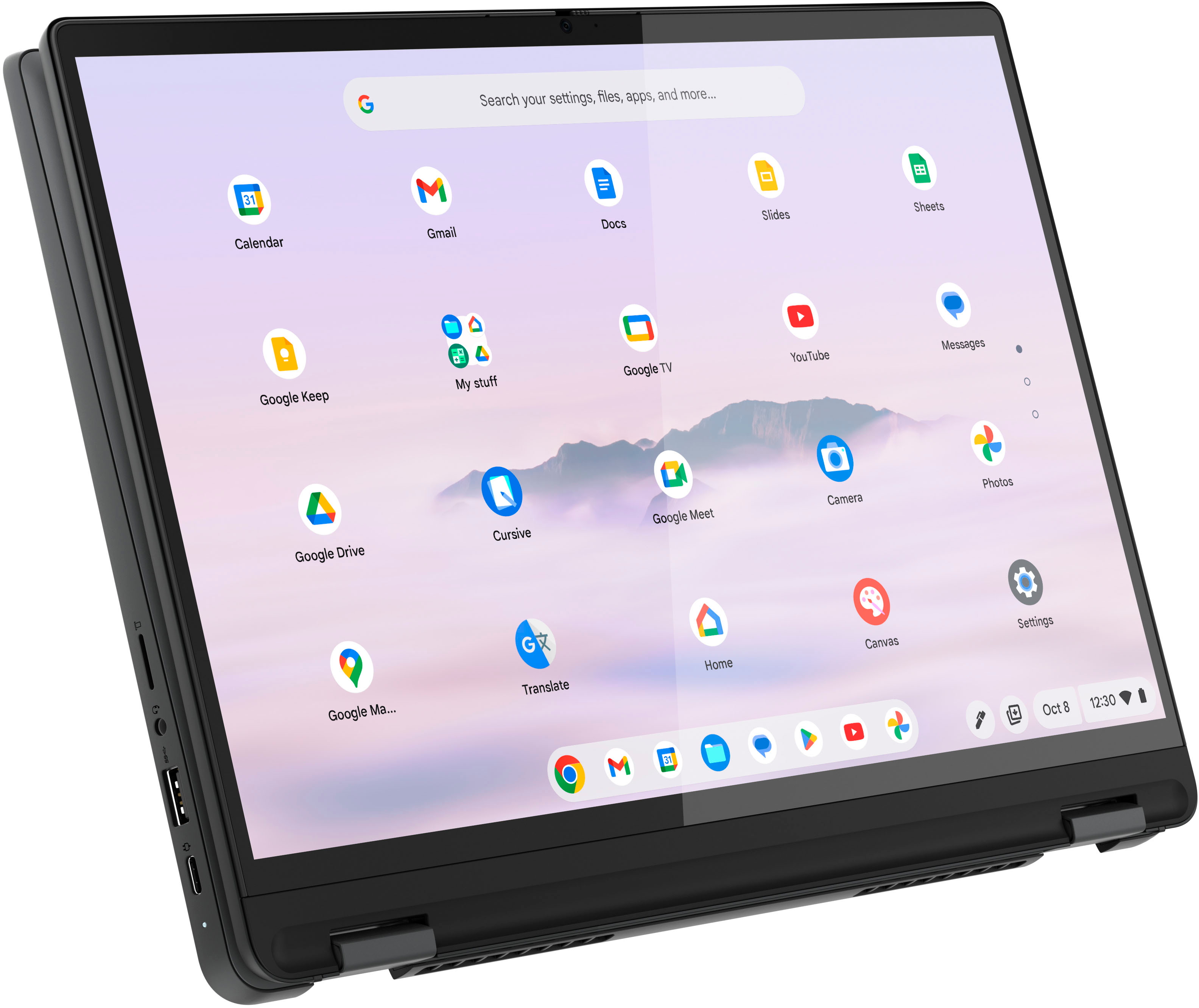
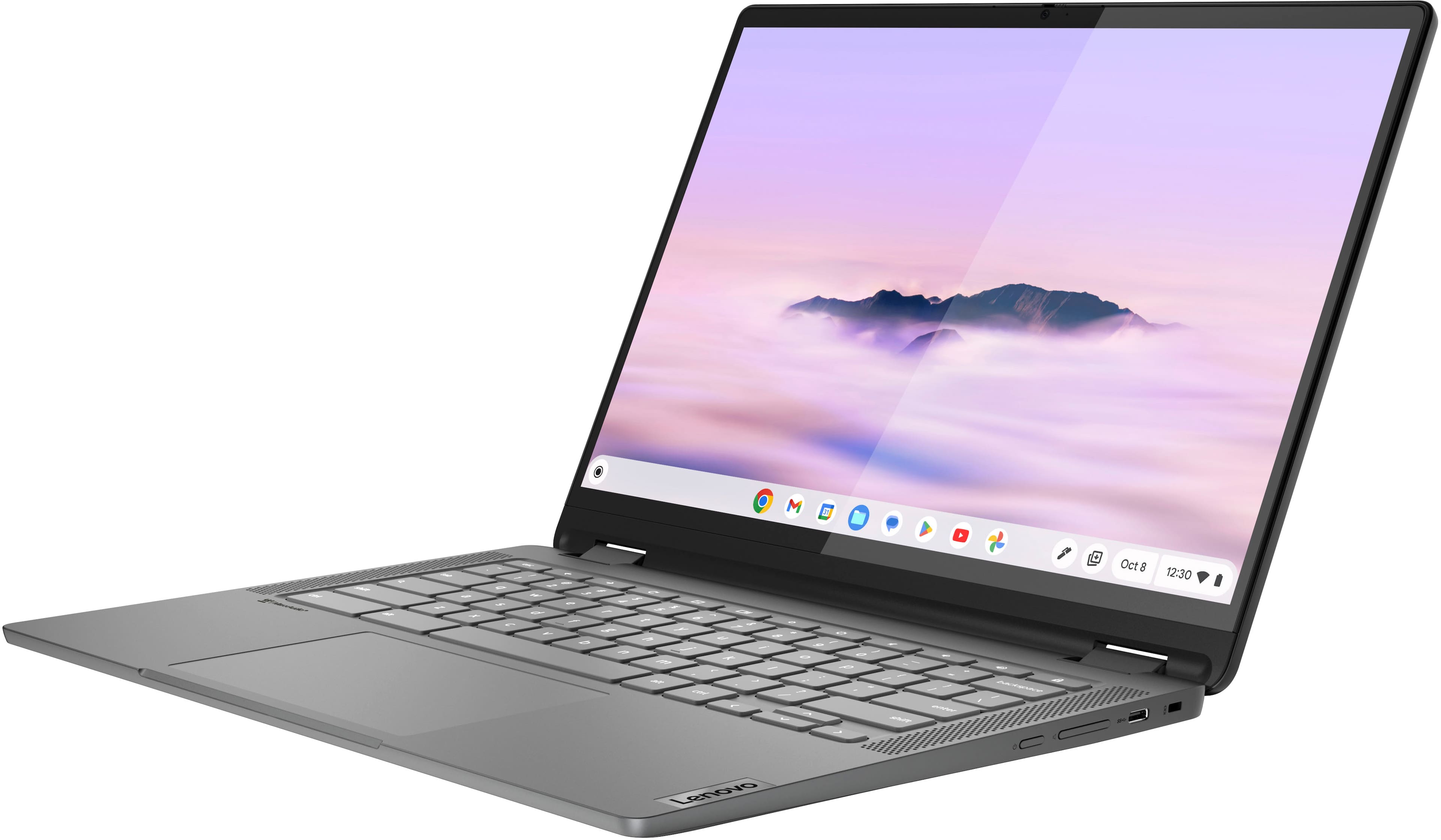
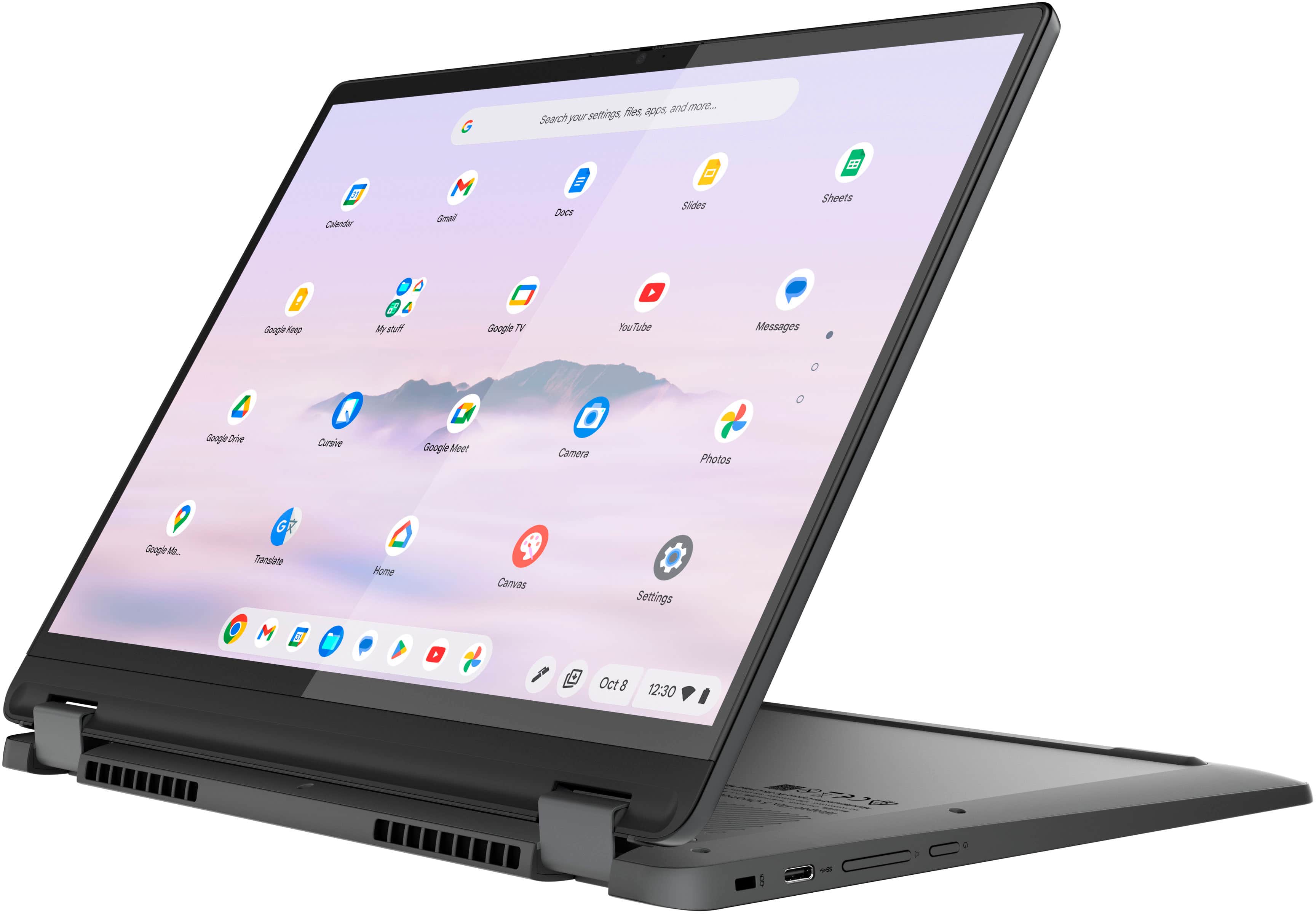
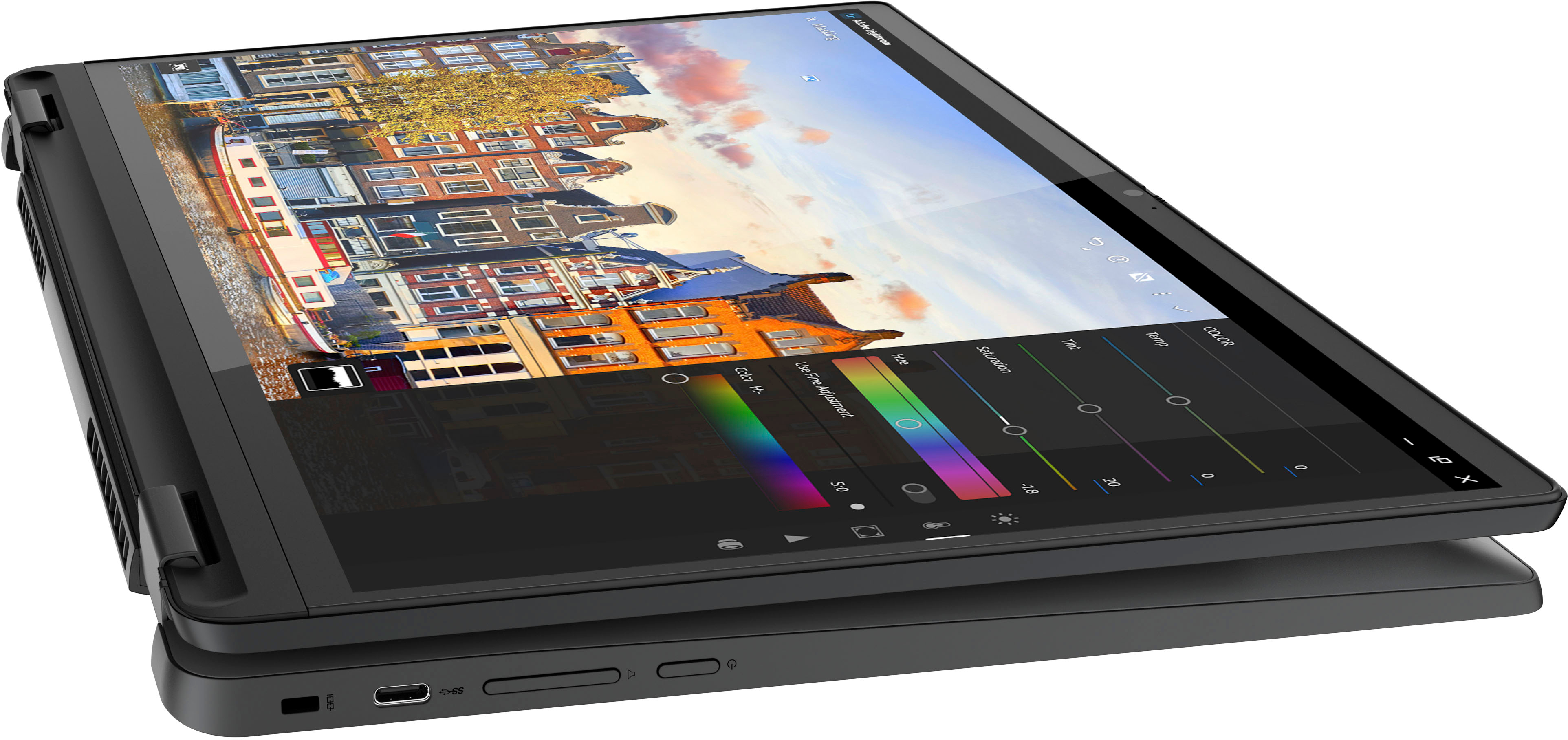
Yes, a mouse can be used via a USB port; based on the product specifications reference (PSREF), the Lenovo - Flex 5i Chromebook Plus model 83EK0000UX has three USB ports (1x USB-A and 2x USB-C®).
For further information, check the PSREF:
For detailed information about the Intel® Core™ i3-1315U Processor, visit:
https://ark.intel.com/content/www/us/en/ark/products/232136/intel-core-i3-1315u-processor-10m-cache-up-to-4-50-ghz.html
Thank you for choosing Intel! Emilio_Intel
A:AnswerHi, rcarder. No, it does not feature an HDMI port, but it does feature two USB-C ports that support display output. Those Type C ports can be adapter to HDMI to connect an HDMI cable to the adapter and to the monitor.
A:AnswerSince this is a chromebook, most software is not downloadable as it is not compatible with ChromeOs. Microsoft products including word are not downloadable. You can use the web version of word and excel but there are some things on the traditional version that aren't available on the web version. To know what products are usable, google what is downloadable on a chromebook.
A:AnswerGreetings from the Intel team. Thank you for your question.
Based on the information on Google Help Center, this model will receive auto updates until June 2032.
Google Help Center:
https://support.google.com/chrome/a/answer/6220366?hl=en#zippy=%2Clenovo
For detailed information about the Intel® Core™ i3-1315U Processor, visit:
https://ark.intel.com/content/www/us/en/ark/products/232136/intel-core-i3-1315u-processor-10m-cache-up-to-4-50-ghz.html
Thank you for choosing Intel! Emilio_Intel
A:AnswerHello, luvrock. You could use a USB-C SD card reader adapter, preferably one that is certified with the Google initiative "Works with Chromebook".
A:AnswerI'm not sure if it hibernates, but it definitely holds its battery for a long time when it is shut. I've had it closed and unplugged for a whole weekend and still had half the battery on monday.
A:AnswerHello, Meg. This feature is engrained into the OS and improves with major OS update rollouts as it has with ChromeOS 99 and onward. As a note, we recommend ensuring contact of pen tip to the screen before resting your palm down again. If your issue persists, we recommend reaching out to Lenovo Tech Support for Chromebook to work with a representative to help resolve your issue: 800-426-7378.