A:AnswerHi ETLake,
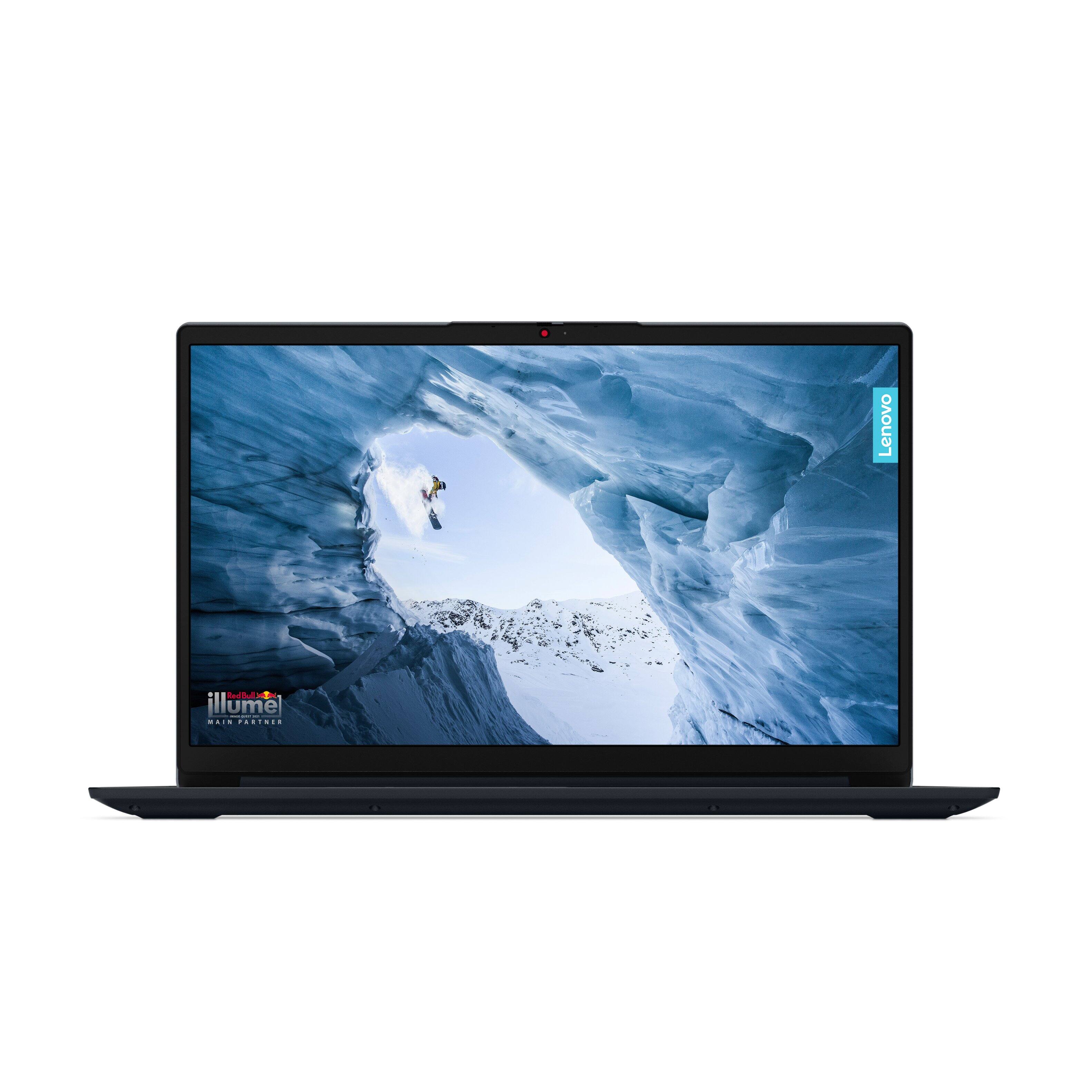
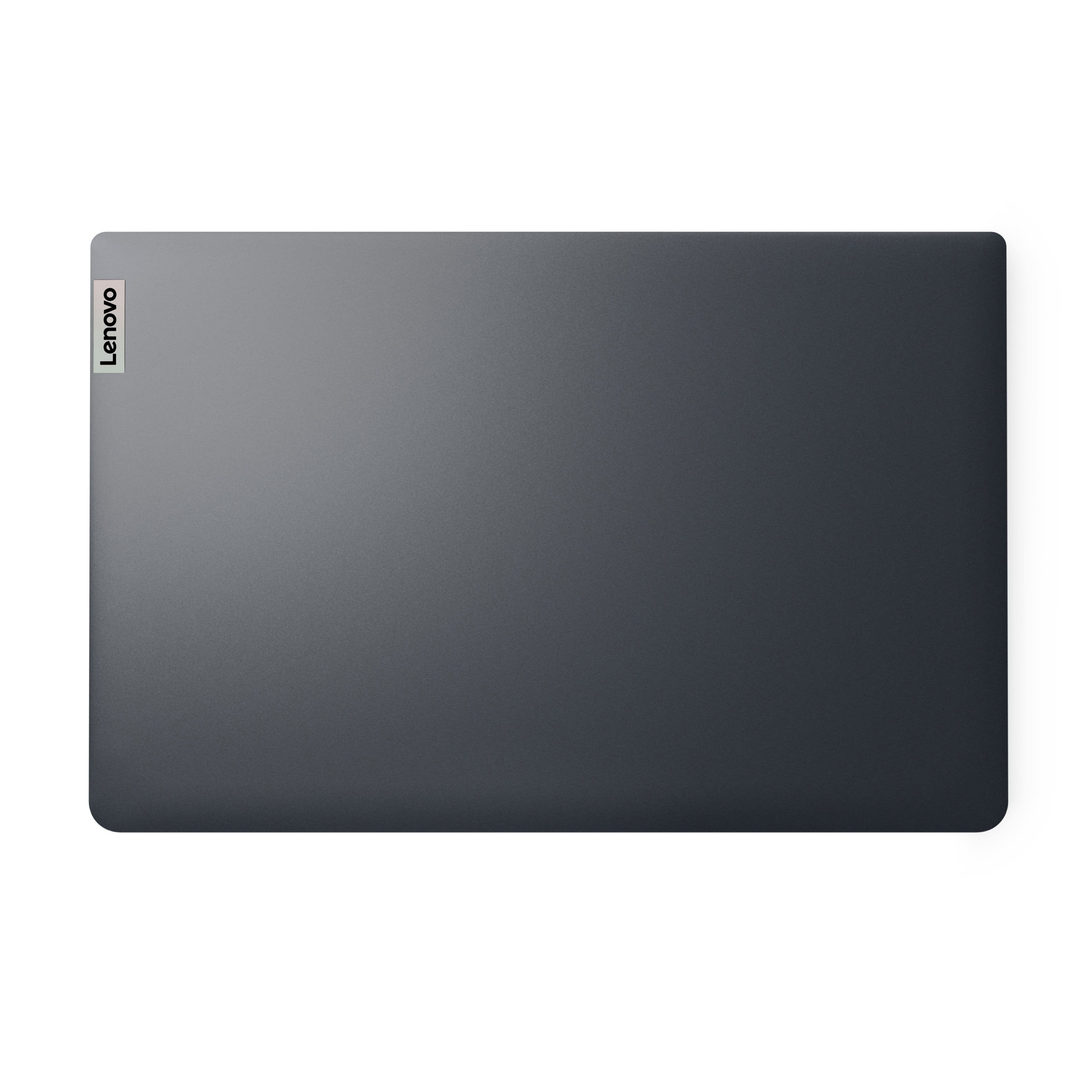
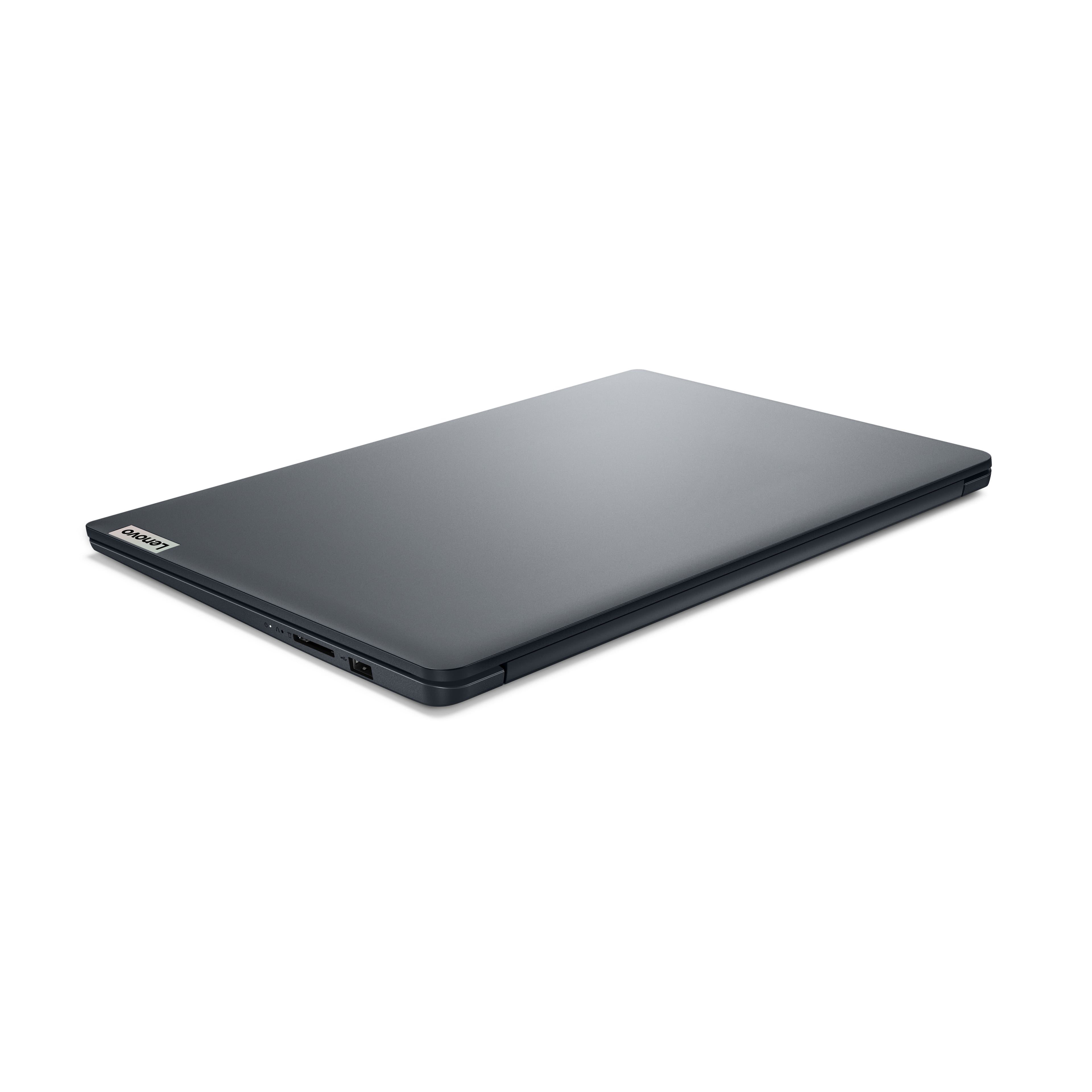
We are sorry to hear that you're having trouble with your IdeaPad 1i. We apologize for any inconvenience and frustration that may have stemmed from this.
We'd like to work with you to resolve this. To start, please follow these steps:
1. Perform a static discharge/power cycle. To do so, first remove all cables connected to the device (power adapter, HDMI, external mouse, external keyboard, etc.).
2. Be sure device is powered off, then. press and hold the power button down for 60 seconds. When done, re-attach all cables and insert the power adapter, letting the laptop charge for a couple minutes, then power up the machine as usual.
3. Try to update the network drivers for your system from this Lenovo Support webpage: https://pcsupport.lenovo.com/us/en/products/laptops-and-netbooks/1-series/ideapad-1-15iau7/82qd/82qd00hmus/downloads/driver-list/component?name=Networking%3A%20Wireless%20LAN&id=E3519D23-890E-4DE1-9064-DE6E7DA2515B
4. Follow the instructions to install the driver, then restart your laptop when updates are done.
Please let us know how things go for you.
Best,
Lenovo
A:AnswerHi there,
Thank you for your inquiry.
You should be able to download the Zoom Workplace app to your system from the Microsoft Store https://apps.microsoft.com/detail/XP99J3KP4XZ4VV?hl=en-US&gl=US&ocid=pdpshare
Trying to install the software from online may not be an option if your system still features Windows 11 Home in S mode, as S mode devices can only download software that is approved, like apps from the Microsoft Store.
Let us know if you have any other questions!
A:AnswerHi englishdeb,
Thank you for reaching out.
There's a step-by-step guide that we believe will help with this specifically from Microsoft Support, https://support.microsoft.com/en-us/office/download-install-or-reinstall-microsoft-365-or-office-2024-on-a-pc-or-mac-4414eaaf-0478-48be-9c42-23adc4716658, containing details on the process.
Let us know if you have any other questions!
A:AnswerYour problem is MOST unusual! Clicking anywhere else on your screen should be enough to dismiss the clipboard, whether or not there is the "X" in the corner.
I have five suggestions left:
1. Go into Settings and look for any updates pending or suggested. If there are, follow the update procedure until there are no more. Check if your problem has disappeared.
2. If there are no updates displayed, reboot the computer and check again. If there are any, follow #1 above. If not, check the clipboard.
3. If #1 and #2 fail, contact Lenovo directly. The manufacturer is particularly helpful in the first 90 days of your purchase, but they should still be of use during the initial year-long warranty.
4. If #1-#3 fail, open Settings and type "Clipboard" into the search field. There are some additional suggestions there, though to be honest, I don't think they will be sufficient. However, at the very bottom is a link for "Get Help," which goes to Microsoft, and they may be of more help.
5. If #1-#4 are not enough, you will have to reload the operating system. The process is too involved to get into here, so go to the Lenovo website and print out the procedure, or use your phone (you won't be able to rely on your computer, since it will be useless to you while the OS is being reloaded).
Let us know what finally worked!
A:AnswerAssuming you mean LOTS, rather than LOST graphics, it is not how "many" graphics your games have, or where they originate, that might be an issue, but rather the hardware requirements of the games, which can vary from almost nothing to play chess to the sky's the limit for AAA games. For those, this is not the computer for you. If you don't know why, stick to an Xbox. Or possibly a Wii.
A:AnswerAdding more information: The Clipboard operates slightly differently in Windows 11 and 10. The "X" will close it in Win11, but may not be visible in Win10 (I'm going by memory here). If there is no "X:" (1) Clicking anywhere else should dismiss it; (2) If that doesn't work, click anywhere on the Clipboard window, then hit the "ESC"[ape] key.
A:AnswerIf you buy it before you arrive in Chicago, they probably could hold it, since they will already have charged your credit card, but since pickup terms are usually no more than a few days, keep that in mind when purchasing and traveling. If it is more than the usual hold period Best Buy specifies, you should speak to a BB sales representative directly about extending this time.
A:AnswerHi, PilotMike. It will not, but we recommend ensuring surrounding components are safe as if they are damaged during installation, it is not covered under warranty.
A:AnswerGreetings from the Intel team. Thank you for your question.
Yes. According to the product specifications reference (PSREF), the Lenovo - IdeaPad 1i model 82QD00HMUS has 8GB soldered DDR4-3200 and supports up to 16GB (8GB soldered + 8GB SO-DIMM) DDR4-3200 memory; for further information, check the PSREF:
https://psref.lenovo.com/Detail/IdeaPad_1_15IAU7?M=82QD00HMUS
For detailed information about the Intel® Core™ i5-1235U Processor, visit:
https://www.intel.com/content/www/us/en/products/sku/226266/intel-core-i51235u-processor-12m-cache-up-to-4-40-ghz-with-ipu/specifications.html
Thank you for choosing Intel! Emilio_Intel
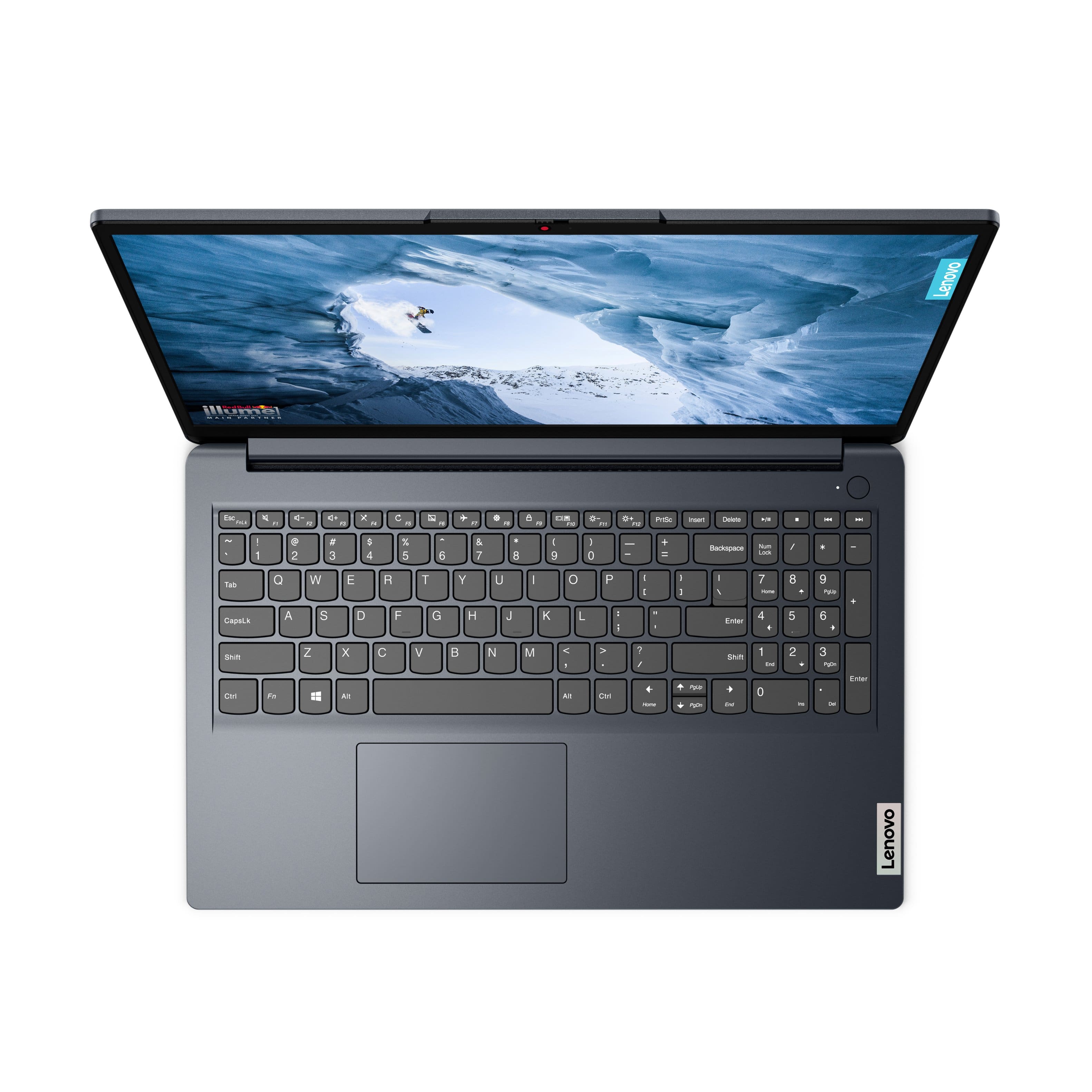
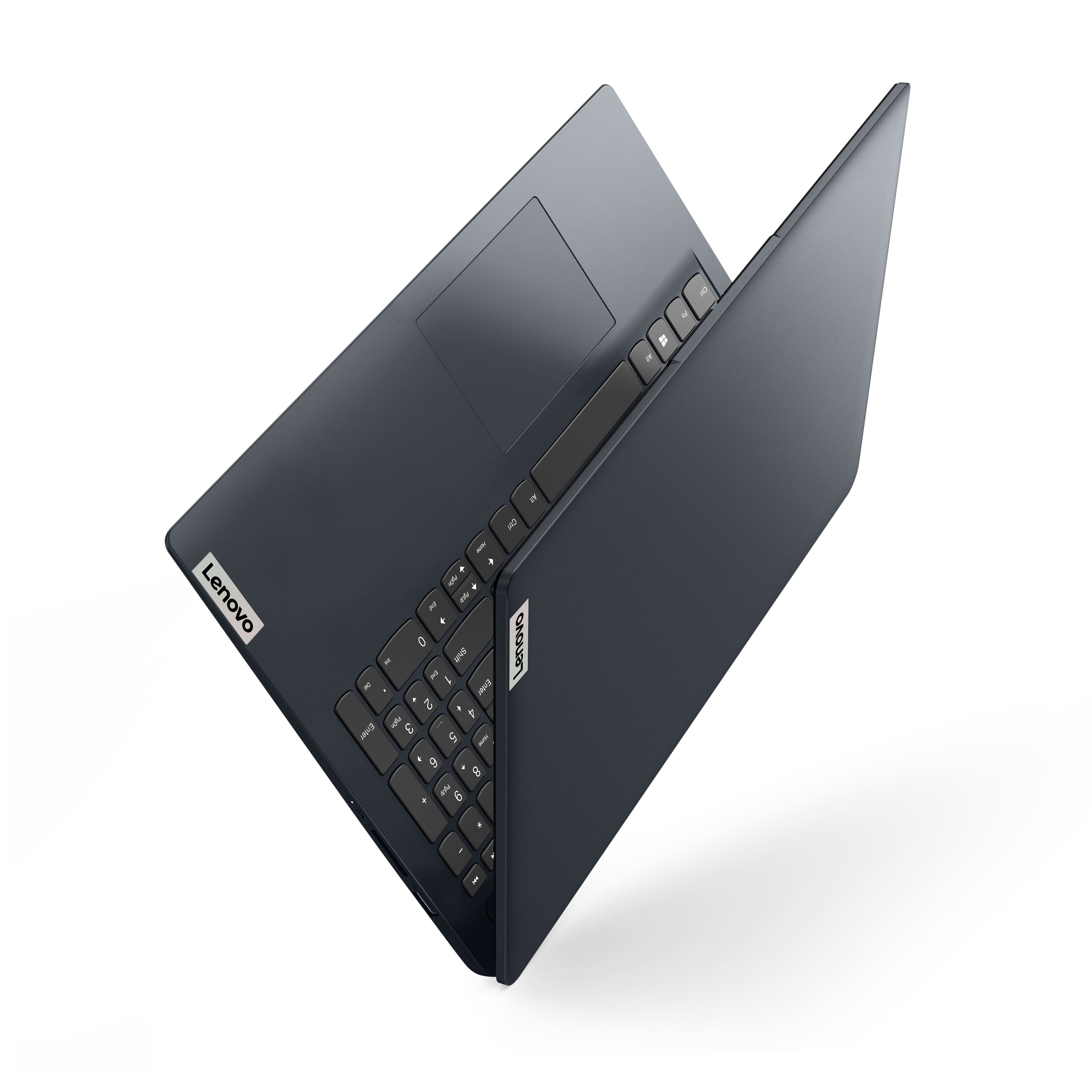
A:AnswerYou really don't need a keyboard cover, because the keyboard is protected and covered when the unit is in the "close" position (screen down). If you wanted, you could add a sheet of paper in addition to that, in between the screen and the keyboard.