A:AnswerYou have two options, ship to home or pick up in store. Ship to home is convenient but in some cities customers prefer pick up in store. Locate the store closest to you for pick-up or if online only product - ship to home is your only option.
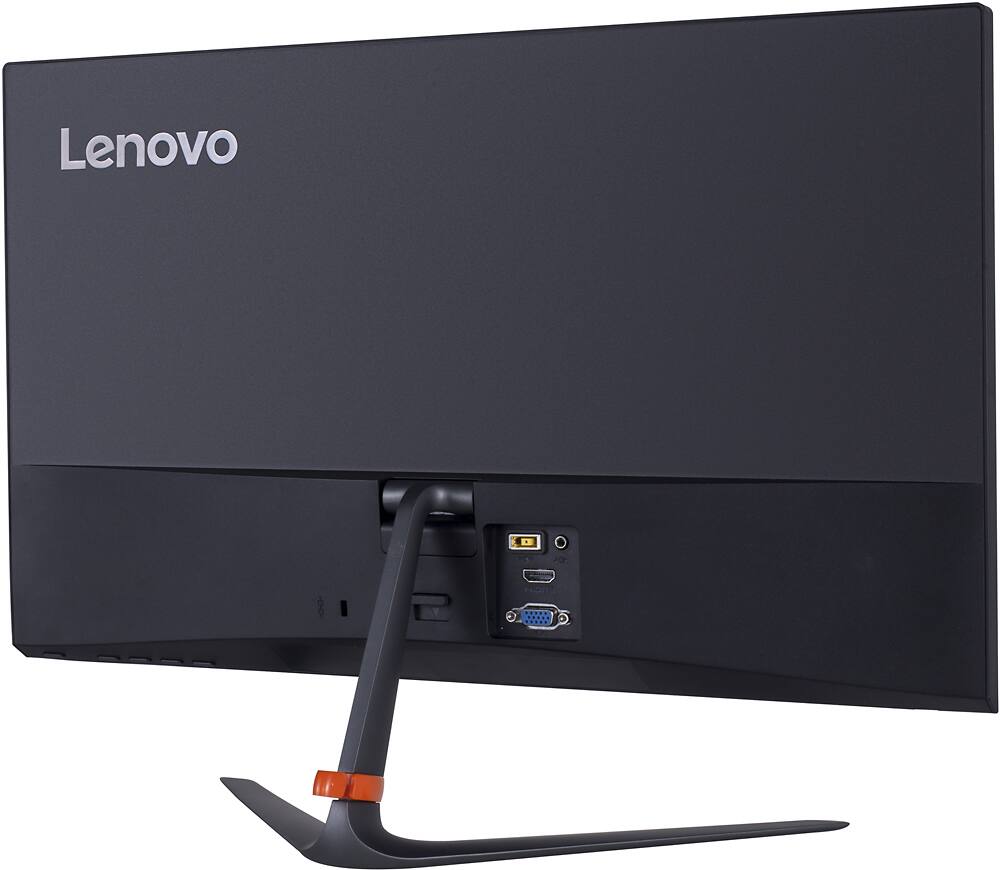
A:AnswerIt depends on which MacBook you own. I have the 2018 MacBook Pro (sans touch bar) and use an HDMI/convertor to Thunderbird port. It picks up the screen pretty well.
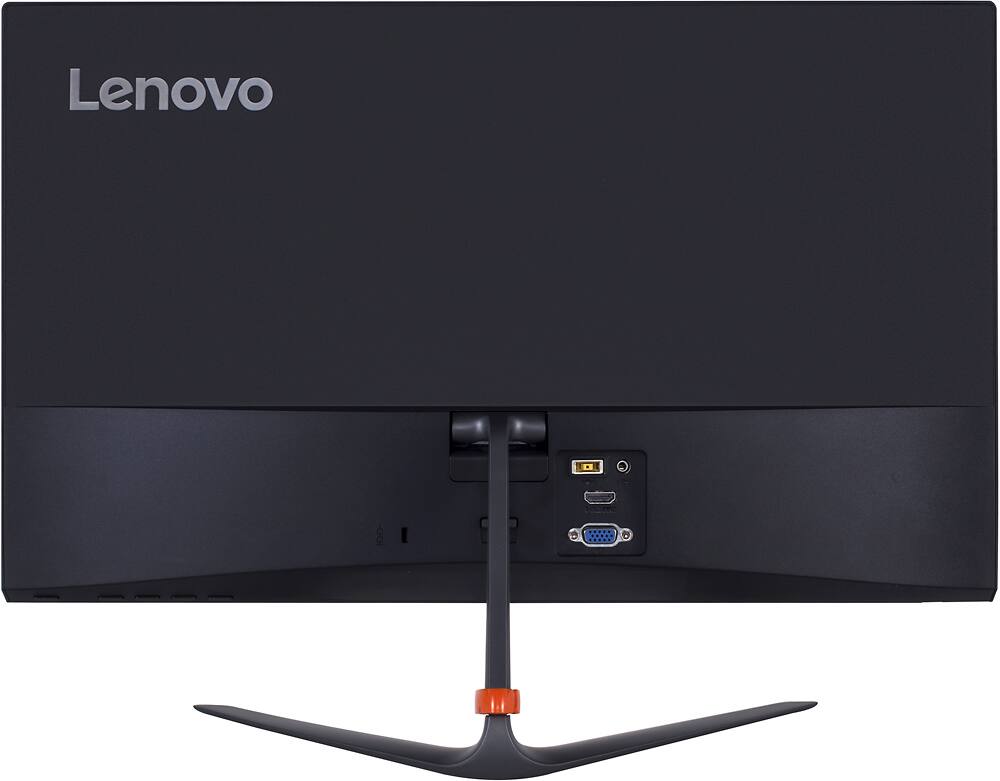
A:AnswerYou will be able to use this monitor, but not at the 75Hz rate. The maximum resolution the Intel Core I-5-4570t processor, with integrated Intel HD Graphics 4600 version can support is, 3840x2160@60Hz. You will need to use the DisplayPort connection for this resolution.
A:AnswerIt depends on what kind of port your using wether if its hdmi or audio video cables you may have to get a converter for audio video cables but if its hdmi it should work out fine
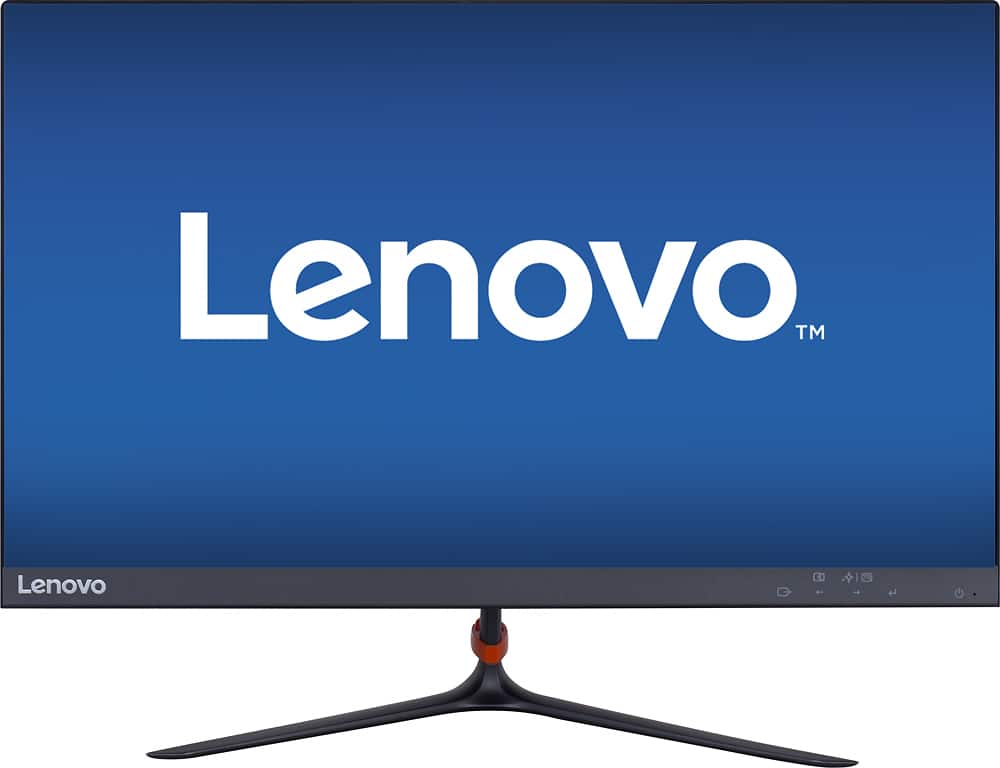
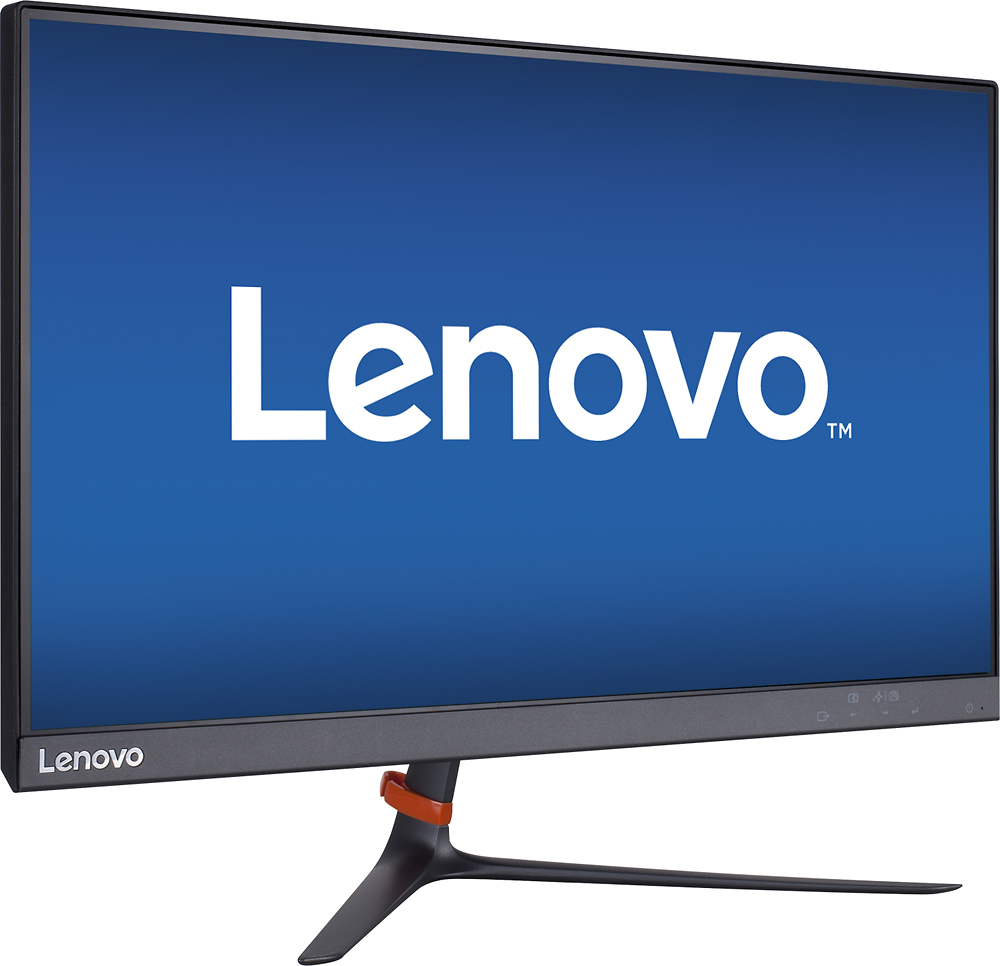
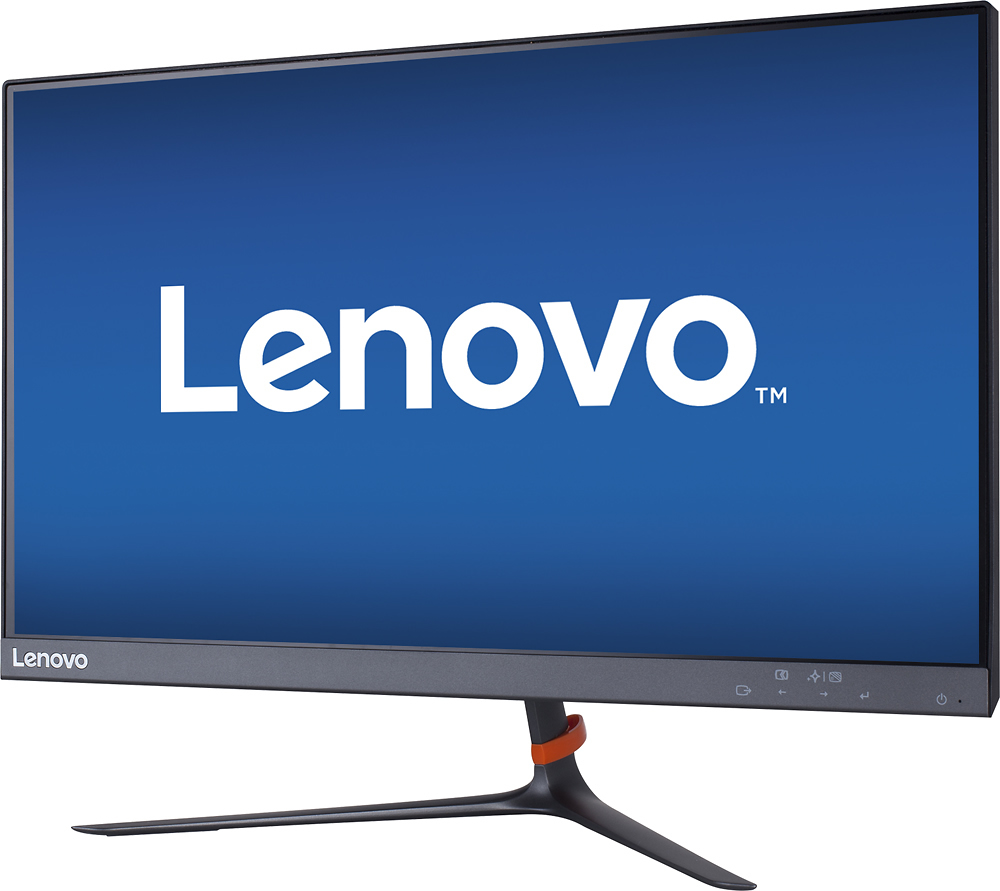
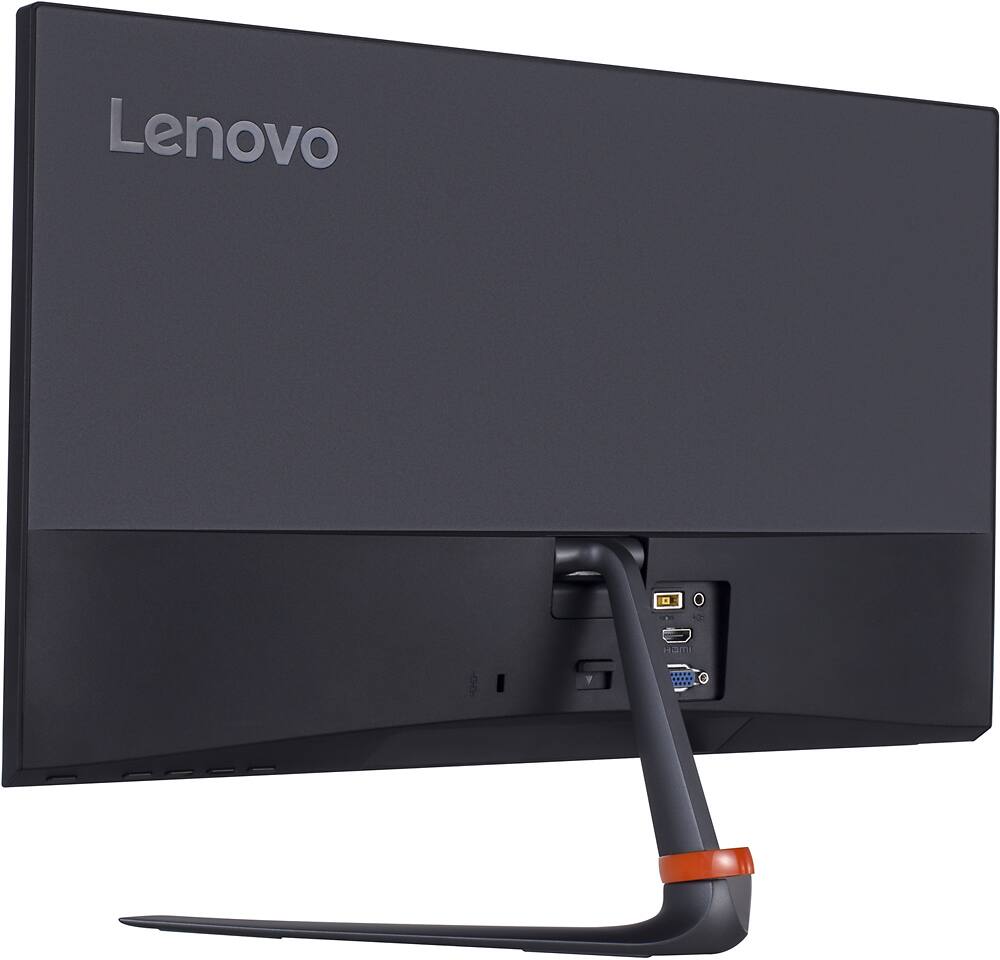
A:AnswerIf you are talking about the menu for the monitor then you need to use the buttons on the bottom of the monitor. One opens the menu and then the others are how you navigate. The menu screen will tell you which button does what. Just look on the front of the monitor for the matching image.
A:AnswerIt's a little confusing but you need to use the buttons on the back of the monitor. The far right is power then there is a good gap. The first one after power is how you bring up the menu. the two middle ones after that move right to left. The far left will close the menu. Press the far right to select.