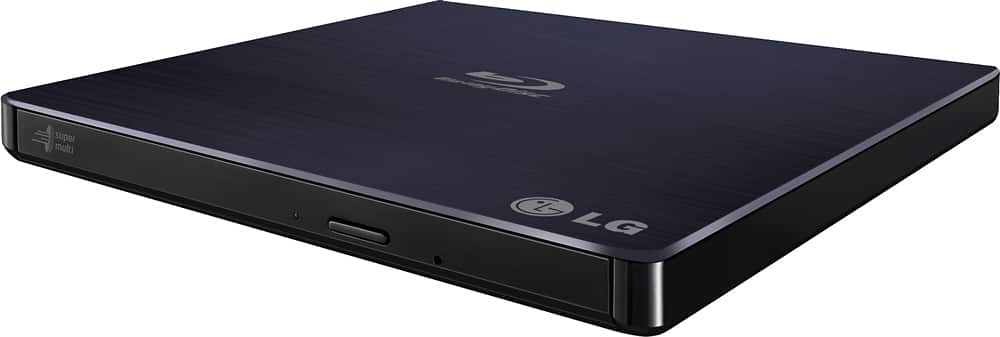
A:Answeryes it will play all zone DVDs. Like any device, you are limited on how many times you can change a zone and the last zone selected will be permanent. So if you pick zone 3 and then want to use a zone 1 disk, it will not read it unless you have some change choices left.
A:AnswerBy your use of the term "monitor", I'm guessing the movie does play and displays on the laptop screen. There is a function key toggle to switch between the built-in screen on your laptop and the external monitor; you'll need to look at the function keys and depress the one with the external monitor symbol to switch the display to that monitor. Seems like every laptop has this switch on a different function key, you may need to go to the manufacturers website and do some digging to find the actual key and key strokes to turn on the external monitor, then switch back to your laptop display.
A:AnswerTry these 2 programs... must get AnyDVD HD from RedFox . You can download it from their site and they continuously update to newer version for free. Also get 4Videosoft Blu-ray Ripper. It will convert to just about any digital format. Both work with DVD or Blu Ray.
A:AnswerI've used this drive with older Windows versions and Windows used a standard Microsoft driver with this drive and it worked well, I don't have windows 11, but windows 10 works well with this drive. Any compatible 3rd party player can be a good work around if you have trouble...
A:AnswerYes you can but you will need additional software to burn it. The software that I use is called MakeMKV and it works great and you can use it for free for 30 days.
A:AnswerFunny how LG puts "Blu-ray" in the specs inside of their answer, then say it doesn't play blu-rays... guess I'll buy something else.... not answering, just calling out the irony...