A:AnswerIf the hotel has WiFi, there is no need to get this device as this devise is an extender. What that means is if you are in a dead zone, like in your home, you would use this device to extend your current WiFi to be available in the dead zone area.
So, you do not need to get this device. The hotel typically provides good WiFi.
sant667
A:AnswerHi, Renee. The Linksys RE6300 range extender will work with most gateway and routers as long as they offer Wi-Fi connection. Please get in touch at LinksysCares@linksys.com with your contact details and the link to this post for reference to further assist.
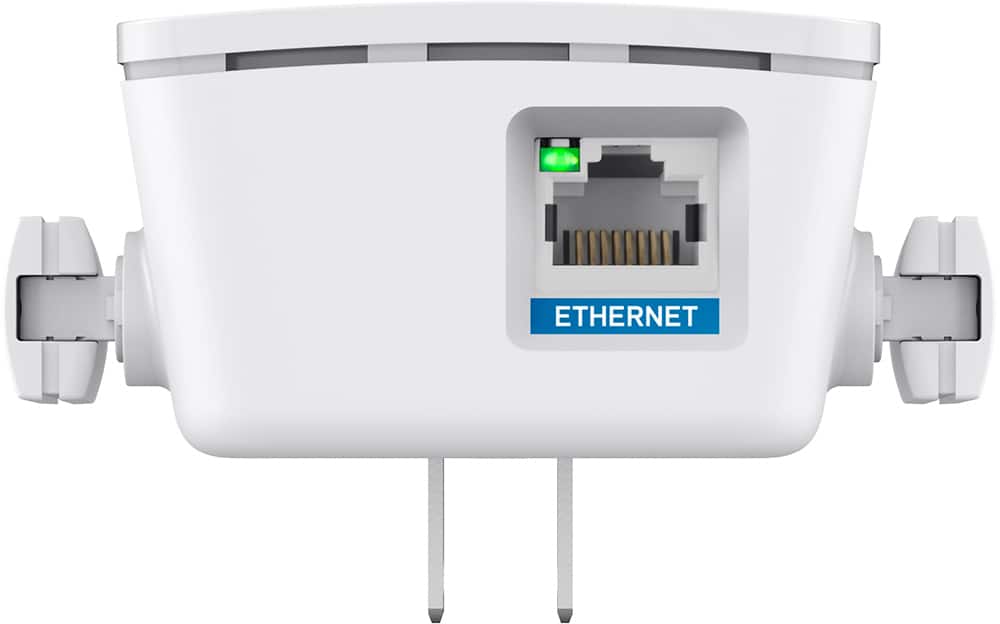
A:AnswerI had a wps button and it worked . The instructions showed what to do if you didn’t have a eps button. Therefore it should work as well. The device allowed me to connect my computer downstairs wireless with an Ethernet connection. Great product.
A:AnswerHi there. Acquiring a range extender would be essential to eliminate dead zones in your area. The Linksys RE6300 range extender can boost your Wi-Fi range up to 6,500 sq. ft. For more details, click here: https://www.linksys.com/us/support-article?articleNum=178005.
A:AnswerHi, MikeS. Please reach out to us at LinksysCares@linksys.com with your contact details and the link to this post. We'll help you improve its performance with our Escalation Engineers from there.
A:AnswerIt should be able to boost the signal to multiple devices however the more demand on it will slow down the throughput signal and slow down internet connectivity for multiple users
A:AnswerThe company ignores the original question - WHY is this piece of electronics HOT to the touch? Also, WHY if it gets real hot (when I put it out in my hot garage) does it lose it's settings and need to be set up again?
A:AnswerI have seen cellular signal boosters meant simply to strengthen the cellular phone (not particularly data) signal at my local Best Buy. I recall being discouraged to get one as I seem to recall them costing upward of $300, which I just couldn't justify as an expense. I have only 1 or 2 bars indoors, but still don't seem to miss my text and voice messages.
A:AnswerUsually not. Place another wifi item where your camera will be. If signal good, you're set. If your talking bandwidth, no problem as long as you don't have 15 other items always on drawing bandwidth
A:AnswerYes, it should be that easy. You will just need to configure the device to your network. I use the same thing for my PC in the garage, has been trouble free so far.