A:AnswerYou can use a mouse that plugs into your computer, no need to go wireless unless you want to. Should you decide to get a wireless mouse, any Logitech mouse that uses the unifying receiver will work. You could use any brand of wireless mouse with its own receiver but you would have 2 wireless dongles, one for the keyboard and one for the mouse which eats up 2 USB ports but so does the wired mouse solution. All are good, use what suits your needs and budget.
A:AnswerNo, the Logitech ERGO K860 is not a mechanical keyboard. It uses a membrane switch mechanism, which is a more common type of keyboard switch. The ERGO is designed with an ergonomic focus, prioritizing comfort and reducing strain on your wrists and hand.
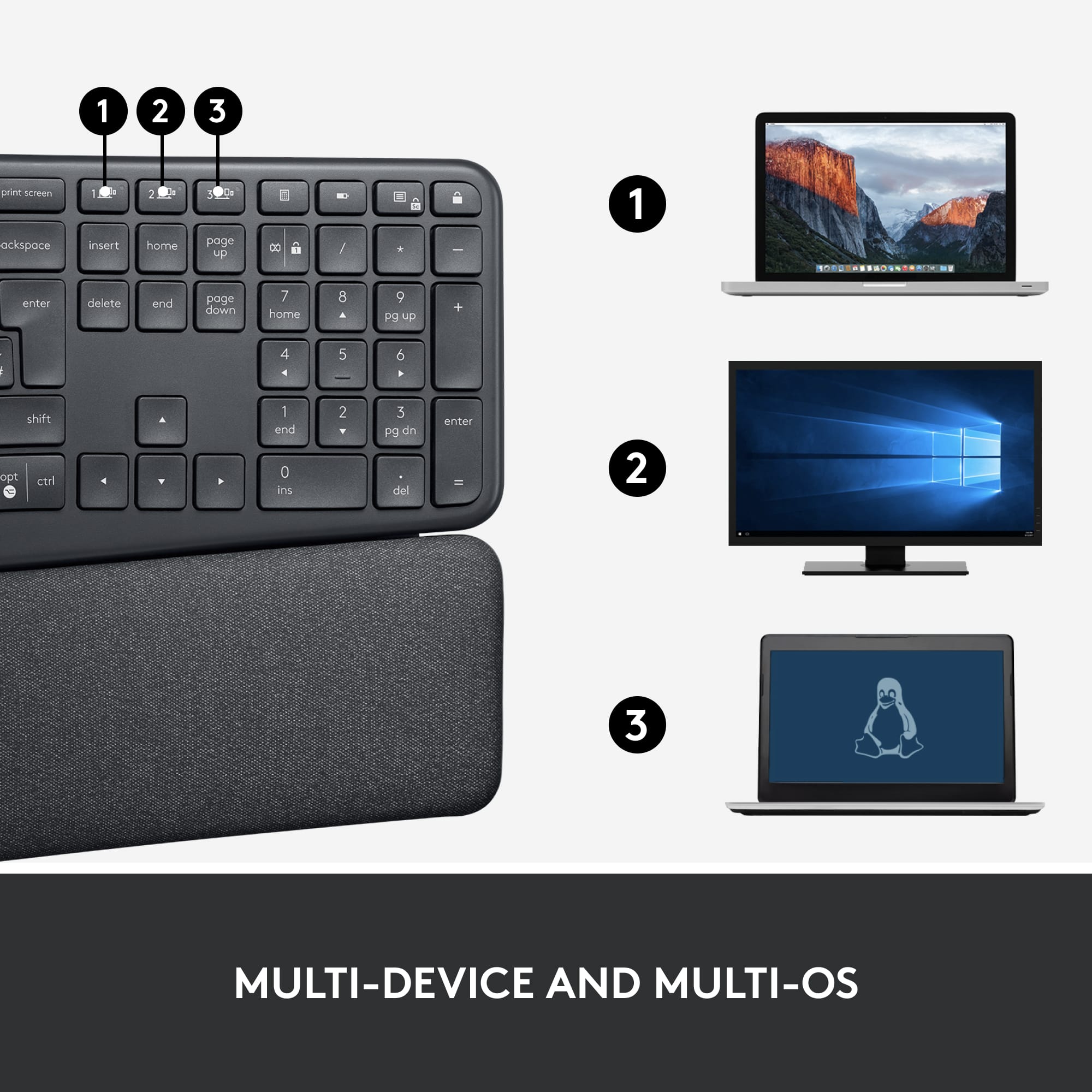
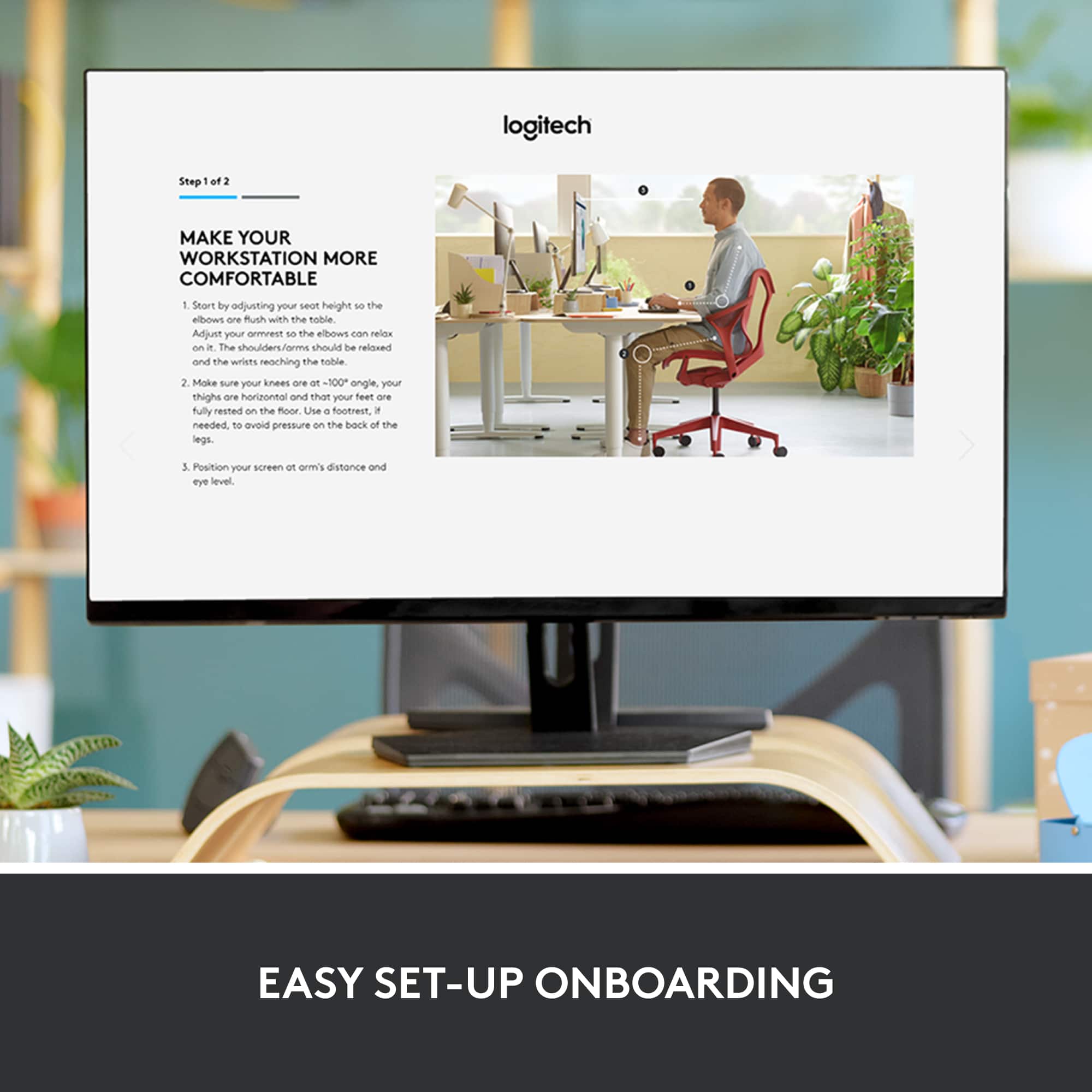
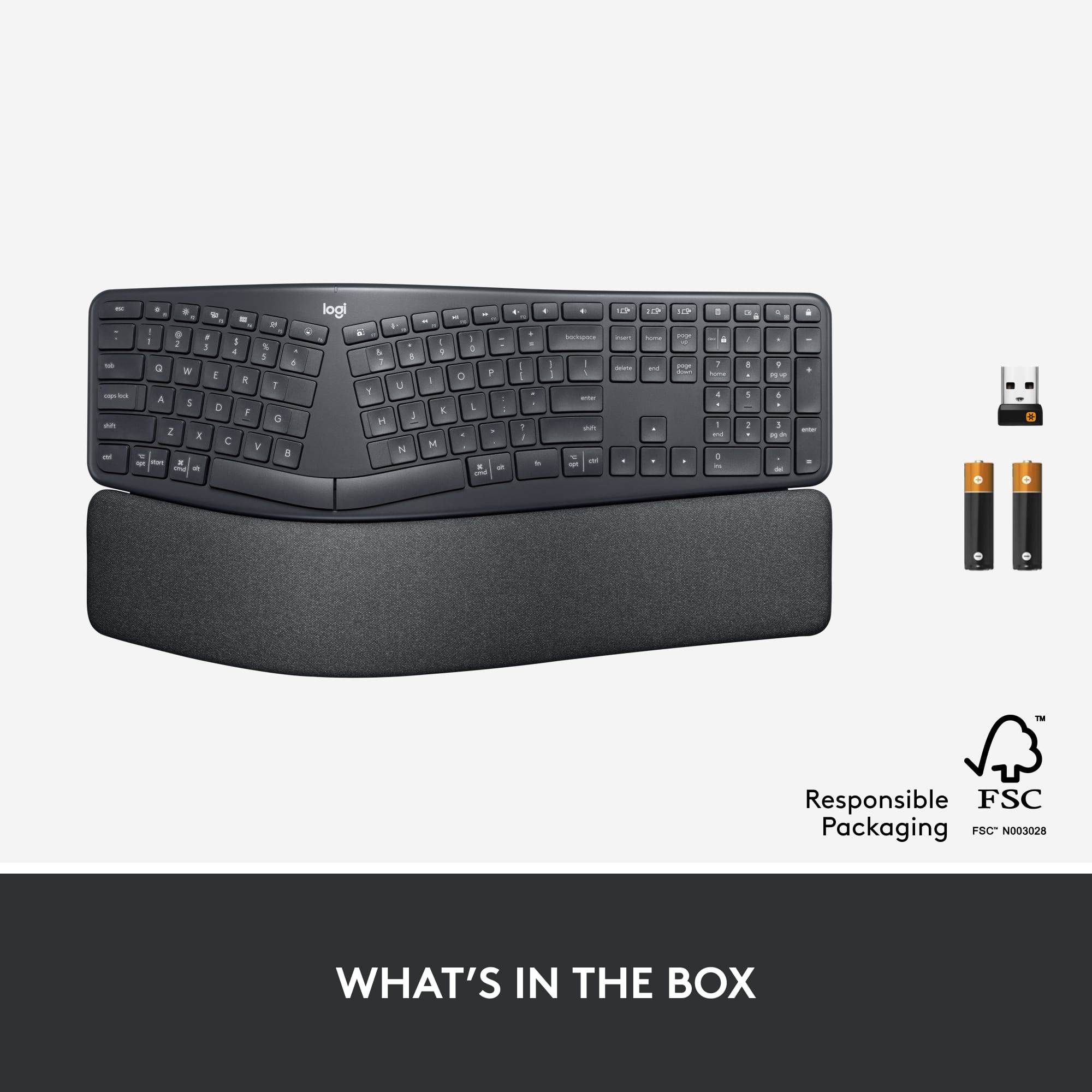
A:AnswerHello! The K860 can connect with either Bluetooth or the included Unifying receiver. It does not require software to connect with either option but the software will allow you to customize your keyboard to your needs. - Maggie from Logitech
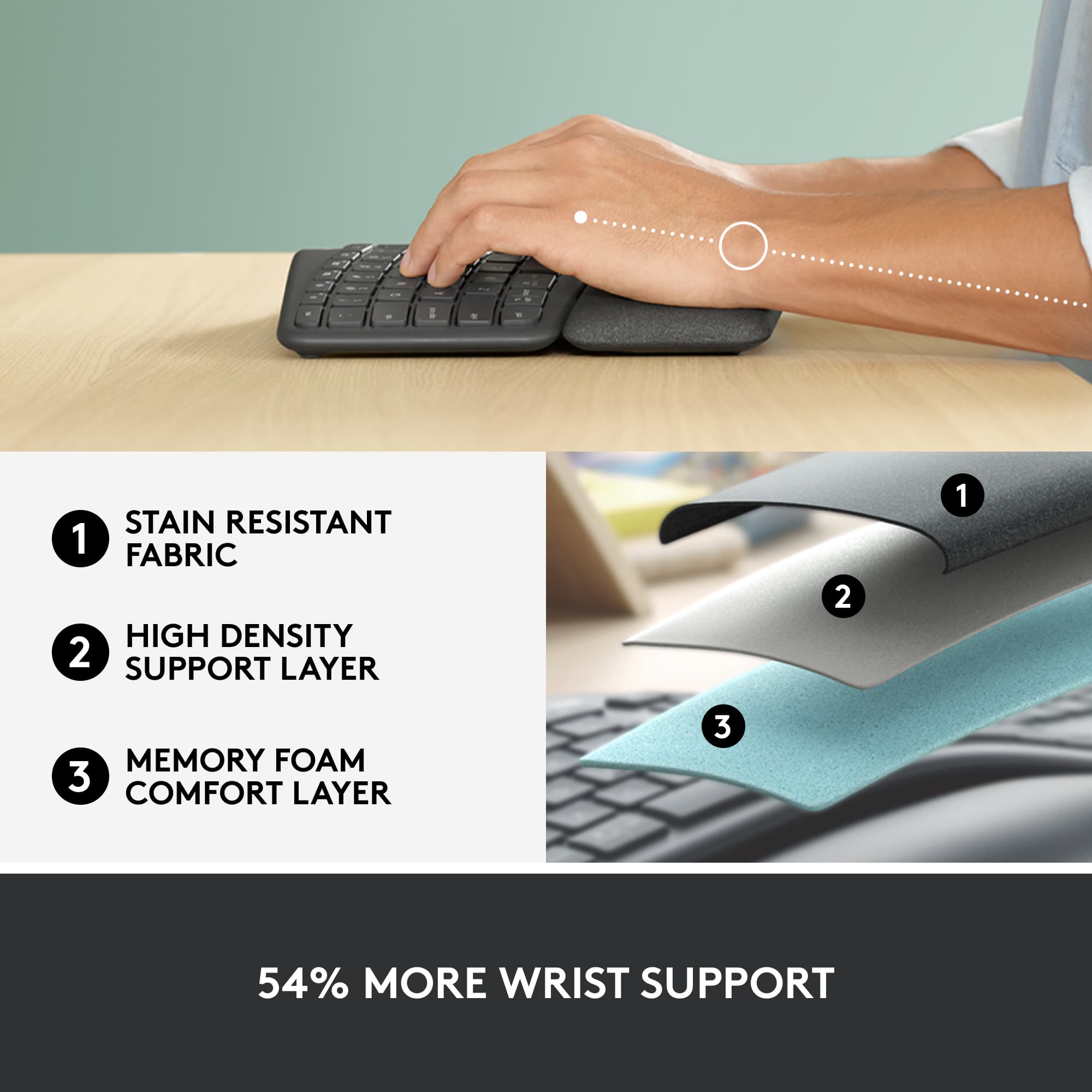
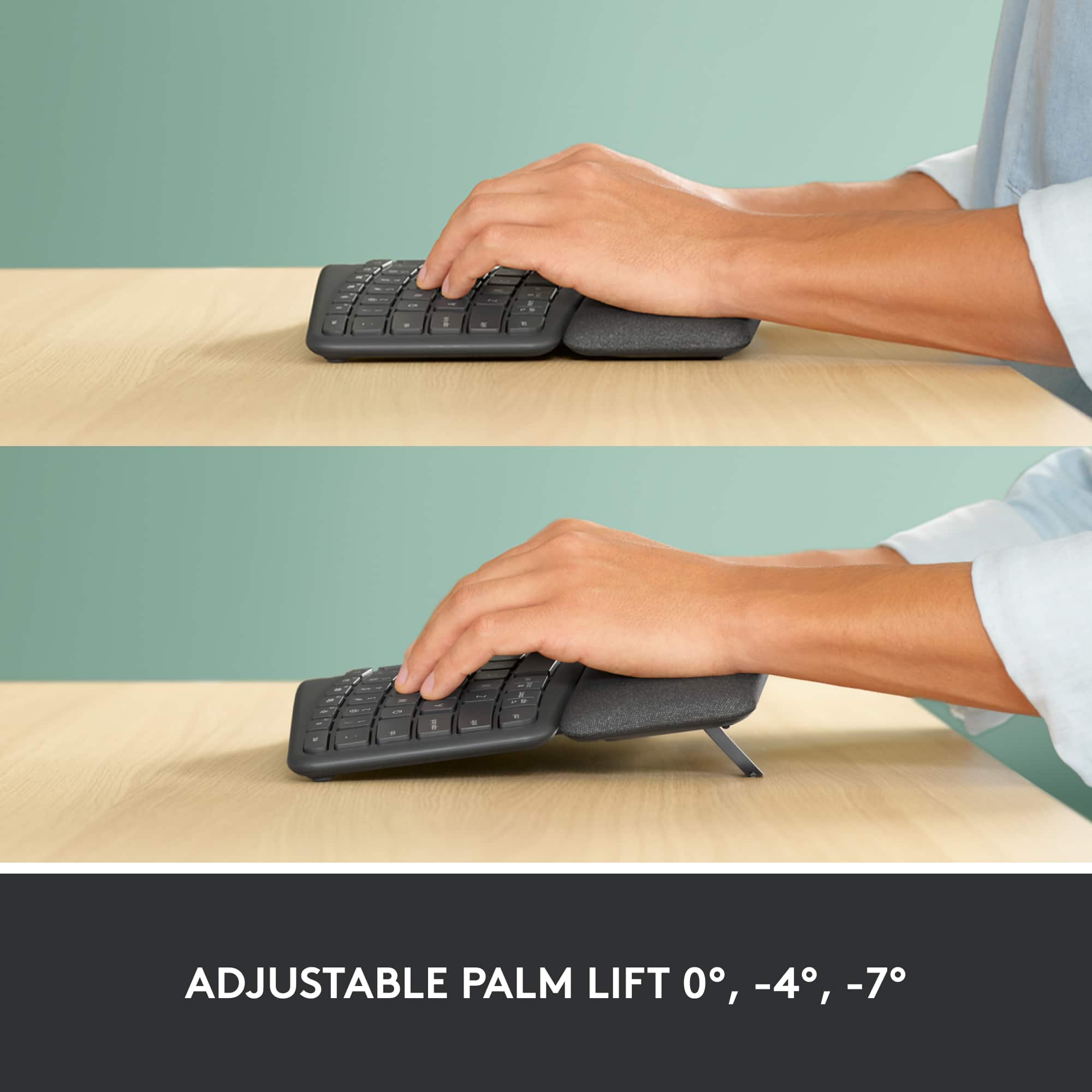
A:AnswerIt's both. The top layer is light/medium cushioned. You can feel the base if you squeeze the wrist rest with medium pressure. When I opened the box, I was skeptical because I thought this would be more cushy however I've been using this for over a month and have found the wrist rest to be quite comfortable. Hope this helps.
A:AnswerYes it can use the same dongle for both the mouse and the keyboard. You may need to download the Logitech unifying software to make it all work but I’m completely wireless with two Logitech devices with one usb dongle.
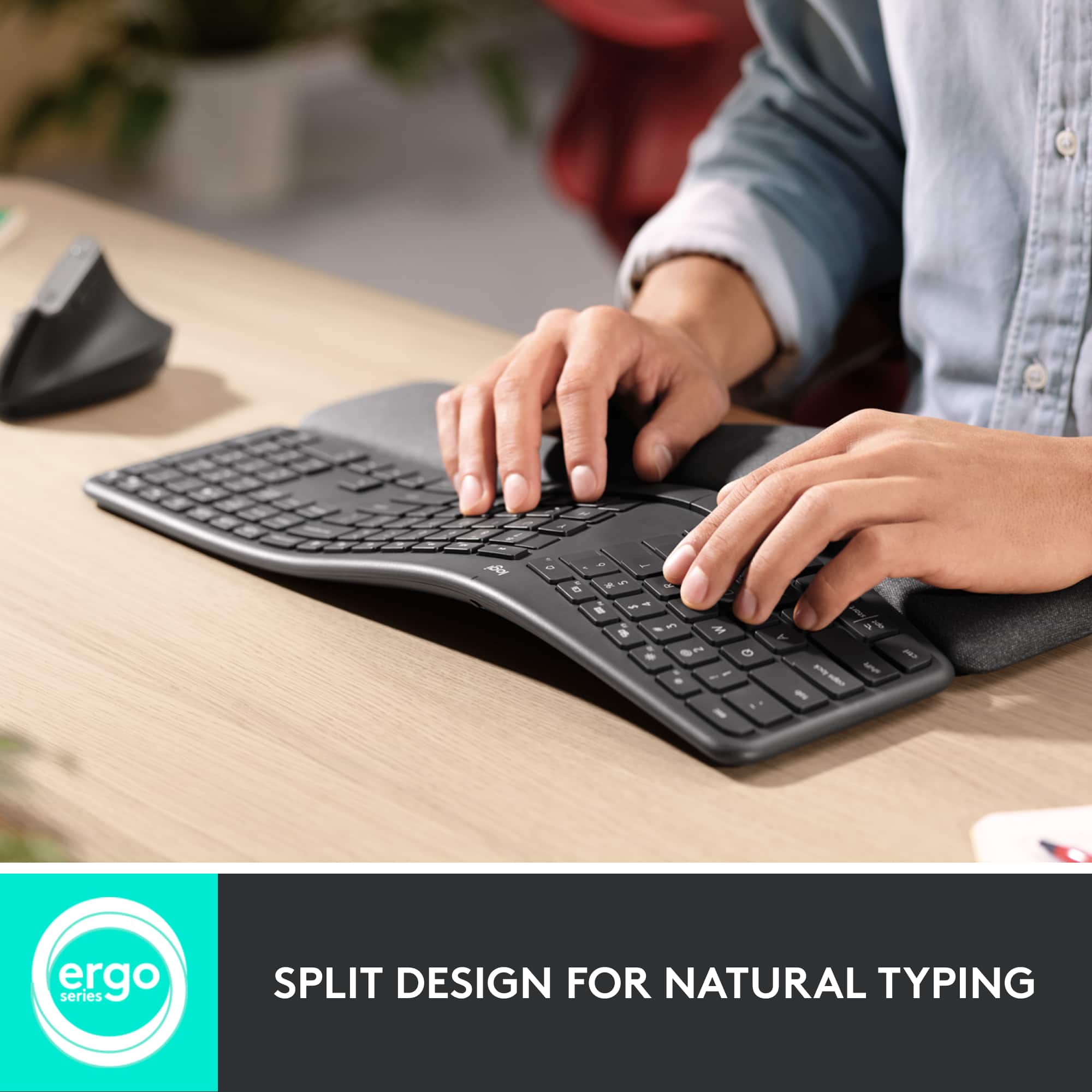
A:AnswerI would say that someone with large hands would love this keyboard. It is a lot easier to use than it looks in the picture, and the curve of the keyboard makes typing easier as well, compared to a normal flat straight across keyboard.
A:AnswerI am not sure what you are asking. There is a plugin for the USB that you insert into the computer or the port to which you are connected, and it should connect automatically.
A:AnswerIt seems you might be thinking of a mouse! The Logitech ERGO K860 is actually an ergonomic keyboard, not a mouse.
Keyboards don't typically have buttons in the same way a mouse does. However, the ERGO K860 does offer some customization options for its function keys (F-keys).
A:AnswerIt took an hour on Chat at their web site to finally get Logitech to send a replacement. Due to me "being a long time user of Logitech products" which I am. The Logitech web site does not list BestBuy as an authorized reseller.
https://www.logitech.com/en-us/resellers/find-a-reseller.html?searchclick=logi#/
Yet here is Logitech asking me to email them. I did a chat with BestBuy here. Could not provide anything that says they are authorized to sell Logitech products. I'll email as suggested but no one should have to go through this for support. Perhaps Logitech could update their site and or BestBuy could publish what they are authorized to sell as a reference to point companies and support to.
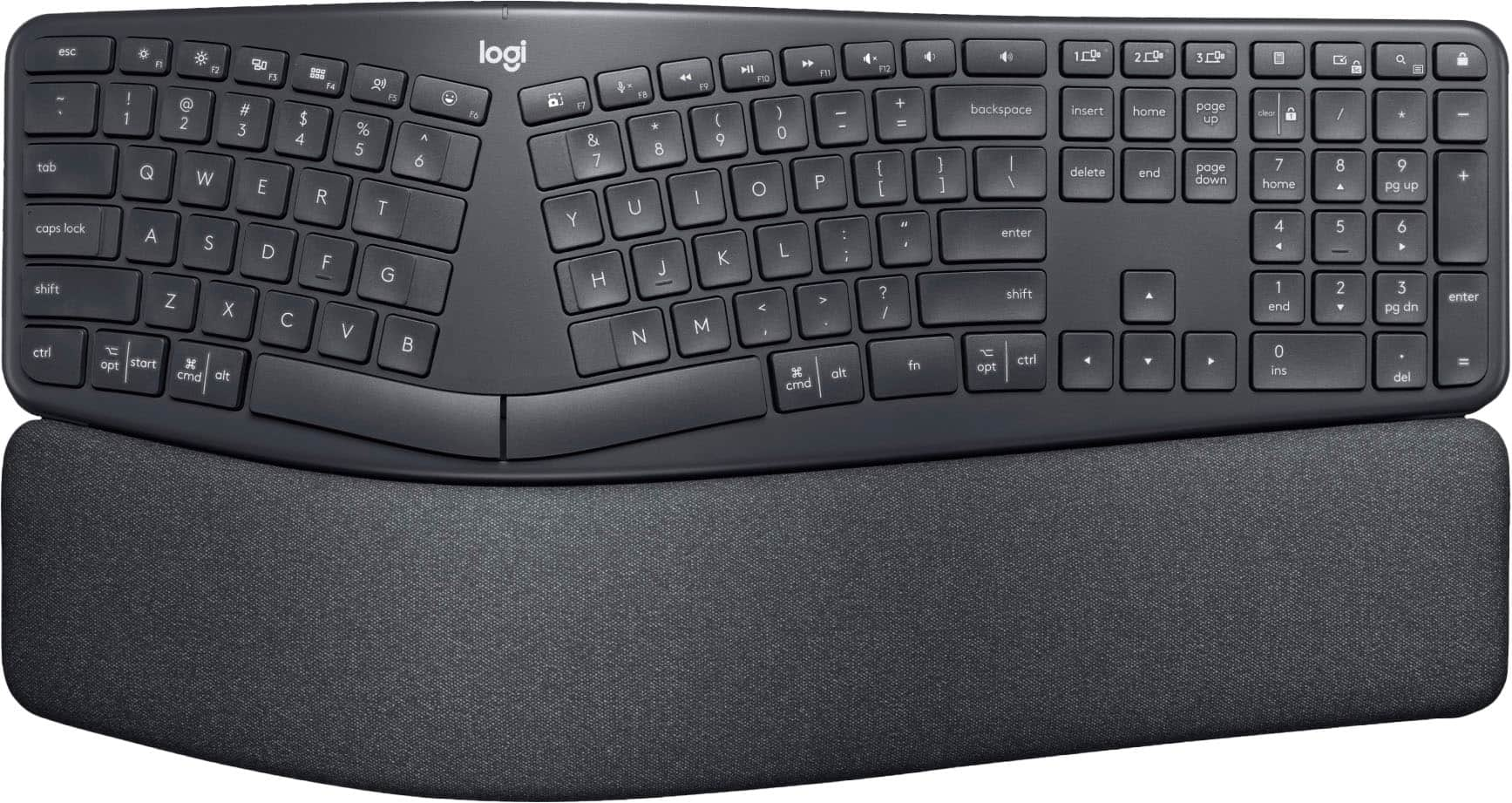
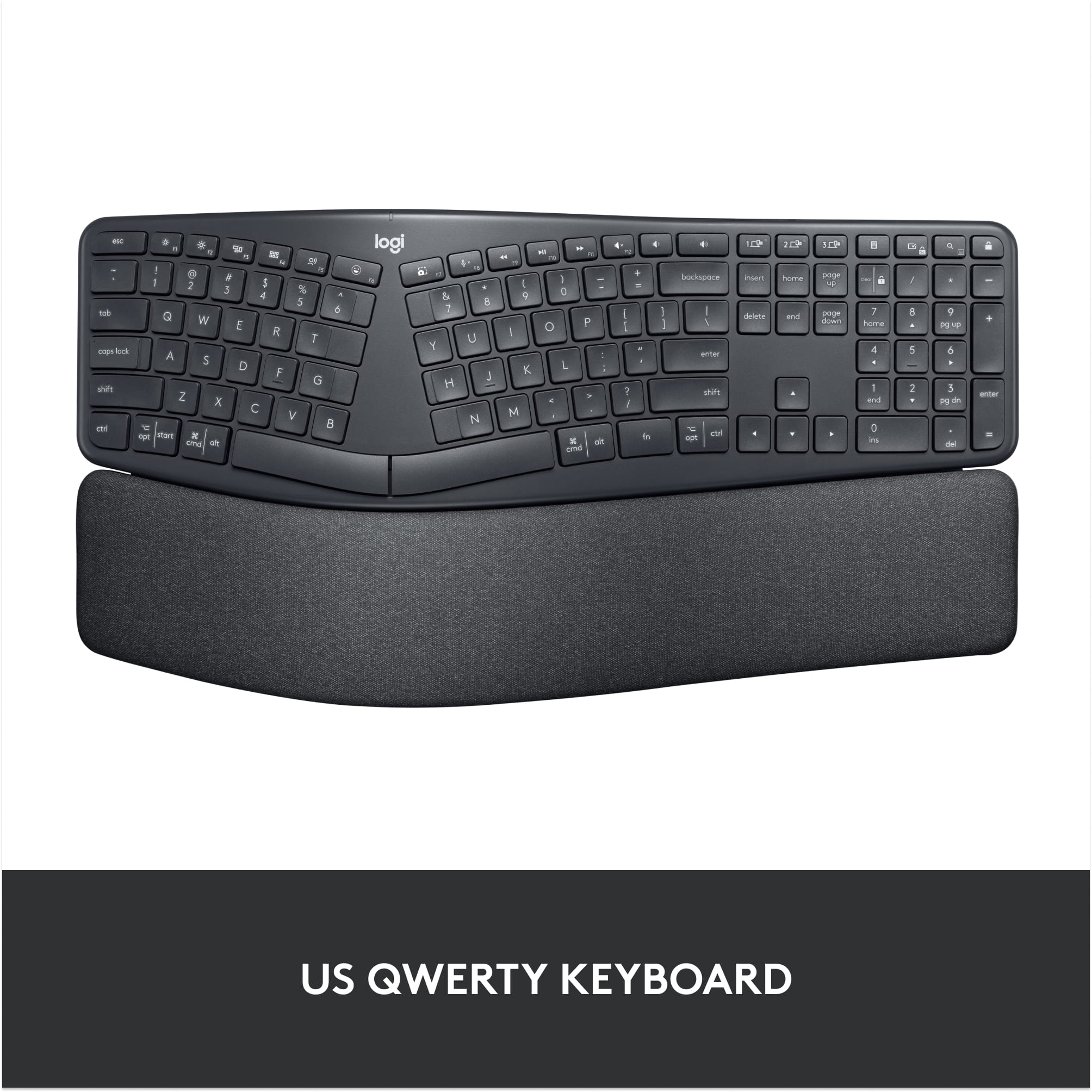
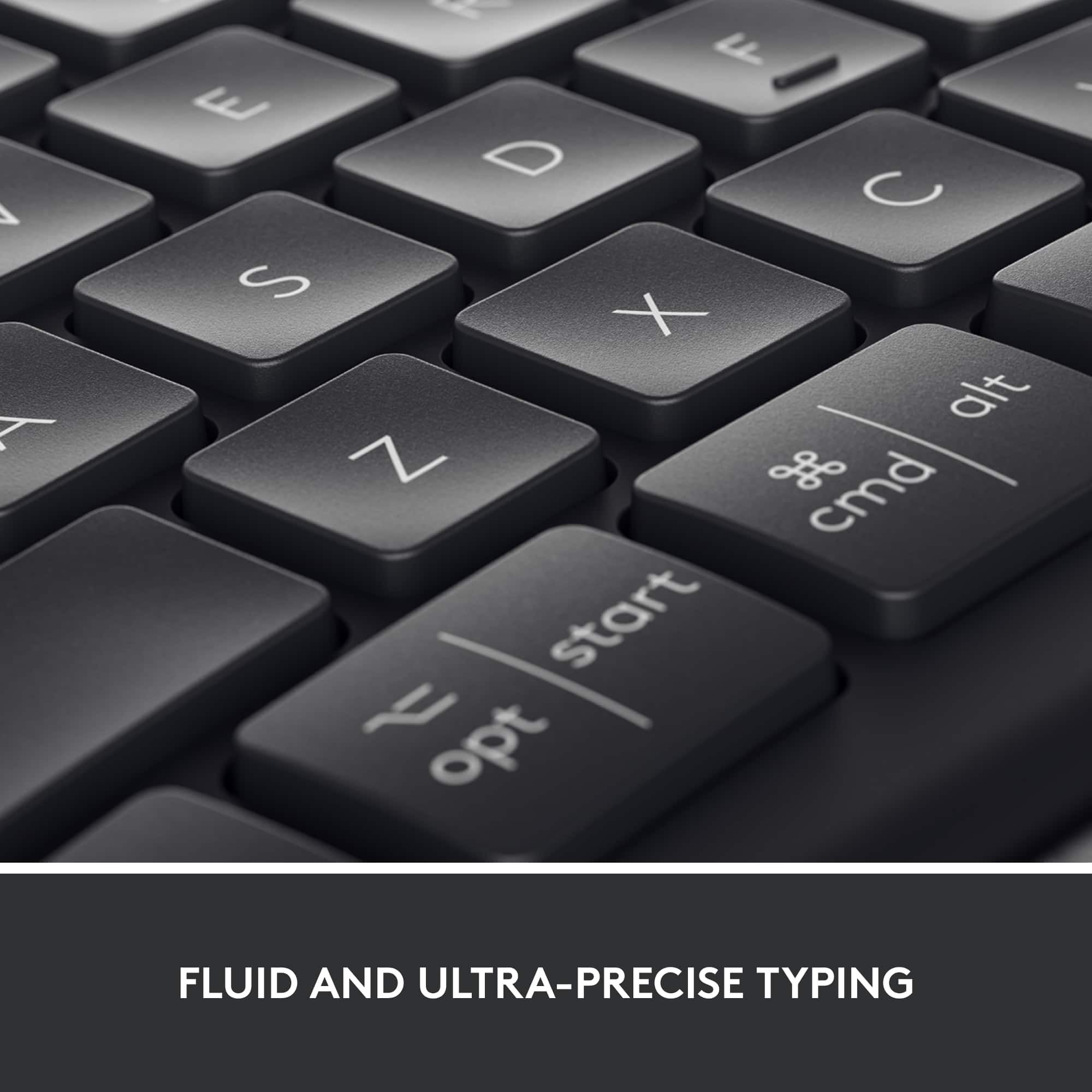
A:AnswerAssuming you mean windows keys. What keys are you confused about? there's still a start key, command, alt, delete, etc. it just provides both labels on the keys so it easier to use across multiple devices. Hope this helps.
A:AnswerThis item does not come with a mouse. Any mouse should function independently of the keyboard though. I think the M185 uses a dongle to connect to your computer, which should be fine regardless. This keyboard can connect via dongle (included) if you'd like, or you can just connect it via bluetooth like adding any other accessory. Hope this helps.