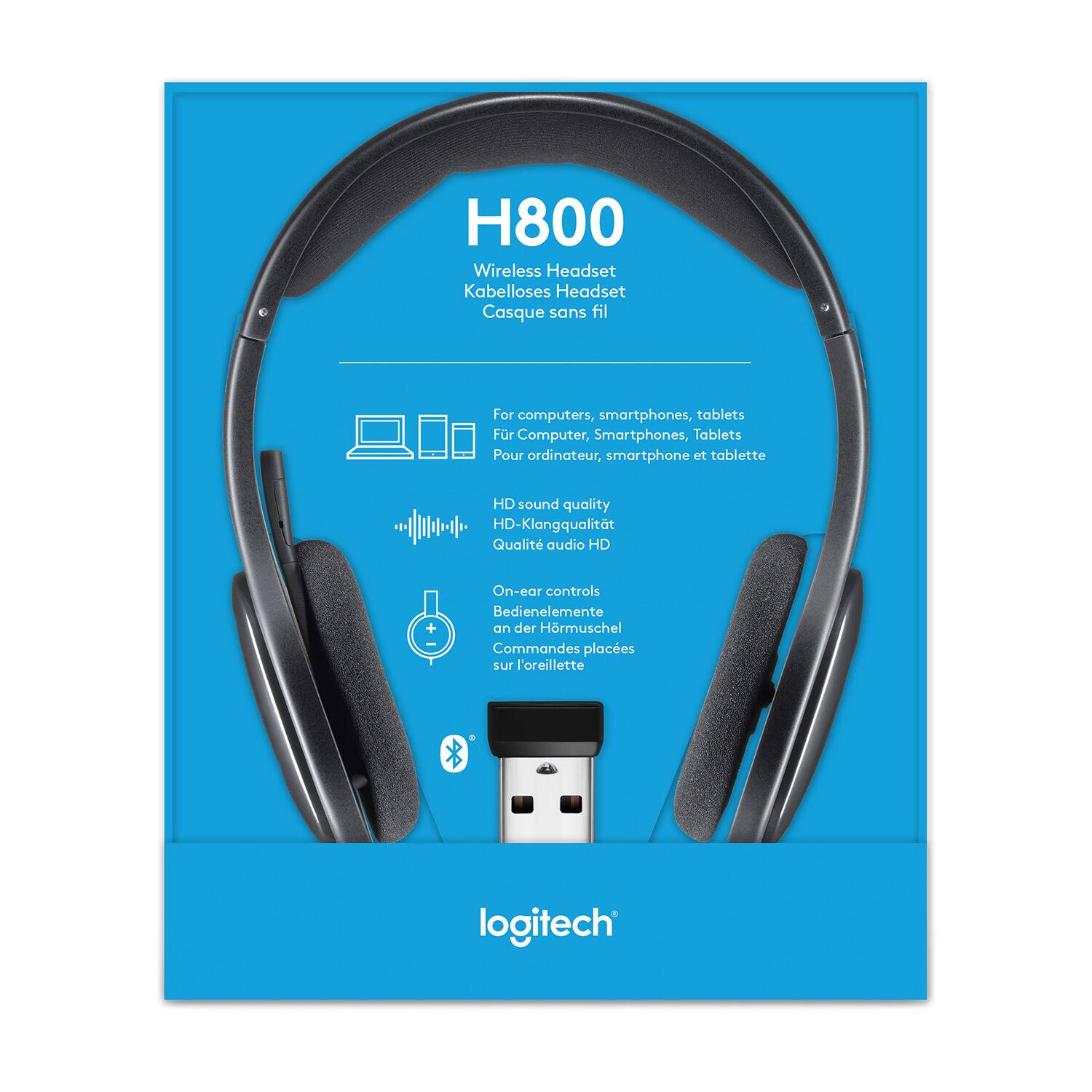
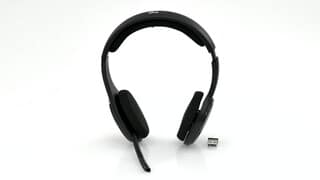
A:AnswerHello, if you're having audio issues with your headset, try the following suggestions:
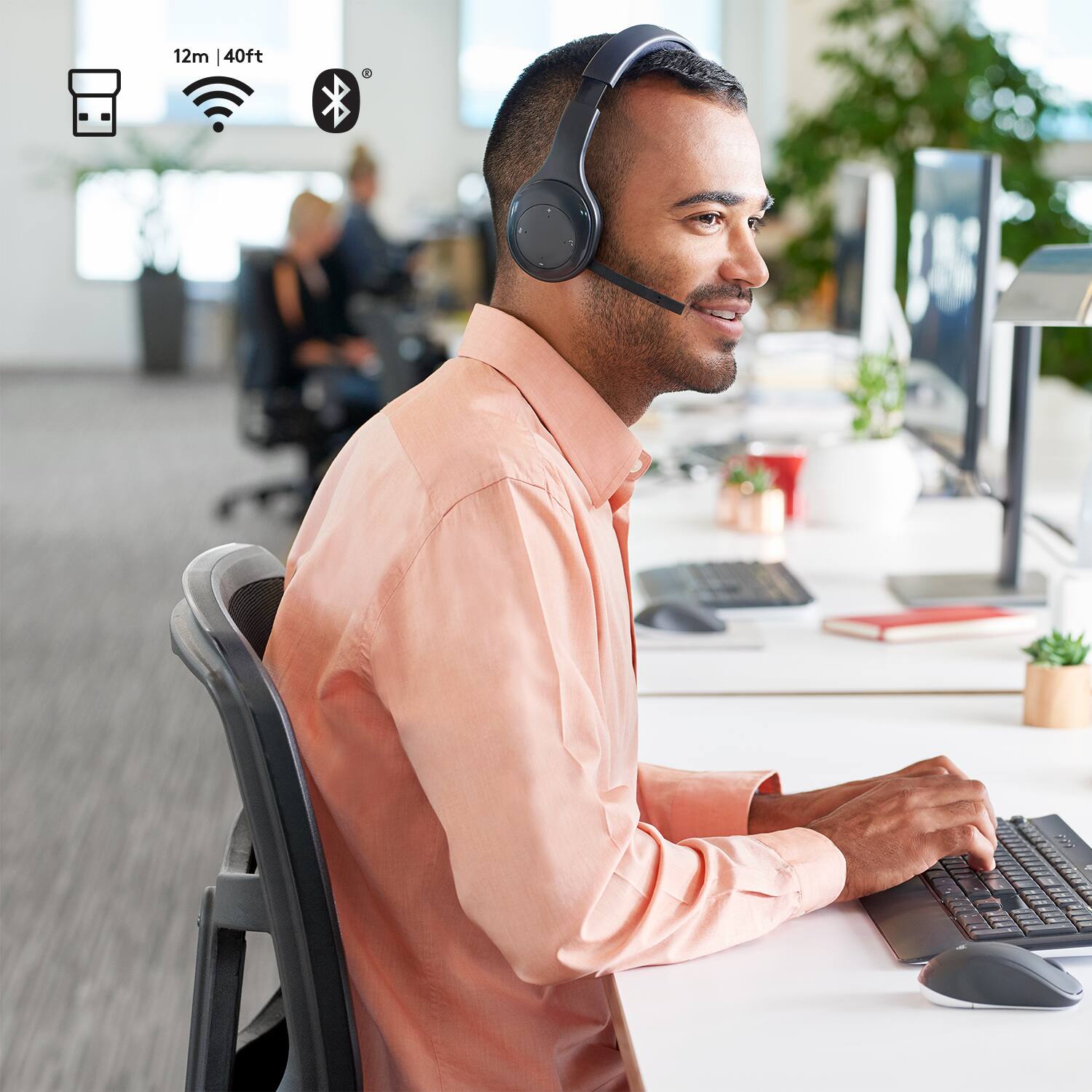
Move the headset closer to your audio source — it might be out of range.
Move away from other sources of wireless signal — you could be experiencing interference.
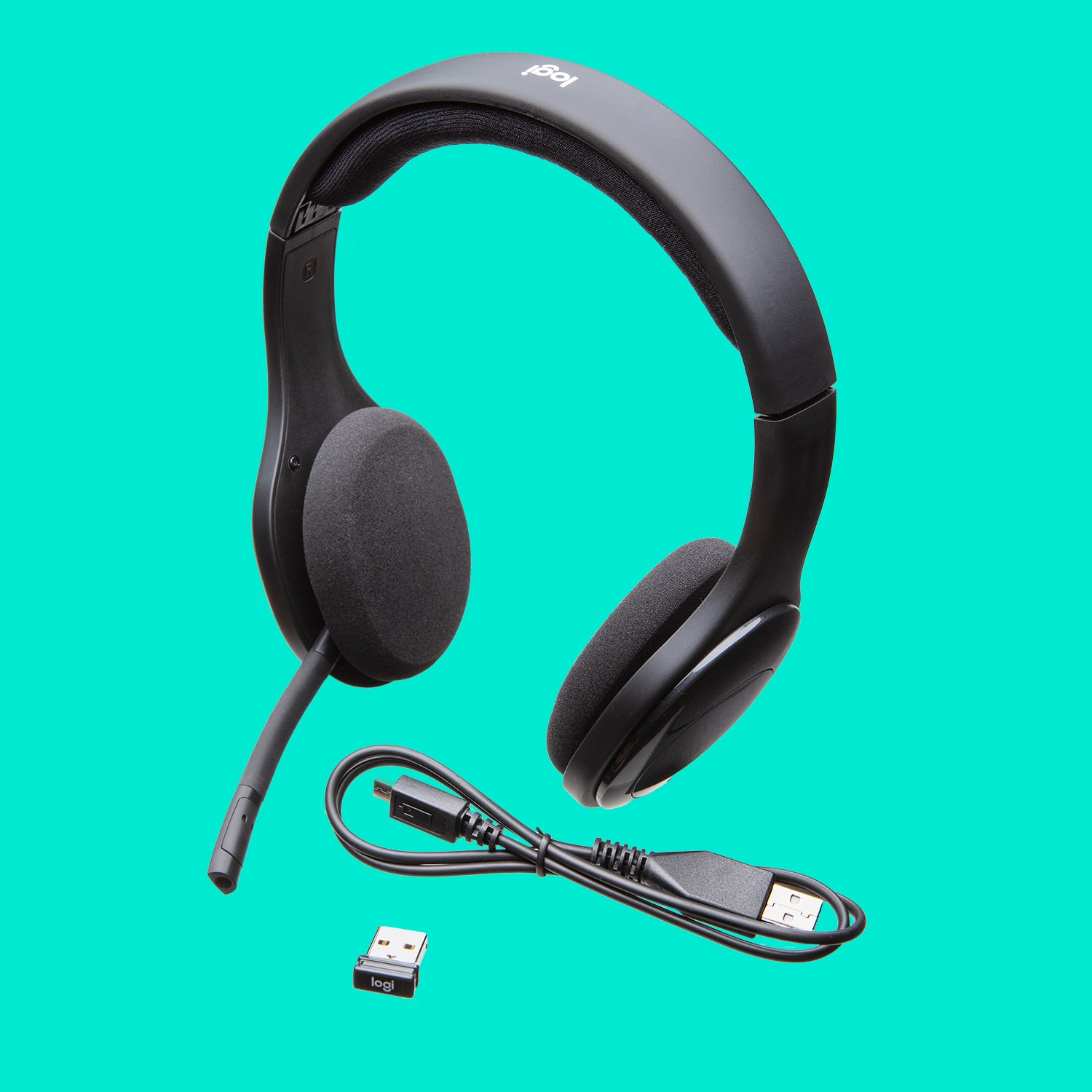
Connect the headset to a USB port using the charging cable — it may not have enough battery power.
Try adjusting the volume on your audio source — it might be turned up too high.
If you're using the wireless receiver:
Make sure it's connected to a USB port that isn't behind any large objects (ex. a desk or desktop PC).
Make sure it isn't connected near other wireless receivers that could be causing interference.
If you're using Bluetooth, try disabling other Bluetooth devices temporarily.
If these steps don't work, please visit us for support at https://support.logi.com/hc/en-us
A:AnswerHi Micheal,
Yes! This will work with PS4 and Xbox One controllers, however it's not as simple as plug and play. you'll need to do additional research on how to connect bluetooth headsets to PS4 and Xbox One. This may involve using a PC or an adapter.
-Logitech
A:AnswerOn your surface pro 4, go to
1. Settings.
2. Bluetooth and other devices
3. Under Bluetooth, slide the button to "ON"
4. At the top, under "Add Bluetooth and Devices," click on the plus sign.
5. Choose the "Bluetooth" devices. At this point it will try to discover.
6. Follow the steps on this link: http://support.logitech.com/en_us/article/26700?product=a0qi00000069v00AAA
7. It should discover it as "H800 Logitech Headset"
8. Click on to pair it.
9. Once it is paired, on the same setting screen, under "Audio" you should see the logitech h800 headst.
Hope that helps. Keep the USB dongle in the headphone so you will not loose it.
A:AnswerTo avoid misunderstanding - "sidetone" is not a company. Sidetone, sometimes called "mic monitoring," is a standard feature that lets you hear your own voice in the earpiece as you speak. Not all devices allow this. Many users like this feature, unless it creates a slight delay or echo.
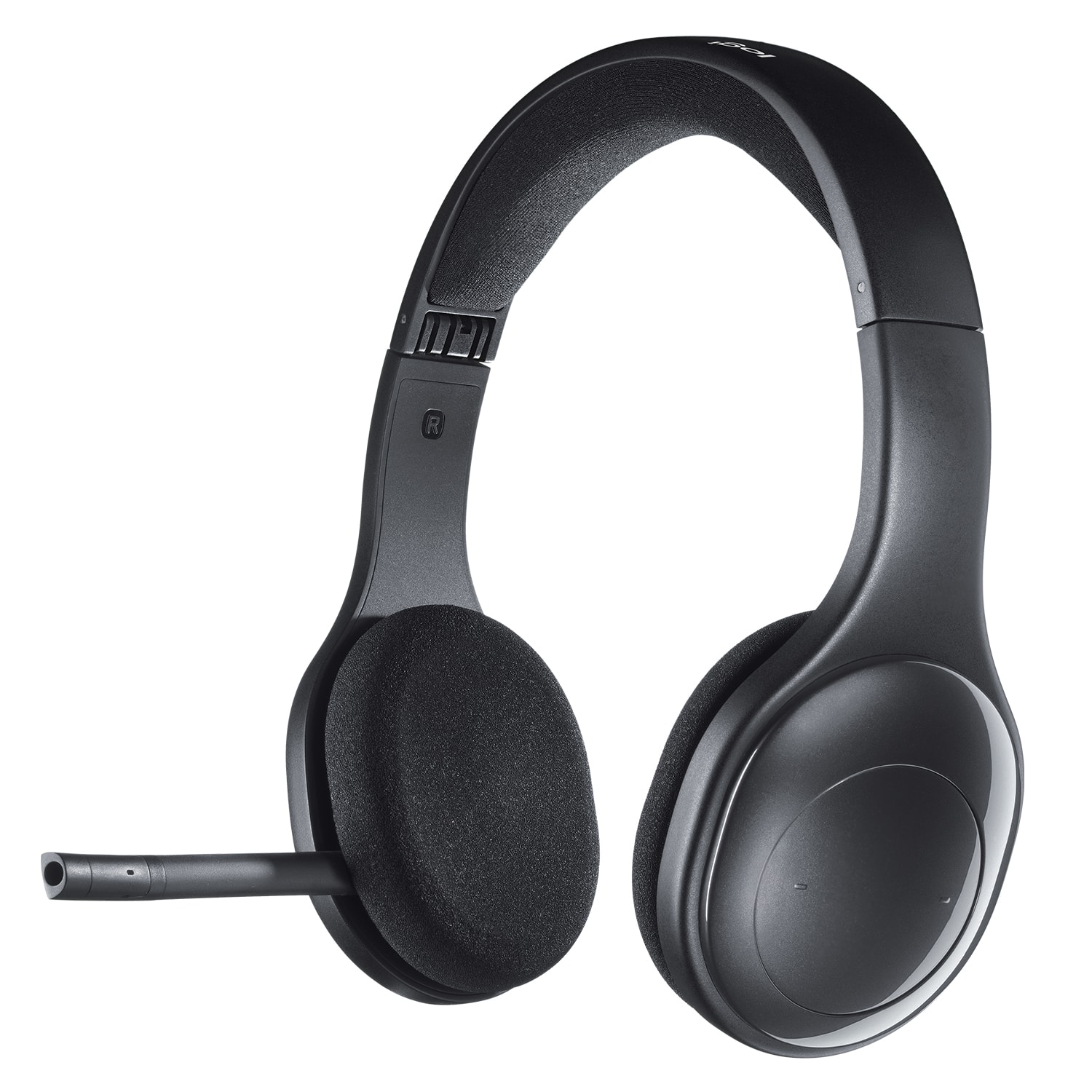
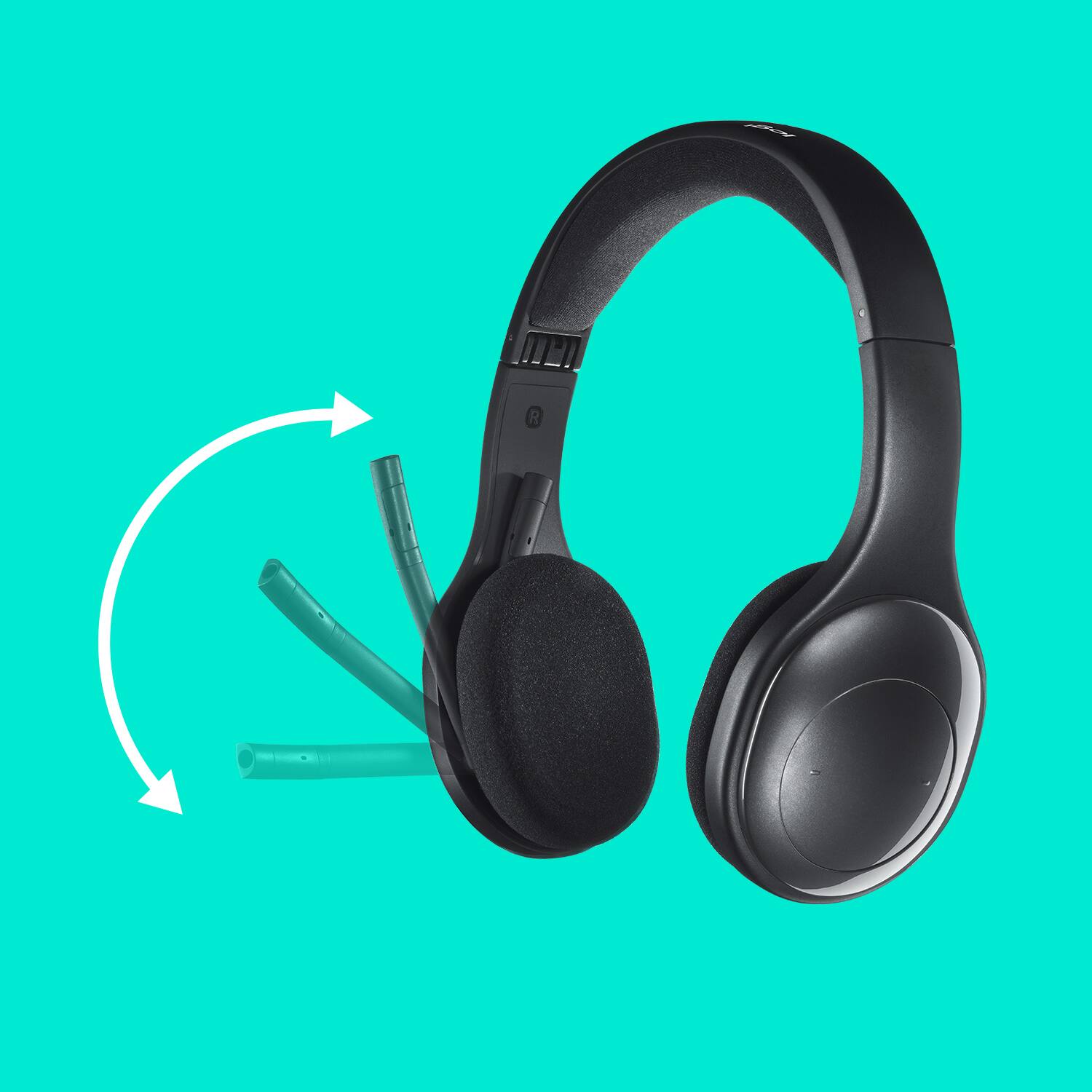
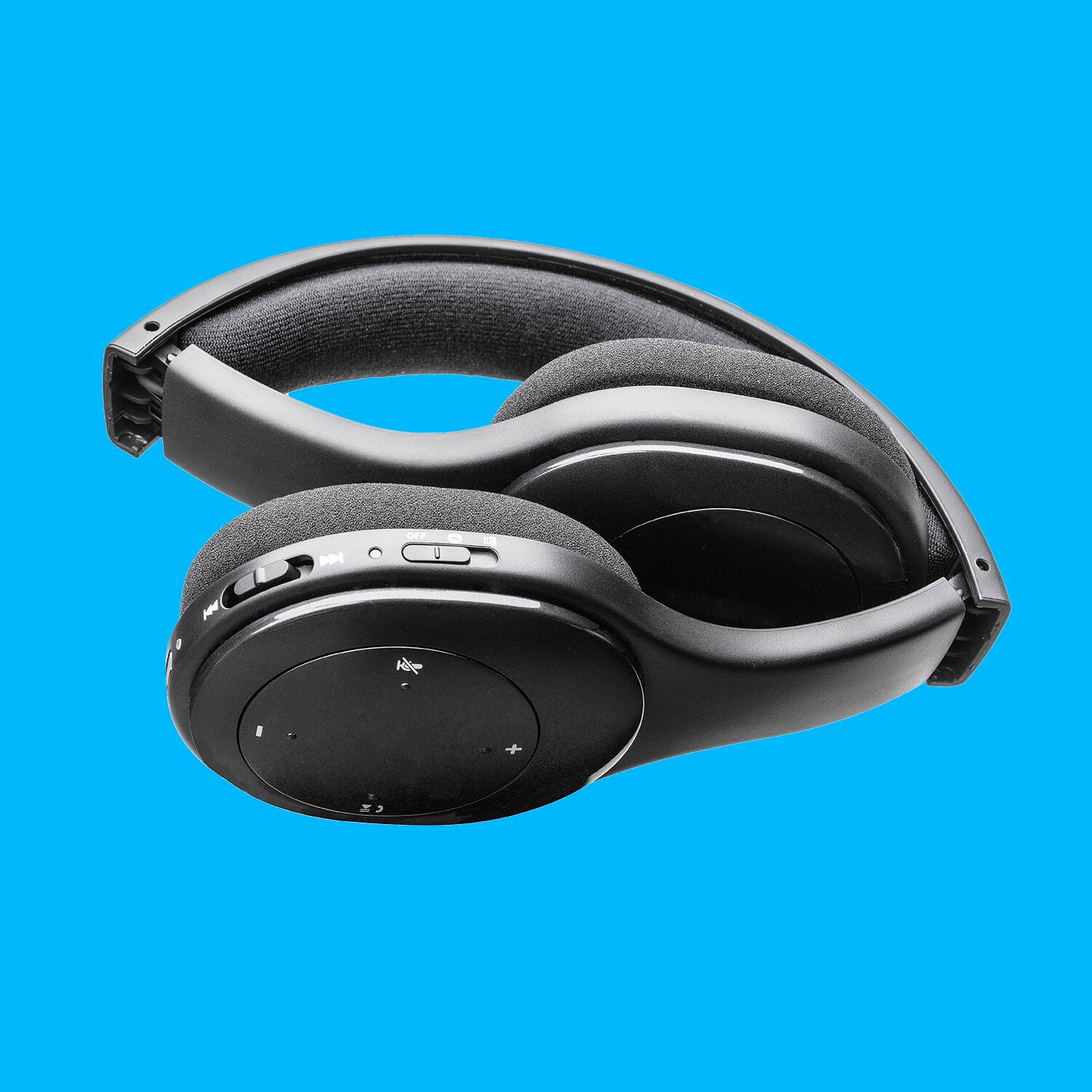
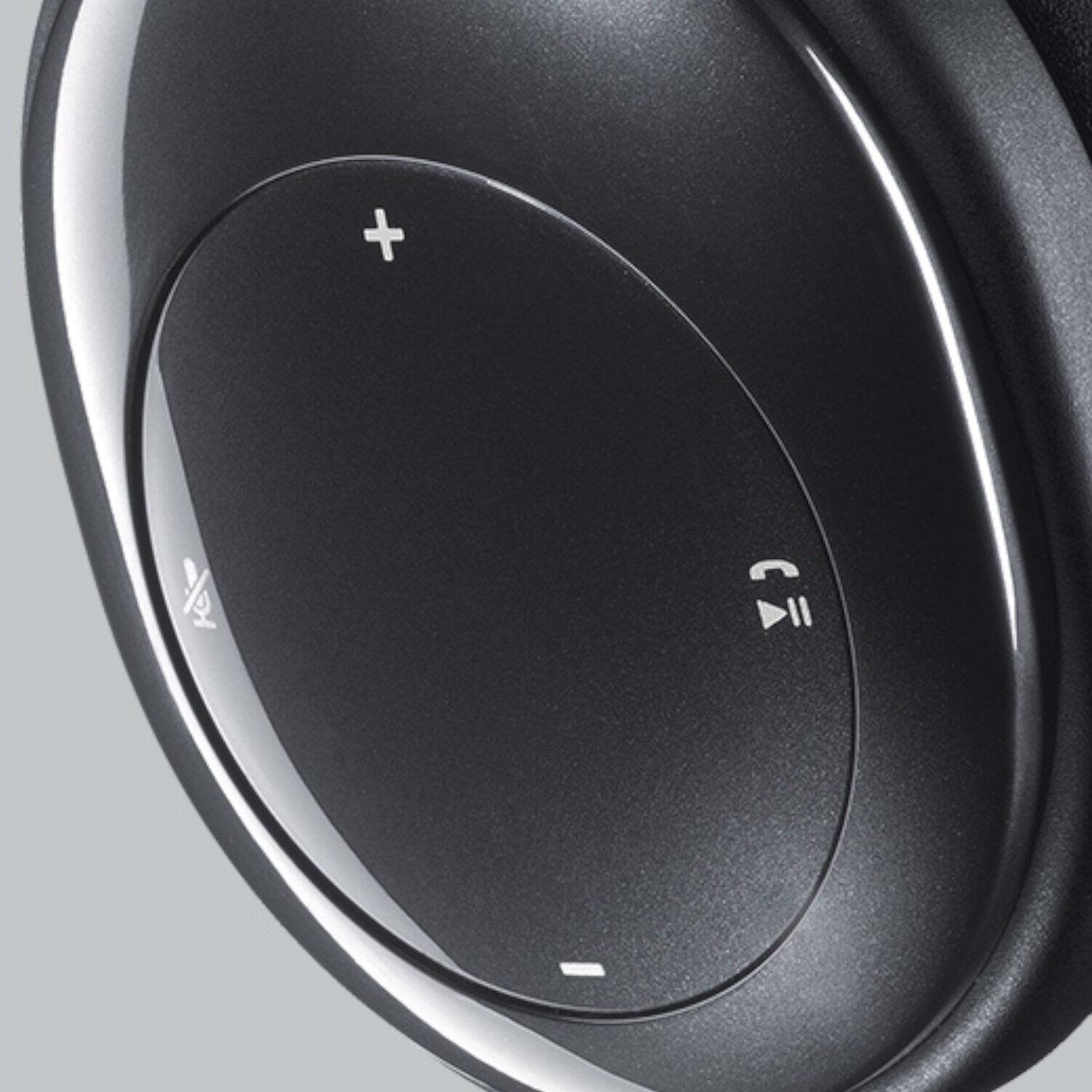
A:AnswerHello, You should be able to answer calls by using the answer call/play button on the right ear cup. Also be sure that your microphone is flipped down. Although you can be paired to up to 7 devices via Bluetooth, you can only use one at a time. Here's a link to how to pair the H800 via Bluetooth: https://support.logi.com/hc/en-us/articles/360025171234--FAQ-Wireless-Headset-H800.
A:AnswerThe above comments so far are only accurate if you're beeps are happening minutes apart, NOT if they are seconds apart. Headset is currently at 70% battery life according to the logitech app and it's showing my headset is essentially rapid fire disconnecting and reconnecting, I assume cycling channels. Which while the headset cycles to the next channel the icon for the headset shows inactive and I'm unable to interact with it during that time. Unfortunately currently looking for a solution myself but I do want to make it clear that it doesn't just beep when it's low on battery.
A:AnswerNo worries, as I write this answer, I am listening to music on my H800 and it is paired with Best Buy's Insignia USB bluetooth 4.0 transmitter (model # NS-PCY5BMA). It works fine and I only paid $20.99 for it!