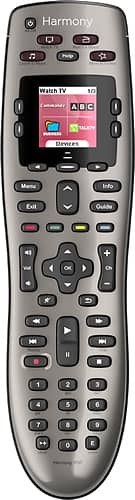
A:AnswerLogitech's website has a list of al the TVs .
I would think it would control both the TV and the ROKU
Everything that has IR control works.
FireTV doesn’t.
A:AnswerDon't know. It worked with my old Samsung and works with my new TCL. Once programmed and taught how to correct its own errors, it works very well and gets rid of all that clutter of multiple controllers. I suspect it will work with a lot of tv's, including an LG. You can always try calling Logitech and they can probably answer your question. Good luck.
A:AnswerNope. I was unable to get this remote to work with my PS3.
This remote functions by Infrared, and the PS3 uses UHF...Two different standards.
I ended up buying a PS3 remote separately.
A:AnswerJust one button.
You can set it up to do a series of functions.
I've got mine easily setup, with the press of one button to turn on my TV, DVR, and receiver.
I recently bought another remote because i wore my other one out, which lasted 7 years.
I love this remote... you will too.
A:AnswerYou could check on the Logitech site for compatible devices to see if your's is listed...If not, you could manually program the Logitech using "Learning Mode".
A:AnswerJust go to their website and set up an account. Then anytime you want to add a remote or change any of the settings you just log in and plug the remote with the included USB cable into your PC to do what you need to. It will retain all your settings so it can be recognized if you just want to edit one of the things that it controls or add more remotes.