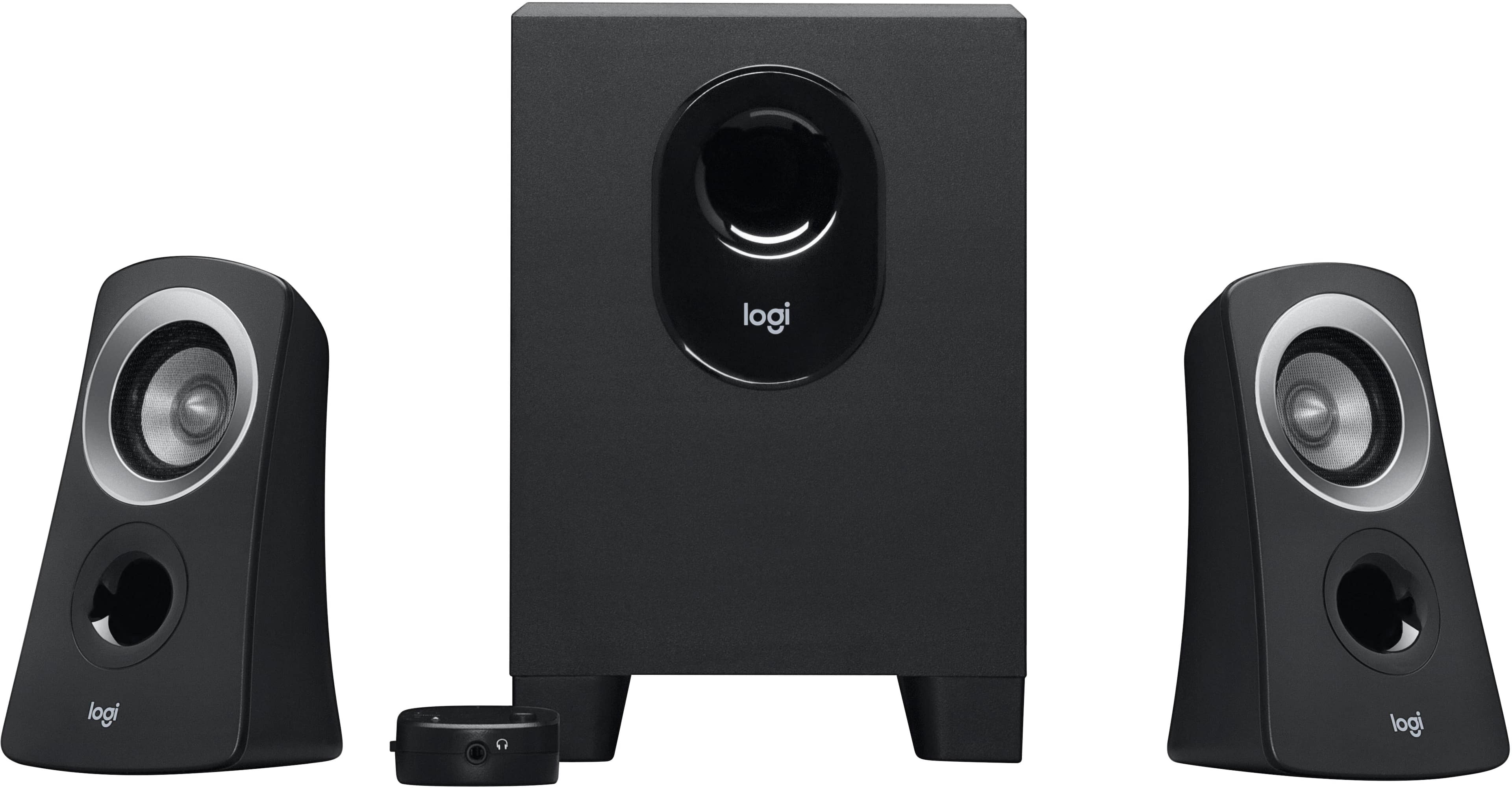
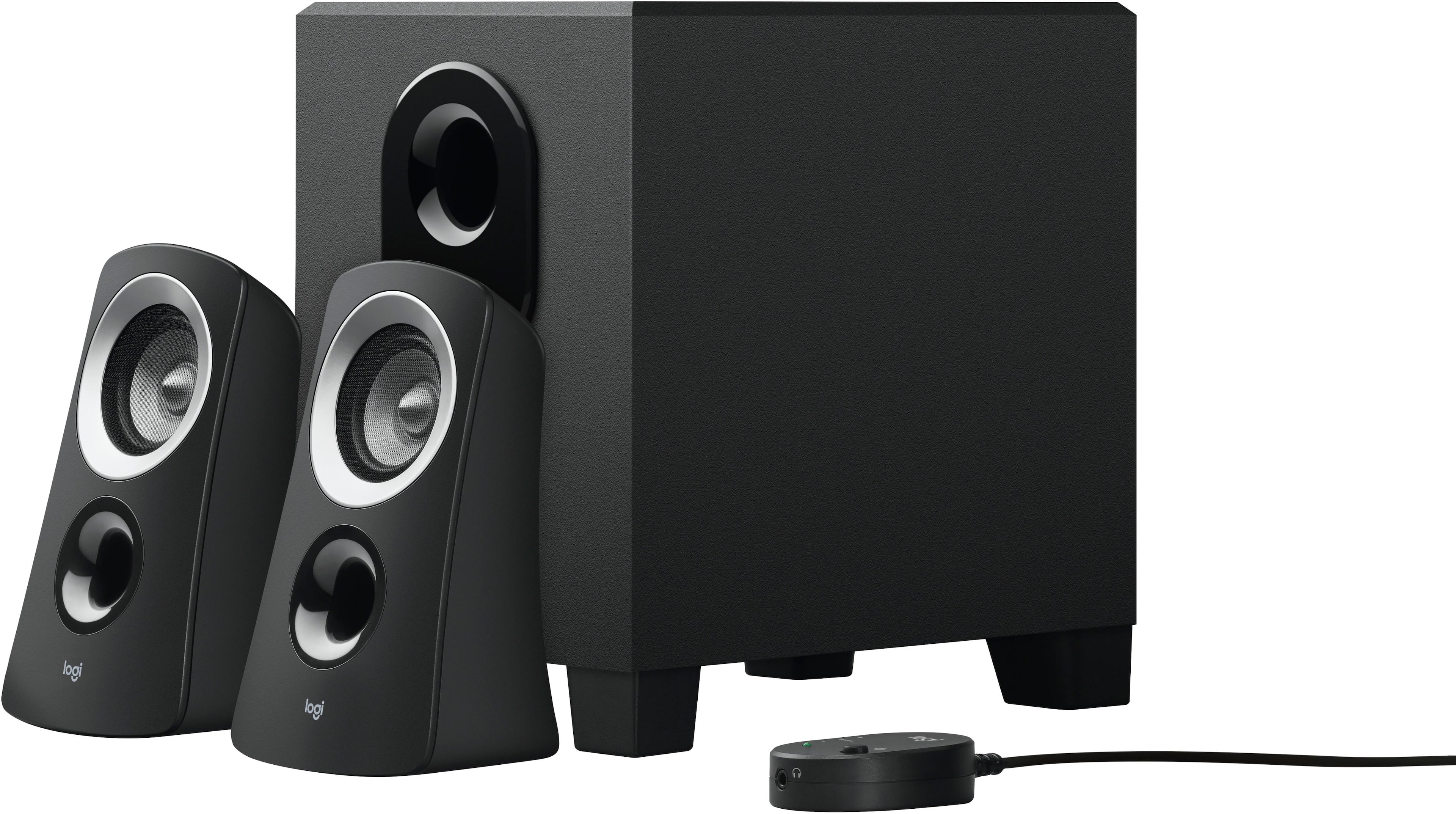
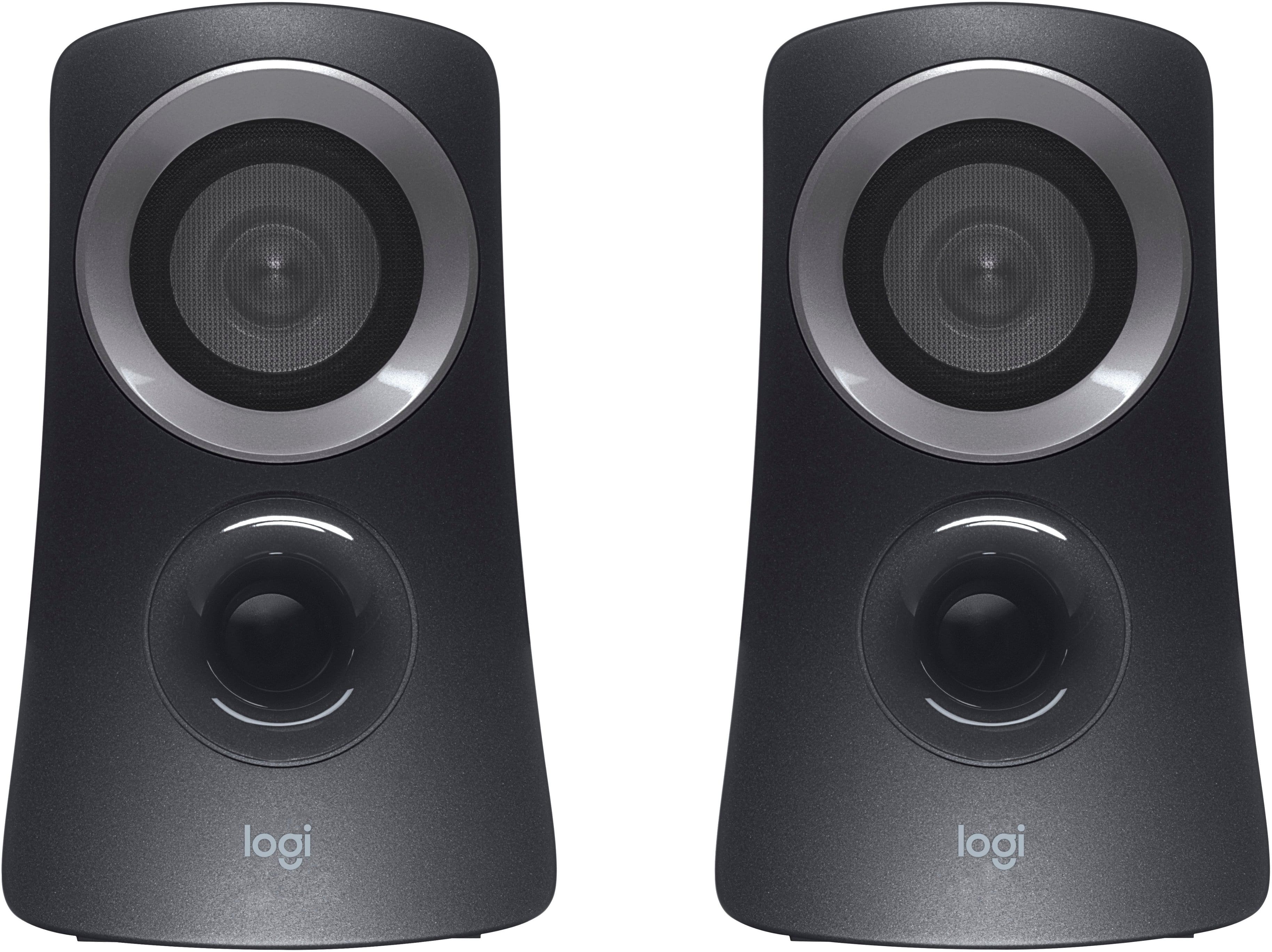
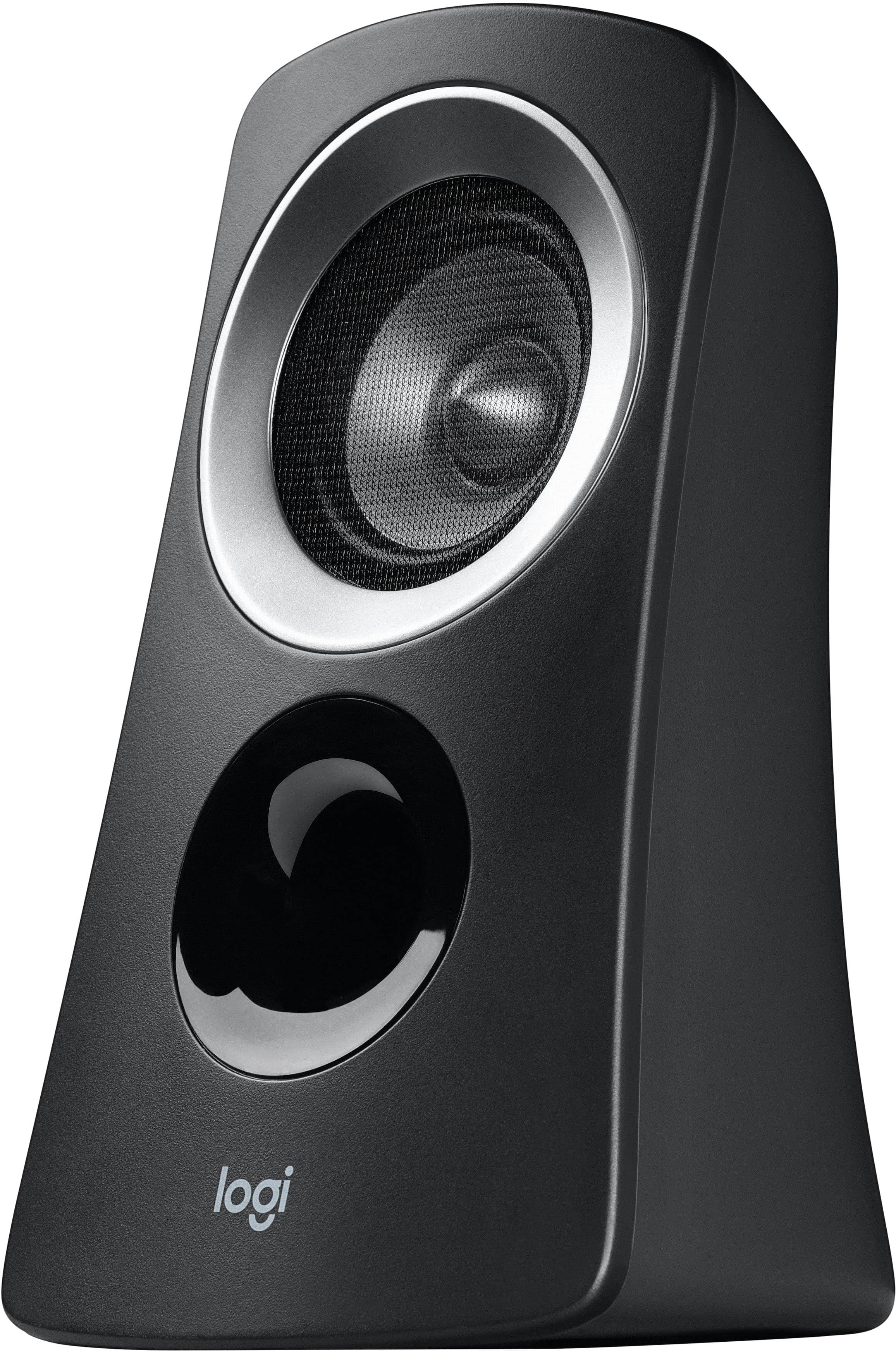
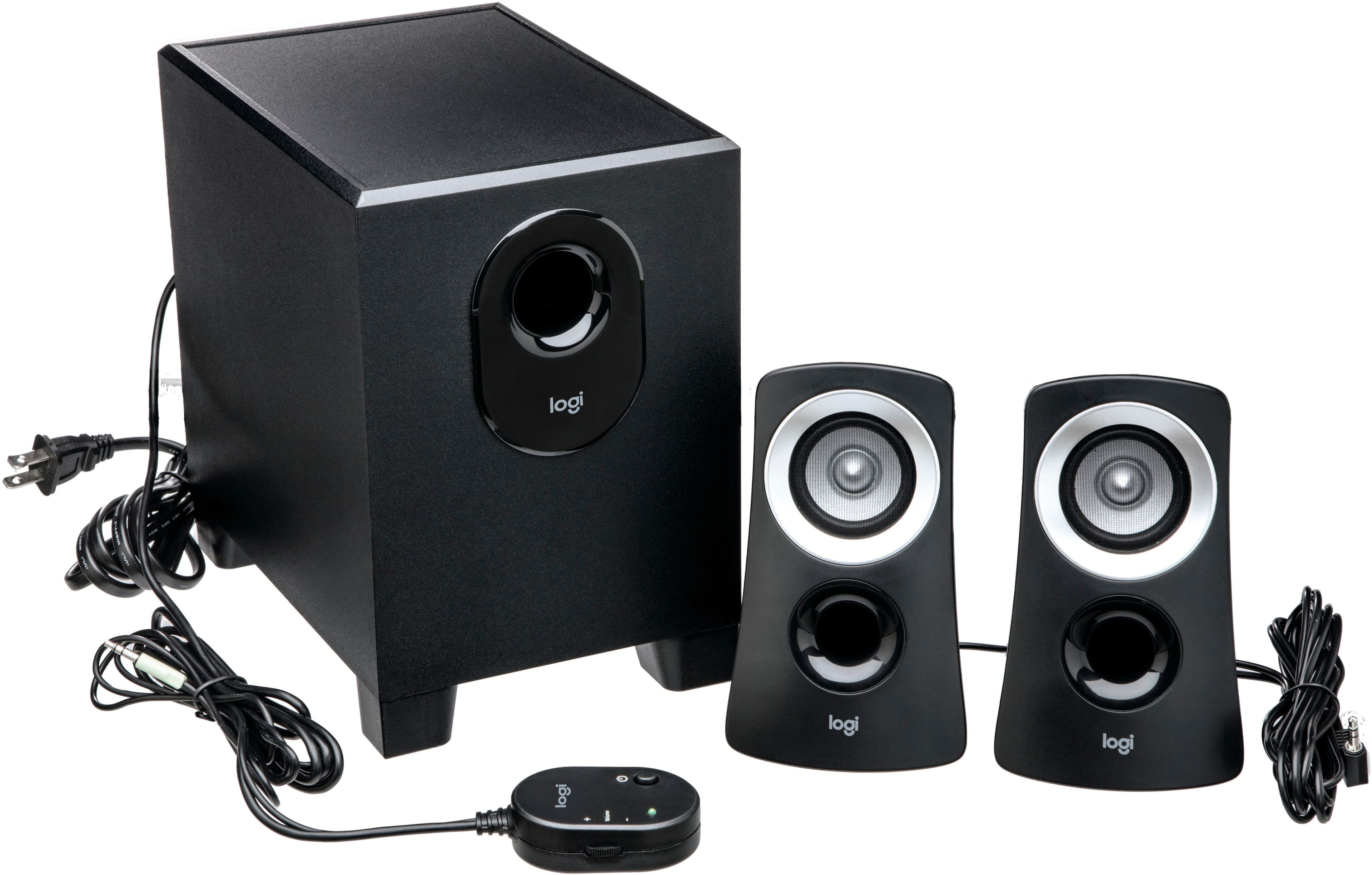
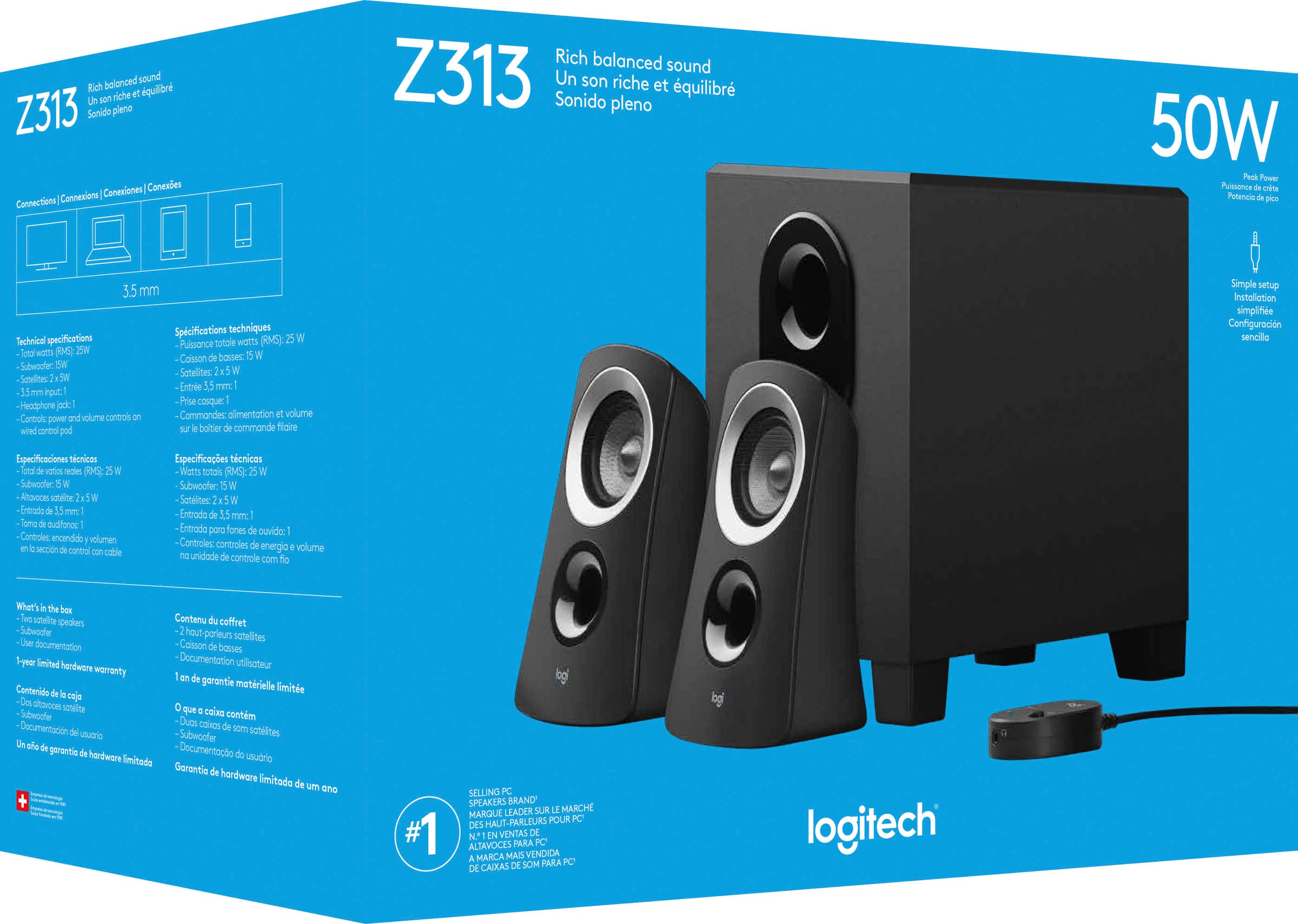
A:AnswerWhile Logitech doesn't officially sell individual replacement speakers for the Z313 system. While it is important to note that these replacement speakers, if purchased from the reseller, might start a compatible issue. To know what best can be done, we recommend reaching out to our social care team via email at socialcare@logitech.com with your
- Name:
- Email Address:
- Country:
- Product Name:
- Brief description of issue:
A:AnswerI am not 100% sure but I believe you should. The two smaller speakers have wires that run to the sub, and the sub plugs into any type of aux whether it be a phone or a computer.
A:Answerthere are like 9 people asking this same question..... YES like any other dang speaker system. plug it IN...
heres want google has to say.
To use headphones, just plug in your headphone cable into the headphone/line out port on your Mac, if your headphones have a 1/4-inch stereo plug, you will need a 1/4-inch stereo female phono connector to 1/8-inch stereo mini-phono plug adapter.
A:AnswerIt depends on what your Projector has for an audio output. If it has a 3.5mm output jack, this system will plug right in. If it has a pair of red/white RCA output jacks, you'll need a cheap cable to convert from 3.5mm female to stereo RCA male.
A:AnswerThese speakers have nice volume control but no tone control. However, all sounds can be controlled through your sound controls on your PC itself. They can be made to sound amazing.