A:AnswerIf your electronic/wire saavy, it sounds like it might be old loose connections. Get your soldering gun and tools and go to work. Or, you mentioned it was years old, so I would probably just invest in a new sound system.
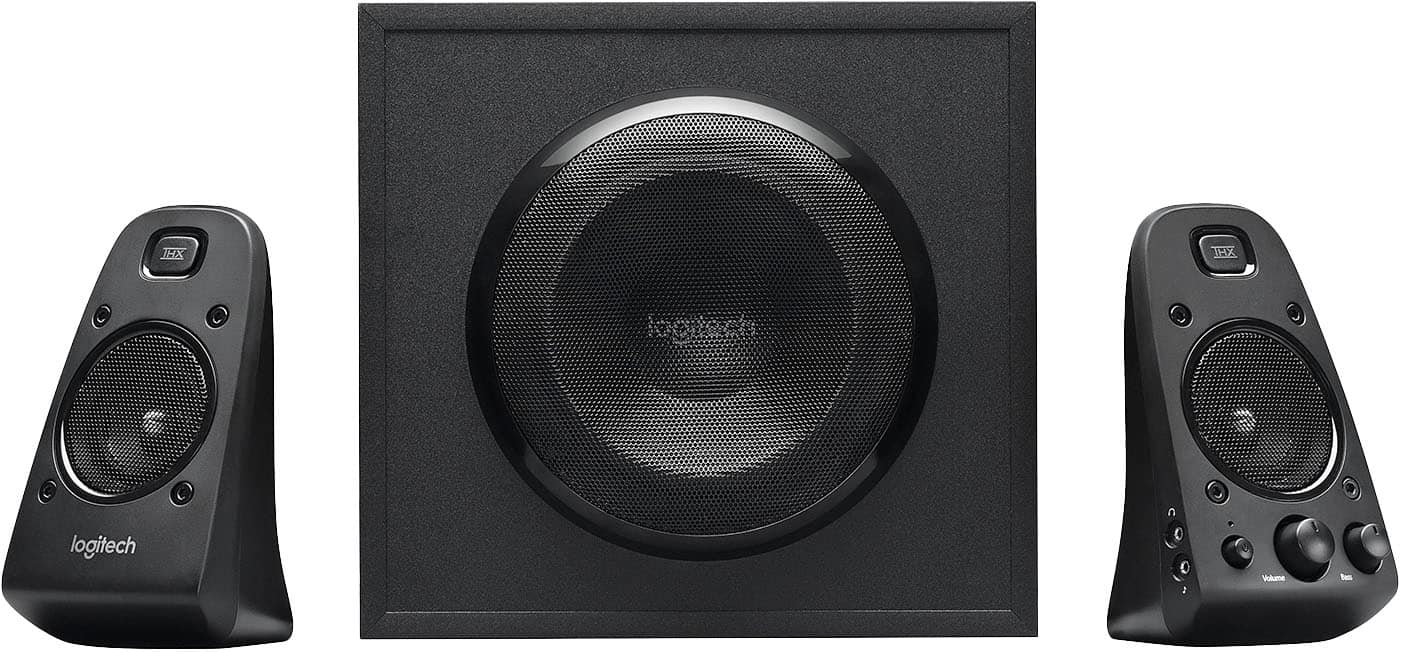
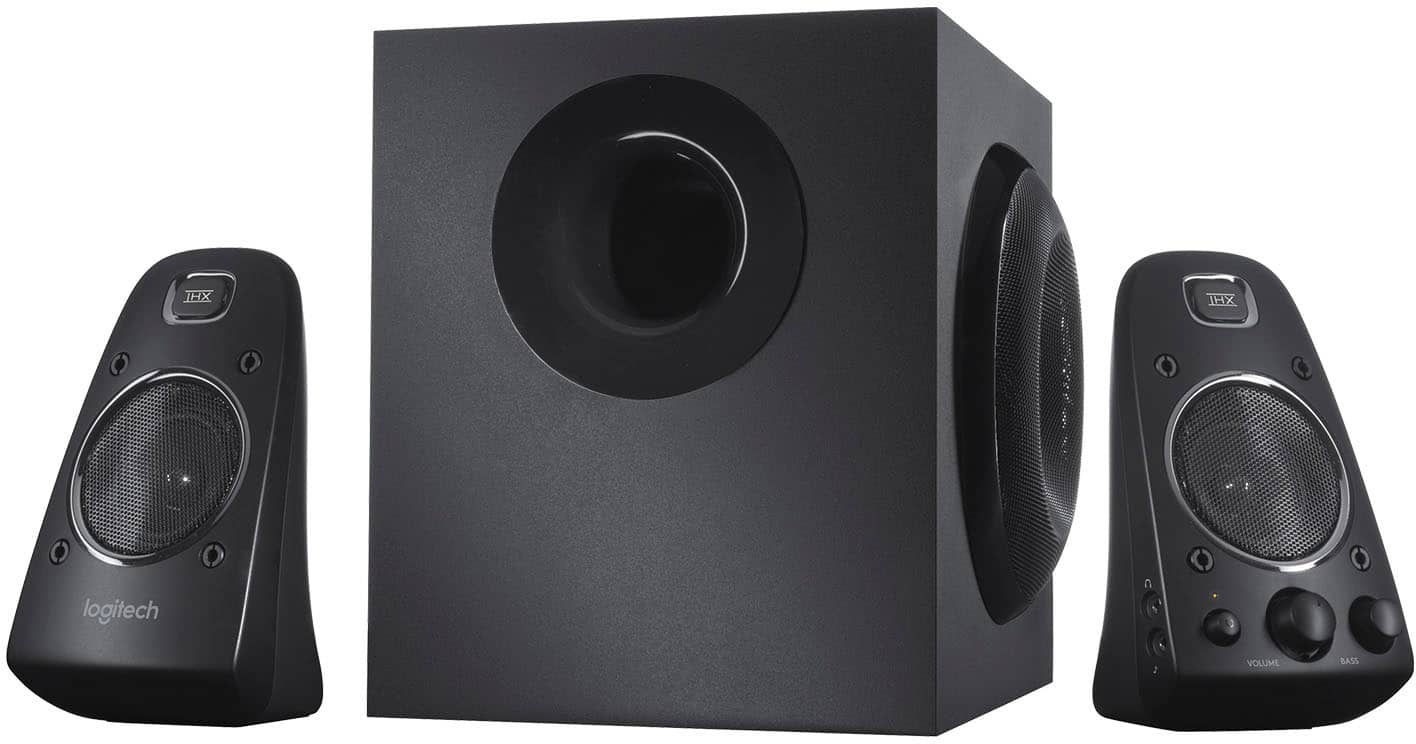
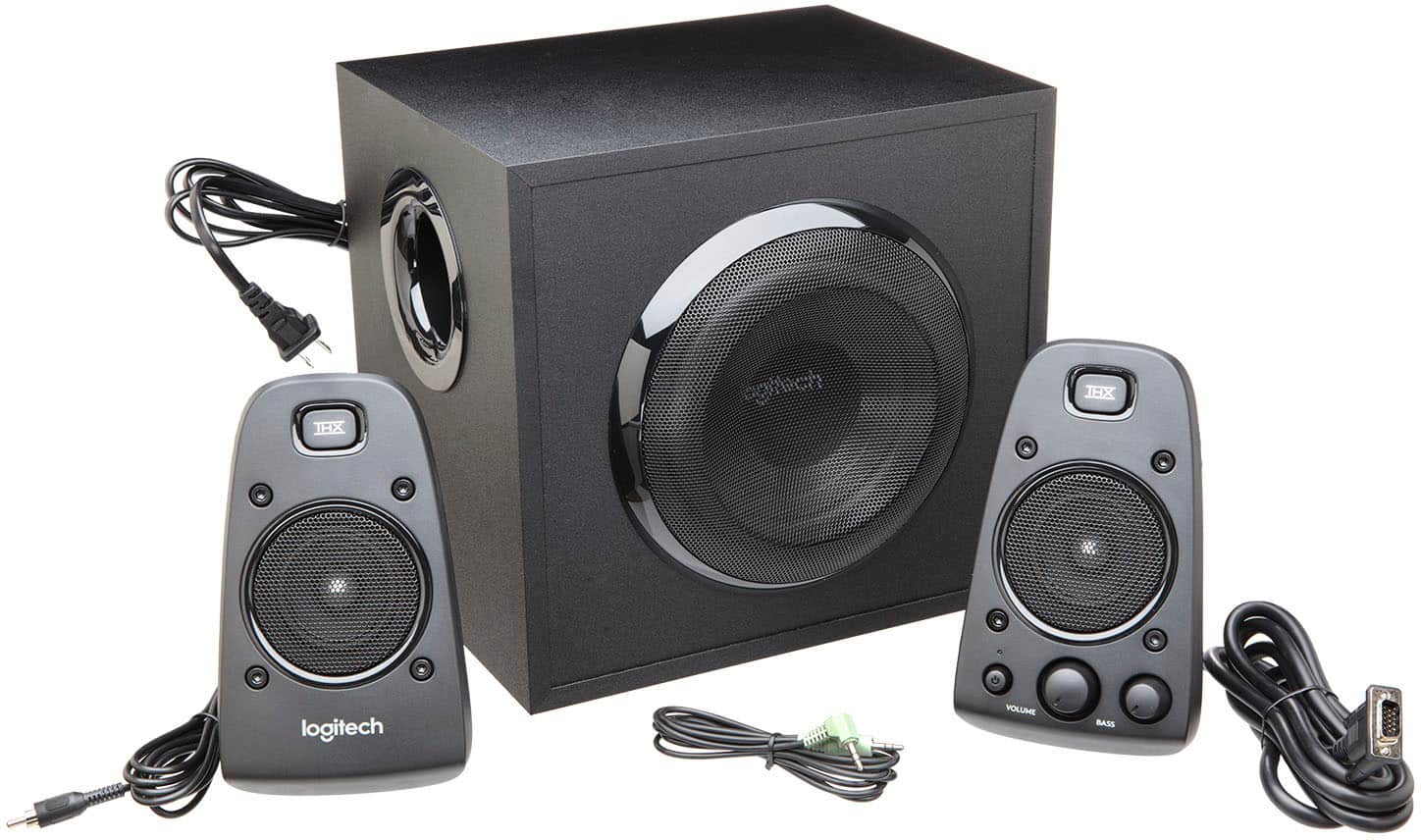
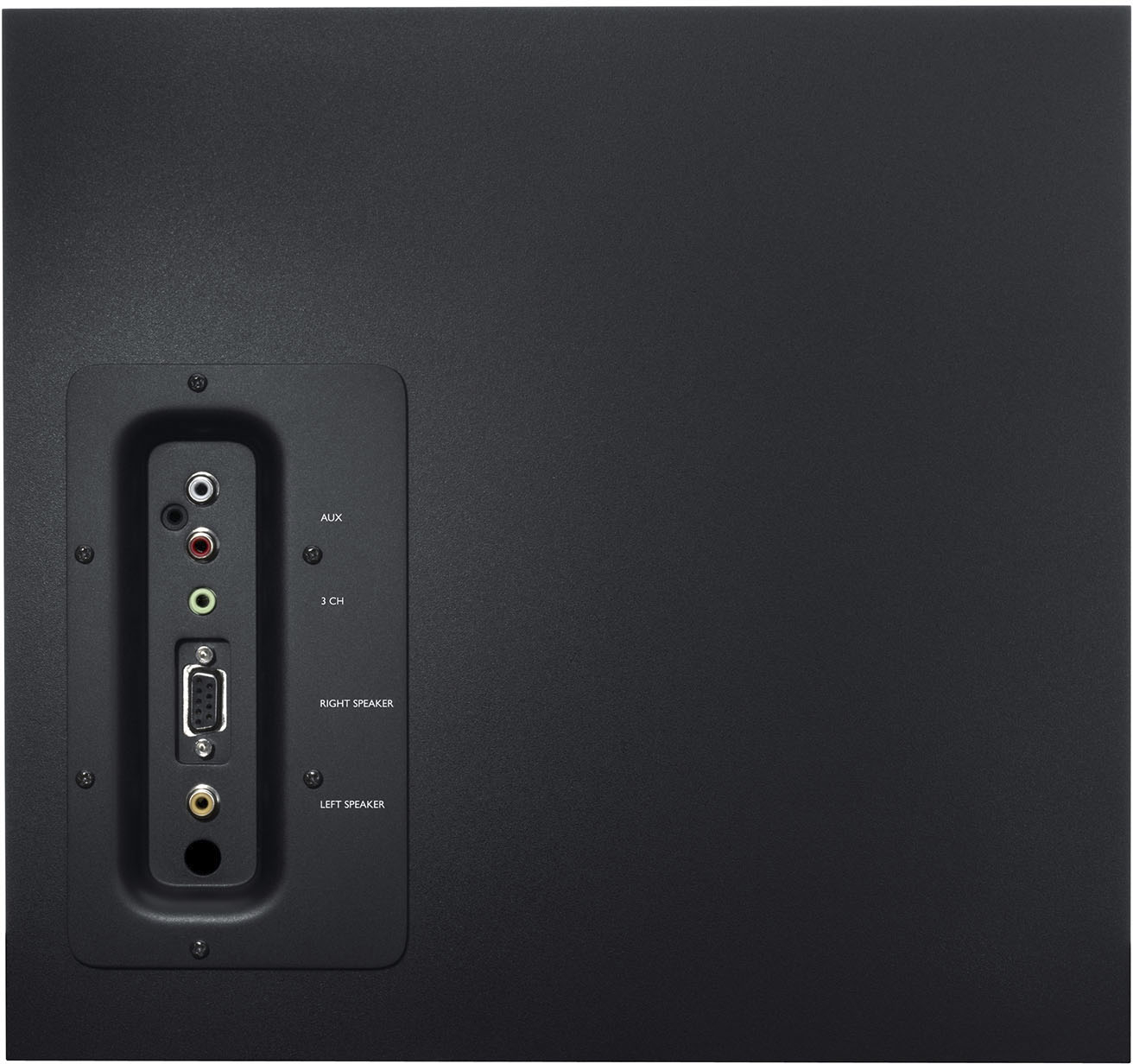
A:AnswerBy itself, this is a 2.1 system. There's no extra outputs on it.
If you're talking about hooking these up to your computer, some motherboards are configurable to set up surround sound via multiple outputs.
But, keep in mind, you'd have to use both subs if you bought two of these speaker systems - everything routes through the sub.
A:AnswerThe total power is just that, total or max power. What you seem to be looking for is the RMS power. That is 200 Watts and I’m not exactly sure how it’s divided, though something close to 120 for sub, and 40 watts a channel is most likely very close.
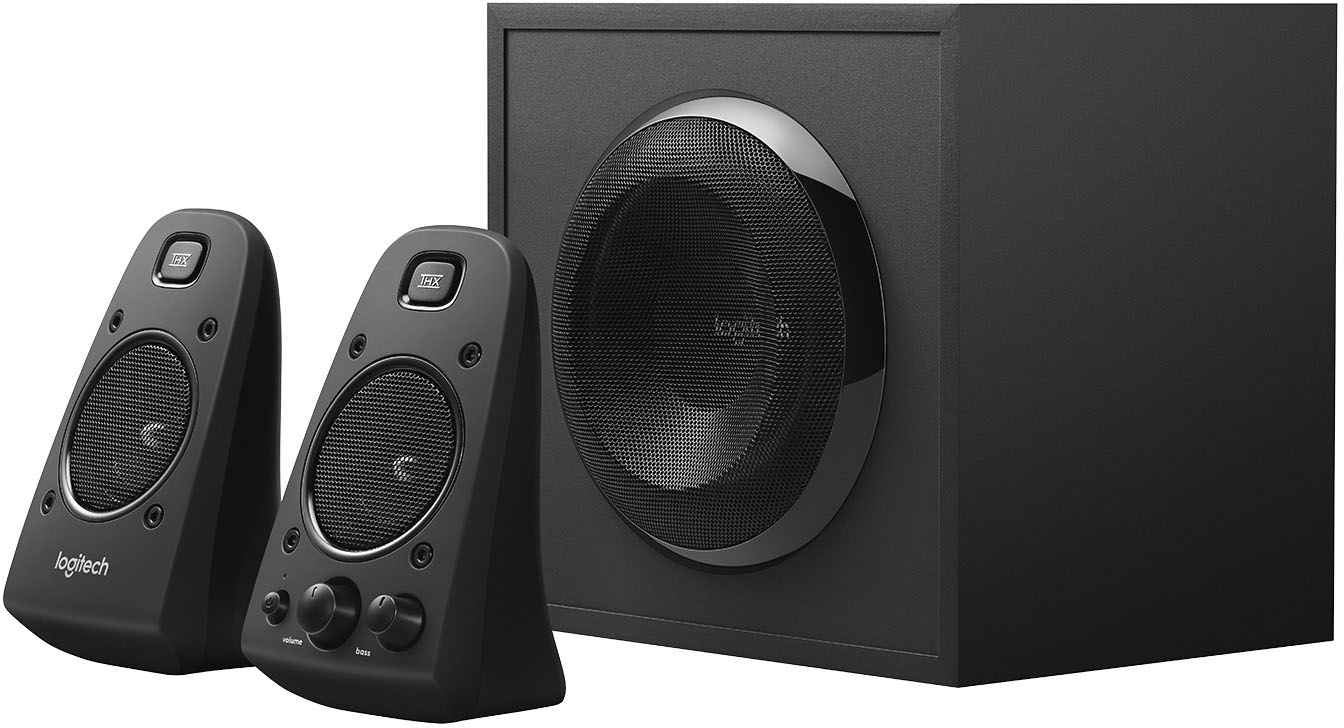
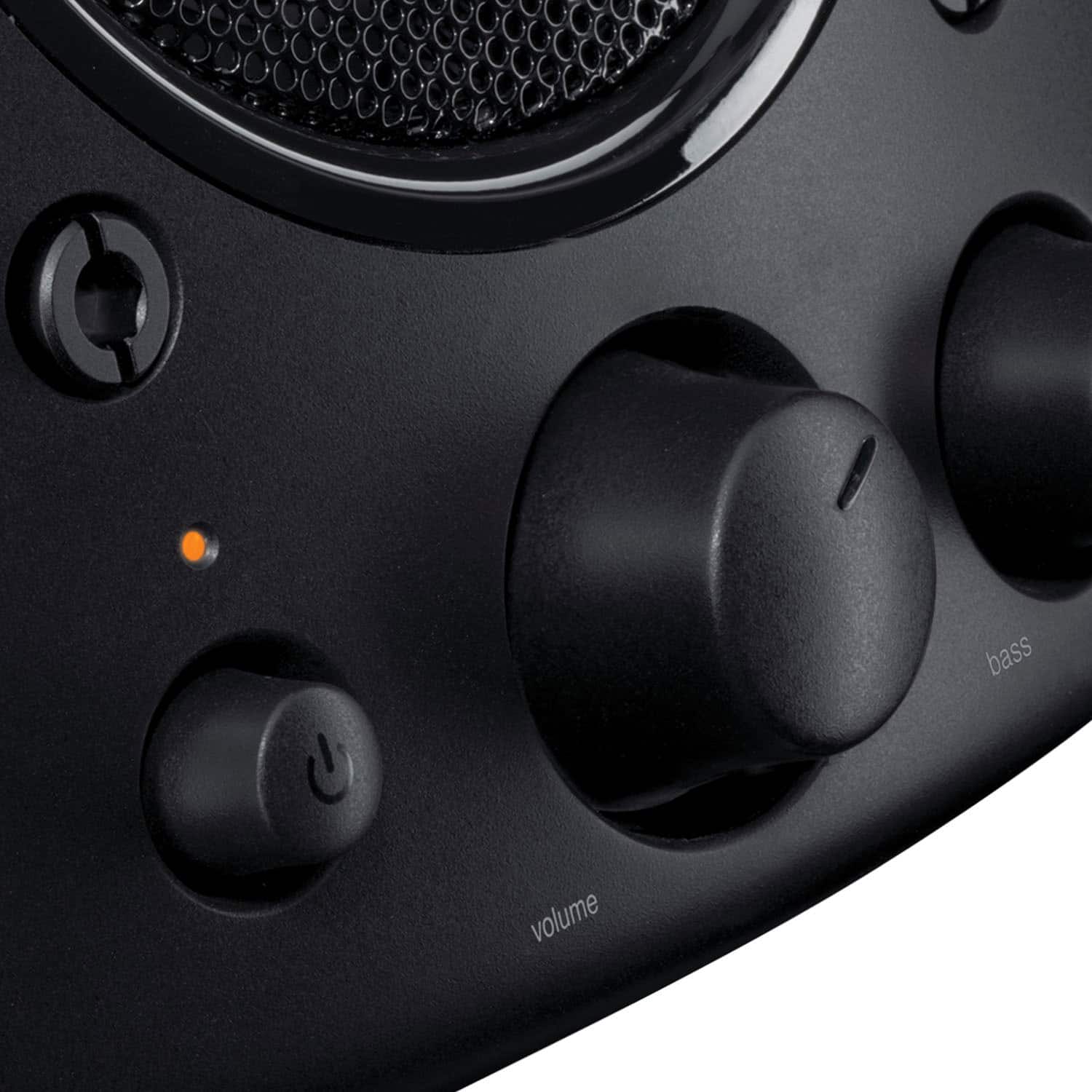
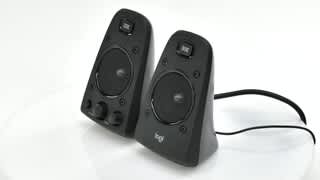
A:AnswerThese speakers get very loud. You will need rca outputs or a 3.5 mm jack though to get the sound from any device. If you only have an hdmi out then google "hdmi audio extractor", I used one on my Samsung. However, if he is 97 years old they might not be your best bet since the volume is adjusted with a knob on the front of one of the speakers. NO REMOTE. I love these but would suggest a simple sound bar with remote if you are just looking to up the volume/quality of sound, and so he doesn't have to get up or wait for someone to raise or lower the volume.