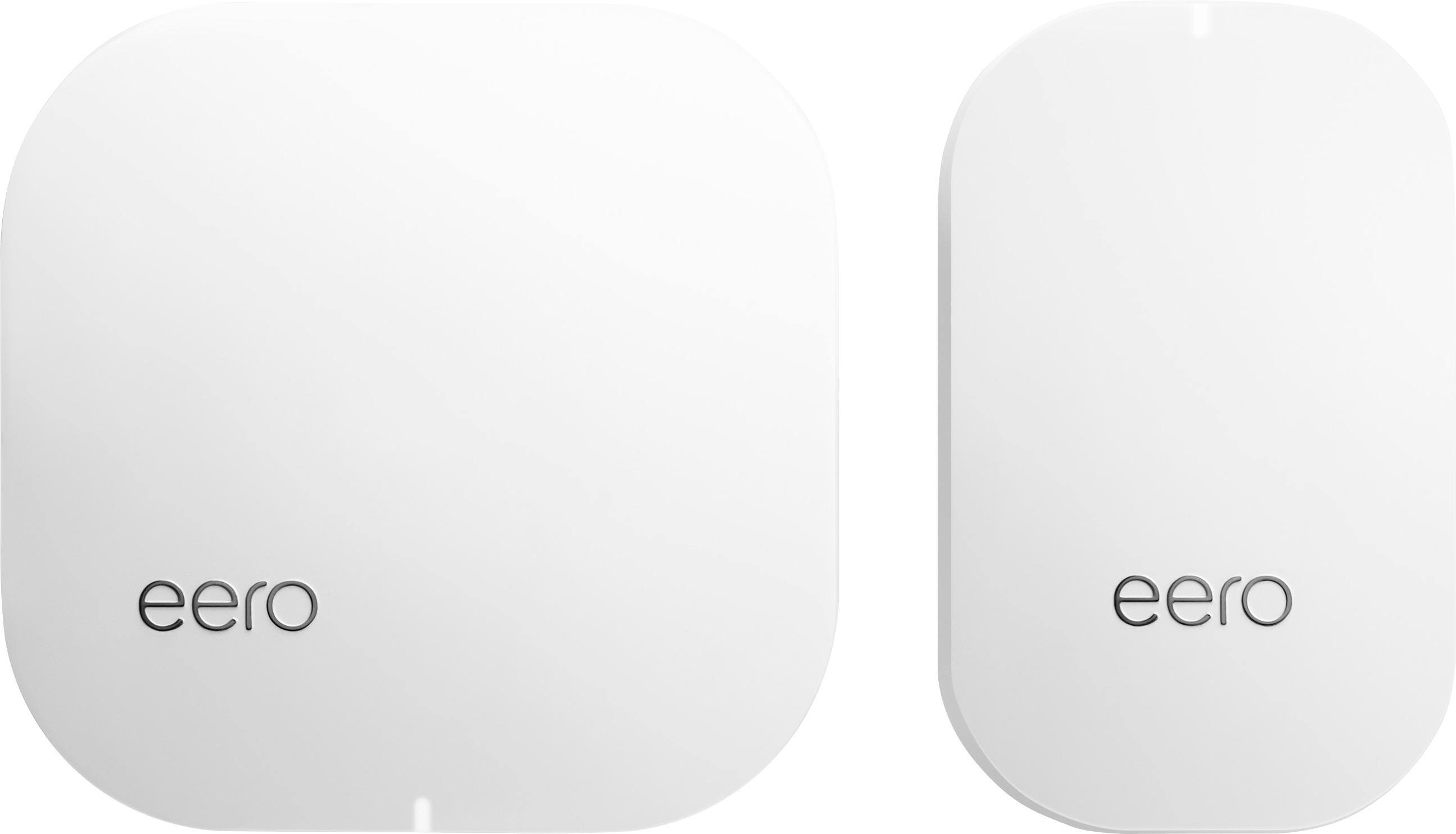
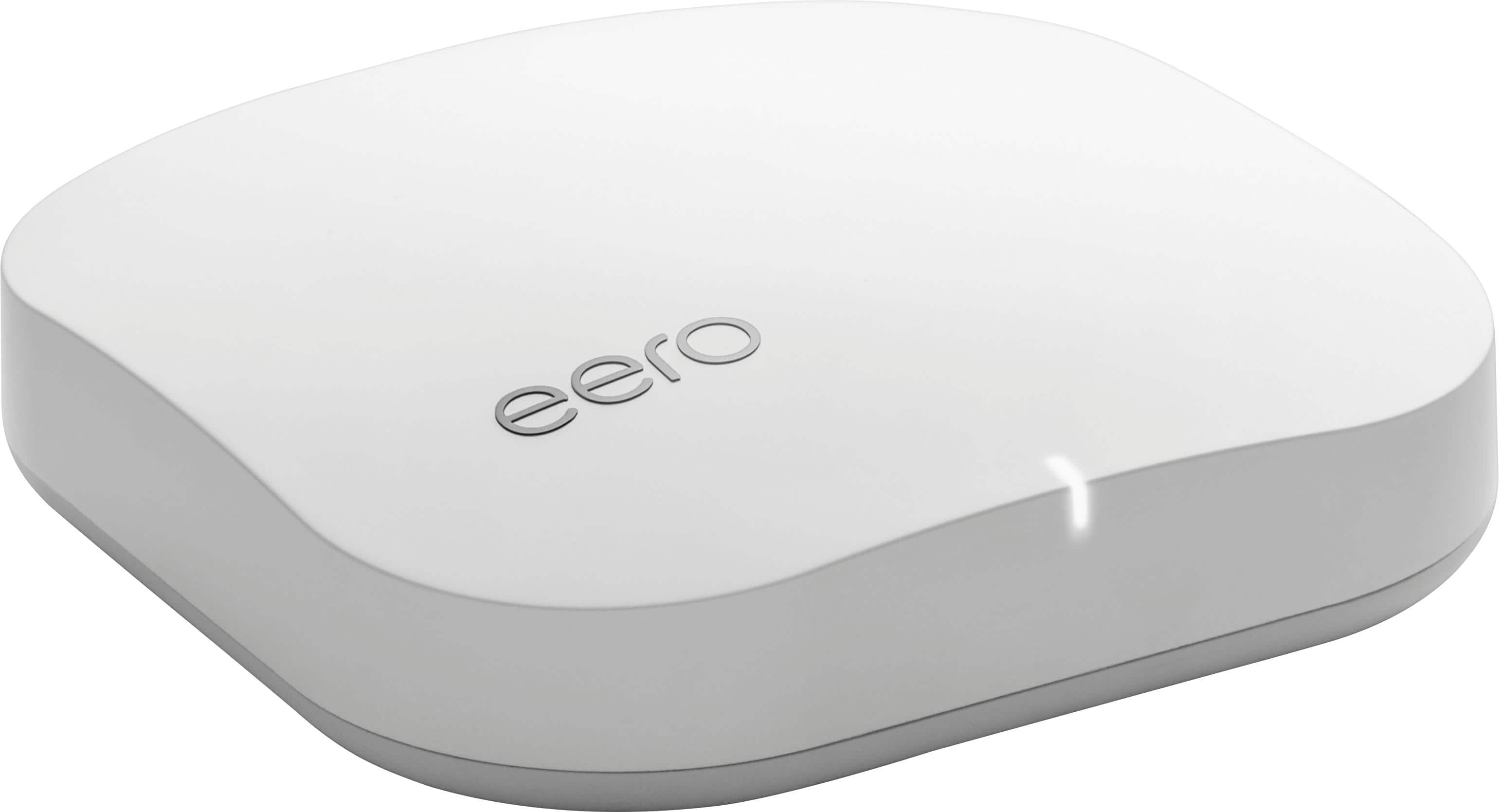
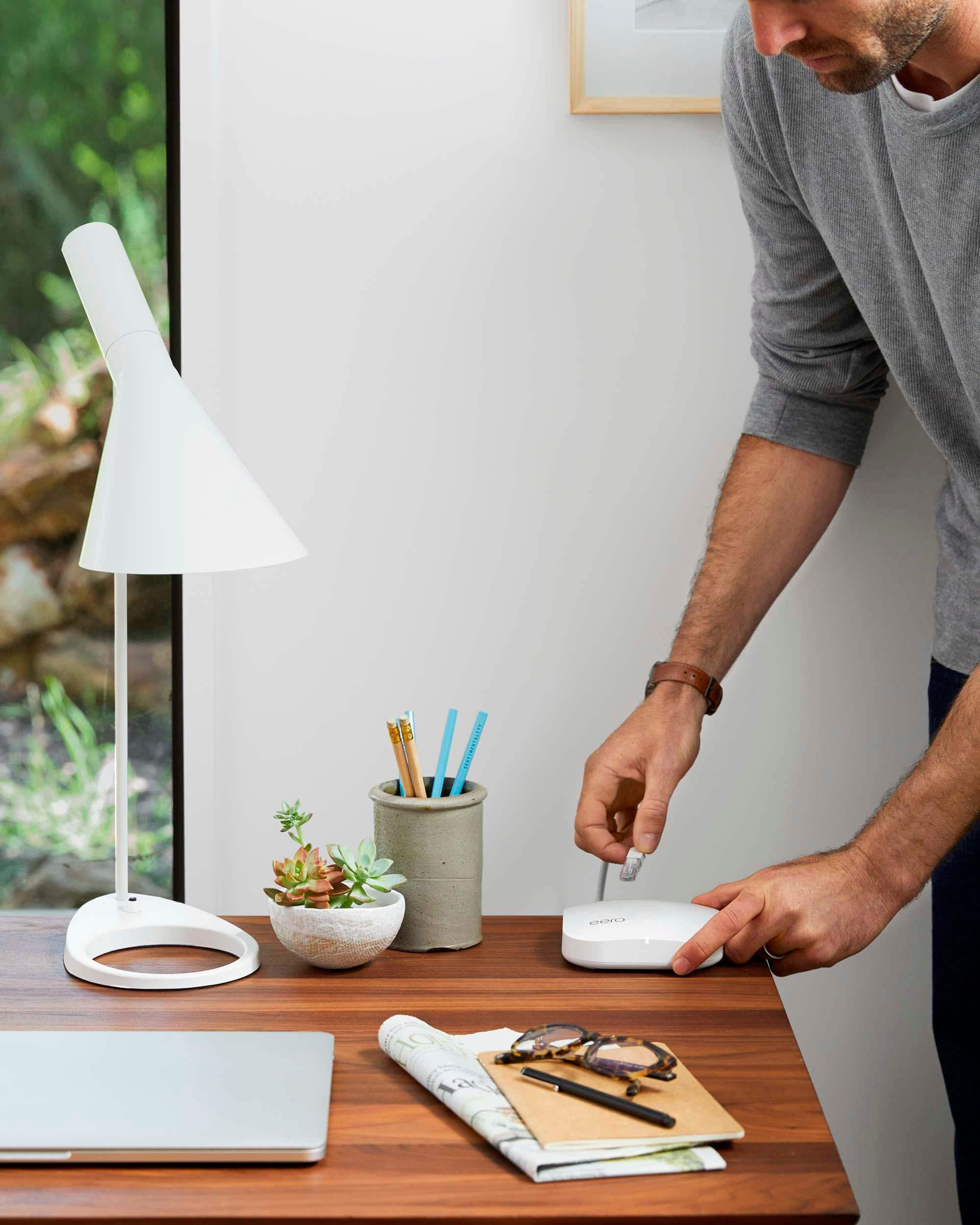
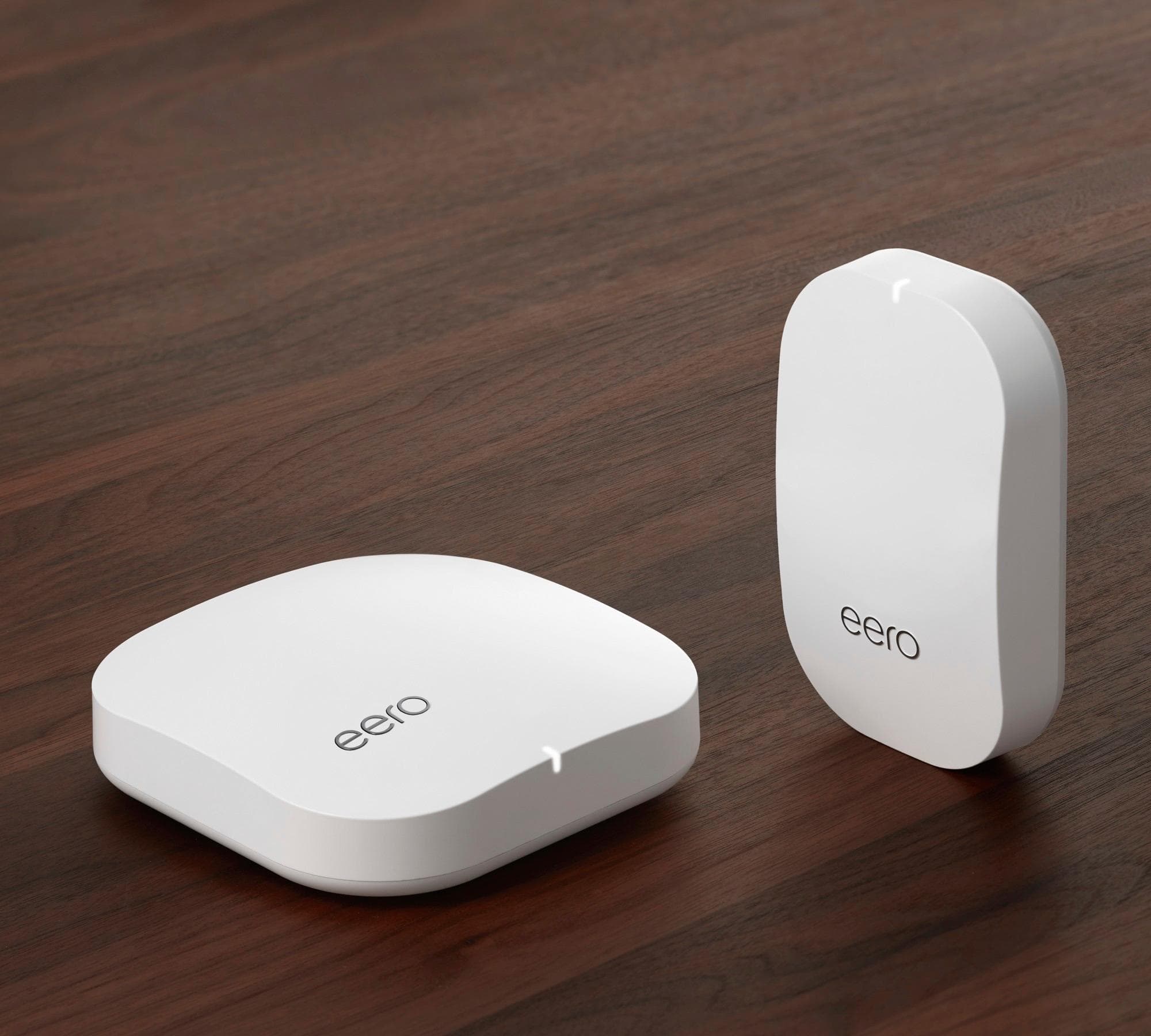
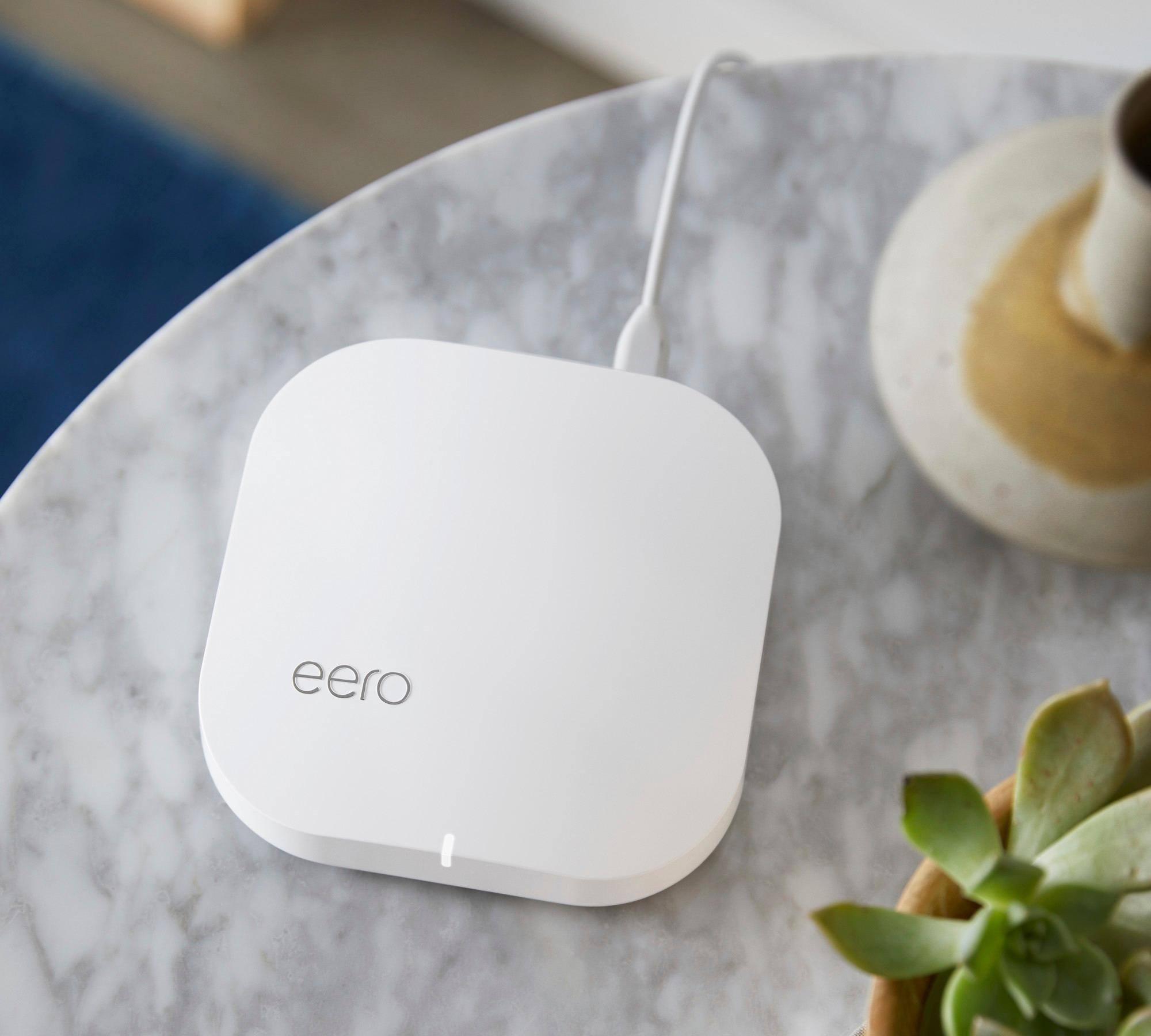
A:AnswerAt minimum, the Eero (the larger one) and a modem. But the beauty (well, the major one) of the Eero system is that it is a mesh network and to really take advantage, you should have multiple Eeros or an Eero and one or more beacons. Eero has a great tool on their site for figuring out which components work best.
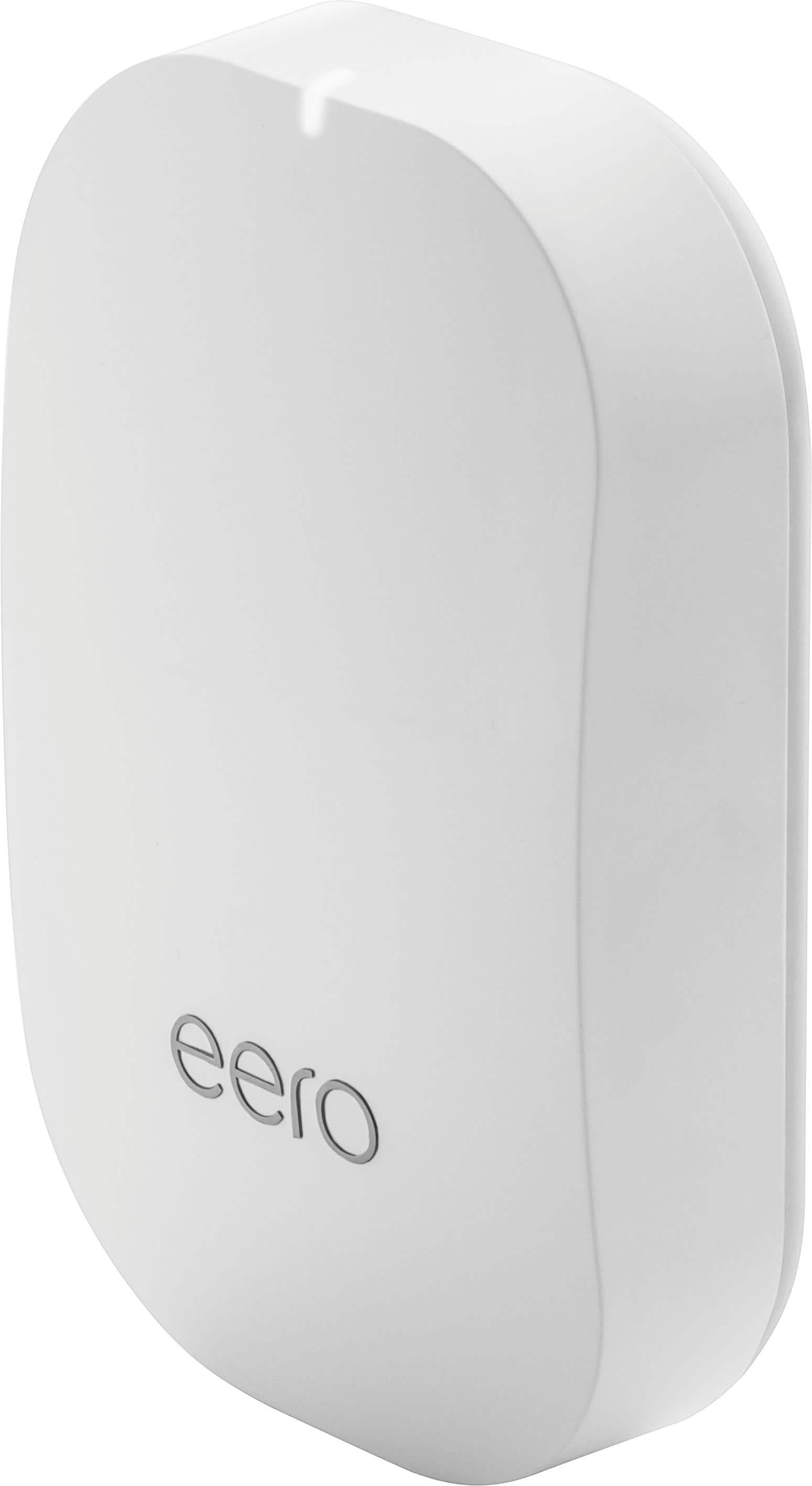
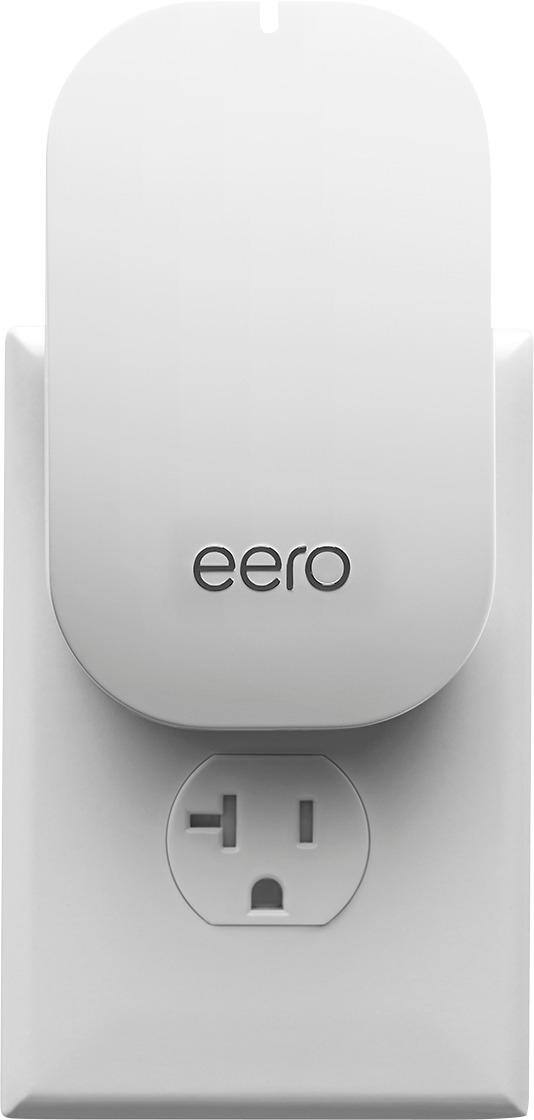
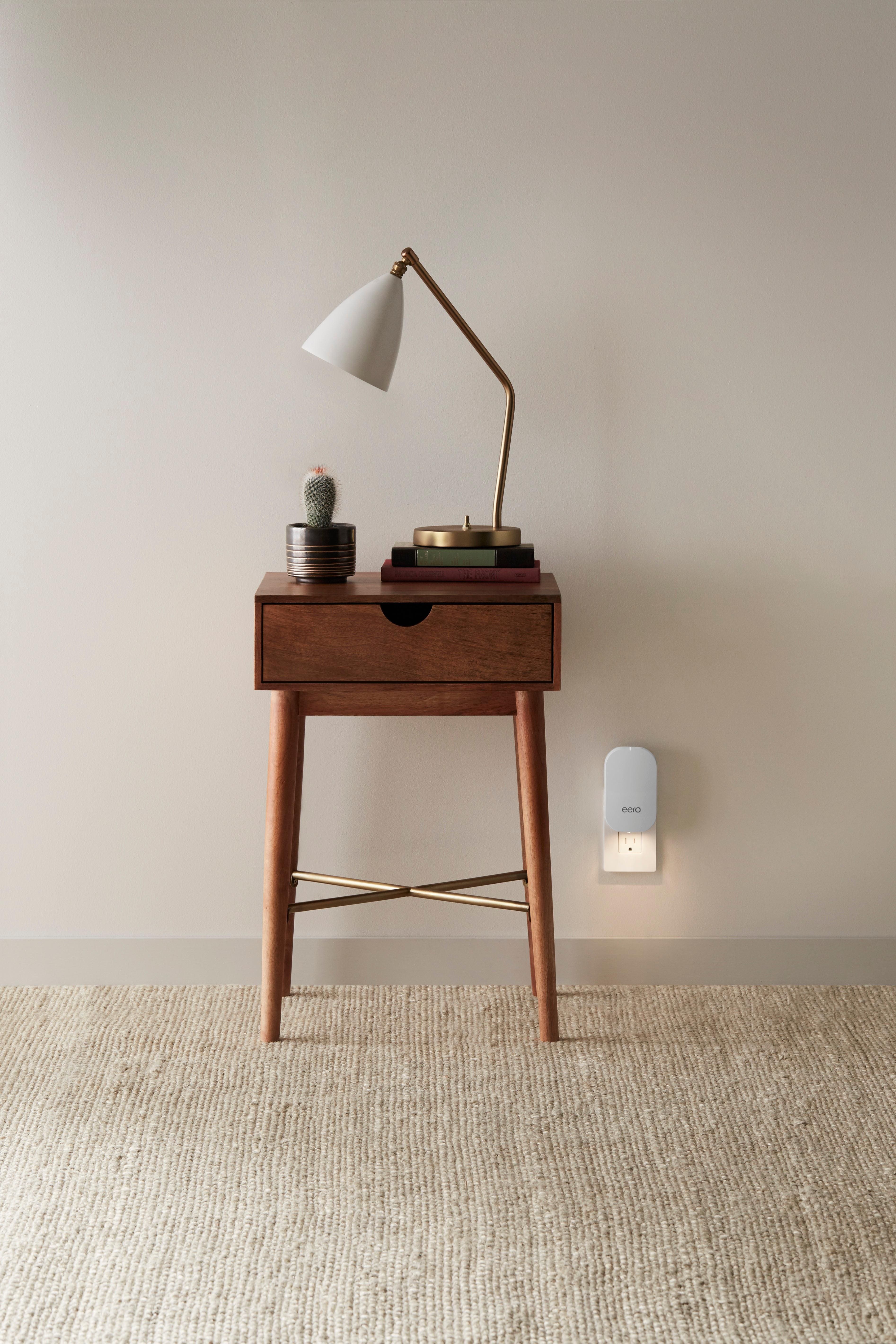
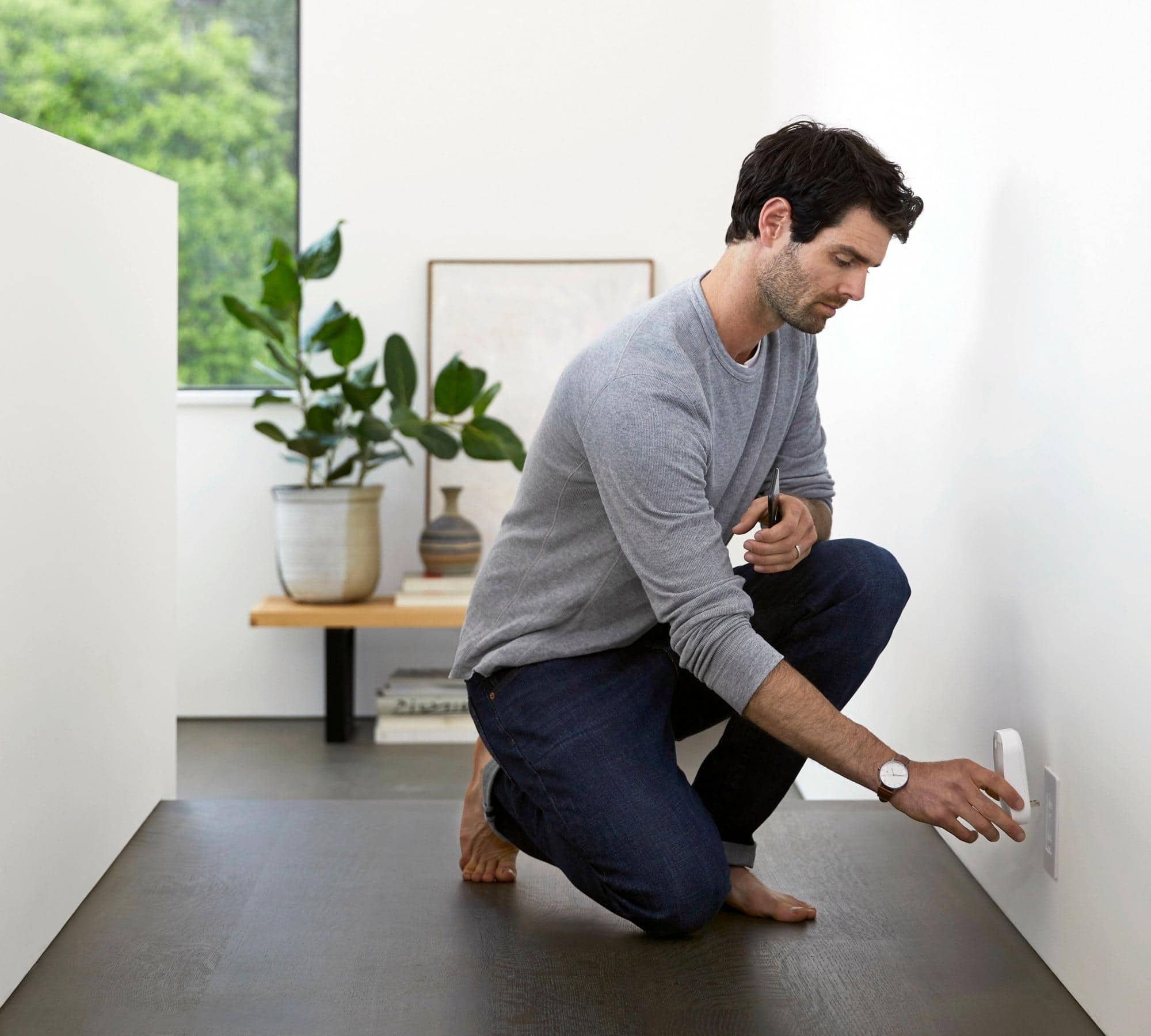
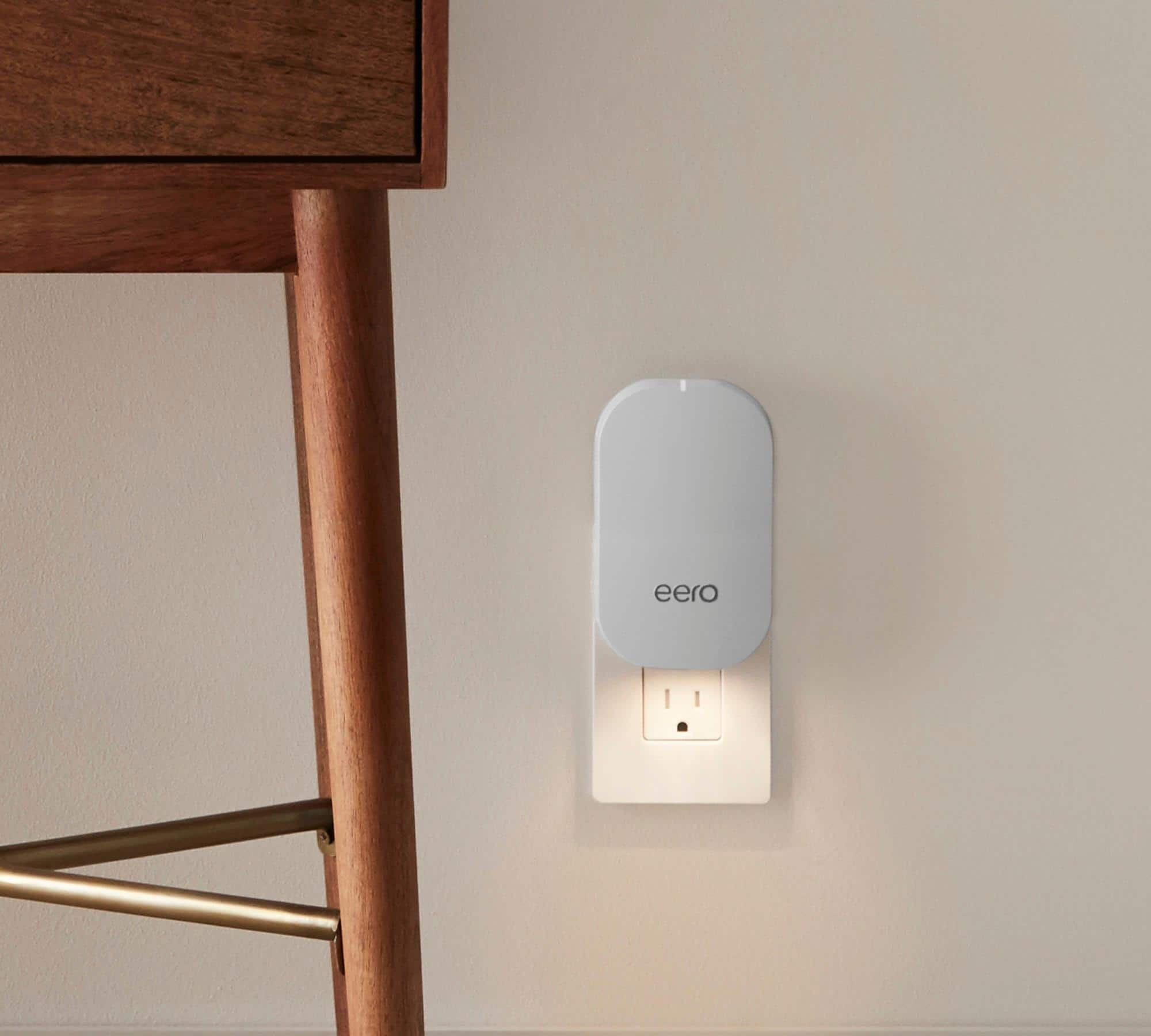
I use an Eero and 2 beacons for my home (only 1600 sq ft, but an older home, so the walls are sometimes had to penetrate with the wifi signal). The main differences between the Eero and the beacons are the Eero has ethernet ports (so you can wire devices into the remote ones) and, I believe, an additional band (?) for transmitting. The nice thing about the beacons is there just plug into an outlet and act as a node on the mesh for devices to connect to. All the switching between nodes is very seamless for your devices.
A:AnswerWe have a large home and had previously had coverage issues with a combo router/modem. We considered buying separate devices and better quality modem and router or orbis mesh system but jumped at eero mesh WiFi (1 Eero + 2 beacons) and it’s worked very well. We could have bought two piece instead then added a third if needed but we’re tired of issues and wanted to ensure adequate coverage so bought three piece and it’s been good.
Beacons are basically additional routers that work together to overlay (or mesh together) coverage areas creating a large WiFi network (as opposed to a router with an extender that “tries” to stretch the router’s signal).
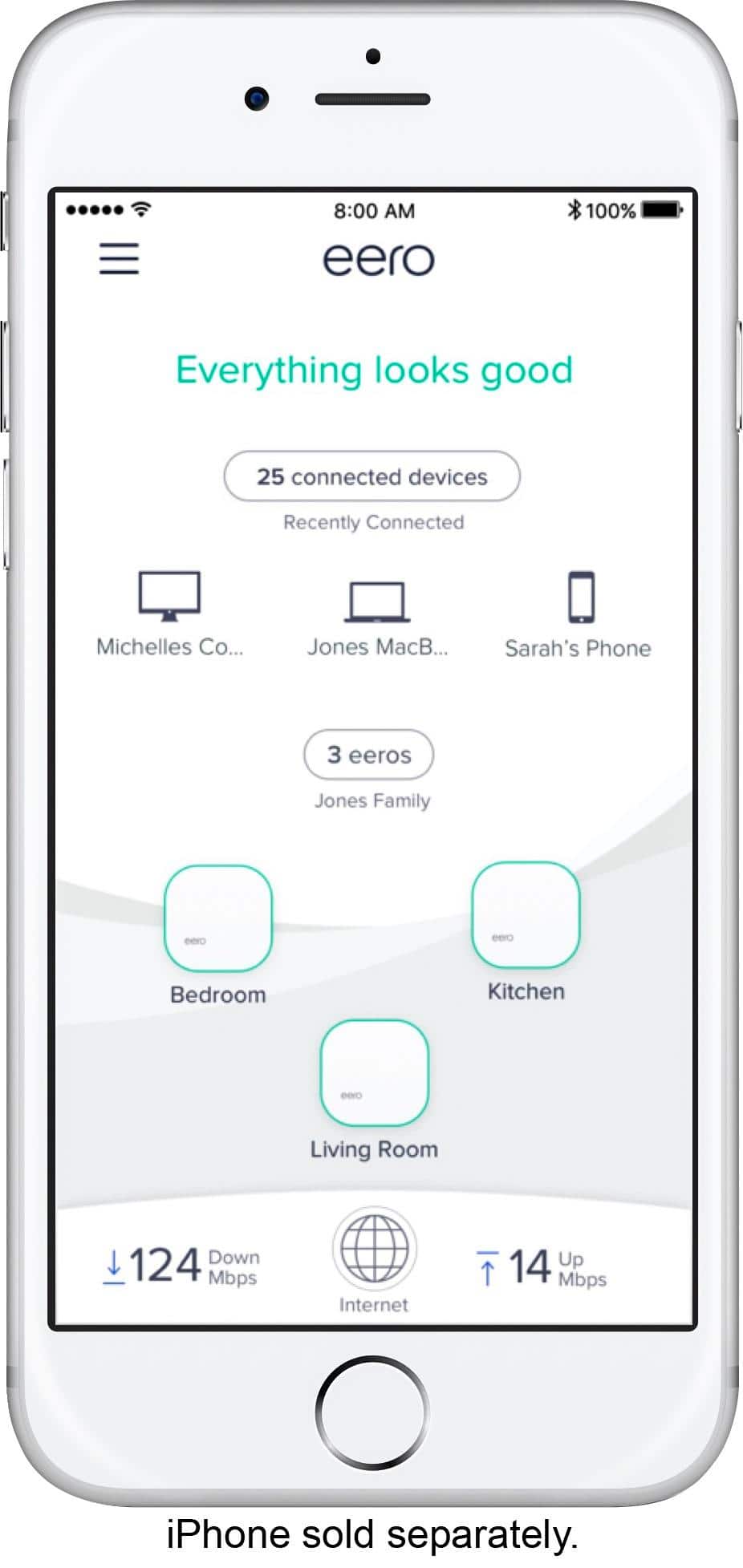
A:AnswerI can’t think of any reason it wouldn’t work. I am not a tech guy and it took about 5 minutes to set up the system. It is really fast and no sort of fall off. Also one can easily check speed of the system from the app.
Get it and see for yourself!
A:AnswerFrom what I can see the front end modem is transparent to the Eero. It doesn’t care as long as there is a signal. If you have used any other wireless routers in the past, Dlink, Netgear, Apple, etc then this will work and you will be surprised at how easy the setup is compared to the others. Pretty much plug and play.
A:AnswerEero has Ethernet ports so you can connect components directly to it. I believe it also has an additional band(?) to broadcast one, so might be a bit faster.
The beacons have no ports, plug directly into the wall, and are cheaper. I have an Eero and two beacons, and the beacons work great. So much better than my old router.
A:AnswerGoogle Home will connect to the network just fine. I don't believe Home has any ability to perform functions on the Eero (e.g. shut down connections, etc) however.
A:AnswerI just installed the unit in a 3500 sq ft house and at this point it appears to have enhanced the availability of wifi to the remotest spot on the lot. I am happy with the eero thus far and relatively easy to set up as well.
A:AnswerI believe it will work. We have a 3 story town-home and recently installed an Eero system and it works great on all floors. We installed the main unit on the 3rd floor and one of the companion units on each of the other floors. Formerly, we had a Linksys 1600AC router and Linksys range extender and the coverage was terrible - constant pausing, etc. We were hesitant about the price of the Eero, but now wish we had pulled the trigger when we first read about the system over a year ago.
A:AnswerYes. But you will need to replace the Comcast router/modem with straight modem to use erro as your router. Depending on model you have. Go into setup and see if routing can disable mine did not. Replaced with one that did not route. Buy the three pack eero not the two we had to go back to store for more becons. Also when I returned modem to xfiity they told me they now have there own version of the eero/ mesh network, but it was done and I got the modem rental off bill
A:AnswerIt depends on where you place the devices, you may need a third node...
I have had zero problem with multiple streaming and gaming devices going at once.