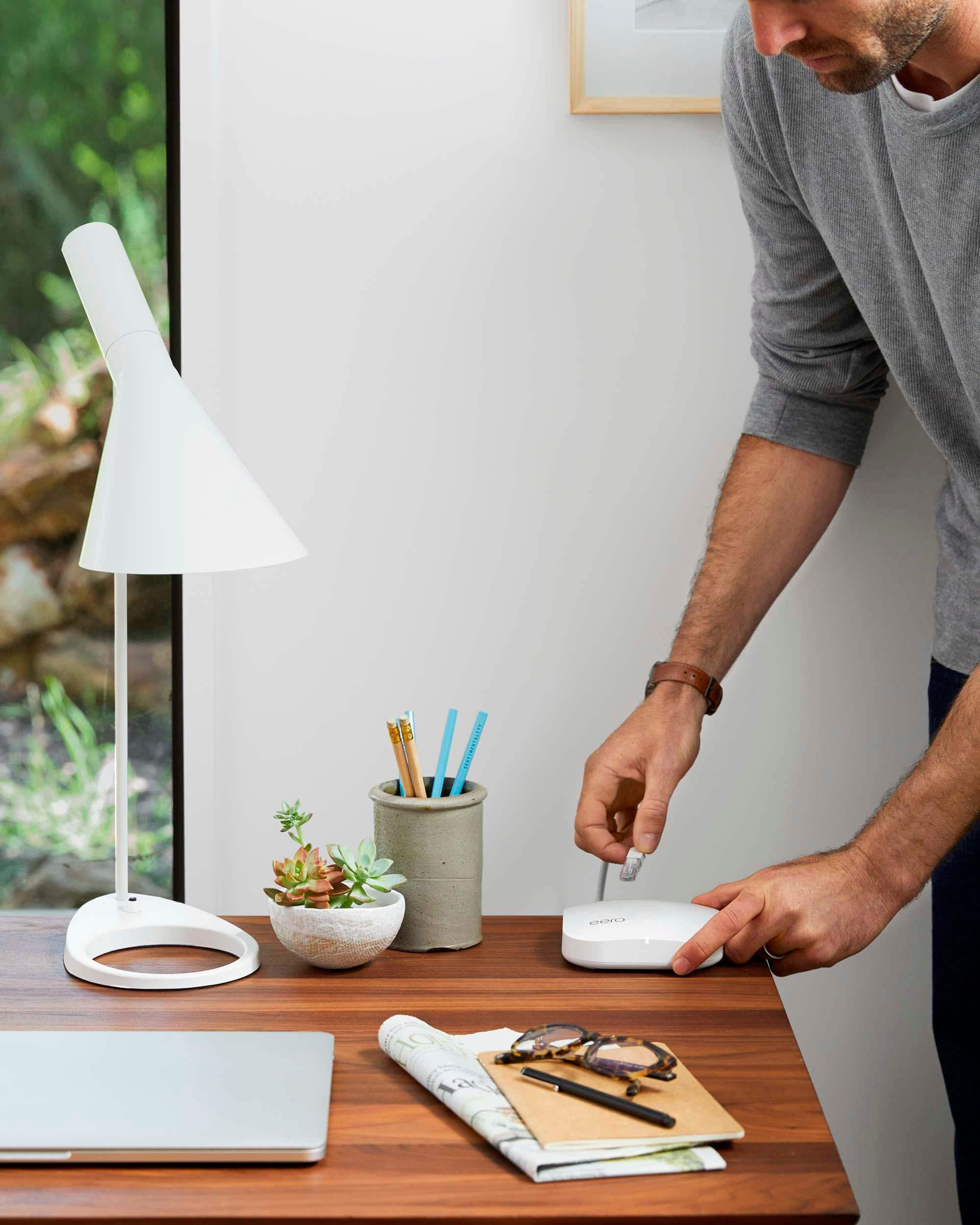
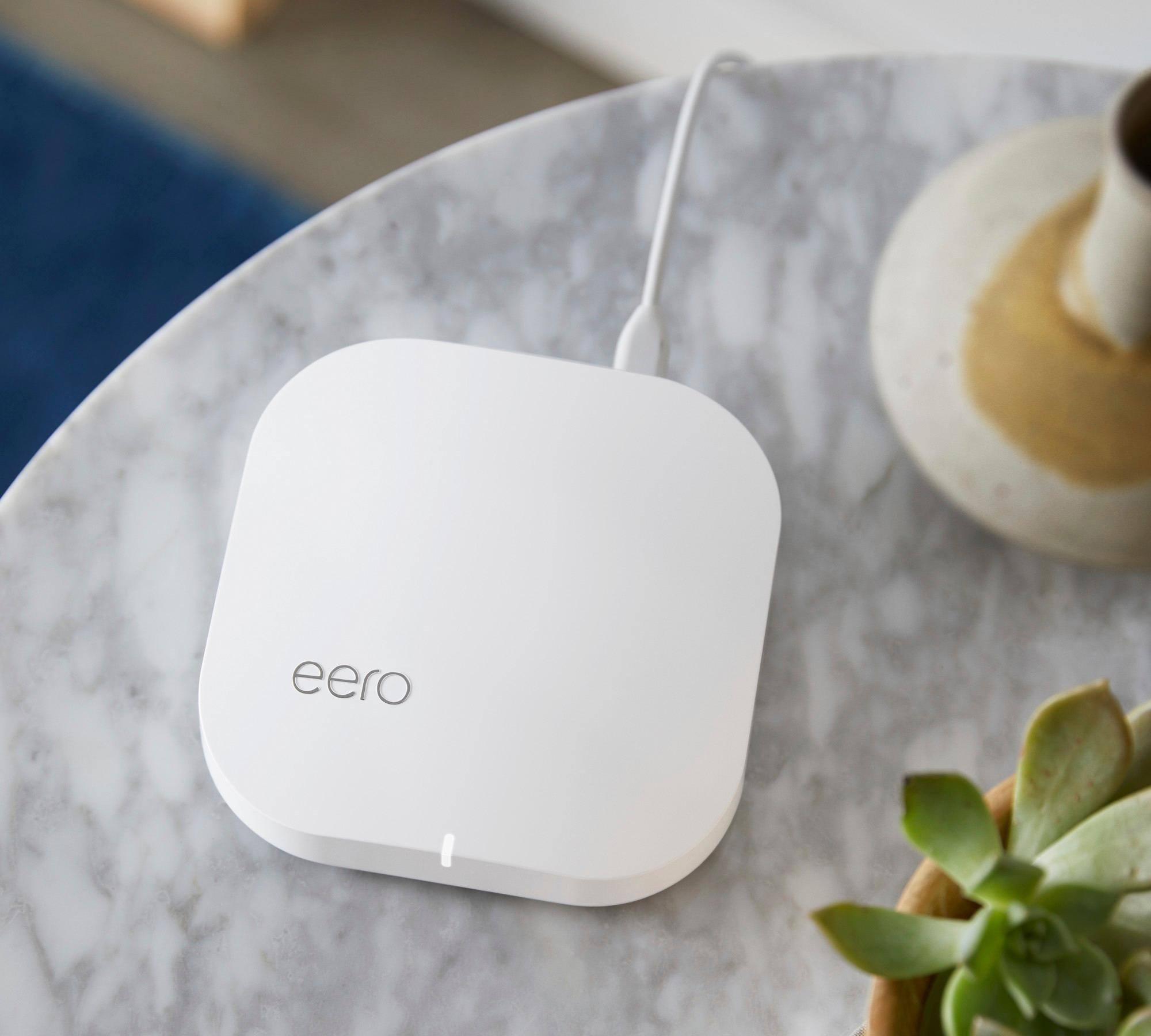
A:AnswerI just replaced my spectrum modem/wifi router (sucked) with a modem only. I used the single ethernet out from the modem to the Eero. I then plugged 1 ethernet from the Eero to a Ethernet 4 item port. Works like a charm and all my wireless devices go thru the Eero
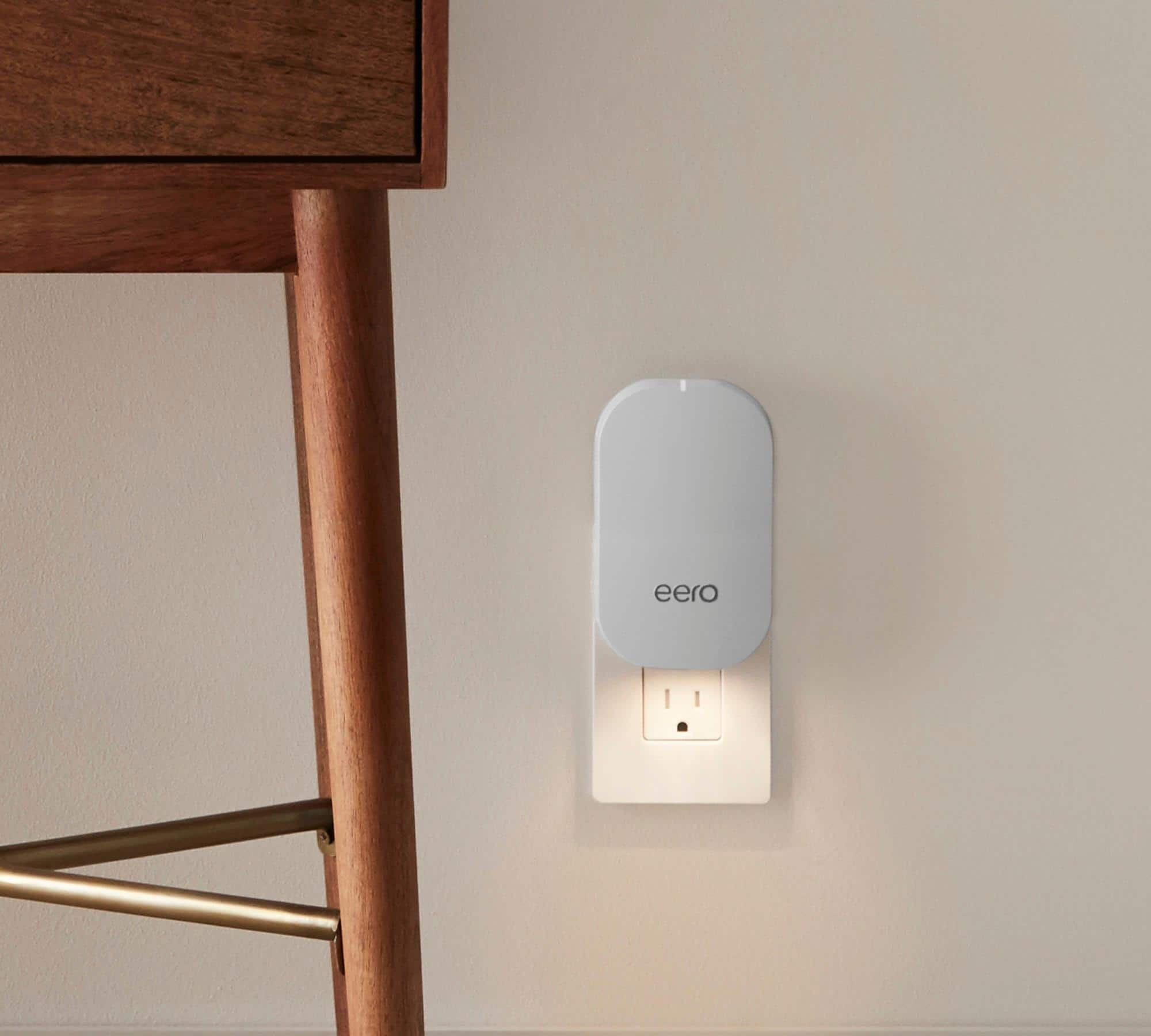
A:AnswerYes, any of the eero products will work together to extend your network. The bigger hubs just offer higher bandwidth capability (faster/more data) as well as a bit more connectivity since they have Ethernet ports. It all depends on what you need.
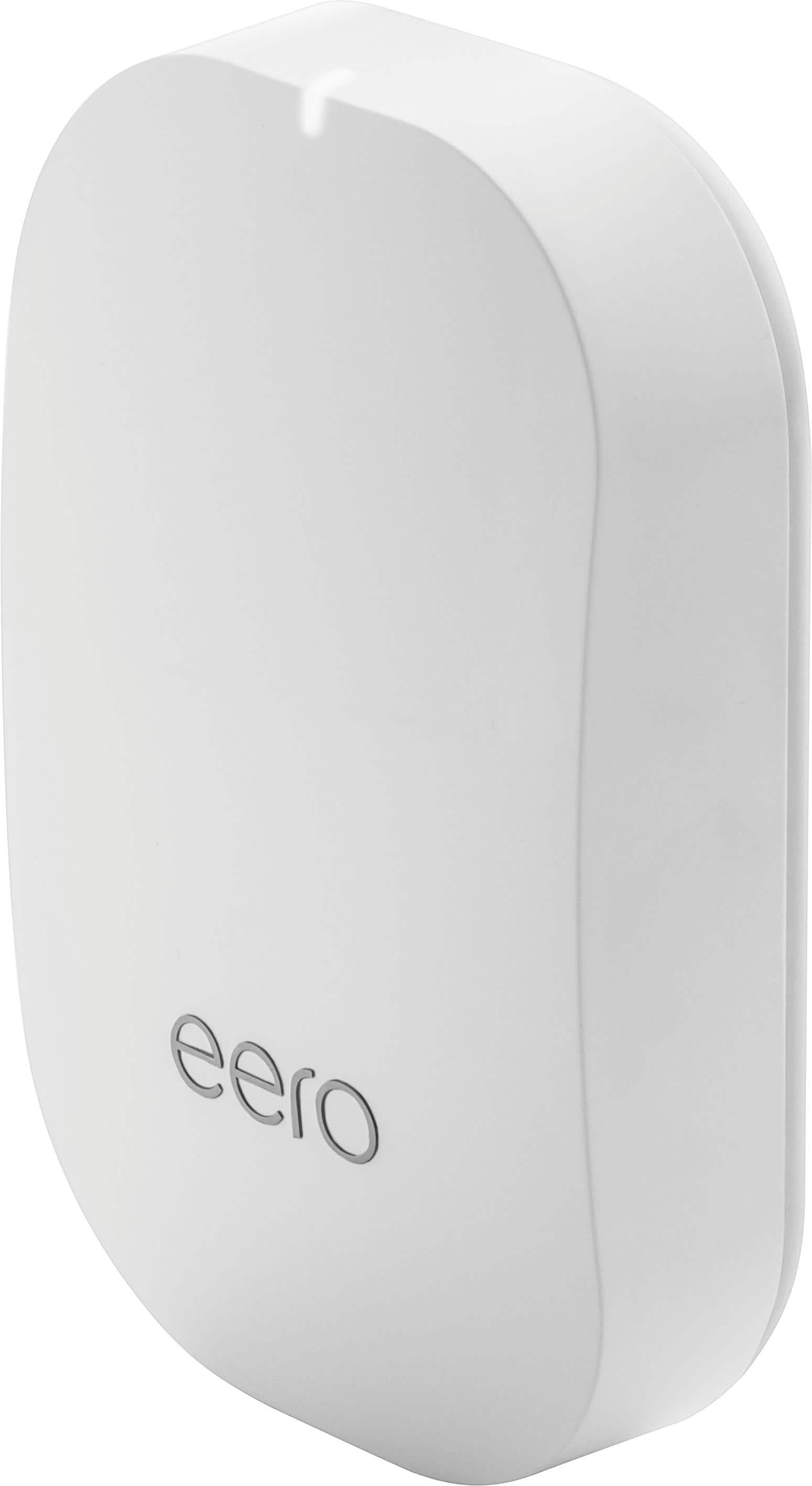
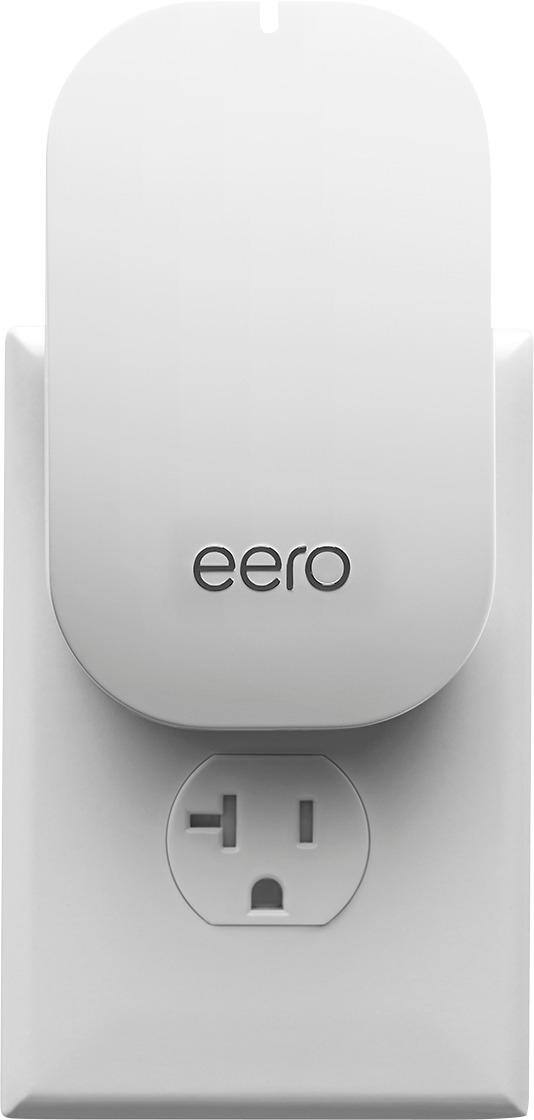
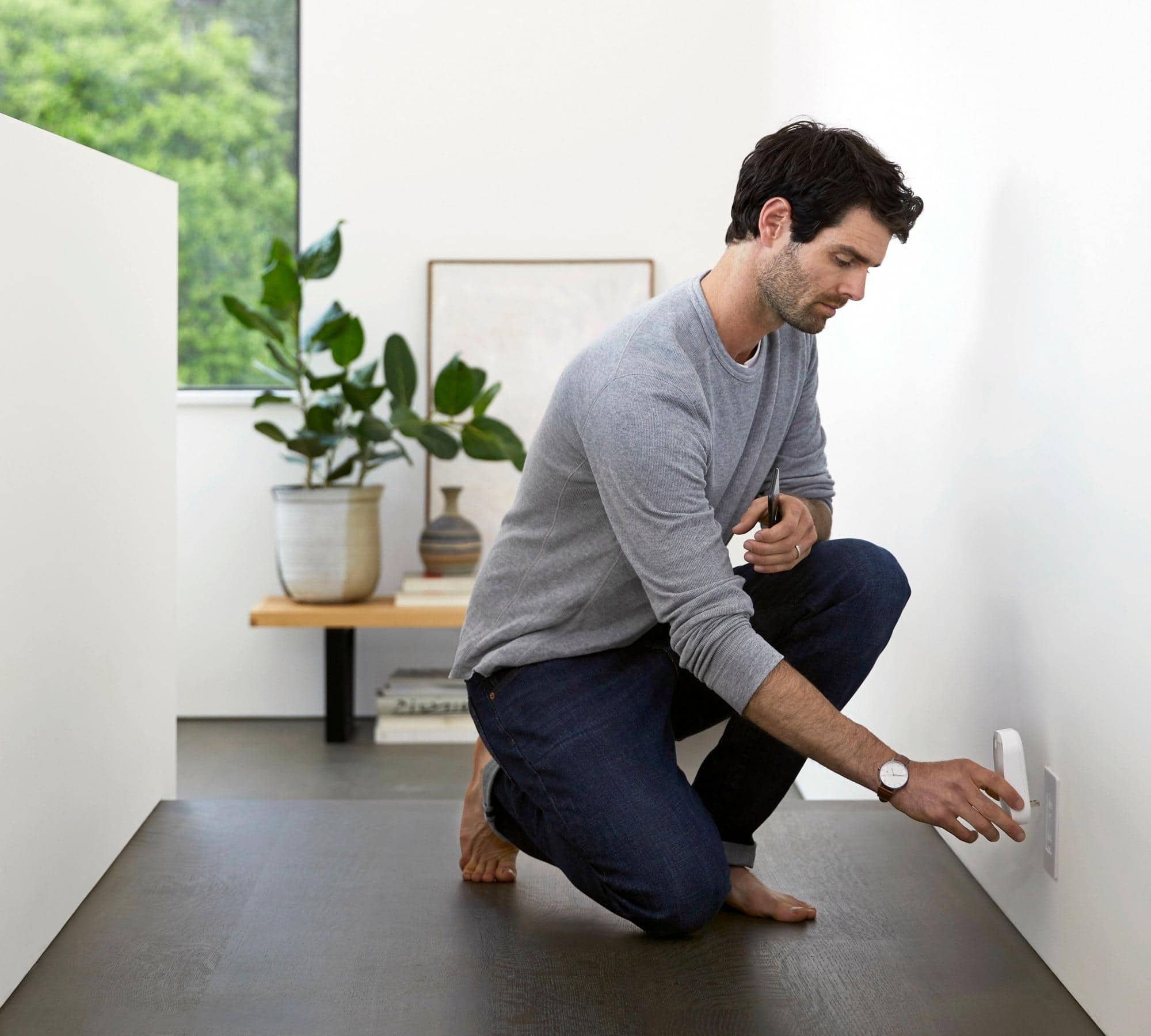
Since the upstairs is primarily phones, tablets, and smart home devices the beacon worked fine for our needs. If I were looking to do video streaming or gaming, I might go with another hub for that area
Hope that helps!
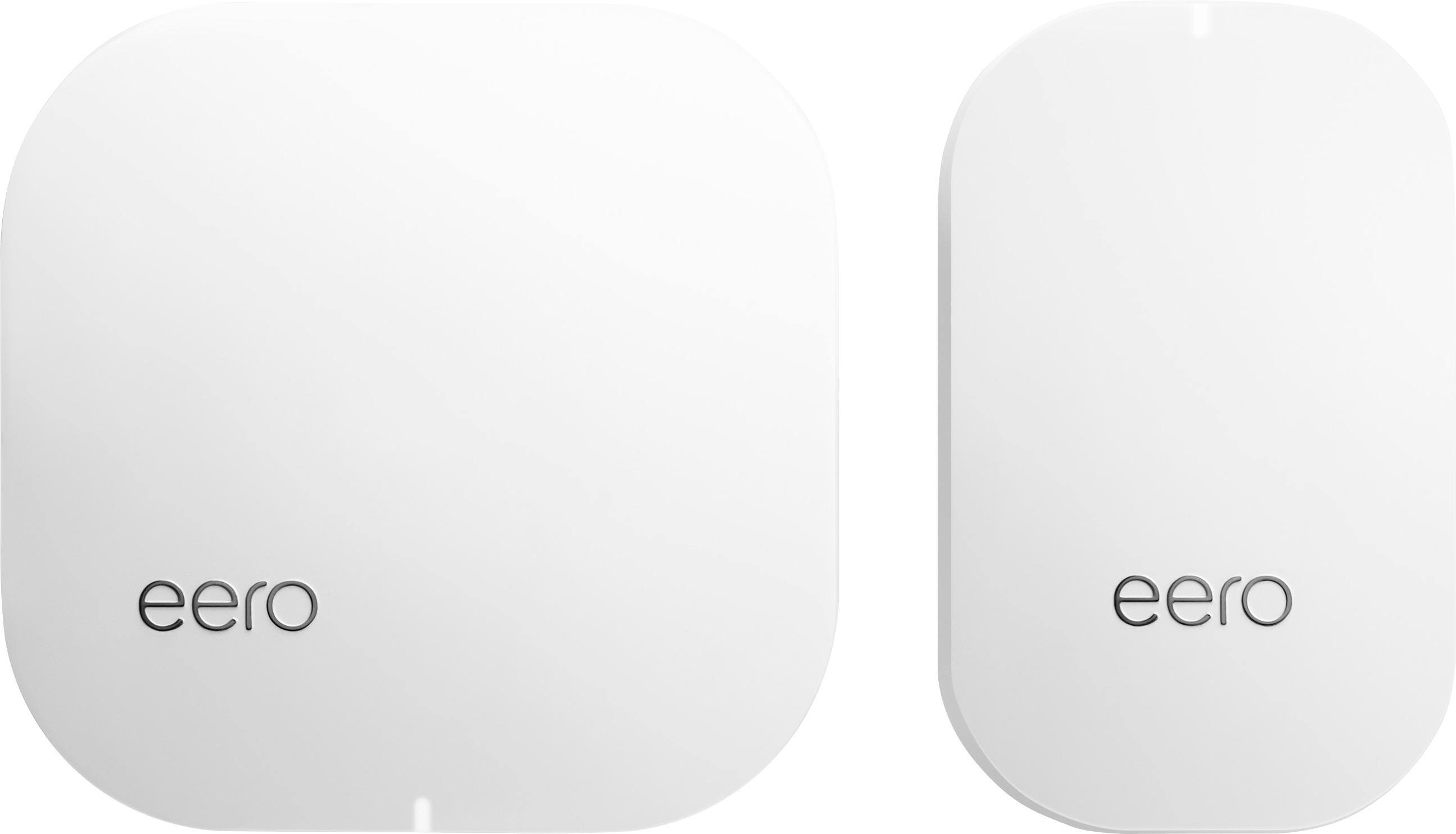
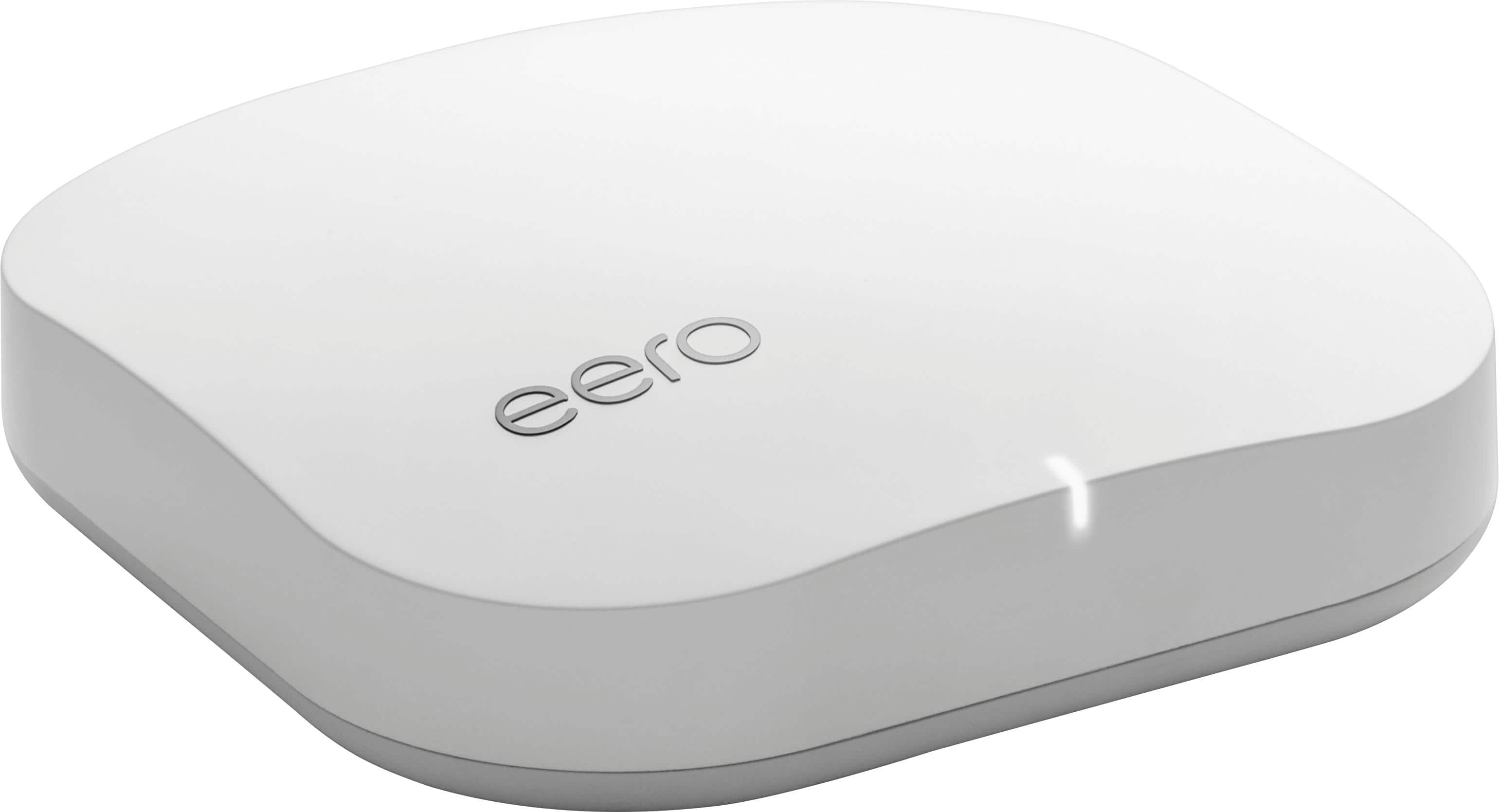
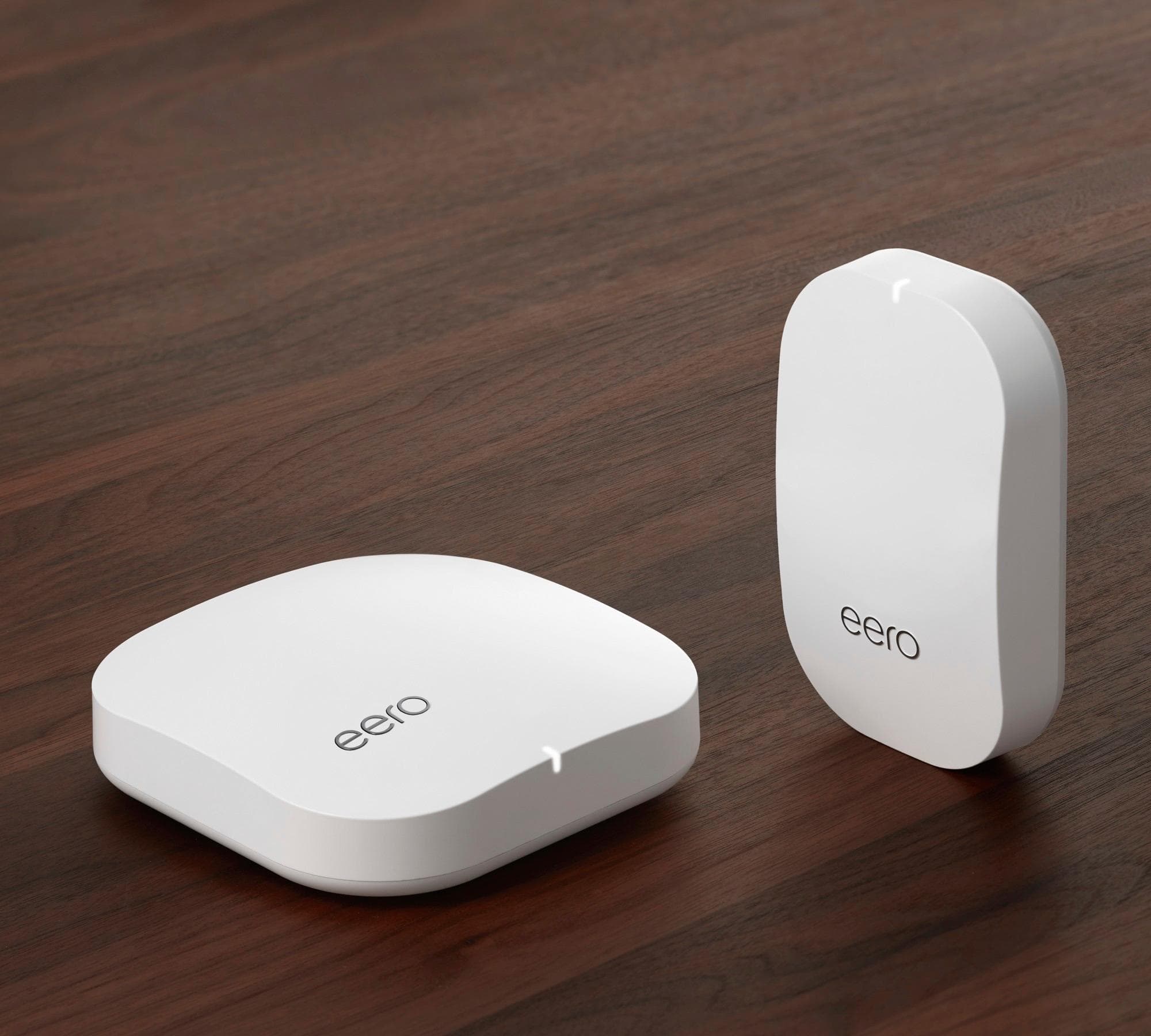
A:AnswerThe advantage of having a eero base as opposed to the beacon is the ability to hardline a device via the two Ethernet connection on the base. The beacons don’t have the ability to be physically hardlined and the base does. Three bases means one plugs directly into your router and the other two are free to be placed in other rooms where you may want to hardline an Xbox or Hue bridge. I like the beacons but only as an addition to the eero pro base stations.
A:AnswerHave Xfinity, 2 Ring video doorbells, 2400sf tri-level home. Just installed (easy) Eero +2 Mesh wifi system. Improved Ring 200%, no more dead or fringe reception areas. Also, check with Xfinity about your modem, may be outdated, unable to handle newer speed.
A:AnswerNot sure with the 1,000 Mbps set up. I have ATT internet 50 and consistently receive 48-50 speeds no problem with the eero WiFi system. Check your ATT router settings as it may be causing conflicts with your other equipment. If you don’t have access to it, ATT can troubleshoot it over the phone.
A:AnswerYes. I have Apple everything (phones,tv,computers,speakers,watch) and I’ve never had any issues with compatibility or connections. All my music, movies and what not play seamlessly from my phone or Appletv.
A:AnswerYou should be able to use a wireless connection between your printer and a EERO network that you set up in your house. You can also use an ethernet cable.
My HP 9015 printer has a wireless connection to my EERO network.
A:AnswerThis will be behind your ISP modem and replace your existing router. You have the option to keep your existing router and either run the system in bridge mode or do dual NAT.
A:AnswerOurs is one Eero device and 2 beacons. Says it fits a 2-4 bedroom home. Ours has angles and other barriers that make a normal router inadequate. We found we lost connectivity in certain portions of the house. This was a good solution, especially given the product's guides to optimal placement of the beacons.
A:AnswerYes. If you have Video service from AT&T. You will have to use the AT&T router for WiFI. Then you will either have the eero in bridge mode or use a different network name from AT&T router is using. If you mean by an extra router, you want to have two wifi networks, then the second method would work.
If you just have internet from AT&T, then put that modem in the bridge mode and use Eero exclusivly. Or you can use both (with different network names or turn off ATA&T WiFI) and double NAT the eero.
The following link gives more details
https://support.eero.com/hc/en-us/articles/207988076-Setting-up-eero-with-AT-T-U-verse
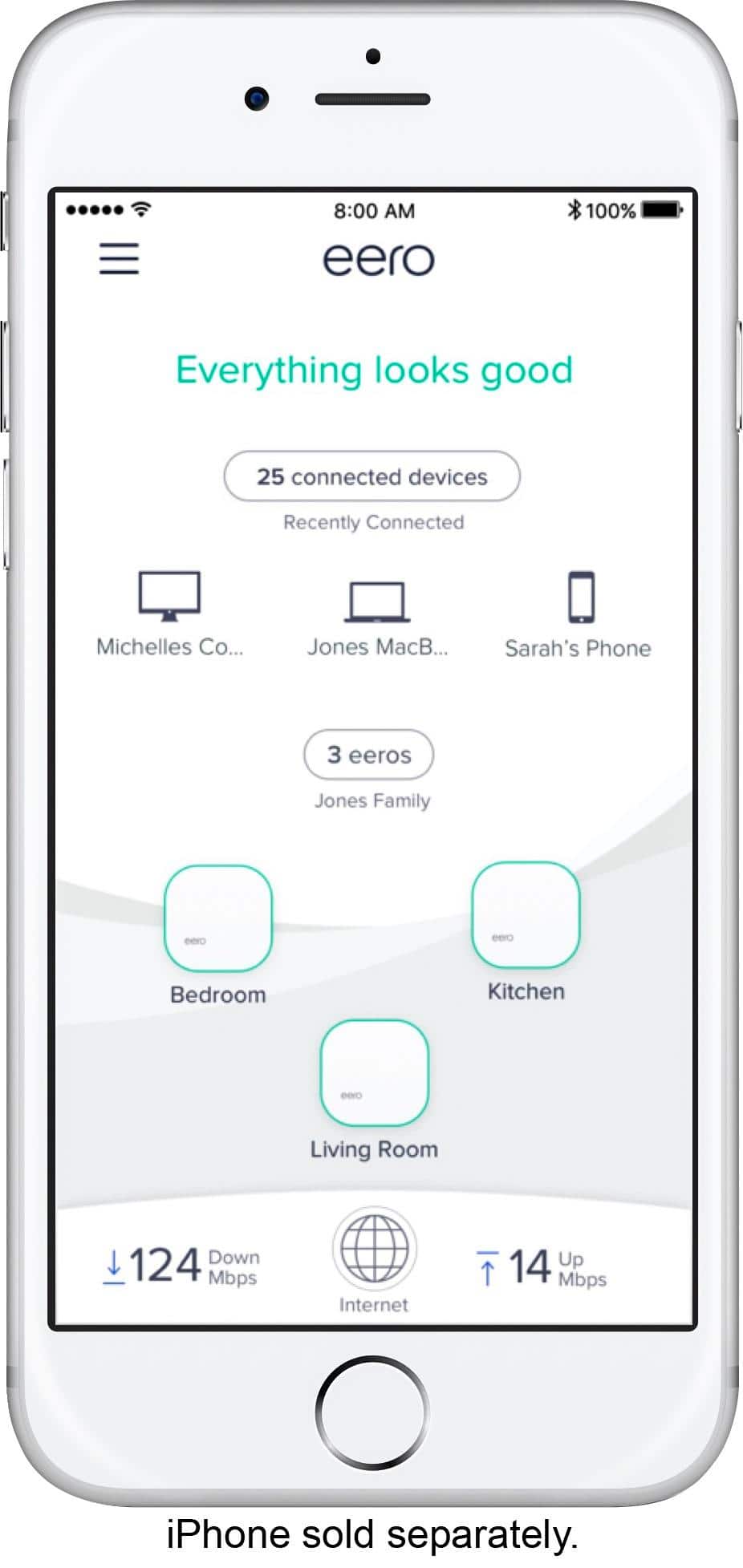
A:AnswerThe 3 eeros are all full routers with 2 ethernet ports and you can configure one to the router. But the model is one router which will connect tot he internet connection and the others are just WiFI satellites (no ethernet ports)