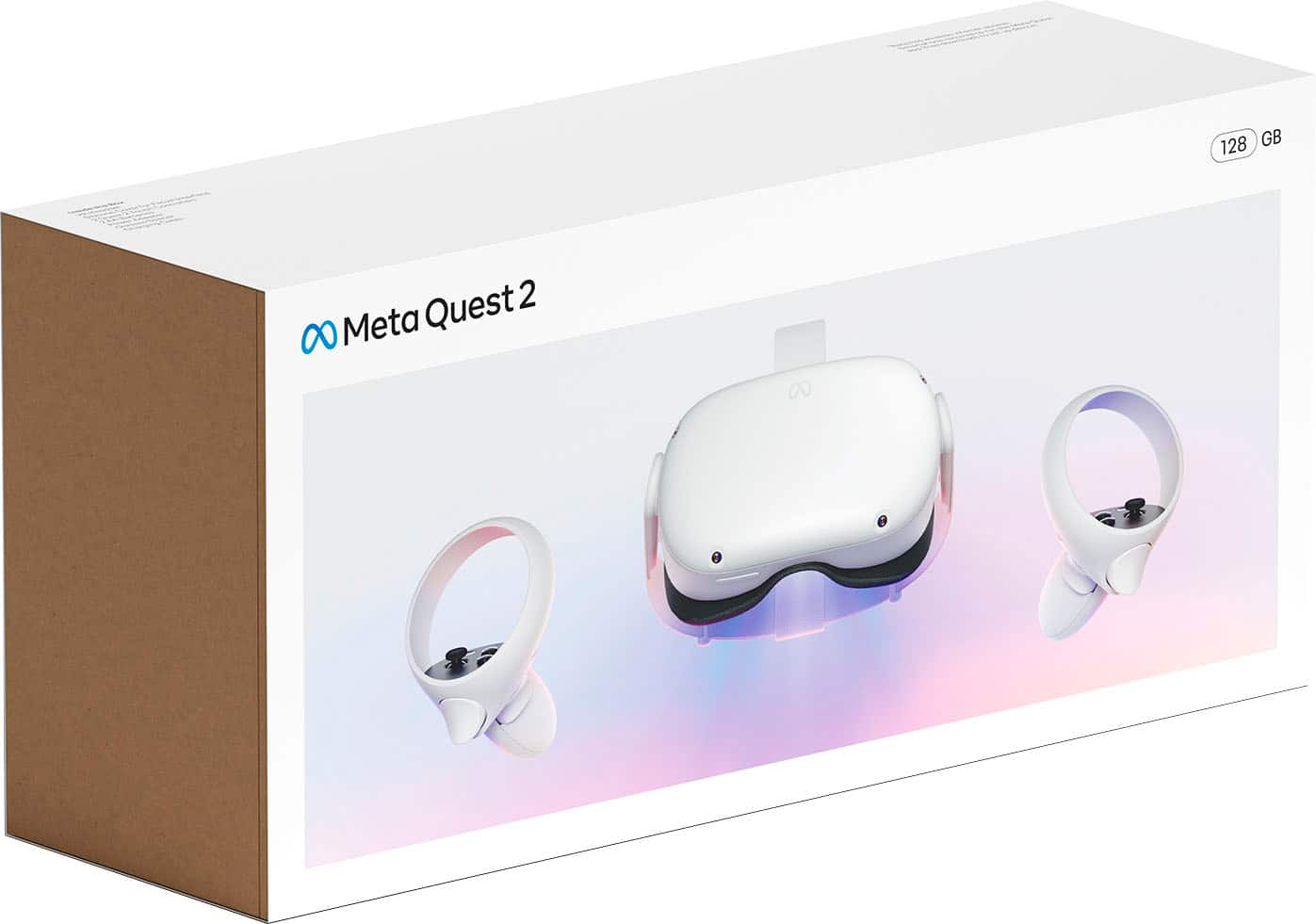
A:AnswerThe memory refers to how much internal storage the device has. Most common VR games today usually take up between 2-5 Gbs at a low and usually up to as high as 30-40 Gbs for larger games/applications. The more memory the system has, the more content (Games/Apps) the device can hold at one time; without having to delete stuff to add more new stuff.
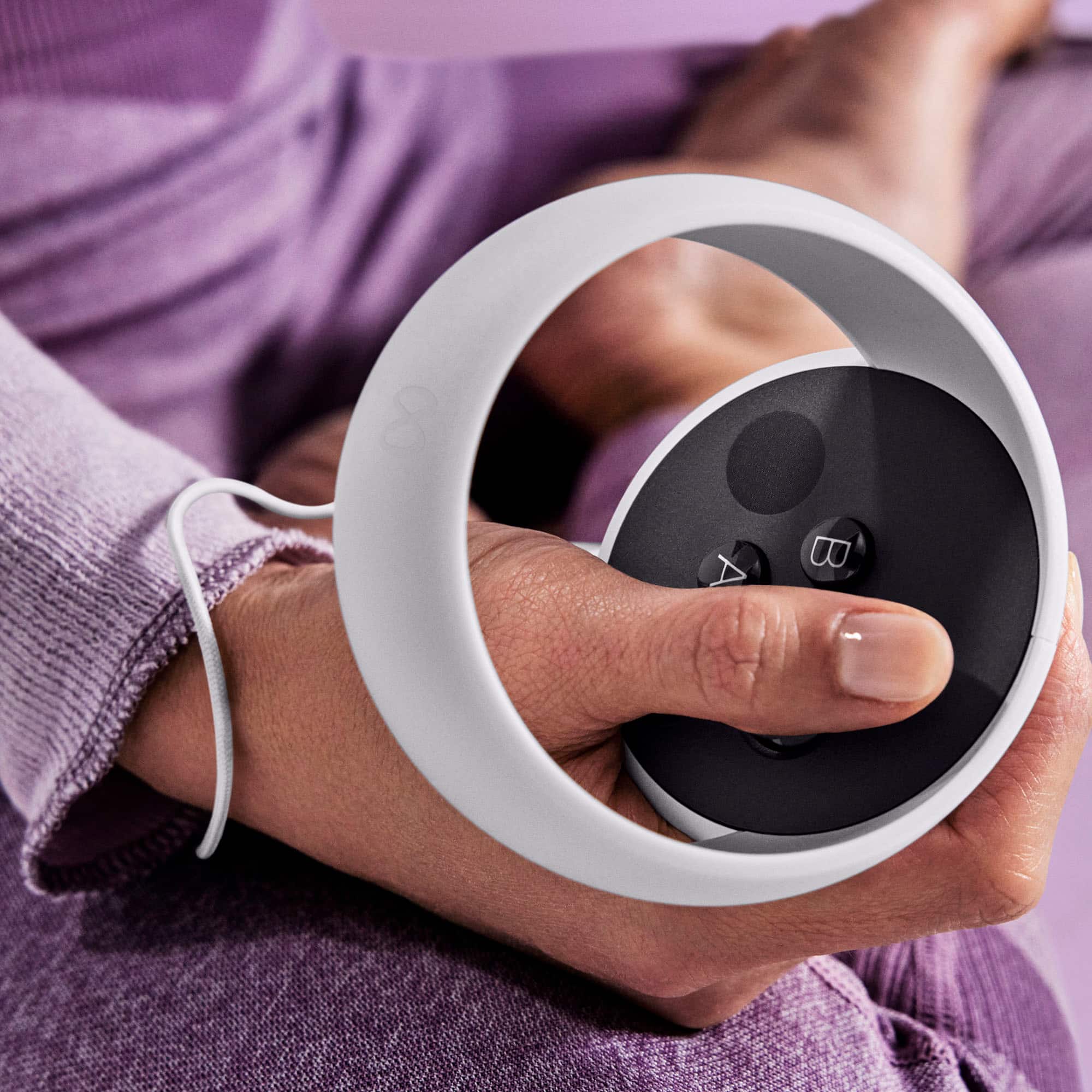
A:AnswerYou will need to make or already have an Oculus account. As far as physical hardware you would only need 2 AA batteries for your two controller (1 per controller). The system itself will have it's own internal Oculus store where you can buy and download games. The previous generation device did all users to hook the headset up to a PC to play Steam downloaded VR games, I would assume this new system would also have the same capabilities.
On a side note: You should buy rechargable battiers and a recharge station. This will save you so much money in the long run, I currently have the Rift S system for PC and i run through battiers for my controllers crazily, usually have to switch them every 4-5 days or so depending on how often and how long i play.
A:AnswerHonestly you should check out VR WAVE prescription lens and get those. Trust me, I wear glasses too and it is not comfortable with the headset. Unless you have small glasses.
A:AnswerHi
Besides the games or software you have the needs. For comfort there is an huge world of stuff but me myself I purchased the charging dock, glass cleaner (it gets dirty in there) and an more comfortable secure and hairstyle friendly head piece.
A:AnswerYes. It is called casting. Make sure your TV supports casting. When you cast, you're able to stream your headset's VR picture to a mobile phone or a TV with casting enabled. Before you begin casting, make sure your Oculus headset and Chromecast device are connected to the same Wi-Fi network.
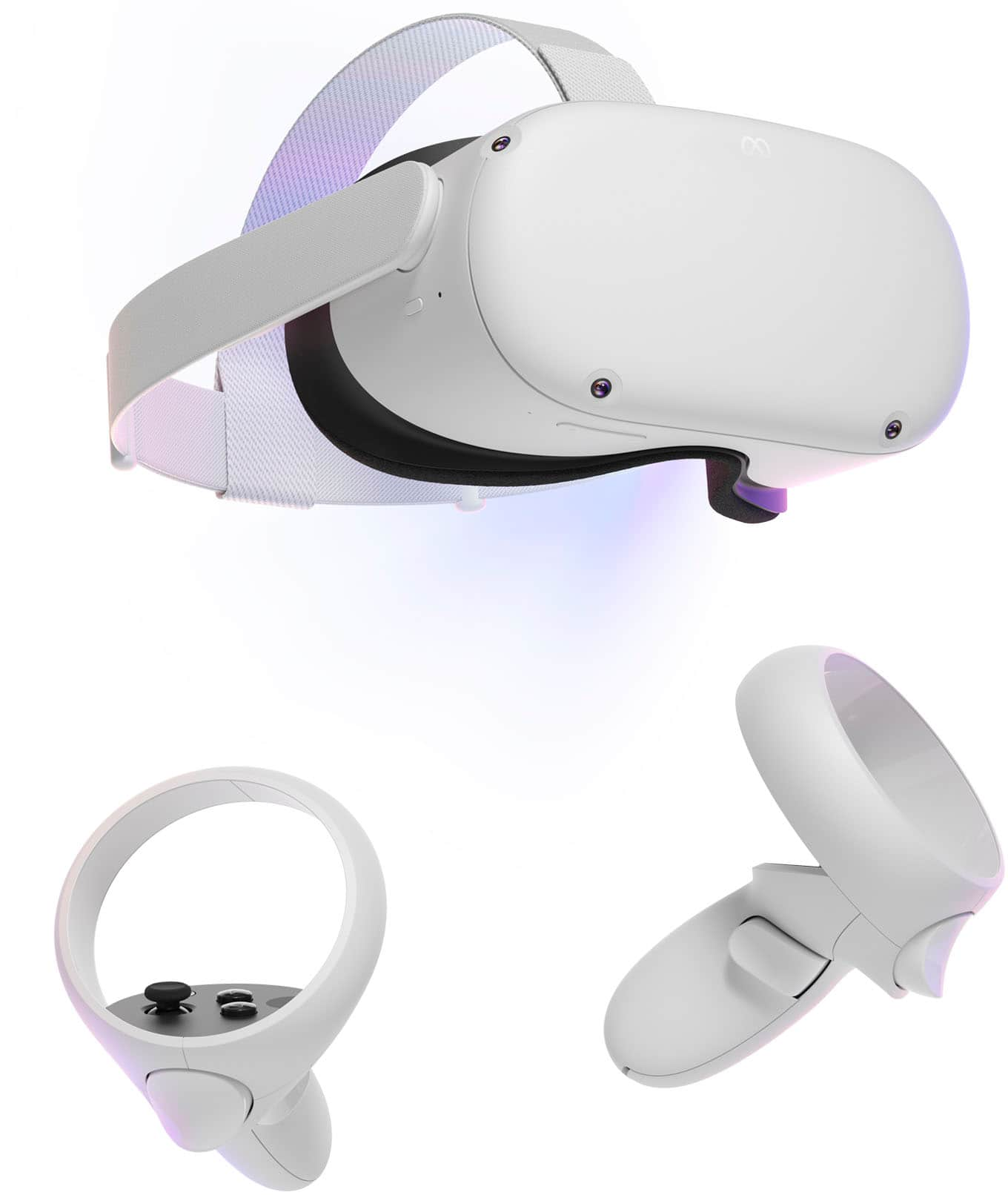
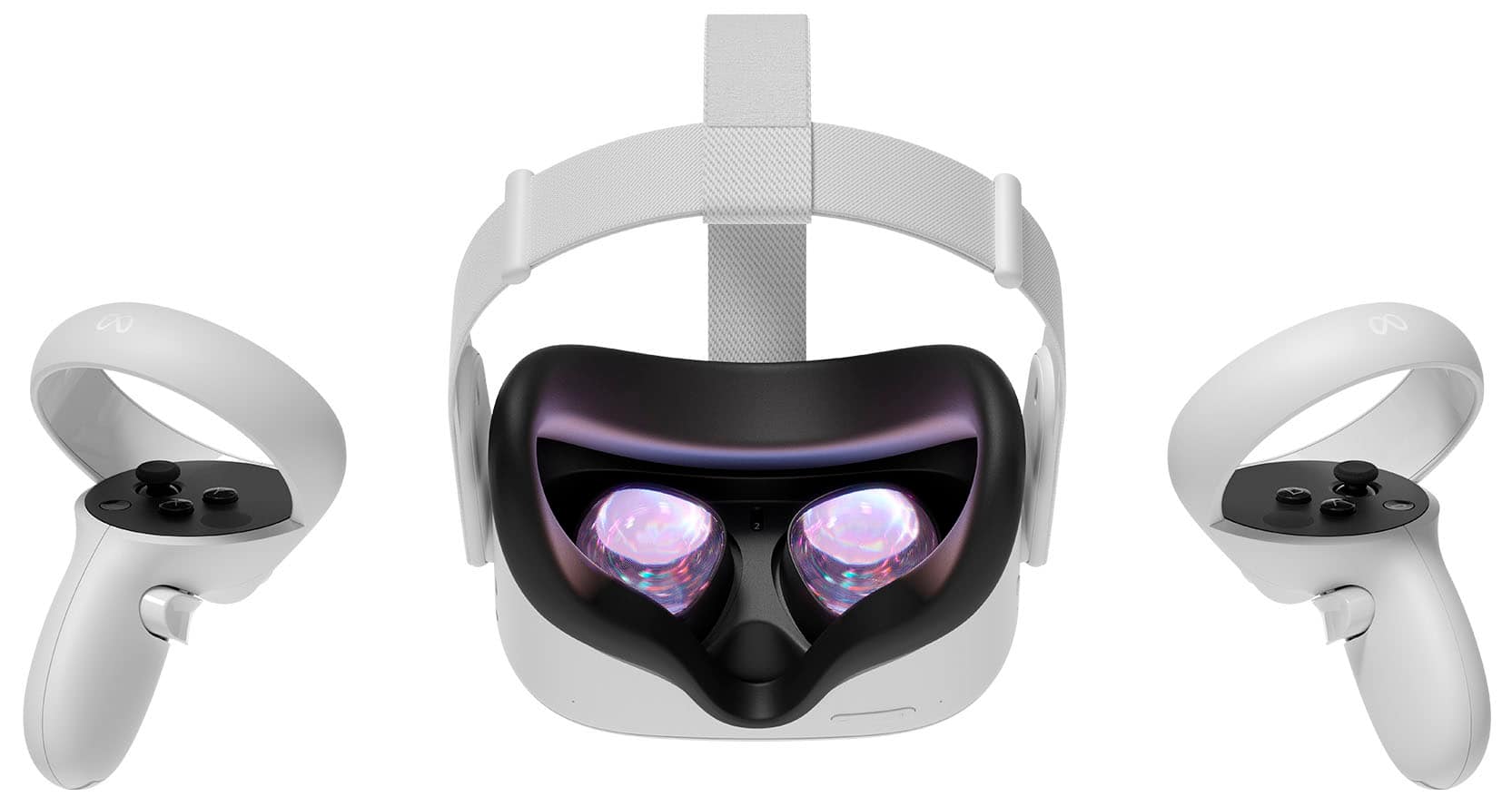
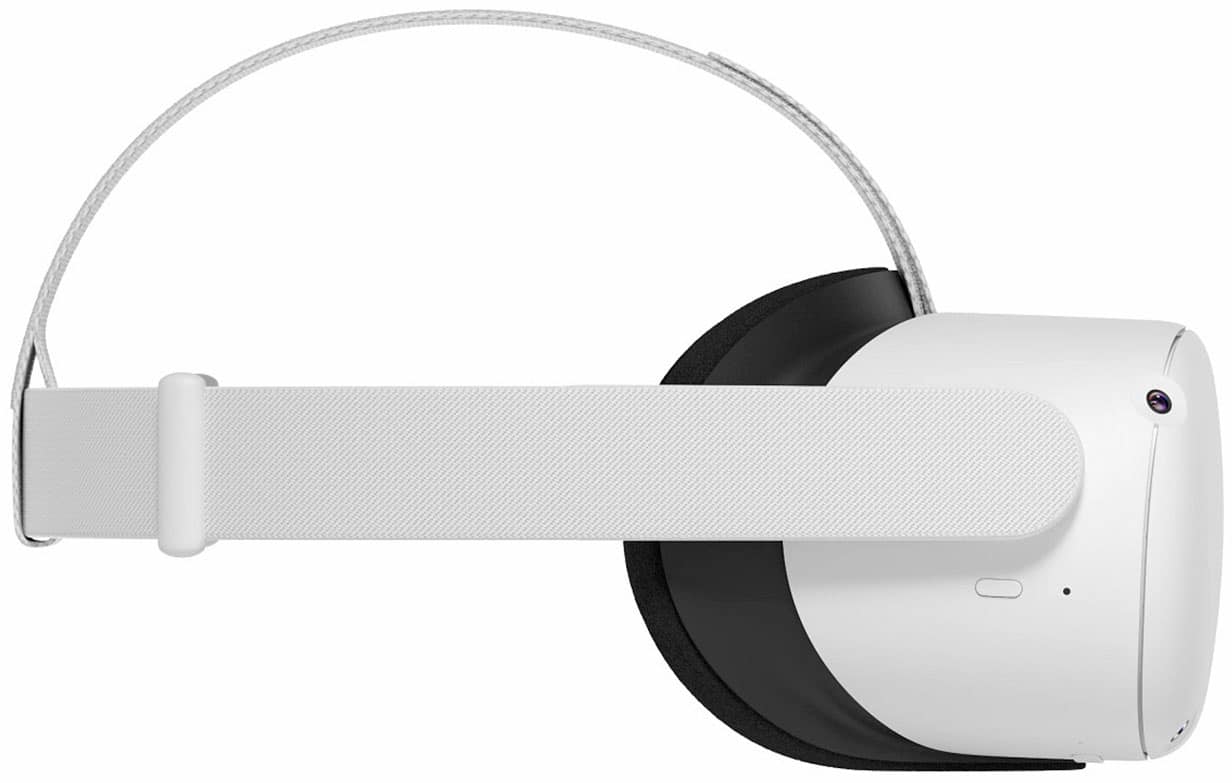
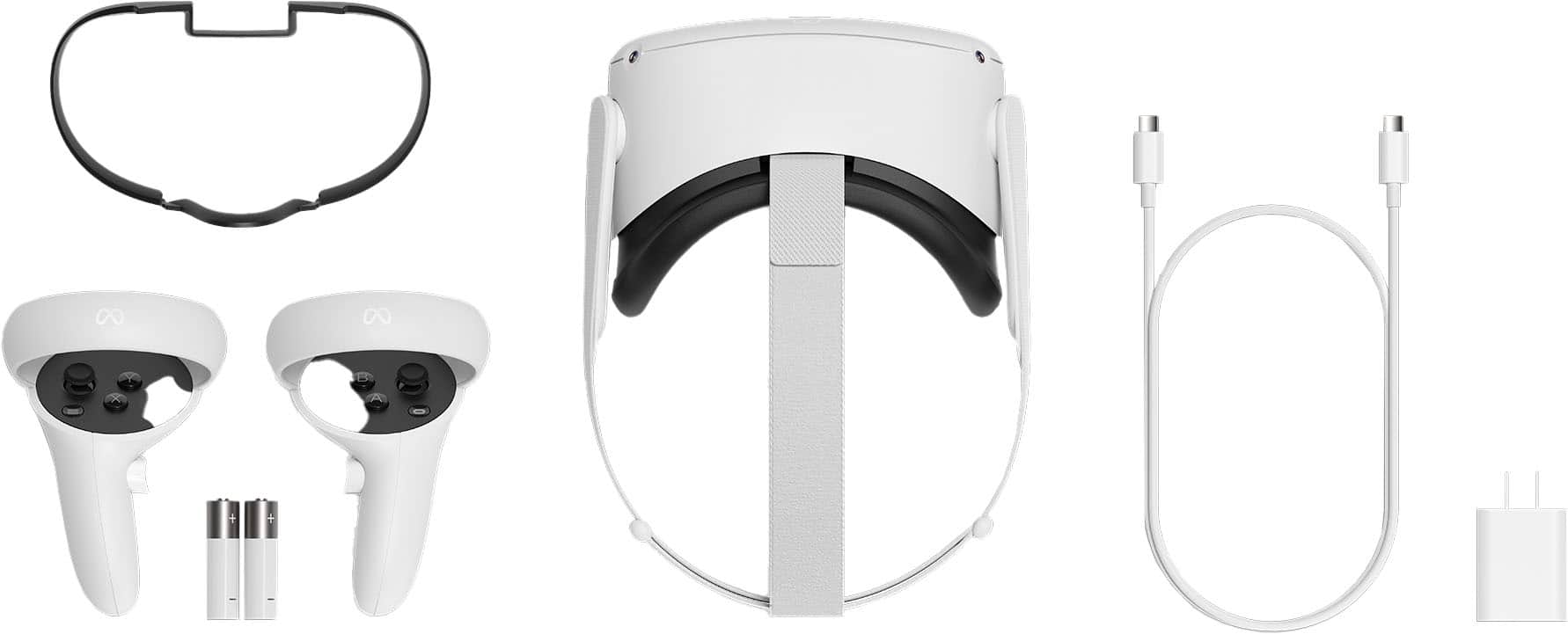
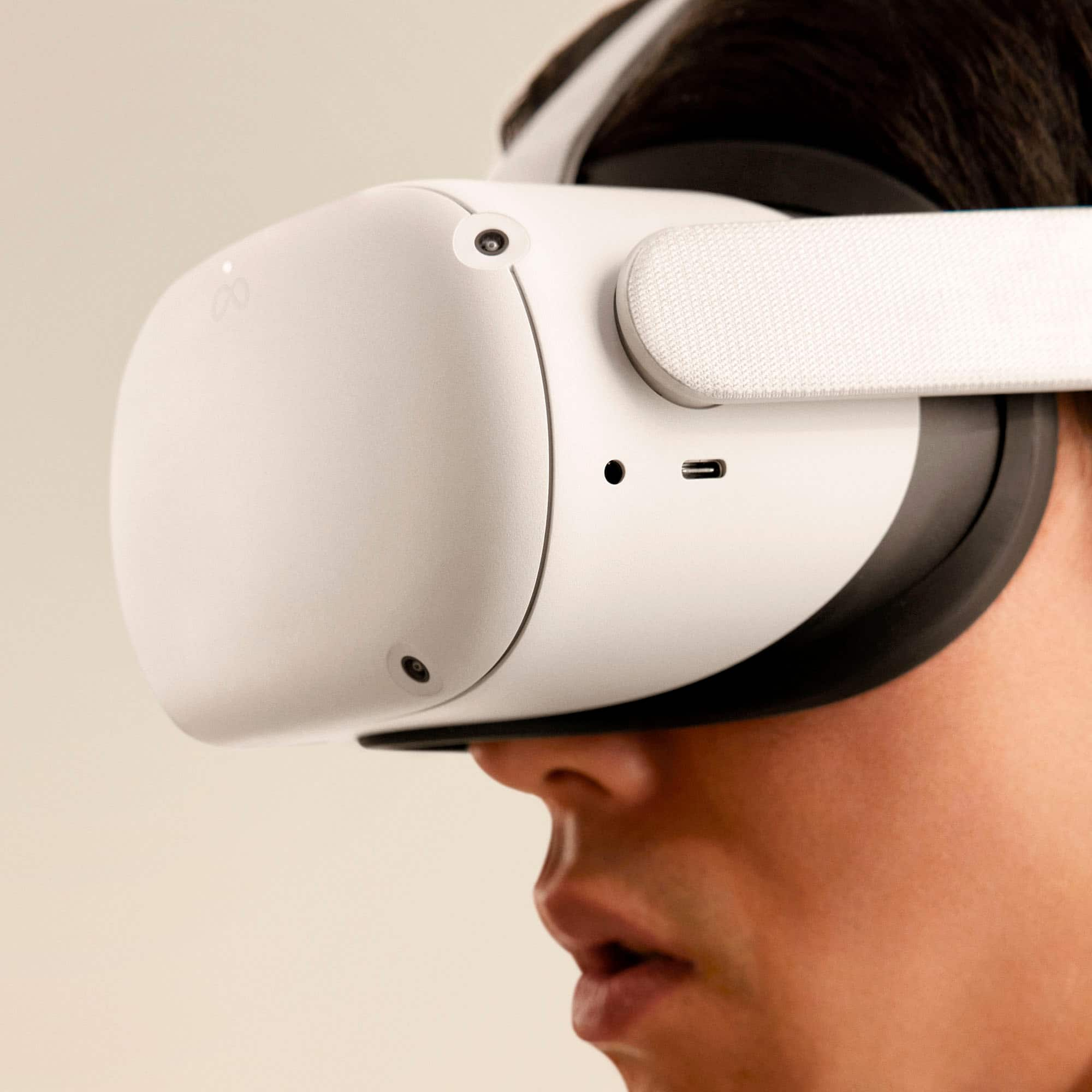
A:AnswerOf the sets I've purchased they all came with 1 Headset with straps, 2 controllers (left and right), 1 spacer for those who wear eye glasses, a charging pack with short ~3' cord, and instruction/setup manuals. There was no lens cleaners/protector or any other accessories included.
A:AnswerYes, for initial setup and installation of app later, wifi is needed. if once installed, wifi may not be needed as some apps can run on standalone mode. But you wont have assess to the oculus store. Alternatively, u can set up your handphone to use as wifi hotspots, and let oculus go connect to this wifi hotspot.
A:AnswerYes....that is why I purchased this. I have a collection of 3D movies...plus you can download from Oculus movies to watch using
the Quest 2 Headset.
A:AnswerI believe you will need to run the Oculus link software and also utilize SteamVR. There's also a cord I think that either comes with or is sold separately that you will need to connect to a pc with.
A:AnswerYou do not need a cellphone to run the oculus. All you need is a Facebook account and a device to set the system up i guess. The screen is built in so no phone required.
A:AnswerHello there, thank you for your question.
The Quest 2 is a "All-in-one" product because you do not need any other device to use it, besides a phone for the initial pairing. You can be truly free to roam in VR with a wireless headset, intuitive controls, a built-in battery, easy setup and no PC or console needed, and you will still have the option to connect it to a PC if you want to!
A:AnswerHello,
Welcome to the Meta Quest VR experience, and thanks a lot for your interest.
In reply to your question, with the Quest 2 you may rest assured that VRChat is one of the many games you can delve into.
Let us share with you where you can find it within our store -> https://www.oculus.com/experiences/quest/1856672347794301
Looking forward to have you on board!