A:AnswerThis is a "yes, but" question. You may download and install iTunes to the Surface Go, but that would require you to opt out of the Windows 10 S mode and move to the Windows 10 Home OS. Microsoft allows the owner to make this OS switch, but it is irreversible. Windows 10 S only allows for additional software from the Windows Store. Windows 10 Home is the familiar OS that you may have experienced on a more traditional laptop or desktop computer. I chose to move to Windows 10 Home on my Surface Go and have had no issues.
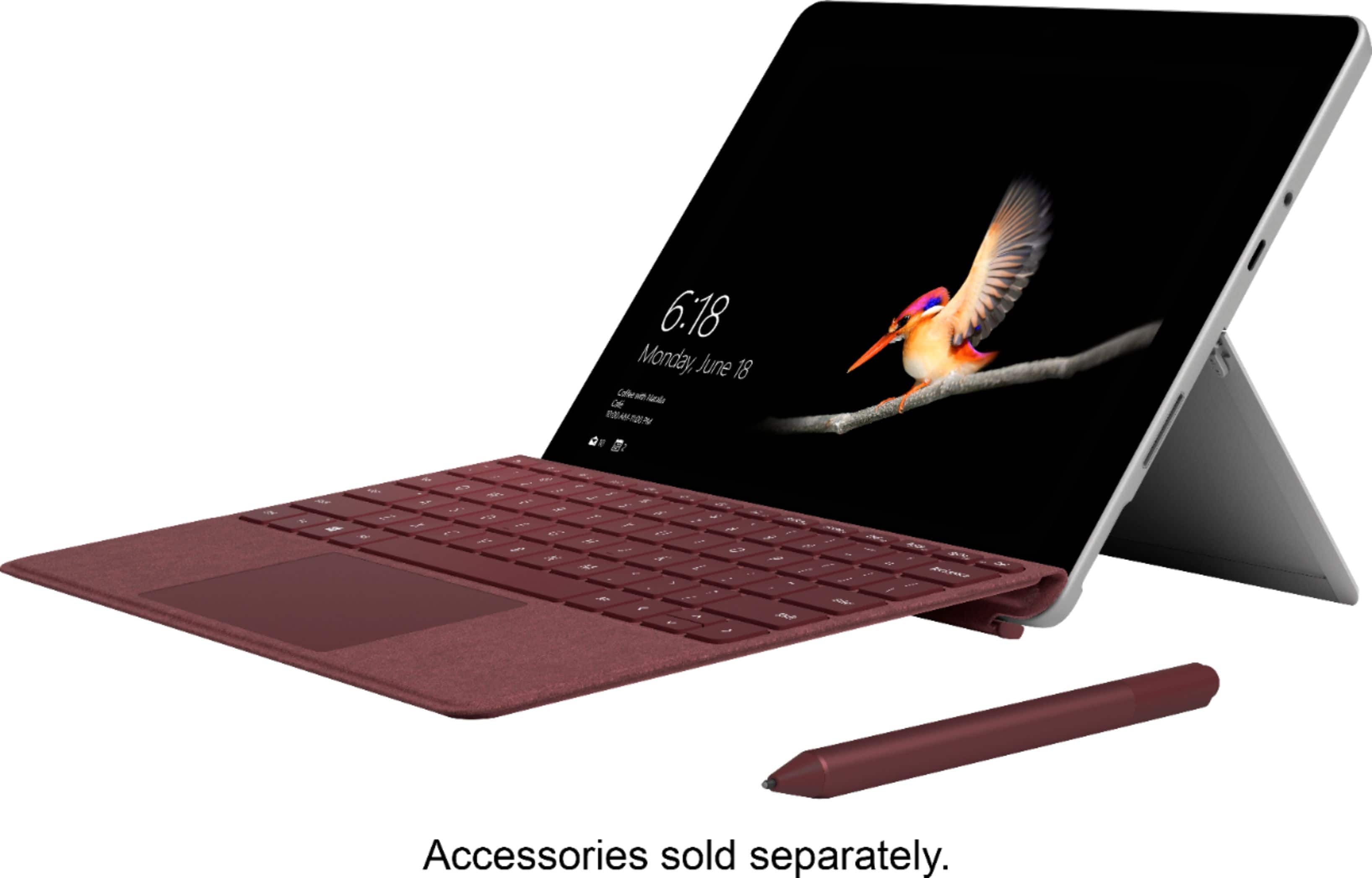
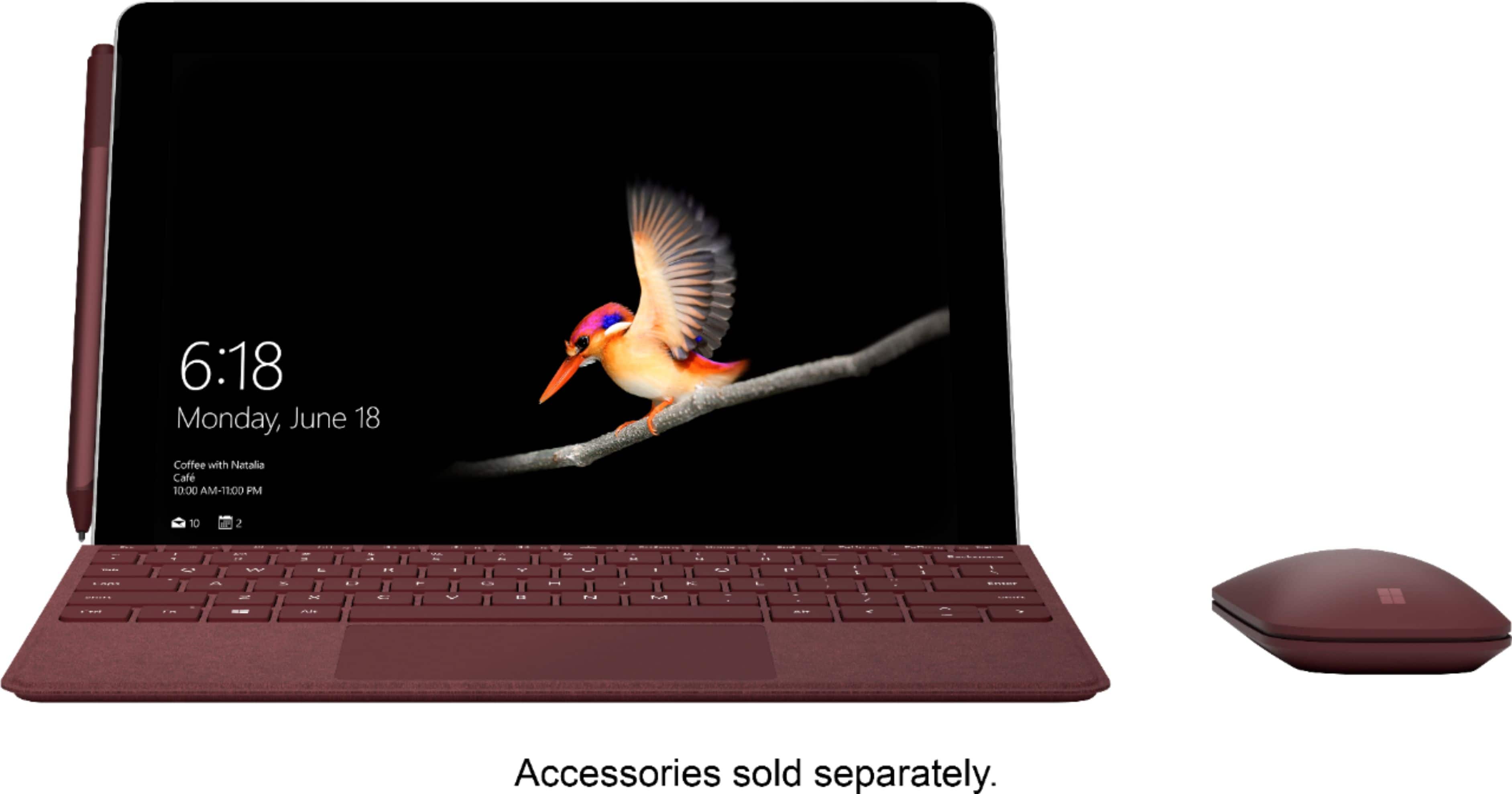
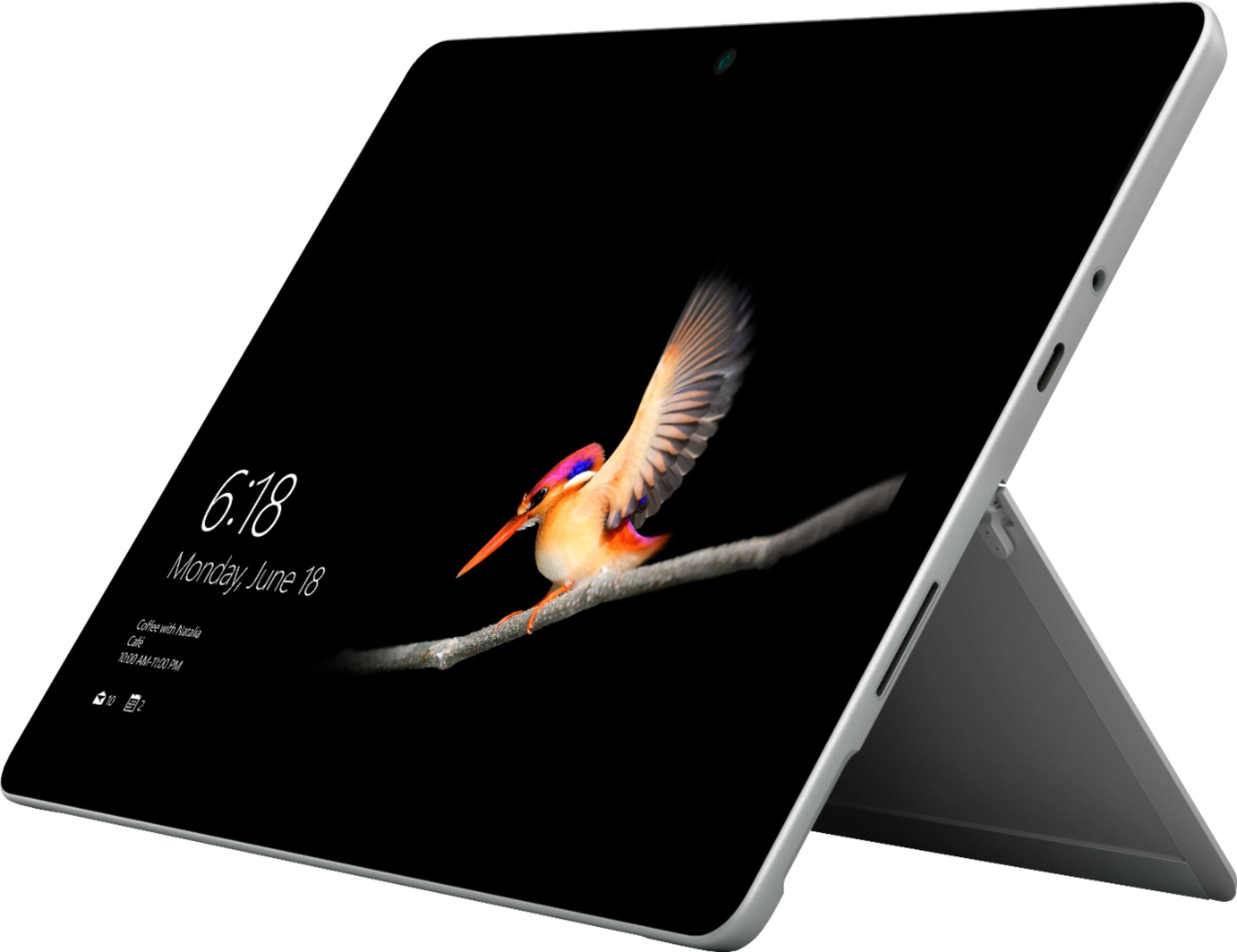
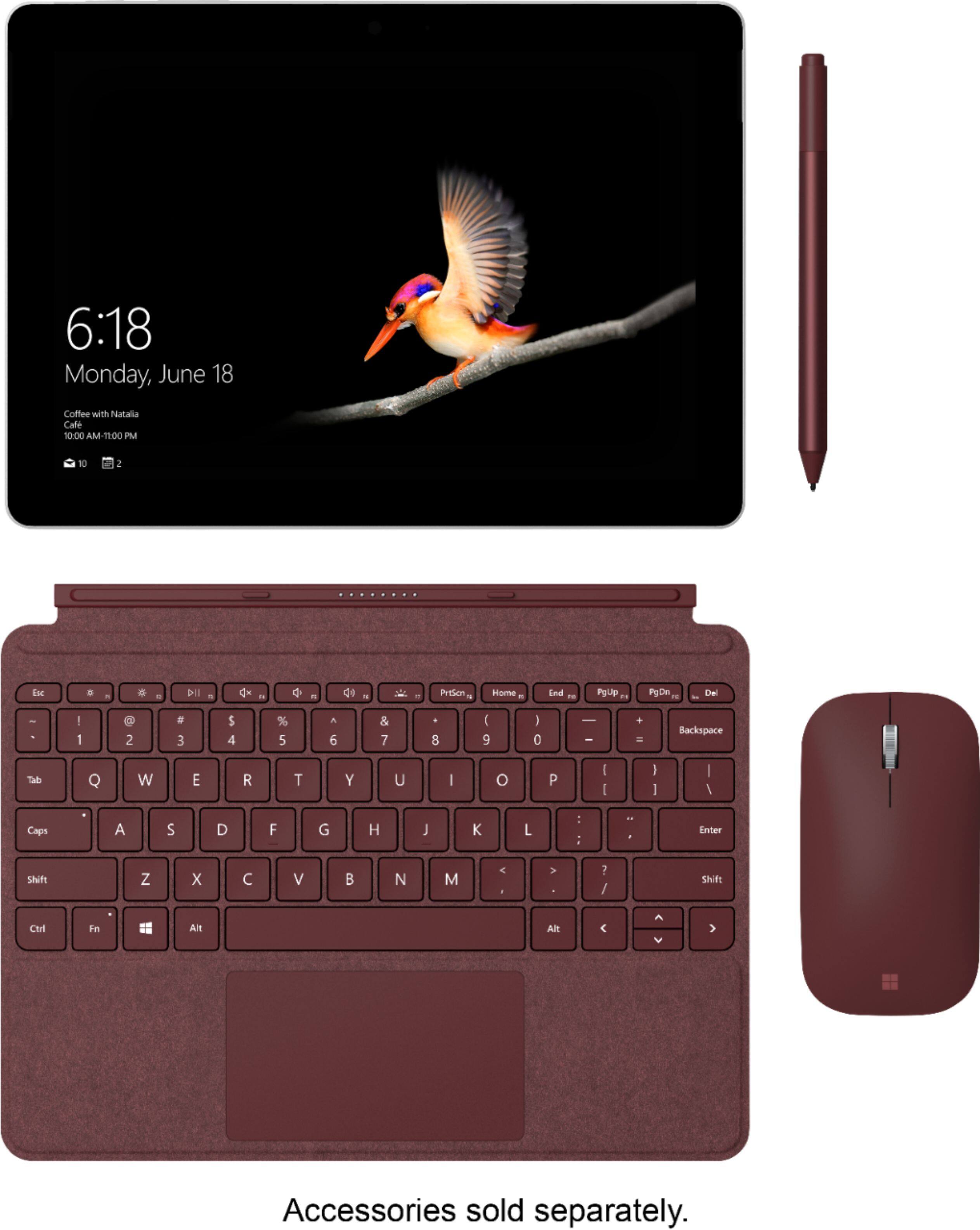
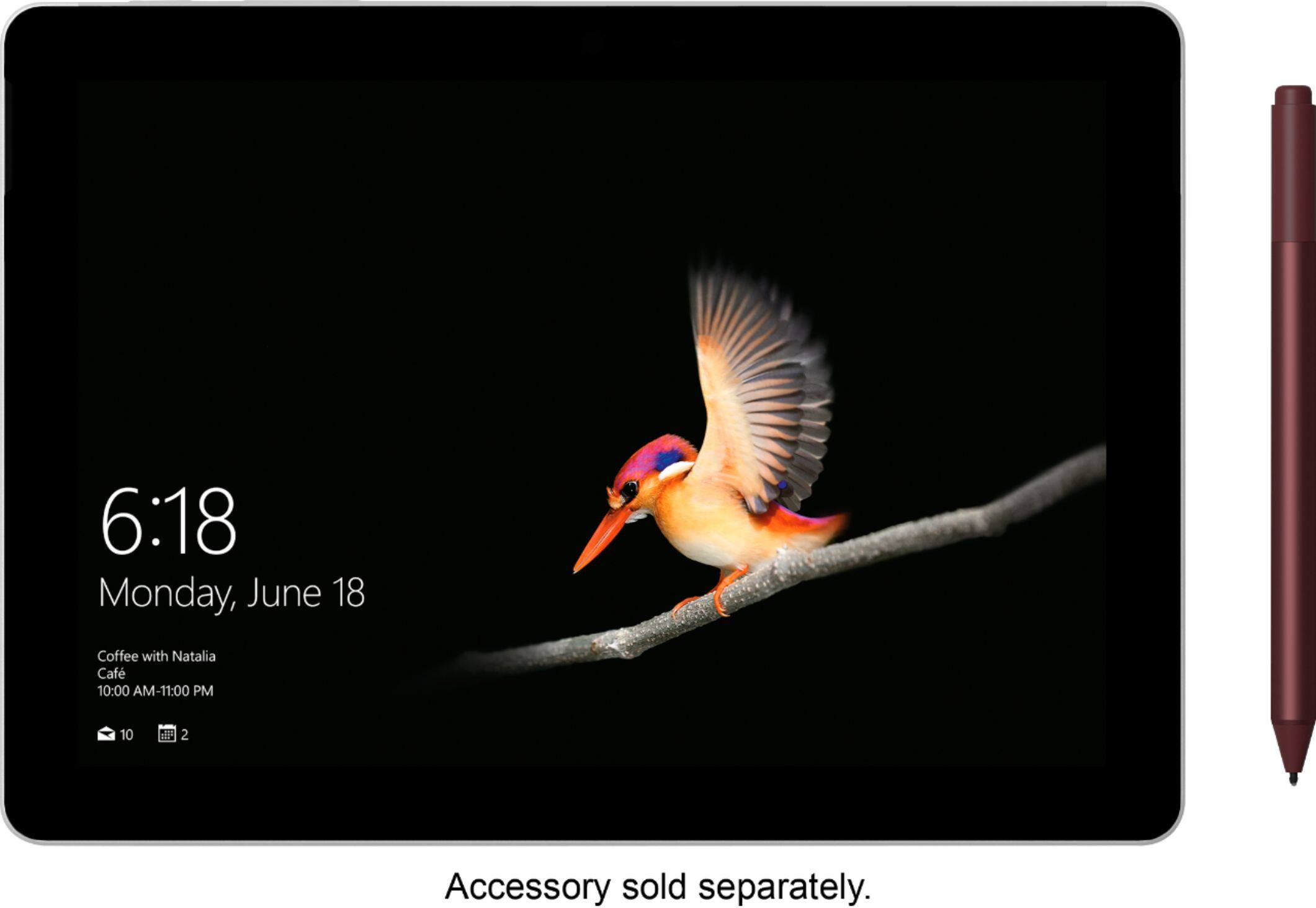
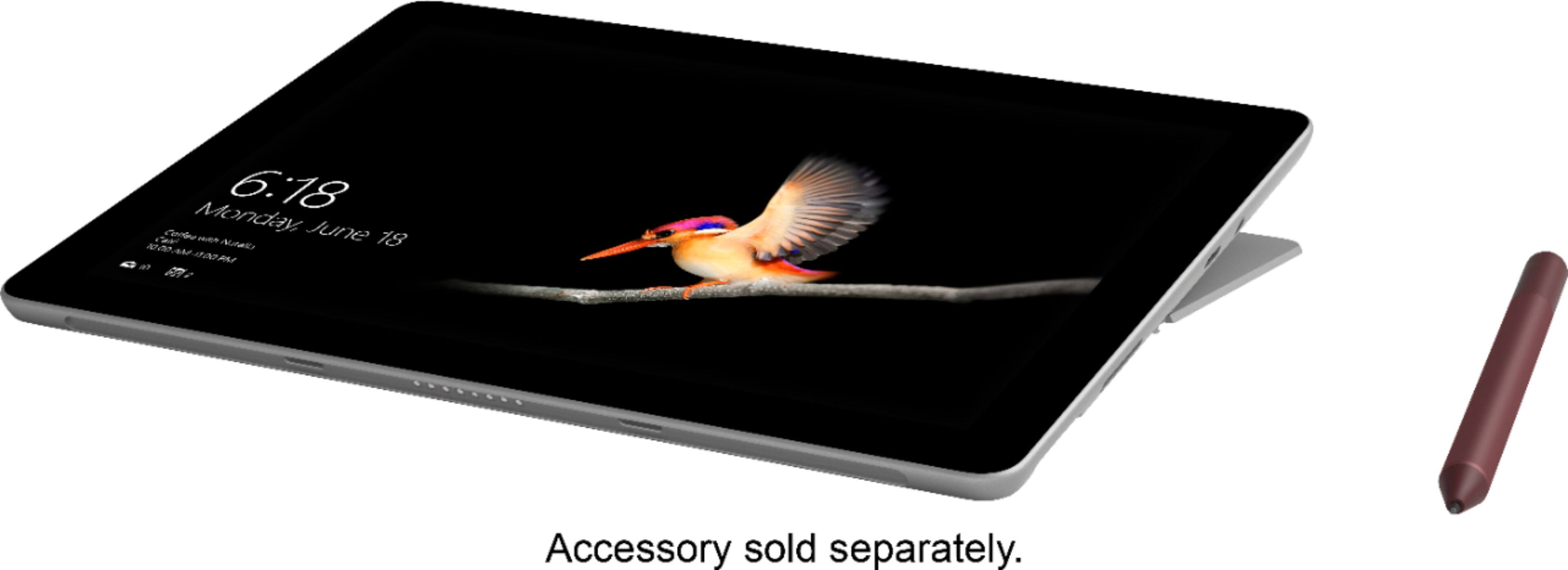
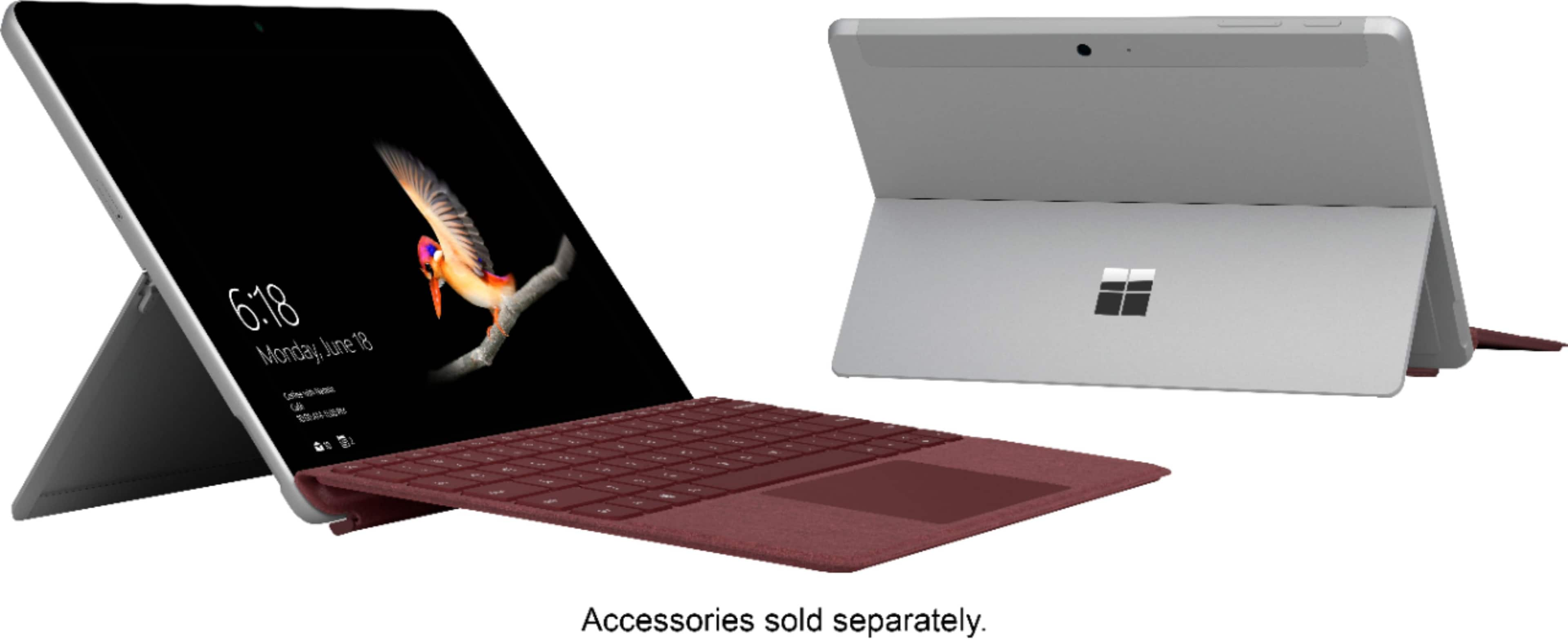
A:AnswerTo echo what the community has said, the Surface Go is sold separately from accessories to ensure you have the option to personalize your device to fit your unique style.
A:AnswerYes, there are plenty of adapters that will turn USB c into a full port. Same adapters that you would use on a newer MacBook or other laptops that only have USB C
A:AnswerYes, I used the gift card to purchase the Surface Go Type Cover. It was a separate transaction, but Best Buy doesn't care what you use the gift card for.
A:AnswerOut of the box, the Surface Go can only run Windows Store Apps. This is a limitation of the Windows 10 S mode that it comes with by default. You can however convert (upgrade) this to Windows 10 Home Edition at no cost. At that point you can install any traditional Windows application on it. How well it will work depends highly on the application.
A:AnswerThe Surface Go does not come with the Surface Pen, or the Surface Go Signature Type Cover. Since we have many various options for keyboards, mice and pens, this gives you the opportunity to personalize your Surface experience with the perfect color, and type of accessories you like!
A:AnswerIt is a 64gb eMMC. But it is faster than I expected. I saw several benchmarks that show that the cheaper computer is less than 10% slower than the more expensive Surface Go
A:AnswerAccording to the Best Buy promotion, the gift card will be sent to you after purchase.
See fine print here:
"The e-gift card will be created and sent out after your eligible product is fulfilled or picked up in-store. A valid e-mail address is required to claim the promotional e-gift card. If asked to confirm your e-mail address, you must respond to that e-mail within 60 days to be eligible for this offer. The e-gift card is subject to the Promotional E-Gift Card Terms and Conditions."
Please contact Best Buy for any restrictions on use of gift cards.
A:AnswerLike with any device, please check the system requirements of the program you wish to download, and compare them to the specs of the device you wish to use. This will ensure that you purchase a device that will run your program optimally.
A:AnswerLike with any device, please check the system requirements of the programs you wish to run, and compare them to the specs of Surface Go. This will ensure that you choose a model with the right specifications for your needs such as the RAM, storage capacity and processor.
A:AnswerLike any device, please be sure to compare the system requirements of the programs you wish to download with the specs of the Surface Go. This will ensure that your programs will run optimally.
A:AnswerAt first I was upset because I thought I had to pay $199 dollars for the software. I used google to figure out the steps needed to turn the S mode off and upgrade to Windows 10. But it kept saying that my account wasn't activated. However, I found that if you hit "Trouble shoot" it reboots its self and starts back up. After it starts back up it will show that you have Windows and allow you to upgrade for FREE. Use the link code in this change message to upgrade from S mode for free.
A:AnswerIf you are in tablet mode, click on the "Circle" icon on the taskbar (next to the "back" arrow), and then type in 'settings' and the results should show the settings app. If you hold your finger on the Settings app and then let go, you can "pin to start" so it will always show in tablet mode or on the Start menu in PC mode. In PC mode, there is a search box next to the start menu so just touch/click in there and type in 'settings'. Open the settings app just like any other app to get to all of the settings.
A:AnswerYES - BUT - I have just purchased a Surface Go and intended to use it as my e-reader. All great except the Kindle app works well with some glitches. I do not have the attached keyboard for the Go which creates at least one problem yet to be overcome. The create new collection command works fine but when you tap in the "Untitled Collection" window it highlights for editing but no 'on-board' keyboard pops up so there is no way to enter a new title for the collection. - - UNLESS you have purchased the attachable keyboard?????? The same applies for editing collections already named and imported from another device. Somewhere along the way, the Kindle app developers will catch up.
A:Answer399+99 for the typecover. That's all you need. So 500 basically.
Every review says buy the 549 version (649 after KB) they are wrong, at that price just spend a little more for a Surface Pro. There's no use pairing more RAM and storage with a limited CPU anyway, and at 650 the value proposition of the Go falls apart, at 500 it's intact.