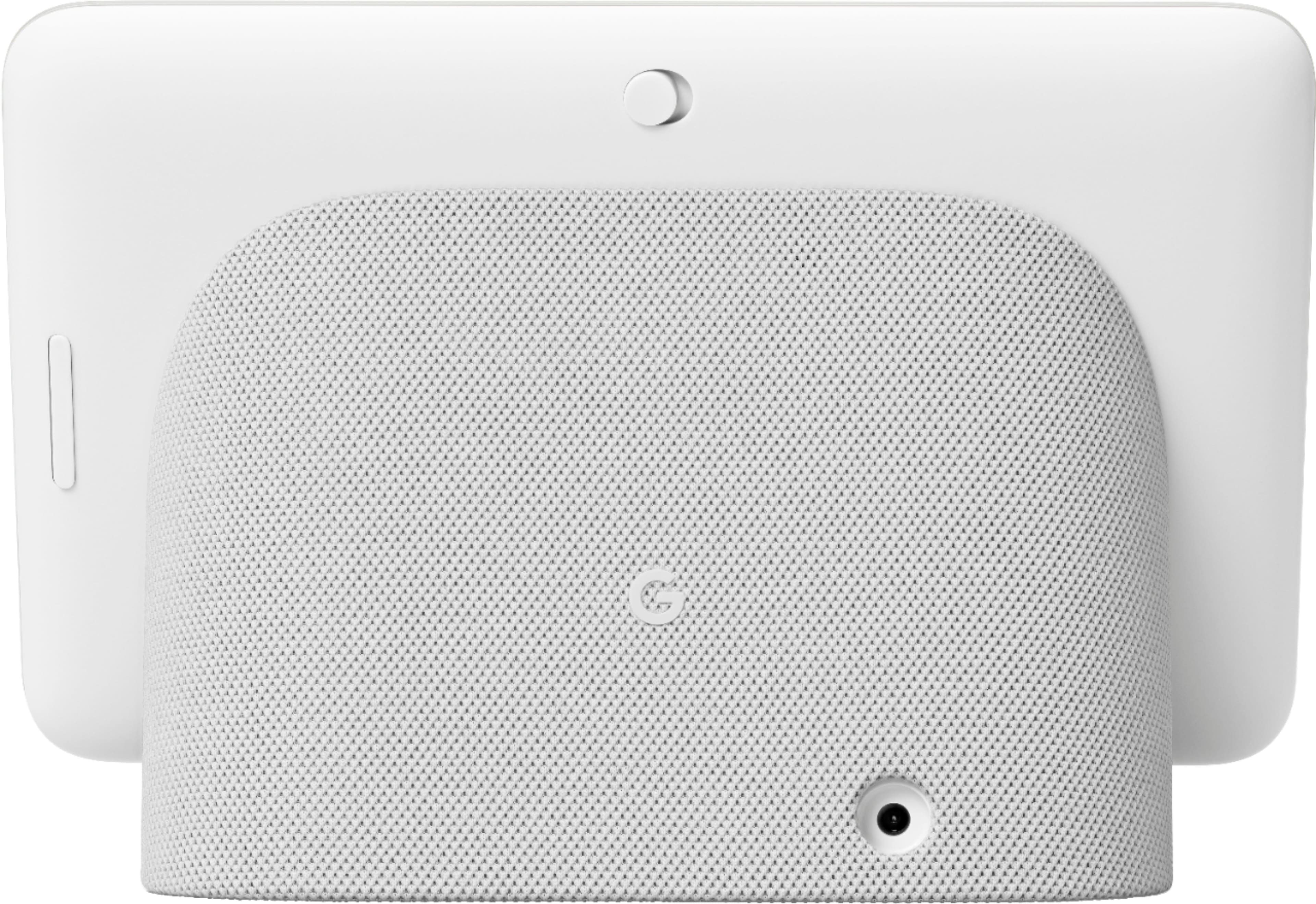
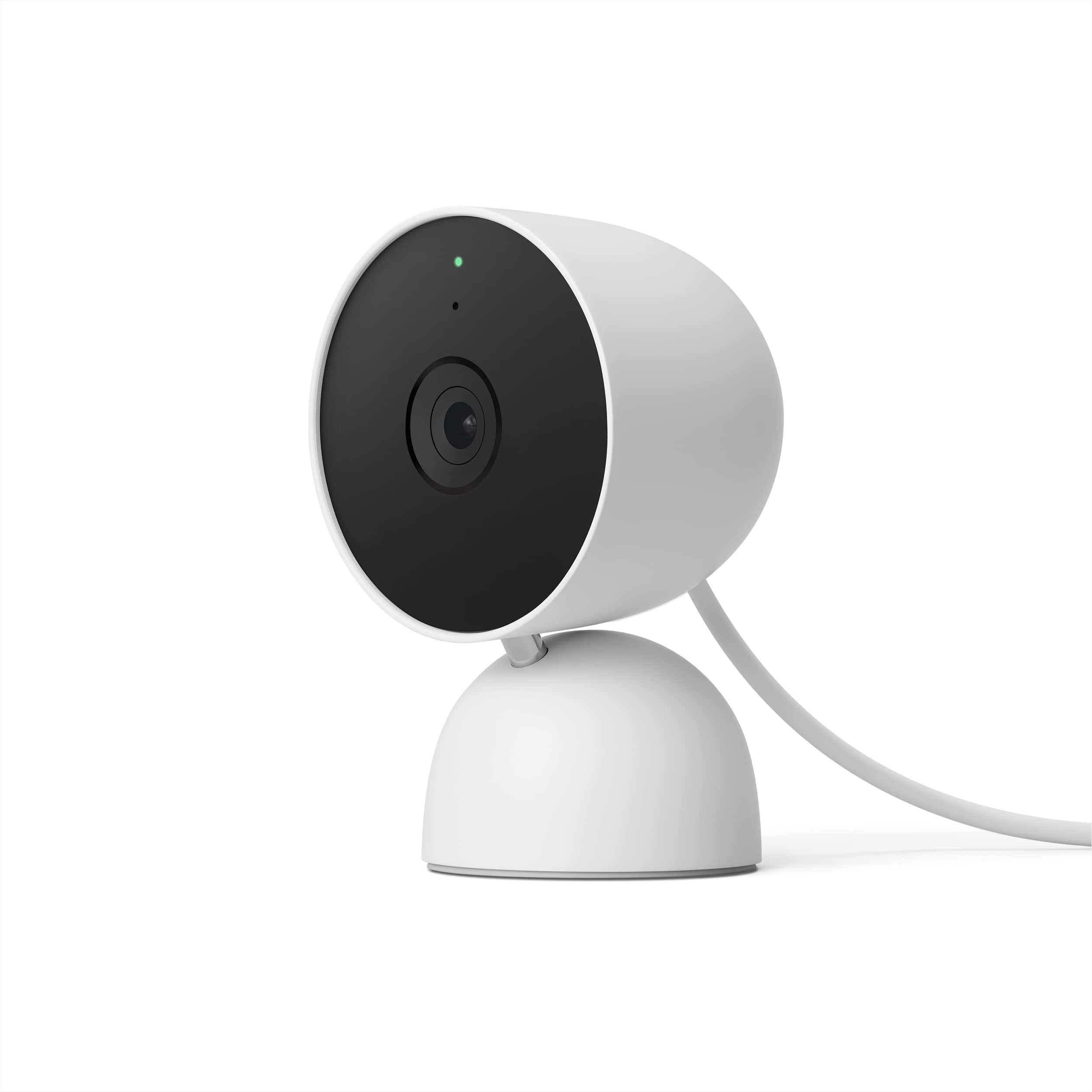
A:AnswerIf you're referring to the power cable or adapter, we suggest reaching out to BestBuy to check product availability. You may check specs here: https://support.google.com/googlenest/answer/7072284
If you need further assistance, you may contact our support team here: https://support.google.com/googlenest/gethelp
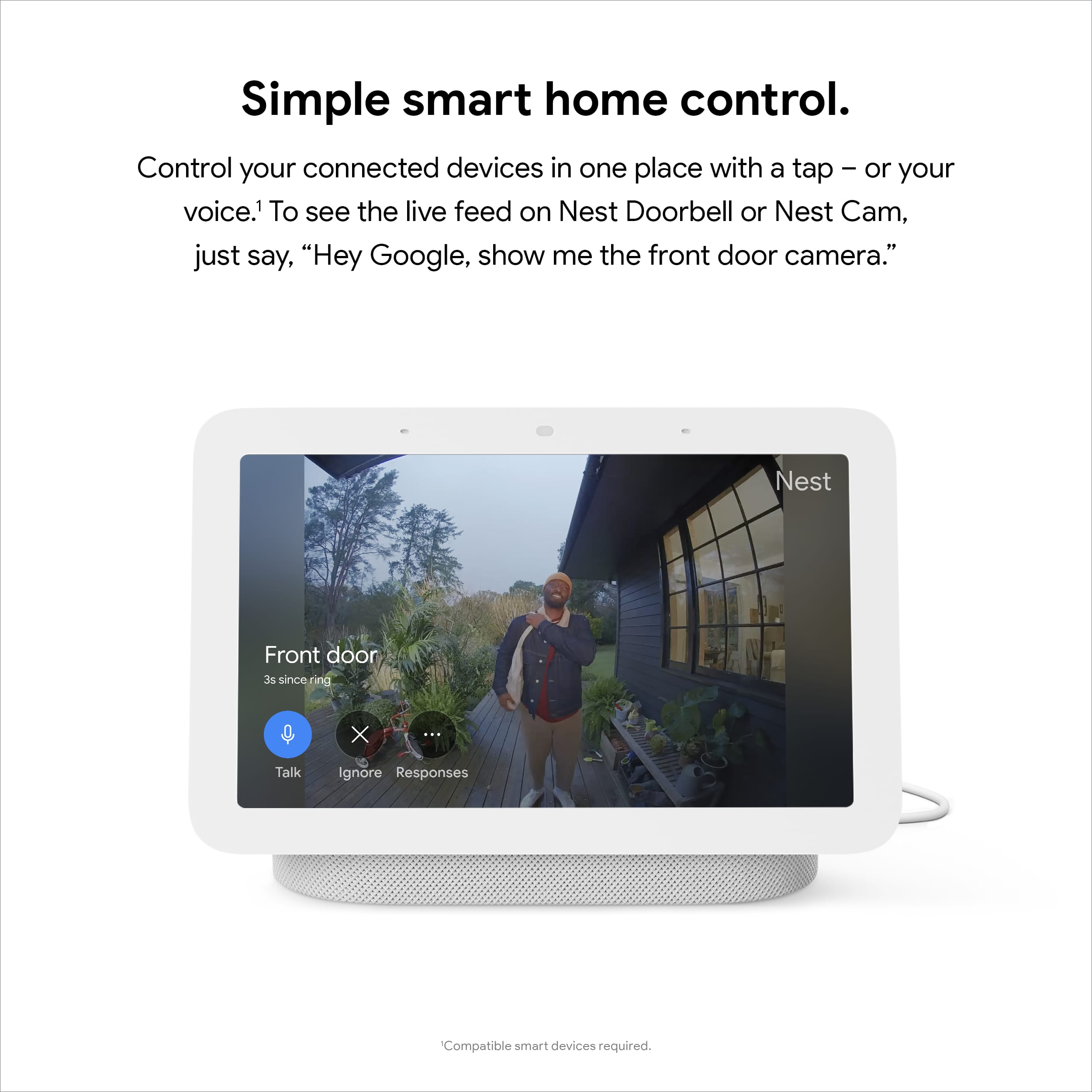
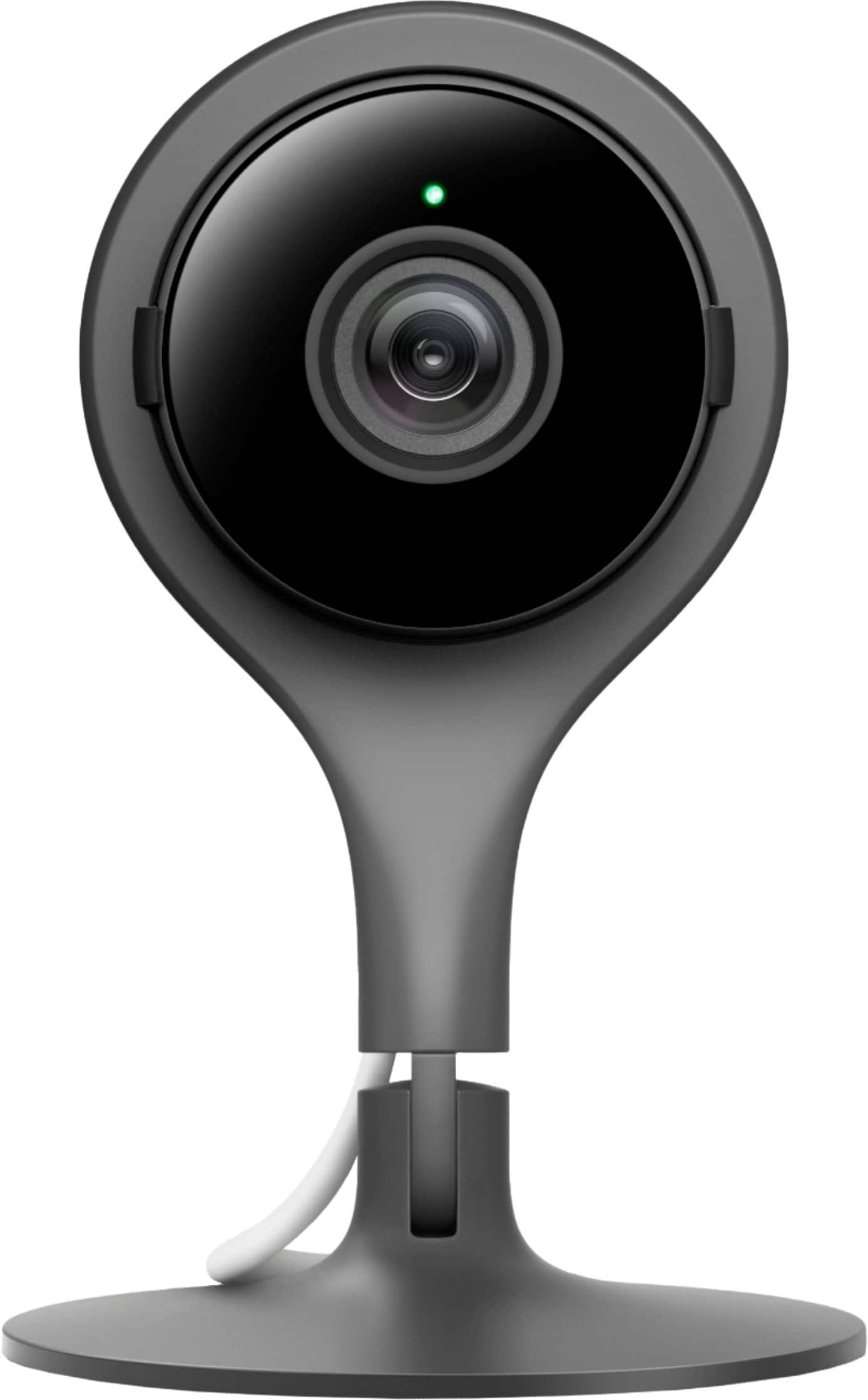
A:Answerif you own google nest cameras you should be able to use the google home app to connect them and view your live camera feed, or saved past recordings on the nest hub. I don't have google nest cameras so I'm not 100% sure how it works but check the manual for better Specifications.
A:AnswerSend feedback to Google and quit buying Google devices Google is a waste of time. You have to use the exact words and phrases set out by Google and even when you adjust your Google home app it still has problems of being able to work correctly
A:AnswerYes, it does. To listen to the radio on your Nest Hub, you’ll need to link your radio services in the Google Home app. Simply visit this help page for more information: https://support.google.com/googlenest/answer/9566187
A:AnswerYes, you can quickly bring up a list of your Nest cameras and choose one to stream. Or, you can just ask it to show you the camera that you want to see.
A:AnswerThere are a few Honeywell smart thermostats, so without knowing which thermostat you have it's hard to say whether it is compatible with the Google Smart hubs. However, it will work any Google Smart hubs if your Honeywell smart thermostat is compatible with Google Home. You should refer to the thermostat's directions to determine its compatibility with Google Home.
A:AnswerNo. Nest Hub can only be connected to the internet wirelessly. There's no ethernet port for a wired connection. Also, the power input range for Nest Hub is 100V - 240V, 50/60 Hz. Any input level within this range should work. Take a look at this link to see Google Nest and Home device specifications: https://support.google.com/googlenest/answer/7072284
A:AnswerYou can stream a compatible security camera on your Nest Hub. You can check this link to learn about streaming your security camera using your Google Nest display: https://support.google.com/googlenest/answer/9137164